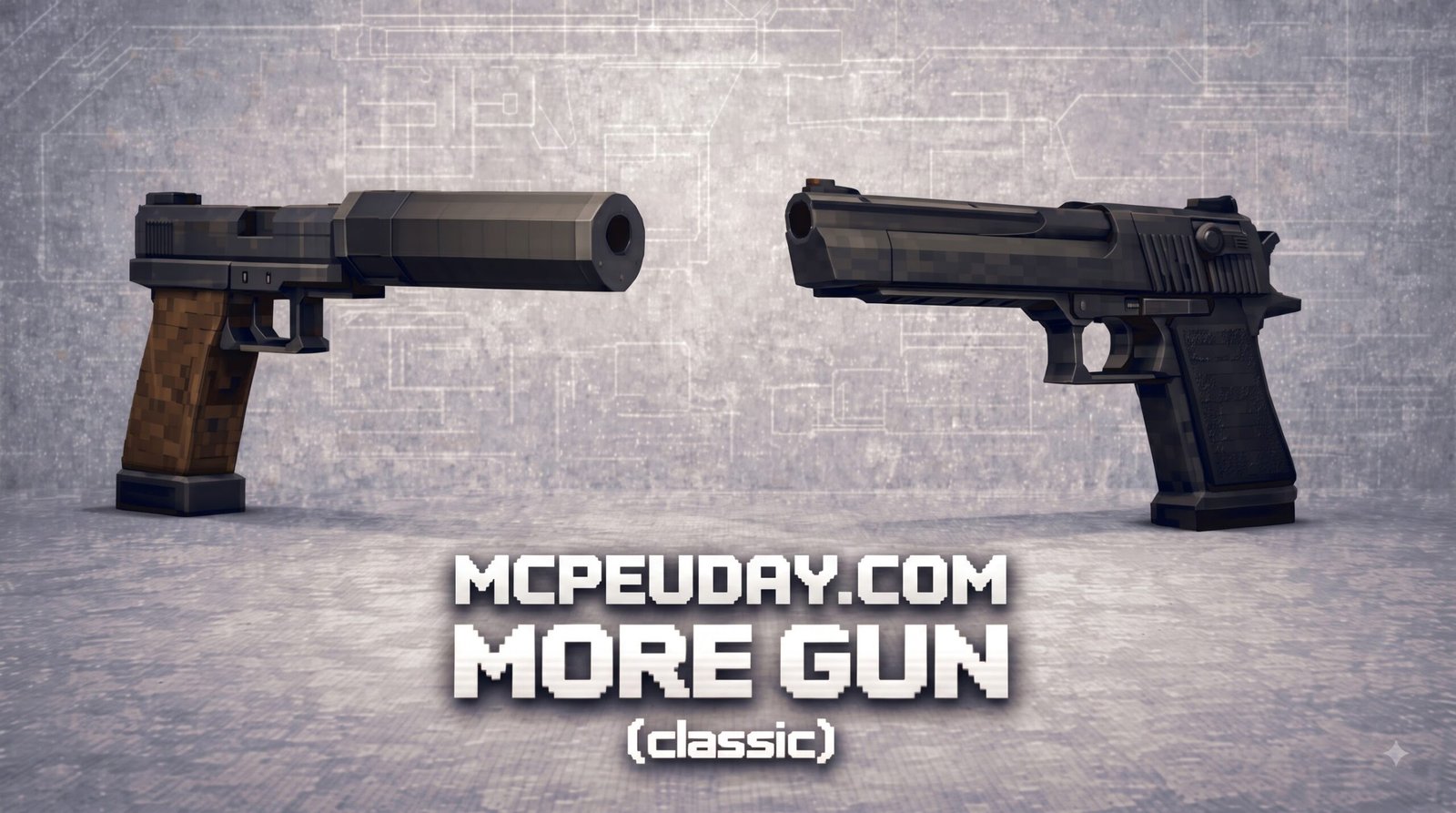
What is the MORE GUN Addon for Minecraft PE/Bedrock?
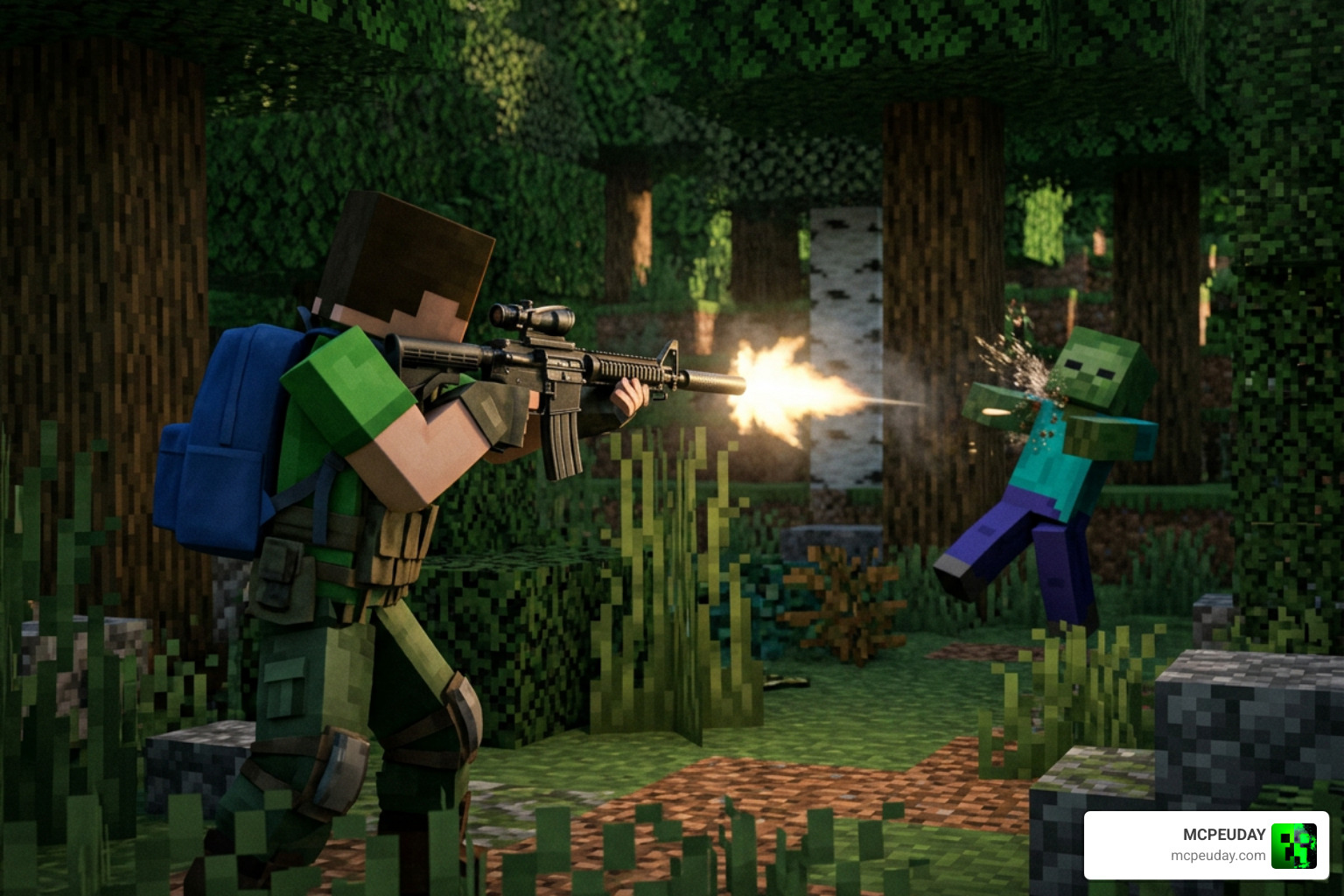
The MORE GUN Addon for Minecraft PE/Bedrock completely transforms combat by expanding your arsenal far beyond traditional swords, axes, and bows. Developed specifically for players who crave modern tactical combat inside Minecraft, this feature-packed expansion introduces over 50 unique firearms equipped with high-definition 3D models, smooth reload animations, dynamic iron-sight aiming, and authentic real-world sound effects. Whether you are defending your base against hordes of nighttime mobs or competing in high-stakes player-versus-player (PVP) matches on dedicated servers, this addon delivers an unrivaled shooting experience.
Traditional combat in Bedrock Edition can quickly feel repetitive once you craft top-tier enchanted diamond or netherite gear. The MORE GUN Addon breaks that routine by bringing a comprehensive military arsenal into your survival or creative worlds. Players must manage recoil, keep track of ammunition, and choose the right tool for specific combat ranges. If you enjoy realistic weapon mechanics and realistic ballistics, you might also want to check out the Actual Guns 3D Addon for similar immersive combat options.
Key Features of the MORE GUN Addon for Minecraft PE/Bedrock
- Custom Ammunition & Survival Crafting: Every single firearm in the modification utilizes specialized ammo types. From 9mm handgun rounds to 5.56mm rifle cartridges and 12-gauge shotgun shells, all ammunition types can be crafted directly in Survival mode using vanilla ores like iron, copper, and gunpowder.
- Custom Hostile Mobs: Test your firepower against newly added hostile entities and tactical opponents designed specifically to challenge heavily armed players with enhanced health pools and aggressive target tracking.
- 10-Player Multiplayer Support: Smoothly optimized to support intense team deathmatches, battle royale setups, and co-op survival sessions with up to 10 players in a single game room without causing server lag.
- Custom Audio and Visual Effects: Dedicated firing sounds recorded from real firearms, dynamic muzzle flashes that illuminate dark surroundings, realistic shell-casing eject particles, and immersive custom recoil animations enhance visual feedback.
- Customizable Attachments & Aiming: Zoom in with functioning optical scopes, red dot sights, and laser pointers to engage targets accurately from extreme distances.
Weapons Included in MORE GUN Addon for Minecraft PE/Bedrock
The addon packs an incredible variety of tactical gear suitable for every combat range and playstyle:
- Assault Rifles: Versatile full-automatic and burst-fire rifles ideal for medium-range combat encounters, offering balanced damage output, manageable recoil, and generous magazine capacities.
- Tactical Shotguns: High-damage close-quarters firearms perfect for clearing out tight caves, underground strongholds, and claustrophobic Nether fortresses with devastating pellet spread.
- Sniper Rifles & Pistols: Long-range precision sniper rifles featuring high-magnification scopes alongside quick-draw sidearm handguns for swift emergency switching during close encounters.
- Heavy Explosives: Rocket launchers, grenade launchers, and throwable explosives that deal massive area-of-effect damage against boss mobs, armored raids, or enemy fortified structures.
To see how this collection stacks up against similar popular expansions, explore our broader directory of Guns 3D Addons or dive into the popular Actual Guns 2 Addon 1.21 Realistic 3D Guns Mod for MCPE.
How to Install the MORE GUN Addon in 3 Simple Steps
Getting your new weapons into your Bedrock or Pocket Edition world takes only a few minutes across Android, iOS, Windows 10/11, and console setups. Follow this detailed step-by-step process to ensure all gun models and custom behaviors load properly.
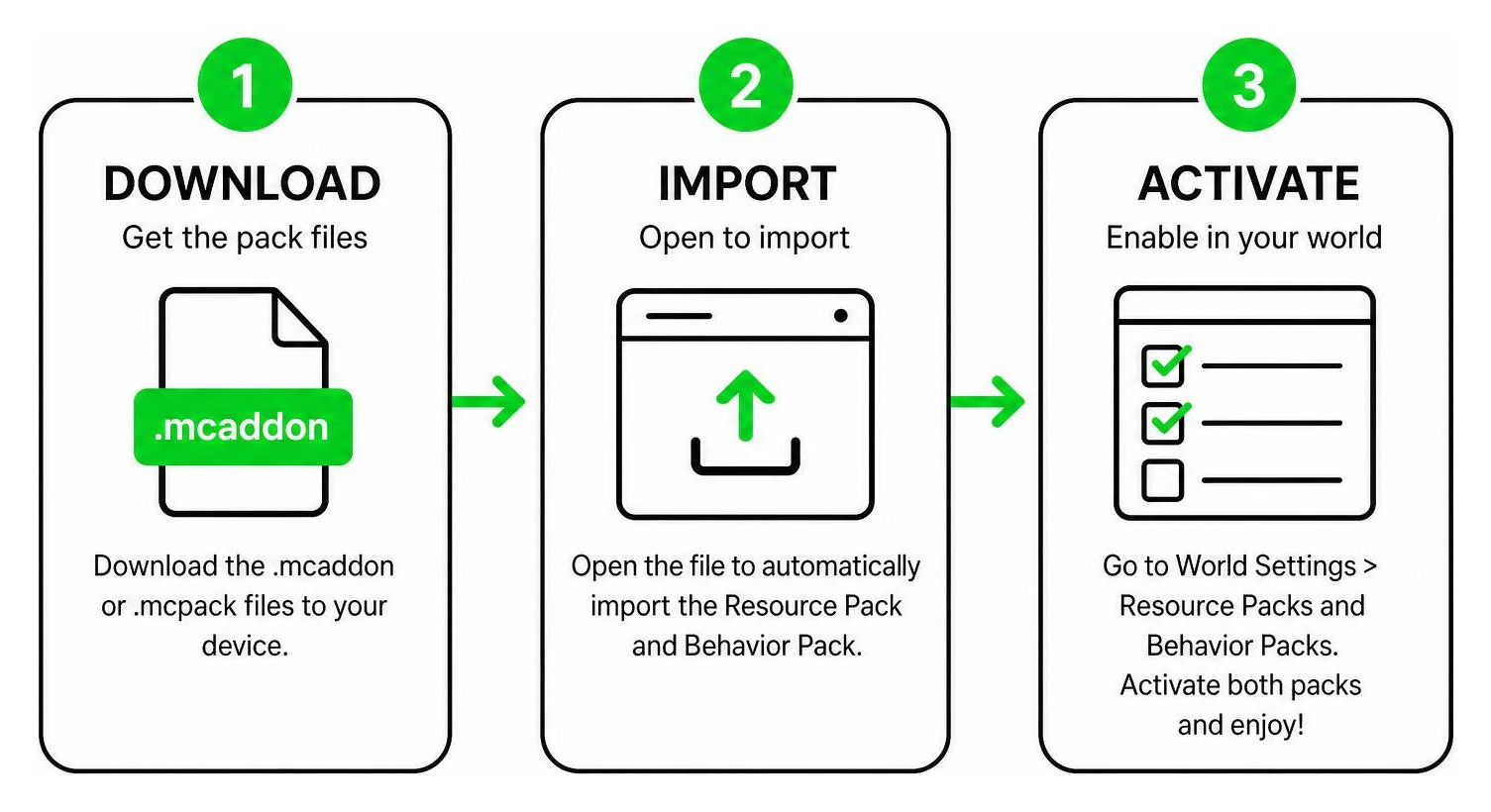
Step 1: Download the Pack Files
First, download the official .mcaddon file or separate .mcpack files (Resource Pack and Behavior Pack) onto your mobile device, PC, or console storage. Opening an .mcaddon file automatically imports both components straight into your game client, making installation quick and seamless.
| Pack Type | Primary Function | Important Installation Note |
|---|---|---|
| Resource Pack | Controls 3D gun models, textures, animations, particle effects, dynamic scope overlays, and realistic audio | Must be activated under global resources or active world resource settings |
| Behavior Pack | Controls weapon damage, custom ammo logic, bullet velocity, crafting recipes, and mob interactions | Must be enabled in the specific world settings before launch |
Step 2: Enable Experimental Features
Because this addon introduces custom scripts, advanced Molang expressions, dynamic animations, and original item definitions, you must turn on experimental toggles in your world creation or edit menu. Failing to activate these settings may cause weapons to render as invisible items or plain sticks.
- Open your world settings menu in Minecraft.
- Scroll down the left sidebar menu to the Experiments tab.
- Toggle on Holiday Creator Features, Custom Biomes, Beta APIs, and Upcoming Creator Features (especially relevant for Minecraft Bedrock 1.20 and 1.21 updates).
- Confirm the prompt acknowledging that experimental settings are enabled for your world copy.
Step 3: Activate Packs in World Settings
Navigate to the Resource Packs and Behavior Packs sections in your world edit screen. Activate the MORE GUN Addon under both tabs. Ensure the resource pack is placed near the top of your active stack list to prevent texture conflicts with other active resource packs or global shaders. Save your settings, start your game session, and enjoy your new modern arsenal!
Gameplay Mechanics, Performance, and Compatibility
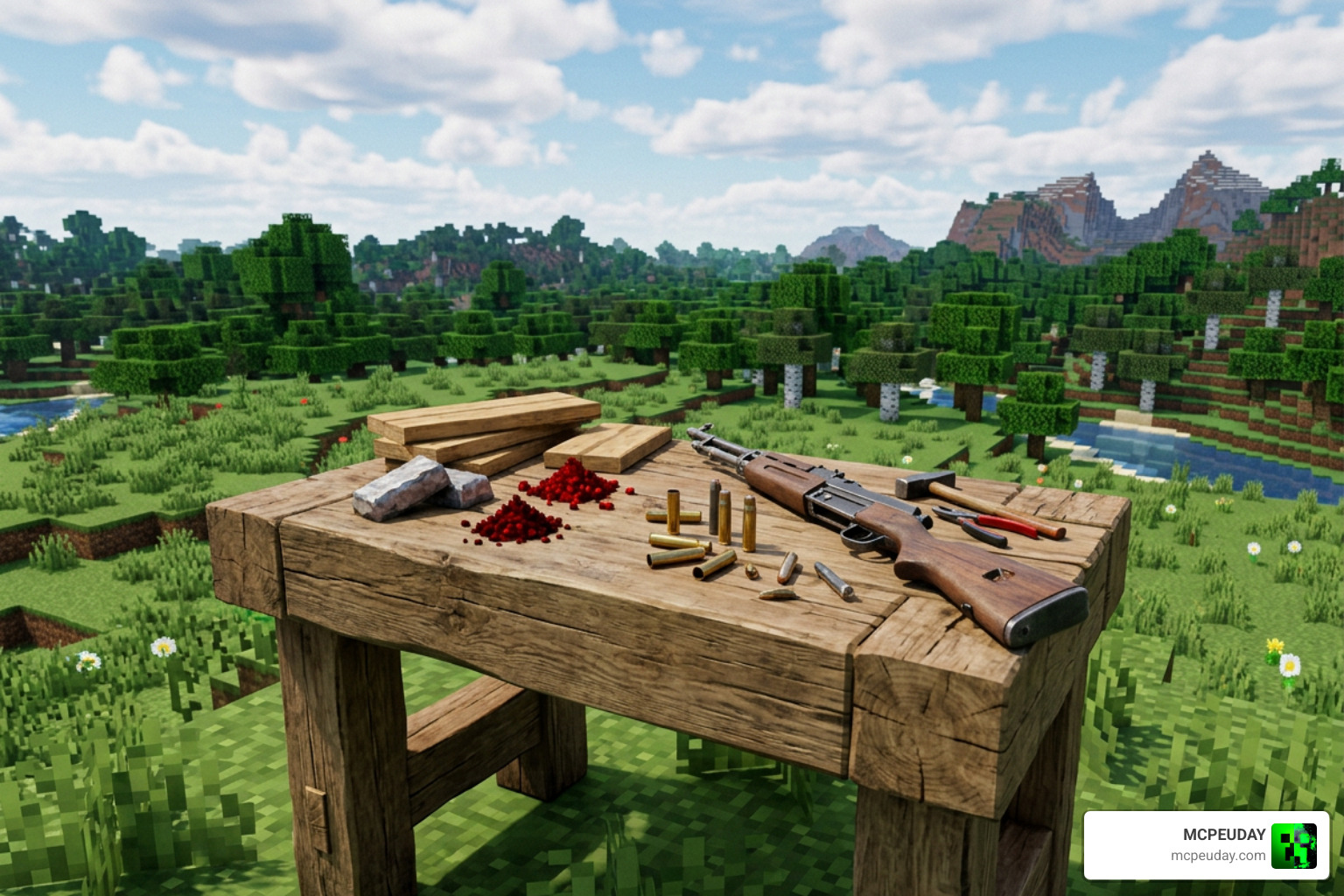
Survival Integration and Crafting Recipes
Unlike many weapon mods that only function inside Creative mode, the MORE GUN Addon for Minecraft PE/Bedrock is fully integrated into standard Survival mode. Players can assemble firearm parts using iron ingots, redstone dust, copper ingots, and smooth stone at a standard crafting bench or dedicated weapon workbench.
Ammunition crafting is balanced to maintain survival challenge without feeling overly tedious. Basic bullets require gunpowder and copper nuggets, while heavy explosive rounds demand TNT and blaze powder. For an alternative take on Survival weapon progression and resource gathering, review the Gun Expansion Addon or check out the lightweight Aplok Guns Addon.
System Requirements and Bug Troubleshooting
- Memory Allocation: We recommend allocating at least 2 GB to 4 GB of free RAM on Android and iOS mobile devices to render complex 3D firearm geometry and particle animations smoothly without frame rate drops.
- Render Distance Optimization: Keep your render distance around 10 to 12 chunks on mid-range mobile devices to maintain high frame rates during intense fire-fights and heavy explosive blasts.
- Glitch Fixes & Missing Textures: If gun models appear as missing texture blocks (black and purple checkered boxes), recheck that Experimental Toggles are active in your world settings, remove any conflicting shader packs, and re-apply the Resource Pack at the top of your stack list.
- Audio Glitch Fix: If firing sound effects do not play, ensure that custom music/sound sliders in your main audio settings menu are turned up and that your behavior pack is loaded correctly.
Frequently Asked Questions About MORE GUN Addon
Is the MORE GUN Addon compatible with Minecraft Bedrock 1.21?
Yes! The addon is optimized to support Minecraft Bedrock versions 1.20 and 1.21. The developers regularly release patches to ensure full compatibility with major official updates, keeping scripts and 3D weapon models functioning seamlessly across all platforms including Android, iOS, Windows, and consoles.
For the best results, always match the addon version with your installed Minecraft Bedrock version before importing the pack. If you recently updated Minecraft and notice broken reload animations, missing item icons, or weapons that no longer fire correctly, remove the older pack version from your world and re-import the latest available file. This simple refresh often fixes most compatibility issues after a major Bedrock update.
Can I use the MORE GUN Addon in survival multiplayer?
Absolutely. You can host up to 10 players in a local multiplayer session, personal Realm, or dedicated Bedrock server without performance degradation. Just make sure to enable the ‘Require players to accept resource packs to join’ setting so all connected friends automatically download the custom gun models and weapon sounds.
For smoother multiplayer sessions, ask every player to install the same addon version and avoid stacking too many large behavior packs at the same time. Gun addons rely on custom animations, sounds, particles, and item behavior, so using identical pack settings helps prevent invisible weapons, delayed firing sounds, or inconsistent ammo behavior between players. If you plan to run PVP matches, it is also a good idea to prepare a dedicated arena world where players can safely test weapon balance before starting a full survival campaign.
Does this mod require experimental toggles?
Yes, enabling experimental gameplay features is mandatory. The custom shooting animations, reload mechanisms, optics zooming, and ammo crafting recipes rely directly on Bedrock’s experimental script engine and Holiday Creator features.
If you forget to enable these settings before loading the world, some parts of the addon may fail to initialize correctly. Common signs include missing crafting recipes, guns appearing without textures, scope overlays not activating, or ammunition not being consumed properly. To avoid losing progress, create a backup copy of your world before switching experimental features on, especially if you are adding the MORE GUN Addon to an existing long-term survival save.
Conclusion
At MCPEUDAY, we aim to provide you with the highest quality mods, shaders, and addons to take your Minecraft PE/Bedrock gameplay experience to the next level. The MORE GUN Addon for Minecraft PE/Bedrock offers an unmatched combination of realistic combat mechanics, high-powered modern weaponry, balanced Survival crafting, and smooth multiplayer performance.
Whether you are constructing a military base, staging tactical PVP matches, or defending your survival home from nighttime monster hordes, this addon is an essential upgrade to your Bedrock world.
Looking for even more ways to upgrade your combat setup? Explore the 5 Best Minecraft Bedrock Gun Mods for Survival PVP 2026 or browse our top community recommendations in the 10 Best Guns Addons for Minecraft Bedrock PE 2026 Top 10 Gun Mods.