Scroll down to D0vvnl0ad
Download Newb X Golden Legacy Shader for Minecraft PE/Bedrock
To use the Newb X Golden Legacy Shader for Minecraft PE/Bedrock, download its .mcpack file from a trusted source, import it into Minecraft, and activate it at the top of Global Resources. Because Bedrock uses RenderDragon, Android and Windows players may also need a compatible third-party loader, while iOS installation usually relies on the Files app.
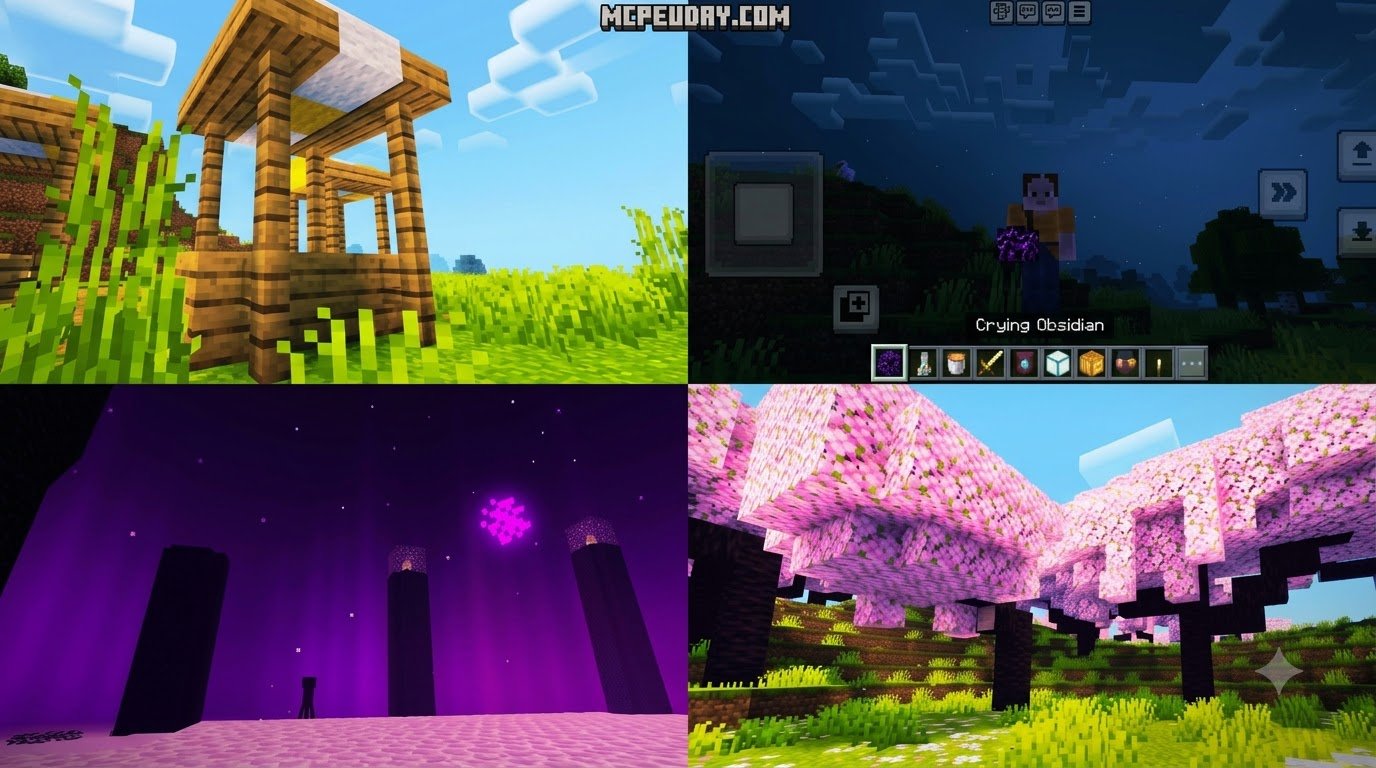
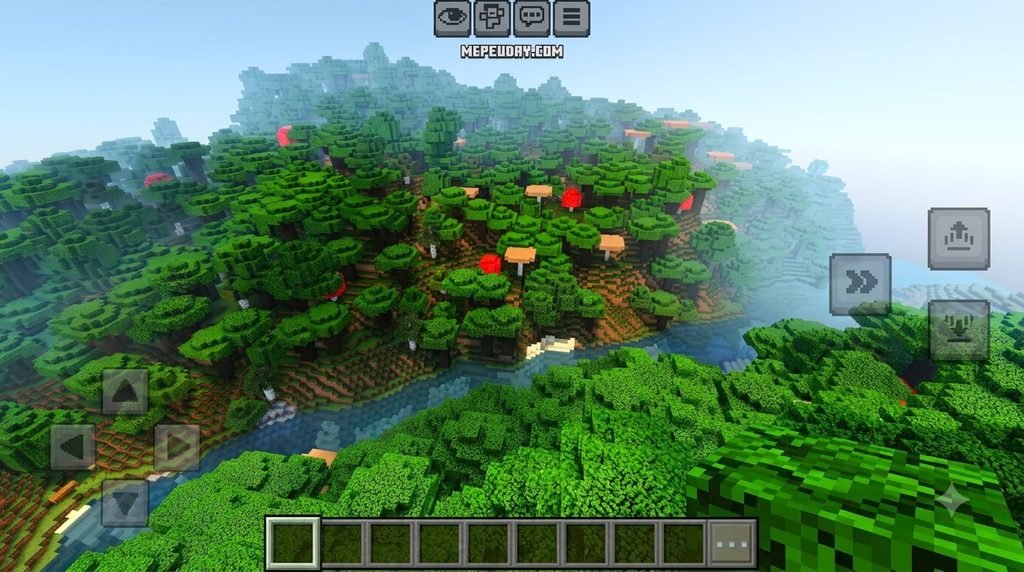
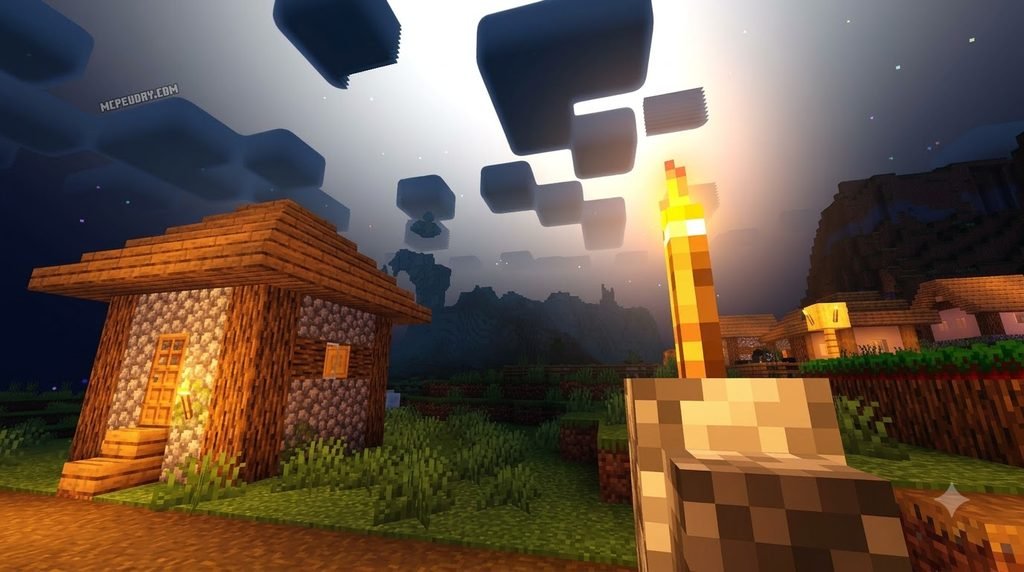
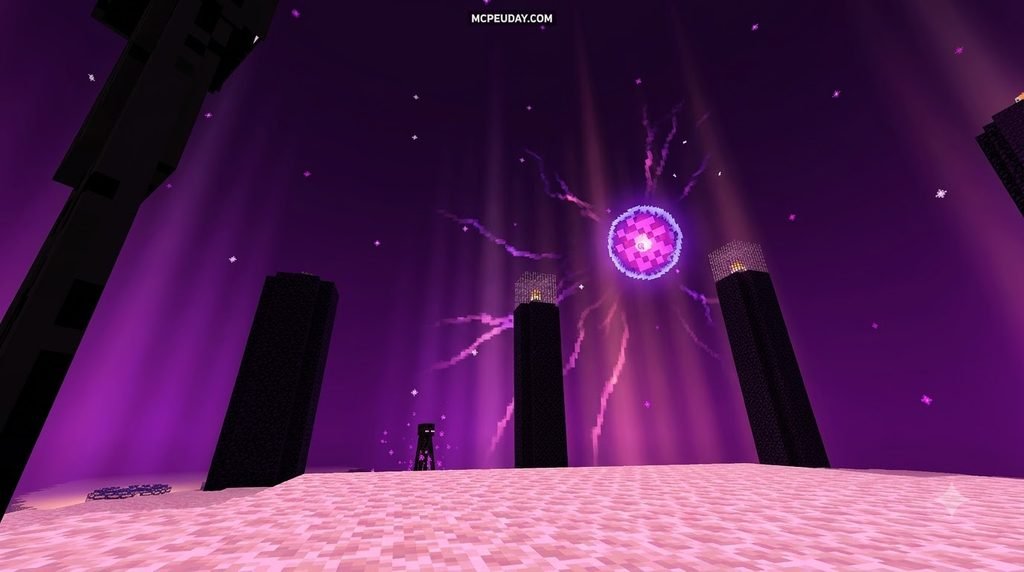
This shader aims for a warm, golden look without losing Minecraft’s vanilla feel. Expect brighter-looking ores, improved water and lava, richer skies, soft atmospheric lighting, and night effects such as auroras or shooting stars when supported by the selected pack version. The pack is designed to work smoothly across a wide range of devices, making it a practical option for players who want a noticeable visual upgrade without replacing the core Minecraft experience.
It is a useful choice for players who want a visual upgrade but do not want the heavy performance cost often linked to realistic shader packs. Compatibility can change after Bedrock updates, so always check that the download matches your Minecraft version before installing. For broader context on how Bedrock handles resource packs, the Minecraft Bedrock Edition overview explains the platform’s structure and update model.
I am UDAY GAMER, and this guide will help you choose the right version, install it safely, and adjust it for smoother gameplay.
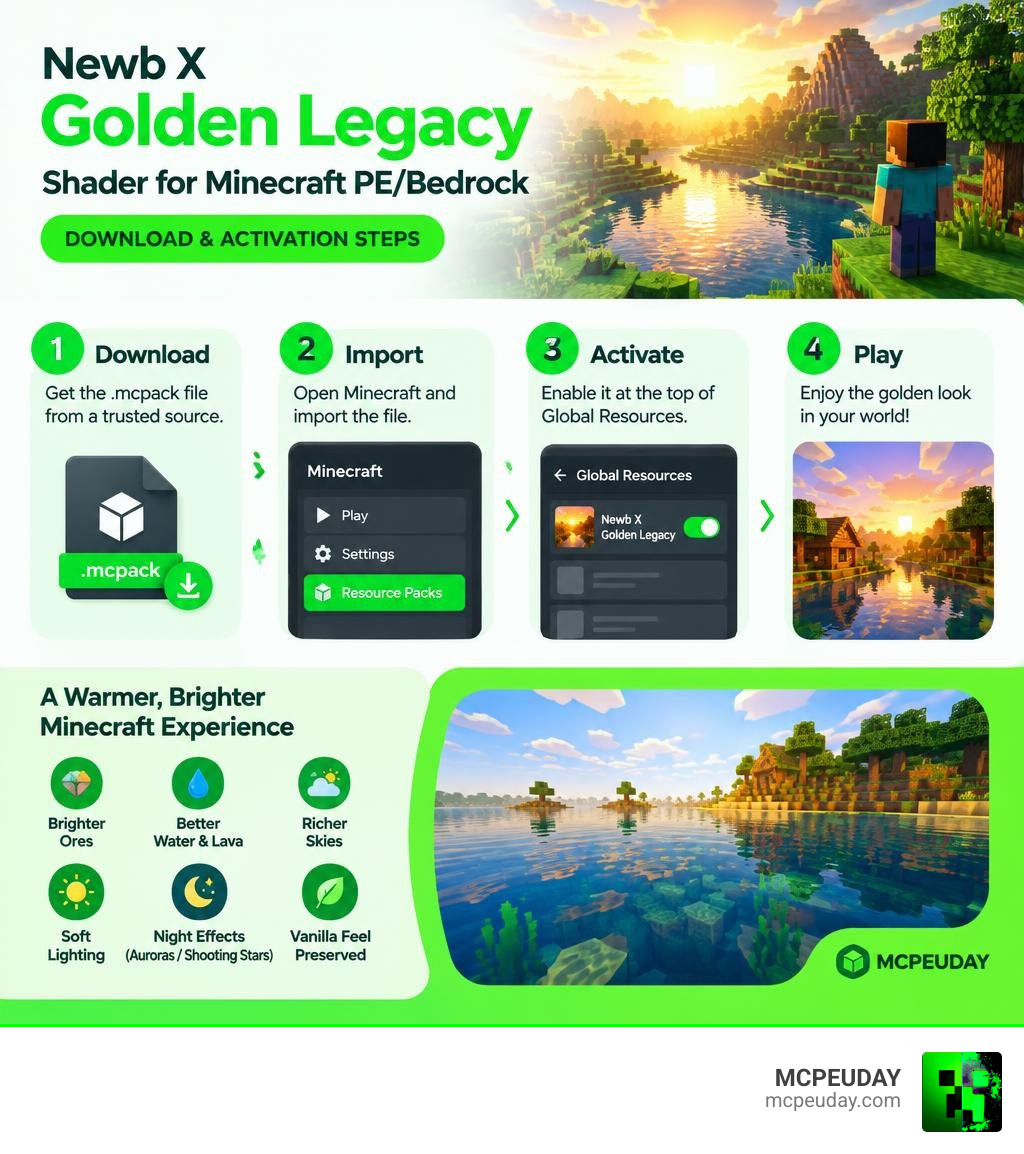
Overview of Newb X Golden Legacy Shader for Minecraft PE/Bedrock
At MCPEUDAY, we constantly test graphics packs to find the sweet spot between stunning visuals and smooth performance. The Newb family of shaders has long been a community favorite, boasting hundreds of thousands of downloads across major platforms. The Newb X Golden Legacy Shader for Minecraft PE/Bedrock builds on that foundation by blending warm, golden lighting tones with atmospheric depth that enhances vanilla blocks rather than replacing them.
What Sets the Golden Legacy Edition Apart
Unlike standard vanilla shaders that merely tweak brightness or saturation, Golden Legacy re-engineers how ambient light touches every surface. It incorporates subtle volumetric fog, directional scattering during sunrise and sunset, and refined shadow mapping. The result is a richer, sun-drenched aesthetic during the day and a deep, immersive environment after dusk. It provides a visual upgrade without overburdening your device’s memory or GPU.
Key Visual Features of Newb X Golden Legacy Shader for Minecraft PE/Bedrock
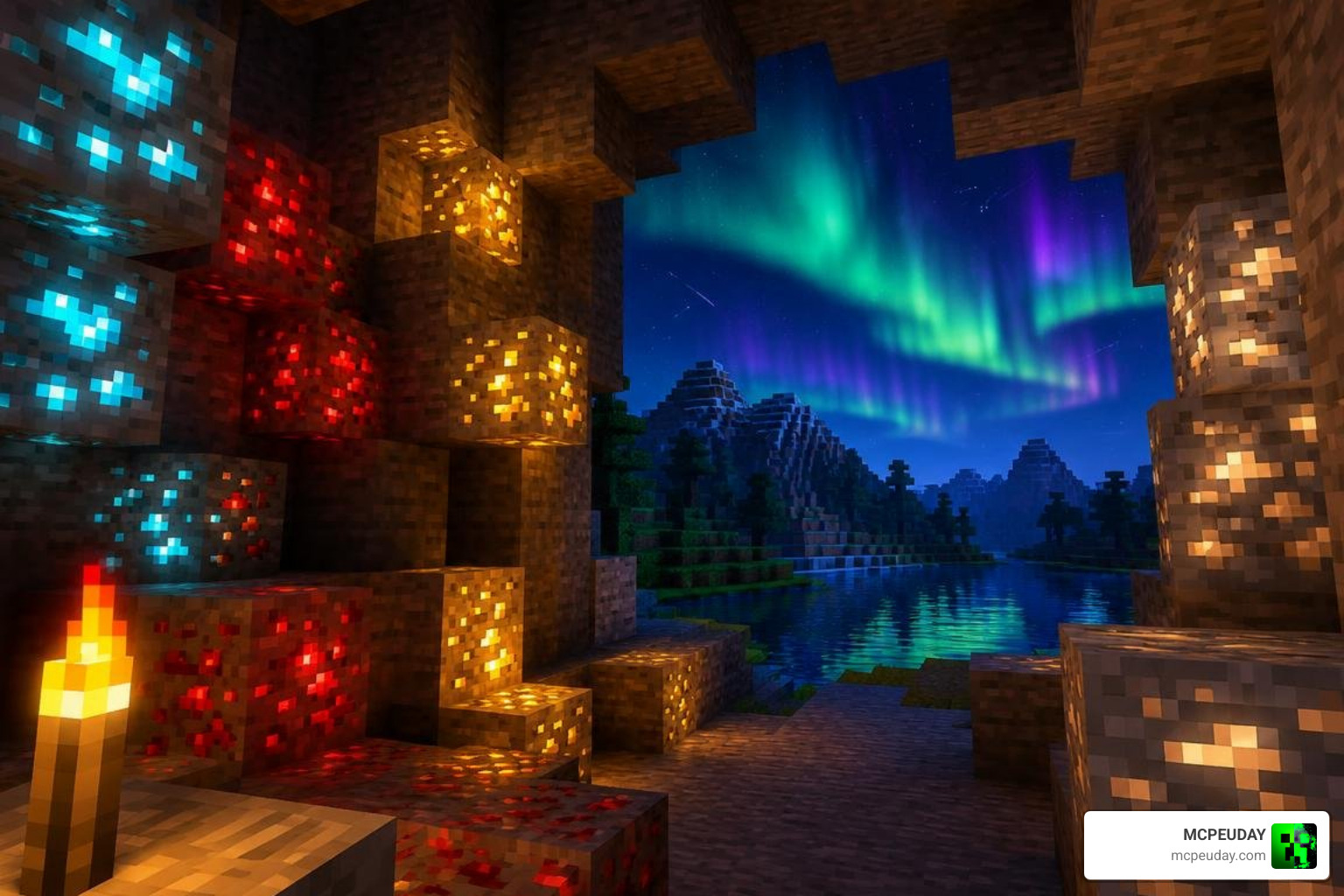
The shader brings several distinct visual improvements to your survival worlds:
- Luminous Ores: Diamond, redstone, gold, and iron ores emit a soft, vibrant glow in dark caverns. Survival players report locating valuable minerals much faster during deep mining sessions.
- Dynamic Water and Lava: Water features transparent layers with soft surface caustics and subtle wave motion. Lava receives a complete visual tune-up—looking fashionably hot and vibrant rather than flat orange.
- Atmospheric Night Skies: Gaze up at night to see layered cloud movements, shimmering auroras, and occasional shooting stars across the skybox.
- Sunlight Flares and Color Tinting: Daytime lighting adopts a warm golden tone, transforming midday biomes into vibrant, inviting landscapes.
System Requirements, Compatibility, and Performance Across Platforms
Minecraft Bedrock Version and Engine Compatibility
Minecraft Bedrock relies on the RenderDragon graphics engine, which does not natively support community-built shader pipelines without specialized loading methods. As of September 2026, the Newb X Golden Legacy pack is maintained by community creators to run reliably on Bedrock versions 1.21 through 1.26+. Because the shader operates strictly on the client side, it does not alter server mechanics or game rules.
This client-side approach also means the pack can be used in single-player worlds, multiplayer servers, and Realms without affecting other players. The shader only changes how your local device renders the game, so it does not introduce gameplay advantages or modify world data. Players who keep their Minecraft installation updated should still verify pack compatibility after major Bedrock releases, since engine changes can occasionally require an updated shader build.
Performance Benchmarks and Hardware Expectations
The lightweight architecture of Newb shaders ensures strong performance across a variety of hardware configurations. Because the pack prioritizes efficient lighting calculations and optimized shadow mapping, it generally avoids the severe frame drops associated with heavier realistic shaders.
- Android Devices: Mid-range devices comfortably maintain 55 to 60 FPS under normal chunk load, while entry-level phones stay around 40 to 50 FPS when using optimized subpack settings.
- Windows 10/11 PCs: Solid 60 to 120+ FPS performance even at extended render distances.
- iOS Devices: Smooth 60 FPS output on modern iPhones and iPads with minimal thermal buildup.
For players on older hardware, selecting the No Wave, No Fog subpack can further stabilize performance by reducing continuous foliage movement and atmospheric calculations. Keeping render distance moderate and closing background apps also helps maintain consistent frame rates during long play sessions.
How to Download and Install on Android, Windows, and iOS

Step-by-Step Installation of Newb X Golden Legacy Shader for Minecraft PE/Bedrock
Because RenderDragon restricts custom shader injection, installation methods vary by platform:
- Android (via MB Loader):
- Download the shader
.mcpackfile to your device storage. - Install the latest compatible MB Loader utility.
- Import the shader pack directly through MB Loader.
- Launch Minecraft through the loader and navigate to Settings > Global Resources.
- Activate the shader and place it at the very top of your active resource packs list.
- Download the shader
- Windows (via BetterRenderDragon):
- Download the shader
.mcpackor.zip. - Set up BetterRenderDragon following its standard injector instructions.
- Place the shader files into your
development_resource_packsor import via Minecraft. - Start the game via your patcher and activate the pack in Global Resources.
- Download the shader
- iOS:
- Download the
.mcpackusing Safari. - Open your Files app, locate the download, and tap the file to open it in Minecraft.
- Open Settings > Global Resources and activate the pack.
- Download the
Subpacks and In-Game Customization Settings
Newb X Golden Legacy includes built-in subpacks accessible by clicking the gear icon next to the active pack in your resource settings. Available presets include:
- Realistic Clouds: Adds multi-layered, drifting cloud textures.
- No Wave, No Fog: Strips foliage swaying and heavy fog to deliver maximum FPS on budget devices.
- Default Golden: The balanced experience featuring full lighting and balanced shadows.
For optimal visual clarity, calibrate your in-game brightness setting between 10% and 90%. Advanced users can also fine-tune parameters directly inside the pack’s pack_config.toml file before importing. Always keep a backup of the original configuration file before making manual adjustments.
Comparing Newb X Golden Legacy to Other Newb Shader Variants
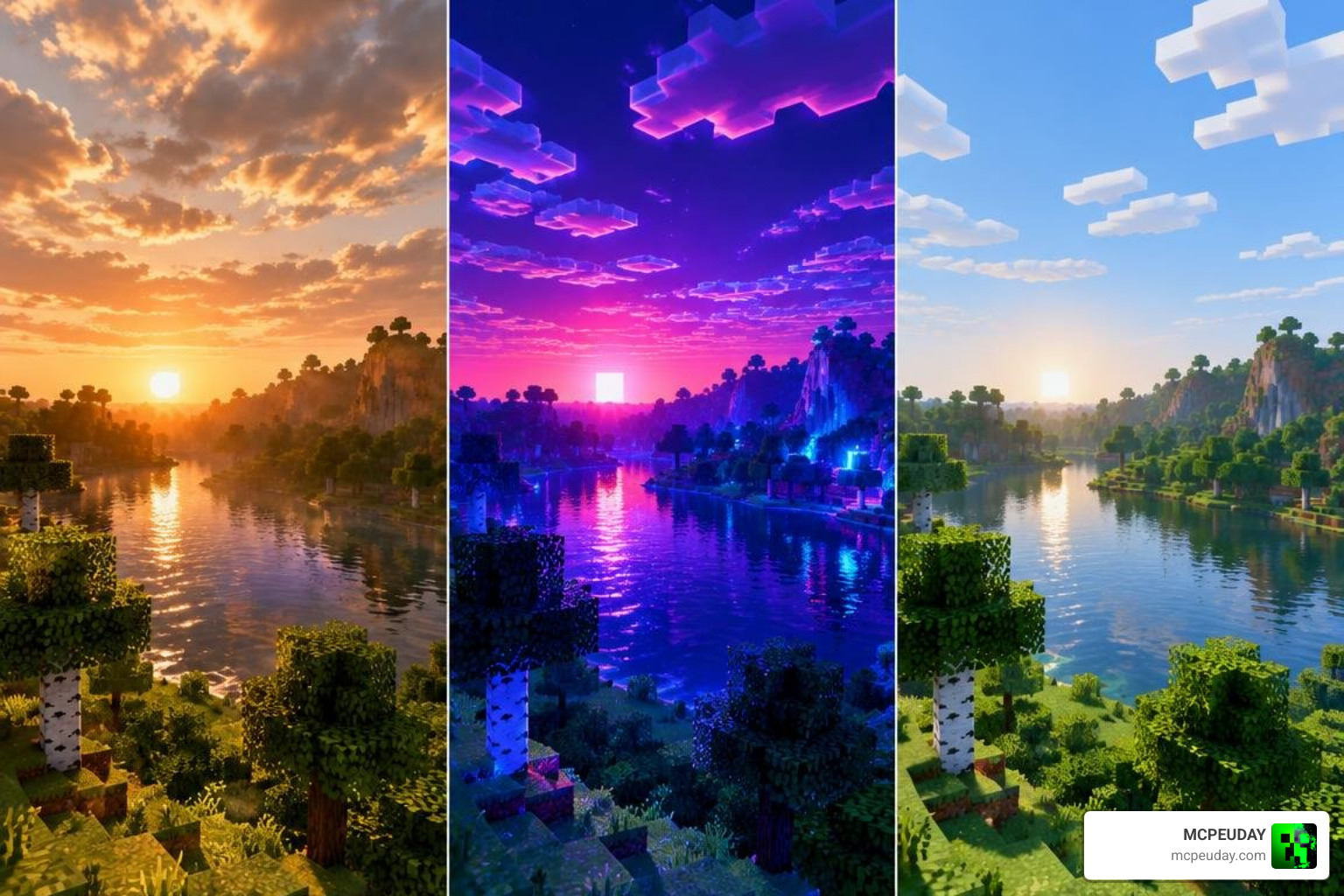
Newb X Golden Legacy vs. Newb Glow Legacy and Newb Renewed
The Newb project has branched into several unique editions, each tailored to different player preferences and hardware limits. Understanding these differences can help you choose the right pack for your device and visual goals.
| Shader Variant | Primary Visual Focus | Performance Impact | Best Suited For |
|---|---|---|---|
| Newb X Golden Legacy | Warm golden atmosphere, glowing ores, aurora skies | Low to Moderate | Balanced survival & aesthetic builds |
| Newb Glow Legacy | Pure ore luminosity, minimal shadows | Very Low | Low-end mobile devices & fast mining |
| Newb Renewed | Modernized lighting, balanced color tones | Moderate | General gameplay on mid-to-high devices |
| Newb Nostalgia | Classic legacy Minecraft aesthetics | Very Low | Retro visual fans on older hardware |
| Newb Reforged | Enhanced shadows & water reflections | Moderate | Players seeking deeper immersion |
Newb X Golden Legacy sits in a balanced position within this lineup. It offers more atmospheric depth than Newb Glow Legacy while remaining lighter than Newb Reforged, making it a strong default choice for players who want golden-hour warmth, glowing ores, and night-sky effects without a major performance penalty.
Multiplayer, Realms, and Creator Licensing Terms
Newb X Golden Legacy is entirely client-side. You can freely join multiplayer servers, custom worlds, and official Realms without requiring other players or the host to install the pack. It does not trigger anti-cheat systems because it alters only how graphics are rendered on your local display.
The original Newb shader framework was created by developer devendrn, who concluded official updates at version 16. Since then, the open-source community has maintained, adapted, and expanded the code under standard community sharing licenses. When sharing or customizing the pack, always respect the original creator credits and licensing guidelines. For more information on how open-source licensing works in community projects, the open-source software entry provides a useful overview of common sharing and attribution practices.
Frequently Asked Questions about Newb X Golden Legacy
Can I use the shader on official Minecraft Realms and multiplayer servers?
Yes. Because this is a client-side resource pack, it runs entirely on your local device. It does not conflict with server plugins or Realms settings, allowing you to enjoy glowing ores and custom skies anywhere you play.
Does Newb X Golden Legacy require RenderDragon bypass tools?
On Android and Windows, running custom shader code alongside modern Bedrock releases typically requires third-party loaders like MB Loader or BetterRenderDragon due to RenderDragon engine constraints. On some iOS setups, direct .mcpack importation remains functional depending on the Minecraft version.
How do I configure subpacks to fix lag on low-end devices?
Go to Settings > Global Resources, click on Newb X Golden Legacy, and tap the Gear icon. Move the subpack slider to the No Wave, No Fog setting. This disables continuous foliage movement and heavy atmospheric calculations, significantly stabilizing your frame rates.
Conclusion
The Newb X Golden Legacy Shader delivers the warm, atmospheric lighting, vibrant water, and glowing ores Bedrock players love—all without dragging down frame rates. Whether you are exploring dark caves on an Android phone or building expansive bases on a Windows PC, it provides an exceptional visual upgrade that respects the vanilla Minecraft aesthetic.
To discover more tested packs, check out our curated collection of the best MCPE shaders available at MCPEUDAY. Download the pack, choose your favorite subpack preset, and enjoy a revitalized Minecraft world. With its balanced performance profile and distinctive golden atmosphere, Newb X Golden Legacy is a dependable choice for players who want to enhance their Bedrock experience without sacrificing smooth gameplay.