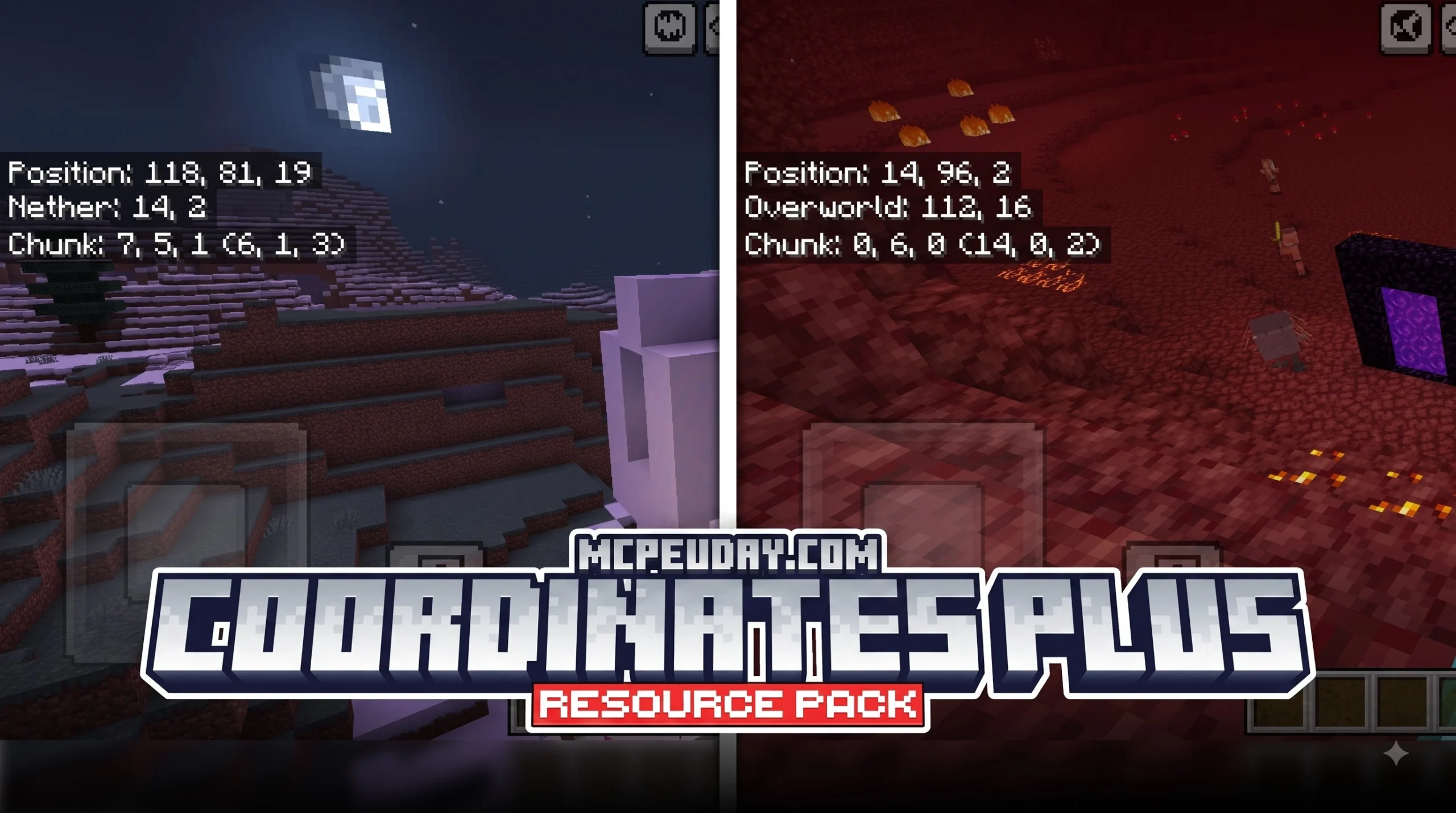
Why the Coordinates Plus Texture Pack Is a Game-Changer for Minecraft Navigation
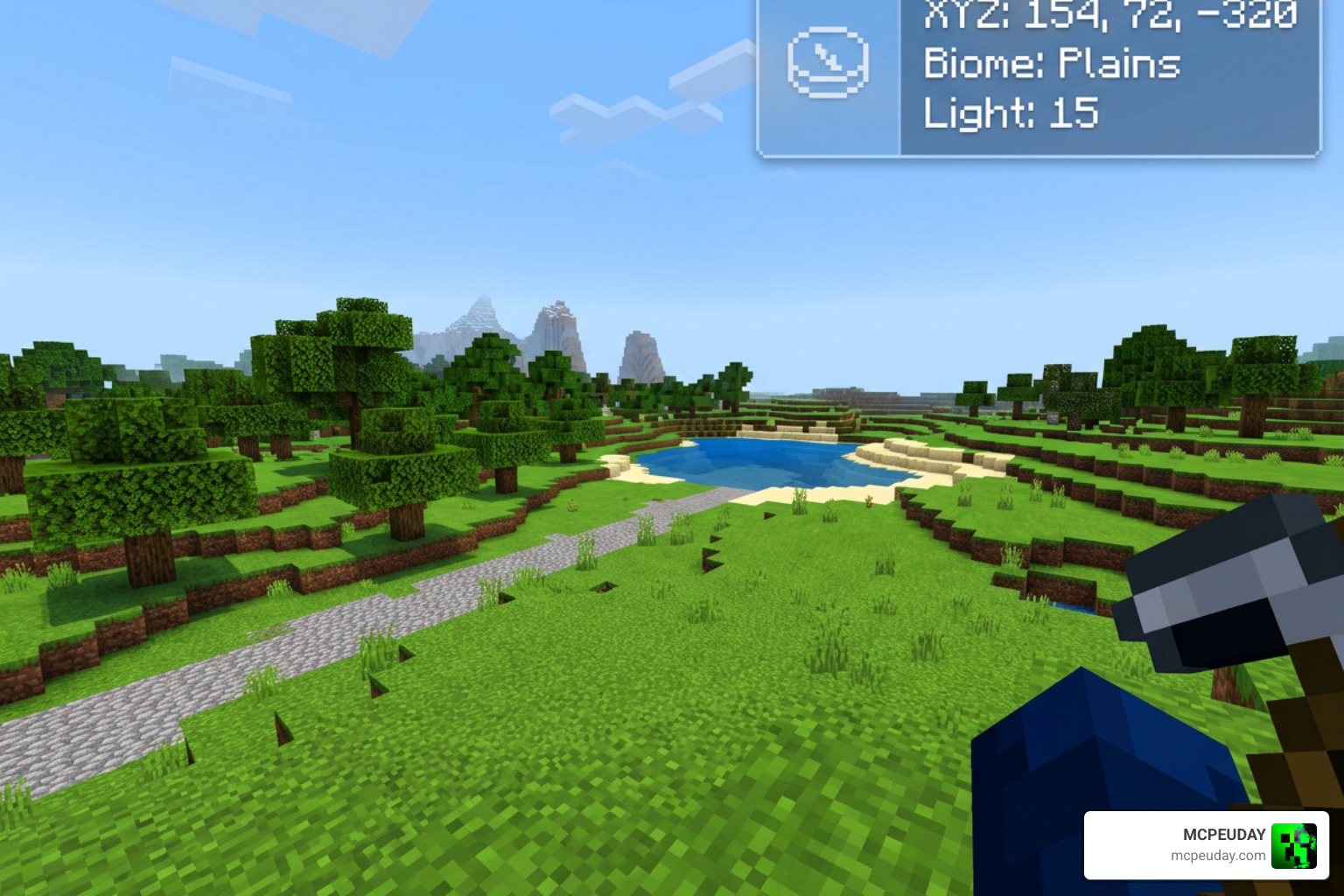
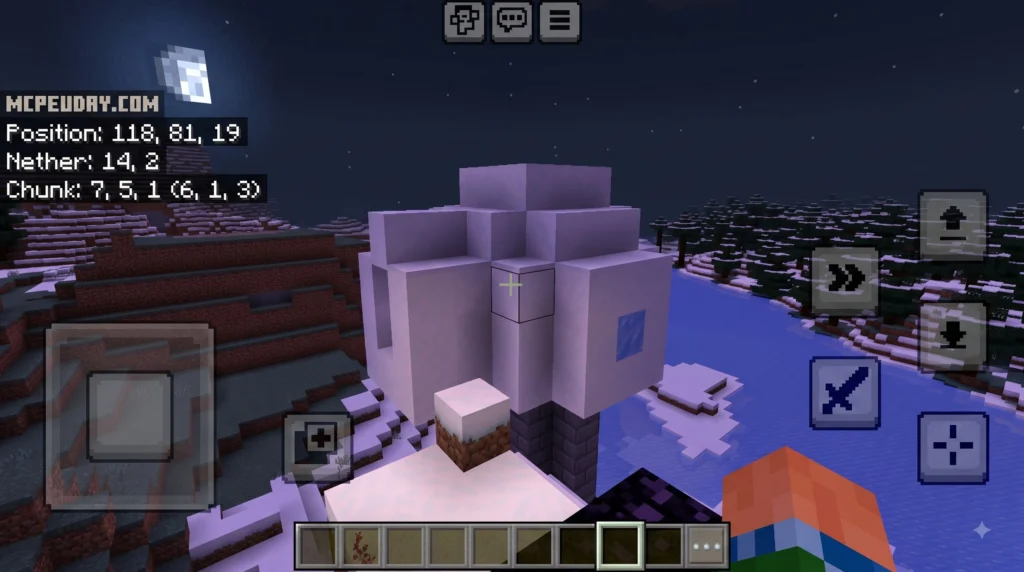
The Coordinates Plus texture pack is a client-side Fabric mod for Minecraft 1.21+ that replaces the cluttered F3 debug screen with a clean, customizable HUD overlay. Here’s a quick summary of what it offers:
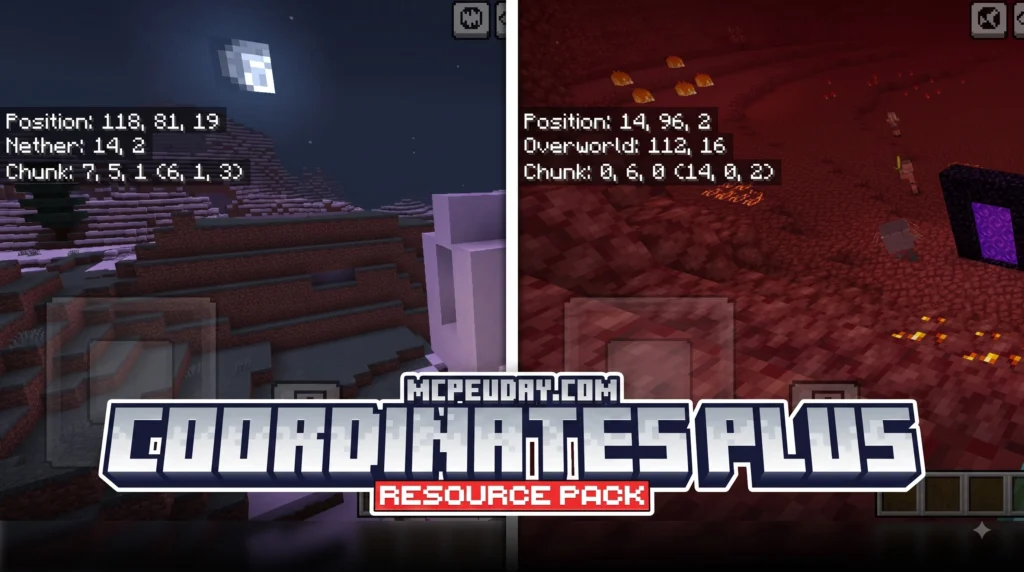
- What it is: A Fabric mod that displays your coordinates in a sleek on-screen panel
- Who it’s for: Java Edition players on Minecraft 1.21+
- Key features: Dimension-colored HUD, draggable interface, Nether coordinate conversion, group radar, and chat sharing macros
- How to move the HUD: Press Right Alt to enter edit mode and drag it anywhere
- Multiplayer tracking: Use
/cpgroupor/cpgto form groups and track teammates in real time - Languages supported: English and Russian
If you’ve ever pressed F3 mid-survival and felt overwhelmed by walls of debug text, you already know the problem this mod solves. Minecraft’s default coordinate display is buried inside a screen designed for developers — not for players trying to quickly line up a Nether portal or find a teammate across the map.
Coordinates Plus strips all of that away. You get just what you need, exactly where you want it on your screen.
I’m UDAY GAMER from MCPEUDAY, and in this guide I’ll walk you through everything — from features and installation to group radar setup — so you can get the most out of this mod right away.
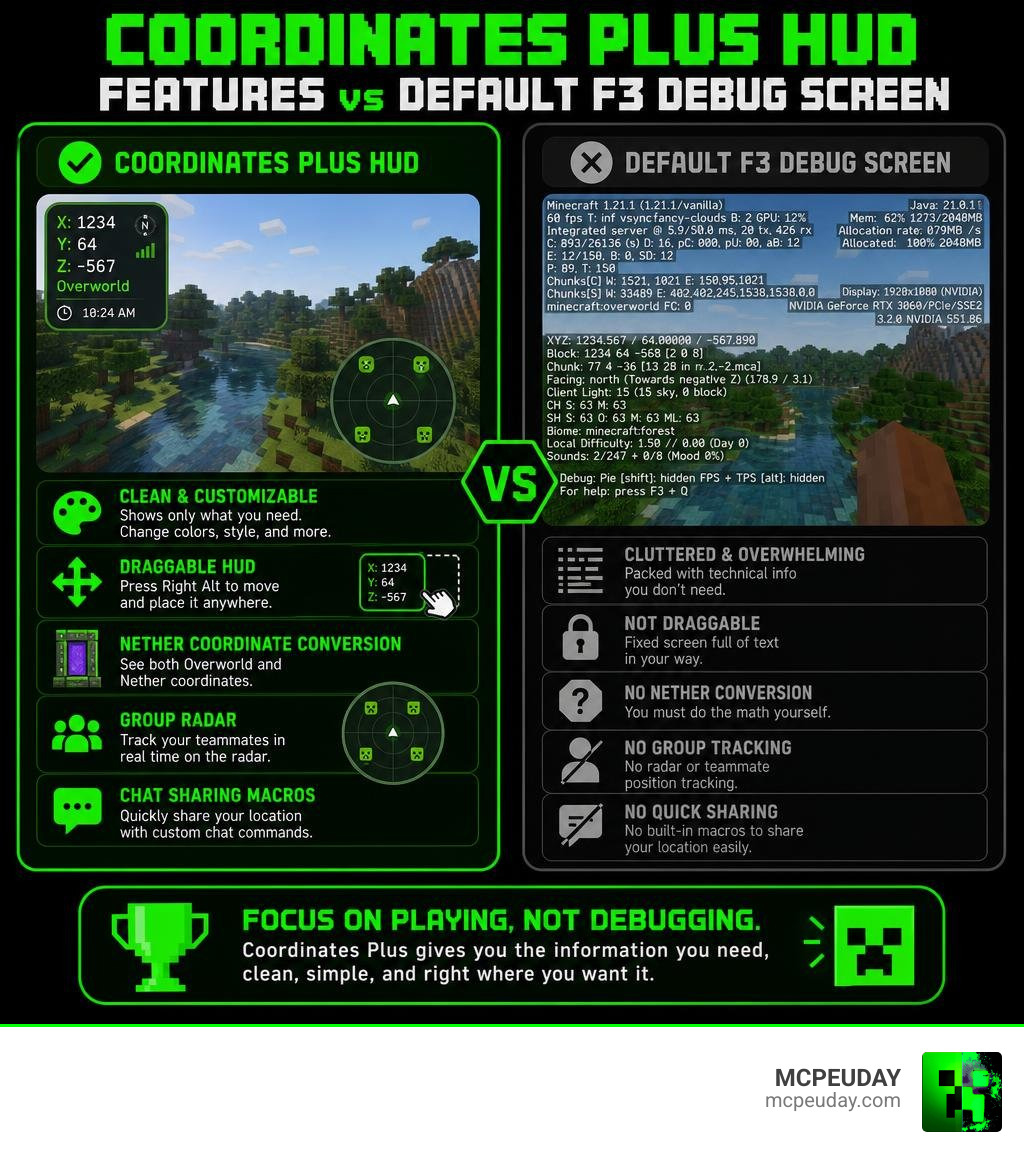
What is the Coordinates Plus texture pack and How It Works
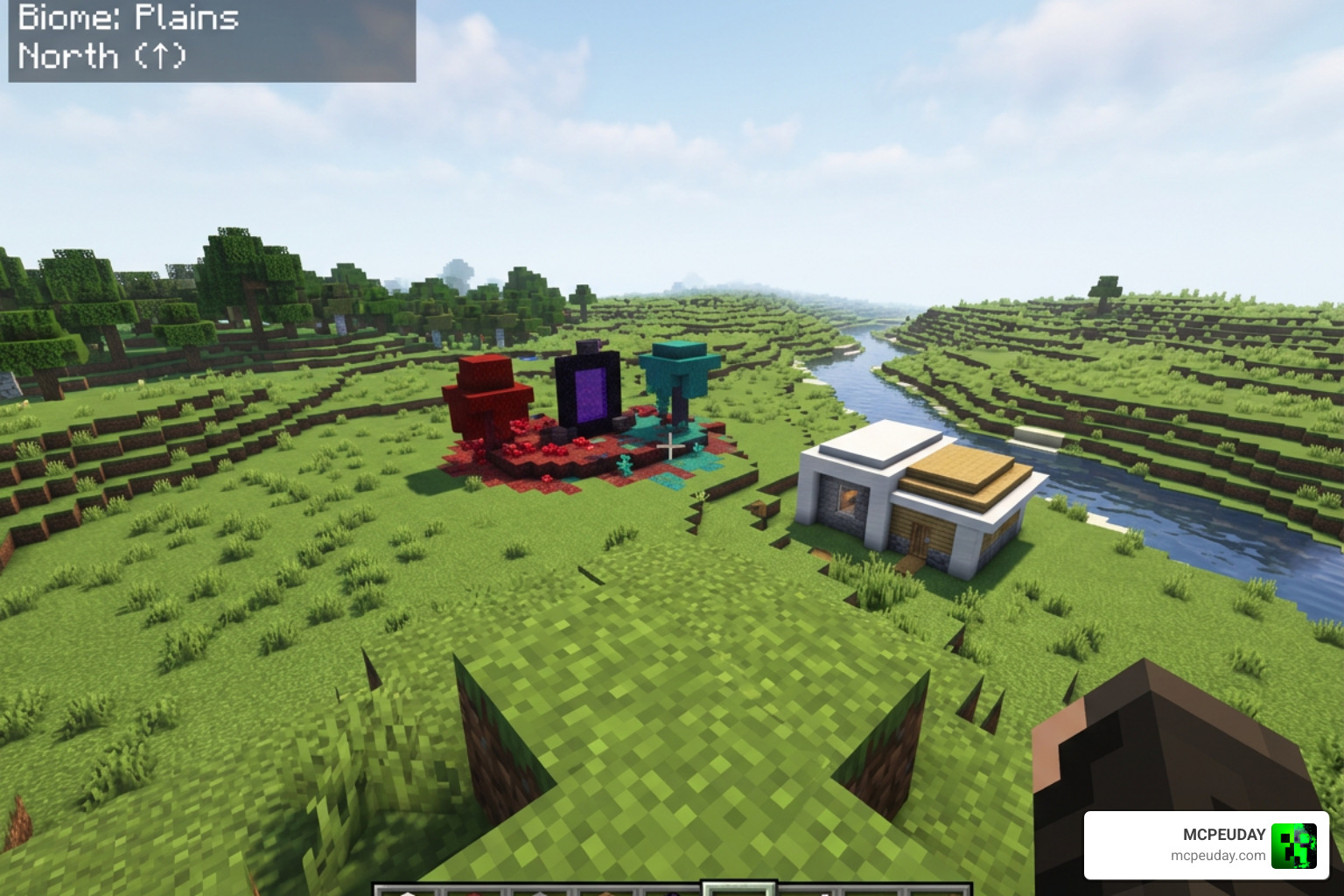
The Coordinates Plus texture pack and mod is built specifically to improve player navigation without blocking your view of the world. Operating as a lightweight client-side mod on Fabric, it renders real-time location details directly into your heads-up display.
Instead of showing system information like GPU hardware, memory allocation, and biome light values, Coordinates Plus presents essential spatial data. The panel updates instantly as you walk, jump, or switch dimensions, providing a smooth visual experience for both solo survival and server adventures.
Default F3 Screen vs Coordinates Plus texture pack Interface
The vanilla debug screen has long been a source of frustration for players who simply want to know where they are standing. Opening F3 fills your viewport with text strings, coordinate values, directional vectors, and chunk loading stats.
Coordinates Plus replaces this wall of text with a compact overlay panel:
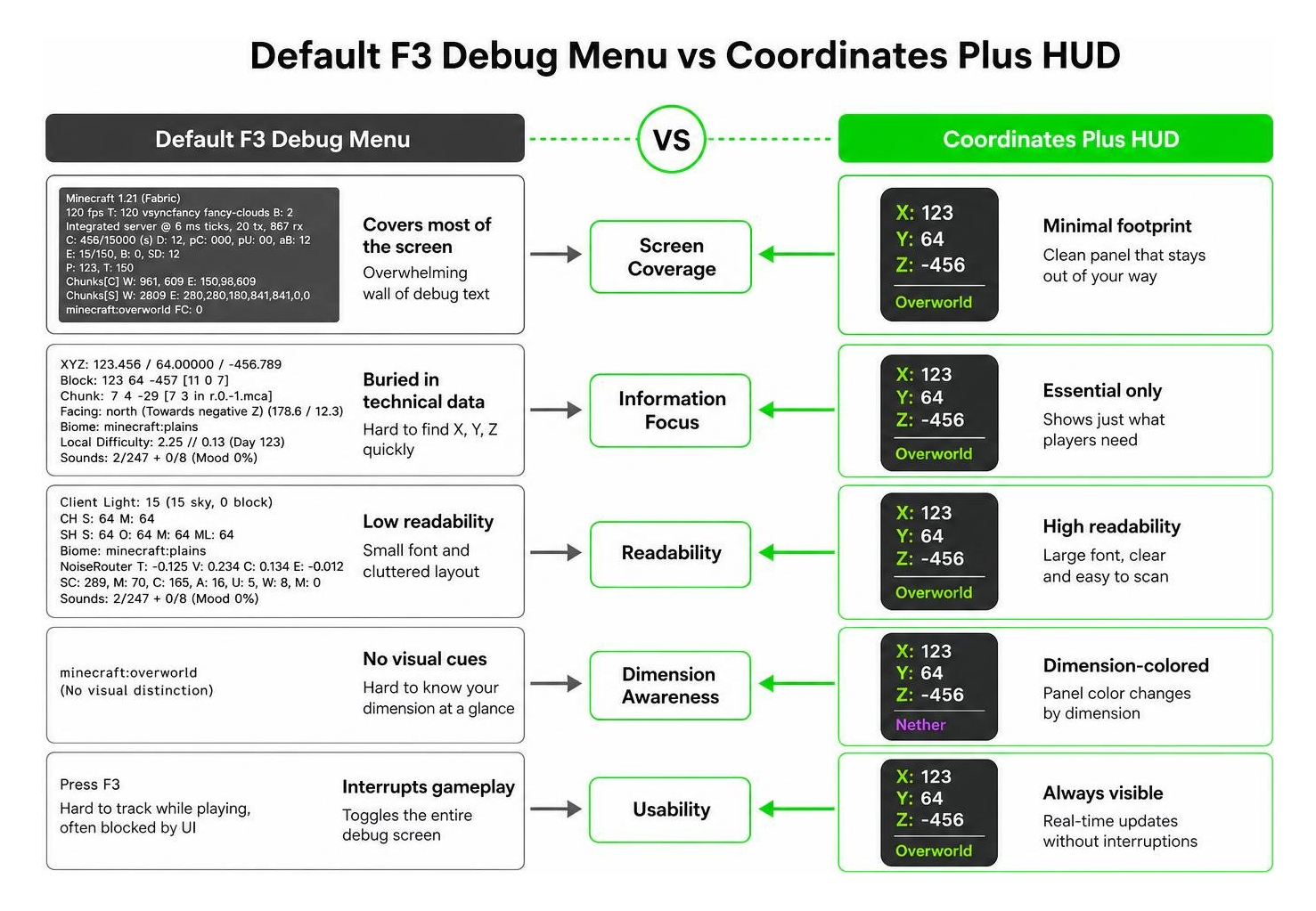
- Vanilla F3 Screen: Covers a massive portion of the display, obscures hostile mobs, and buries X, Y, and Z axes inside dense technical jargon.
- Coordinates Plus HUD: Occupies a minimal footprint, offers modern visual styling, and changes color depending on your location.
Key Features of the Coordinates Plus texture pack UI
We love tools that give players total control over their user interface. Coordinates Plus includes six primary functional capabilities:
- Dimension-Themed Colors: Automatically adapts palette themes to match where you are traveling.
- Draggable Display: Enter edit mode instantly using the Right Alt keybind to place the display in any corner or center position.
- Smart Coordinate Conversion: Computes cross-dimensional coordinates automatically.
- Quick Chat Sharing: Broadcast exact coordinates to your server teammates using convenient chat macros.
- Customizable Appearance: Modify HUD background transparency, visual scaling, and command prefixes.
- Group Radar HUD: Track party members in real time with directional arrows and meter distance counters.
Core Navigation Tools: Coordinate Conversion, Sharing, and Group Radar
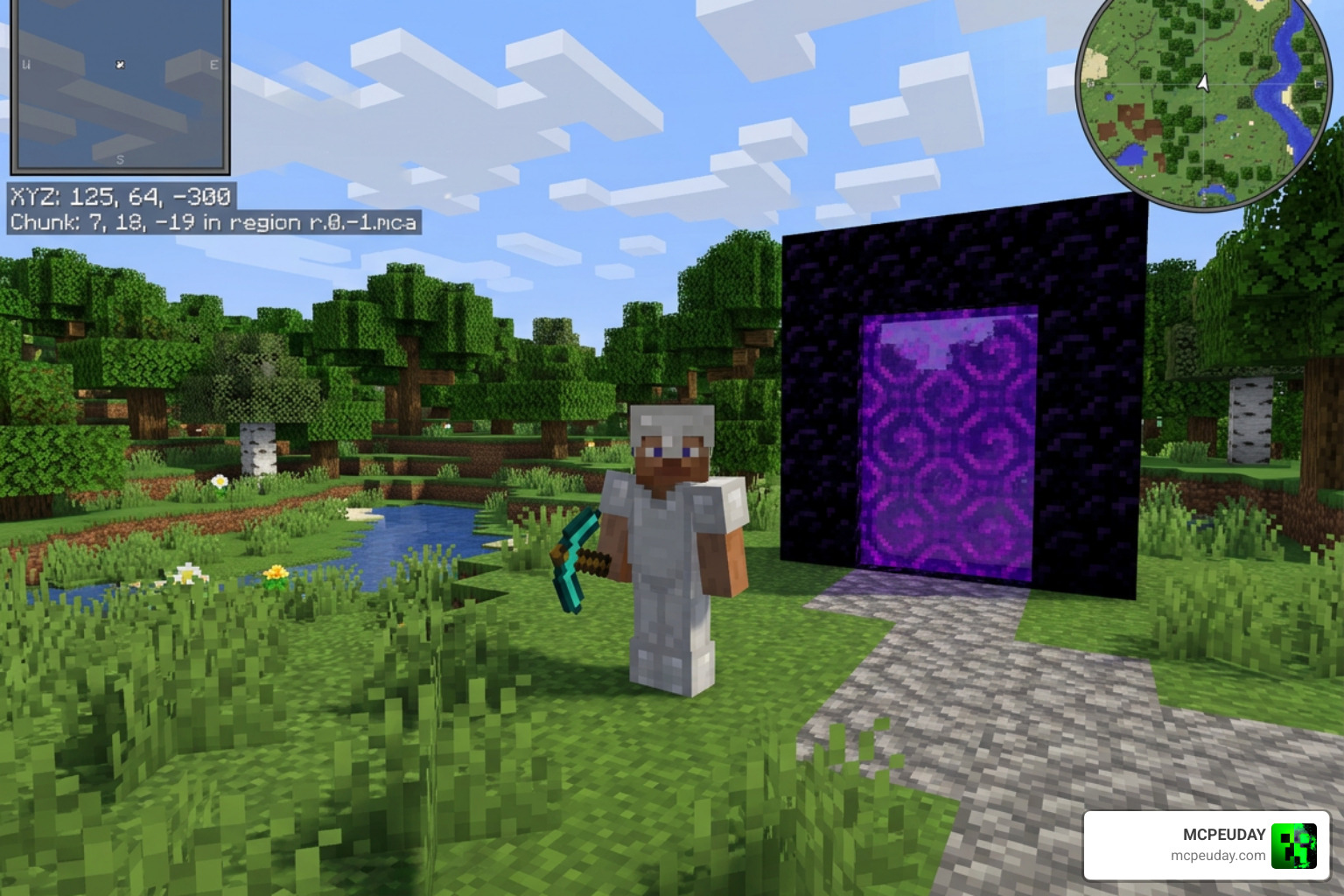
Navigating complex survival builds or deep underground mines requires accurate positioning. Coordinates Plus packs robust tools into its framework to streamline navigation across all three Minecraft dimensions.
Smart Dimension Conversion and Nether Travel
Because travel in the Nether scales at a 1:8 ratio relative to the Overworld, calculating portal placements manually can lead to mistakes. Moving just a few blocks in the Nether translates to major distances in the Overworld.
Coordinates Plus integrates a smart coordinate converter directly into your HUD. When you are standing in the Overworld, the interface automatically calculates and displays the exact target X and Z coordinates needed for your corresponding Nether portal. When traveling through the Nether, it performs the reverse math instantly. You no longer need external calculators or browser tabs to construct flawless portal networks.
Instant Chat Sharing Commands and Keybinds
Communication is key when exploring dangerous caves or building massive spawn hubs with friends. Coordinates Plus includes built-in chat macro commands that make sharing your exact whereabouts effortless.
+locoMacro: Automatically sends your converted Overworld location to the active server chat.+locnMacro: Instantly broadcasts your calculated Nether coordinates to your team.
Rather than typing out long numbers while running away from creepers, tapping these keybind macros lets your friends know precisely where to find you or where to place a portal frame.
Group Radar HUD and Multiplayer Tracking Commands
For players participating in multiplayer servers or survival team challenges, the Group Radar HUD is one of the standout capabilities of this tool. By using the /cpgroup or /cpg in-game commands, you can establish or join player teams.
Once your team is formed, the HUD expands to show detailed tracking information for each group member:
- Distance Tracking: Displays exact distance in meters between you and your squadmates.
- Facing Vectors: Shows which cardinal direction your allies are currently looking or traveling.
- Dimension Status: Alerts you if a group member is in the Overworld, Nether, or End.
- Directional Radar Arrows: Renders clear visual arrows pointing directly toward team members across the terrain.
Customization, Language Support, and Configuration Settings
Every gamer maintains a distinct preference for screen organization and overlay layout. Coordinates Plus ensures you never feel locked into a single fixed display format.
Customizing HUD Appearance and Screen Position
Adjusting your interface is fast and straightforward. By hitting Right Alt, you enter the mod’s interactive edit mode. In this mode, you can click and drag the coordinate box to any area on your monitor.
Beyond repositioning, the configuration panel allows you to customize visual scaling so the HUD matches your preferred screen GUI scale. You can also toggle the background container on or off for a transparent view, and change default command prefixes to avoid conflicts with other installed server plugins.
Supported Languages and Mod Compatibility
To ensure accessibility across different gaming communities, Coordinates Plus provides full multi-language localization. The mod currently supports:
- English
- Russian
Switching between supported languages follows your primary game client settings automatically. Built specifically for Fabric on Minecraft 1.21+, the mod operates with zero frame drop impact, making it fully compatible with custom shader packs and client-side performance mods.
How to Download, Install, and Configure Coordinates Plus
Getting the mod running on your game client takes only a few quick minutes.
Step-by-Step Installation Guide for Minecraft 1.21+
To install Coordinates Plus properly, follow these simple sequence steps:
- Install Fabric Loader: Ensure you have downloaded and installed the appropriate Fabric Loader build for Minecraft 1.21 or higher.
- Download Fabric API: Place the matching Fabric API jar file inside your
.minecraft/modsdirectory. - Add Coordinates Plus: Download the latest Coordinates Plus mod file and drop it into the
.minecraft/modsfolder. - Launch Minecraft: Open your Fabric profile via the Minecraft launcher and join your favorite local world or online server.
Setting Up Group Radar and Server Limitations
Configuring your group radar for multiplayer takes just a few commands once you land on a server:
- Type
/cpgroup create <group_name>or/cpg create <group_name>to establish a fresh party. - Invite your friends using
/cpgroup invite <player_name>. - Once accepted, your radar HUD will automatically populate with active teammate markers, arrow vectors, and distance indicators.
While the mod is client-side, certain multiplayer environments or competitive minigame servers may restrict automated coordinate sharing or team tracking for gameplay fairness. Always review server rules regarding radar features before using group tracking in competitive environments. You can review full project details and recent updates on the official Coordinates Plus README Update repository page. Additionally, players looking for mobile UI alternatives can check out Coordinates Plus PE updates.
Frequently Asked Questions About Coordinates Plus
Is Coordinates Plus completely client-side or required on servers?
Yes, Coordinates Plus is fundamentally a client-side Fabric mod. You do not need server administrative rights or server-side mod installations to enjoy the cleaned-up HUD display, dimension color coding, or Nether coordinate math. However, group radar feature updates require network communication between players using the mod.
How do you move and scale the Coordinates Plus HUD display?
To move the HUD overlay, simply press the default keybind Right Alt while in-game. This activates edit mode, allowing you to click and drag the coordinate box anywhere on your display. Visual scaling and background box toggles can be adjusted inside the configuration menu options.
Does Coordinates Plus support Minecraft Bedrock and Java editions?
Coordinates Plus is developed as a Java Edition Fabric mod for Minecraft 1.21+. While similar UI addons and coordinate packs exist on Pocket Edition and Bedrock Edition platforms, this specific Fabric edition with draggable HUD controls and chat macros is built for Java client setups.
Conclusion
The Coordinates Plus texture pack and mod completely upgrades how you navigate your Minecraft worlds. By replacing the cluttered F3 screen with a sleek, draggable HUD, real-time Nether conversion, instant chat macros, and group tracking, it gives you all the navigational data you need without spoiling your view.
Whether you are linking up Nether portals in solo survival or leading a team across multiplayer servers, this mod makes exploration smoother and more enjoyable. Ready to upgrade your game visual setups further? Explore More Texture Packs on MCPEUDAY to discover our latest curated mod packages, custom shaders, and gameplay tools!
