Why the Footprints Particle Texture Pack Is a Game-Changer for Minecraft Immersion
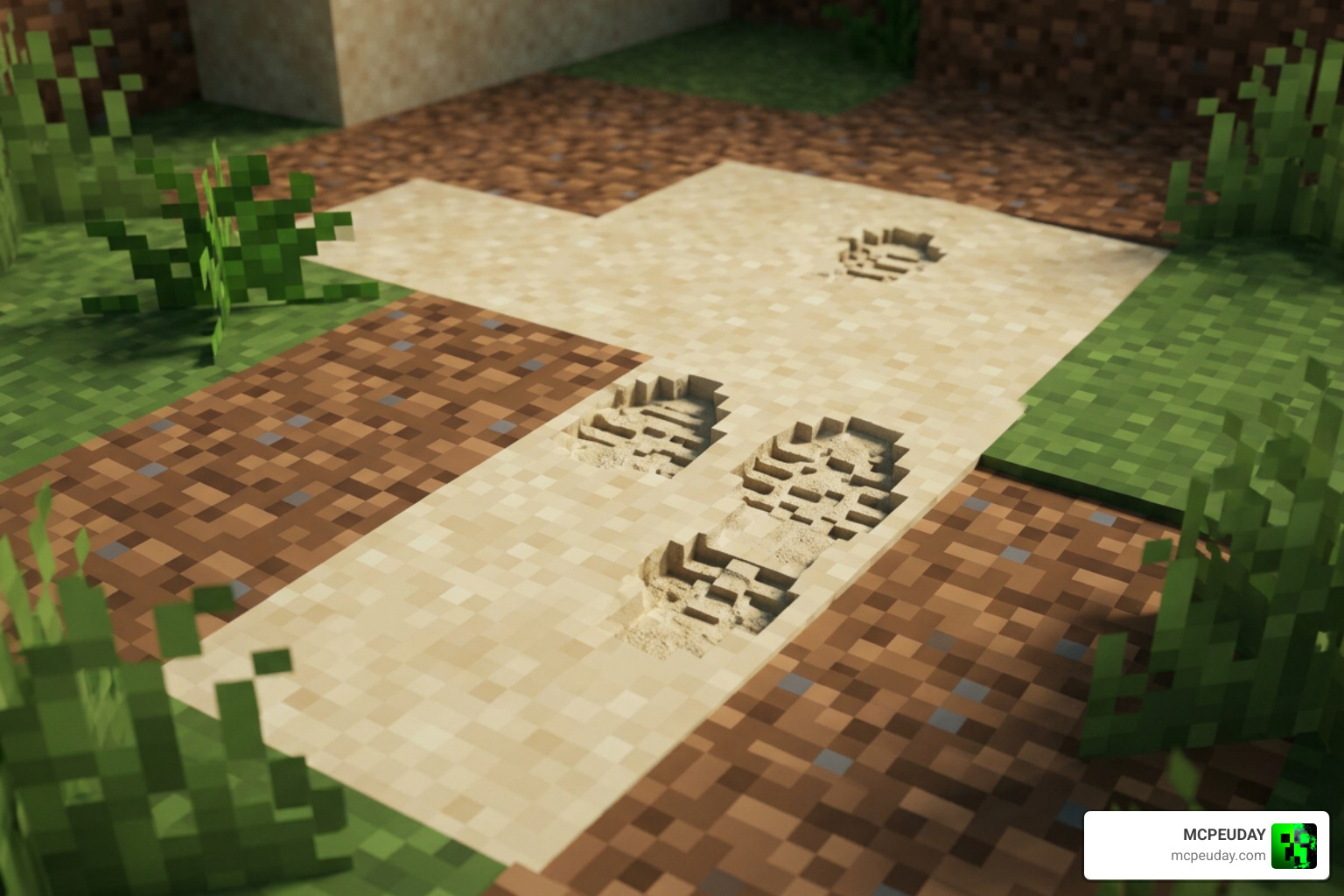
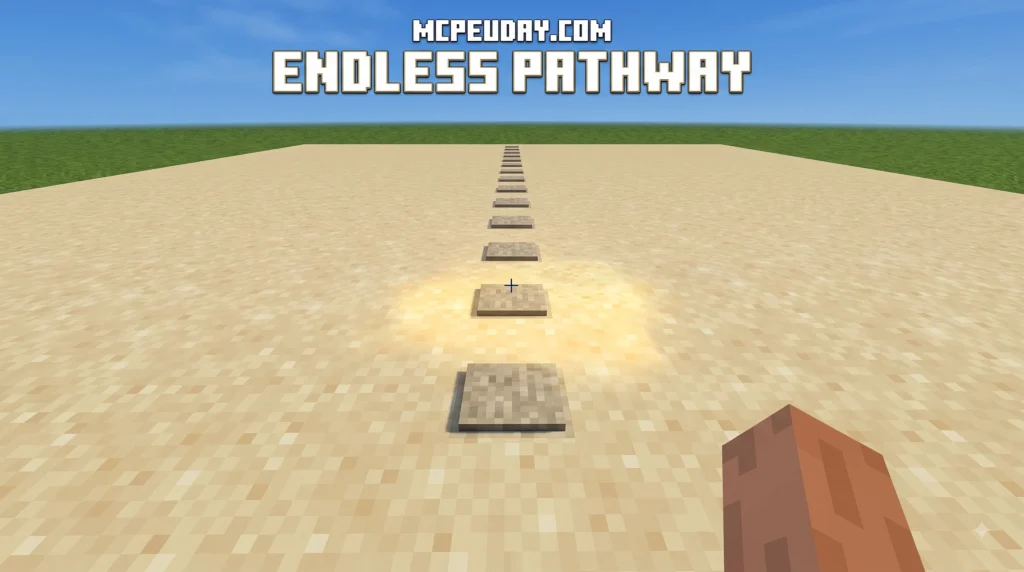
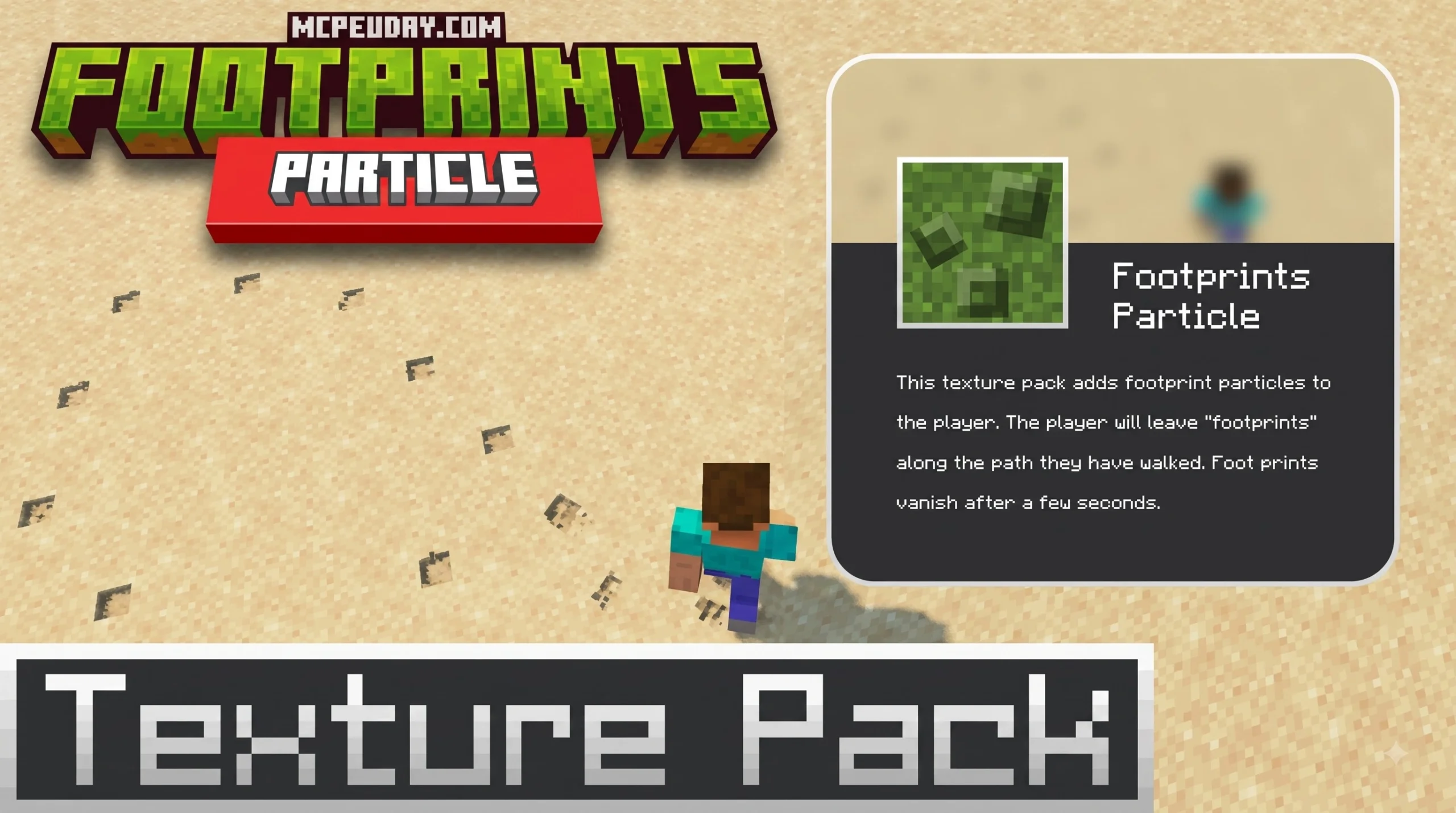
The Footprints Particle texture pack is one of the most satisfying visual upgrades you can add to Minecraft – whether you play Java or Bedrock Edition. Here’s a quick summary of what it is and what your options are:
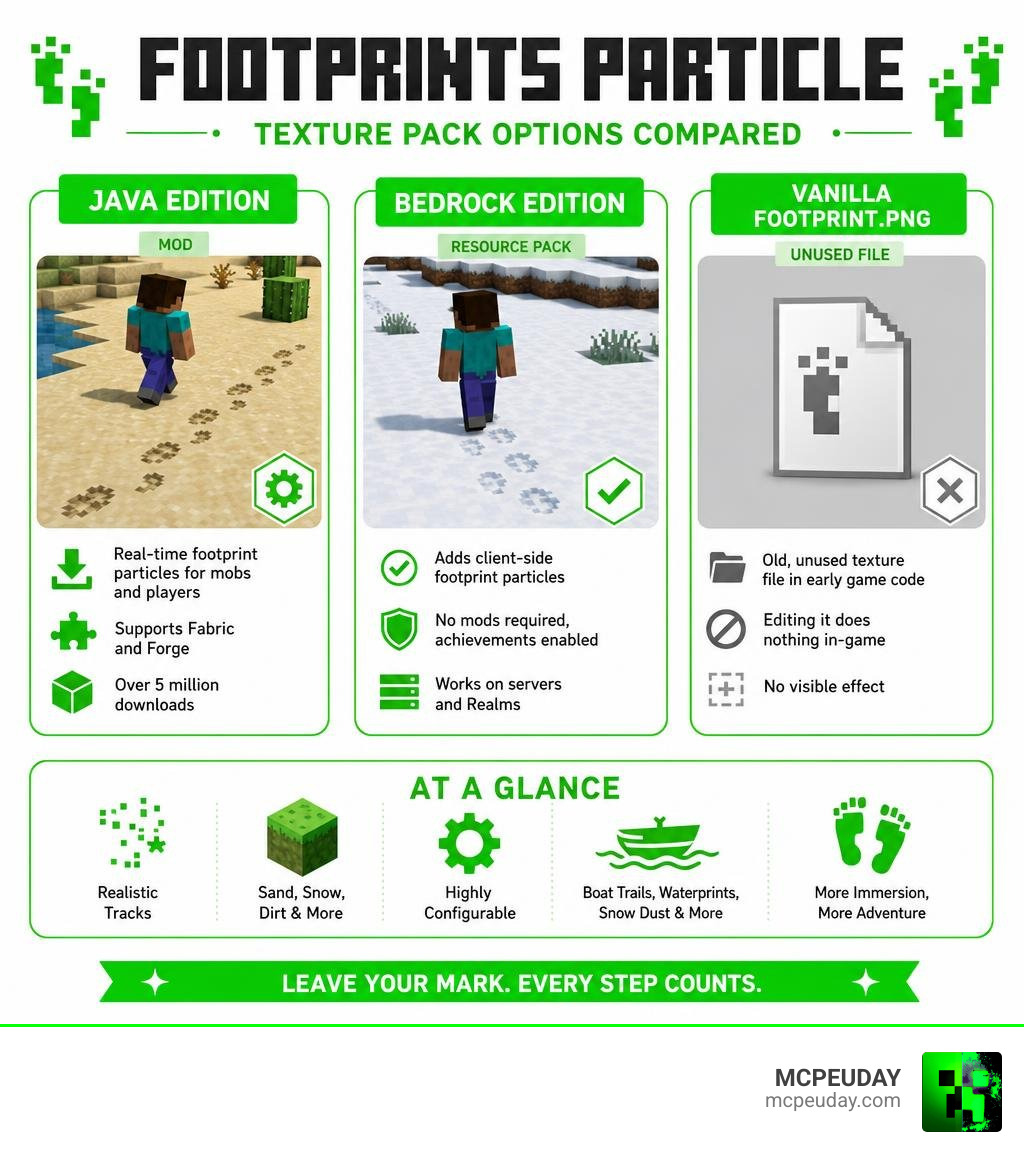
- Java Edition (mod): The FootprintParticle mod adds real-time footprint particles for mobs and players. It has over 5 million downloads and supports both Fabric and Forge.
- Bedrock Edition (resource pack): The Foot Prints resource pack adds client-side footprint particles with no mods required, keeps achievements enabled, and works on servers and Realms.
- Vanilla footprint.png: An old, unused texture file left in early Minecraft’s code – editing it does nothing in-game.
Minecraft has always had a surprising gap here. Mobs and players stomp across sand, snow, and dirt without leaving a single trace. No tracks, no marks, nothing. The creator of FootprintParticle put it simply – they were confused that no particle mod had a footprint feature, so they built one themselves.
The result? A highly configurable mod with boat trails, minecart sparks, waterprints, snow dust, and more – plus a Bedrock alternative that works right out of the box.
I’m UDAY GAMER from MCPEUDAY, and in this guide I’ll walk you through everything – from how these packs work to how you can even build your own custom footprint textures.
What Is the Footprints Particle Texture Pack Mod and How Does It Work?
The Java version of the Footprints Particle texture pack mod is an ultra-lightweight modification that renders dynamic physical tracks underneath entities as they navigate the game world. Originally created three years ago, the mod has accumulated over 5,021,233 downloads. It currently supports 26 distinct game versions, extending across popular releases like Minecraft 1.20.6, 1.21.10, 1.21.11, and up through modern 26.1 releases.
To ensure broad ecosystem accessibility, the developer built the mod for both Fabric and Forge mod loaders using the Architectury API framework. To run the mod on Java Edition, you need a few core dependencies:
- Architectury API: Handles cross-loader code between Fabric and Forge.
- Cloth Config API: Powers the in-game configuration screen.
- Fabric API: Required specifically if you are launching through the Fabric loader.
If you want to learn more about how Minecraft particle systems work under the hood, the official Minecraft Wiki provides a detailed breakdown of all particle types and rendering behavior.
Key Visual Features: Waterprints, Sparks, and Trails
The mod goes beyond basic dirt footprints. It integrates a wide array of visual particle interactions tailored to specific surface materials and entity types:
- Mob and Player Prints: Leaves clear footprints on dirt, sand, grass, and snow.
- Waterprints: Leaves temporary wet tracks on solid ground after an entity steps out of water.
- Boat Trails: Generates realistic foam and water disturbance behind moving boats.
- Minecart Sparks: Emits bright friction sparks underneath fast-moving minecarts along rails.
- Snow Dust: Kicks up small atmospheric snow particles when running across snow layers.
- Special Entity Handling: Custom multi-legged placement logic specifically designed for spiders, horses, and small baby mobs.
Dynamic Compatibility for the Footprints Particle Texture Pack
One of the standout mechanics built into the mod is its dynamic scale adaptation. If you use mob scaling mods like Pehkui or Random Mob Sizes, the footprint particles automatically adjust their rendered dimensions. A oversized giant mob will produce massive depressions, while baby mobs and shrunk entities leave tiny, precise footprints.
How to Create a Custom Particle Resource Pack
You can easily replace default textures or add unique foot shapes for specific creatures by pairing the mod with a custom resource pack. Setting up your own pack structure is straightforward:
- Create a root folder for your pack with a valid
pack.mcmetafile. - Build the nested directory path:
assets/footprintparticle/textures/particle/ - Place your custom texture files as standard PNG images inside this particle directory.
- Create a file named
footprint.jsoninsideassets/footprintparticle/particles/.
Within footprint.json, you define your texture array strings. Make sure your JSON syntax is valid and free of trailing commas at the end of lists, as invalid syntax will cause particle loading errors in game.
Customizing Assets in a Footprints Particle Texture Pack
Once your custom resource pack is activated in-game, you can assign your custom textures directly to individual creatures via the mod’s configuration screen (accessible using Cloth Config or Mod Menu on Fabric).
The mod creator lightheartedly described the initial base texture in the JSON config as the “default ugly print,” encouraging players to map out custom visuals. Custom mob mapping uses a simple string syntax in the configuration menu:
modid:mobid,textureName
For example, entering minecraft:cat,texture1,texture2 assigns two custom cat paw textures to render randomly whenever a cat walks across eligible blocks.
Modded Particles vs Vanilla Legacy footprint.png
A common point of confusion among community texture creators revolves around an image file named footprint.png. In classic Java Edition resource pack directories under the misc folder, this texture file was left inside the code by Notch during early development. However, modifying footprint.png in a vanilla texture pack produces absolutely zero visual effect during gameplay, as vanilla Minecraft lacks active rendering code for that legacy file.
| Feature / Trait | Vanilla footprint.png | Footprints Particle Texture Pack Mod | Bedrock “Foot Prints” Pack |
|---|---|---|---|
| Functionality | Dead asset / Unused code | Fully animated particle engine | Client-side particle emitter |
| Platform | Early Java historical packs | Java Edition (Forge / Fabric) | Bedrock Edition (MCPE / Windows / Consoles) |
| Customization | None (does not render) | High (In-game config & mob mapping) | Pre-configured particle presets |
| Achievement Friendly | N/A | No (Modded Java environment) | Yes (100% Achievement safe) |
| Server Support | N/A | Requires client/server install | Works on Realms & Public Servers |
Bedrock Edition Alternative: Achievement-Friendly Foot Prints Resource Pack
For mobile, console, and Windows players on Bedrock Edition, full Java mods are not accessible. Fortunately, the Bedrock community developed the Foot Prints resource pack as a lightweight alternative.
Updated to work seamlessly with Minecraft Bedrock 1.21.130, this client-side pack adds realistic movement tracks without altering core game mechanics or requiring experimental toggles like Holiday Creator Features or Beta APIs.
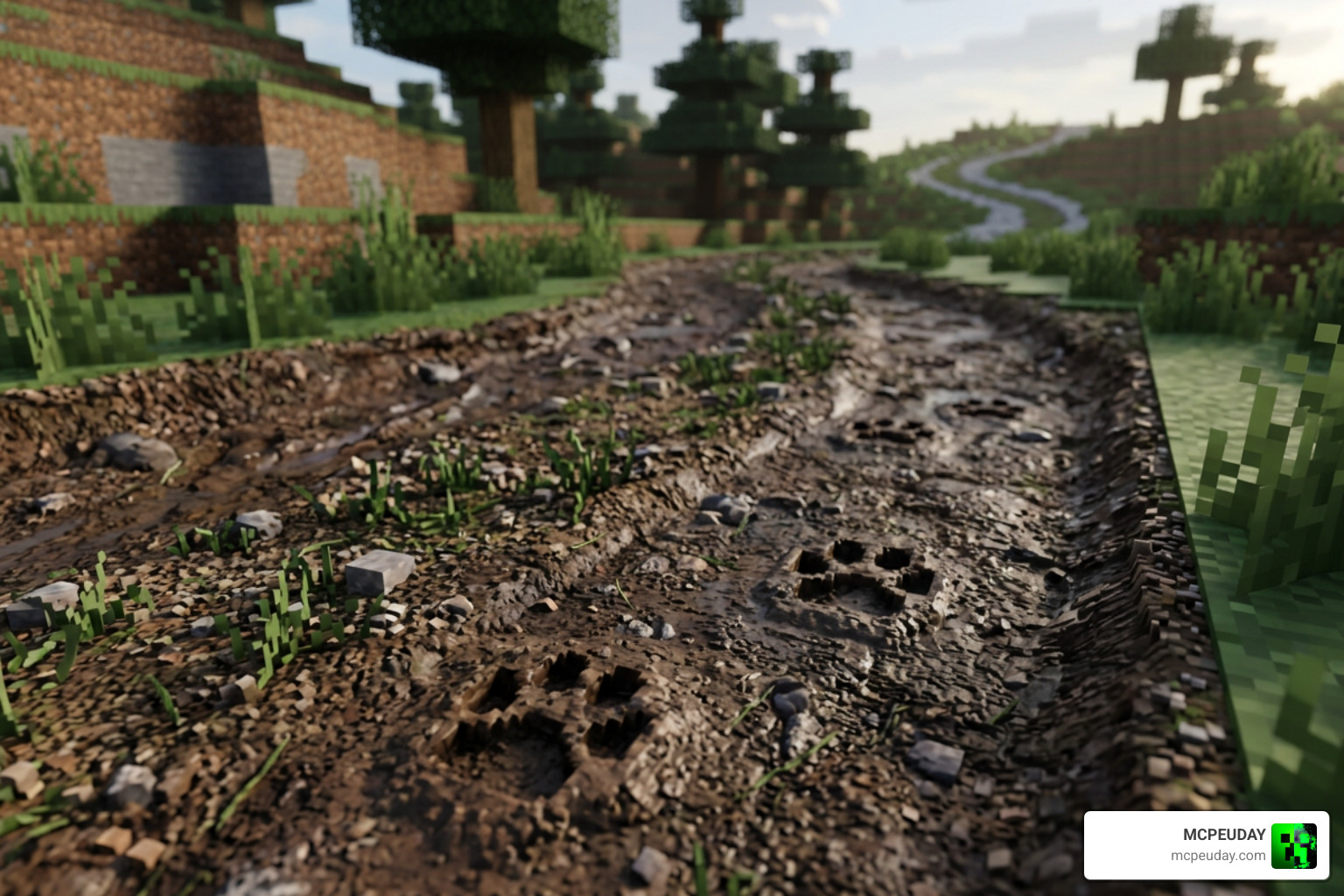
Because it functions strictly as a Resource Pack rather than a Behavior Pack, it is completely achievement-friendly. You can activate it under Global Resources in your main settings menu to enjoy footprint visual effects on public servers, friends’ worlds, and Bedrock Realms while keeping Xbox achievements active.
Technically, the pack works by attaching lightweight particle emitters directly to the player entity client-side. The footprint particles decay rapidly after spawning, preventing FPS lag and keeping world save files small.
Installation and Setup Guide for Java and Bedrock
Setting up your chosen footprint particle solution is quick across all supported platforms.
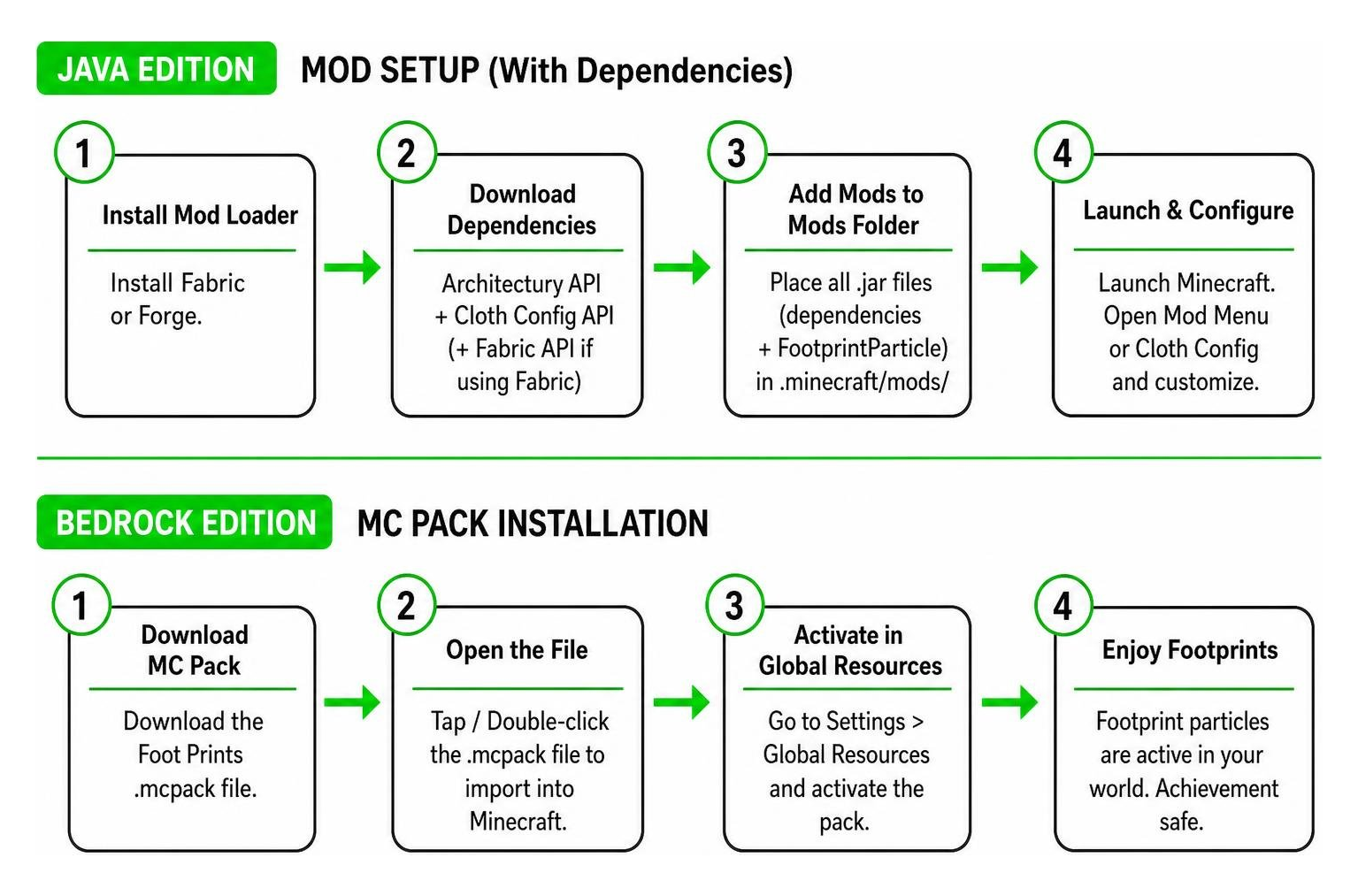
For Java Edition (Mod Setup):
- Download and install your preferred mod loader (Fabric or Forge).
- Download the required dependencies: Architectury API and Cloth Config API (plus Fabric API if using Fabric).
- Place the dependency
.jarfiles and the FootprintParticle mod.jarfile into your.minecraft/mods/directory. - Launch Minecraft, open Mod Menu or Cloth Config settings, and tweak your lifetime, surface hardness criteria, and texture mappings.
For Bedrock Edition (Resource Pack Setup):
- Download the
.mcpackfile to your device. - Tap or double-click the
.mcpackfile to automatically import it into Minecraft. - Open Settings > Global Resources > My Packs, locate the Foot Prints pack, and click Activate.
Frequently Asked Questions
Does the Bedrock footprint pack disable survival achievements?
No, the Bedrock Foot Prints resource pack does not disable achievements. Because it operates purely as a client-side visual resource pack without experimental toggles or behavior scripts, your survival worlds remain 100% achievement-eligible.
What dependencies are required for the FootprintParticle mod?
To run FootprintParticle on Java Edition, you must install Architectury API and Cloth Config API. If you are using the Fabric mod loader, you will also need Fabric API installed in your mods folder.
What was the legacy footprint.png file in older Minecraft versions?
The legacy footprint.png file found in the misc folder of early Minecraft resource packs was an unused image asset left in the game code by developer Notch. Editing this file does not alter any visuals in vanilla Minecraft.
Conclusion
Whether you prefer deep Java customization or lightweight Bedrock gameplay, adding a Footprints Particle texture pack instantly enriches world exploration. From boat water trails and sparks to custom animal paw prints, these simple visual details make every step across your survival world feel impactful.
If you are looking to enhance your Minecraft graphics, audio, and gameplay visuals even further, Explore Minecraft Texture Packs on MCPEUDAY for more up-to-date resources and downloads!
