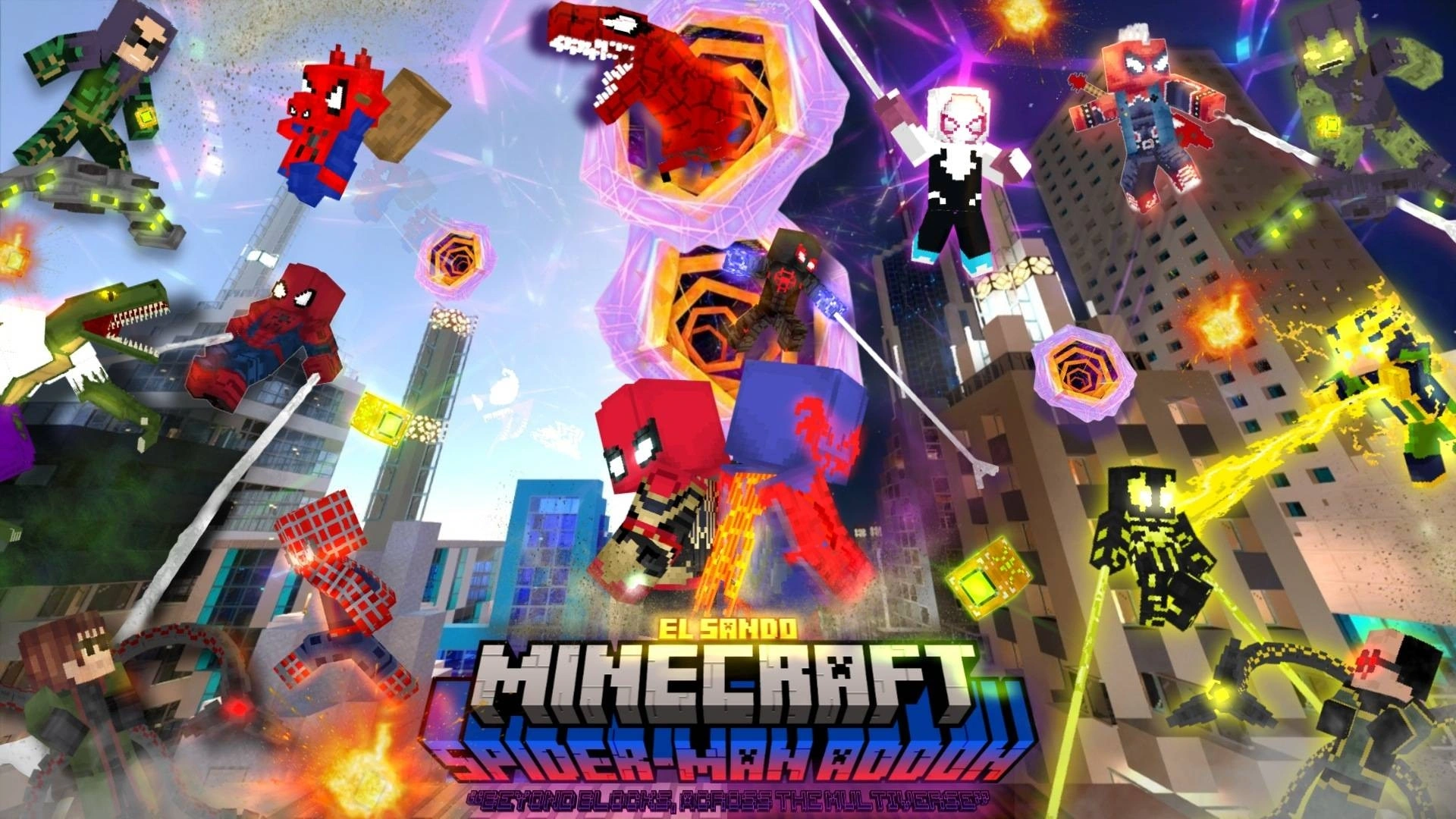
The EL SAND Spider-Man Addon: Swing Into Minecraft PE

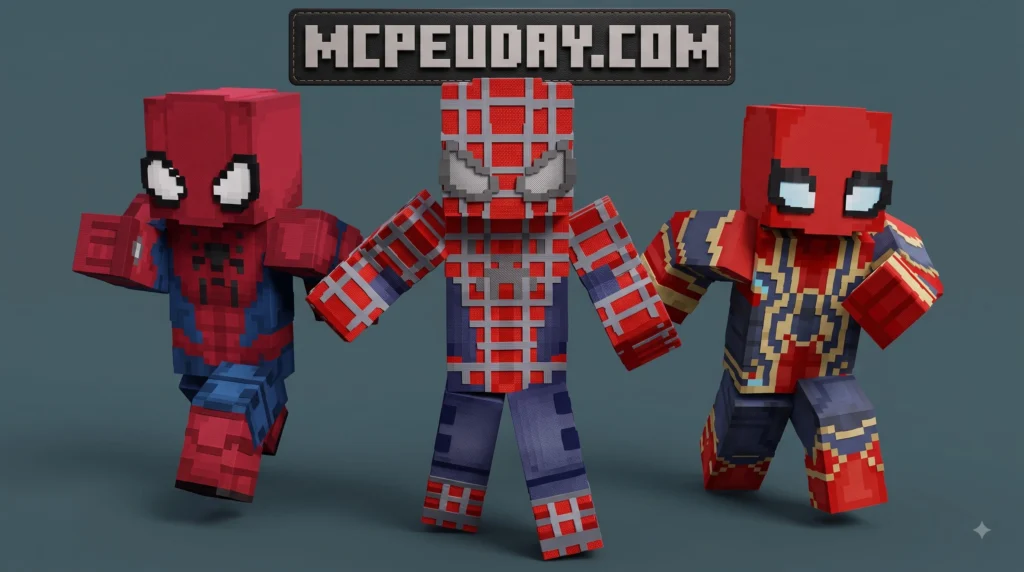
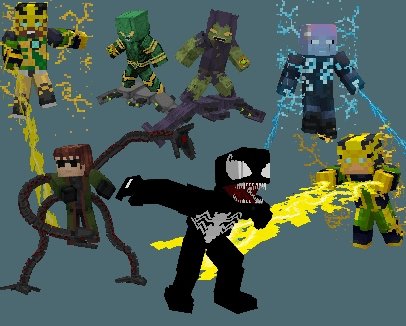

The EL SAND Spider-Man Addon brings the full Spider-Man: No Way Home cinematic experience directly into Minecraft Bedrock Edition — complete with custom suit armors, high-tech weapons, mystical Doctor Strange gear, and functional web slingers all efficiently packed into a single 3.42 MB .mcaddon file.
Here is what you need to know at a glance before jumping into the world:
- What it is — A feature-complete Minecraft PE addon created by EL SANDO themed around Peter Parker’s adventures in Spider-Man: No Way Home
- File format — Single
.mcaddoncontainer file that automatically bundles both necessary behavior and resource packs - File size — Extremely lightweight at 3.42 MB, ensuring low RAM usage and fast loading on budget devices
- Categories — Modifies and introduces Armor, Tools, and Custom Combat Weapons
- Rating — Rated 3.8 out of 5 stars by the community, with over 55,800 total downloads across mobile and desktop players
- How to install — Download the
.mcaddonfile, tap to import directly into Minecraft PE, and toggle active packs alongside experimental settings in your world menu
Installing custom mods on mobile devices or console ports of Minecraft can occasionally feel overwhelming, especially if you encounter unexpected pack activation failures or missing texture blocks. This comprehensive guide breaks the entire process down into three simple steps so you can start swinging through custom city builds as quickly and smoothly as possible.
I’m UDAY GAMER from MCPEUDAY, and I’ll walk you through every setting, compatibility note, and file management trick needed to get this superhero addon running perfectly.
What is the EL SAND Spider-Man Addon for Minecraft PE?
The EL SAND Spider-Man Addon is a popular modification pack crafted by creator EL SANDO that seamlessly brings iconic suits, gadgets, and superhero mechanics inspired by Marvel’s Spider-Man: No Way Home into your Minecraft Pocket Edition and Bedrock Edition worlds.
Delivered in an optimized 3.42 MB .mcaddon bundle, it allows quick installation without taking up precious internal storage on mobile phones or tablet devices. Over 55,800 active players have downloaded this expansion, awarding it a strong community score of 3.8 out of 5 stars for its smooth performance and detailed suit models.
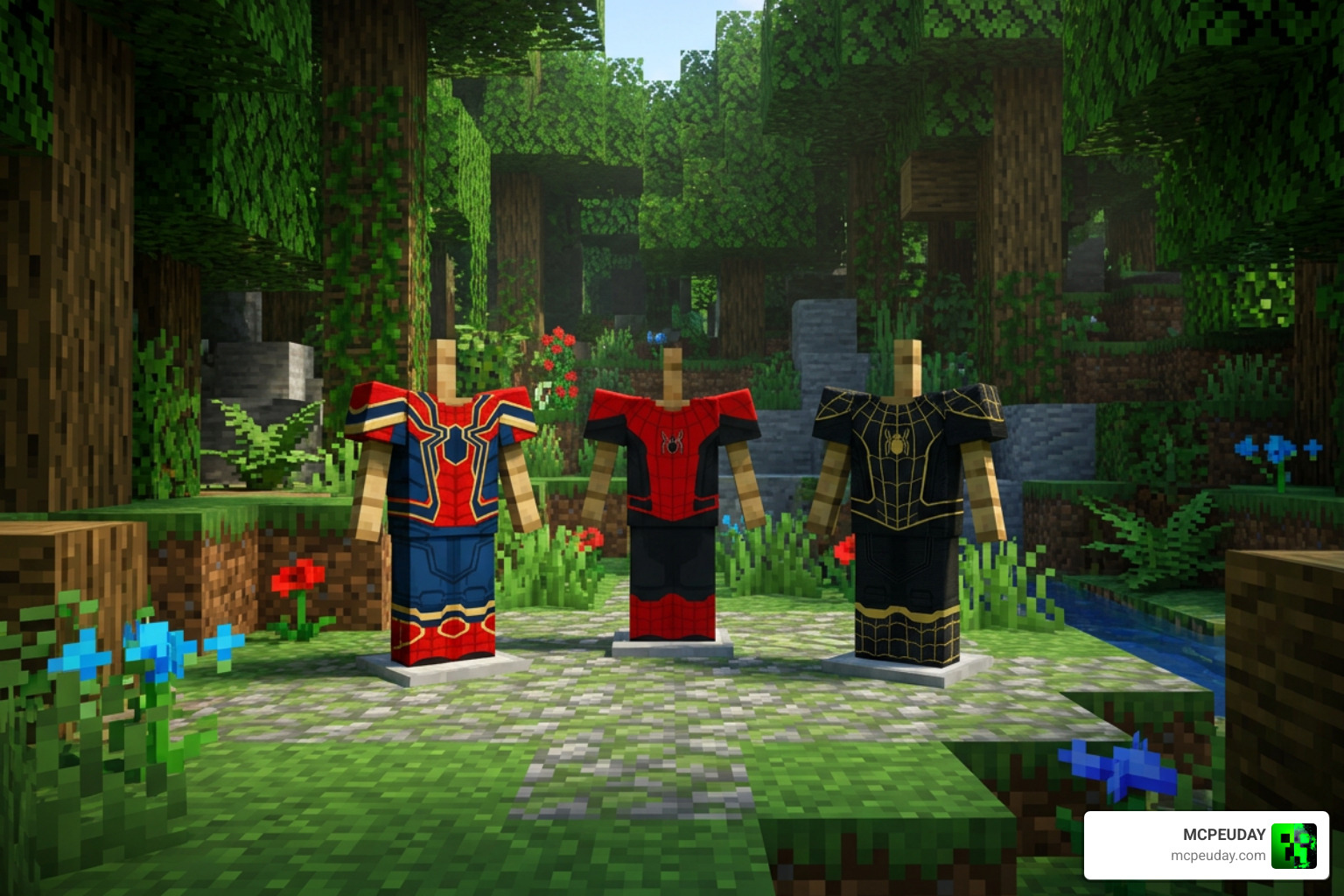
Key Features of the EL SAND Spider-Man Addon
Equipping this modification transforms standard gameplay mechanics, replacing default gear with high-tier superhero capabilities. Here is a detailed breakdown of the standout features included:
- Movie-Accurate Custom Suit Armor: Swap default diamond, gold, or netherite armor sets for high-definition suit variants, including the Integrated Suit, Upgraded Suit, and Black & Gold Suit.
- Unique Weapons and Hero Gadgets: Wield customized combat items inspired by Spider-Man’s inventory, giving you higher knockback, enhanced attack speed, and situational combat buffs against hostile mobs.
- Functional Web Shooters: Interactive items that simulate web shooting and mob trapping mechanics during real-time exploration and combat.
- Doctor Strange Mystic Tools: Includes magic spell items and artifacts reflecting Doctor Strange’s pivotal role in the No Way Home story arc.
- Custom Visual Animations: Includes custom resource pack particle effects, web trails, and armor render layers designed to make superhero abilities feel fluid and visually engaging.
Compatibility and Requirements for EL SAND Spider-Man Addon
To ensure stutter-free performance and avoid graphical glitching, verify that your gaming platform satisfies these minimum system requirements:
- Supported Platforms: Fully compatible across Android, iOS, Windows 10/11, and cross-play console environments running updated versions of Minecraft Bedrock Edition (MCPE).
- Combined File Format: Distributed under the file name
El Sando Spider-Man NWH.mcaddon, containing both the resource pack textures and behavior pack entity scripts in a single package. - Low Hardware Overhead: Because the download sits comfortably under 3.5 MB, mobile hardware handles memory caching effortlessly without sacrificing rendering frame rates.
- Experimental Features Requirement: Requires toggling specific experimental toggles inside world creation to handle custom item scripts and custom armor layer rendering.
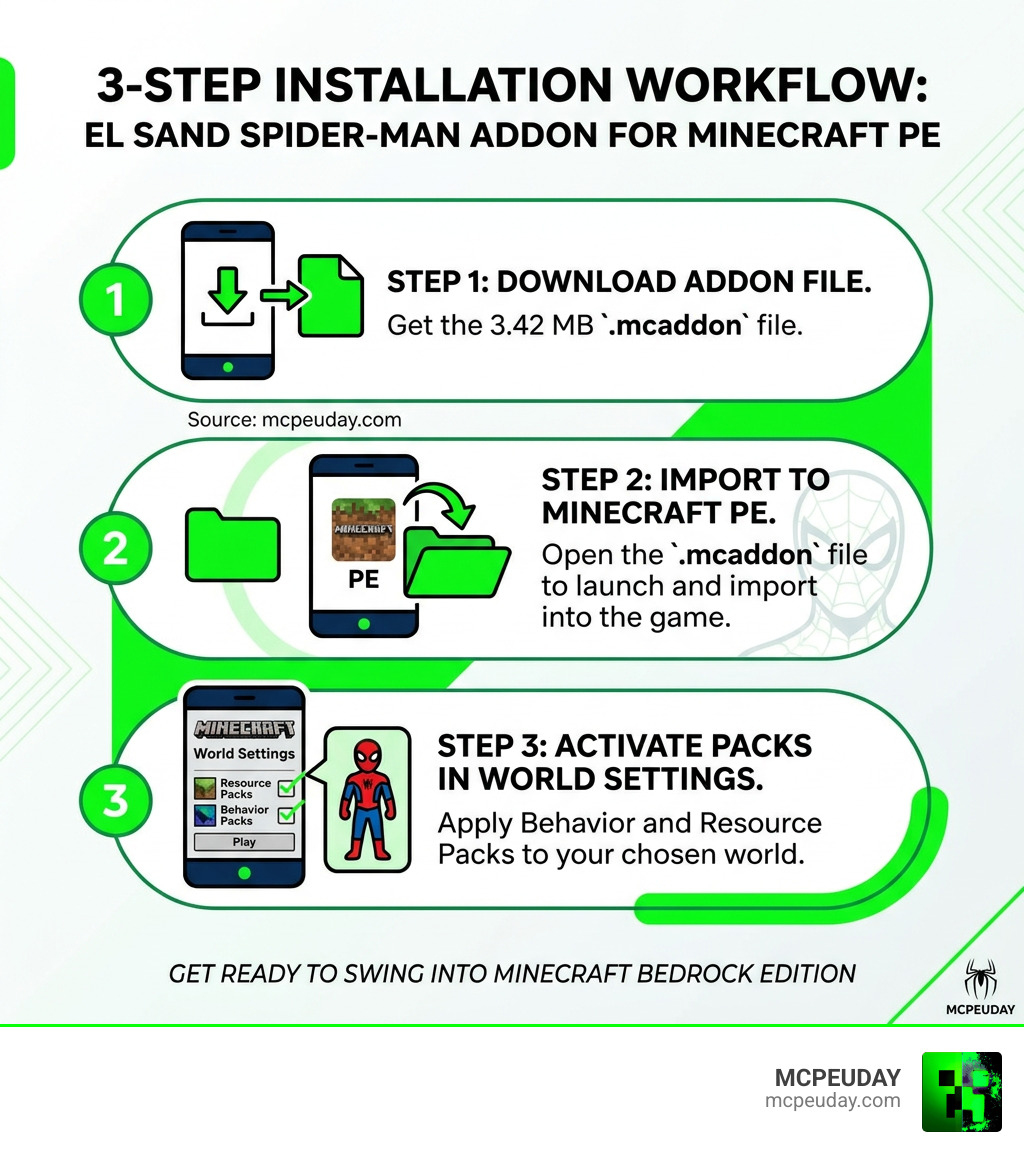
How to Download and Install the Addon in 3 Easy Steps
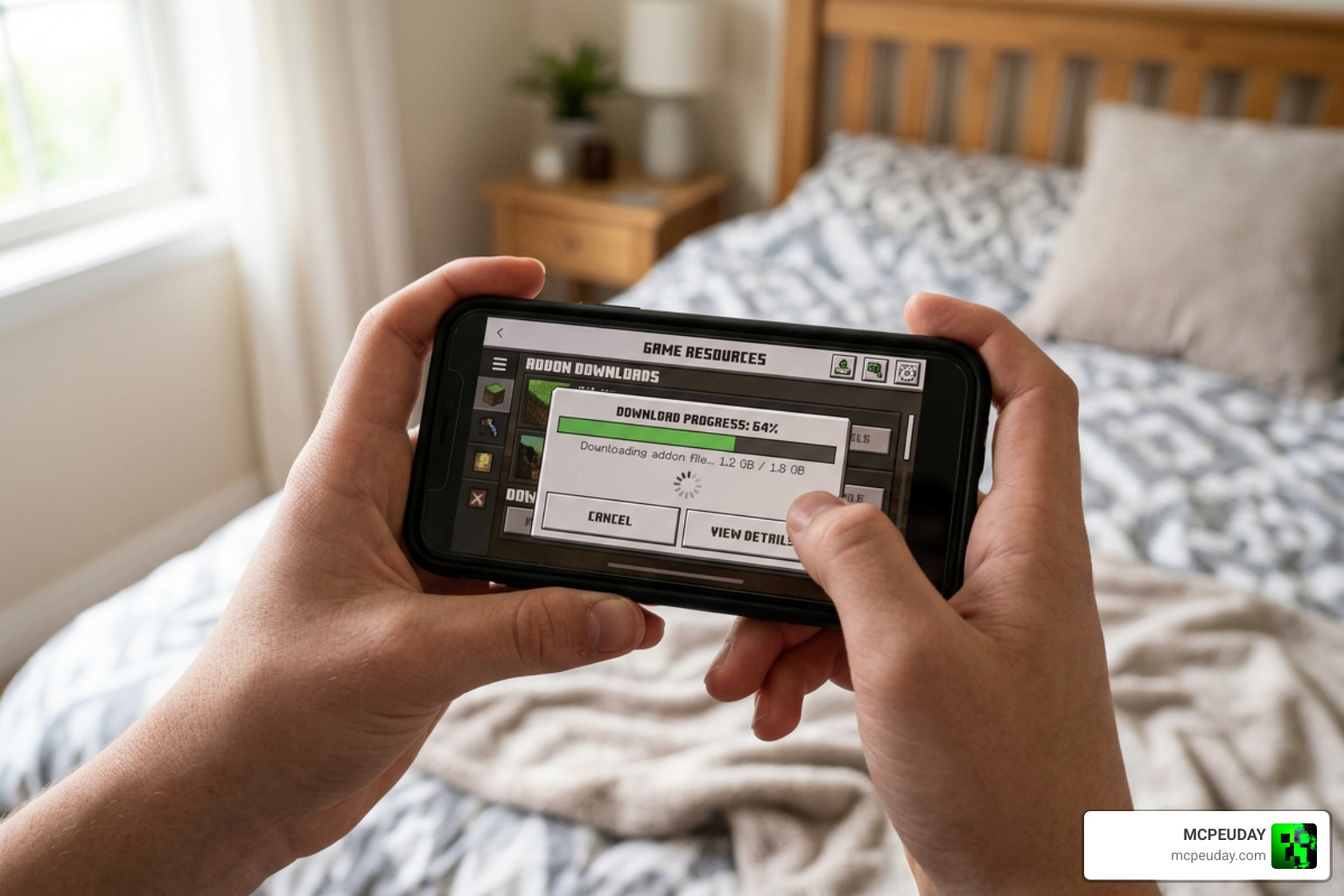
Installing custom content onto mobile, desktop, or tablet versions of Minecraft Bedrock does not have to be frustrating. Following this step-by-step workflow will get your new superhero pack correctly imported and activated in under five minutes.
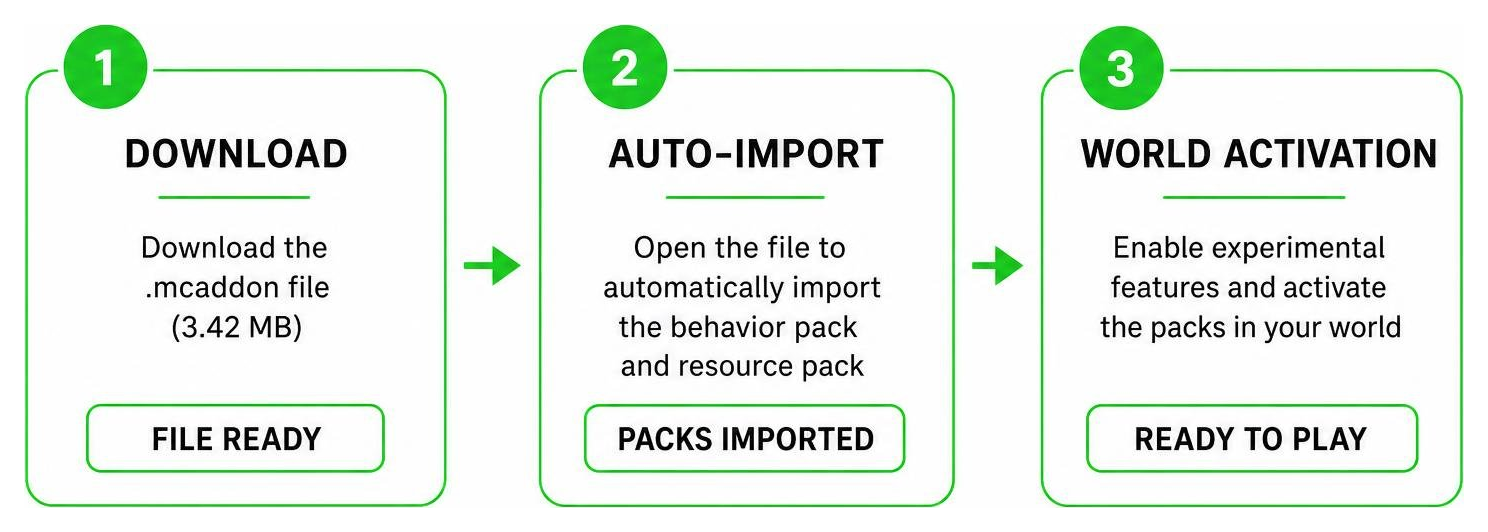
Step 1: Download the .mcaddon File
- Visit the verified download landing page on MCPEUDAY for the EL SAND Spider-Man Addon.
- Click the direct file link to retrieve
El Sando Spider-Man NWH.mcaddon. - Check your browser’s download queue to confirm the file size is approximately 3.42 MB, confirming the package downloaded fully without loss of data.
- Ensure the file resides in your device’s default downloads directory so your file manager can register it properly.
Step 2: Import the File to Minecraft PE
- Launch your mobile device’s default File Manager app (or the native Files app on iOS devices).
- Navigate to your Downloads directory and tap
El Sando Spider-Man NWH.mcaddon. - If prompted by your operating system, choose Open with Minecraft to launch the game engine.
- Minecraft Bedrock will open automatically. Look for the top banner alert reading “Import Started” followed by “Successfully Imported El Sando Spider-Man NWH”.
Step 3: Activate Packs and World Settings
- Open Minecraft PE, click Play, and tap Create New World (or click the edit pencil icon next to an existing saved world).
- Scroll down the left sidebar to Resource Packs, open My Packs, locate the Spider-Man NWH pack, and hit Activate.
- Navigate to the Behavior Packs tab immediately underneath and confirm that the behavior component is active as well.
- Scroll down to Experiments in the World Settings menu and enable toggles such as Holiday Creator Features, Custom Biomes, and Upcoming Creator Features.
- Click Create or Play to jump into your world with full superhero abilities enabled!
Troubleshooting, Commands, and Mod Alternatives
Occasionally, players might encounter minor technical glitches, invisible item textures, or missing suit geometry when first loading custom addons. If items fail to render or web shooters display missing block textures, first ensure that both the Behavior Pack and Resource Pack are activated simultaneously in your world settings. In other Source-based titles like Left 4 Dead 2 where community Spider-Man mod collections often feature over 417 items, gamers rely on console commands like sv_consistency 0 to fix model mismatches. In Minecraft Bedrock Edition, toggling your experimental features off and on again fixes similar consistency issues.
If you want to evaluate how EL SANDO’s creation performs against other popular superhero modifications available for Minecraft Bedrock, compare the specifications below:
| Feature / Metric | EL SAND Spider-Man Addon | Standard Superhero Mod | Real Web Shooters Mod |
|---|---|---|---|
| File Size | 3.42 MB | ~15-20 MB | ~5 MB |
| Theme | Spider-Man: No Way Home | General Comic Heroes | Web Slinging Mechanics |
| Main Categories | Armor, Tools, Weapons | Entities, Suits, Bosses | Gameplay Scripts, Items |
| Magic Features | Includes Doctor Strange Gear | Varies | None |
| Performance Impact | Very Low | Moderate to High | Low |
For best results when running multiple mods, keep the EL SAND resource pack near the top of your active resource stack order to prevent other texture packs from overriding suit models.
Frequently Asked Questions About EL SAND Spider-Man Addon
How large is the download for the EL SAND Spider-Man Addon?
The official download package El Sando Spider-Man NWH.mcaddon is roughly 3.42 MB. Thanks to its lightweight optimization, it downloads quickly even on standard mobile data connections and places minimal burden on device storage.
What item categories does this addon modify in Minecraft PE?
The EL SAND Spider-Man Addon changes three main functional gameplay categories in Minecraft PE: Armor (converting vanilla gear slots into detailed Spider-Man movie suits), Tools (adding web shooters and Doctor Strange mystical artifacts), and Weapons (offering custom melee and ranged combat items).
How do you fix consistency errors or missing textures?
To quickly fix missing texture blocks or unrendered suit items, open your world edit menu and verify that both the Resource Pack and Behavior Pack are active together in the same world. Additionally, ensure that all Creator Experimental features are toggled on before launching, and restart your Minecraft application to clear temporary memory caches.
Conclusion
The EL SAND Spider-Man Addon stands out as one of the most accessible and entertaining ways to turn your Minecraft Bedrock worlds into an action-packed superhero sandbox. Packed with movie-accurate suits, custom web shooters, and magic items within a lightweight 3.42 MB file, it offers exceptional gameplay value for fans of the Spider-Man universe.
If you are eager to discover more top-rated mods, custom resource packs, and gameplay tweaks, Explore More MCPE Mods and Addons on MCPEUDAY today!

1 thought on “EL SAND Spider-Man Addon (26.x, 1.21) – MCPE/Bedrock Mod”