Overview of the Spider-Man Heropack Mod Framework
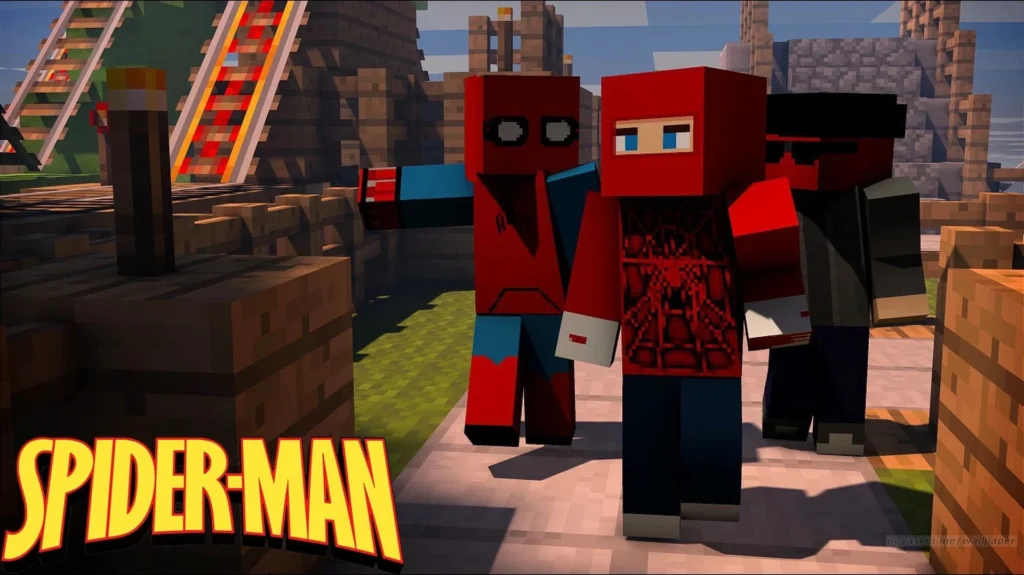
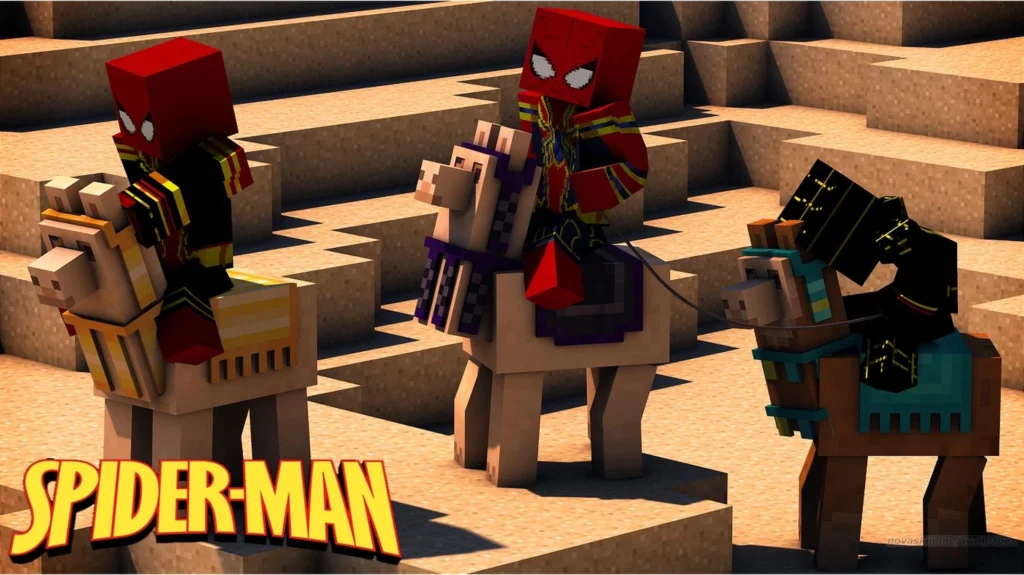
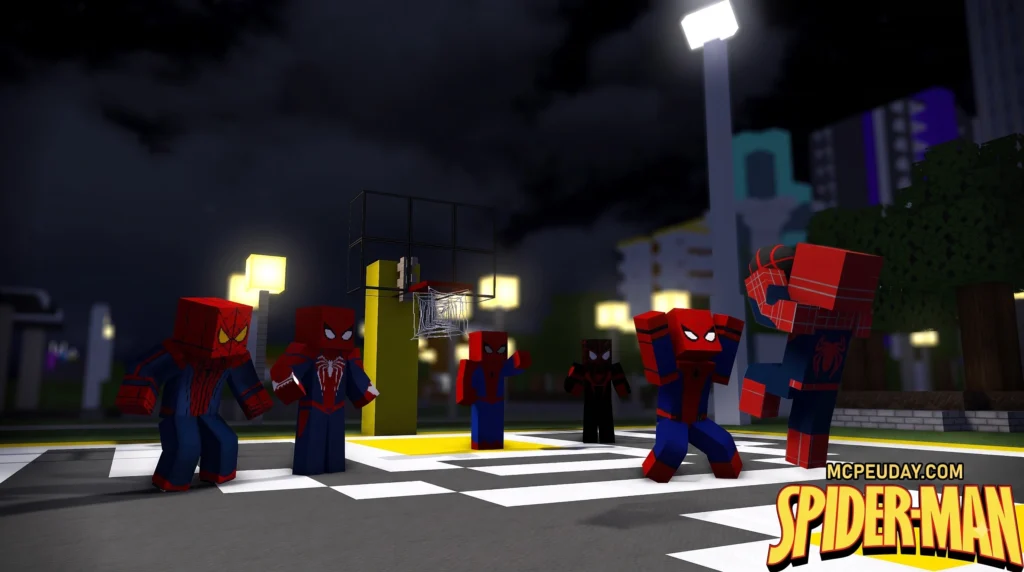
The Spider-Man Heropack Mod functions as a specialized expansion module designed to run within existing Minecraft superhero engine frameworks rather than operating as a standalone standard Forge modification. Instead of modifying core game logic from scratch, these advanced superhero engine frameworks allow community creators to inject custom 3D character models, high-resolution suit textures, unique super-abilities, custom sound effects, and physics-based web-slinging mechanics directly into standard survival and creative worlds.
Community developers and custom creators such as capitaojob, SecretIdentity, and Shady1545 have built exceptionally detailed custom additions for these superhero engine systems over the years. Modern heropacks frequently expand upon the foundation laid by popular community projects like the Secret Heroes Heropack – Minecraft Customization project, bringing distinct comic book, cinematic, and original universe Spider-Man variations directly into player-built cityscapes and custom survival worlds.
Base Mod Requirements for the Spider-Man Heropack Mod
Before loading these custom suit packs, you must establish a fully functional base mod environment tailored to your chosen Minecraft version:
- Legacy Java Setup (Minecraft 1.7.10): Runs on FiskFille’s Superhero Mod (version 2.0.0). Legacy packs like the Expanded Spider-Man Heropack (FiskFille’s Superhero Mod 2.0.0) are structured specifically to hook into FiskFille’s custom rendering system and config reader.
- Modern Java Setup (Minecraft 1.20.1): Operates on the Palladium framework utilizing Minecraft Forge, often bundled into comprehensive superhero modpacks such as Shady’s Heropack – Minecraft Modpack – Modpack Index .
Included Suits, Abilities, and Mechanical Claws
Each suit included in the Spider-Man Heropack Mod delivers unique visual aesthetic traits alongside powerful active and passive combat capabilities:
- Symbiote Suit: Provides players with substantial physical damage resistance, complete immunity to fall damage, enhanced movement speed, and heavily boosted melee attack power compared to standard Minecraft armor sets.
- Symbiote Raimi Suit: Inspired by the classic cinematic trilogy, this suit pairs high armor durability stats with accelerated passive health regeneration and boosted jump height.
- Superior Spider-Man: Equips player characters with four extended mechanical Octavius claws mounted on the backpiece, which automatically strike back against aggressive hostiles in close proximity.
- Iron Spider: Features retractable curved metallic spider legs extending from the armor chestplate, delivering enhanced wall-climbing utility, elevated knockback resistance, and sweeping heavy attacks against hostiles.
- PS4 Web-Shooters: Allows seamless high-speed web slinging across tall structures simply by equipping the chestpiece item, complete with custom momentum physics and web-swing sound effects.
How to Download and Install Superhero Packs in 5 Steps
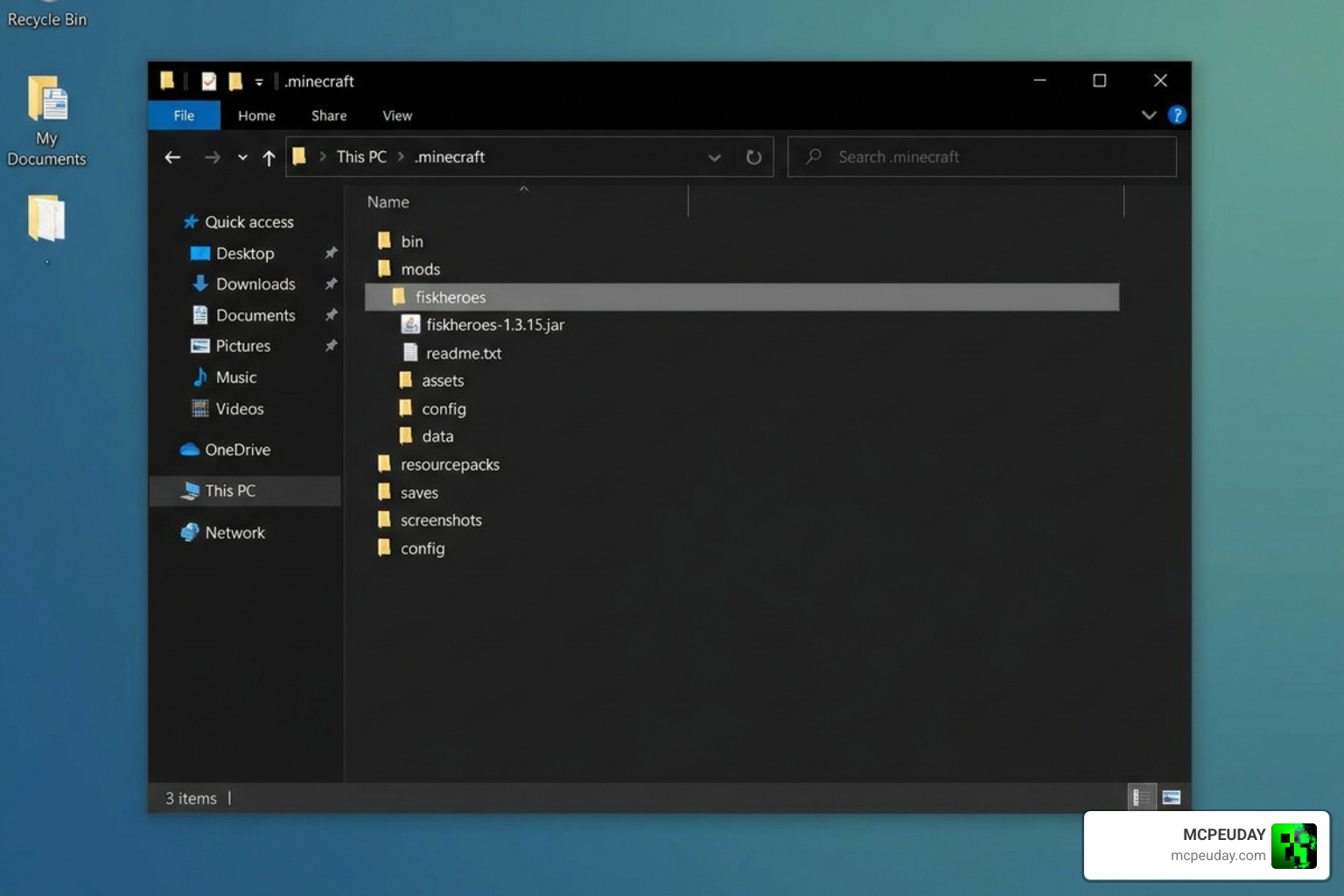
Installing a custom heropack requires precise file management and specific folder routing within your main game installation directory to function without crashing or missing assets.
Step 1: Install Minecraft Forge and Framework Mods
To begin setting up your game files safely and properly:
- Download and execute the official Minecraft Forge installer for your target version (either legacy 1.7.10 or modern 1.20.1).
- Download the core superhero engine framework mod matching your game version (FiskFille’s Superheroes 2.0.0 for 1.7.10 or Palladium for 1.20.1).
- Move the downloaded core mod
.jarfile directly into your primary.minecraft/modsfolder. - For modern 1.20.1 setups, open your Minecraft Launcher settings, navigate to JVM arguments, and allocate 4GB to 6GB of RAM to guarantee smooth performance when loading custom superhero models and high-resolution suit textures.
Step 2: Locate the Dedicated Custom Folder
- Hold the
Win + Rkeys on your keyboard simultaneously to launch the Windows Run dialog box. - Enter
%appdata%\.minecraftinto the text box and press Enter or click OK. - Search through your
.minecraftroot folder for a directory namedfiskheroes. If you are installing for legacy 1.7.10 and this folder does not exist yet, right-click, select New Folder, and name it exactlyfiskheroesin lower-case letters.
Step 3: Download the Unextracted Pack ZIP File
Download the official Spider-Man Heropack Mod archive file from a trusted, verified repository. Always make sure you download the original .zip archive file directly to your system without altering its contents or letting your browser auto-extract archive files upon download completion.
Step 4: Place the ZIP File in the Correct Directory
Copy or drag the intact .zip heropack file directly into the fiskheroes folder you located or created in Step 2.
Crucial Technical Rule: Do not unzip or extract the archive contents. Heropack engines are hardcoded to read suit definitions, textures, and hero scripts directly from packed compressed files. Unpacking the folder will cause the mod engine to ignore the files, leading to missing suit items in-game.
Step 5: Launch Minecraft and Test Suit Controls
- Open your custom Minecraft launcher profile set to the Forge version you configured.
- Launch into a creative or survival world and open your superhero assembly table, custom inventory tab, or craft the suit pieces using base recipe materials.
- Open your Controls and Keybindings menu in the Options tab to map dedicated hotkeys for toggleable hero abilities, such as deploying Iron Spider tentacles, firing high-speed web lines, wall crawling, or executing heavy symbiote strikes.
Performance and Suit Comparison: Fisk’s vs. Palladium
Choosing between legacy 1.7.10 setups and modern 1.20.1 frameworks comes down to your personal performance preferences, hardware capabilities, and desired mod ecosystem compatibility.
| Feature | FiskFille’s Superheroes Framework | Palladium Framework |
|---|---|---|
| Minecraft Version | 1.7.10 | 1.20.1 |
| Mod Loader | Forge 1.7.10 | Forge 1.20.1 |
| Performance Mods | Standard OptiFine | Entity Culling, Packet Fixer |
| Scripting / Customs | Preset config files | KubeJS & CustomNPCs support |
| Suit Installation | .minecraft/fiskheroes folder | Addon pack configuration |
While legacy 1.7.10 setups with FiskFille’s framework run lightweight on older computers, modern 1.20.1 setups utilizing Palladium easily integrate with cutting-edge optimization mods like Entity Culling and Packet Fixer. These performance tools keep server and client tick rates perfectly stable during high-speed web slinging through dense custom city maps.
Frequently Asked Questions
Which Minecraft versions support custom superhero packs?
Custom heropacks primarily target Minecraft 1.7.10 (for FiskFille’s Superhero Mod engine) and Minecraft 1.20.1 (for the modern Palladium-based addon framework). Always double-check that your downloaded heropack archive version perfectly matches the exact underlying framework version loaded in your Forge mods directory.
Why are features missing from the Spider-Man Heropack Mod?
If suit items, web-slinging mechanics, or special abilities fail to show up in your game, first verify that you did not extract the .zip archive inside your fiskheroes directory. Missing abilities can also occur if keybinding conflicts exist in your controls menu or if you are running an outdated build of the core base framework mod.
Does the Symbiote suit allow full transformations?
Base heropack releases generally focus on static suit variations that deliver passive physical stat increases, superior health regeneration, and enhanced movement speeds. Dynamic transformations (such as transforming mid-combat from Peter Parker into a full Symbiote or Venom model) are available in select custom community revisions that incorporate advanced scripting features.
Conclusion
Adding custom suits and superhero mechanics to your world completely revitalizes standard survival gameplay and creative roleplay. By keeping your downloaded .zip file unextracted and routing it into the correct directory, you can safely swing through custom city build maps with iconic abilities in no time.
For more comprehensive guides, mods, shaders, and custom addon downloads to upgrade your gameplay experience, visit Explore Top Minecraft Mods and Addons today!

1 thought on “Spider-Man Heropack Mod (26.x, 1.21) – MCPE/Bedrock Addon ”