Stop Wasting Hours Searching — Here’s How a Minecraft Structure Finder Works

A minecraft structure finder is an online tool that uses your world seed to calculate the exact coordinates of villages, Ancient Cities, strongholds, and dozens of other structures — before you even start walking.
Quick answer — how to find any structure in Minecraft:
- Run
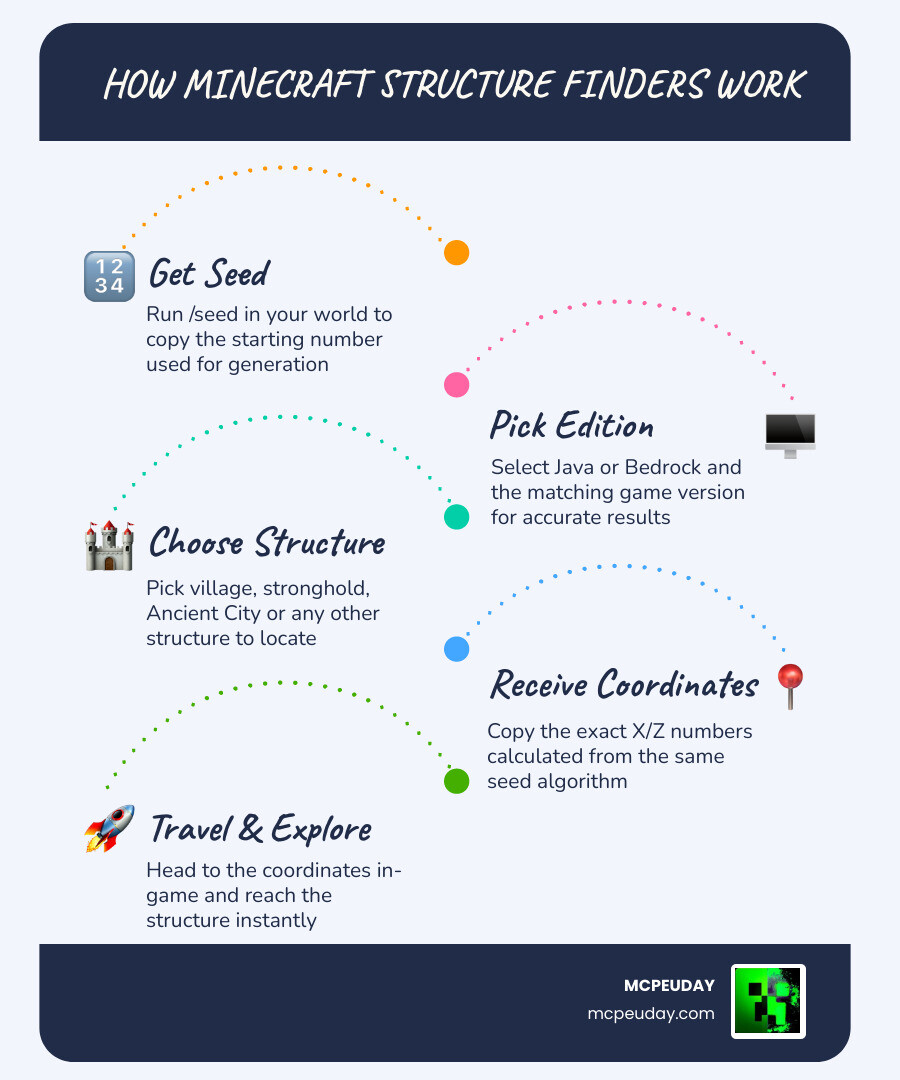
/seedin your world to get your seed number - Go to a structure finder tool in your browser
- Enter your seed, select your edition (Java or Bedrock), and pick your Minecraft version
- Choose the structure you want to locate
- Get the exact X/Z coordinates and head there in-game
That’s it. No hours of wandering. No wasted Eyes of Ender.
Here’s the thing — Minecraft worlds are not random. Every terrain feature, biome, and structure is generated from a single starting number called a seed. Because that math is consistent and documented, external tools can run the same calculations your game does and tell you exactly where things will spawn.
Whether you’re speedrunning to the End, hunting for an Ancient City in hardcore mode, or just trying to find a village near spawn — knowing how to use these tools can save you a lot of time.
What is a Minecraft Structure Finder and How Does it Work?
At its core, a minecraft structure finder is a mathematical bridge between your game’s code and a visual map. Every world in Minecraft is procedurally generated. This means the game doesn’t just “guess” where to put a village; it follows a strict set of rules dictated by your world seed—a number ranging from -2,147,483,648 to 2,147,483,647.
These tools work by utilizing coordinate systems. In Minecraft, your position is tracked on three axes: X (east/west), Y (height), and Z (north/south). Most finders focus on the X and Z coordinates to pin down the horizontal location of a structure.
The Math Behind the Magic
How do these websites know where a Trial Chamber is before you’ve even loaded the chunks? It comes down to algorithm analysis. Many modern tools use the Cubiomes library, a high-performance C library designed to calculate biomes and structures at lightning speed. This library is often compiled into WebAssembly, allowing your web browser to run these complex calculations locally on your computer rather than waiting for a slow server to respond.
When you enter a seed into a tool like Biome & Structure Finder for Minecraft, the tool mimics the game’s internal logic. It checks the biome at specific coordinates to see if it’s a valid spot for a structure (for example, a Desert Pyramid can’t spawn in a Snowy Tundra) and then confirms if the structure’s “placement seed” matches that location.
The Best Online Minecraft Structure Finder Tools for 2026
As we move through May 2026, the landscape for finding structures has become incredibly sophisticated. Whether you are on Java Edition or Bedrock Edition, there are several high-performance mapping tools available that support the latest updates, including version 1.21 and beyond.
Top Web-Based Finders
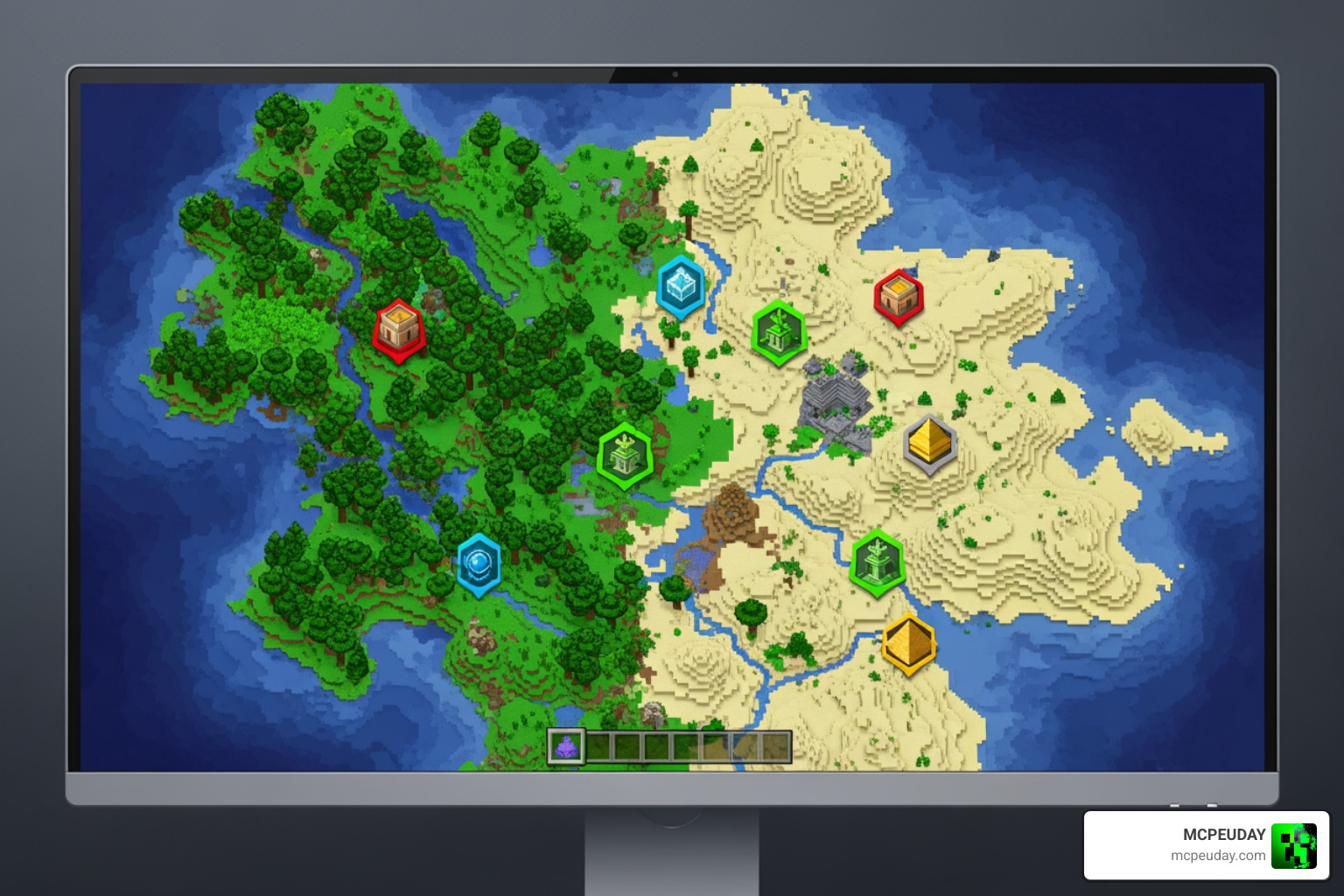
- Comprehensive Seed Maps: Tools like Seed Map – Minecraft App – Chunkbase and Minecraft Seed Map Viewer – Seeds.gg offer interactive, zoomable maps. These are perfect for seeing the “big picture” of your world.
- Specific Structure Locators: If you only care about one thing, like finding a stronghold, Structure Finder | Minecraft Village & Stronghold Finder or Minecraft Structure Finder – Locate Structures In Your World allow for targeted searches.
- Privacy-Focused Tools: Some tools, like MC Seed View, emphasize client-side processing, meaning your seed never even leaves your browser, ensuring total privacy.
Features to Look For
When choosing a tool, we recommend looking for:
- Multi-Dimension Support: Can it find Bastion Remnants in the Nether or End Cities in the End?
- Version Parity: Does it support the latest 1.21 features like Trial Chambers?
- Search Range: Some tools allow you to search in ranges from 500 to 5,000 blocks from your current position.
How to Use a Minecraft Structure Finder Step-by-Step
Using these tools is straightforward, but precision is key to getting accurate results.
- Get Your Seed: In-game, type
/seedin the chat. Click the seed number to copy it to your clipboard. - Select Your Version: This is the most common mistake! Ensure you select the correct version (e.g., Java 1.21 or Bedrock 1.21). World generation changes between updates.
- Choose Your Dimension: Toggle between the Overworld, Nether, and End depending on what you are looking for.
- Input Your Current Coordinates: Most tools have an input for your current X and Z coordinates so they can find the nearest structure to you.
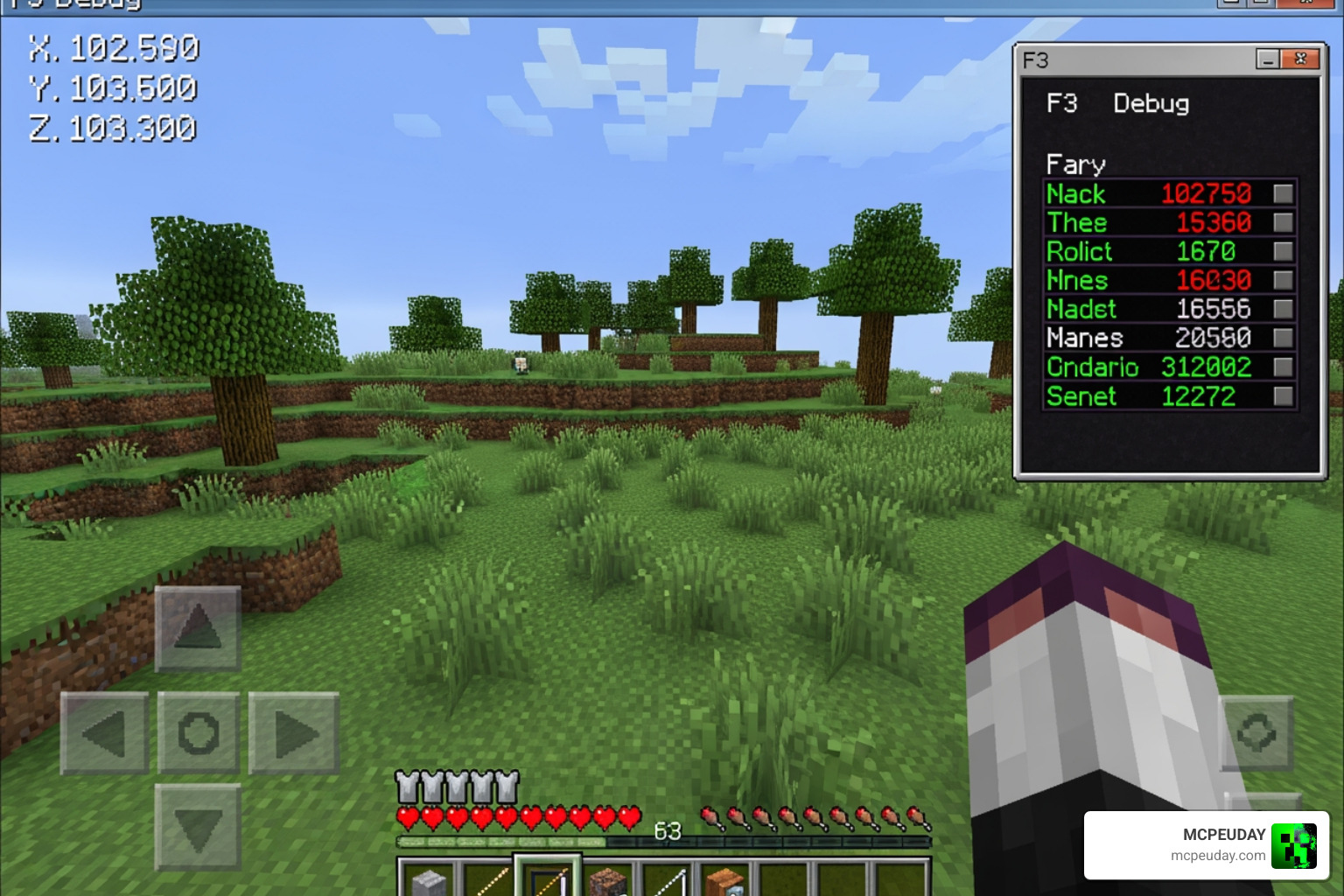
- Navigate: Once the tool provides coordinates, head there in-game. You can use the F3 screen (Java) or enable “Show Coordinates” (Bedrock) to track your movement.
Key Benefits of Using a Minecraft Structure Finder
Why use a minecraft structure finder instead of just exploring?
- Time Efficiency: Some structures can spawn 20,000 blocks away. Walking that distance blindly can take hours.
- Resource Gathering: Quickly locate villages for trading or Ocean Monuments for sponges and gold.
- Speedrunning: Locating the 128 strongholds in a Java world becomes a matter of seconds rather than minutes of throwing Eyes of Ender.
- Base Planning: Use a Biome & Structure Finder for Minecraft to find the perfect intersection of a Cherry Grove and a Village for your next build.
Accuracy and Limitations of Seed-Based Tools
While these tools are incredibly accurate, they aren’t magic. Most tools calculate where a structure should be, but the actual game engine has the final say.
Terrain Constraints and False Positives
Sometimes, a tool will say there is a Desert Well at a specific coordinate, but when you get there, there’s nothing but sand. This is often a “terrain check” failure. If the terrain is too steep or there is a conflicting feature (like a lake), the game may cancel the structure generation at the last millisecond.
Version Parity
Java and Bedrock editions handle structures differently. For example, Java Edition might have more detailed structure lists, while Bedrock’s algorithm for certain structures like Ancient Cities was only recently fully decoded through brute force analysis.
| Structure | Java Edition 1.21 | Bedrock Edition 1.21 |
|---|---|---|
| Trial Chambers | Yes | Yes |
| Ancient City | Yes | Yes |
| Woodland Mansion | Yes | Yes (Rarer) |
| Swamp Hut | Yes | Yes |
| Trial Ruins | Yes | Yes |
Best Alternatives: In-Game Commands and Mods
If you don’t want to use a website, there are plenty of in-game ways to find what you’re looking for. We at MCPEUDAY love providing resources that enhance your gameplay directly.
Vanilla Commands
The most direct way is the /locate command. By typing /locate structure minecraft:ancient_city, the game will provide the coordinates of the nearest one. You can then click the coordinates to use the /teleport command and jump there instantly.
Enhancing Your World with Mods and Addons
For those who want more than just coordinates, mods and addons can change how structures appear or help you build them.
- For Builders: If you’ve found a great spot but want to build your own massive base quickly, check out the Effortless Building Mod 26 x 1 21 Build Massive Structures Faster in Minecraft.
- For Explorers: If you find vanilla structures a bit boring, the Better Structures Addon or the Structures Arises Remake Addon 26 x 1 21 Download Features Installation Guide adds entirely new generated buildings to your world.
- For Aesthetic Lovers: Transform your world’s look with the Medieval Structures Addon 1 26 1 21 Transform Your Minecraft World with Realistic Medieval Builds.
Frequently Asked Questions about Structure Finding
Is using a structure finder considered cheating?
This is a hot topic in the community! Most players view it as a “utility” rather than a cheat. In single-player worlds, it’s entirely up to your personal playstyle. However, on many multiplayer servers, using external tools or mods like Xaero’s Mini-Map might be against the rules. Always check with your server admin first!
Why is the structure not at the coordinates provided?
There are usually three culprits:
- Version Mismatch: You are playing on 1.21 but used a 1.20 search.
- Edition Mismatch: You entered a Java seed into a Bedrock finder.
- Terrain Interference: The game tried to place the structure, but a mountain or cave was in the way, so it “skipped” it.
Are online seed-based tools safe to use?
Yes, most reputable tools are very safe. Tools like MC Seed View run 100% client-side, meaning no data is sent to a server. You don’t need to download anything or provide personal info—just your seed number.
Conclusion
Finding your way around the infinite blocks of Minecraft doesn’t have to be a chore. By using a minecraft structure finder, you turn a game of blind luck into a journey of strategic planning. Whether you’re using online tools to map out your next empire or installing addons from us to make those structures even better, the goal is the same: having more fun in your world.
Ready to take your world to the next level? Start your next adventure with MCPEUDAY and explore our massive collection of mods, addons, and shaders designed to make your Minecraft experience truly unique!
2 thoughts on “Minecraft Structure Finder Guide 2026 – Locate Any Structure Instantly”