Why Finding Ores in the Dark Is Easier With the X Ray Night Vision Addon (26.x, 1.21)
The X Ray with Night Vision Addon (26.x, 1.21) lets you find ores in dark underground areas without squinting through solid blocks or wasting hours of mining. Here’s the quick answer:
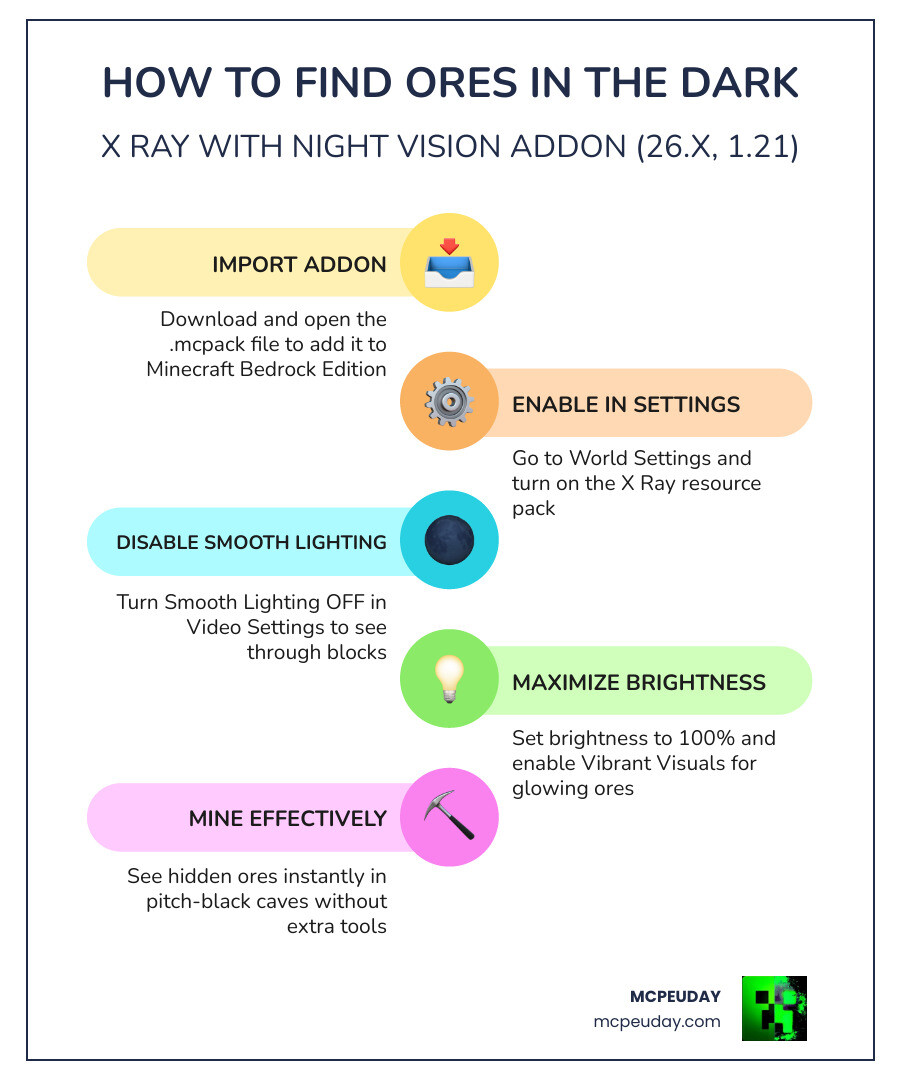
How to find ores in the dark with this addon:
- Download the
.mcpackfile and open it to import into Minecraft Bedrock Edition - Enable it under Resource Packs in your World Settings
- Turn Smooth Lighting OFF in Video/Graphics Settings
- Set brightness to 100%
- Optionally enable Vibrant Visuals for glowing ore effects
Achievement-safe: This addon works as a resource pack only, so it does not disable achievements in singleplayer worlds.
If you’ve ever spent 30 minutes tunneling through stone looking for diamonds — only to find nothing — you’re not alone. Underground mining in Minecraft Bedrock is slow, dark, and frustrating without the right tools.
That’s exactly what this addon solves.
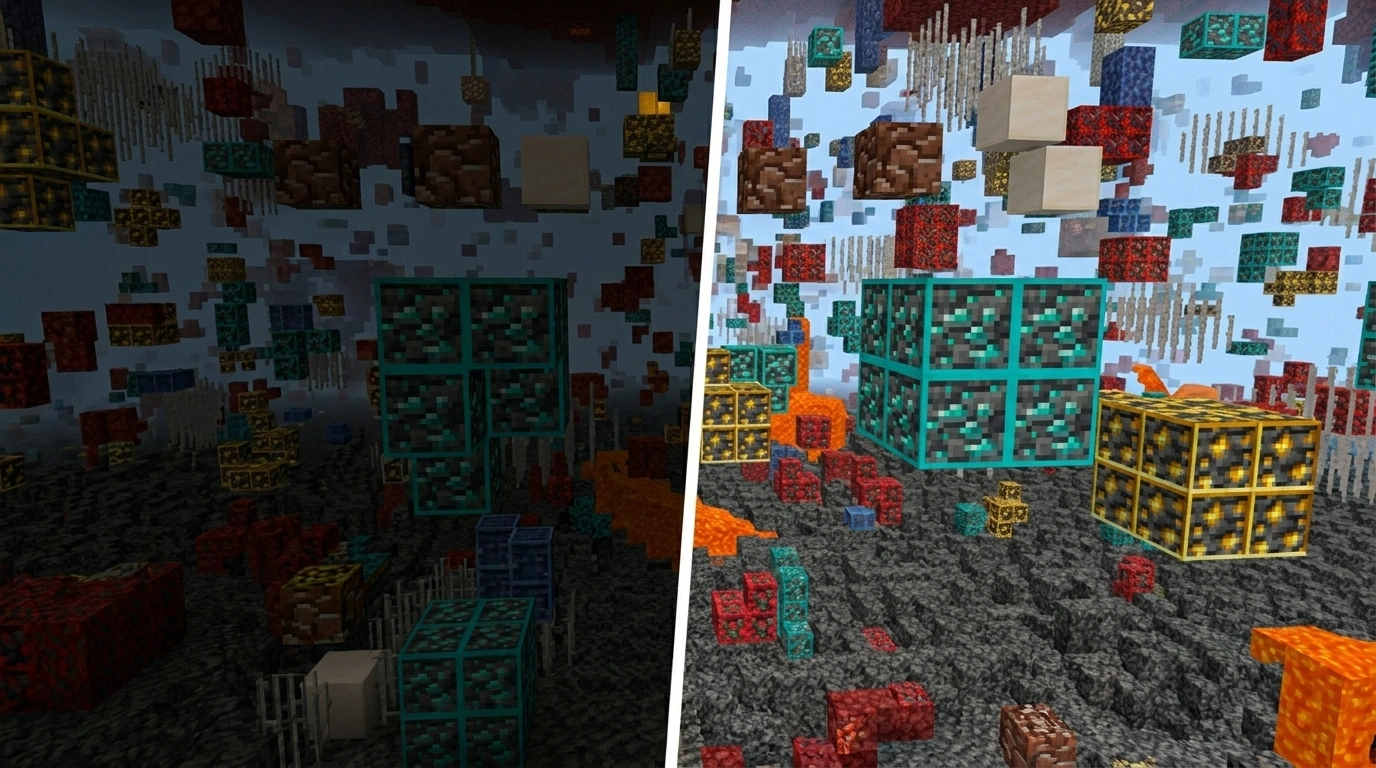
It combines X-Ray ore detection with built-in night vision in a single lightweight pack. Non-ore blocks become nearly invisible. Ores glow or show outlines. You can actually see what’s around you, even in pitch-black caves.
It’s compatible with Minecraft Bedrock versions 1.21 and 26.x, works on Android, iOS, and Windows, and is optimized to run smoothly even on lower-end devices.
What is the X Ray with Night Vision Addon (26.x, 1.21) – Find Ores in Dark?
In the current landscape of May 2026, the X Ray with Night Vision Addon (26.x, 1.21) – Find Ores in Dark has become a staple for survival players who value their time. Essentially, this is a sophisticated X-ray Texture Pack for Minecraft PE MCPE 1.21 designed specifically for the Bedrock Edition ecosystem.
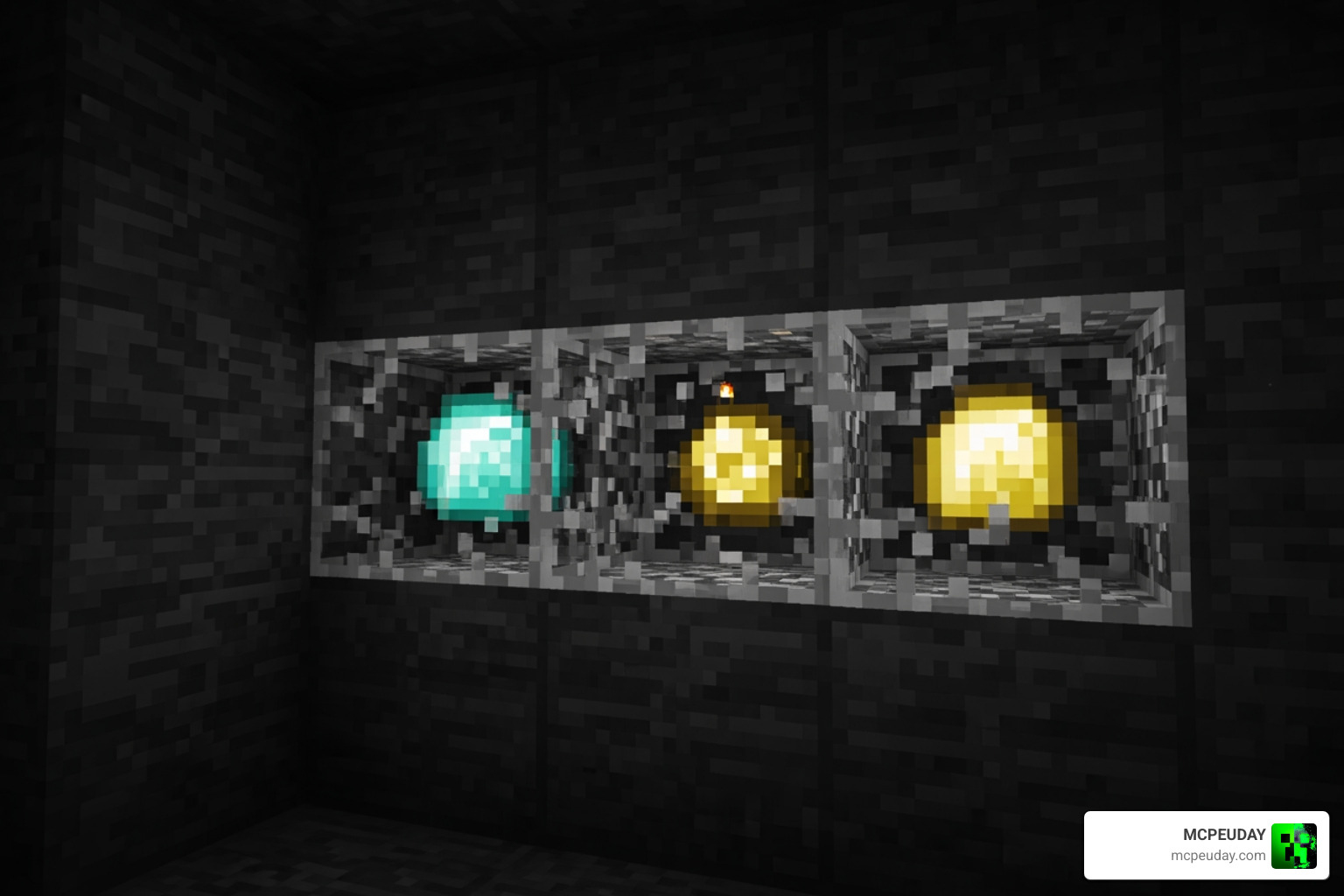
Unlike traditional mods that require complex setup, this addon functions by modifying how the game renders blocks. When we activate it, common blocks like stone, dirt, and gravel become transparent or “ghost-like,” while valuable resources like Diamonds, Iron, and Gold remain fully visible.
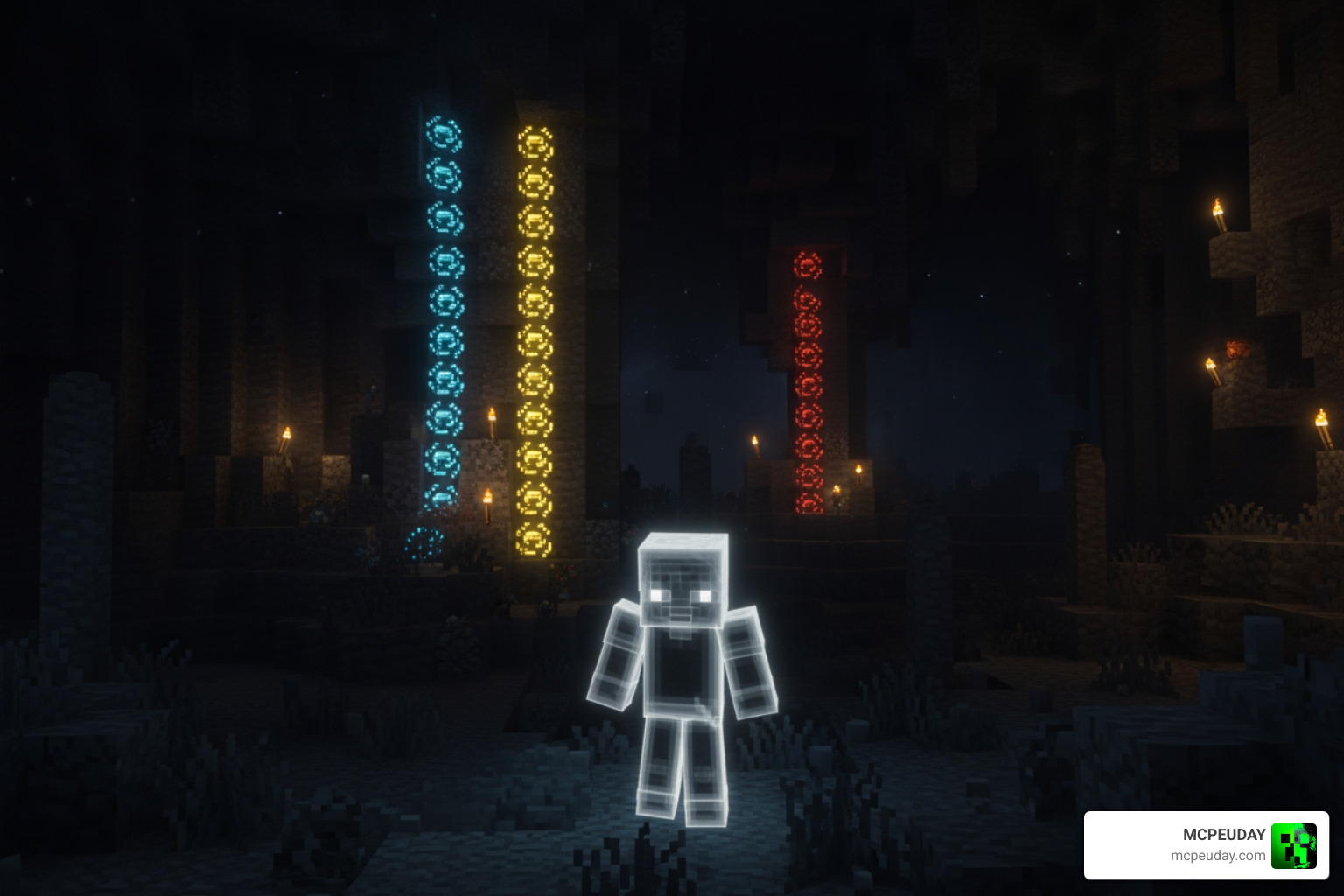
The “Night Vision” component is what truly sets this version apart for 26.x and 1.21. In standard X-Ray packs, looking into a dark cave often results in seeing nothing but blackness because the lighting engine doesn’t reach that far. This addon integrates a gamma-boost or “full-bright” system that ensures every ore is illuminated, regardless of whether there is a torch nearby. This means you can spot a Diamond vein from 40 blocks away in total darkness.
Key Features for Efficient Mining in 2026
Mining has evolved, and so have the tools we use. To maximize your efficiency, you need to know where to look. We always recommend checking out our Best Y Level for Diamonds in Minecraft Ultimate Guide to Finding Diamonds Fast to ensure you are searching at the right depth while using your X-Ray.
Here are the standout features of this 2026 update:
- High-Resolution Outlines: The pack uses a 16x resolution that provides clean, sharp outlines around ores. This prevents the “visual clutter” often found in lower-quality packs.
- Netherite & Ancient Debris Detection: Finding Ancient Debris is notoriously difficult. This addon highlights these rare blocks in the Nether, making your gear upgrades significantly faster.
- FPS Optimization: Despite the advanced visuals, the pack is incredibly lightweight (often under 3MB). It can actually improve your FPS because the game spends less power rendering thousands of opaque stone textures.
- Glowing Effects: When paired with certain lighting settings, ores appear to have a “glow” or “vibrant visual” effect, making them pop against the dark background of the deepslate layers.
For a visual demonstration of how these features look in action, you can check out this XRay Texture Pack for Minecraft 1.21 – How To Get XRay in Minecraft video.
Achievement-Friendly X Ray with Night Vision Addon (26.x, 1.21)
One of the biggest concerns for Bedrock players is losing the ability to earn achievements. Most “mods” or “addons” that use Behavior Packs will lock your world’s achievements forever.
However, the X Ray with Night Vision Addon (26.x, 1.21) – Find Ores in Dark is strictly a Resource Pack. Because it only changes textures and client-side lighting visuals, Minecraft doesn’t view it as a “cheat” that alters game logic. We have tested this extensively: you can enable this pack in your main survival world, find your 1,600 diamonds, and still unlock that “Diamonds!” achievement. It is the ultimate tool for vanilla-plus progression.
Advanced Visibility and Dimension Support
This addon isn’t just for finding coal in the Overworld. Its advanced visibility extends across all dimensions:
- The Nether: Locate Nether Fortresses, Bastions, and Ancient Debris through the thick netherrack. It even includes safety borders to help you avoid walking directly into a hidden lava pocket.
- The End: Spot End Cities and Shulkers from a distance, making your search for an Elytra much safer.
- Structures: While it focuses on ores, the transparency often allows you to spot the wooden supports of Abandoned Mineshafts or the mossy stone of Dungeons, which are often missed during standard branch mining.
Check out more details on how to get started in this XRay Texture Pack for Minecraft 1.21 – How To Get XRay in Minecraft tutorial.
Step-by-Step Installation and Optimization Guide
Installing the X Ray with Night Vision Addon (26.x, 1.21) – Find Ores in Dark is straightforward. Whether you are on mobile or PC, follow these steps to get it running in under a minute.
- Download: Get the latest
.mcpackfile compatible with 1.21/26.x. - Import: Open the file. Minecraft Bedrock will automatically launch and say “Import Started” followed by “Successfully Imported.”
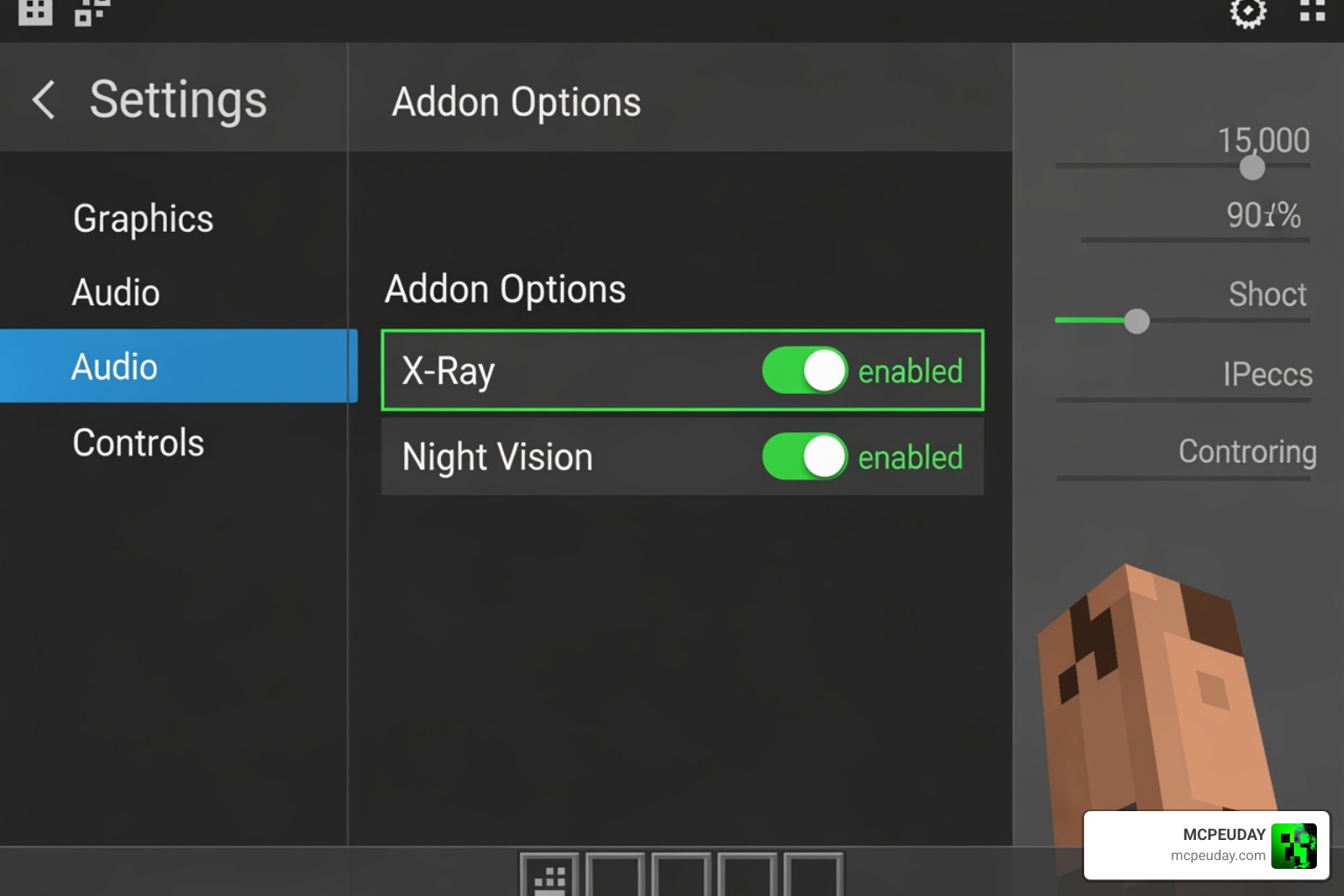
- Global Activation: Go to Settings > Global Resources > My Packs. Click on the X-Ray pack and select Activate.
- World-Specific Activation: If you only want it in one world, go to that world’s settings, find Resource Packs, and activate it there.
If you’re looking to add even more variety to your world, we also have a More Ores Add-on Minecraft 1.21 26.x Download Guide that works perfectly alongside these visibility tweaks.
Optimizing Settings for X Ray with Night Vision Addon (26.x, 1.21)
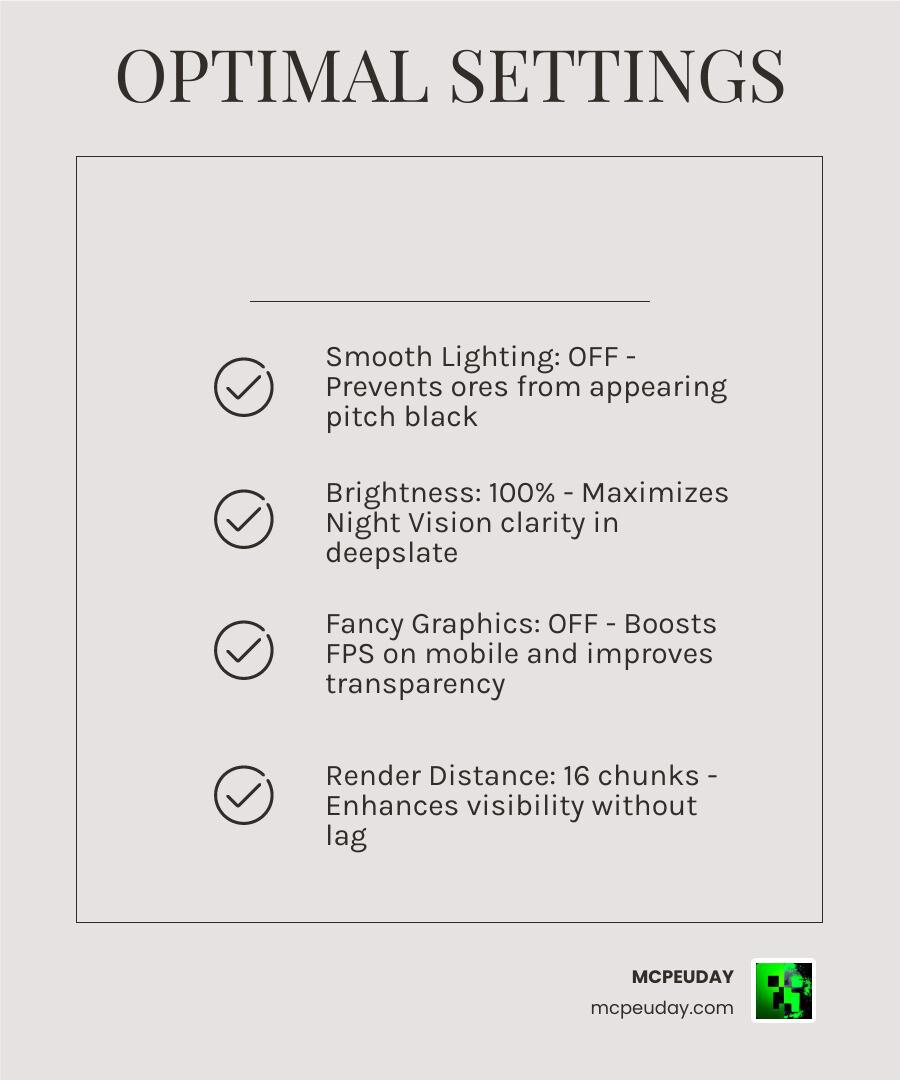
To get the “Night Vision” effect to work properly, you must adjust your in-game video settings. If you leave your settings on “Fancy,” the ores might appear black or invisible.
| Setting | Recommended Value | Why? |
|---|---|---|
| Smooth Lighting | OFF | CRITICAL: Keeping this on makes ores appear pitch black in the dark. |
| Brightness | 100% | Maximizes the “Night Vision” clarity for deepslate layers. |
| Fancy Graphics | OFF | Helps with transparency rendering and boosts FPS on mobile. |
| Render Distance | 10-14 Chunks | Allows you to see distant ore veins without lagging your device. |
| Beautiful Skies | ON | Can be kept on, but doesn’t affect underground visibility. |
By turning Smooth Lighting OFF, you bypass the game’s traditional light-level calculations, allowing the addon’s built-in gamma boost to show you exactly where the diamonds are hiding.
Frequently Asked Questions
Does this addon work on Minecraft Bedrock servers and Realms?
This is a complicated “yes and no.” Technically, because it is a Resource Pack, you can join a Realm or a server with it active in your Global Resources. However, we urge caution.
Many large servers use “Anti-Xray” plugins. These plugins send “ghost blocks” to your game—fake ore textures that disappear when you try to mine them. Furthermore, if you mine straight to every diamond vein, server moderators will likely notice your suspicious behavior and issue a ban. We recommend using this addon primarily for singleplayer worlds or private servers with friends.
Why are my ores invisible or dark after installing?
If you see through the stone but the ores look like black silhouettes, the issue is almost always Smooth Lighting. Minecraft’s lighting engine tries to shade blocks that don’t have a direct light source. To fix this:
- Go to Settings.
- Select Video.
- Scroll down and toggle Smooth Lighting to OFF.
- Ensure your Brightness slider is at 100.
If the problem persists, check the “Pack Order” in your settings. The X-Ray pack should be at the very top of your active list to ensure its textures aren’t being overwritten by another pack.
Is Optifine required for the Night Vision effect?
On Java Edition, Optifine is often required for “Fullbright” effects. However, for Minecraft Bedrock 1.21, Optifine does not exist. The X Ray with Night Vision Addon (26.x, 1.21) – Find Ores in Dark uses a different method. It modifies the material properties of the ore blocks themselves to make them “emissive” (self-lighting) or exploits the game’s gamma settings. You do not need any external software; the .mcpack contains everything you need to see in the dark.
Conclusion
At MCPEUDAY, we know that mining should be the most rewarding part of Minecraft, not a chore. By using the X Ray with Night Vision Addon (26.x, 1.21) – Find Ores in Dark, you can cut out the guesswork and focus on building your empire. Whether you’re hunting for that elusive Ancient Debris in the Nether or clearing out a Diamond vein at Y-59, this addon is your best companion for efficiency in 2026.
Ready to take your game to the next level? Once you’ve gathered all those resources, why not spice up your world with some thrills? Check out our Best Minecraft Horror Mods for Java Bedrock 2026 Guide to see what else is possible in the latest version of the game! Happy mining!
Ормрлпп