Astralex Visuals Shader: What You Need to Know Before Downloading
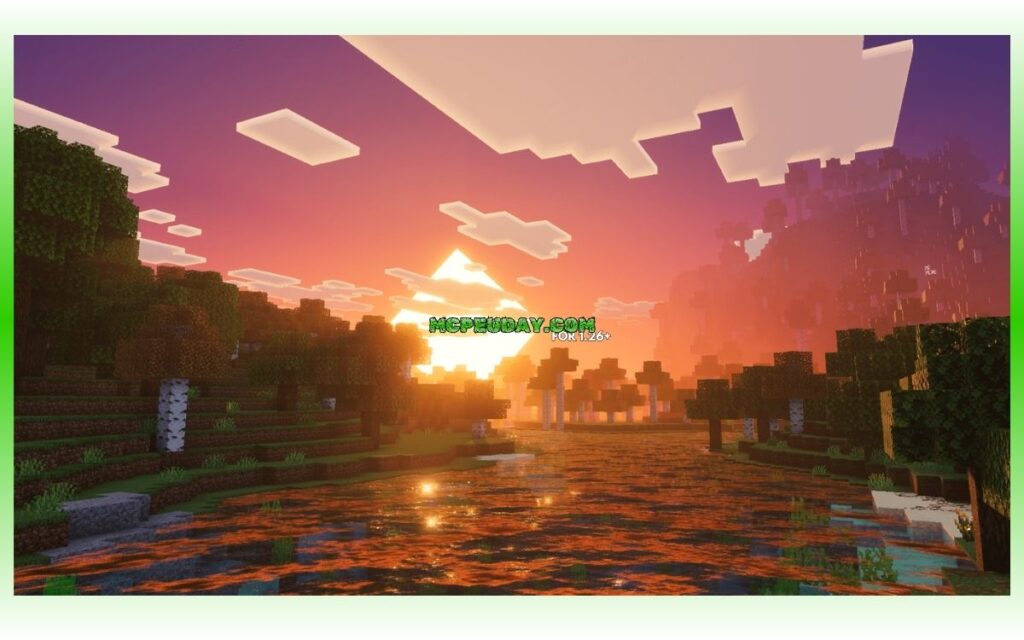
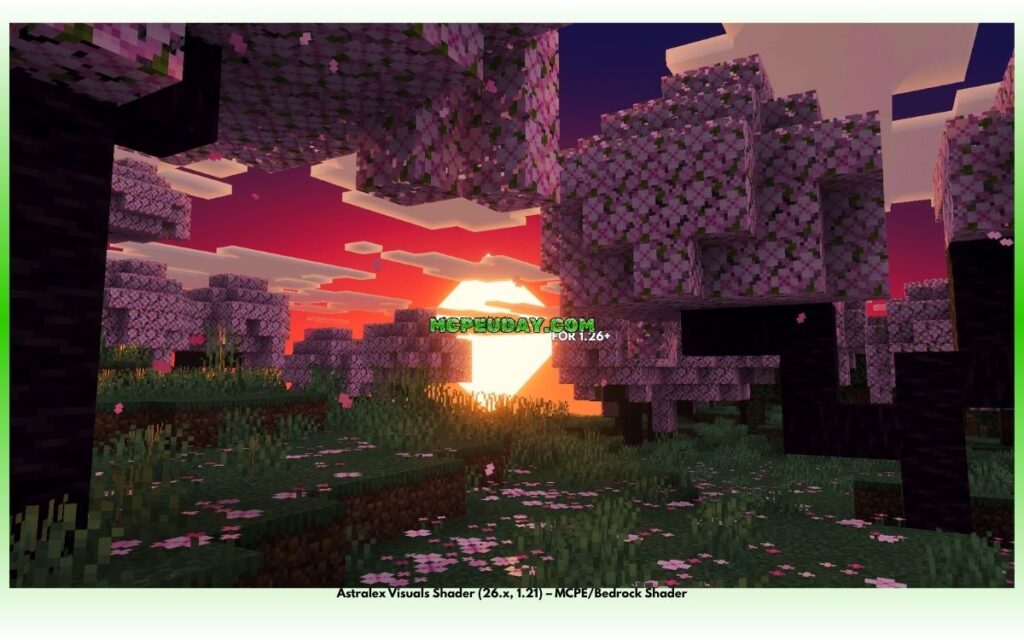
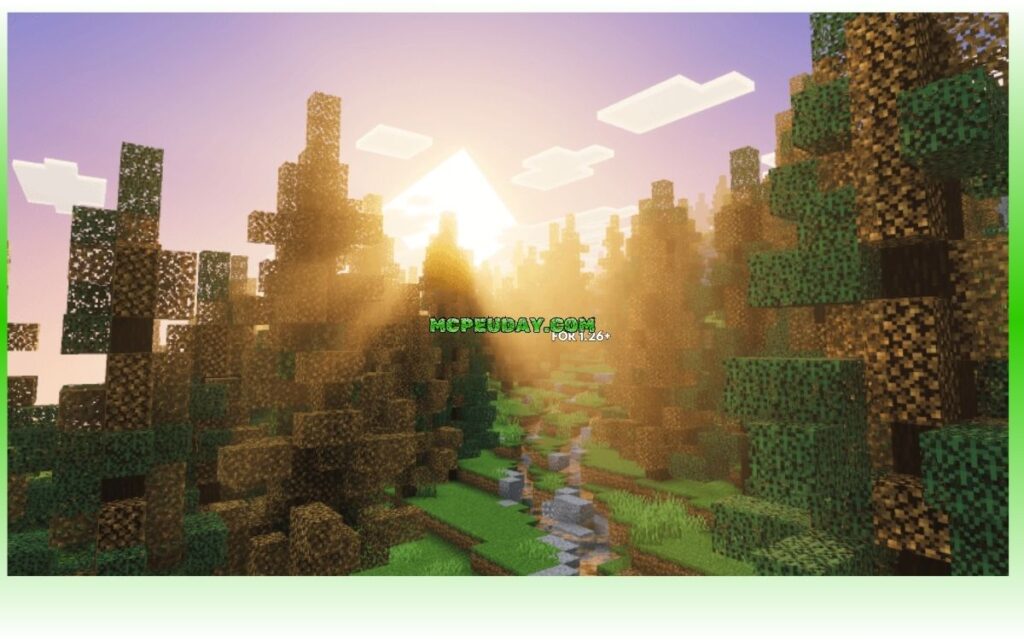
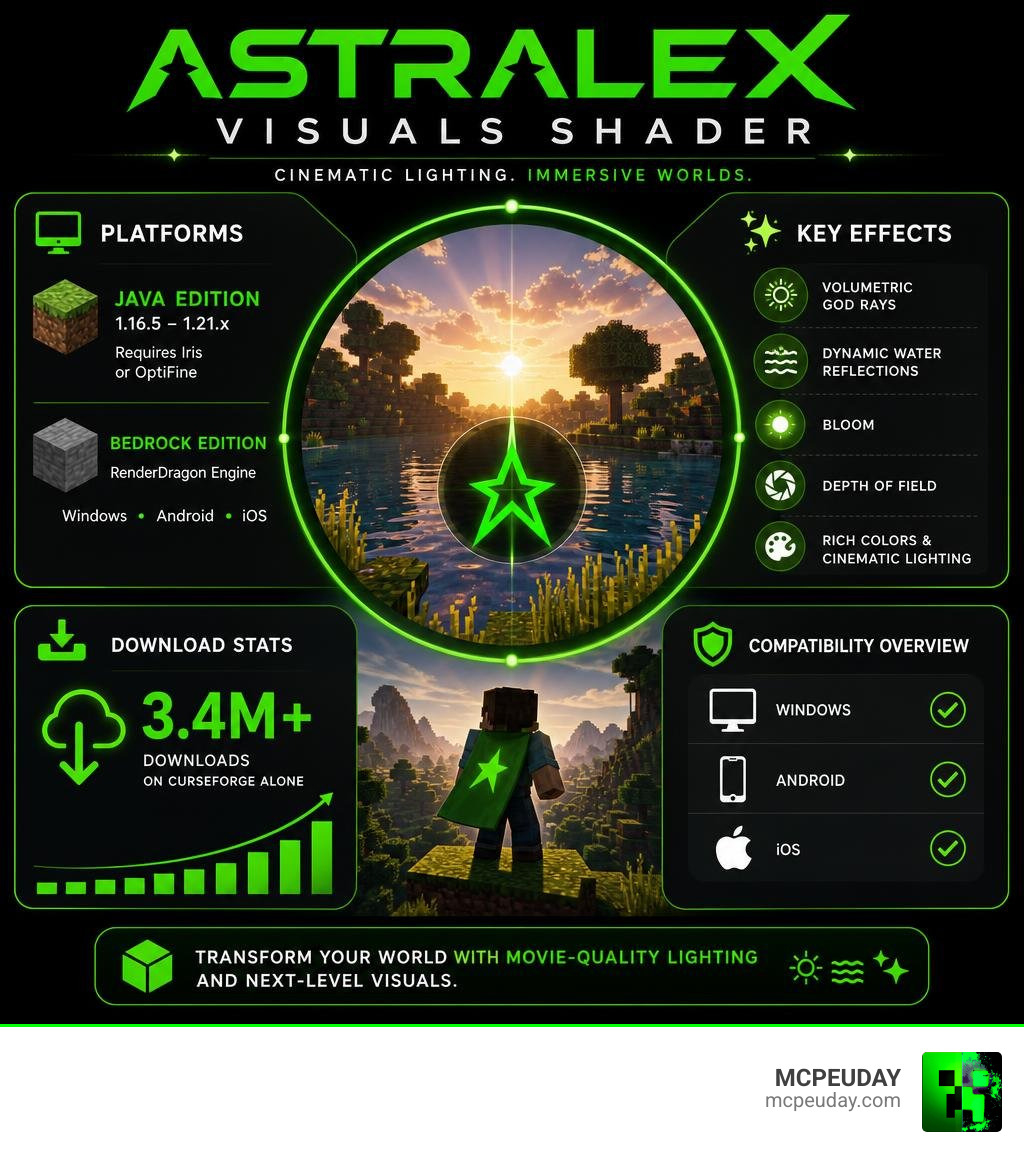
Astralex Visuals Shader is a highly customizable Minecraft shader pack built on top of the popular BSL Shaders base, created by LexBoosT. It adds cinematic effects like volumetric god rays, dynamic water reflections, bloom, and depth of field to transform how your Minecraft world looks.
Quick answer for Java Edition users:
- Works on Minecraft Java Edition 1.16.5 through 1.21.x
- Requires Iris or OptiFine to run
- Over 3.4 million downloads on CurseForge alone
- Latest version: V88.0
Quick answer for Bedrock Edition users:
- A separate Bedrock-compatible version exists
- Runs on the RenderDragon engine
- Supports Windows, Android, and iOS
Whether you play Java or Bedrock, Astralex brings movie-quality lighting to your worlds. It’s especially popular with content creators who want that “Minecraft trailer” look — rich colors, dramatic lighting, and smooth reflections.
One honest heads-up: reviewers love the Overworld visuals but have flagged that the Nether can be extremely dark, even near lava and glowstone. Worth knowing before you dive in.
What is the Astralex Visuals Shader?
The Astralex Visuals Shader (often stylized as AstraLex Shaders) is a highly customized, visually striking modification of the famous BSL Shaders. Developed by LexBoosT, with permissions from original creators like CaptTatsu (BSL) and EminGT (Complementary), this shader pack was born out of a desire to push Minecraft’s graphics into the cinematic stratosphere.
Initially, there was some confusion in the community regarding its base shader, which prompted LexBoosT to officially rename and establish the project as AstraLex. It isn’t just a standard survival shader meant for low-end machines; it is a feature-rich visual suite designed specifically for content creators, movie-makers, and players who want their gameplay to look like a high-budget animated film.
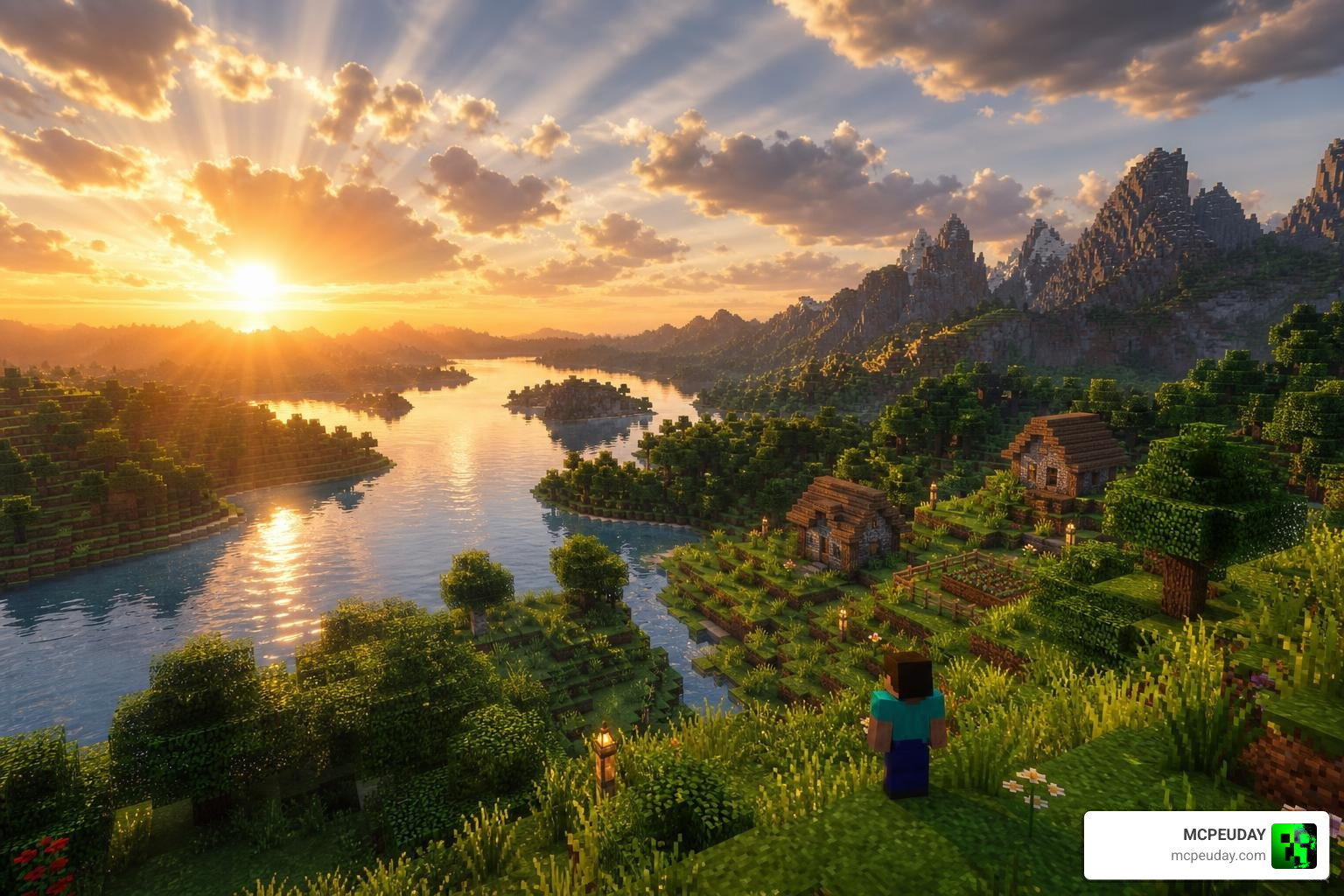
AstraLex has built an incredible reputation in the Minecraft community. On CurseForge, the shader has amassed over 3.47 million total downloads and more than 1.45 million views. Over on Modrinth, it boasts over 3.27 million downloads and thousands of dedicated followers. It is widely recognized for its vibrant color saturation and “trailer-like” aesthetic, making the Overworld look incredibly lively, warm, and magical.
While it originated as a Java Edition shader pack compatible with Iris and OptiFine, the project has expanded. Today, Bedrock Edition players can also experience the magic. A dedicated Bedrock version operates on the modern RenderDragon engine, allowing Windows, Android, and iOS players to enjoy cinematic lighting on their mobile devices and PCs.
Key Features and Visual Effects
What makes the Astralex Visuals Shader stand out in a sea of Minecraft shader packs? The secret lies in its massive list of custom post-processing effects and technical enhancements. LexBoosT has packed this shader with features that you rarely find bundled together in a single pack.
Here are the standout visual features included in AstraLex:
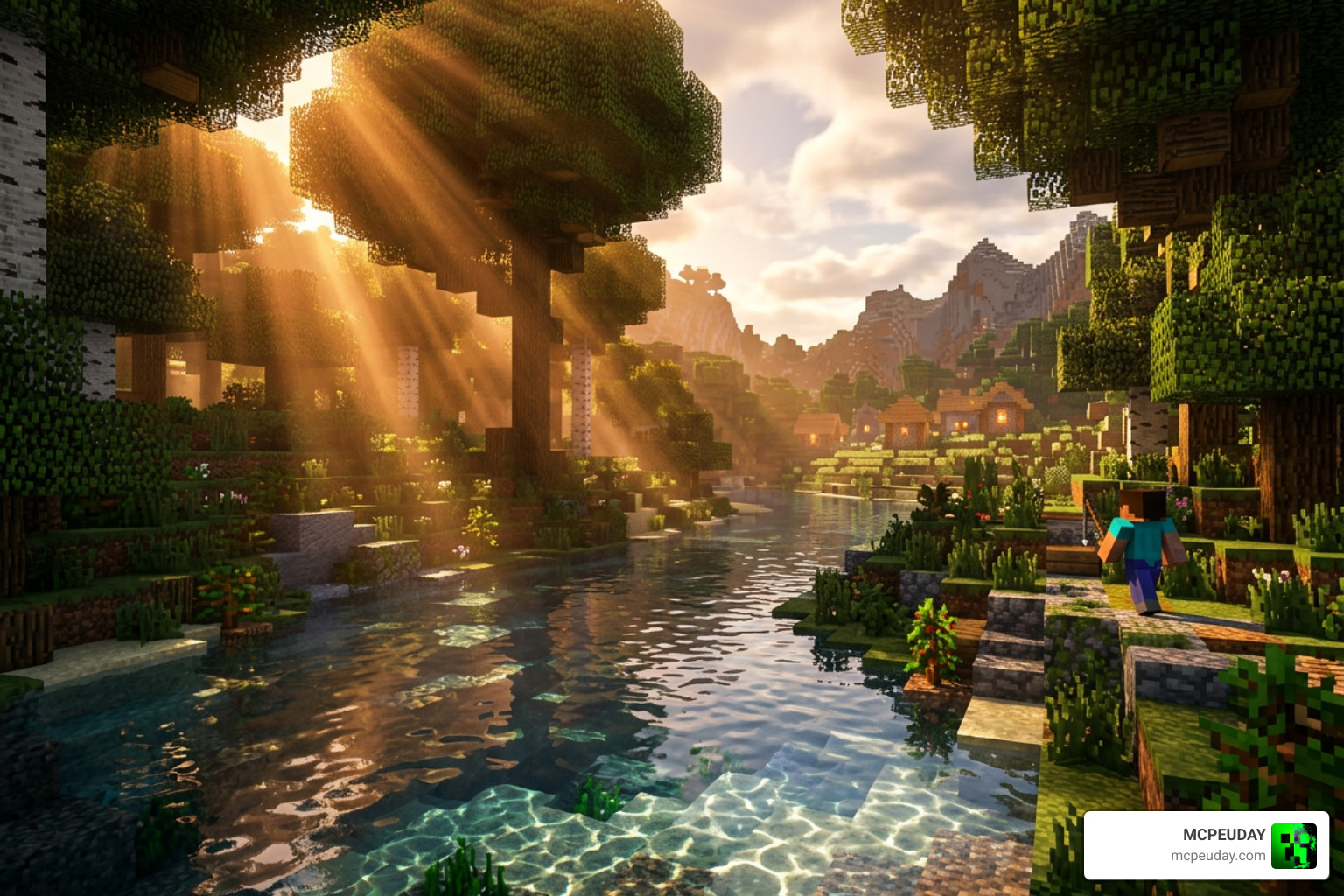
- Volumetric God Rays: Dynamic light shafts that shift naturally depending on the time of day, weather conditions, and atmospheric density.
- Distance Blur & Depth of Field (DoF): A cinematic camera effect that blurs the background or foreground, focusing perfectly on what you are looking at.
- Water Refraction & Caustics: Water doesn’t just look flat; it refracts light, features dynamic reflections, and casts beautiful shimmering light patterns (caustics) on the floors of oceans and rivers.
- Cel-Shading: An optional cartoon-like outline effect that gives Minecraft a stylized, comic-book, or anime-like appearance.
- Heat Haze & Motion Blur: Adds realistic distortion effects around hot blocks or during fast movement.
- Magical Glint & Colored Entity Eyes: Enchanted items and mob eyes glow in the dark, adding an eerie, fantasy vibe to night-time exploration.
- Advanced Customization Sliders: Versions like AstraLex V85.0 – AstraLex Shaders introduced specialized sliders for blocklight concentration and colored handlight luminance, giving you absolute control over your lighting.
- 3D Block Selector: Offers three distinct modes (OFF, Active, or Sneak) to change how blocks are highlighted when you look at them.
If you are looking for smooth performance alongside gorgeous graphics, you might also want to check out our list of the 3 Best Shaders for Minecraft 1.21 Ultra Realistic Smooth FPS Stunning Graphics to see how AstraLex stacks up against other high-end options.
Performance, Compatibility, and Installation
Because AstraLex is packed with heavy post-processing effects, it requires a decent system to run smoothly at maximum settings. However, the shader is highly optimized and offers great customization to help you scale back settings if your frame rate drops.
For instance, in AstraLex V81.0 – AstraLex Shaders , the developer introduced a massive 54.27% compression on textures used for the shader, significantly reducing memory usage. Updates like AstraLex V76.0 – AstraLex Shaders also resolved critical compilation crashes on AMD graphics cards when using Iris.
System Requirements & Recommendations
- Java Edition Loader: Iris (highly recommended for modern systems and AMD cards) or OptiFine.
- Minecraft Versions: Fully compatible from 1.16.5 up to the latest 1.21.x releases.
- Hardware: Mid-to-high-end GPU (NVIDIA GTX 1060 / AMD RX 580 or better recommended for smooth 60 FPS at medium settings).
For mobile players looking for alternative realistic setups that are highly optimized for mobile devices, check out our guide on the Top 5 Best Realistic Shaders for MCPE.
How to Install AstraLex Shaders (Java Edition)
- Download and install your preferred mod loader (Fabric or Forge).
- Install the Iris mod (recommended) or OptiFine.
- Download the latest AstraLex ZIP file (such as version V88.0).
- Launch Minecraft, go to Options > Video Settings > Shader Packs.
- Click Open Shader Pack Folder and drag the downloaded AstraLex ZIP file inside.
- Select AstraLex in the game menu, click Apply, and enjoy!
How to Install Astralex Visuals (Bedrock Edition / MCPE)
- Download the
.mcpackfile designed for Bedrock/RenderDragon. - Double-click or tap the file to automatically import it into Minecraft.
- Go to Settings > Global Resources and activate the Astralex Visuals pack.
- Restart your world to let the RenderDragon engine compile the new lighting.
Comparing Astralex Visuals Shader to Other Shaders
To help you decide if AstraLex is right for your playstyle, let’s compare it directly to its parent shader, BSL, and other popular options like Nostalgia Shaders.
While BSL focuses on a clean, realistic, and somewhat desaturated semi-fantasy look, AstraLex turns the dials up to eleven. It features much higher color saturation, making the Overworld look incredibly vibrant—almost like official Minecraft update trailers.
When comparing wet weather effects, a common community debate is: Which side has better rain visuals? Nostalgia Shaders focuses on a classic, retro, and cozy volumetric fog rain style. AstraLex, on the other hand, utilizes puddles, wet block reflections, and highly dramatic storm lighting.
| Feature | AstraLex Shaders | BSL Shaders (Base) | Nostalgia Shaders |
|---|---|---|---|
| Primary Style | Cinematic, Vibrant, Fantasy | Realistic, Clean, Neutral | Retro, Classic, Cozy |
| Color Saturation | Very High (Trailer-like) | Moderate / Balanced | Low / Natural |
| Customization | Extremely High (Tons of sliders) | High | Moderate |
| Unique Effects | Cel-shading, Heat Haze, DoF | Standard DOF, Bloom | Retro fog, Classic clouds |
| Performance | Demanding (Mid-to-High PC) | Moderate (Friendly) | Highly Optimized |
If you love beautiful shadows but need something a bit lighter on your hardware, you might also enjoy reading about the Newb X Ambient Shader for Minecraft PE Realistic Lighting Smooth Shadows FPS Friendly, which offers an incredible balance of performance and aesthetics.
Frequently Asked Questions about Astralex Visuals Shader
Is the Astralex Visuals Shader compatible with Minecraft Bedrock?
Yes! While AstraLex started as a Java-exclusive BSL edit, a dedicated version called Astralex Visuals has been developed specifically for the Bedrock Edition RenderDragon engine. It runs smoothly on Windows, Android, and iOS devices.
If you want to compare it with other top-tier Bedrock shaders, take a look at our review of the Newb X Unwind Shader for Minecraft Ultra Realistic Graphics Smooth FPS Stunning Visuals.
How do I fix the Nether darkness in Astralex Visuals Shader?
One of the most common complaints from players is that the Nether in AstraLex can be pitch black, making exploration difficult even near lava.
To fix this, go to your in-game shader settings:
- Navigate to Shader Options > Lighting.
- Adjust the Blocklight Concentration slider to a higher value.
- Increase the Ambient Light or Nether Brightness settings.
- Alternatively, you can toggle off the “Realistic Darkness” or “Atmosphere” features in the shader’s dimension settings.
Where can I download the official AstraLex Shaders?
To ensure you download the files safely without malware, always use official links:
- For the official website and updates directly from the creator, visit the LexBoosT Shaders | AstraLex – Wix.com page.
- For the Java Edition, download the latest builds from the AstraLex Shaders – Minecraft page on CurseForge or Modrinth.
- For safe Bedrock/MCPE downloads, we provide up-to-date links and installation guides right here on MCPEUDAY.
Conclusion
The Astralex Visuals Shader is an absolute masterpiece for players who want to experience Minecraft in a cinematic, highly stylized, and vibrant light. While it can be demanding on lower-end systems and requires a bit of settings adjustment to navigate the dark corners of the Nether, the breathtaking Overworld sunrises, realistic water caustics, and movie-quality depth of field make it entirely worth it.
If you are ready to completely transform your Minecraft world, head over to our curated list of the Best Shaders for MCPE 1.21 2026 Top 3 Realistic Minecraft PE Shaders to download the perfect visual pack for your device today!
