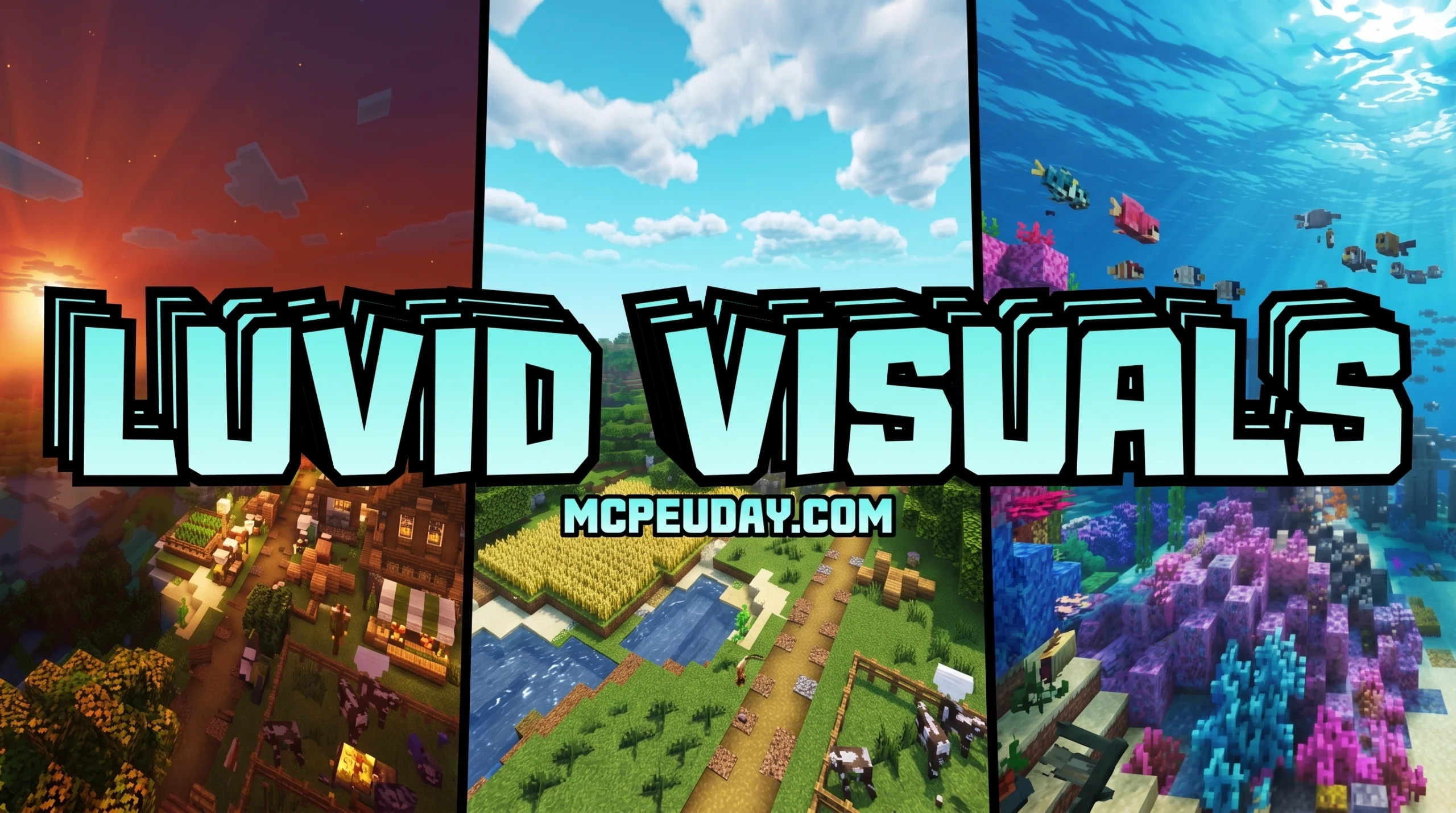
What the Luvid Visuals Shader Does for Minecraft PE
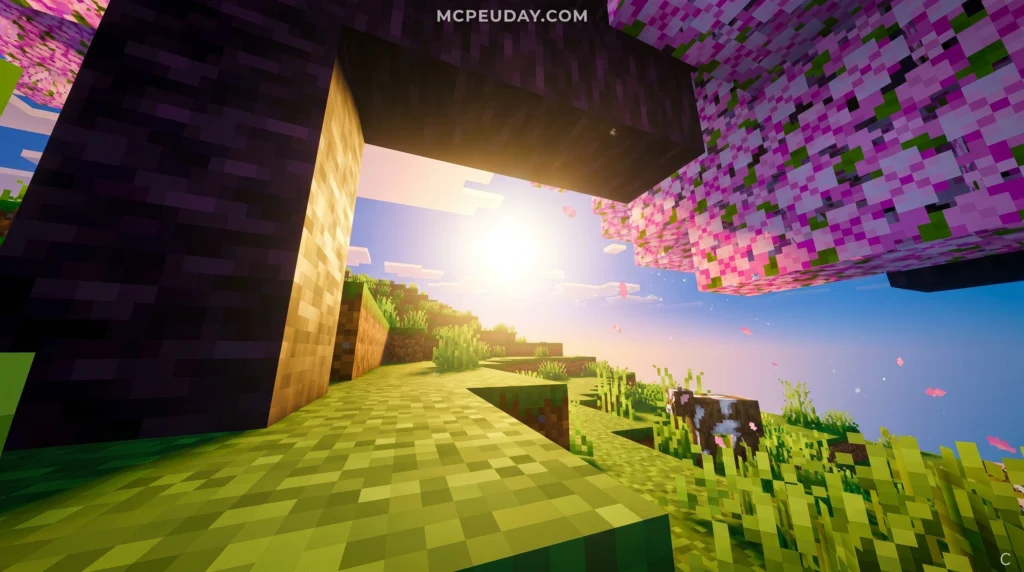
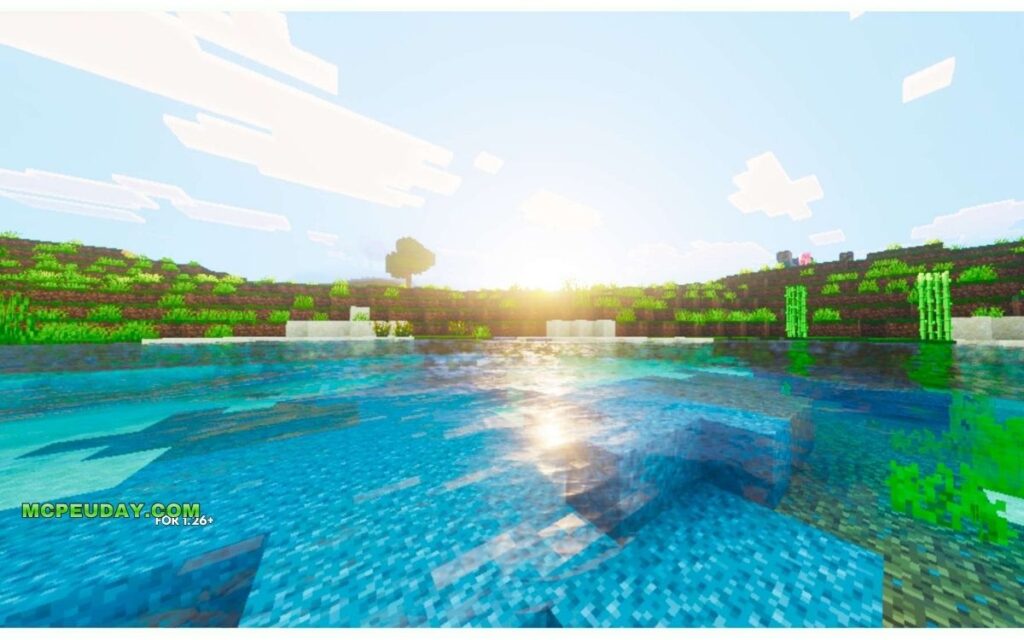
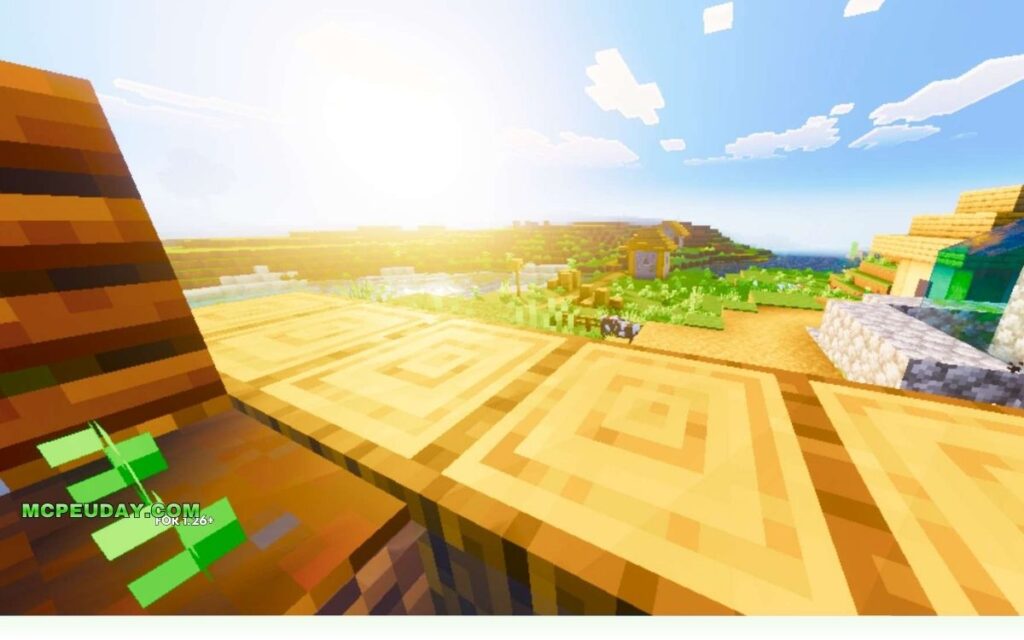
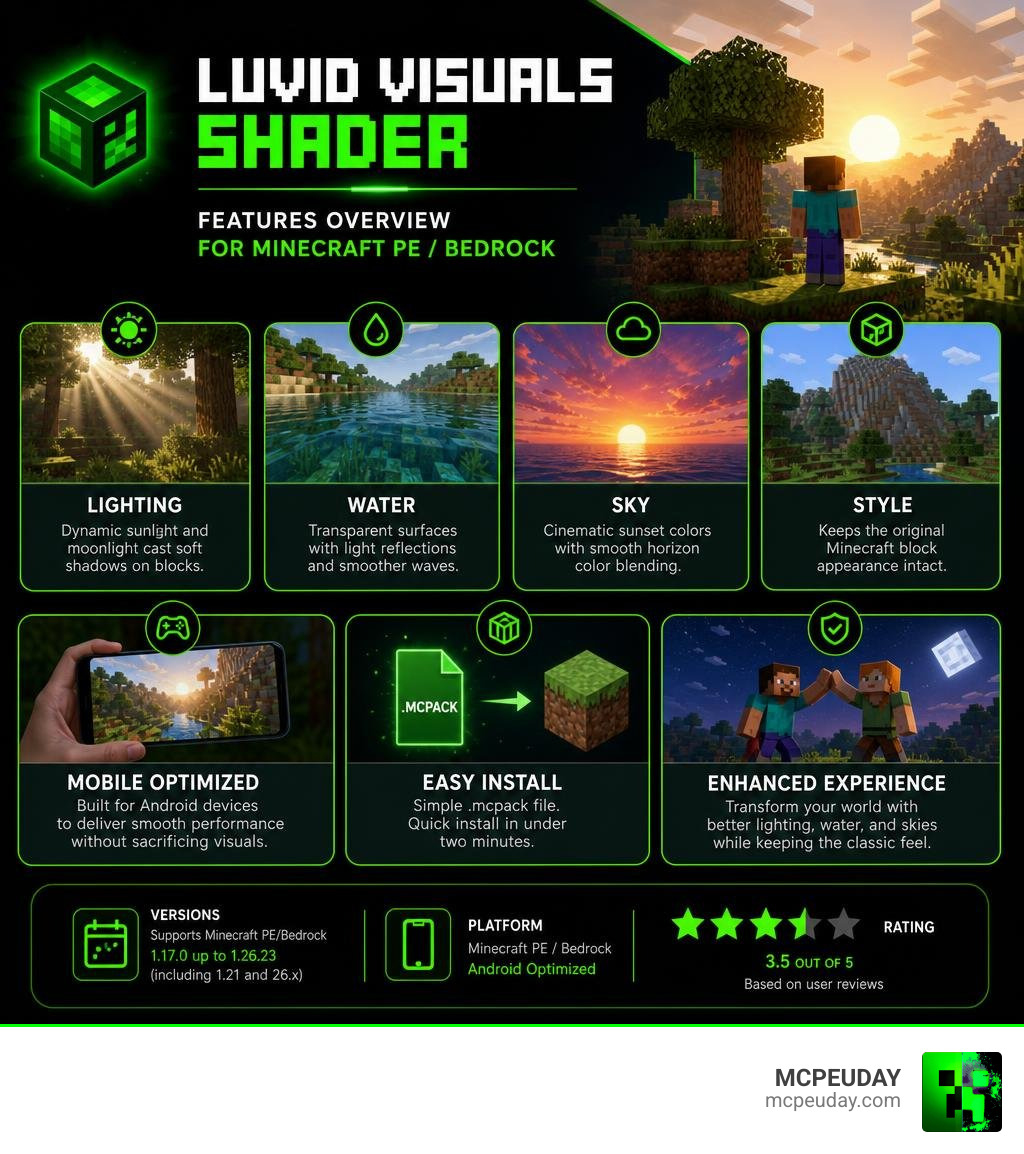
The Luvid Visuals Shader is a graphics enhancement pack for Minecraft PE and Bedrock Edition that upgrades how your world looks — without changing the classic block style you already love.
Here’s what it does at a glance:
- Lighting — Dynamic sunlight and moonlight cast soft shadows on blocks
- Water — Transparent surfaces with light reflections and smoother wave effects
- Sky — Cinematic sunset colors with smooth horizon color blending
- Style — Keeps the original Minecraft block appearance intact
- Versions — Supports Minecraft PE/Bedrock from 1.17.0 up to 1.26.23 (including 1.21 and 26.x)
- Mobile — Optimized to run on Android devices without killing your FPS
- Rating — Rated 3.5 out of 5 based on user reviews
If your Minecraft world looks flat and dull, a shader like this is one of the fastest ways to fix that. You don’t need a PC or a high-end device — Luvid Visuals is built with mobile players in mind.
It’s a straightforward install using an .mcpack file, and the whole process takes under two minutes.
What is the Luvid Visuals Shader for Minecraft PE?
When Mojang introduced the RenderDragon graphics engine to Minecraft Bedrock, it changed how rendering worked across all mobile, console, and Windows platforms. This update made traditional shaders obsolete overnight, leaving players searching for new ways to make their games look beautiful. RenderDragon introduced a completely new graphics pipeline that restricted traditional shader files. This left the community in a tough spot, as older shaders simply resulted in black screens or crashed games.
That is where the Luvid Visuals Shader (26.x, 1.21) – MCPE/Bedrock comes in. It is specifically designed to work within the modern Bedrock framework to bring life back to your virtual worlds. It solves the rendering limitations by utilizing native Bedrock engine capabilities to inject beautiful lighting and color adjustments without breaking the game’s core rendering rules.
The primary goal of this shader is to focus on clarity and color enhancement. It does not replace the classic style or block appearance of vanilla Minecraft. Instead, it acts as a vibrant overlay. Your wooden planks, cobblestone, and grass blocks will keep their familiar textures, but they will be illuminated by a much more realistic, dynamic world engine.
Visual Enhancements of the Luvid Visuals Shader
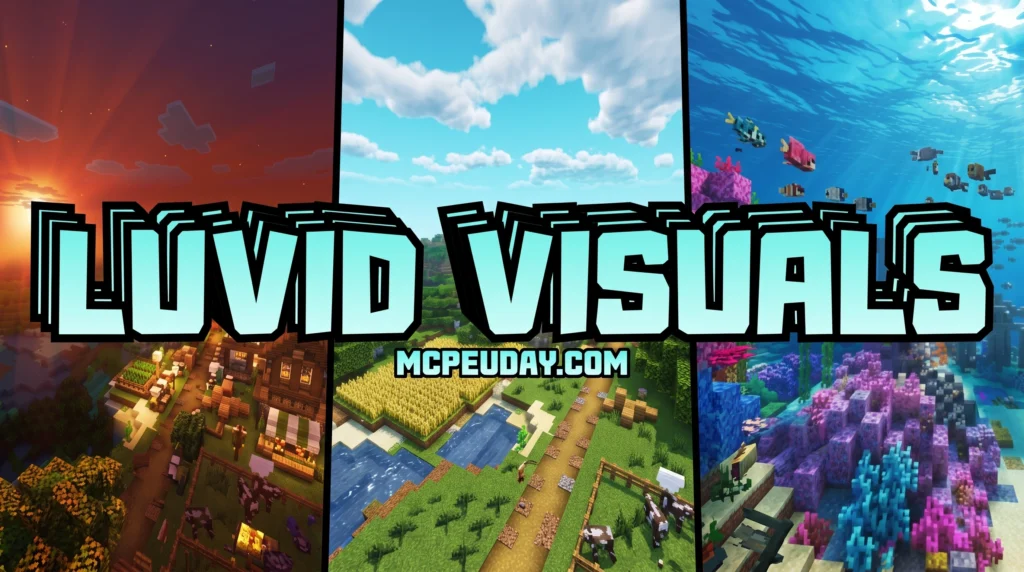
The most noticeable upgrade when you load into your world is the dynamic lighting. The shader completely alters sun and moon illumination to create realistic depth. Instead of flat, uniform brightness, you will see soft shadow creation on square blocks.
This works similarly to traditional Simple Lighting principles, where light bounces off surfaces naturally depending on the angle of the light source. As the sun moves across the sky, the shadows stretch and shift, making your builds look incredibly three-dimensional. The shader also features advanced color grading, balancing contrast and saturation so your world feels warm and inviting rather than washed out.
The dynamic lighting system is particularly impressive during the transition phases of the day. During sunrise, you will notice a soft, warm orange glow creeping over the hills, casting long, dramatic shadows. At night, the moonlight provides a cool, silver hue that makes exploring caves and forests feel mysterious and atmospheric. Torchlight and light emitted from blocks like glowstone or lanterns have also been tuned to emit a warmer, more realistic glow, making your indoor bases feel incredibly cozy.
Water and Sky Improvements
Water and sky rendering are often the weakest links in vanilla Bedrock, but this pack turns them into visual highlights.
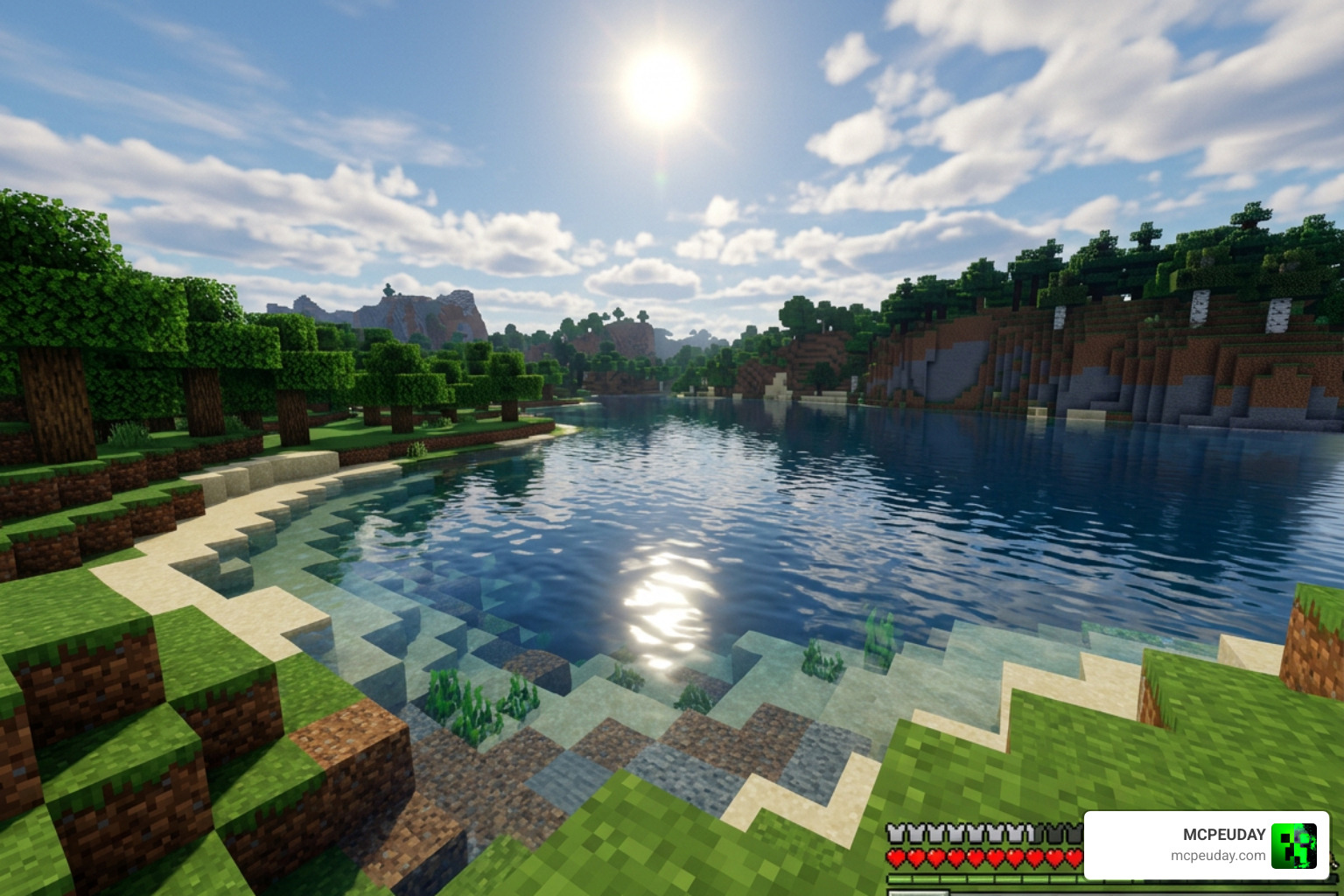
The water system is fully overhauled. Instead of the opaque, solid blue blocks of vanilla Minecraft, you get beautifully transparent water. It reacts naturally to the surrounding terrain and lighting, featuring surface reflections of the sun and moon alongside much smoother, natural wave effects.
Underwater visibility is also significantly improved. Instead of the murky, dark depths of vanilla Minecraft, the transparent water allows you to see coral reefs, fish, and underwater ruins with crystal clarity from the surface. The wave effects are subtle yet realistic, avoiding the distracting, hyper-active animations found in some heavier shader packs.
The sky is equally stunning. The shader features dynamic sky color changes with smooth horizon blending. During sunsets and sunrises, you will see gorgeous color bands spreading across the horizon, creating a cinematic atmosphere that makes survival exploration feel like a brand-new adventure.
Performance, Compatibility, and Supported Versions
One of the biggest concerns for mobile players is performance. Nobody wants a beautiful game that runs like a slideshow. Thankfully, this shader is built with mobile optimization at its core.
The pack supports a massive range of versions, fully compatible with Minecraft PE/Bedrock from 1.17.0 all the way through 1.26.23 (fully covering the popular 1.21 and 26.x updates). It is designed to keep your gameplay smooth and your FPS high, even when exploring dense jungles or ocean biomes.
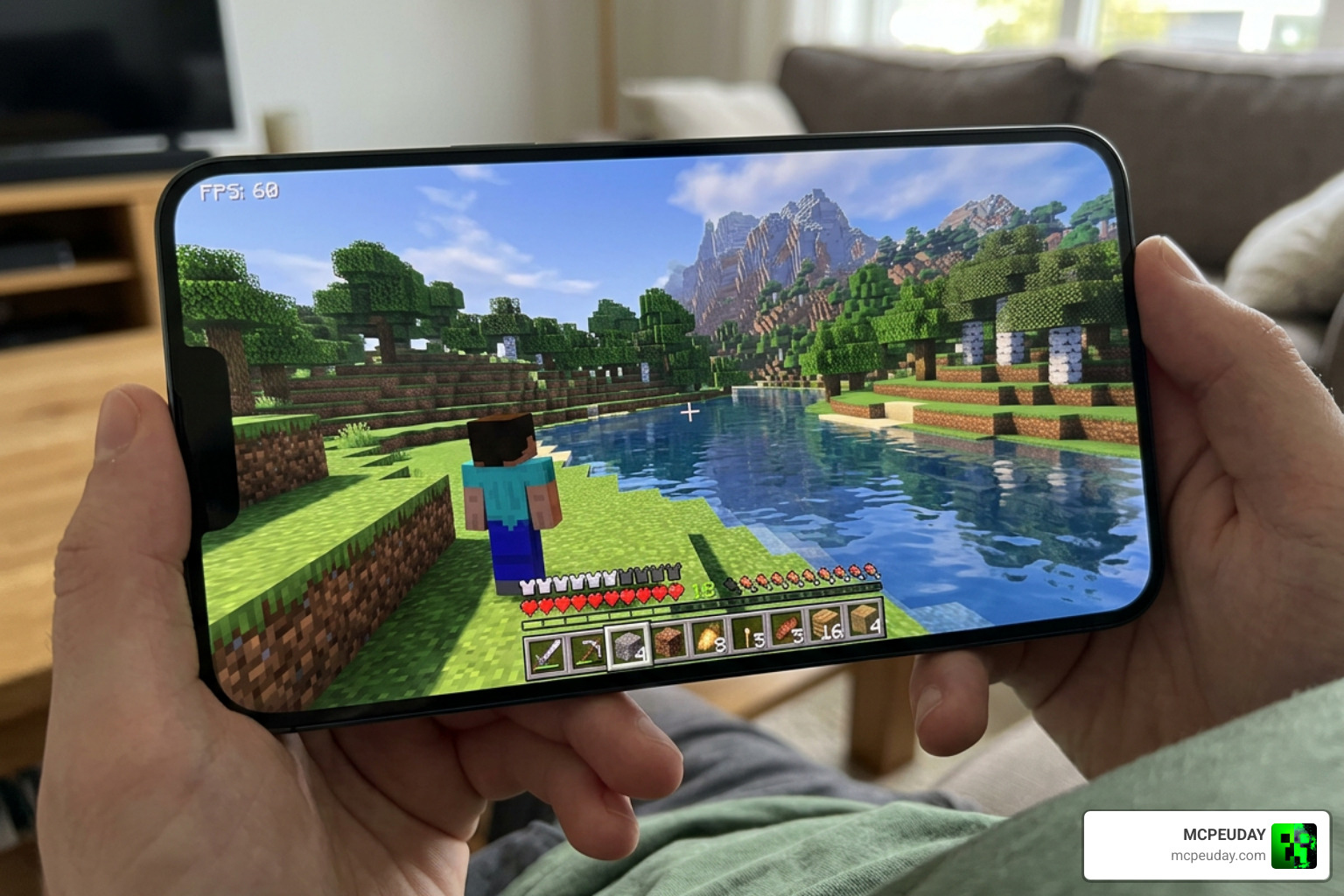
Mobile optimization is not just a buzzword for this pack; it is a core design philosophy. The creator of Luvid Visuals achieved this by optimizing the code to prevent unnecessary rendering overhead. For instance, the shader does not force your GPU to calculate complex volumetric fog or heavy ray-traced reflections, which are the main culprits behind lag on mobile devices. Instead, it uses clever color grading and lightweight reflection maps that deliver 90% of the visual quality at a fraction of the performance cost. This means you can maintain a stable 60 FPS even on mid-range Android phones, during intense weather events like thunderstorms, or when exploring massive player-built cities.
Comparing Luvid Visuals Shader with Other Shaders
To help you decide if this is the right choice for your game, we can compare it to other popular options available on our site, such as the Lumina Visuals Shader and the Lumen Visual Shader.
| Feature | Luvid Visuals Shader | Lumina Visuals Shader | Lumen Visual Shader |
|---|---|---|---|
| Primary Focus | Clarity, vanilla style preservation, color grading | Cinematic realism, volumetric sky, heavy lighting | Vibrant colors, high contrast, warm tones |
| Water Quality | Transparent, light reflections, smooth waves | Realistic reflections, deep water layers | Standard transparency, basic wave animation |
| FPS Impact | Very Low (Highly optimized for mobile) | Low to Medium (Slightly heavier) | Very Low (Great for low-end devices) |
| Style | Classic Minecraft enhanced | Realistic and cinematic | Bright and stylized |
When looking at the table above, it is clear that Luvid Visuals is the most balanced option. While Lumina is perfect for players with high-end devices who want a cinematic, movie-like experience, and Lumen is great for those who want ultra-bright, stylized colors, Luvid is the go-to choice for everyday survival gameplay where performance and vanilla style preservation are the top priorities.
How to Install and Enable the Shader (.mcpack)
Installing the shader on your mobile device is incredibly easy because it comes packaged as an .mcpack file. This format allows Minecraft to handle the installation automatically.
Follow these simple steps to get started:
- Download the file: Get the
.mcpackfile from our download links below. - Open the file: Tap on the downloaded file. Your mobile device should prompt you to open it with Minecraft.
- Importing: Minecraft will launch automatically and display a message at the top of the screen saying “Import started” followed by “Successfully imported”.
- Activate the Pack:
- Go to the main menu and select Settings.
- Scroll down on the left sidebar to Global Resources.
- Under My Packs, find the shader and click Activate.
- It will now appear under Active Packs.
Once activated, close the settings menu. The game will load the new resources, and you are ready to play!
Troubleshooting Common Installation Issues
If you encounter any issues during the installation process, here are a few quick troubleshooting tips:
- Failed to Import: If Minecraft displays an error saying the import failed, make sure you don’t already have an older version of the shader active. If you do, delete the old version from your storage settings before importing the new one.
- Shader Not Showing Up: If the pack doesn’t appear in your Global Resources, try restarting Minecraft or restarting your mobile device. Sometimes the game needs a fresh launch to register newly imported files.
- File Extension Issue: Ensure the file ends exactly in
.mcpack. If your browser renamed it to.mcpack.zip, simply rename the file and remove the.zipextension before tapping it.
Download Options and Server Links
We provide two separate high-speed download servers to ensure you can grab the file quickly and securely. The file size is incredibly lightweight (only around 670.99 KB), meaning it will download in seconds and won’t clog up your device’s storage.
- Server 1: Direct download for the latest
.mcpackbuild. - Server 2: Alternative mirror link in case Server 1 is busy.
Both links provide the fully refined version of the shader, optimized for maximum stability.
Frequently Asked Questions about Luvid Visuals Shader
Does the shader work on low-end mobile devices?
Yes! The shader is designed with strict mobile optimization. It runs beautifully on mid-range and budget Android devices without causing major lag or overheating. If you do experience minor frame drops, try reducing your render distance in the video settings.
Does it change the original Minecraft block textures?
No, it does not. Your blocks will keep their classic, vanilla look. The shader only changes how light, shadows, sky, and water interact with those blocks, keeping your favorite building materials looking natural.
Is it compatible with the RenderDragon engine?
Yes, this pack is built to work smoothly with modern Bedrock systems. However, if you are looking for alternative options that utilize deferred rendering or other engine features, check out our list of the Best Render Dragon Shaders for MCPE.
Can I use this shader on multiplayer servers or Realms?
Yes! Since this is a client-side resource pack, you can safely activate it in your Global Resources and enjoy the enhanced visuals on any multiplayer server, Featured Server, or private Realm. Other players do not need to have the shader installed for it to work for you, and it will not cause any compatibility issues with server-side plugins or mods.
Does this shader work on iOS devices?
While the shader is highly optimized for Android devices, it is also compatible with iOS devices (iPhones and iPads) running supported Bedrock versions. The installation process is similar, though you may need to use a file manager app like ‘Files’ to open the .mcpack file with Minecraft.
Conclusion
The Luvid Visuals Shader is an excellent choice for any Bedrock player who wants to beautify their world without losing the classic vanilla feel. With a steady user rating of 3.5 out of 5 stars, it has proven itself to be a reliable, lightweight, and gorgeous addition to mobile setups.
If you want to explore more options to customize your game, we invite you to check out our curated guide on the Best Shaders for MCPE 1.21 (2026). Happy building, and enjoy your beautiful new views!