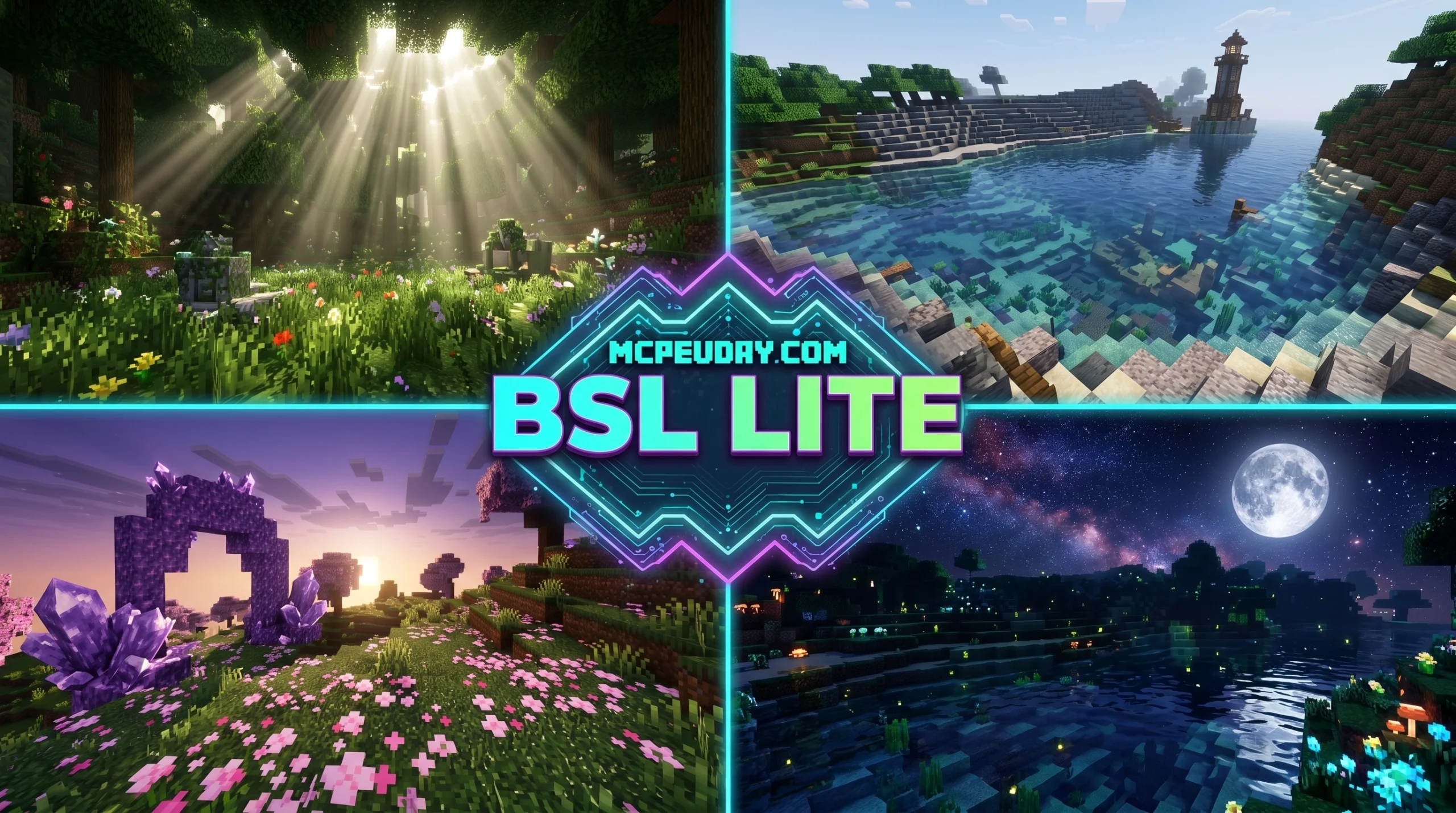
What the Vibrant Lumina Shader Does (and Why Players Love It)
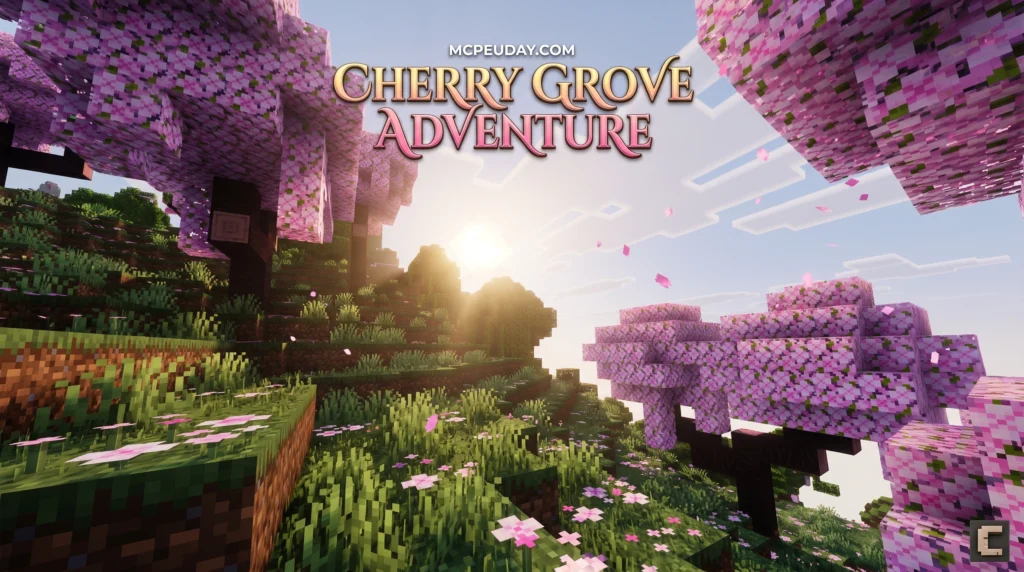
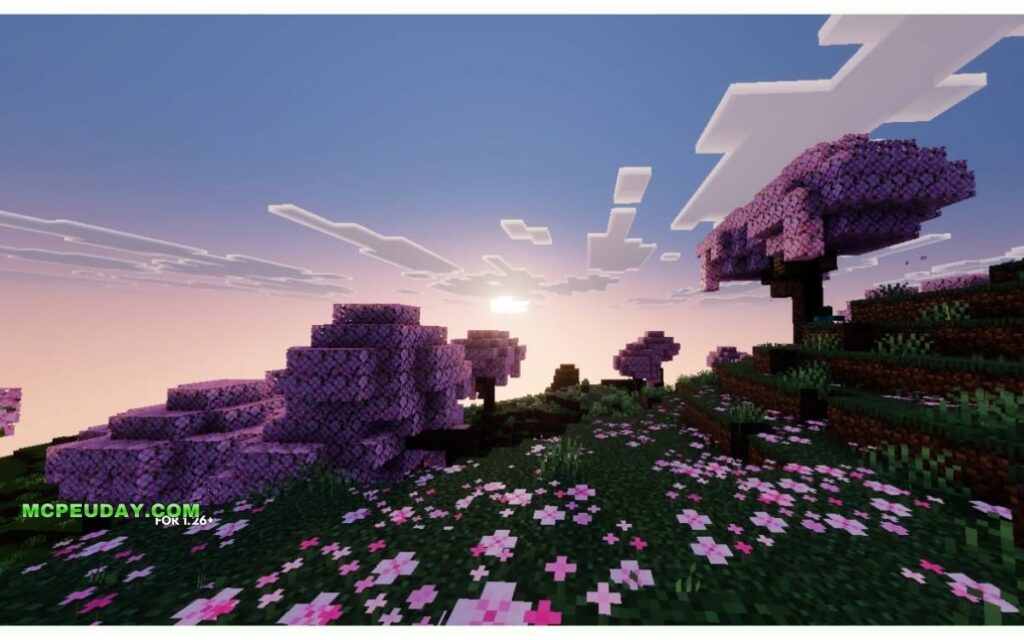
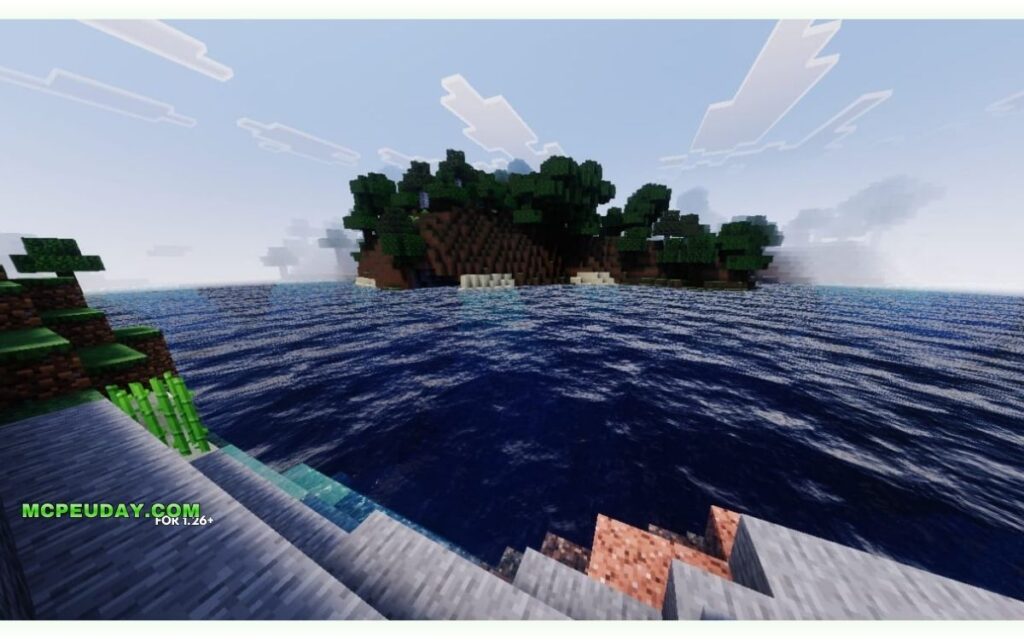
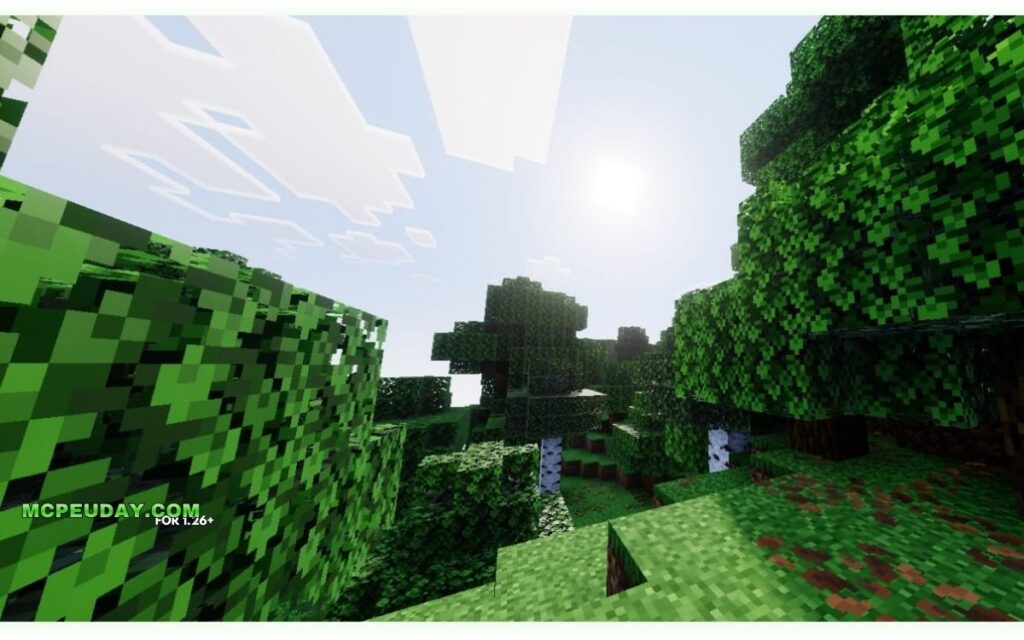
Vibrant Lumina Shader is a graphics enhancement pack for Minecraft Bedrock Edition that brings Java-style visuals — think rich colors, dynamic lighting, realistic water, and atmospheric fog — to mobile, console, and Windows players.
Here’s a quick summary before we dive in:
| Feature | Details |
|---|---|
| Edition | Minecraft Bedrock (MCPE) |
| Visual style | High contrast, BSL-style, vibrant colors |
| Key effects | Volumetric fog, reflective water, sun/moon lighting, bloom |
| Performance | Lite Edition is lag-free and device-friendly |
| File size | 2.27 MB (Lite Edition) |
| Downloads | 195.7k+ (Lite Edition) |
| Compatibility | Minecraft 1.21 and newer Bedrock versions |
| Cost | Free |
Getting better-looking graphics on Bedrock has always been tricky. Java Edition players have had powerful shaders for years. Bedrock players? Not so much — until packs like this one started closing the gap.
Vibrant Lumina stands out because it doesn’t force you to choose between good looks and smooth gameplay. The Lite Edition in particular is built to run well on most devices, including phones and consoles, without tanking your FPS.
This guide covers everything: what it is, how it looks, how to install it, and how it stacks up against similar shaders.
What is the Vibrant Lumina Shader?
At its core, the Vibrant Lumina Shader is a graphical powerhouse designed to overhaul the flat, vanilla look of Minecraft Bedrock Edition. Historically, Bedrock players had to settle for basic texture swaps because the game engine handled rendering differently than Java. However, with the introduction of advanced rendering pipelines, creators can now build stunning visual modifications.
If you are running modern versions of the game, utilizing a pack like the Lumina Visuals Shader 26 X 1 21 Mcpe Bedrock Shader allows you to unlock high-end desktop-grade visual features right on your portable device. It utilizes deferred lighting techniques to calculate how light bounces off surfaces, creating a dramatically realistic atmosphere.
For players on older or less powerful hardware, the Vibrant Lumina Lite Edition strips away the heavy computational demands while retaining the core visual upgrades. It packs enhanced sun and moon lighting, richer color grading, and improved atmospheric scattering into a tiny 2.27 MB file that has amassed over 195.7k downloads.
Core Philosophy of the Vibrant Lumina Shader
The main philosophy behind this shader is to deliver a recognizable BSL-style aesthetic to Bedrock players without causing severe performance drops. Instead of aiming for photorealism that makes the game look like a different engine entirely, it enhances the blocks you already know and love.
The shader focuses heavily on:
- High Contrast & Rich Saturation: Colors pop, making forests look lush and oceans look deep.
- Natural Greenery: Foliage shading is enhanced so leaves and grass look vibrant rather than muddy.
- Balanced Visuals: It avoids oversaturating the world, keeping survival gameplay looking clean, natural, and comfortable for long play sessions.
Supported Platforms and Bedrock Compatibility
Whether you play on a mobile phone (MCPE), a tablet, Windows, or a console, this shader is built to adapt. It is fully compatible with Minecraft 1.21 and subsequent updates. Because Bedrock runs on the Render Dragon engine, the shader works seamlessly with modern hardware configuration settings to provide console-smooth performance.
If you want to explore other options or see how this pack fits into the broader ecosystem, you can browse our curated list of Category Shaders to find the perfect match for your specific device.
Key Visual Features and Graphical Enhancements
When you activate the Vibrant Lumina Shader, the first thing you will notice is how the entire atmosphere shifts. The world ceases to look flat and instead gains a deep, cinematic quality. If you want to see how this compares to other high-end options, check out our list of the Top 5 Best Realistic Shaders For Mcpe.
Dynamic Lighting and Volumetric Fog
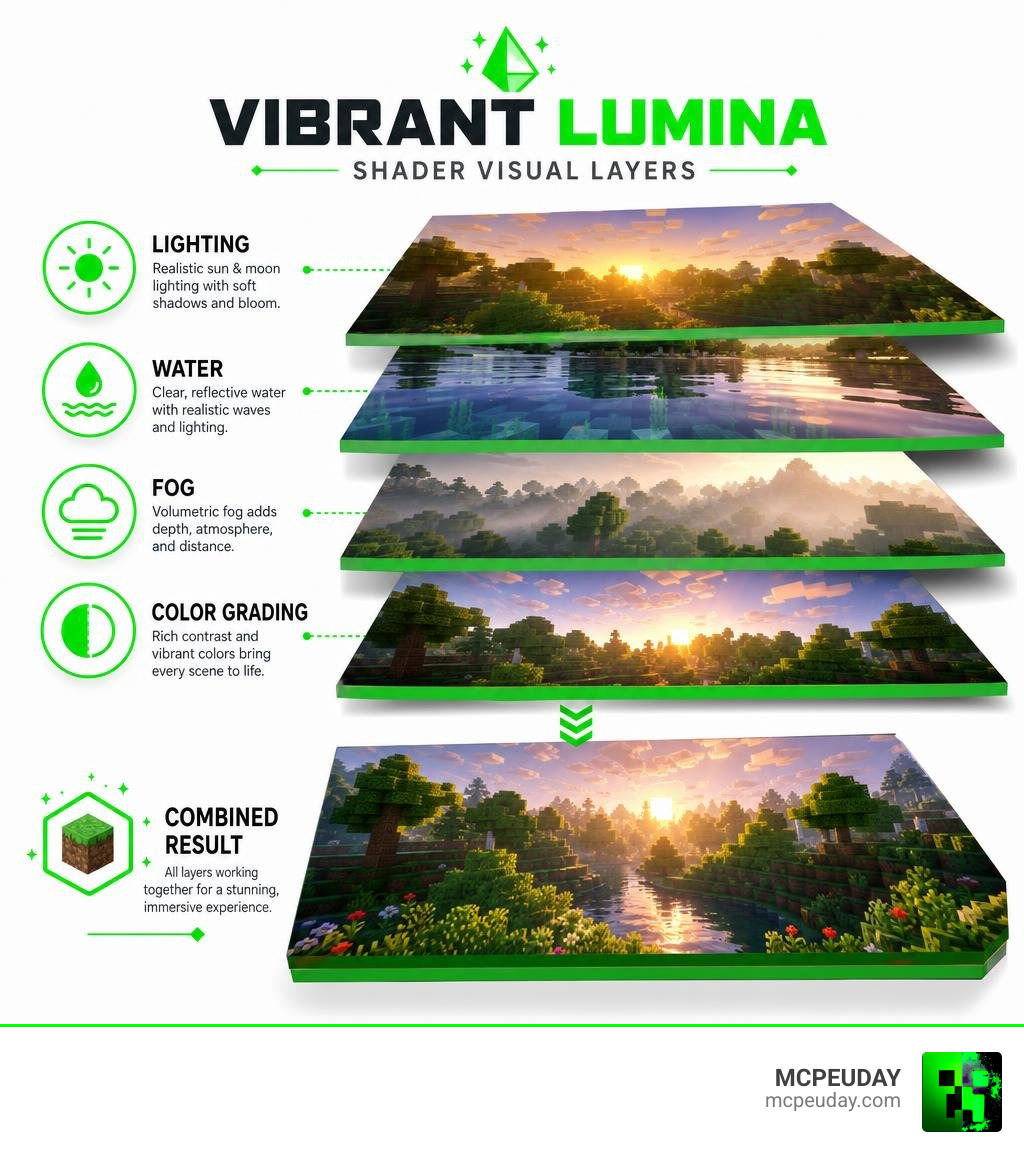
The lighting system is completely overhauled. Sunlight feels warm and intense during midday, while moon lighting casts a soft, cool glow over the landscape. During the golden hours of sunrise and sunset, the entire world is bathed in a stunning amber tint.
The volumetric fog and atmospheric scattering are where this pack truly shines:
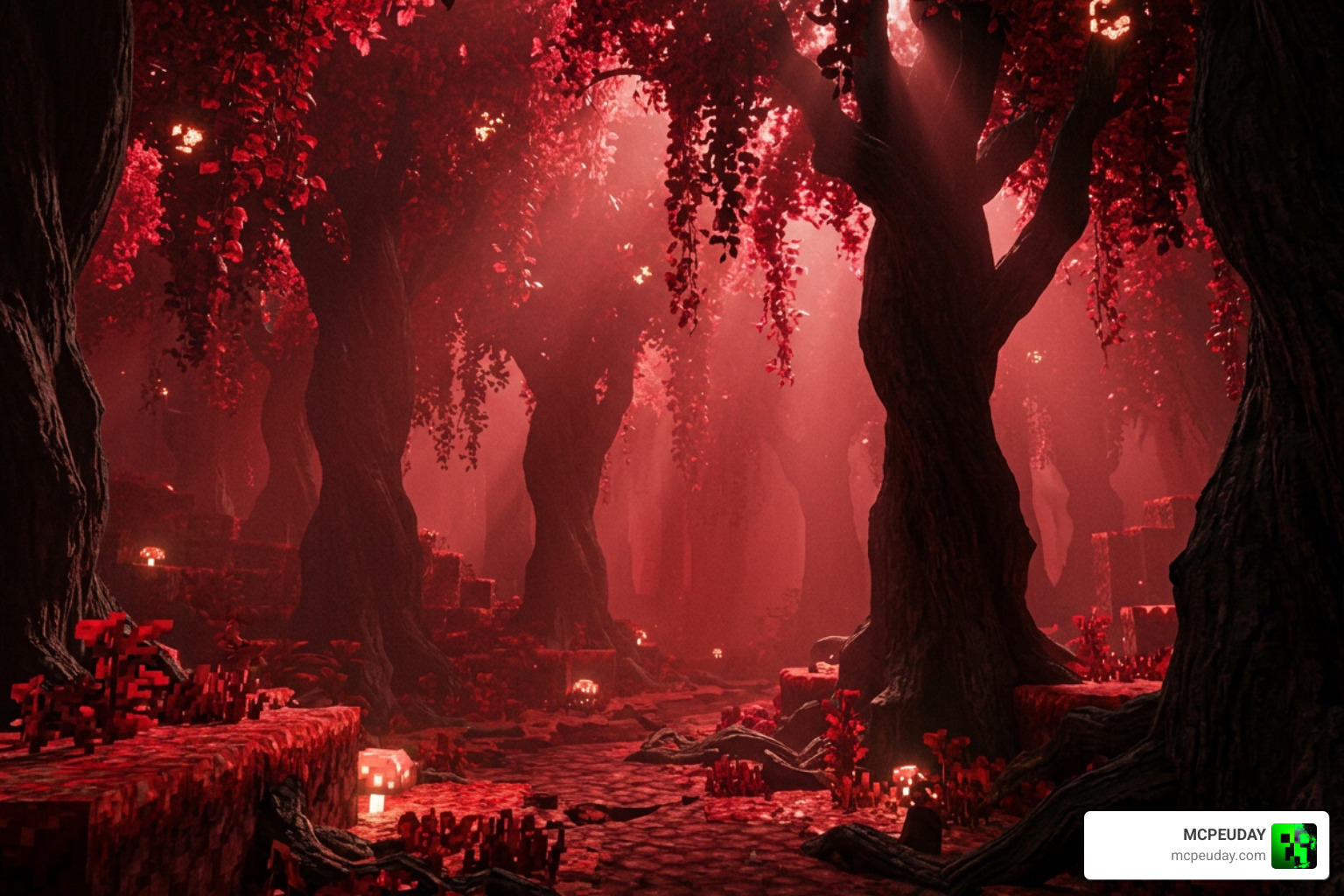
- Crimson Forest Fog: Entering the Nether’s Crimson Forest wraps you in an intense, blood-red fog that makes the biome feel incredibly hostile and atmospheric.
- Dark Oak Forest Fog: Walking into dense forests triggers an eerie, dark green mist, perfect for spooky adventures or medieval builds.
- Soft Shadows: Cinematic, soft global shadows wrap around blocks, giving depth to your builds.
Realistic Water and Shimmering Reflections
Water is often a weak point in vanilla Minecraft, but this shader transforms it completely. It introduces dynamic waves, realistic water transparency, and shimmering reflections that react to the sun and moon.
If you love building lakeside cabins, coastline bases, or mountain lookouts with sweeping water views, this feature alone makes the download worthwhile. The reflections adjust dynamically as the weather changes, making rainy days look wonderfully gloomy and sunny days feel incredibly bright.
Performance Optimization and Device Support
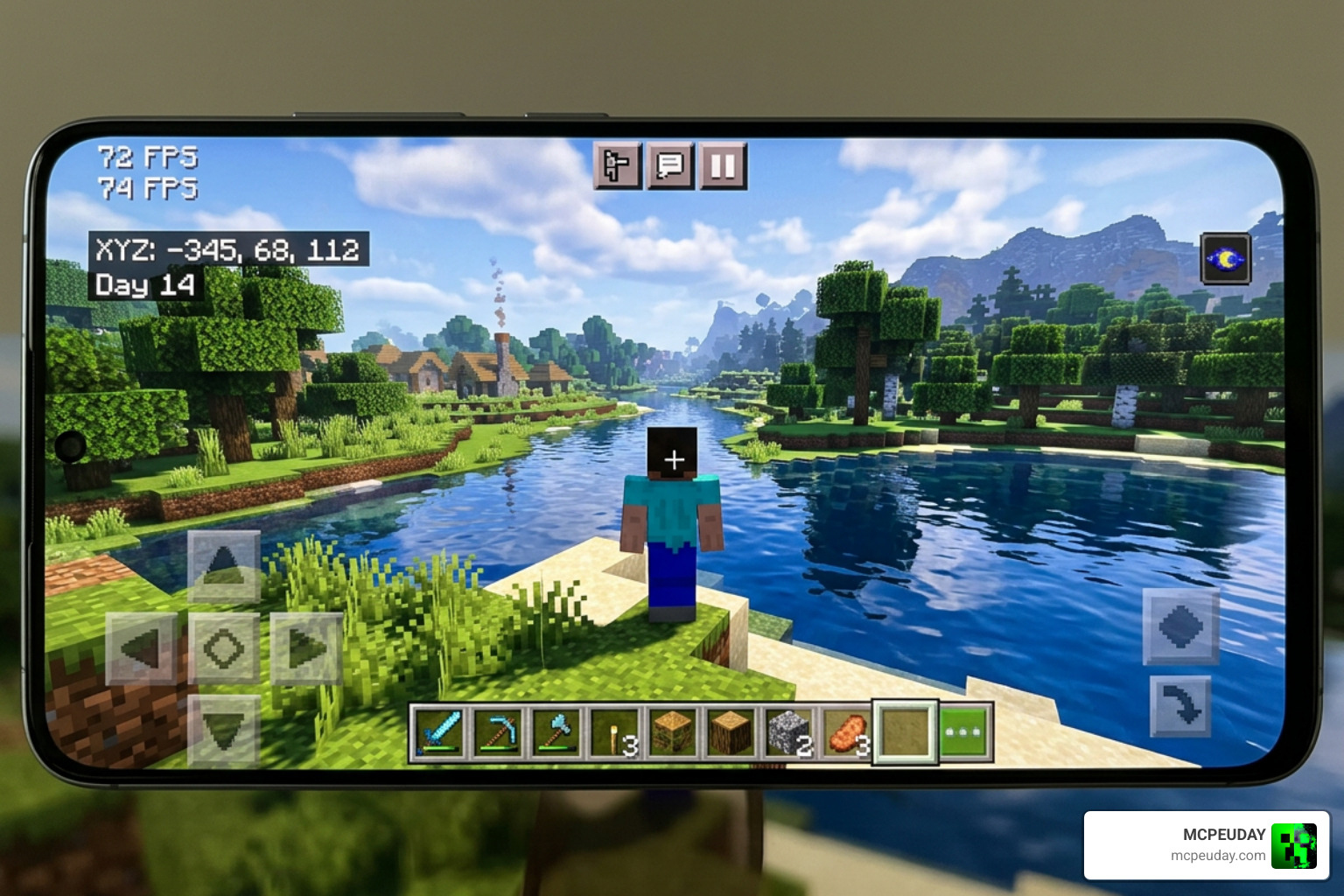
One of the biggest hurdles for shader developers is performance. It is easy to make a game look beautiful if you do not mind running it at 10 frames per second. However, the creators of this pack wanted to ensure “console-smooth” performance. For a broader look at how we evaluate performance, you can read about the 3 Best Shaders For Minecraft 1 21 Ultra Realistic Smooth Fps Stunning Graphics.
Below is a quick comparison of how the Lite Edition compares to standard deferred shaders:
| Feature | Vibrant Lumina Lite Edition | Standard Deferred Shaders |
|---|---|---|
| Average FPS | High (55-60 FPS on mid-range phones) | Medium (30-45 FPS, requires high-end GPU) |
| File Size | 2.27 MB | 10 MB – 50 MB |
| RAM Impact | Extremely Low | Moderate to High |
| Battery Drain | Minimal | Noticeable on mobile devices |
| Device Warmth | Keeps device cool | Can cause thermal throttling |
Running the Vibrant Lumina Shader on Low-End Devices
If you are playing on an older phone or a budget tablet, the Lite Edition is your best friend. At just 2.27 MB, it features incredible lag-free optimization. The developers achieved this by optimizing code and focusing on visual tricks that look expensive but cost very little processing power.
For those interested in the technical side, projects like seilotte/lumina showcase how performance-oriented shader code is written using GLSL, balancing calculations so that your GPU does not choke during heavy gameplay.
Step-by-Step Installation Guide for Bedrock Edition
Installing the Vibrant Lumina Shader is straightforward. Follow these simple steps to get it running:
- Download the File: Grab the official
.mcpackfile. You can find the download directly on the Vibrant Lumina Lite Edition | Minecraft PE Texture Packs page. - Open the File: Once downloaded, tap or double-click the
.mcpackfile. This will automatically launch Minecraft and import the pack. - Activate in Global Resources:
- Go to the main menu of Minecraft.
- Navigate to Settings > Global Resources.
- Under My Packs, locate the shader and click Activate.
- Configure World Settings (If using Deferred Lighting): If you are using a version that supports deferred graphics, ensure you enable the “Render Dragon Features for Creators” or “Beta APIs” toggle in your world settings, and set your graphics mode to “Deferred Technical Preview” in the video settings.
(Note: For PC users utilizing GDLauncher, you can quick-install Java-equivalent versions using the Quick Install ID #lumina-shader-lite within your instance’s addon tab).
Frequently Asked Questions about Vibrant Lumina
Is Vibrant Lumina Shader free to download?
Yes! The shader is completely free to download and use. It is a community-driven project designed to make beautiful graphics accessible to all players.
Does this shader require Render Dragon or Deferred Technical Preview?
The Lite Edition functions primarily as an optimized resource pack that enhances vanilla fog, lighting maps, and water textures without requiring experimental options. However, the full deferred version of Lumina Visuals does require a device that supports the Render Dragon deferred lighting pipeline and must have the experimental graphics toggles enabled in your settings.
Who created the Vibrant Lumina Shader?
The shader is developed and maintained by the Lumina Visuals Team and HoneyStudios, with contributions from talented community developers who specialize in optimizing Bedrock rendering.
Conclusion
The Vibrant Lumina Shader is an outstanding addition to any Bedrock player’s library. It bridges the gap between mobile playability and desktop-level beauty, proving that you do not need a high-end gaming PC to enjoy gorgeous volumetric fog, shimmering water, and warm cinematic lighting.
Whether you are exploring spooky dark oak forests, building a cozy coastline cottage, or surviving the depths of the Nether, this pack makes every moment feel like a movie.
Ready to explore even more options? Check out our ultimate breakdown of the Best Shaders For Mcpe 1 21 2026 Top 3 Realistic Minecraft Pe Shaders to see where Vibrant Lumina ranks and find your perfect setup today!