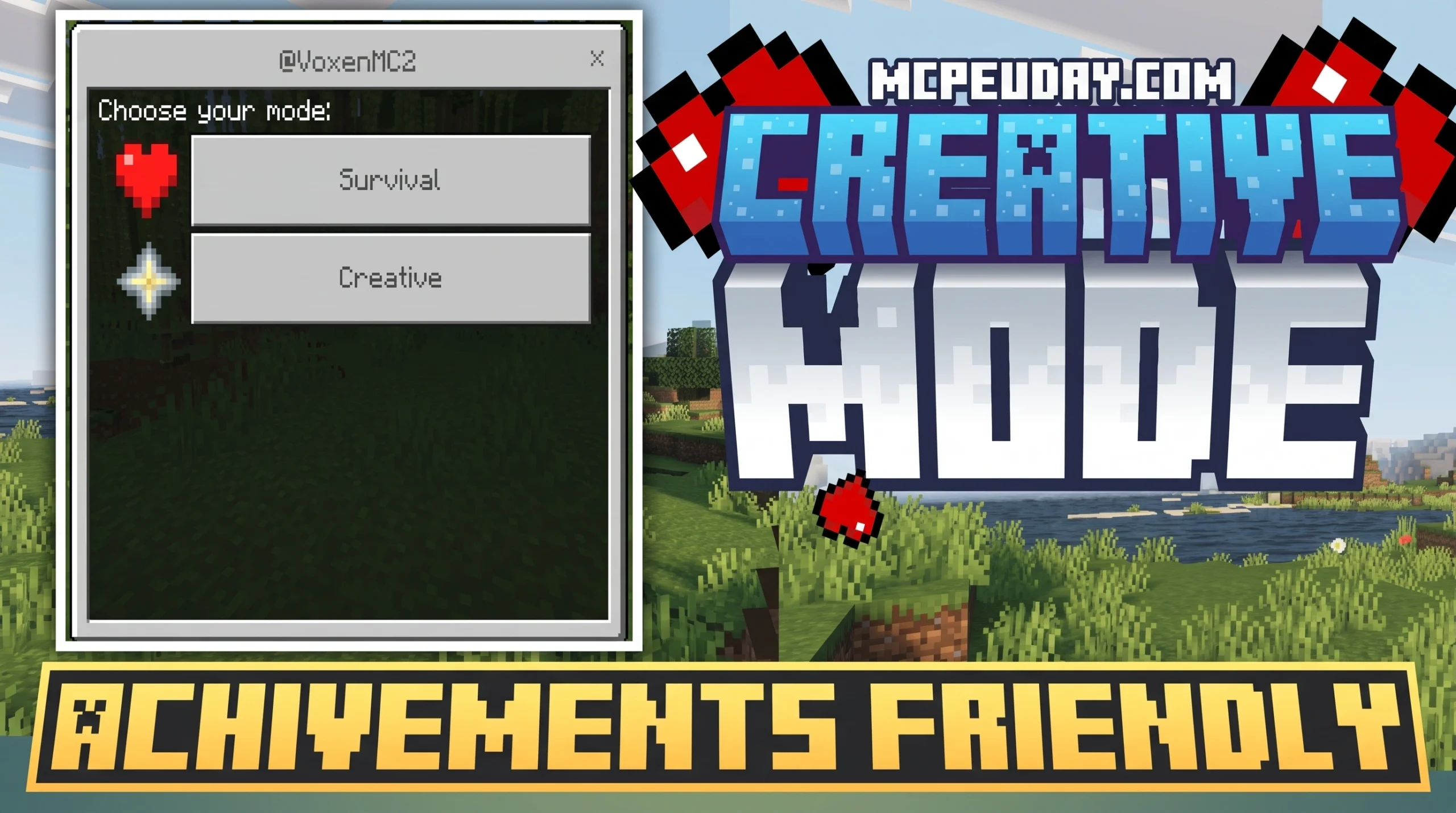
Why Achievement-Friendly Creative Mode Add-ons Are a Game Changer
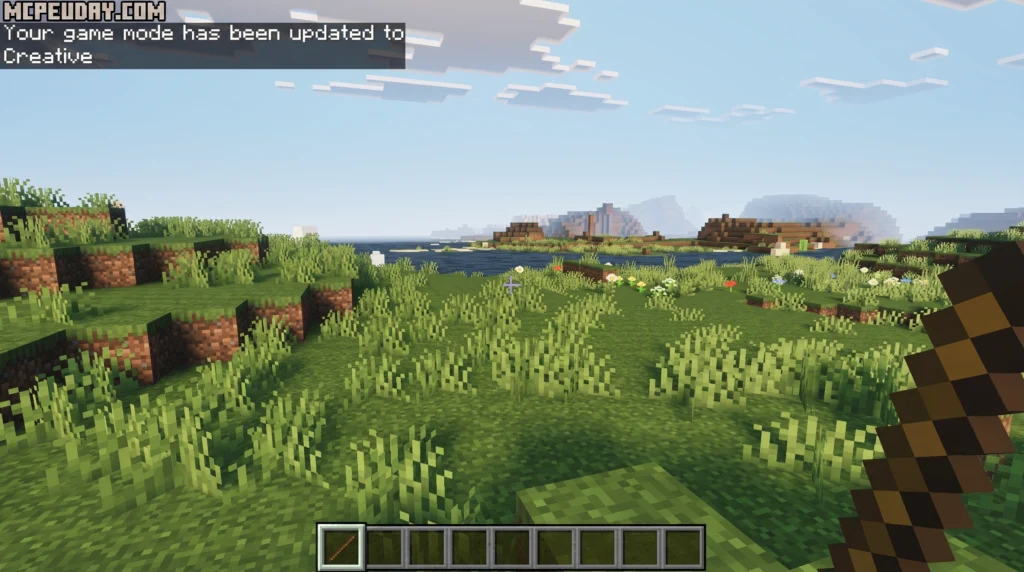
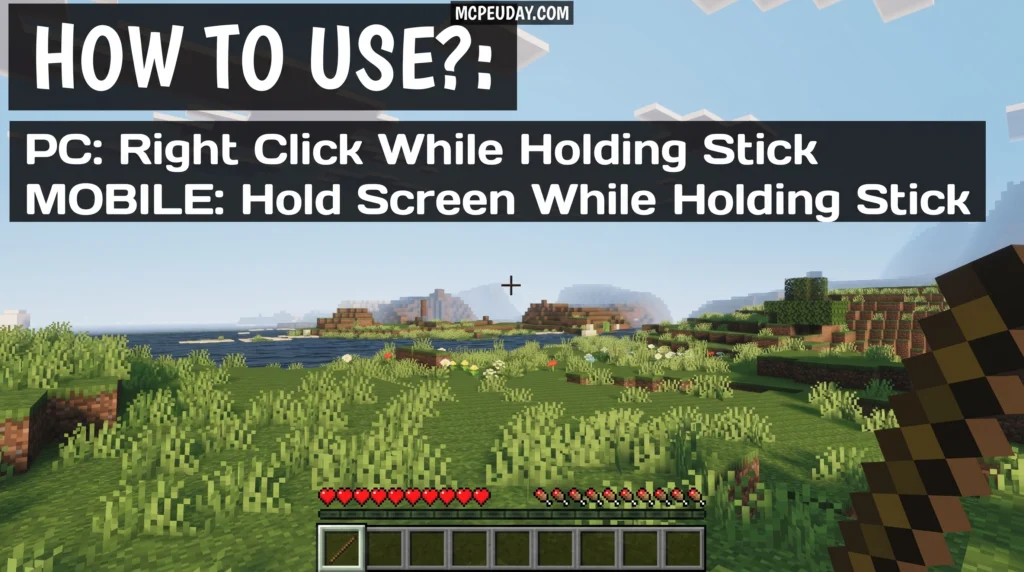
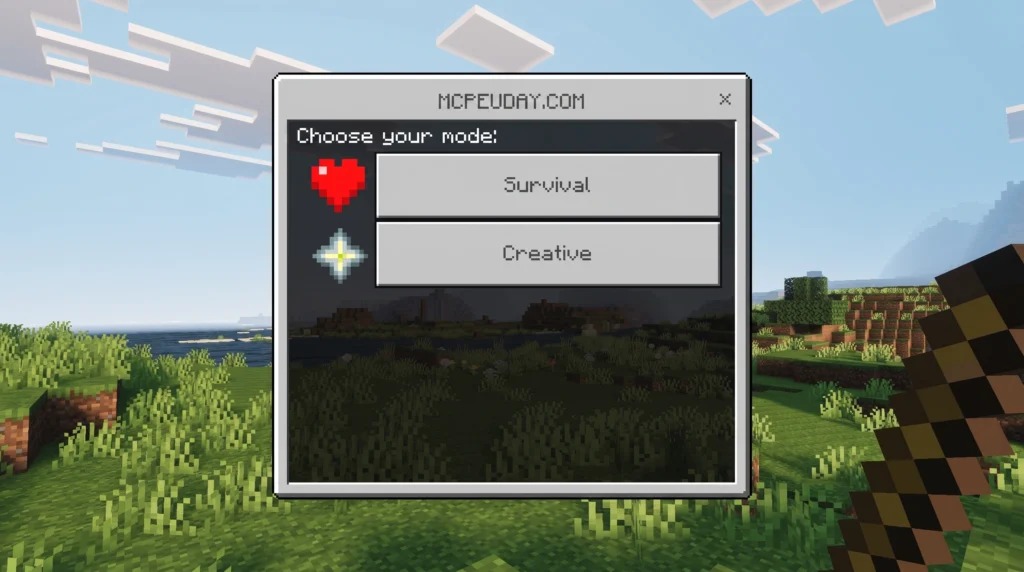
Finding a Creative Mode – Achivement Friendly Addon is now easier than ever — here’s the quick answer:
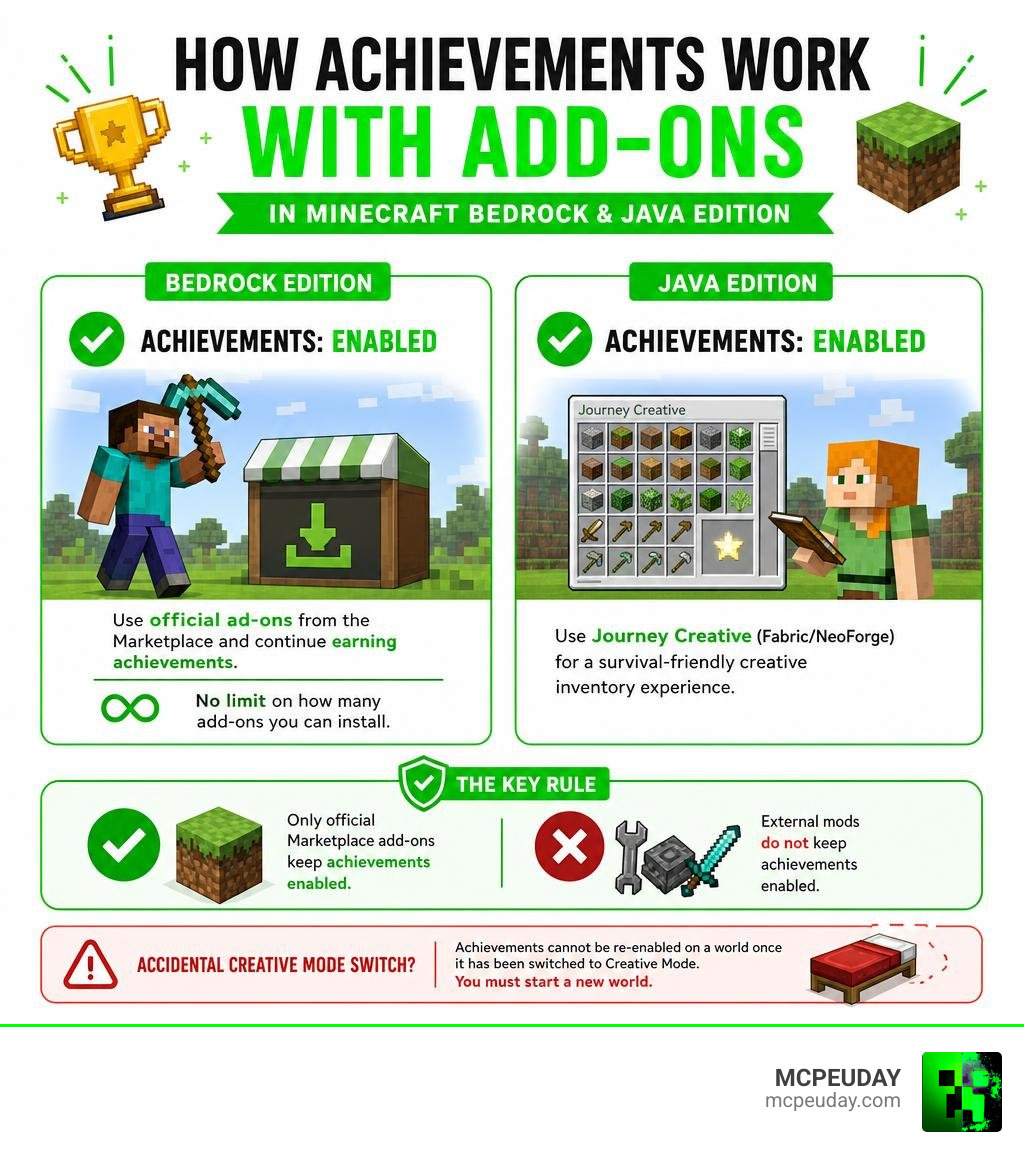
- Bedrock Edition: All official Minecraft Marketplace add-ons now allow you to earn achievements. No limit on how many you can install.
- Java Edition: The Journey Creative mod (Fabric/NeoForge) adds a survival-friendly creative inventory inspired by Terraria’s Journey Mode.
- Key rule: Only Marketplace add-ons keep achievements enabled. External mods do not.
- Accidental Creative Mode switch: Achievements cannot be re-enabled on a world once it has been switched to Creative Mode — you must start a new world.
For years, Minecraft players had to choose: build freely, or earn achievements. Switching to Creative Mode meant your world was locked out of achievements forever. Installing mods meant the same thing on Bedrock Edition. That was a frustrating trade-off, especially for players who just wanted to customize their experience without losing progress toward their Xbox Gamerscore.
That all changed when Mojang officially updated their policy to allow achievements in worlds with Marketplace add-ons installed. Now, customization and progression can finally coexist.
I’m UDAY GAMER, and in this guide I’ll walk you through every achievement-friendly option available — from Bedrock Marketplace add-ons to Java’s Journey Creative mod — so you never have to choose between creativity and your next achievement unlock.
Minecraft Bedrock’s New Era: Achievements with Add-ons
As of our current date in July 2026, the Bedrock Edition community is enjoying a massive golden age of customization. Previously, activating any behavior pack or switching your world to Creative Mode would instantly trigger a warning: “Achievements cannot be earned in this world.”
Under Mojang’s modern policy, players can now earn Xbox Gamerscore and platform-specific achievements while playing in worlds with official add-ons active. This means you can add furniture, new animals, custom tools, and magic systems to your survival world without losing your hard-earned progress. Mojang recognized that players love to customize their games, and that using creative-style tools or gameplay modifiers shouldn’t lock them out of the meta-game of achievement hunting.
Creative Mode – Achivement Friendly Addon Solutions for Bedrock
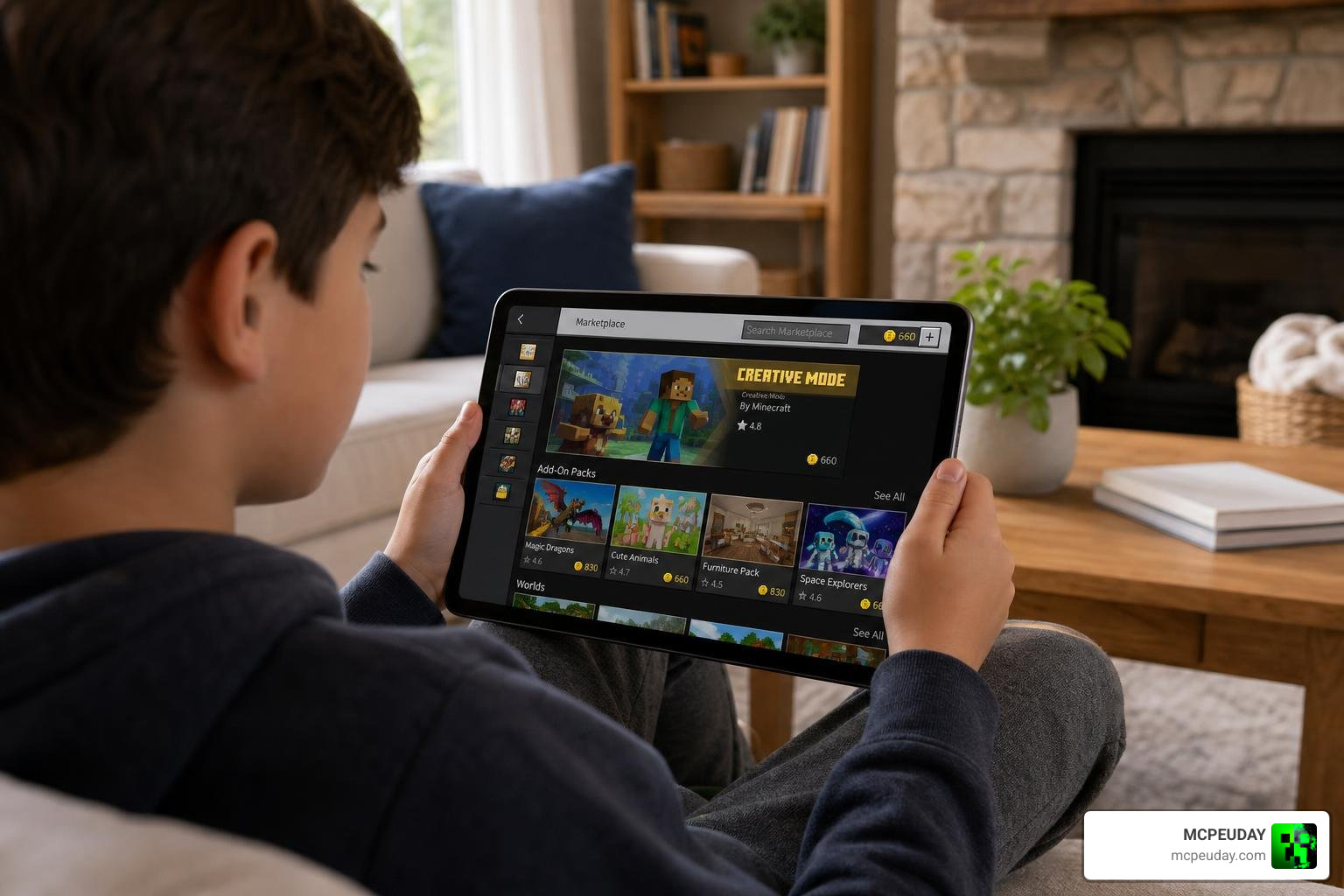
If you want to use a Creative Mode – Achivement Friendly Addon on Bedrock Edition, the most important rule to remember is Marketplace exclusivity.
To protect the integrity of the achievement system, Mojang only allows achievements to remain active if the add-ons are downloaded directly from the official Minecraft Marketplace. If you download a third-party behavior pack from an external website and manually install it, the game will still lock your achievements.
Anti-Abuse Measures and Fair Play
You might wonder: If we can use add-ons, can’t we just download an add-on that gives us infinite diamonds and instantly unlocks every achievement?
Mojang thought of this. To prevent unfair progression, they have implemented strict creator guidelines for the Marketplace. Add-ons specifically designed to exploit or instantly unlock achievements are prohibited. While some add-ons might make survival tasks slightly easier, they still require you to play the game.
If you are looking for a dedicated world specifically designed to help you clean up missing achievements, you are better off using a community-made Achievement Unlocked Map rather than trying to bypass the system with unauthorized external mods.
| Feature | Marketplace Add-ons | External Mods / Downloads |
|---|---|---|
| Earn Achievements? | Yes | No |
| Source | In-game Marketplace | External Websites |
| Installation | One-click auto-install | Manual file moving |
| Platform Support | All Bedrock Platforms | PC, Mobile (Limited on Consoles) |
Top Achievement-Friendly Building Add-ons
For players who want the power of Creative Mode but still want to earn achievements in survival, building-assistance tools are the perfect compromise. We highly recommend checking out the Effortless Building tools available for Bedrock and Java.
If you want to build massive structures in survival without the tedious block-by-block grind, utilizing an Effortless Building Addon is a lifesaver. These tools allow you to mirror blocks, build in lines, and place entire walls or floors in a single click.
For players running specific versions, you can grab the Effortless Building Addon 26 x 1 21 to ensure perfect compatibility with your Bedrock worlds. If you are on Java Edition, you can achieve the exact same massive building capabilities using the Effortless Building Mod 26 x 1 21, which helps you build massive structures faster in Minecraft while keeping your survival progression active.
Java Edition Alternative: Journey Creative Mod
For our Java Edition players, achievements work a bit differently. Java uses “Advancements,” which are tied to individual world saves rather than a global Xbox Gamerscore. However, many players still want a balanced way to enjoy creative-style building within a strict survival progression.
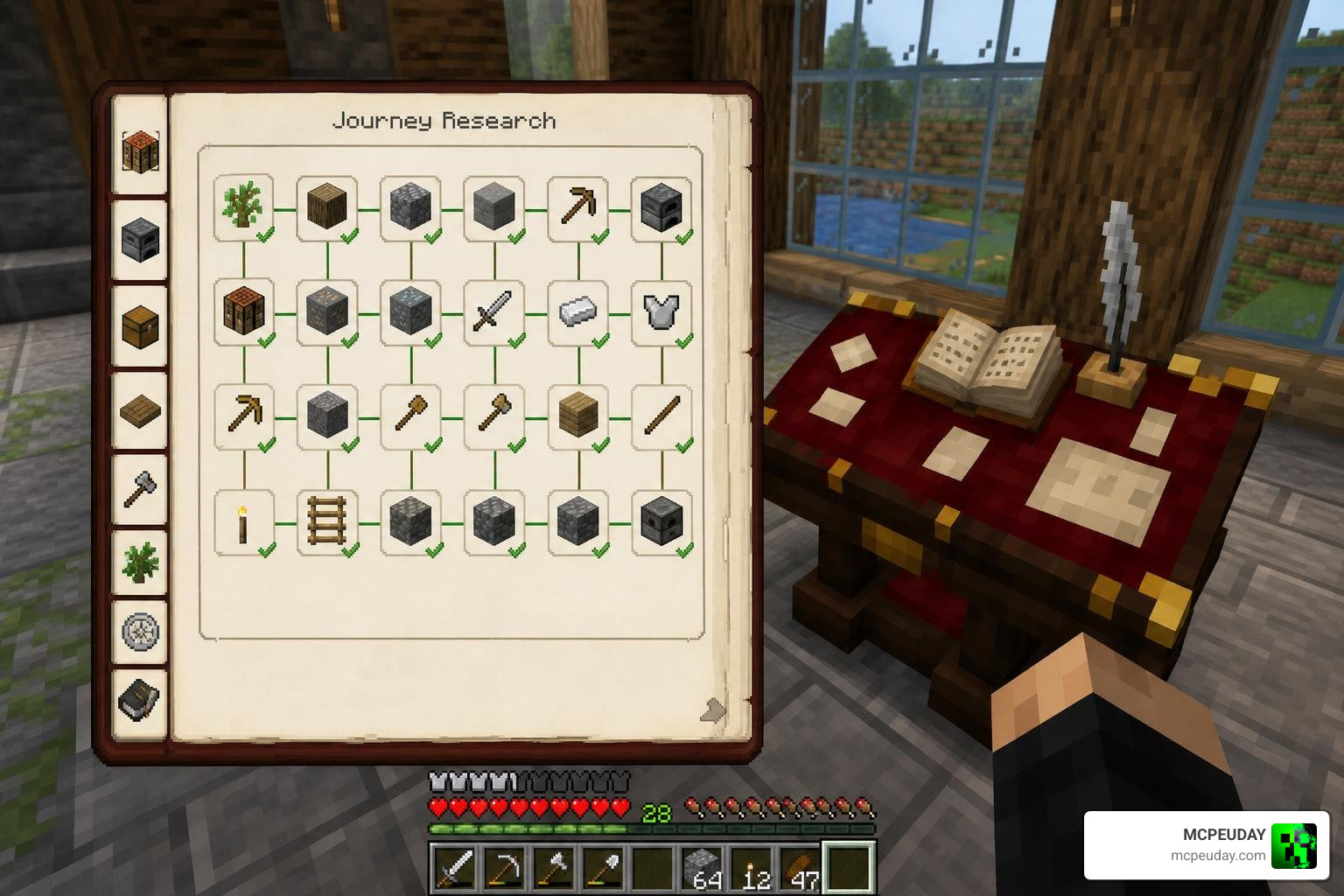
This is where the incredible Journey Creative mod comes in. You can find the open-source repository directly on GitHub at abmasud1214/journeycreative . As of its last updates in early 2026, this Fabric and NeoForge mod has earned a dedicated following in the modding community for bringing Terraria’s brilliant “Journey Mode” mechanics straight into Minecraft.
Journey Creative: A Creative Mode – Achivement Friendly Addon Alternative
Instead of giving you unlimited blocks for free, Journey Creative requires you to “research” items before you can duplicate them. This creates a highly rewarding middle ground between survival and creative play.
To use the mod:
- Craft the Research Vessel and Ender Archive: These end-game tools are your gateway to duplication.
- Sacrifice Items for Research: To duplicate an item, you must submit a specific quantity of it into the Research Vessel to obtain a Research Certificate.
- Unlock Infinite Duplication: Once you submit the certificate to your Ender Archive, you can pull infinite copies of that item directly from your survival-creative inventory.
The mod features highly balanced default research requirements. For example, common building blocks might only require a stack or two, but rare materials require serious dedication:
- Ancient Debris: Requires 1152 blocks (18 stacks) to unlock.
- Netherite Ingots: Requires 320 ingots (5 stacks) to unlock.
- Enchanted Golden Apples: Requires 256 apples (4 stacks) to unlock.
Server administrators can easily customize these values, set up prerequisites (like requiring Iron Ingots to be researched before Iron Nuggets), or prohibit certain items entirely using custom datapack configurations.
How to Manage Achievements and Add-ons Safely
While using official add-ons is completely safe for your achievement eligibility, stacking too many of them can occasionally cause performance issues, especially on lower-end devices like mobile phones or older consoles.
Always ensure your device can handle the active add-ons to prevent lag, which could potentially disrupt your game save and cause achievements to misfire.
Troubleshooting Your Creative Mode – Achivement Friendly Addon Setup
If you accidentally switched your Bedrock world to Creative Mode, you might be wondering: Can I re-enable achievements on this world?
Unfortunately, once a world save has been switched to Creative Mode or had cheats enabled, the “achievement-disabled” tag is permanently written into the world file.

To avoid losing your progress:
- Always make backups: Before testing a new add-on or changing world settings, copy your world.
- Use a test world: If you want to experiment with a new Marketplace add-on, load it into a creative test world first to see how it behaves before applying it to your main survival world.
- Xbox One S / Console recovery: If you accidentally switched to creative on a console, your only hope of recovering achievements is to download an older cloud save backup from before the switch occurred. Otherwise, you must start a new world.
Frequently Asked Questions about Achievement-Friendly Add-ons
Can I retroactively earn achievements in older worlds?
No. If you have been playing with external mods or in Creative Mode on an older world, you cannot retroactively claim the achievements you missed. You must perform the achievement requirements in a world that currently has achievements enabled.
Do non-Marketplace mods allow achievements in Bedrock?
No. Only official add-ons obtained through the Minecraft Marketplace keep achievements active. External behavior packs downloaded from third-party sites will automatically disable achievements.
Is there a limit to how many add-ons I can install?
There is no hard limit set by the game. You can install as many Marketplace add-ons as you want while keeping achievements active. However, your device’s hardware will limit you; installing too many resource-heavy add-ons simultaneously can cause performance drops or crashes.
Conclusion
The integration of official Marketplace add-ons has completely transformed how we play Minecraft Bedrock. We no longer have to choose between expressing our creativity and hunting down those final Xbox achievements. By choosing the right tools, you can build your dream world while watching those satisfying achievement notifications pop up on your screen.
Ready to take your game to the next level? Download the latest Minecraft mods, shaders, and addons on MCPEUDAY today!
