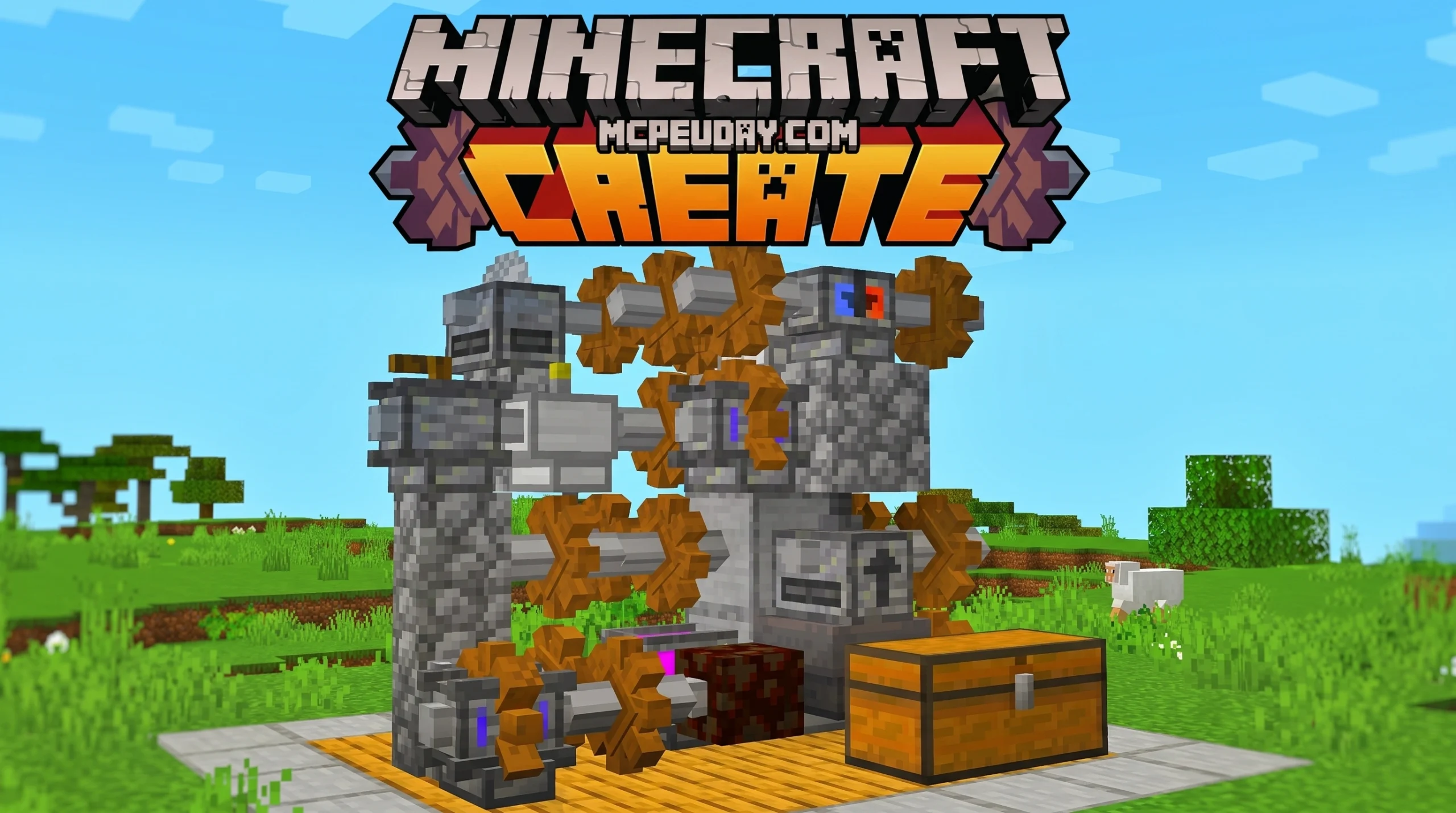
What the Create Addon Is and Why Minecraft Bedrock Players Love It
The Create Addon brings the beloved automation and factory-building experience of Java Edition’s Create mod directly to Minecraft Bedrock Edition — and it’s a big deal for players who want to build complex machines without switching platforms.
Quick answer — here’s what you need to know:
- What it is: An unofficial Bedrock port of the Java Create mod, developed by Vatonage
- What it does: Adds mechanical power, automation machines, and factory-building tools to Bedrock Edition
- Where to get it: Available for free on CurseForge (89,000+ views and 2,400+ likes)
- Who it’s for: Players on mobile, console, and PC who want automation without Java Edition
- How to install: Download the resource pack and behavior pack, then apply both to your world
If you’ve ever watched someone build a fully automated factory in Java Edition and wished you could do the same on your phone or console — this addon is exactly what you’ve been looking for.
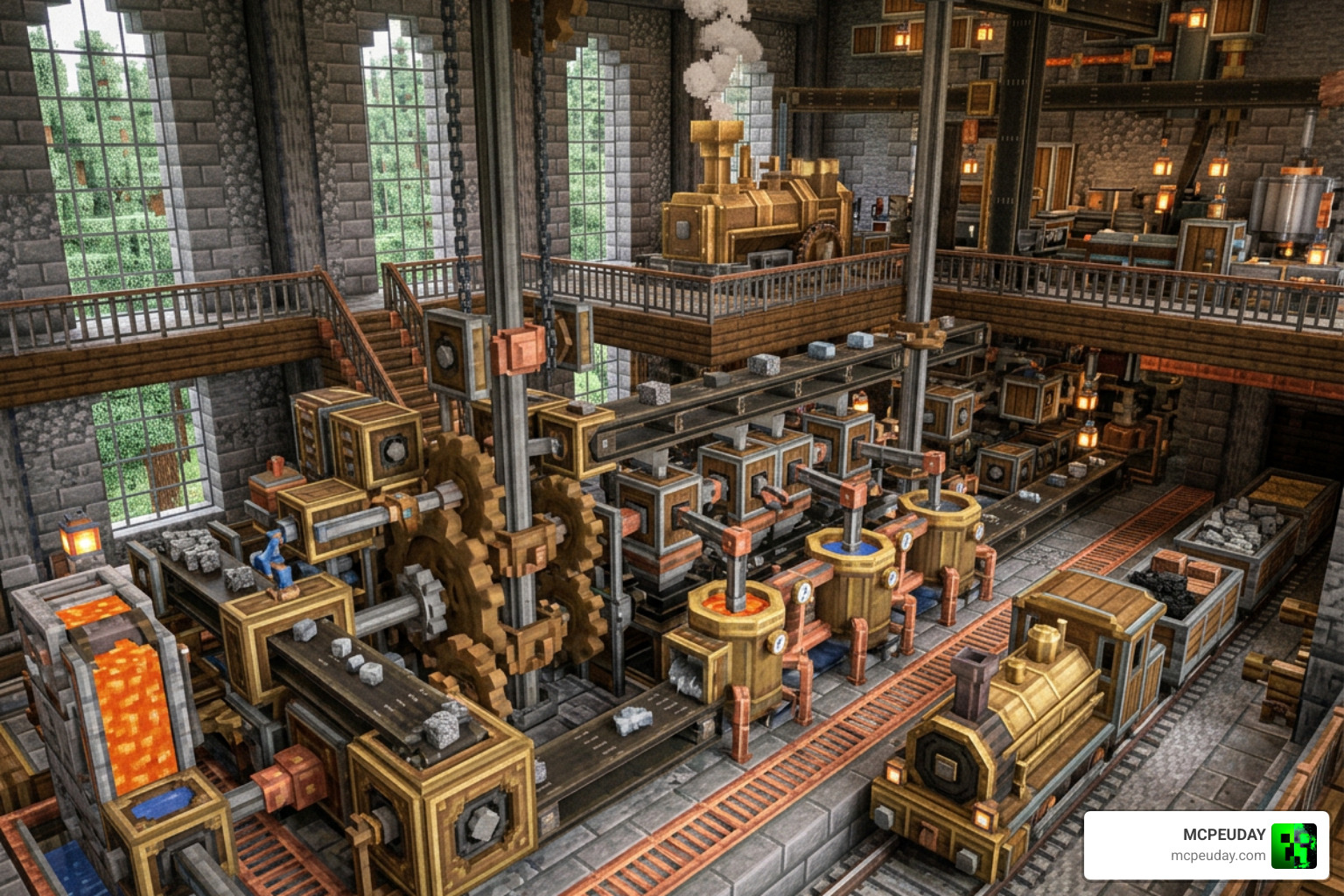
Minecraft Bedrock has historically lagged behind Java when it comes to powerful automation mods. The Create Addon changes that. It lets you use mechanical power to run machines, move items, and process resources automatically — the kind of setup that turns a simple base into a full-scale industrial operation.
It’s not a perfect one-to-one copy of the Java mod, and there are some limitations worth knowing about. But for Bedrock players, it’s one of the most ambitious automation addons available right now.
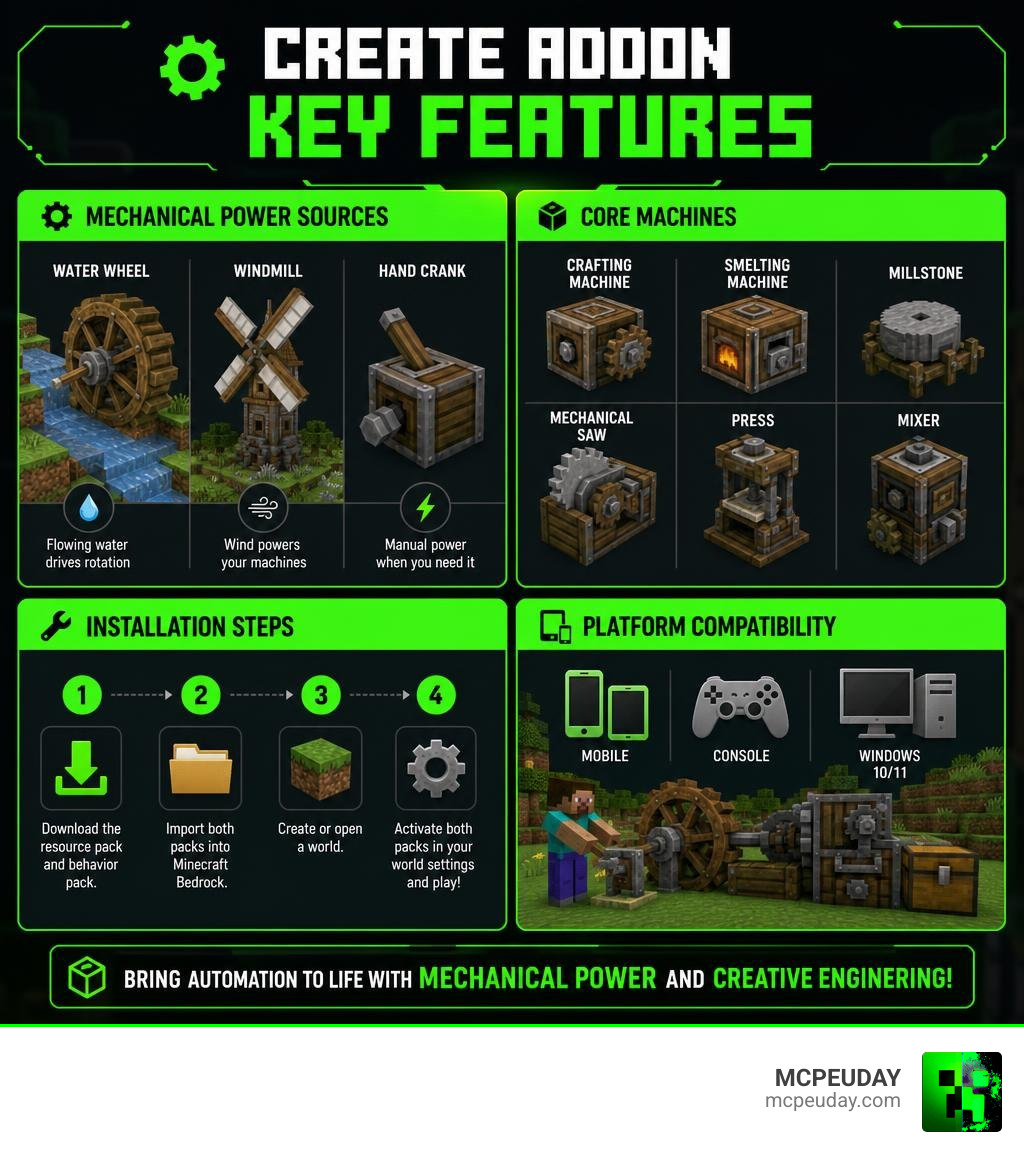
What is the Create Addon for Minecraft Bedrock?
The Create Addon is an unofficial Bedrock Edition port of the legendary Java “Create” mod. Developed by the talented creator Vatonage, this addon aims to bring the physical, kinetic engineering style of gameplay to players on mobile, console, and Windows 10/11.
Historically, Bedrock players had to rely on basic redstone or standard command blocks to automate tasks. With this addon, we can finally build actual moving parts. This port translates complex Java mechanics into Bedrock’s native scripting and behavior pack system.
If you want to see this impressive machinery in action, you can check out this Create Mod Bedrock Showcase to see how dynamic these mechanical components look in a real world. We also host a wealth of similar automation tools and custom features in our mod addons category to help you expand your game even further.
Key Features and Mechanical Automation
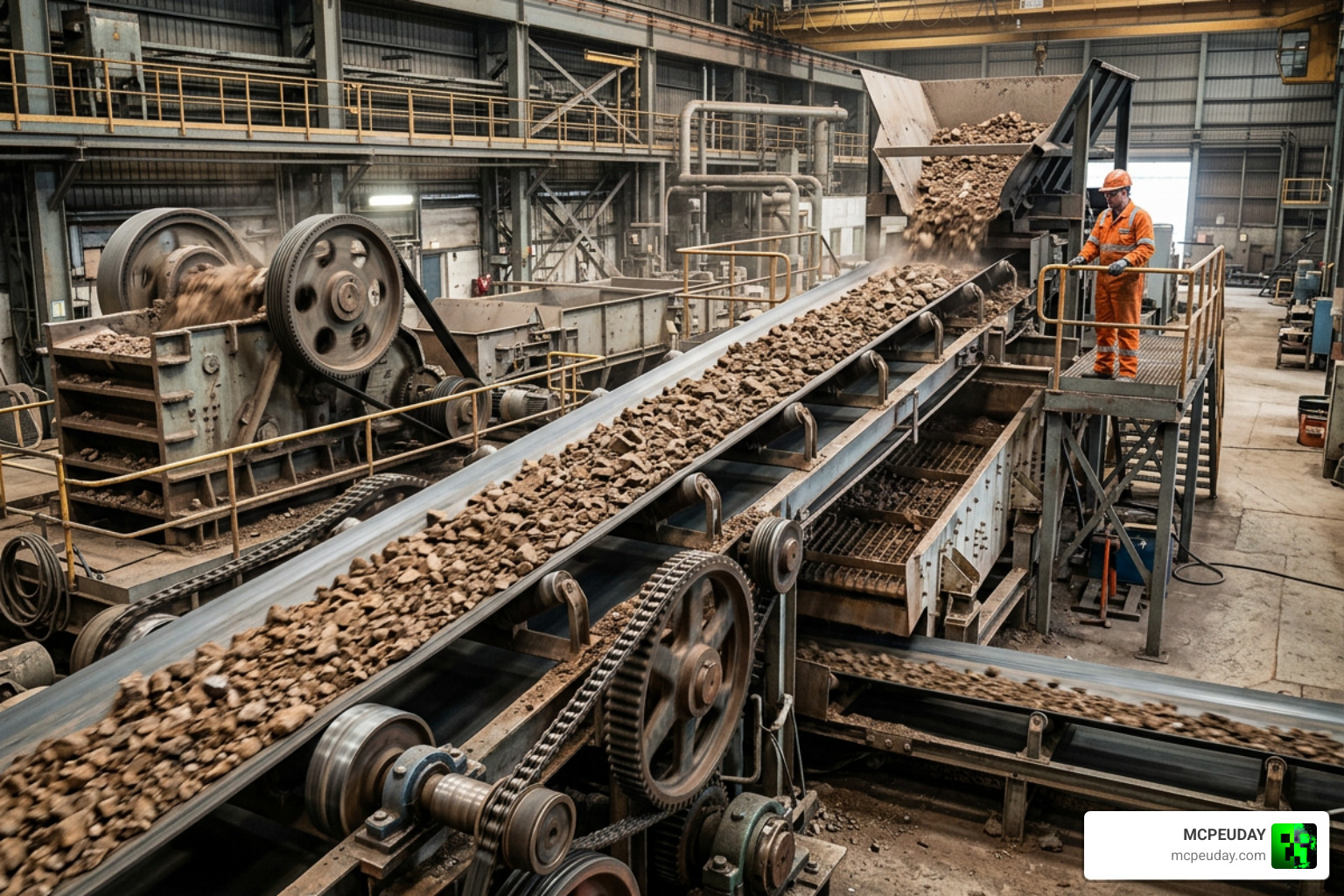
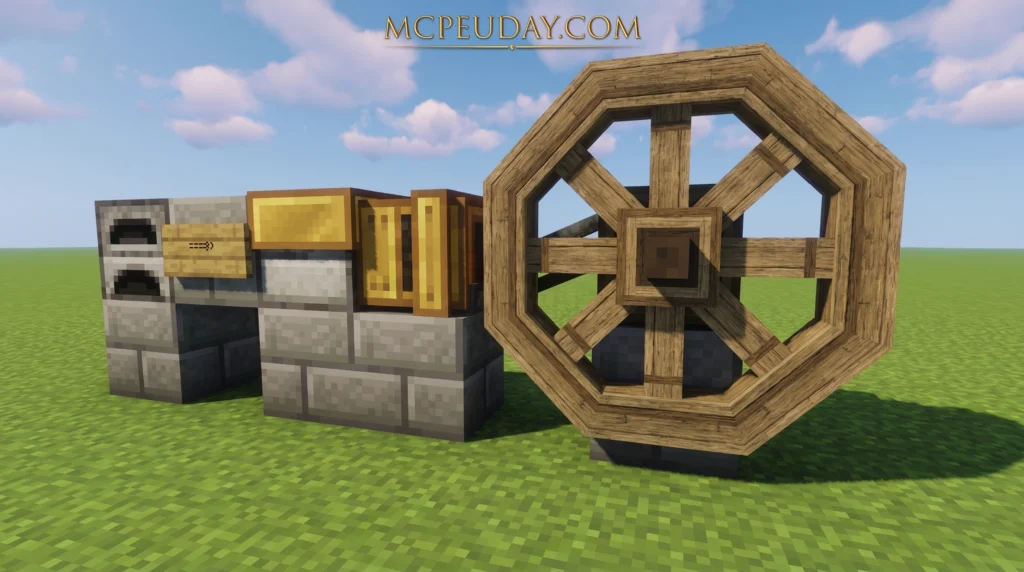
The core gameplay of the Create Addon centers around mechanical power. Instead of transferring abstract energy through wires (like classic tech mods), you generate and transmit physical kinetic energy. You must manage rotational force, gear directions, and speed to design efficient factory production lines.
Core Machines in the Create Addon
To start your industrial revolution, you will need to master several core machines included in the addon:
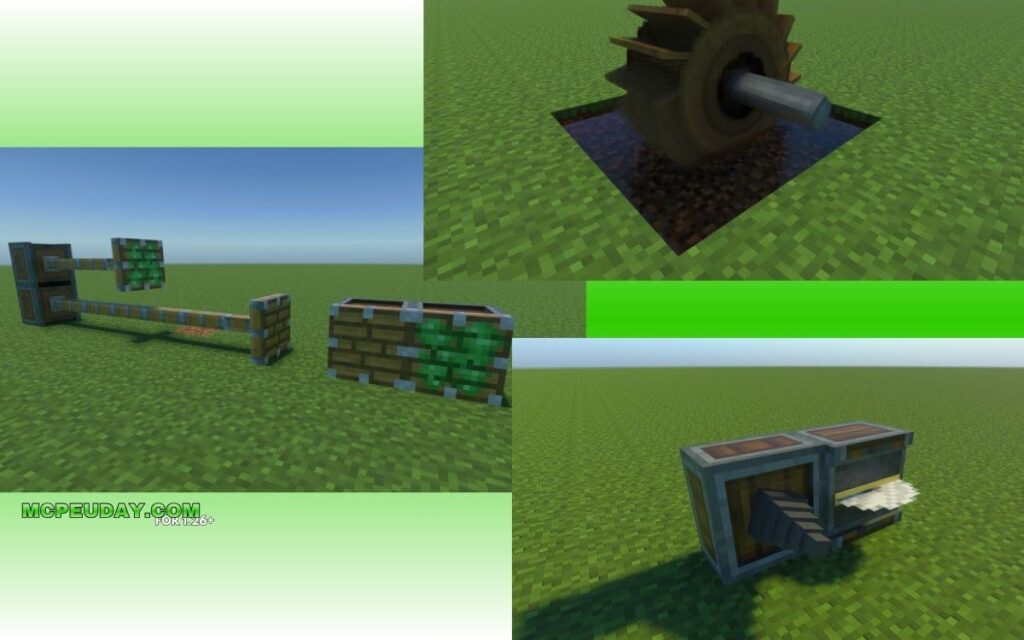
- Gears and Shafts: These are the basic building blocks used to transmit rotational force over distances and change the direction of rotation.
- Belts: Perfect for transporting items across your factory floor, allowing you to link different processing stations together seamlessly.
- Mechanical Press: Used to flatten raw ingots into sheets, opening up advanced crafting recipes.
- Mixers and Basins: Essential for combining multiple ingredients into processed liquids or alloys.
These machines allow you to process resources much faster than manual crafting. If you want to put your new automated assembly lines to the test, you can pair this setup with the More Ores Addon to automatically process custom, high-tier materials.
Comparing Bedrock Create Addon to Java Create Mod
While the Bedrock Create Addon is incredibly impressive, it is important to understand how it compares to the original Java Edition mod.
| Feature / Aspect | Java Edition Create Mod | Bedrock Create Addon (Vatonage) |
|---|---|---|
| Rendering Engine | Uses Flywheel (highly optimized custom engine) | Relies on Bedrock’s native Render Dragon |
| Contraption Movement | Smooth, sub-block physics and rotational movement | Grid-aligned or custom entity-based movement |
| Feature Completeness | 100% (Includes trains, fluid pipes, advanced physics) | Core automation features (gears, presses, belts) |
| Performance | Excellent on optimized PC setups | Variable; can lag on low-end mobile devices |
| Platform Compatibility | PC only (Java) | Mobile, Xbox, PlayStation, Switch, Windows PC |
Because Bedrock does not support custom low-level rendering engines like Flywheel, the developer had to find clever workarounds using Bedrock behavior packs. This means some of the ultra-smooth visual animations from Java are slightly simplified here, but the core automation functionality remains highly satisfying.
How to Create Addon Content and Customize Your Game
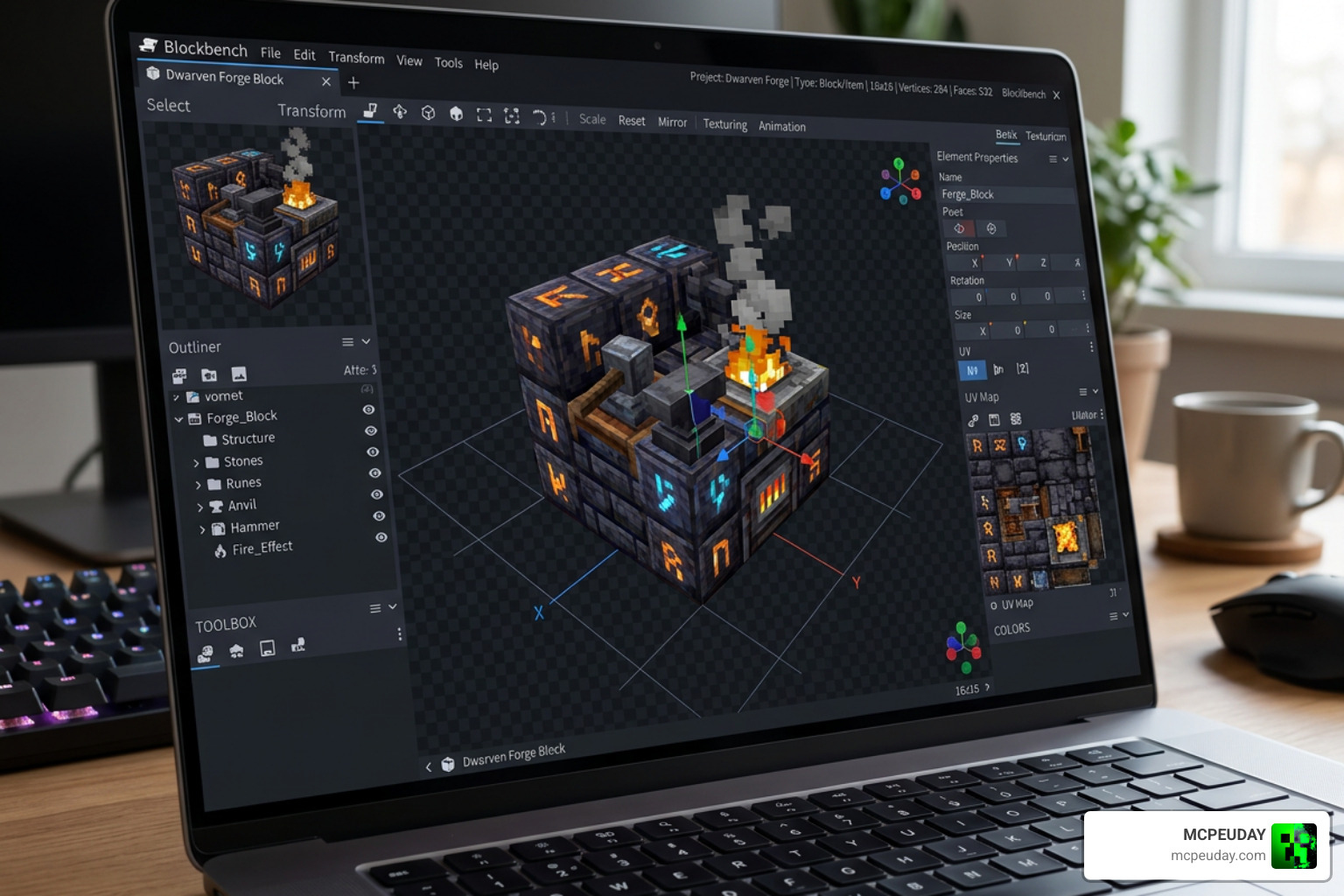
If you are a developer or a curious player looking to build your own custom content, Bedrock Edition offers a surprisingly robust suite of tools. You do not need to limit yourself to pre-made packages; you can create custom blocks, items, and behaviors to expand your world.
How to Create Addon Content Using Official Minecraft Tools
To build your own custom mechanics or expand upon existing automation, you can utilize the official toolsets provided by Mojang.
- Blockbench: This is the industry-standard 3D modeling software for Minecraft. You can use the Blockbench Entity Wizard and Blockbench Block Wizard to design custom geometry and textures.
- Resource Packs: These control how your custom blocks and machines look, including their textures and custom 3D shapes.
- Behavior Packs: These use JSON and JavaScript to define how your custom blocks interact with the world, how they handle rotational power, or what items they drop.
To learn the fundamentals of scripting, custom block geometry, and entity creation, we highly recommend visiting the official Minecraft Creator Portal for comprehensive, step-by-step documentation.
Integrating with Other Bedrock Addons
One of the best things about the modern Bedrock engine is how well modern addons play together. You can easily combine the Create Addon with other gameplay overhauls to build a customized modpack.
For instance, you can combine your mechanical factory setups with the Core Craft Addon to introduce advanced survival progression, new crafting recipes, and deeper gameplay systems that give you a reason to automate your resource gathering.
Installation Guide and Platform Compatibility
Getting the Create Addon up and running on your device is a straightforward process, though it varies slightly depending on your platform:
- Download the Files: Ensure you download both the Behavior Pack (BP) and the Resource Pack (RP).
- Import to Minecraft:
- PC & Mobile: Simply double-click or tap on the downloaded
.mcpackfiles, and Minecraft will open and import them automatically. - Consoles: You will need to host a world on your PC or mobile device via a Realm or local multiplayer connection, allowing your console to download the active packs when joining.
- PC & Mobile: Simply double-click or tap on the downloaded
- Enable Experimental Gameplay: This is the most crucial step! Before launching your world, go to your World Settings and toggle on:
- Beta APIs
- Holiday Creator Features
- Upcoming Creator Features
- Activate the Packs: Go to the Resource Packs and Behavior Packs tabs in your world settings, select the Create Addon, and click activate.
To make your newly automated world look even more spectacular, try pairing it with the Better Structures Addon to generate beautiful, expansive ruins and dungeons that you can scavenge for rare mechanical components.
Frequently Asked Questions about Bedrock Automation
How do I download and install the Create Addon on mobile?
To install on mobile, download the .mcaddon or individual .mcpack files directly to your device. Use a file manager app to open the files with Minecraft. Make sure to activate both the Behavior Pack and Resource Pack in your world settings, and enable all Experimental toggles before loading the world.
What are the main differences between the Bedrock addon and the Java mod?
The Java mod features more advanced physics, fluid dynamics, and complex multi-block structures like custom trains. The Bedrock addon focuses on core automation—such as gears, belts, presses, and mixers—optimized to run within the limitations of the Bedrock Bedrock engine.
Are there any known bugs or performance issues in the current version?
Yes, some users have reported minor visual glitches where gears occasionally stop rotating visually (even though they still function). Additionally, building massive factories with hundreds of moving entities can cause performance drops on low-end mobile devices. We recommend keeping your setups relatively compact and spread out to maintain a stable frame rate.
Conclusion
The Create Addon is a monumental achievement for the Minecraft Bedrock community. It proves that complex, kinetic automation is no longer exclusive to Java players. Whether you are on mobile, console, or PC, you can now build the automated factories of your dreams.
We are excited to see how this addon continues to develop with future updates in 2026 and beyond. To keep your game fresh and discover more incredible custom worlds, check out our MCPE Bedrock Category for the latest addons, shaders, and gameplay upgrades!
3 thoughts on “Create Addon (26.x, 1.21) – MCPE/Bedrock Mod”