What Is the Distant Horizons Texture Pack (and Why Players Love It)
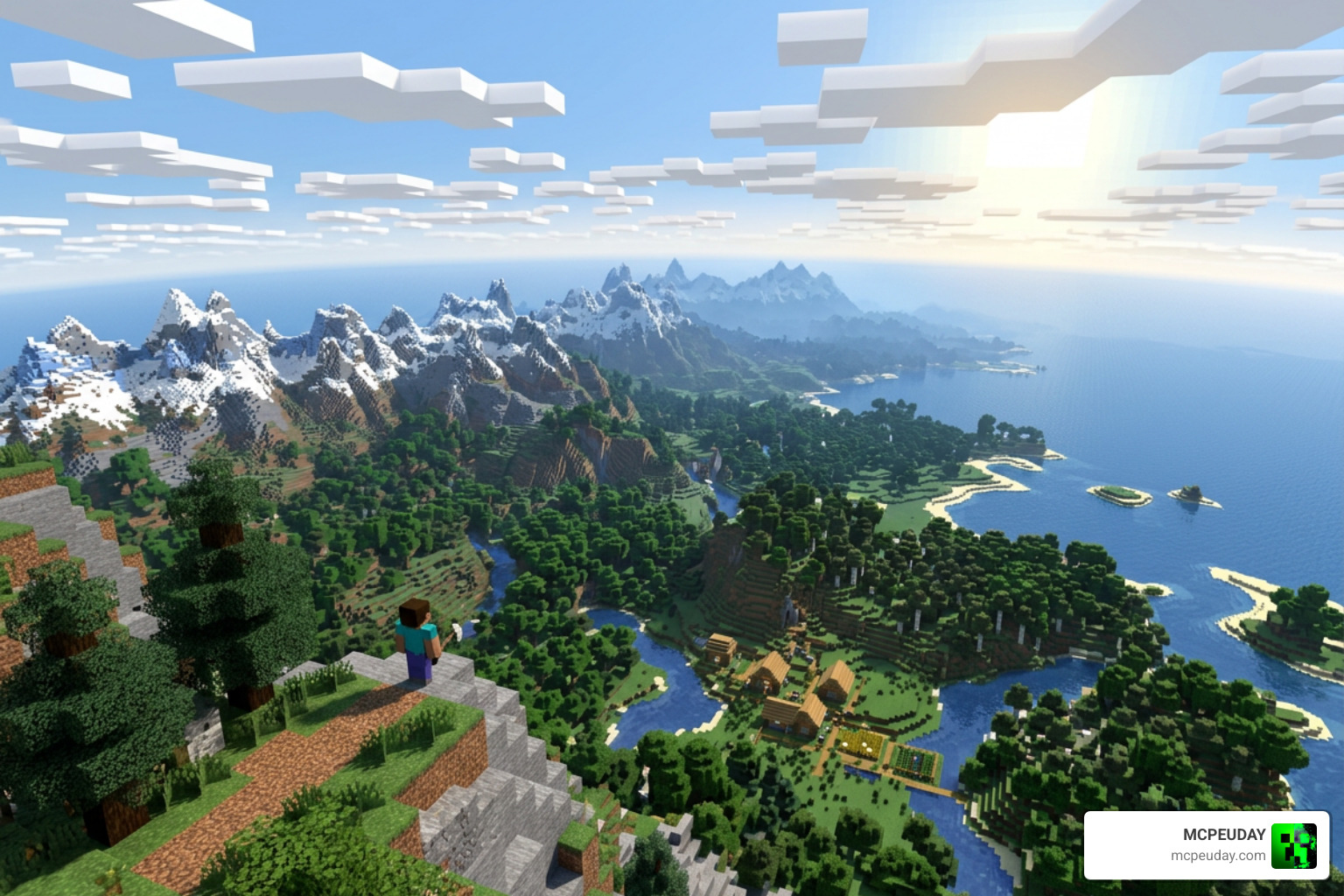
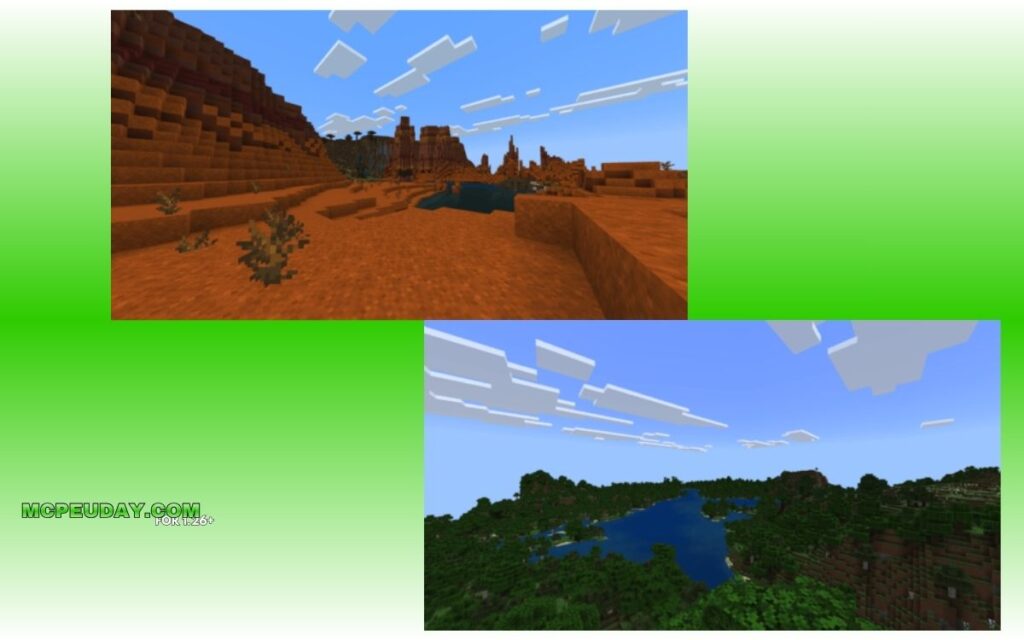
The Distant Horizons Texture Pack is one of the most exciting ways to make your Minecraft world look stunning at long range — letting you see mountains, oceans, and structures hundreds of chunks away without crushing your FPS.
Here’s a quick overview of what it offers:
- What it is: A combination of the Distant Horizons mod (a Level of Detail renderer) and compatible texture/resource packs that keep visuals consistent at extreme distances
- Who it’s for: Java and Bedrock players who want cinematic, immersive views without a high-end PC
- Render distance: Supports 64+ chunks, up to 512 and beyond, compared to Minecraft’s default 6-12 chunks
- Mod loaders: Works with Fabric, Forge, and NeoForge
- Minecraft versions: 1.16.5 through 1.21.11
- Shader support: Compatible with 40+ shaderpacks including Complementary, BSL, and Bliss
Vanilla Minecraft caps your view distance at around 32 chunks — and on most hardware, even that tanks performance. Distant Horizons changes that completely by using a Level of Detail (LOD) system that renders far-away terrain in a simplified form, saving resources while keeping the world looking vast and alive.
Think about it this way: imagine building a huge tower and being able to see it from 1,000 blocks away. That’s the kind of experience Distant Horizons makes possible.
The right texture pack makes that view even better — keeping colors and block styles consistent whether you’re looking at chunks right next to you or terrain far off on the horizon.
What is the Distant Horizons Mod and How Does It Work?
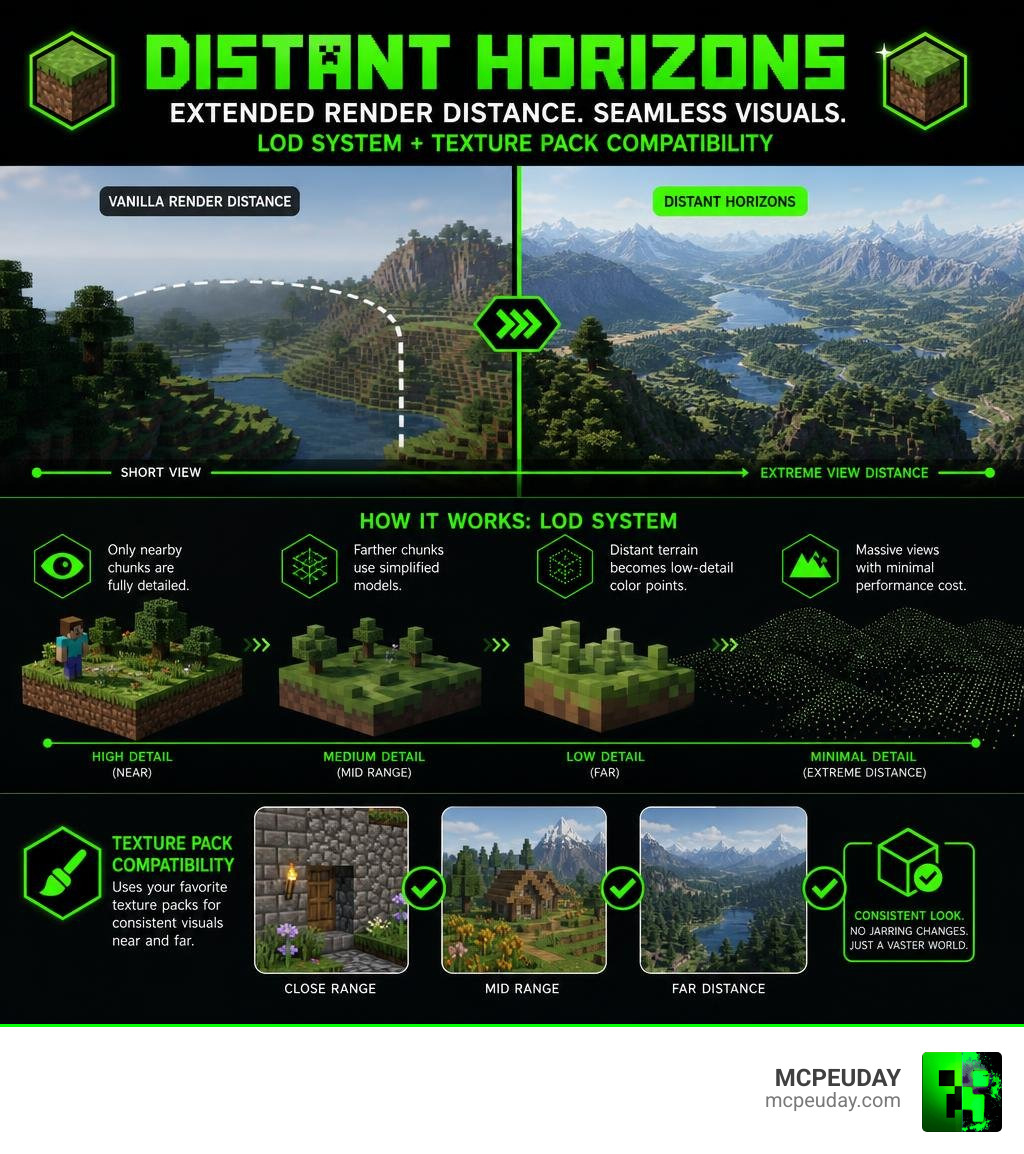
To understand how a Distant Horizons Texture Pack functions, we first need to look under the hood of the Distant Horizons mod itself. In vanilla Minecraft, rendering a chunk requires your processor to load every single block, entity, and update within that space. If you set your render distance to 32, your computer has to process thousands of active chunks, which quickly turns your game into a slideshow.
Distant Horizons solves this by introducing a Level of Detail (LOD) system. It only fully loads the chunks immediately surrounding you. For chunks further away, it creates simplified, low-polygon models. As terrain stretches into the distance, the mod reduces the detail level, blending blocks into simple color points.
This smart system is highly compatible. You can find active development branches on the TheBearodactyl/distant-horizons repository, and you can download the latest builds from Distant Horizons – Minecraft Mod – Modrinth . It supports Minecraft versions 1.16.5 all the way up to 1.21.11, running smoothly on Fabric, Forge, and NeoForge.
To see how this compares to traditional render distance solutions like OptiFine, check out our comparison table below:
| Feature | Vanilla Minecraft | OptiFine | Distant Horizons Mod |
|---|---|---|---|
| Max Render Distance | 32 Chunks | Up to 48-64 Chunks | 64 to 512+ Chunks |
| Performance Impact | Heavy FPS drops | Moderate optimization | Extremely low FPS impact |
| Rendering Method | Full chunk loading | Render optimization | Level of Detail (LOD) |
| CPU/GPU Usage | High | High | Balanced and highly optimized |
| Multiplayer Support | Yes | Yes | Yes (Client-side only) |
Choosing the Best Distant Horizons Texture Pack
When you use this mod, the game renders simplified chunks in the distance. However, if your active resource pack does not match the simplified LODs, you will notice a jarring visual mismatch. The transition between fully loaded chunks and distant terrain can look messy, with mismatched colors and harsh block lines.
Choosing a compatible Distant Horizons Texture Pack ensures visual consistency. These packs compress textures, match colors accurately, and adjust block resolutions so that the transition between your active chunks and the distant LOD terrain is completely seamless. This preserves your immersion, whether you are looking at a nearby oak tree or a mountain range miles away.
How a Distant Horizons Texture Pack Handles Level of Detail (LOD)
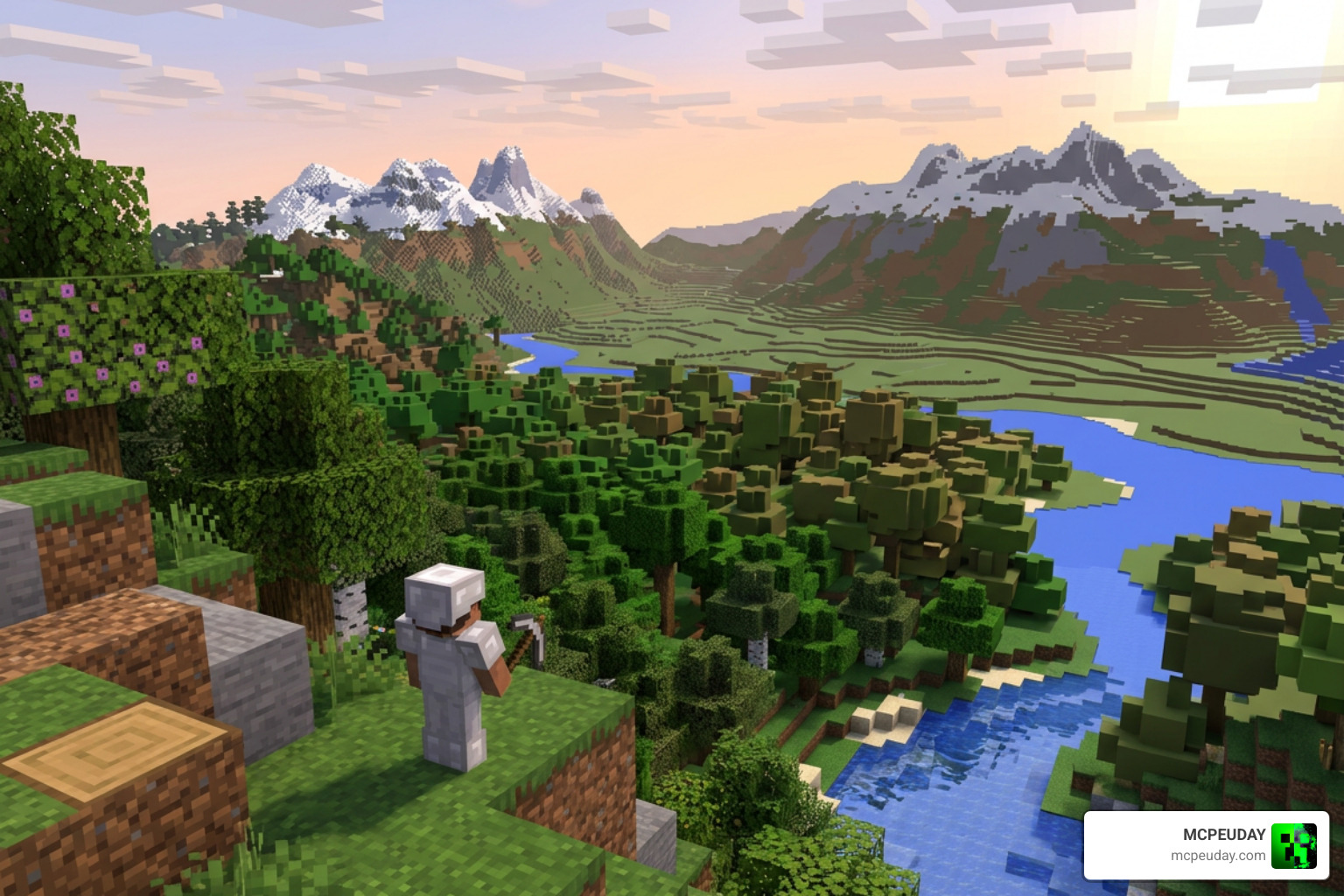
How do these texture packs work alongside the mod’s LOD engine? Distant Horizons generates simplified chunk data and stores it locally in SQLite database files. When you explore your world, the mod automatically saves these simplified chunks to your drive.
A compatible texture pack works by aligning its block resolutions with the color-blending algorithms used by the mod. When the mod simplifies a group of blocks into a single color point in the distance, the texture pack ensures that the blended color perfectly matches the close-up texture. This prevents ugly visual borders and ensures that distant forests, deserts, and oceans retain their natural hues.
Top Picks for a Distant Horizons Texture Pack
If you want to transform your world, we have compiled a list of excellent texture packs that look incredible when paired with distant rendering.
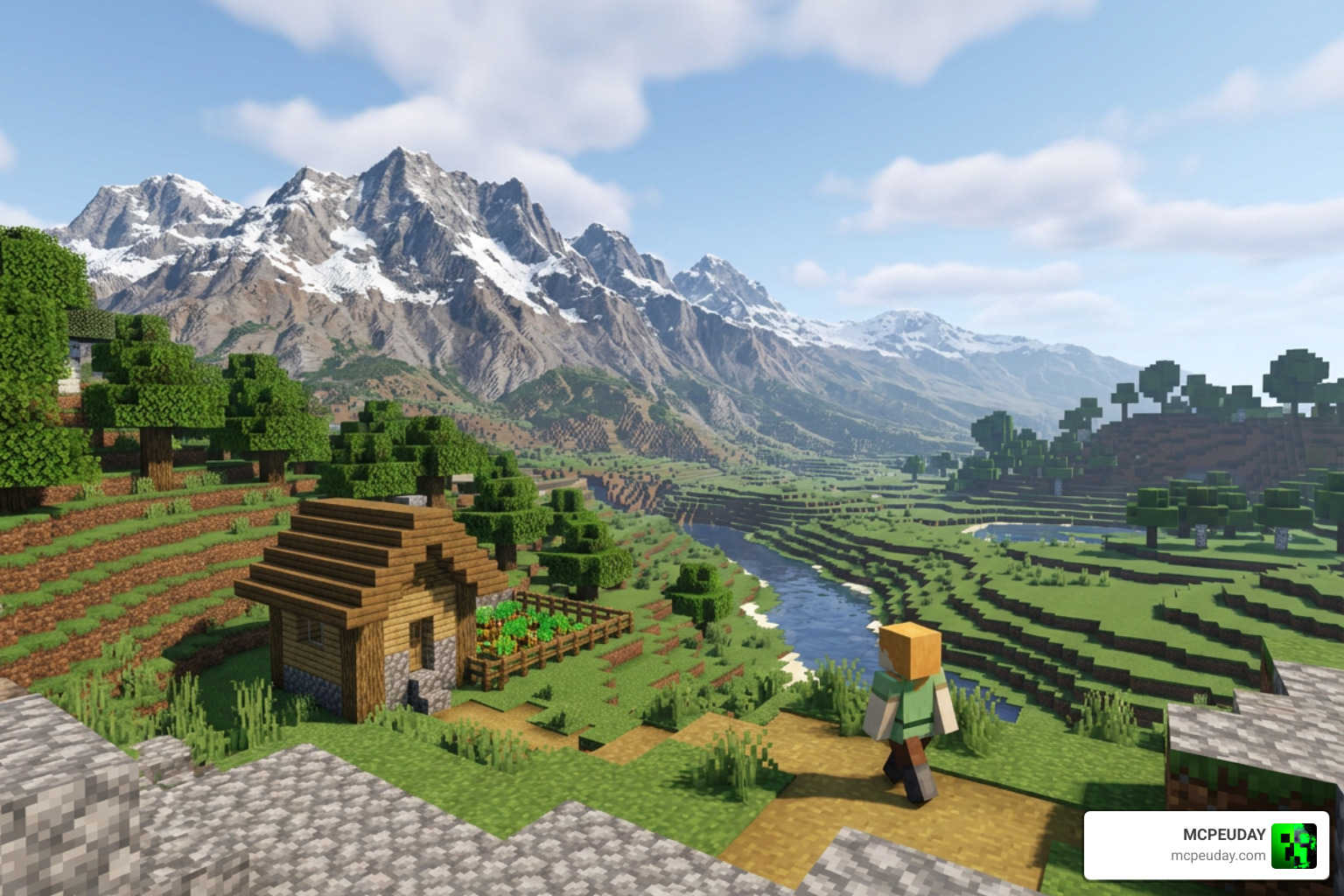
Here are our top recommendations to try:
- Minimalist & Clean: If you love a smooth, vibrant, and clean look, the Bare Bones Texture Pack 1.21 MCPE Bedrock Edition Download Now is a perfect choice. It matches the official Minecraft trailers and blends beautifully with distant LOD terrain.
- Ultra-Realism: For players who want maximum visual fidelity, the Realsource Realistic Pack MCPACK brings hyper-realistic textures that make distant mountain ranges look like real-world photography.
- Vibrant Lighting Effects: To make your world glow, try the Glowing Plus Texture Pack Make Your Minecraft World Shine With Brilliant Light Effects. It adds brilliant light emissive features that look spectacular at dusk.
- Exploration & Utility: If you are searching for resources across your vast view distance, the X-Ray Texture Pack For Minecraft PE MCPE 1.21 can help you spot hidden structures and ores easily.
- Fantasy & Atmosphere: For a magical, stylized atmosphere, the Prizma Visuals Pack For MCPE and the Wandrers Visual Pack offer gorgeous color palettes that make extended horizons look like a fantasy painting.
How to Install and Optimize Distant Horizons with Resource Packs
Ready to set this up on your system? Follow our straightforward installation and optimization guide to get started:
- Install the Prerequisites: For the best performance on Fabric, we highly recommend installing Sodium, Indium, and the Fabric API.
- Download the Mod: Grab the correct version of the mod for your game version from Modrinth.
- Place the Files: Drop the downloaded
.jarfile into your Minecraftmodsfolder. If you are adding this to an existing setup, you can watch this video on How to Install Distant Horizons on top of a Mod Pack for a step-by-step walkthrough. - Configure Shader Compatibility: If you want to use shaders, you must use Iris Shaders 1.7.0 or higher. Distant Horizons v2.0+ is compatible with over 40 shaderpacks, including Bliss shaders and Complementary shaders.
- Add Your Texture Pack: Download your preferred resource pack, place it in your
resourcepacksfolder, and enable it in-game. Tip: Always restart your Minecraft client after changing resource packs to allow Distant Horizons to rebuild its color cache.
Frequently Asked Questions about Distant Horizons
We know that setting up graphics mods can sometimes lead to questions. Here are the answers to the most common queries we receive.
Does Distant Horizons support shaders and resource packs?
Yes! Distant Horizons fully supports both shaders and resource packs. However, you must use compatible shader versions, such as Iris 1.7+ on Fabric, which features native support for LOD rendering. When you change your resource pack, make sure to restart your game so the mod can align its distant LOD colors with your new textures.
How do you fix crashes or visual glitches with Distant Horizons?
If you experience crashes or see strange holes in the terrain, try these quick troubleshooting steps:
- Update Graphics Drivers: Ensure your GPU drivers are fully up to date.
- Adjust Chunk Update Threads: Set your chunk update threads in the mod settings to half of your CPU’s available threads to prevent CPU bottlenecking.
- Enable Fog Occlusion: This setting hides unfinished chunk loading boundaries, making transitions look much smoother.
- Allocate More RAM: Make sure your Minecraft launcher is allocated at least 4-6 GB of RAM.
Is Distant Horizons compatible with multiplayer servers?
Yes, it is fully compatible! Distant Horizons is primarily a client-side mod, meaning you can join any vanilla or modded server with it installed, and it will work. The mod will save the chunks you explore to your local SQLite database. There are also server-side configurations that allow players to share pre-generated LOD files, which reduces the need to explore every chunk yourself.
Conclusion
The Distant Horizons Texture Pack setup is a true game-changer for Minecraft players in 2026. By combining smart Level of Detail rendering with high-quality resource packs, you can enjoy jaw-dropping views without melting your graphics card.
We are dedicated to bringing you the absolute best utilities, mods, and visual upgrades. If you are ready to transform your world today, head over to our main library and browse our https://mcpeuday.com/category/texture-packs/ category to find the perfect companion pack for your next grand adventure!