The Best Minecraft Structure Finders in 2026 (Quick Answer)
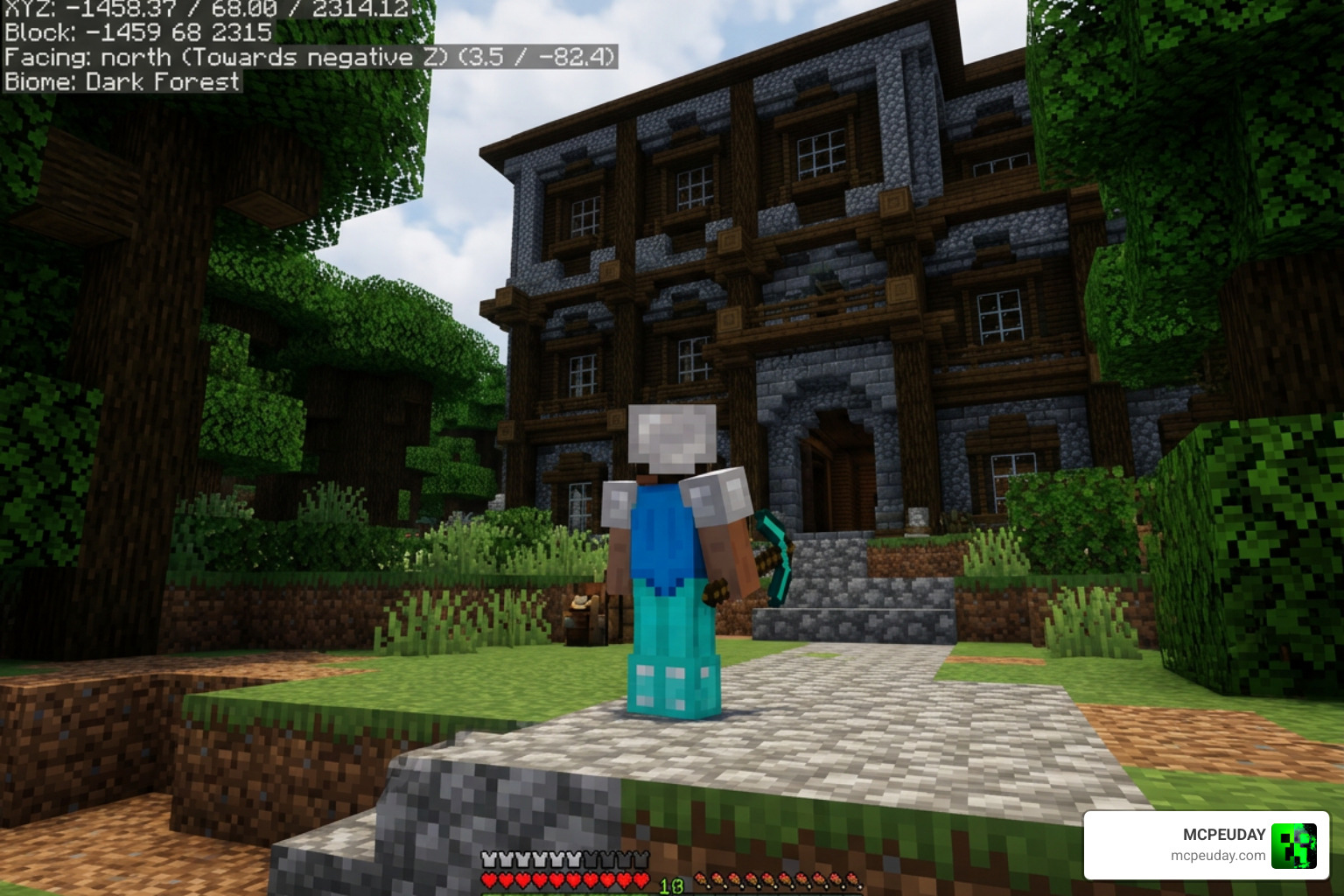
If you want a fast answer, here are the best Minecraft structure finder tools available right now:
| Tool | Best For | Java | Bedrock | Privacy |
|---|---|---|---|---|
| MC Seed View | All-in-one, mobile-friendly | ✓ | ✓ | Client-side |
| Chunkbase Seed Map | Wide structure support | ✓ | ✓ | Server-side |
| Seeds.gg | Rare seed database | ✓ | ✓ | Server-side |
| MineAtlas | Simple biome mapping | ✓ | Limited | Server-side |
| SeedLander | Stronghold focus | ✓ | ✓ | Server-side |
| DiamondFinder | Coordinate-based lookup | ✓ | ✓ | Server-side |
Minecraft worlds are massive. We’re talking billions of blocks in every direction — across the Overworld, Nether, and End. Without a guide, finding a woodland mansion or an ancient city can eat up hours of your gameplay.
That’s exactly why structure finders exist.
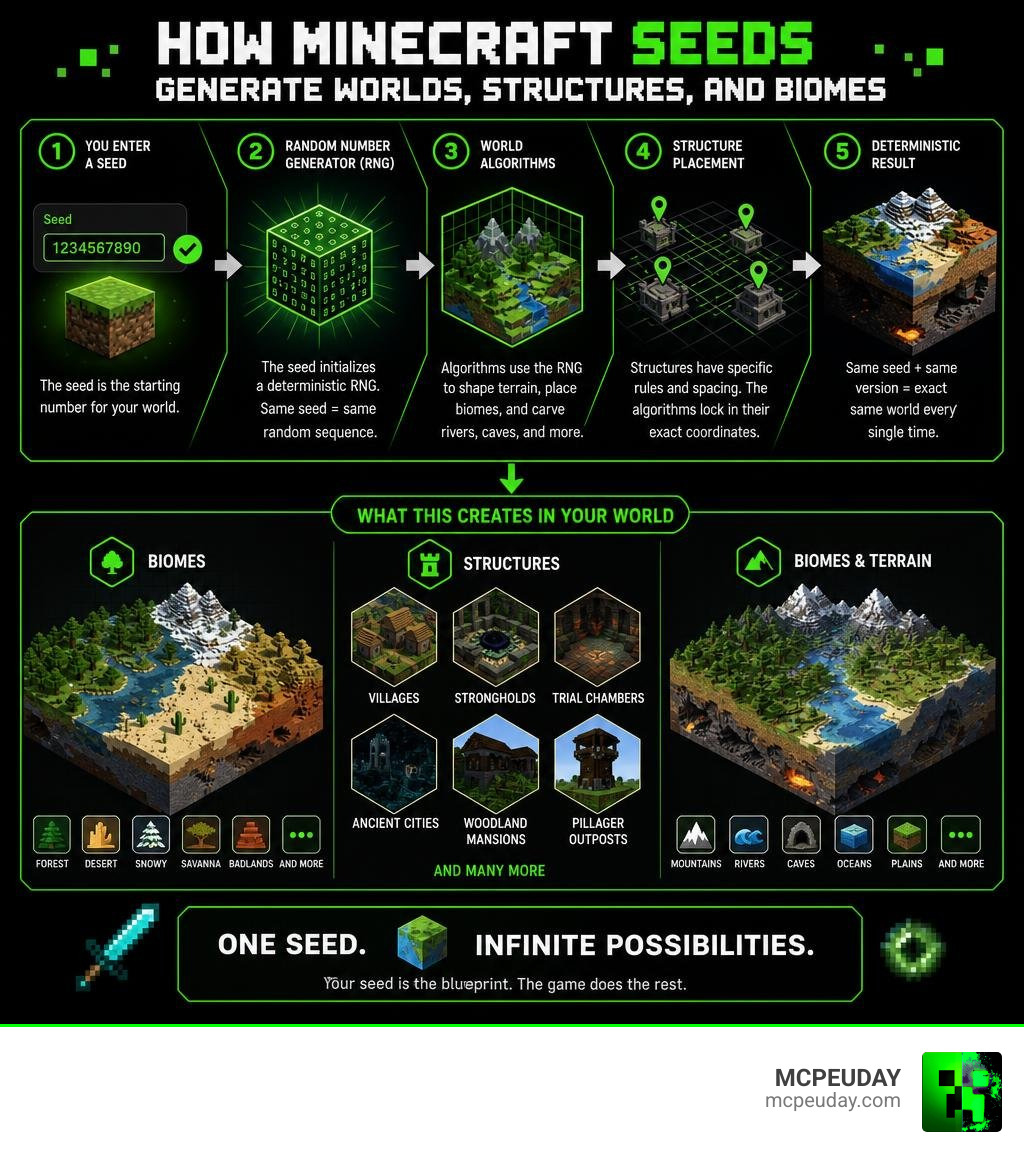
These tools use your world’s seed — the number Minecraft uses to generate your world — to calculate exactly where every village, stronghold, trial chamber, and ancient city will appear. No random wandering required.
The same seed always produces the same world. So if a tool knows your seed and the version you’re playing, it can predict structure locations before you even open the game.
In June 2026, there are more options than ever — some run entirely in your browser with no data leaving your device, others tap into databases of 68,000+ rare seeds. Whether you’re speedrunning, building an SMP server, or just tired of searching for a stronghold, the right tool saves you serious time.
What is a Minecraft Structure Finder and How Does It Work?
A Minecraft structure finder is a specialized web application or desktop utility that reverse-engineers Minecraft’s world generation math. Instead of loading up a heavy 3D game and flying around in spectator mode, these tools run the game’s math formulas in a fraction of a second.
When you input your seed into a tool like the Minecraft Structure Finder – Java & Bedrock Seed Tool, it reads the seed value and calculates the exact coordinate grid of your world. Because Minecraft uses deterministic pseudo-random generation, the coordinates for structures are locked to your seed number. The finder simply visualizes these calculations as a map or a list of coordinates.
Seed Algorithms and Coordinate Calculations
Under the hood, Minecraft relies on mathematical noise (such as Perlin or Simplex noise) to map out biomes first. Once the biomes are drawn, the game’s structure placement rules determine where to drop structures like villages or temples based on specific spacing parameters.
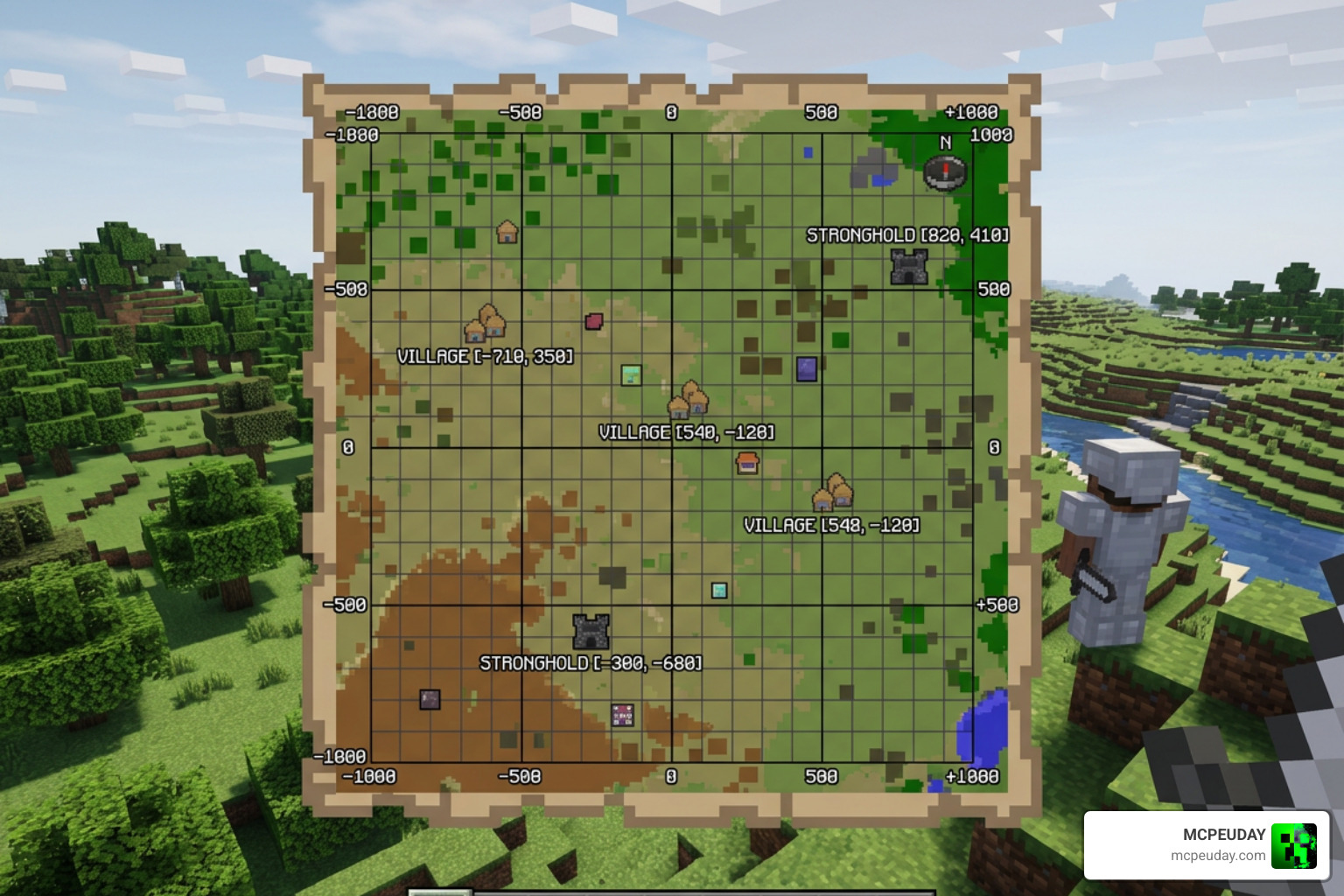
By mimicking this process, tools like the Structure Finder – Find Any Structure in Minecraft by Seed | Diamond Finder can output exact X, Y, and Z coordinates. The algorithms check if the selected chunk meets the biome criteria for a structure and then output the coordinates directly to your screen.
Client-Side Privacy vs Server-Side Data Processing
Not all structure finders are built the same way. Some tools send your seed data to a remote server to do the heavy lifting, which can be slow and raises minor privacy concerns.
Modern, privacy-first tools process everything locally in your browser. By compiling native code libraries (like the popular Cubiomes library) into WebAssembly, these advanced tools can calculate millions of coordinates directly on your device. Your seed never leaves your computer, ensuring absolute privacy and lightning-fast loading speeds.
Key Features of the Best Minecraft Structure Finder
When searching for the best minecraft structure finder, you want a tool that doesn’t lag, supports the latest updates, and works beautifully on your phone. A great layout makes all the difference when you are tabbed out of Minecraft trying to find your way home.
Using a highly interactive map like the Minecraft Seed Map: Java & Bedrock Biome + Structure Finder allows you to toggle specific structures on and off, keeping your interface clean and focused.
Choosing the Best Minecraft Structure Finder for Java and Bedrock
The best finders cover Java Edition (from older versions like 1.0 all the way up to 1.21.x) and all Bedrock versions. With databases supporting 268,680+ seeds across 59 categories and containing over 68,000+ rare seeds, top-tier tools let you filter for incredible world layouts before you click “Create New World.”
While Java and Bedrock share a lot of similarities due to recent parity updates, structure availability can still differ slightly. Here is a quick breakdown of structure compatibility you will find in tools like the Biome & Structure Finder for Minecraft:
| Structure Type | Java Edition | Bedrock Edition | Dimension |
|---|---|---|---|
| Village | Yes | Yes | Overworld |
| Trial Chambers | Yes (1.21+) | Yes (1.21+) | Overworld |
| Ancient City | Yes | Yes | Overworld |
| Woodland Mansion | Yes | Yes | Overworld |
| Nether Fortress | Yes | Yes | Nether |
| Bastion Remnant | Yes | Yes | Nether |
| End City | Yes | Yes | End |
Map Interactivity, Speed, and Mobile Support
A clunky map that takes ten seconds to zoom in is useless when you’re in a panic trying to find the nearest village. The premier apps, such as the Seed Map – Minecraft App – Chunkbase, support seamless zoom controls, intuitive touch gestures for mobile users, and responsive designs that fit perfectly on a smartphone screen. Some even offer offline caching, so you can map out coordinates even if your internet drops.
Structures You Can Locate and Accuracy Limitations
Whether you are hunting for a village to set up an iron farm or searching for the elusive trial chambers introduced in 1.21, a structure finder has you covered. For a detailed video walkthrough on getting the most out of these coordinates, check out these Tips To Find EVERY STRUCTURE In Minecraft 1.21!
Overworld, Nether, and End Dimension Structures
These tools can track down everything from ocean monuments and woodland mansions to nether fortresses and bastion remnants.
For Java players, locating strongholds is incredibly precise. Java Edition generates exactly 128 strongholds distributed across eight concentric rings around the world origin (coordinate 0,0). The first ring places strongholds between 1,408 and 2,688 blocks from spawn. A good finder calculates these rings instantly, showing you exactly where to dig. Once you’ve found your stronghold, you can also easily locate the deep underground areas to find the Best Y Level For Diamonds In Minecraft Ultimate Guide To Finding Diamonds Fast to gear up before the big dragon fight!
Terrain Checks and Why Some Structures Fail to Generate
While structure finders are highly accurate, they aren’t always 100% perfect in-game. This is because of terrain checks.
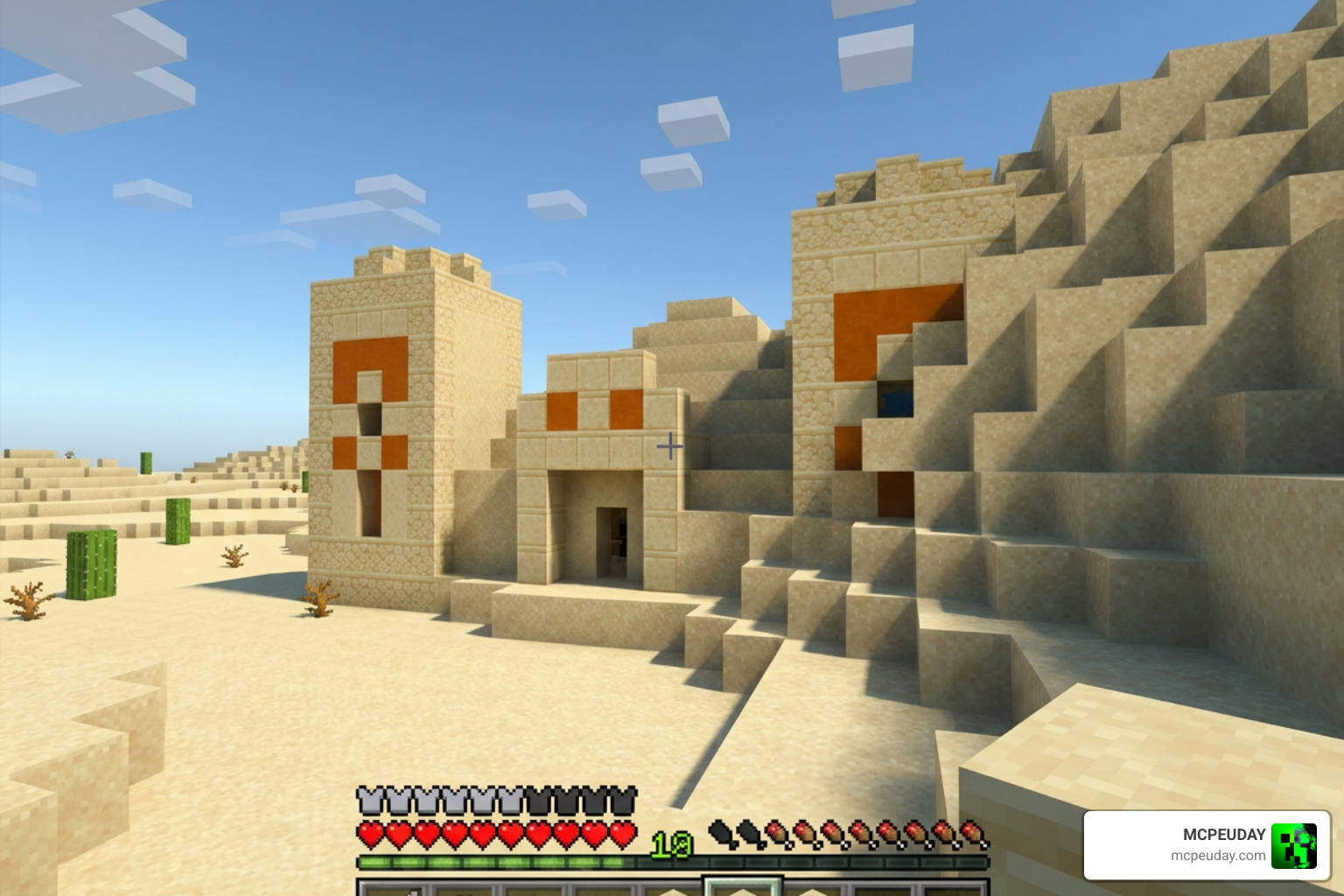
The finder calculates where a structure should generate based on the seed’s math. However, when the game actually builds the world, it runs height and terrain checks. If a mountain is too steep, or if a body of water is too deep, the game might cancel the structure’s generation entirely. This is why you might occasionally visit a coordinate and find an empty valley instead of a desert temple.
Practical Applications for Players and Creators
Using the Minecraft Structure Finder Tools — Find Any Structure by Seed | MC Seed View is about more than just finding a quick village. It completely changes how you plan your long-term survival worlds and creative projects.
How to Use the Best Minecraft Structure Finder to Plan Your World
If you are a builder looking to construct a massive kingdom, finding the perfect flat plain biome right next to a dramatic mountain range is essential. By mapping out your world seed beforehand, you can coordinate where to build your main base, where to set up your automated resource farms, and where to establish nether portals. To take your builds even further once you find the perfect spot, check out our list of the 15 Best Minecraft Building Mods to elevate your architectural designs.
Speedrunning, SMP Planning, and Building Projects
For speedrunners, knowing the exact coordinates of a nether fortress and a stronghold saves precious minutes. For multiplayer servers (SMPs), organizers can use structure finders to divide the world into balanced territories so every player group has access to their own trial chambers or end cities.
If you love expanding the variety of structures in your world, you can also integrate awesome custom addons. We highly recommend checking out the Better Structures Addon, downloading the Structures Arises Remake Addon 26 X 1 21 Download Features Installation Guide, or trying the beautiful Medieval Structures Addon 1 26 1 21 Transform Your Minecraft World With Realistic Medieval Builds to make your world exploration feel even more legendary!
Frequently Asked Questions about Minecraft Structure Finders
We have gathered some of the most common questions players ask when trying to navigate their worlds using these tools.
How do I find and enter my world seed?
Getting your seed is simple:
- Java Edition: Open chat in your world and type
/seed, then press Enter. Click the seed in chat to copy it directly to your clipboard. - Bedrock Edition: Pause the game, go to Settings, and look under the Game settings tab. Scroll down to find the Seed number.
- Server Owners: If you have access to the server files, you can find the seed in the
server.propertiesfile, or load the world’slevel.datfile into an NBT editor.
Are Java and Bedrock structure locations identical?
Not always. While Mojang has made massive strides toward seed parity, the actual generation algorithms still differ slightly. A seed will generate almost identical biomes and terrain on both versions, but individual structures (like the exact coordinates of a village house or a ruined portal) might be shifted by a few chunks or generate slightly differently. Always make sure to select the correct edition in your finder tool!
Is using a structure finder considered cheating?
That is entirely up to you and your community! In single-player worlds, it is a fantastic way to save time and enjoy the game your way. For speedruns, “Set Seed” categories rely heavily on these tools, while “Random Seed” categories strictly forbid them. If you are playing on a multiplayer server, always check with the server administrators first to respect their community rules.
Conclusion
Finding your way around a infinite block world doesn’t have to be a guessing game. By utilizing the best minecraft structure finder tools, you can skip the endless searching and get straight to the fun parts of Minecraft — whether that is conquering trial chambers, looting ancient cities, or building massive castles.
At MCPEUDAY, we love helping you customize your Minecraft experience. Once you have mapped out your perfect world seed, head over to our site to upgrade your gameplay with the latest mods, shaders, and custom features. Explore MCPE Bedrock Resources today to transform your world into something truly extraordinary!