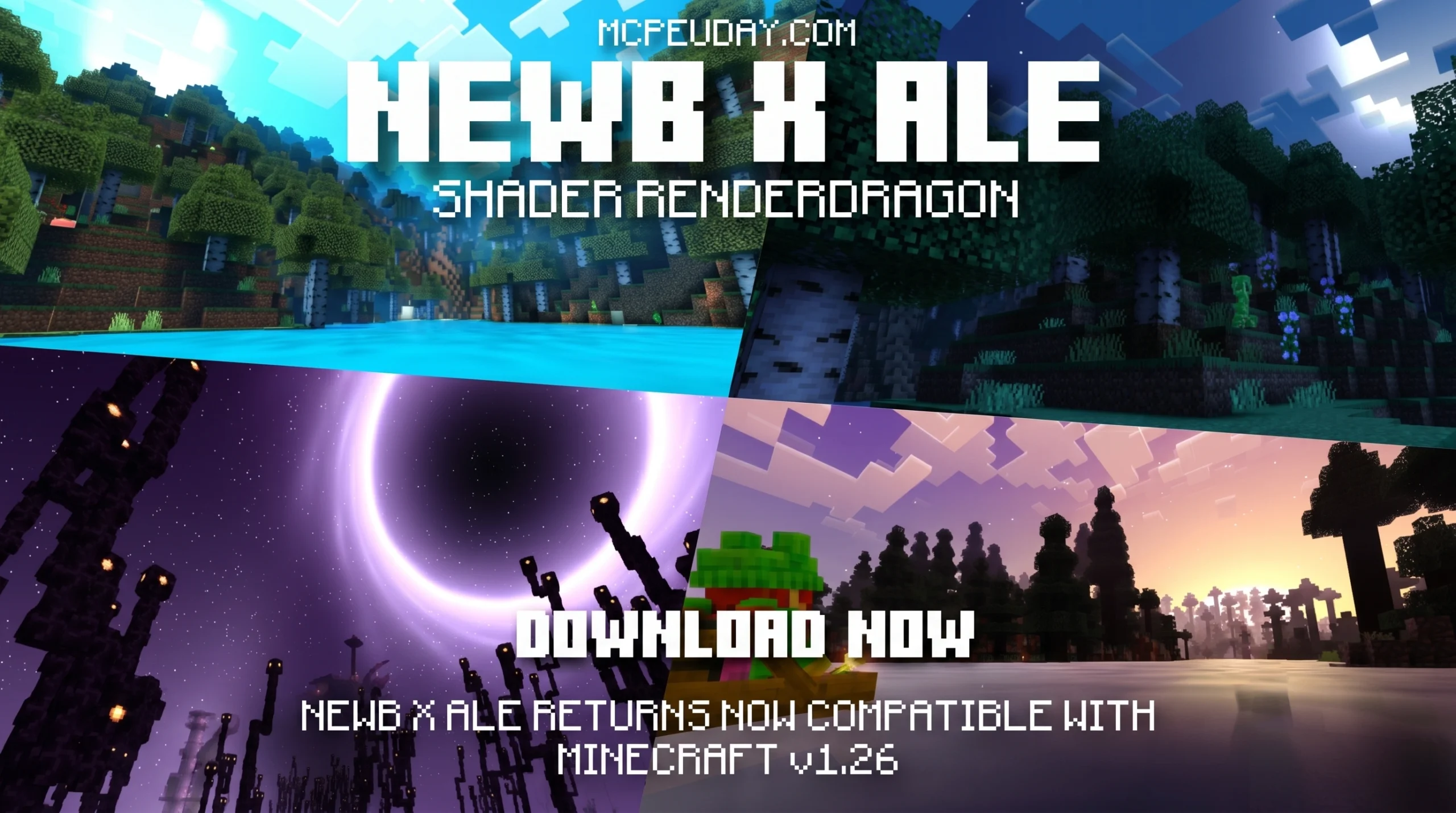
What You Need to Know About Newb X Ale Shaders Right Now
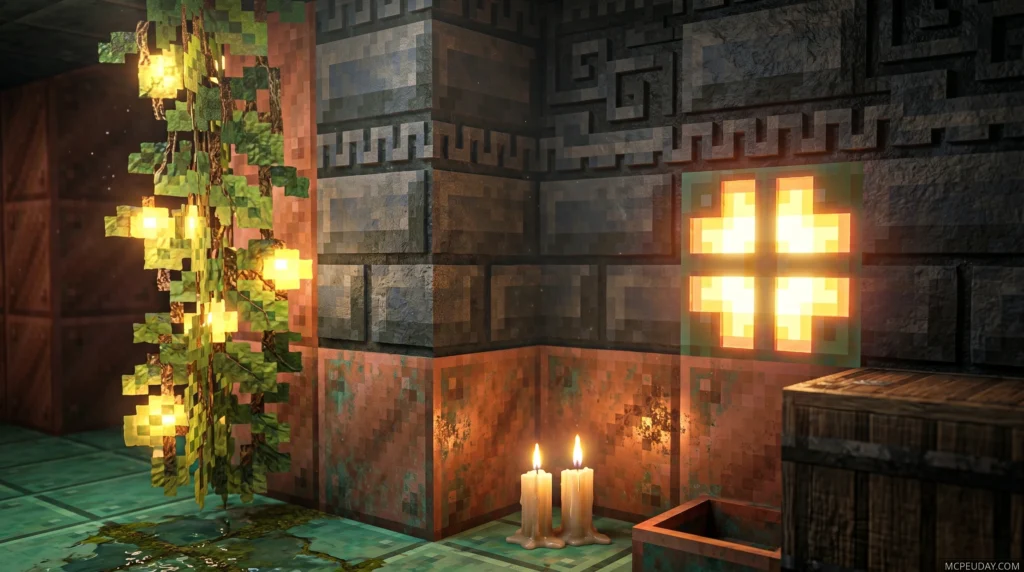
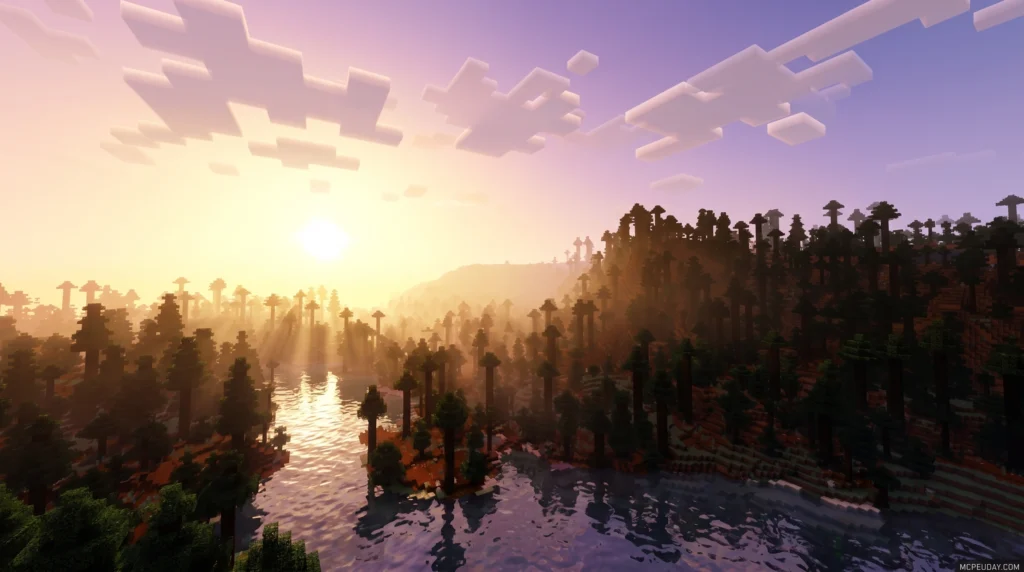
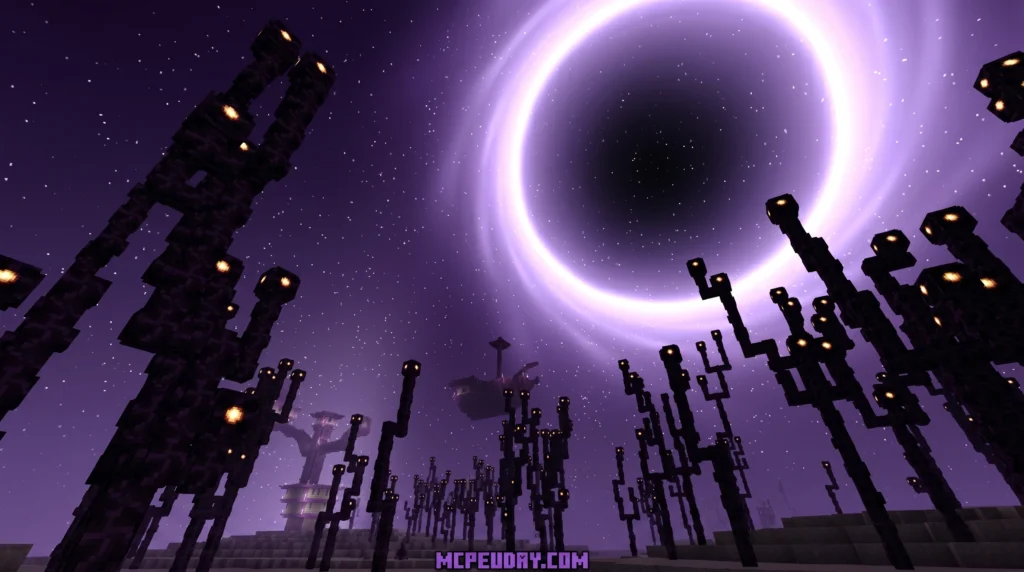
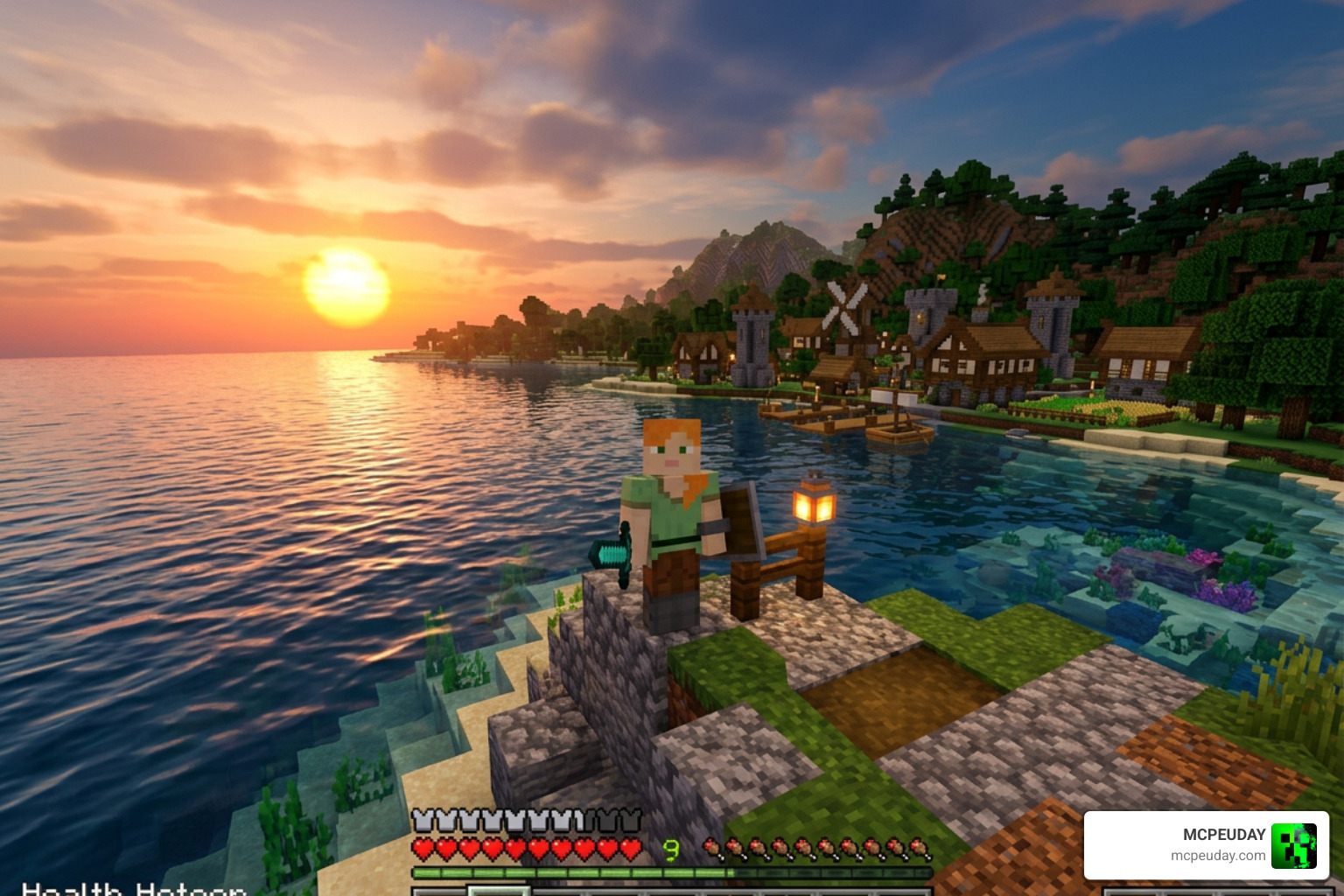
Newb X Ale Shaders is a custom RenderDragon shader pack for Minecraft Bedrock Edition that brings realistic lighting, dynamic water, and cinematic skies — even to low-end Android devices.
Here’s the quick version:
- What it is: A community-built variant of the original Newb Shader, enhanced with visual effects inspired by Ultra Realism and other top shader packs
- Who it’s for: Bedrock Edition players on Android, Windows, and iOS running Minecraft 1.20.0 or later (including 1.21+)
- Three versions available: Low (best for weak devices), Medium (default, balanced), and Ultra (maximum visuals)
- How to install it: Requires a patched Minecraft APK, MB Loader, or BetterRenderDragon — not the standard Minecraft app
- Download count: The Renewed version has passed 423,000 downloads, showing just how popular this shader family has become
If you’ve ever opened Minecraft on your phone and thought “this looks too flat” — you’re not alone. Most Bedrock players want shaders, but run into two walls fast: compatibility and installation. The Newb X Ale Shaders pack was built specifically to solve both problems. It delivers real visual upgrades — glowing ores, waving plants, colorful skies — without demanding a flagship device.
Drop it into a survival world and the difference is immediate. The same game you know, but sharper, moodier, and actually screenshot-worthy.
The Newb community supporting these shaders has grown to over 126,500 Discord members, which tells you this isn’t just another forgotten mod — it’s actively maintained and widely tested.
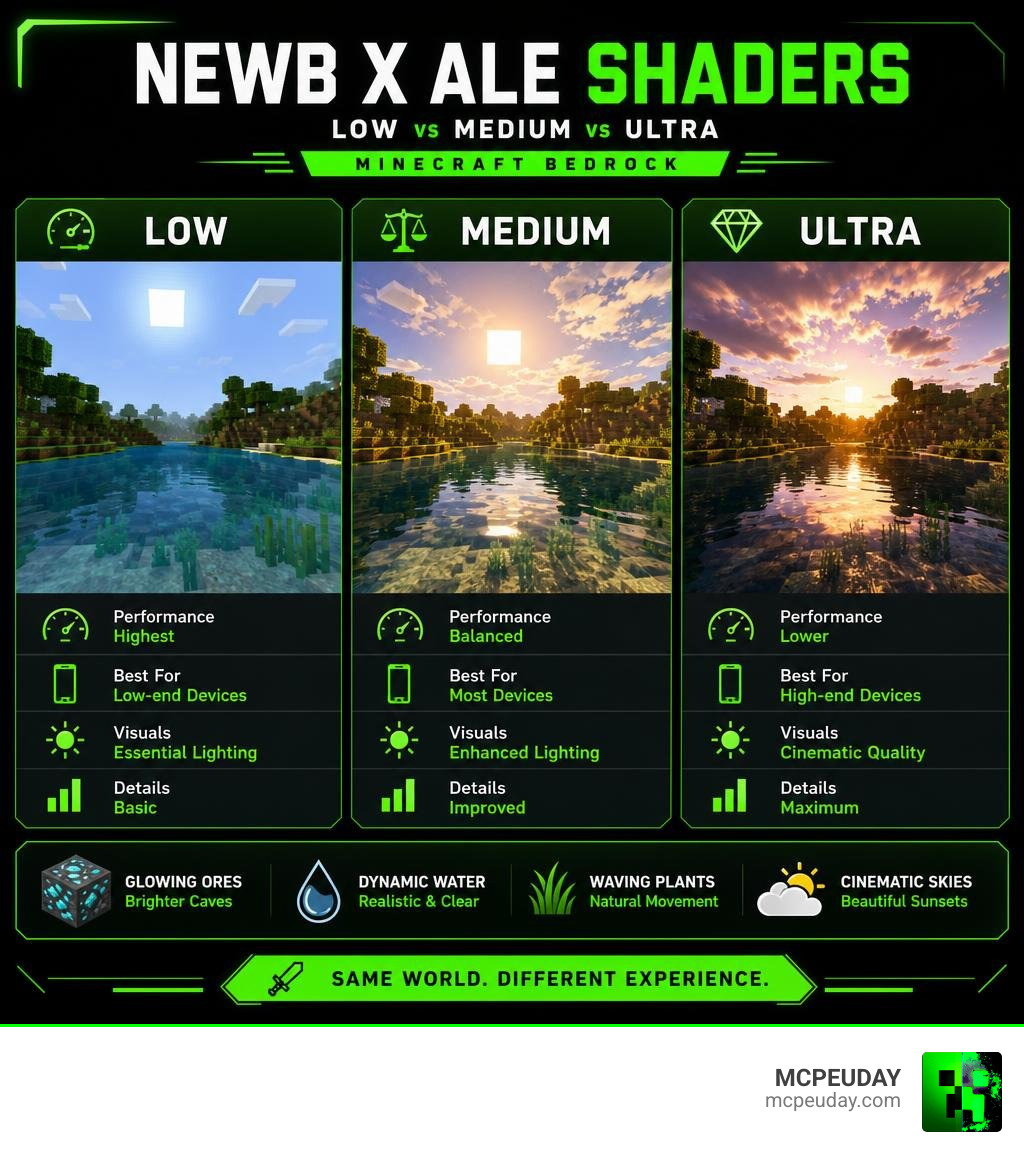
What is the Newb X Ale ShaderS Pack?
At its core, the Newb X Ale ShaderS pack is a brilliant mashup of community talent. The original Newb Shader was created by the developer devendrn (often known as VeteranDev in the community). It gained massive popularity, racking up over 907,300 downloads on CurseForge. However, as Minecraft transitioned its graphics engine, the community stepped in to keep the magic alive.
Enter Ale Graphics. By collaborating and building on top of devendrn’s lightweight foundation, this variant was born. It preserves the clean, vanilla-friendly aesthetic of Minecraft while adding the rich contrast, atmospheric depth, and vibrant colors of high-end realism shaders. If you want to see the difference yourself, you can download the Newb X Ale Shader on MCPEUDAY to upgrade your game instantly.
The Evolution from Original Newb to Newb X Ale ShaderS
Historically, Minecraft Bedrock shaders relied on the legacy GLSL rendering engine. When Mojang introduced the RenderDragon engine, it broke almost every traditional shader pack overnight. Shaders were no longer officially supported in the standard way.
Instead of giving up, the community pivoted. The original developer released Newb X Legacy as a RenderDragon-compatible successor, hosting the open-source code on GitHub (where it has gathered 183 stars and 98 forks). While the original creator announced that v16 would be the final legacy release update, community developers have kept the project alive through forks. The Newb X Ale ShaderS variant is one of the most successful forks, combining the optimization of the original with bold visual enhancements.
Core Features of Newb X Ale ShaderS
What makes this shader so special? It isn’t just about making things bright; it’s about atmosphere. When you run the Newb X Ale Shader, you get a fully overhauled world:
- Dynamic Weather & Lighting: Warm, Java-like daylight transitions into breathtaking, colorful sunrises and sunsets.
- Realistic Water: Water features soft transparency, realistic waves, and beautiful underwater sun rays.
- Waving Foliage: Leaves, plants, and tall grass gently sway in the wind.
- Stunning Night Skies: The night sky comes alive with shooting stars, meteors, and a glowing blue aurora borealis.
- Fantasy Dimensions: The End dimension is transformed with deep purple skies and mysterious fantasy lighting, while the Nether feels appropriately hot and oppressive.
- Glowy Ores: Finding resources in dark caves is much easier thanks to brightly illuminated ore blocks.
Visual and Performance Tiers: Low, Medium, and Ultra
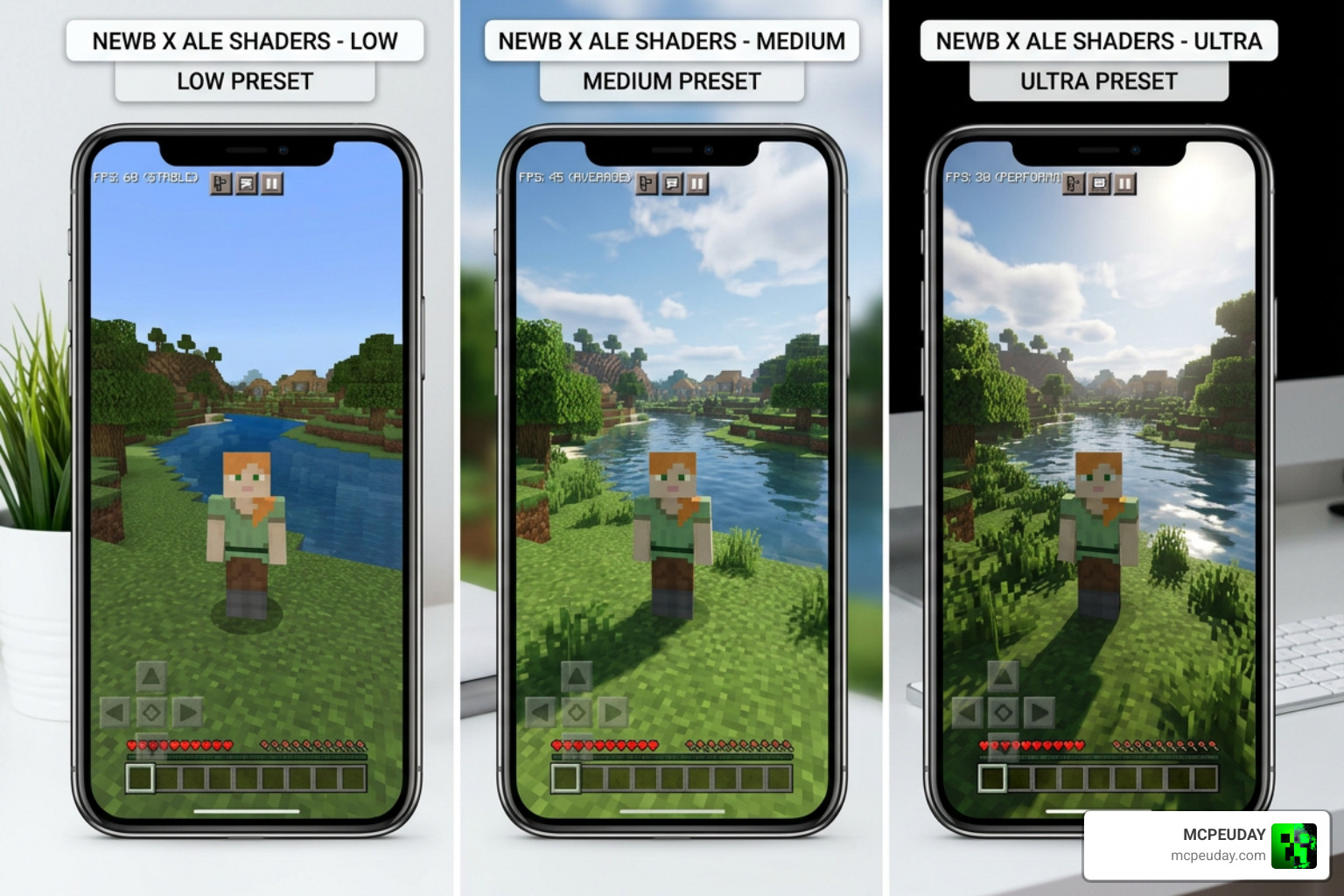
One of our favorite things about this shader is that it doesn’t leave players with older devices behind. The developers created three distinct subpacks tailored to different hardware capabilities.
| Feature | Low Version | Medium Version (Default) | Ultra Version |
|---|---|---|---|
| Target Devices | Low-end phones / tablets | Mid-range devices | High-end phones & PCs |
| Clouds | Default Minecraft clouds | Custom vanilla clouds | Double-layer 3D clouds |
| Water Visuals | Default water | Realistic water & underwater rays | Intense waves & sky reflections |
| Plant Movement | Slow, calm swaying | Standard dynamic movement | Intense, realistic wind sway |
| Special Effects | Basic lighting & shadows | Shooting stars, aurora, wet rain | Flash lighting, ground reflections |
Low Version Features
If you are playing on a budget device, the Low version is your best friend. It keeps performance high by retaining the default Minecraft clouds and water while still giving you the beautiful warm lighting, glowing ores, and subtle plant movement. It allows you to enjoy a cinematic feel without turning your phone into a pocket heater.
Medium Version (Default) Features
The Medium version is the intended way to experience the shader. It balances performance and beauty perfectly. You get custom, colorful skies, realistic water transparency, underwater light shafts, shooting stars at night, and a beautiful wet-surface reflection effect during rainstorms.
Ultra Version Features
For those with powerful devices or players on Windows PC, the Ultra version unleashes the full suite of graphical features. It introduces a double layer of volumetric clouds, a unique chunk loading animation, highly realistic water waves, and ground reflections that make rainy nights in Minecraft look like a modern AAA game.
Compatibility and Installation Guide
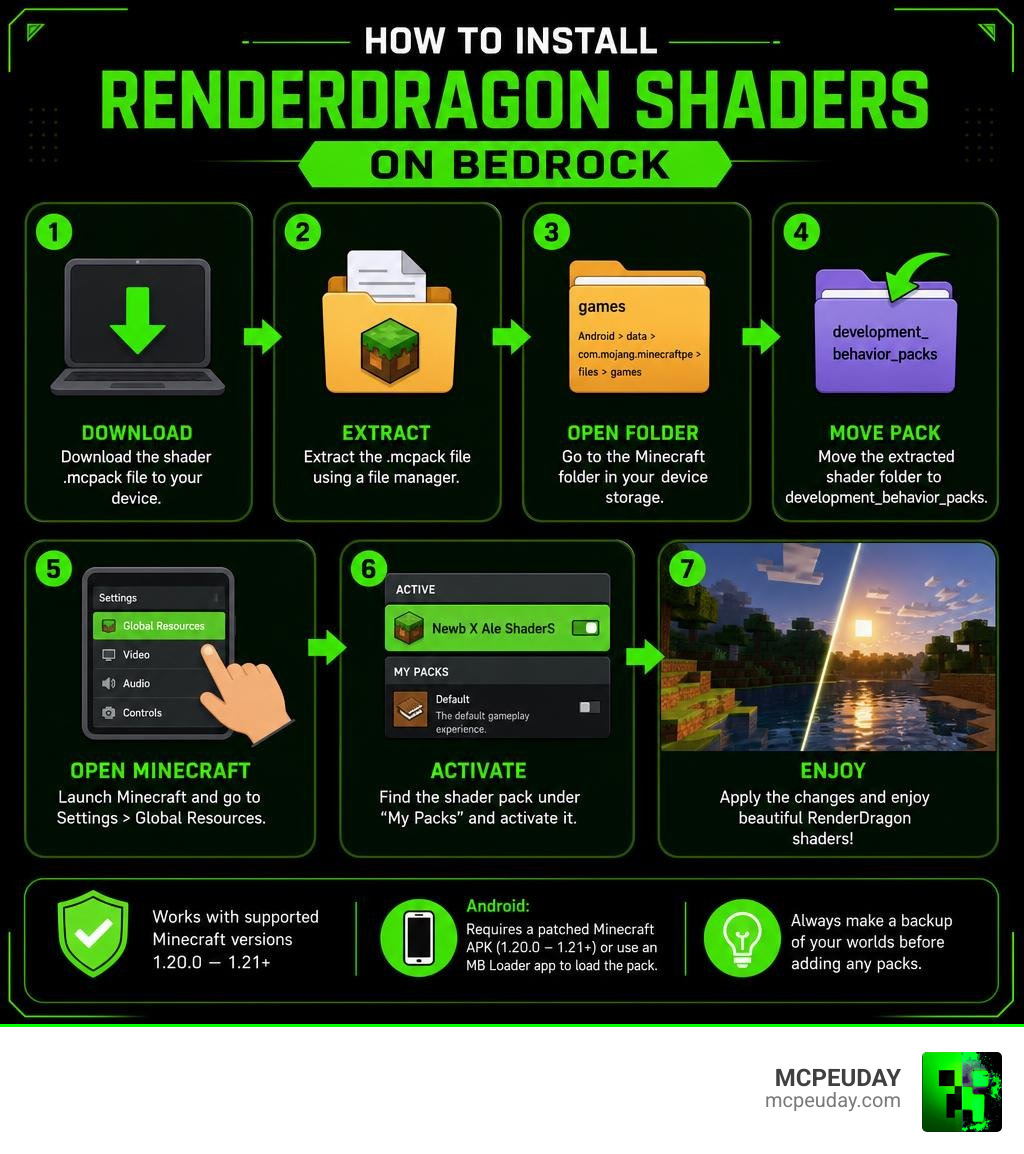
Because Mojang’s RenderDragon engine does not officially support custom shaders, installing them requires a few extra steps. You cannot simply double-click the .mcpack file and expect it to work on a retail version of Minecraft Bedrock.
To run this shader successfully, you must use one of the supported platforms and matching installation tools:
- Android: Requires a patched Minecraft APK (versions 1.20.0 through 1.21+) or utilizing the MB Loader app to load the pack.
- Windows PC: Requires the BetterRenderDragon tool (v1.6.2 or later) to inject the MaterialBinLoader.
- iOS: Supported via specific patched methods or community-vetted installation guides.
If you are ready to set it up, you can get the correct package directly by visiting the Download Newb X Ale ShaderS page.
Required Patches and Loaders
To make RenderDragon read the custom shader materials, you must bypass the game’s default rendering restrictions. For Android users, the easiest method is downloading the MB Loader app. Once installed, you launch Minecraft through the loader, which allows you to import and compile the shader’s materials.bin files. For Windows players, BetterRenderDragon or Matject are the gold standards. These tools hook into the game process to load custom materials, allowing you to experience beautiful shaders on your PC.
Recommended Game Settings
To ensure the shader looks exactly as the creators intended, we recommend adjusting your in-game video settings:
- Fancy Graphics: Turn this ON. If turned off, many of the custom water and sky reflections will not render.
- Beautiful Skies: Turn this ON to enable the custom sun, moon, auroras, and shooting stars.
- Resource Pack Priority: Always make sure the Newb X Ale pack is placed at the very top of your Active Resource Packs list.
- Subpack Configuration: Click the gear icon on the resource pack to select your preferred performance tier (Low, Medium, or Ultra) before loading your world.
Frequently Asked Questions
Is Newb X Ale ShaderS compatible with Minecraft 1.21+?
Yes! The community has released the “Renewed” and “Fixed” versions of the shader which are fully compatible with Minecraft 1.21.100+ and newer. Just make sure your patched APK or BetterRenderDragon version is also updated to match your current game version.
Do I need a patched APK to run this shader on Android?
Yes, either a patched Minecraft APK or the MB Loader app is required. Standard Minecraft downloaded straight from the Google Play Store will block custom RenderDragon shader materials, resulting in a completely vanilla appearance.
How does it compare to the original Newb Shader?
While the original Newb Shader focus is on a lightweight, vanilla-plus look, the Newb X Ale variant adds more dramatic flair. It introduces features inspired by the legacy ESTN Shader and Super Duper Graphics Pack, such as shooting stars, double-layer clouds, and more vibrant color grading.
Conclusion
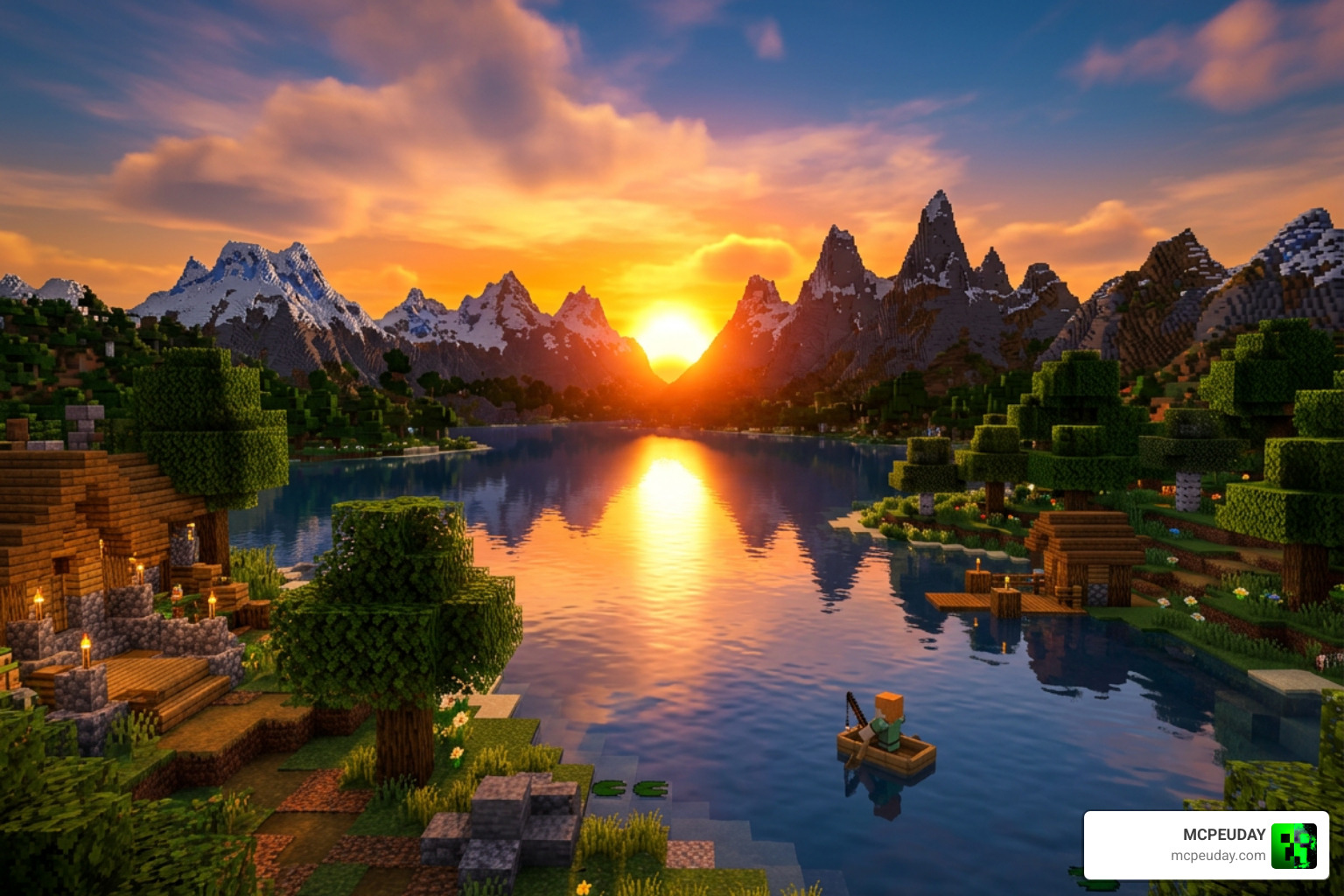
The Newb X Ale Shaders pack stands out as one of the finest visual upgrades available for Minecraft Bedrock. By carefully balancing performance with stunning aesthetics, it proves that you don’t need an expensive gaming PC to enjoy a beautiful, atmospheric Minecraft world. Whether you are building a massive survival castle or fighting monsters in the dark, this shader makes every moment feel epic.
For more safe downloads, detailed installation guides, and the latest updates on your favorite packs, be sure to Explore more Minecraft Bedrock Shaders on our platform. Happy building, and enjoy your beautiful new views!