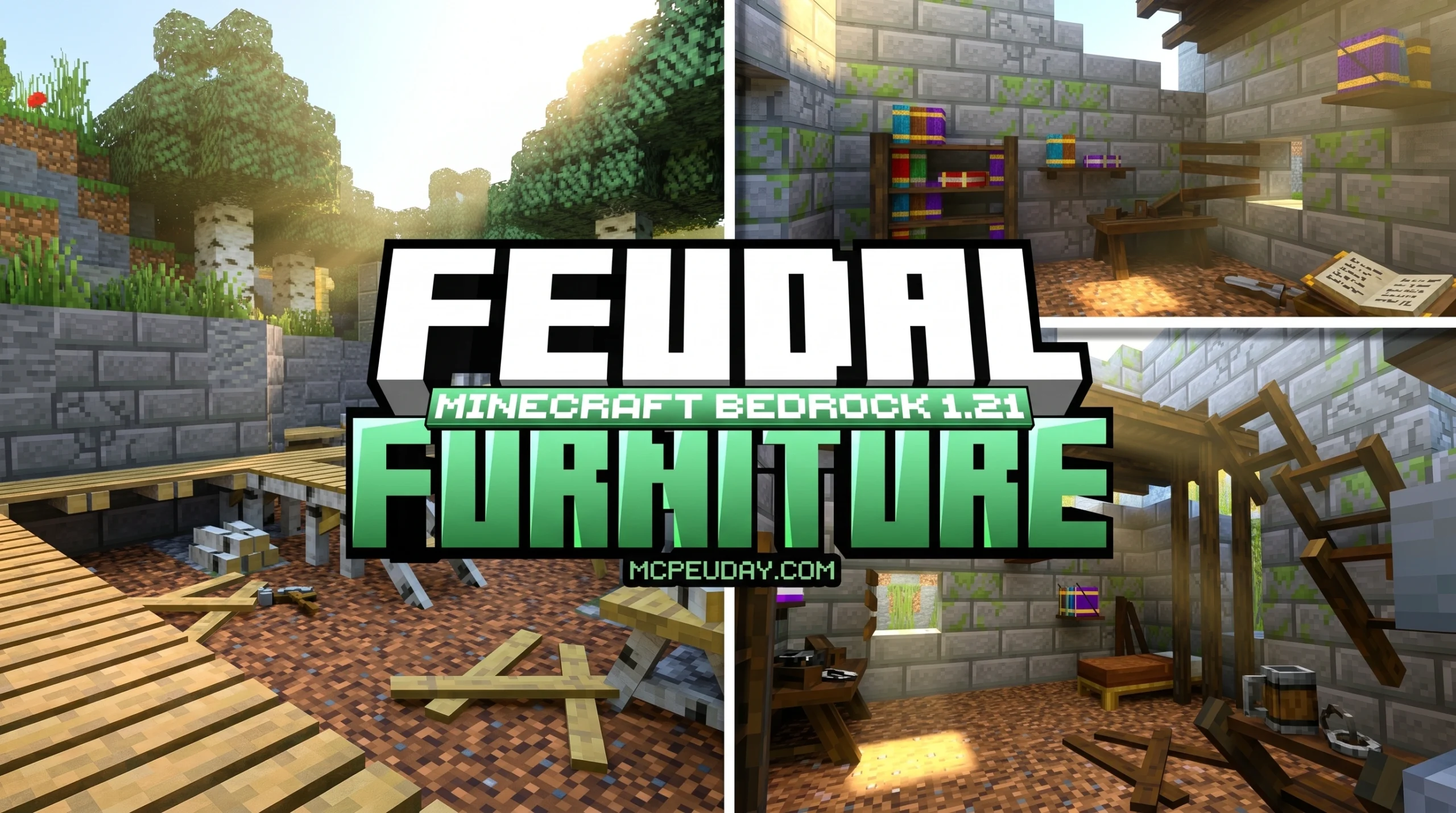
What the Feudal Furniture Addon Adds to Your Minecraft World
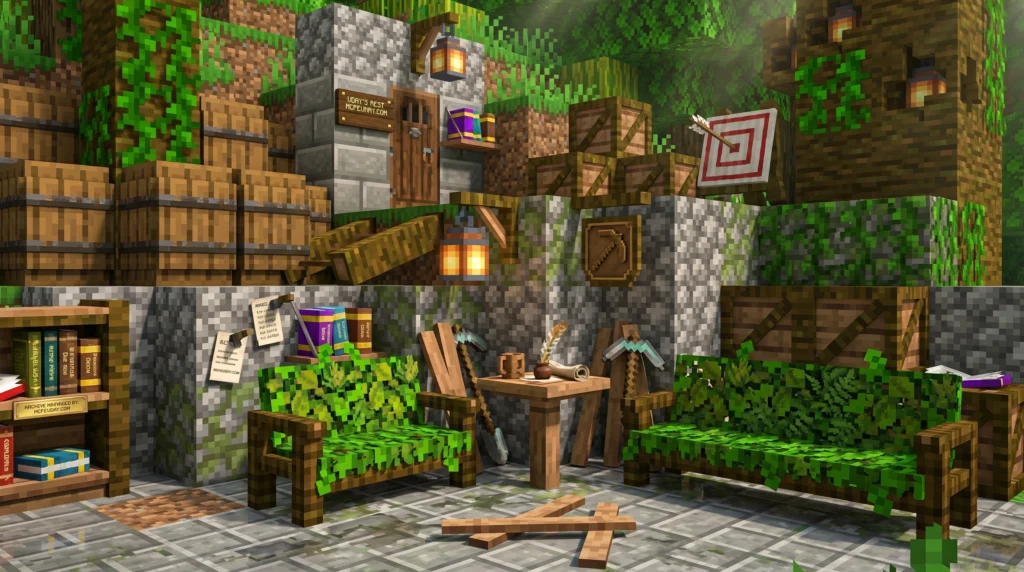
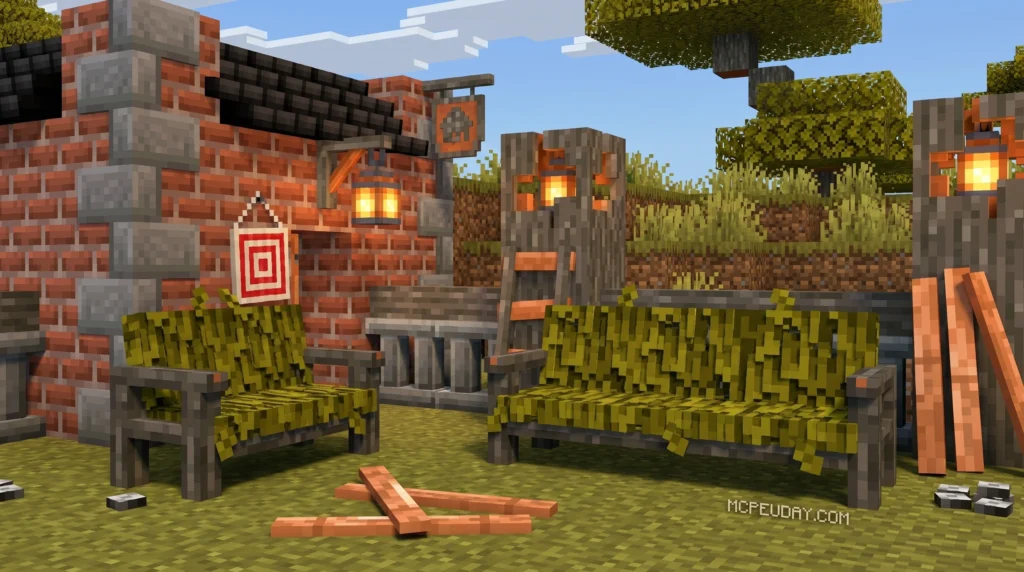
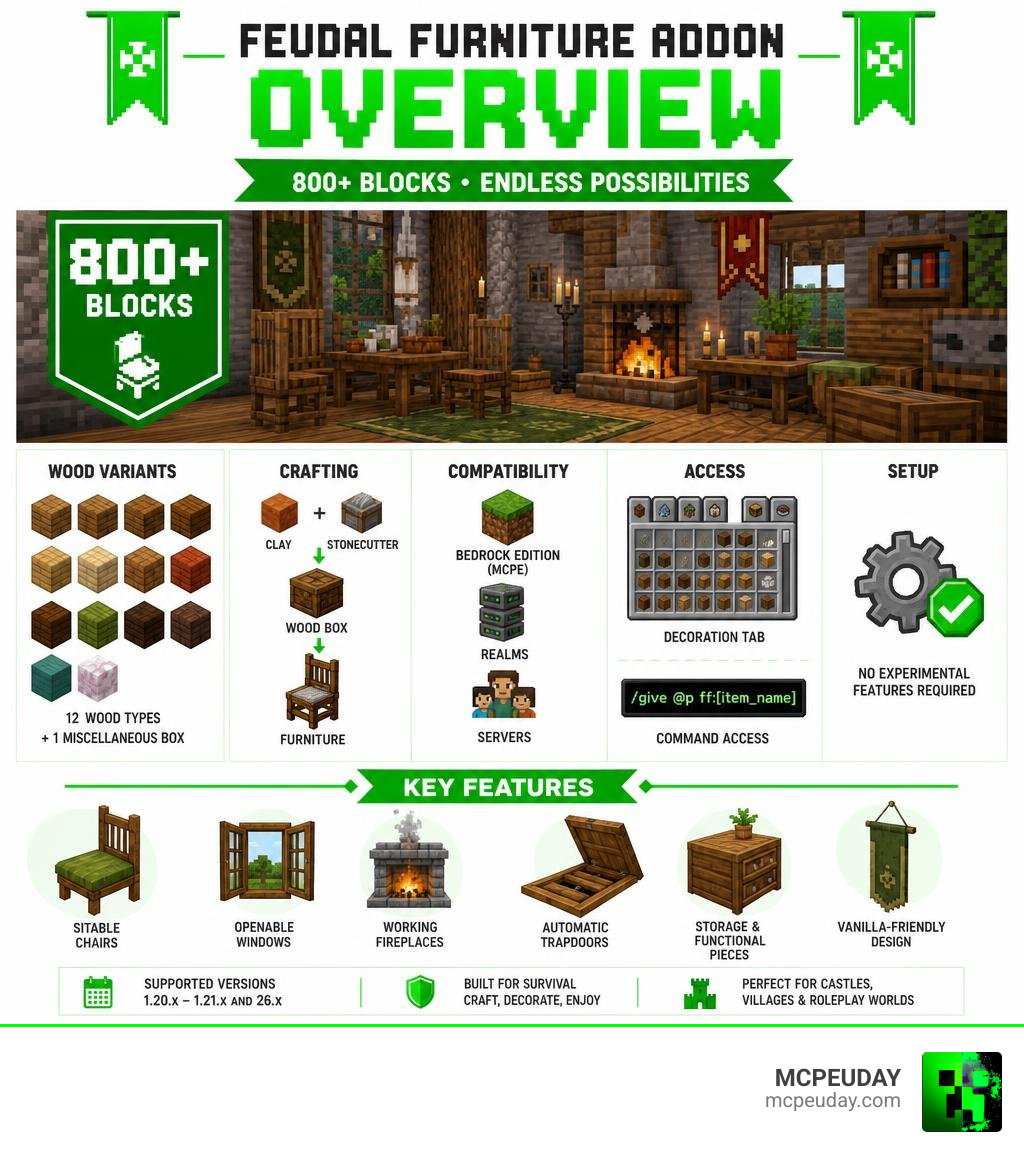
The Feudal Furniture Addon is one of the biggest medieval decoration addons available for Minecraft Bedrock Edition, adding over 800 blocks and furniture pieces to your game — all in a clean, vanilla-friendly style.
Here’s a quick overview:
| Feature | Details |
|---|---|
| Total blocks added | 800+ decorative and functional blocks |
| Platforms supported | Minecraft Bedrock Edition (MCPE), Realms, servers |
| Experimental features required | No |
| Crafting method (Survival) | Clay + Stonecutter → Wood Box → Furniture |
| Creative mode access | Decoration tab or /give @p ff:[item_name] |
| Wood type variants | 12 wood types + 1 miscellaneous box |
| Supported versions | 1.20.x through 1.21.x and version 26.x |
Medieval builds in Minecraft often look great on the outside — but the inside is usually empty. No tables, no chairs, no fireplace. Just flat floors and blank walls.
That’s exactly the gap this addon fills.
It brings chairs you can actually sit in, windows you can open and close, working fireplaces with smoke particles, automatic trapdoors, and dozens more interactive pieces — all designed to blend seamlessly with Minecraft’s existing look.
Whether you’re decorating a castle, a village, a survival base, or building a roleplay world on a server, this addon gives you the tools to make interiors feel real.
What is the Feudal Furniture Addon?
The Feudal Furniture Addon is a massive expansion pack designed specifically for Minecraft Bedrock Edition (MCPE). Created to fit perfectly within vanilla Minecraft environments, it introduces more than 800 decorative blocks and hundreds of functional pieces inspired by a medieval, feudal, and rustic setting.
Unlike many modern decoration mods that feel out of place in a blocky world, this addon uses textures and models that look like they were designed by Mojang themselves. It avoids overly realistic 3D models in favor of a clean, pixelated style that respects the game’s original art direction.
If you want to read more about the development or grab the files directly from the creator, you can visit the official page on Feudal Furniture | Vatonage .
For builders who love creating historic landscapes, this mod is a game-changer. It is perfect for detailing grand castle throne rooms, cozy tavern basements, bustling village markets, or dark and dusty dungeon corridors. It breathes life into empty structures, turning static builds into lived-in spaces.
Key Features of the Feudal Furniture Addon
What sets this pack apart from basic decoration mods is its focus on interactivity. You are not just placing static statues; you are placing functional items that react to you and your environment.
- Interactive Seating: Benches, chairs, and modular sofas are fully seatable. You can sit down with your friends to plan your next raid or enjoy a virtual feast.
- Operable Windows and Gates: Windows and wooden gates can be toggled open and closed with a simple click, giving you complete control over your home’s privacy and ventilation.
- Automatic Trapdoors and Defensive Spikes: Keep unwanted guests out of your castle. You can place defensive spikes to damage intruders or set up automatic trapdoors that trigger when walked over.
- Immersive Fireplaces: Cozy up by a warm hearth. When you place a chimney block directly above a fireplace, it automatically channels and produces rising smoke particles.
- Stackable Items: You can stack food items or pile up to six coins in a single spot to create realistic market stalls or treasure rooms.
- Wayfinding Signs: Keep your medieval city organized with fully functional, persistent message boards and directional signs.
To make building even more exciting, we highly recommend pairing these furniture sets with realistic structures. You can check out our guide on the Medieval Structures Addon 1.26 1.21 Transform Your Minecraft World with Realistic Medieval Builds to generate massive, realistic castles and villages that are ready to be furnished.
Crafting and Obtaining Furniture in Survival and Creative
One of our favorite things about the Feudal Furniture Addon is how survival-friendly it is. You do not need to memorize hundreds of complex crafting recipes to get your hands on these gorgeous blocks. Instead, the addon utilizes a highly intuitive, streamlined system centered around a single vanilla block: the Stonecutter.
How It Works in Survival Mode
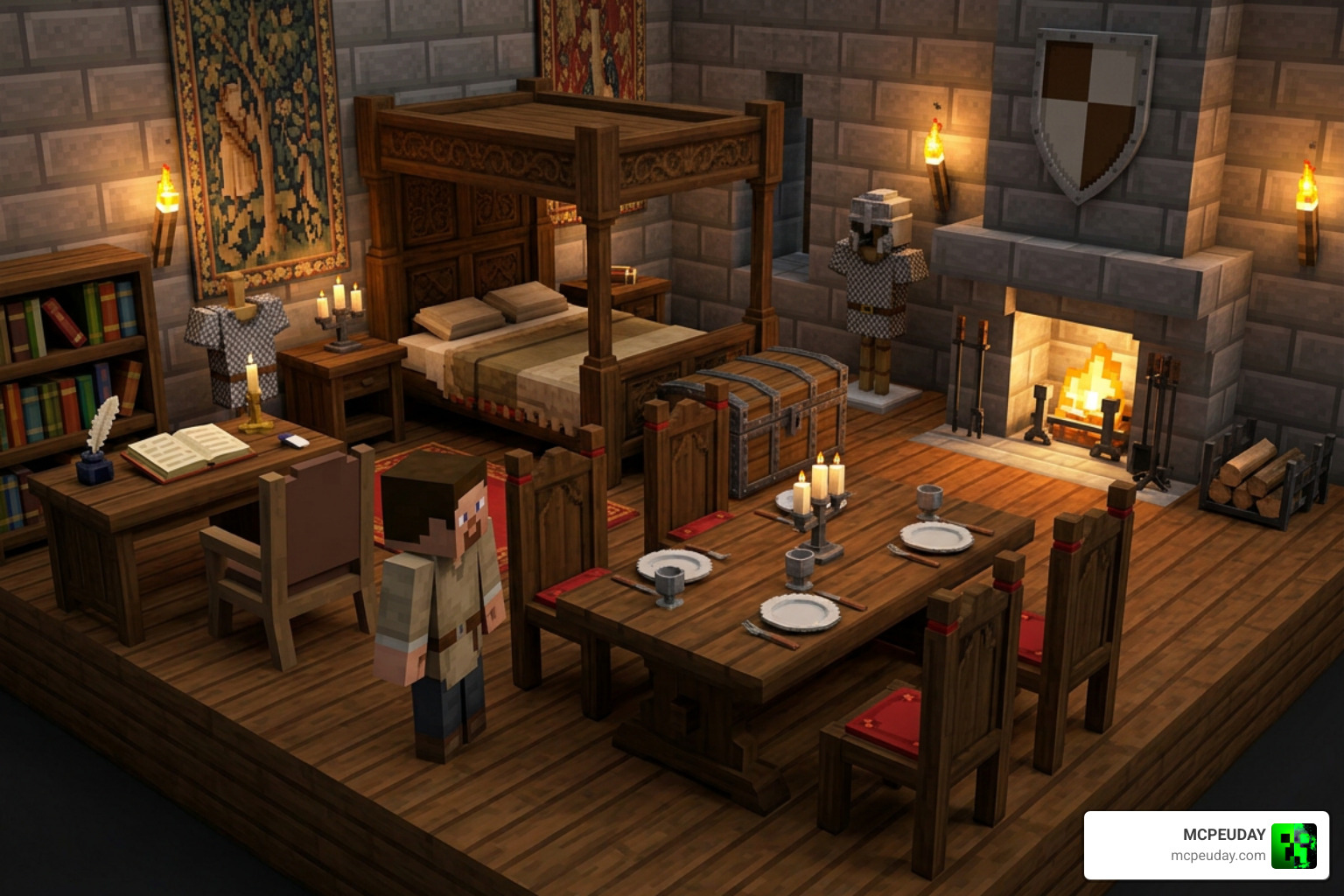
To start furnishing your survival base, all you need is some basic clay and a Stonecutter:
- Collect Clay: Gather clay balls from rivers, lakes, or swamps.
- Craft a Furniture Box: Place a clay ball into your Stonecutter. This will allow you to craft one of the 12 different wood-type boxes or the Miscellaneous Box.
- Select Your Furniture: Take the newly crafted wooden box (for example, a Spruce Wood Box) and place it back into the Stonecutter. This opens up a selection menu containing every single furniture piece available for that specific wood type. Simply select the chair, table, or shelf you want, and craft it instantly!
This system saves you inventory space and keeps your crafting book clean, allowing you to access over 800 items using nothing but clay and a Stonecutter.
How It Works in Creative Mode
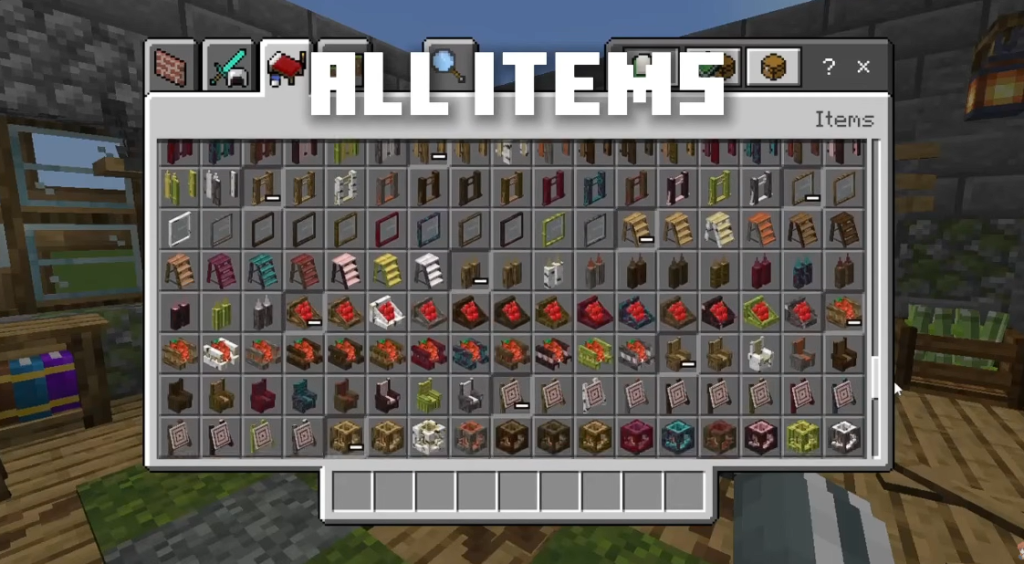
If you are playing in Creative mode, you can skip the crafting process entirely. All furniture items are neatly categorized and can be found directly inside the Construction and Decoration tabs of your creative inventory.
Alternatively, if you prefer using commands to grab specific pieces quickly, you can open your chat console and type the give command followed by the ff prefix. For example, typing give @p ff:chair_oak will instantly put an oak chair into your hand.
| Acquisition Method | Survival Mode | Creative Mode |
|---|---|---|
| Primary Tool | Stonecutter | Creative Inventory / Chat Commands |
| Required Materials | Clay balls | None |
| Navigation | Wood-type boxes (Oak, Spruce, etc.) | Decoration Tab or “ff:” command prefix |
| Best For | Immersive gameplay and progression | Rapid building and testing designs |
How to Install and Activate the Feudal Furniture Addon
Getting this addon up and running in your world is a straightforward process. Because it is optimized for modern Bedrock versions, you do not need to jump through hoops to make it work.
Follow our step-by-step installation guide:
- Download the Packs: Make sure to download both the Resource Pack (RP) and the Behavior Pack (BP). They must be installed together for the addon to function correctly.
- Import into Minecraft: Double-click or tap on the downloaded files to automatically import them into your Minecraft Bedrock game.
- Apply to Your World: Go to your world settings, navigate to the Resource Packs tab, and activate the Feudal Furniture pack. Do the exact same thing under the Behavior Packs tab.
- Check Experimental Settings: In the latest versions of Minecraft Bedrock (1.21+ and 26.x), this addon is fully optimized to run without requiring any experimental features. However, if you are playing on older legacy versions, you may need to toggle on the Holiday Creator Features experiment in your world settings.
If you are planning a massive building project and want to speed up your construction process before you begin placing furniture, we highly recommend checking out our guide on the Effortless Building Addon or the Effortless Building Mod 26.x 1.21 Build Massive Structures Faster in Minecraft to place blocks faster than ever.
Wood Variants and Miscellaneous Decorations
Variety is the spice of life, and this addon delivers it in spades. Rather than giving you a single generic chair or table, the creator replicated almost every wooden decoration across 12 different wood types. This ensures that no matter what biome you build in, your furniture will match your surroundings perfectly.
You can craft furniture using the following wood variants:
- Oak
- Spruce
- Birch
- Jungle
- Acacia
- Dark Oak
- Mangrove
- Crimson
- Warped
- Bamboo
- Cherry
- Pale Wood
The Miscellaneous Box
What about items that are not made of wood? That is where the Miscellaneous Box comes in. By placing clay into a Stonecutter and selecting the Miscellaneous Box, you unlock access to all the non-wooden decorative items in the addon. This includes metal spikes, stone parts, glass windows, baskets, coin piles, candles, and lightable lanterns.
If you love decorating but also want to explore modern design alternatives for your world, be sure to take a look at our Modern Furniture Addon 1.21 26.x Best MCPE Decoration Mod to mix historical charm with sleek, contemporary styles.
Compatibility, Multiplayer, and Server Performance
We know how frustrating it is when a great addon crashes your server or lag-spikes your game. Fortunately, the Feudal Furniture Addon is highly optimized for multiplayer environments.
It is fully compatible with:
- Minecraft Bedrock Realms: You can easily upload this addon to your Realm and play with friends on Xbox, PlayStation, Nintendo Switch, PC, and mobile devices.
- Dedicated Servers and Aternos: It runs smoothly on third-party hosting platforms. Just make sure both the resource and behavior packs are correctly installed on the server side.
- Version 1.21+ and 26.x: The addon is regularly updated to support the latest Bedrock engine changes.
The resource pack is incredibly lightweight (around 5 MB), and the behavior pack is only about 1 MB. This small footprint means your friends won’t have to wait through long download screens when joining your world, and low-end mobile devices won’t experience performance drops.
If you want to compare this pack with other top-tier options, check out our review of the Modblockte Furniture Addon 1.21 1.20 Best Furniture Mod for MCPE to see which style suits your world best.
Frequently Asked Questions about Feudal Furniture
Do I need to enable Experimental Features for this addon?
No, for the latest 1.21+ and 26.x versions of Minecraft Bedrock, you do not need to enable any experimental features. The addon uses modern block components that run natively in the base game. If you are playing on older legacy versions, however, you might need to enable Holiday Creator Features.
What should I do if the blocks do not appear in-game?
If you cannot see the blocks, first verify that both the Resource Pack and the Behavior Pack are activated on your world and that their version numbers match. If you are playing on a multiplayer server, try clearing your local Minecraft cache and reconnecting. Reinstalling the latest version of the addon usually resolves any minor loading bugs.
Can I use this addon on Minecraft Bedrock Realms and servers?
Yes! It is fully compatible with Realms, Aternos, and dedicated servers. It is highly optimized to ensure that multiple players can interact with the furniture, sit on chairs, and open windows simultaneously without causing server lag.
Conclusion
The Feudal Furniture Addon is an absolute must-have for anyone who loves building in Minecraft Bedrock. With its massive selection of over 800 vanilla-style blocks, brilliant survival crafting system, and interactive features, it turns empty houses into warm, detailed homes.
We at MCPEUDAY are dedicated to bringing you the absolute best resources to elevate your gameplay. Ready to start building your dream medieval village? Explore more Minecraft Addons on our site today and find the perfect mods, shaders, and packs for your next big adventure!
1 thought on “Feudal Furniture Addon (26.x, 1.21) – MCPE/Bedrock Mod”