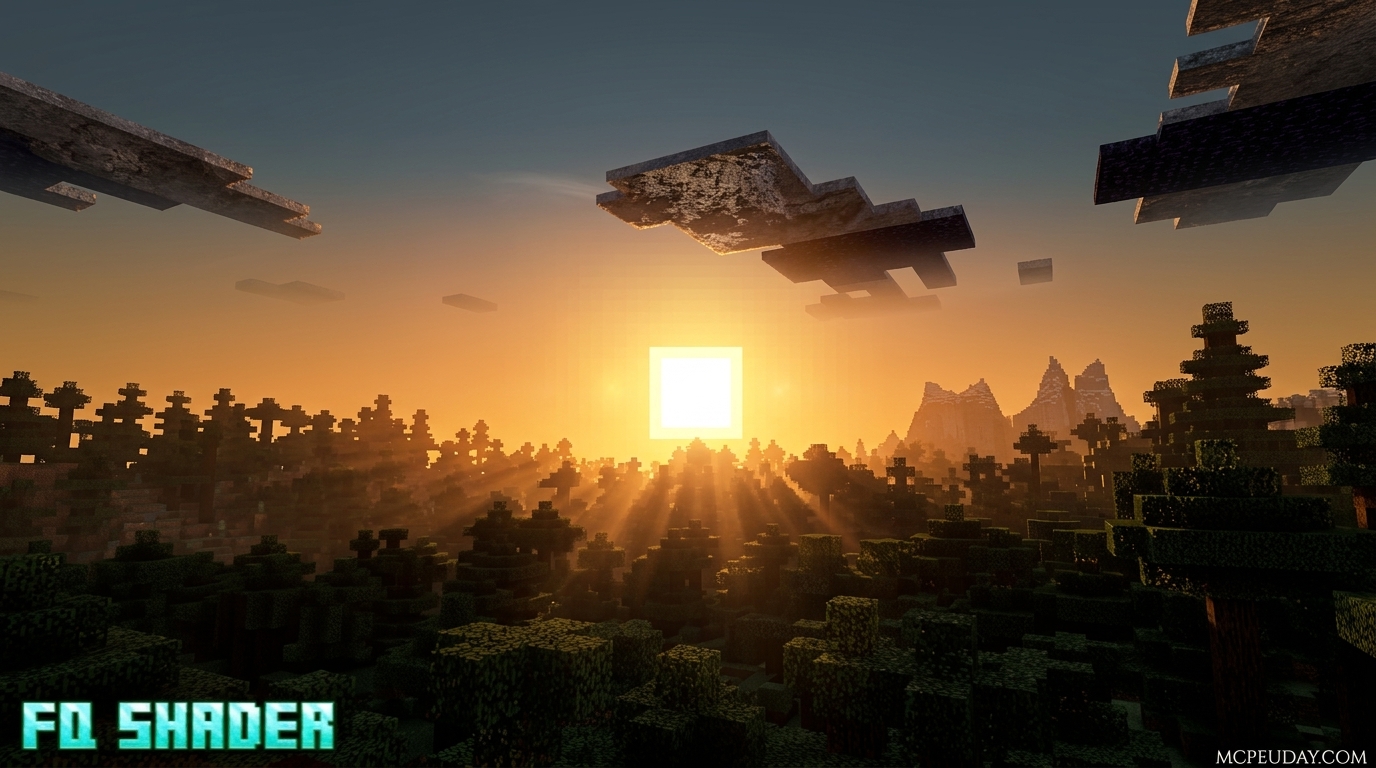
What Is FQ Shader and Why Minecraft Players Are Downloading It
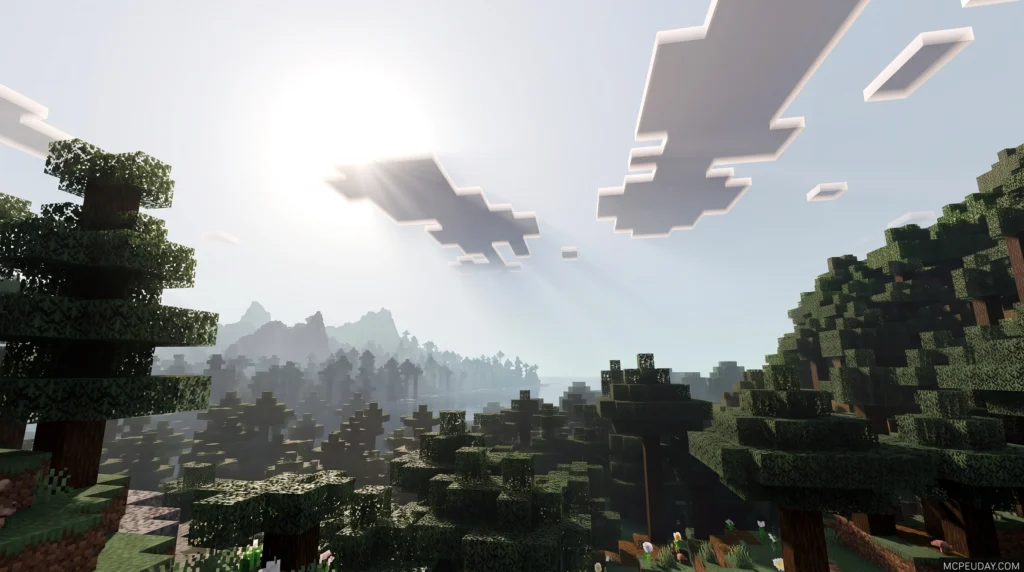
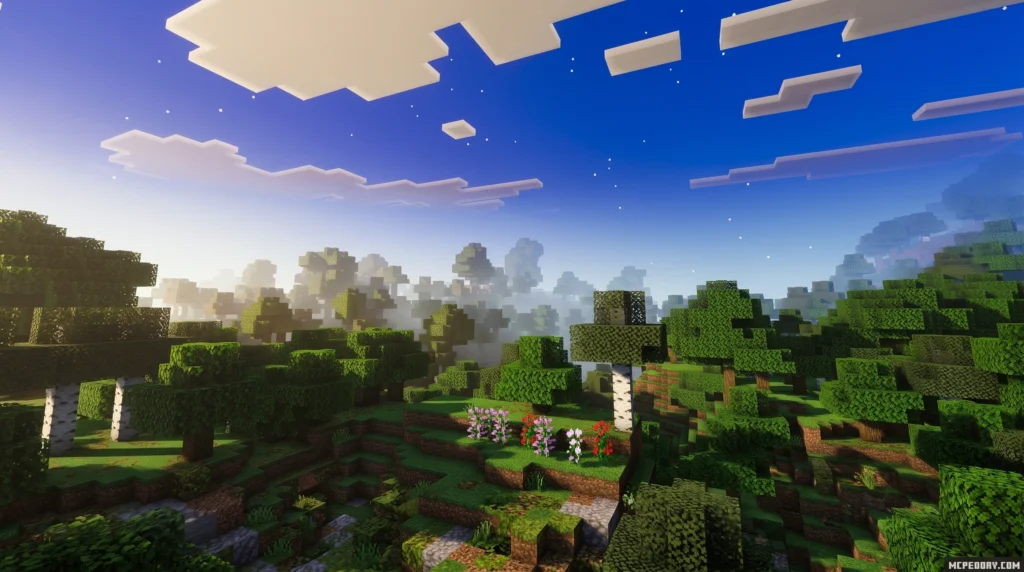
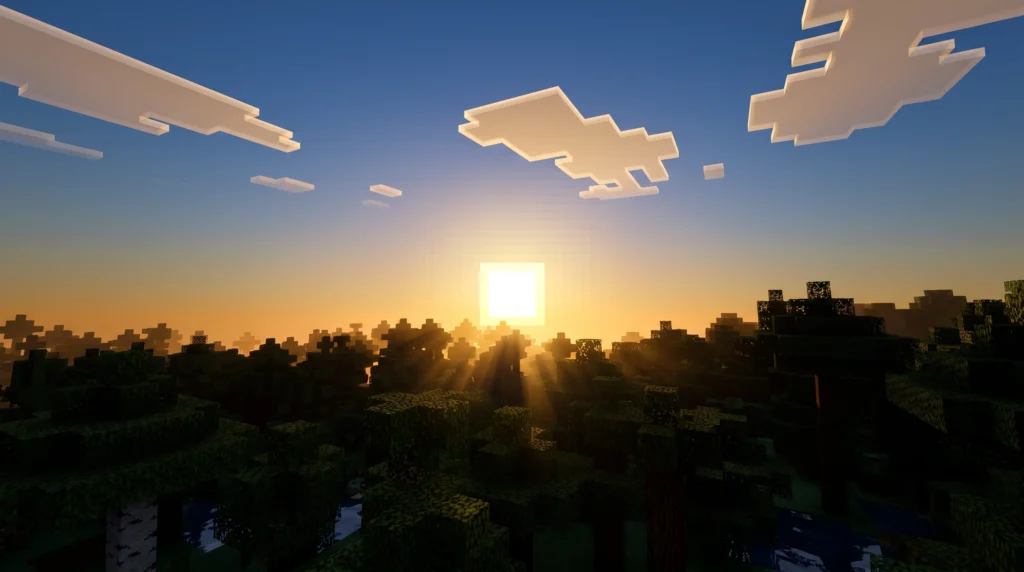
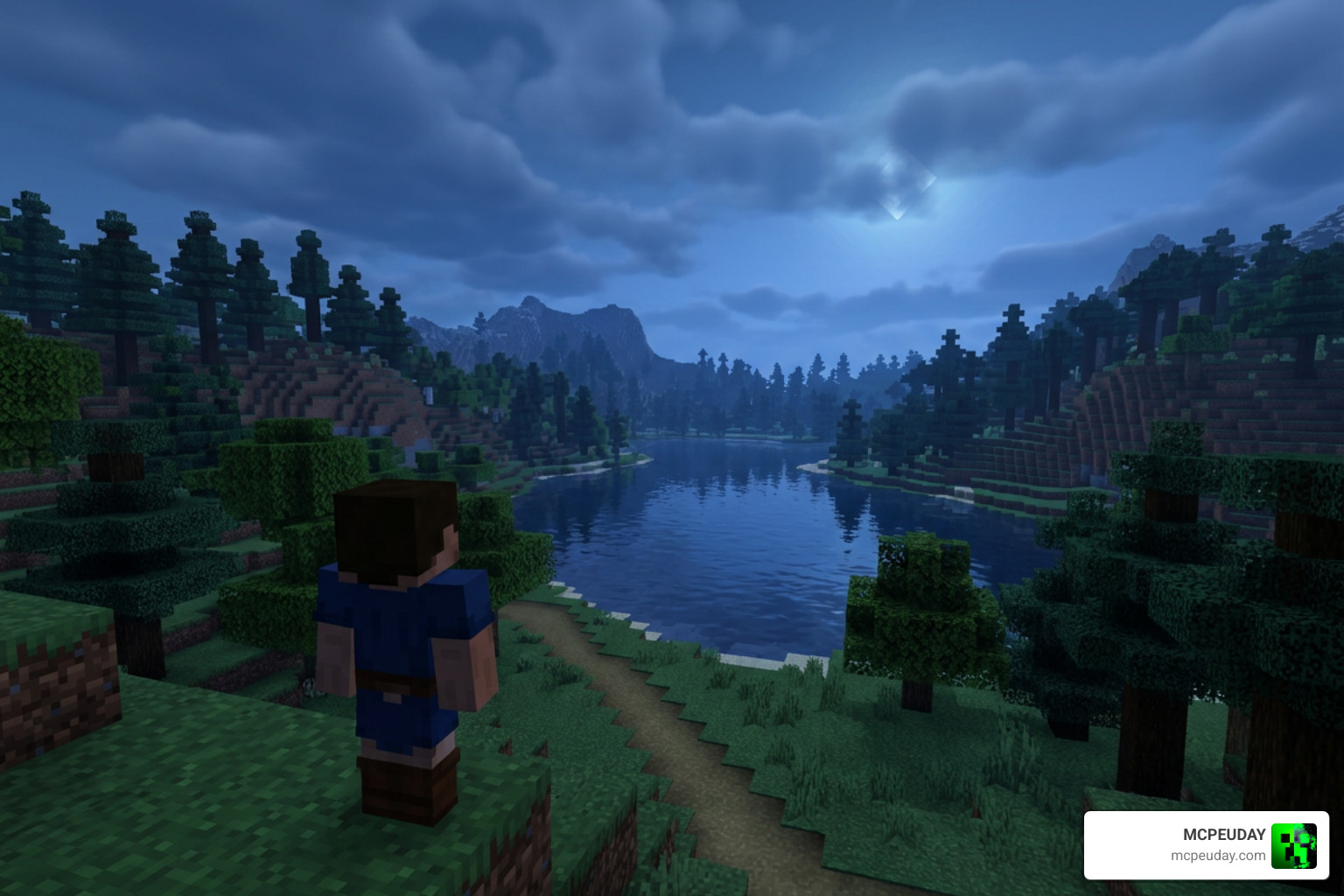
FQ Shader is a lightweight visual enhancement pack for Minecraft Bedrock Edition (MCPE) that gives your game a cool blue tone and a calm, cinematic atmosphere — without wrecking your device’s performance.
Here’s a quick summary of what you need to know:
- What it is: A shader pack for Minecraft Bedrock/MCPE that improves lighting, color balance, sky, and water rendering
- Supported versions: 1.21 and Bedrock 26.x (including 26.21, 26.20, 26.13, 26.10, 26.0.02, and 26.0)
- File size: 215 KB (128X ZIP/mcpack format)
- Release date: April 9, 2026
- Key requirement: Vibrant Visuals must be enabled for it to work
- User rating: 3.7 out of 5 (based on 3 ratings)
If you’ve been playing vanilla Minecraft and want your world to look sharper and more peaceful — without downloading a massive mod pack — FQ Shader is worth a look.
It’s small, it’s fast to install, and it targets one thing well: making your Minecraft world feel like a calm, cinematic scene rather than a blocky default texture dump.
In this guide, we’ll walk you through everything — from what FQ Shader actually does, to how to install it step by step on Android and other Bedrock devices.
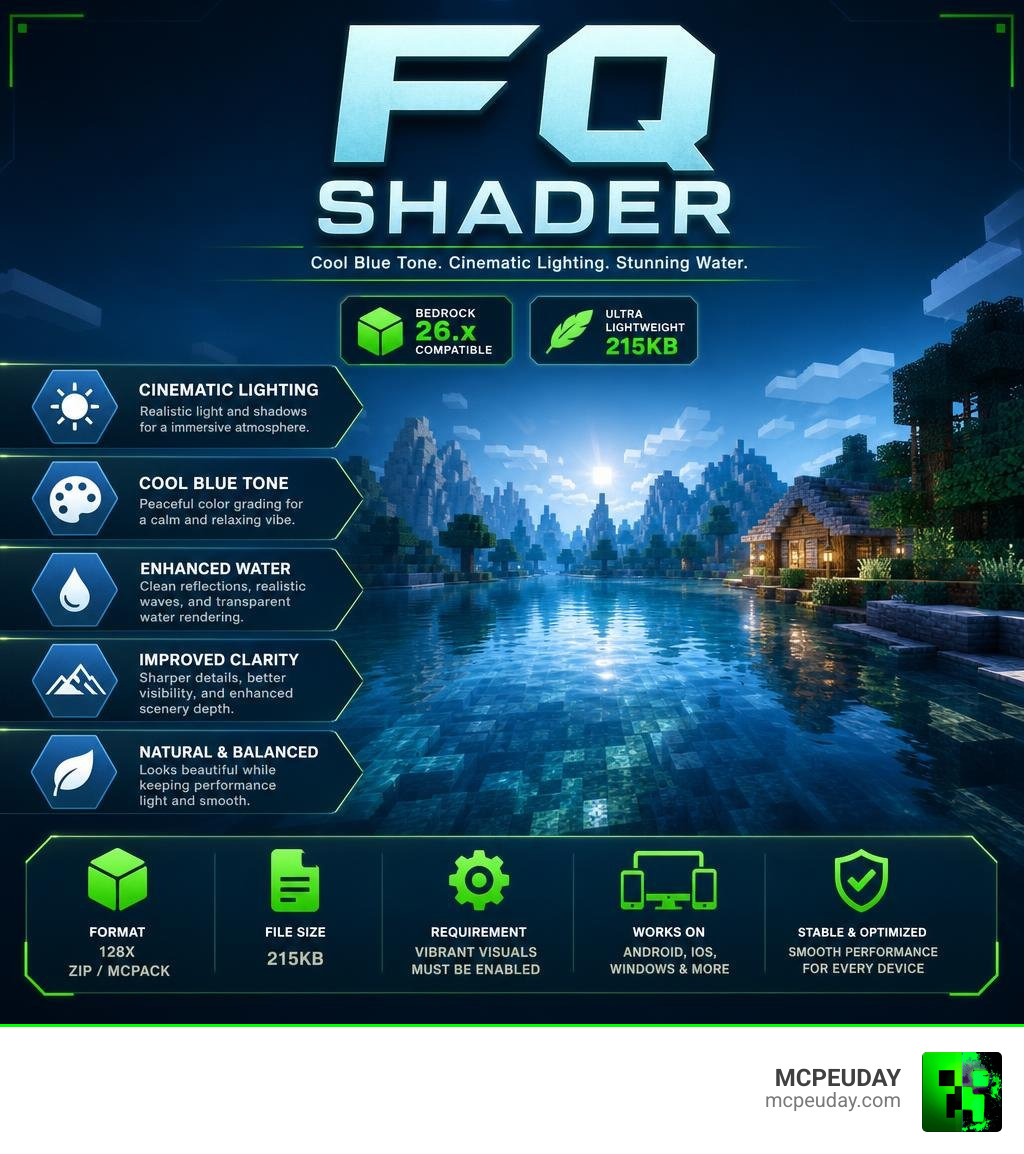
What is the FQ Shader for Minecraft Bedrock?
If you have ever stared at the standard, bright yellow-green tint of vanilla Minecraft and wished for something a bit more atmospheric, the FQ Shader is designed exactly for you. This pack shifts your game’s color palette toward a peaceful, cool blue tone. It completely transforms the vibe of your world, making early mornings look misty and nights feel deep and serene.
Unlike heavy ray-tracing packs that require a high-end gaming PC, FQ Shader achieves its beauty through clever color balance and lighting adjustments. It enhances scenery sharpness so that leaves, blocks, and distant mountains stand out clearly instead of blending into a muddy blur.
The sky and water rendering are beautifully blended together. Water surfaces lose their flat, cartoonish look and instead take on a glassy, cinematic quality. If you want to understand the underlying technology that makes these changes possible, check out our guide on What are shaders in games? to see how they modify the game’s engine.
At its core, this pack manipulates the pixel pipeline to alter light values. To learn more about how games handle these per-pixel visual calculations, you can read the Pixel Shaders Glossary. By adjusting these values, the FQ Shader gives you realistic shadows and vibrant colors without forcing your device to calculate heavy physical light rays.
Technical Specifications and Compatibility
One of the biggest hurdles for Minecraft Bedrock players in 2026 has been finding packs that work with the modern Render Dragon engine. Fortunately, FQ Shader is built to support Minecraft Bedrock 1.21 and the newer 26.x updates. Whether you are running version 26.21, 26.20, 26.13, 26.10, or even older builds like 26.0, this pack has you covered.
For a detailed look at how this pack holds up against other modern options, check out our Best render dragon shaders for MCPE 1.21 tested on real devices 2026 guide.
With a file size of only 215 KB, it is incredibly lightweight. You can download it as a 128X ZIP or directly as an MCPACK file for quick importing. Below is a quick breakdown of its technical specifications:
| Detail | Specification |
|---|---|
| File Size | 215 KB |
| Format | .mcpack / .zip (128X resolution) |
| Release Date | April 9, 2026 |
| Engine Compatibility | Render Dragon (Bedrock 26.x & 1.21) |
| Prerequisites | Vibrant Visuals (Required) |
| Average Rating | 3.7 / 5 Stars |
How to Install and Enable FQ Shader
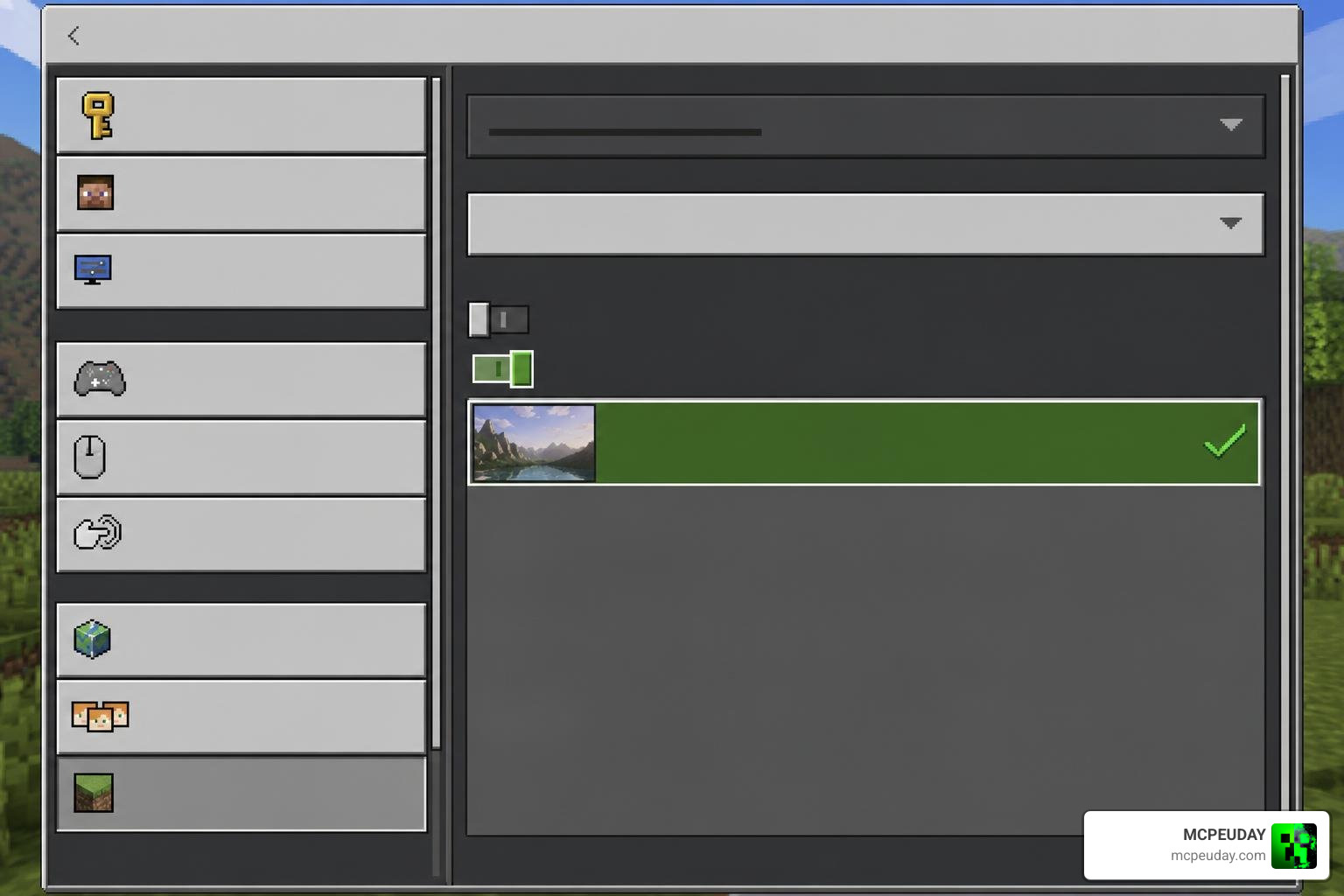
Installing custom graphics on Bedrock can sometimes feel like trying to solve a Redstone puzzle in the dark. However, the process is straightforward once you know where to put the files. If you need a broad overview of the setup process across different platforms, our How to turn on shaders in Minecraft 2026 guide Java Bedrock MCPE setup fast mcpeuday is an excellent starting point.
Prerequisites for FQ Shader Setup
Before you activate FQ Shader, there is one crucial step you cannot skip: you must enable Vibrant Visuals.
Because of how the Render Dragon engine restricts third-party post-processing, FQ Shader relies on Vibrant Visuals as a base dependency to inject its cool blue tones and lighting adjustments into the game. Without this prerequisite active in your resource pack list, the shader simply won’t load, leaving you with vanilla graphics. For a complete look at how to manage these dependencies, read our tutorial on How to get shaders in Minecraft?.
Step-by-Step Installation of FQ Shader on Android
If you are playing on an Android device, follow these steps to get the pack running:
- Download the FQ Shader MCPACK or ZIP file. For Android, we highly recommend the MCPACK format because it is easier to import. You can find more mobile-friendly resources on our Minecraft shaders download for Android page.
- Open your file manager app and locate the downloaded file in your Downloads folder.
- If you downloaded the
.mcpackfile, simply tap on it and select “Open with Minecraft.” The game will launch automatically and import the pack. - If you downloaded the
.zipfile, extract the folder and copy it directly into your Minecraft “resource_packs” directory. - Launch Minecraft, go to Settings, select Global Resources, and activate Vibrant Visuals first.
- Once Vibrant Visuals is active, find FQ Shader in your list and activate it right above the prerequisite pack. Load into your world and enjoy the peaceful blue atmosphere!
Visual Features and Rendering Pipeline
What makes the FQ Shader look so clean is how it interacts with Minecraft’s rendering pipeline. Traditional mobile shaders often struggle with water reflections, but this pack uses optimized mathematical approximations to simulate screen-space reflections.
Instead of rendering expensive physical rays, the shader uses custom vertex and fragment parameters to calculate how sky light bounces off water blocks. If you are interested in how developers write these post-processing reflection codes, you can study the Screen-Space Reflections Shader repository on GitHub to see how ray-marching is structured in game development.
Additionally, the way the shader projects its color grading onto the screen is similar to 2D quad-rendering. By drawing the fragment shader across a simple screen-space quad, the game can apply a cool blue filter and adjust the color balance instantly. You can read more about this lightweight rendering technique in the quad-shader: Render fragment shader in a quad documentation.
For the tech-savvy players who want to see how GLSL syntax handles these custom drawing frames and version parameters, the toneddu2000/glslShowreel repository provides great examples of how custom color buffers and depth tests are configured to achieve smooth post-processing.
Frequently Asked Questions about FQ Shader
We know that setting up graphics packs can lead to a few questions. Here are the answers to the most common questions the community has asked us.
What are the system requirements for FQ Shader?
Because the pack is only 215 KB and relies on smart color grading rather than heavy ray-tracing, it runs beautifully on almost any device that can run Minecraft Bedrock 1.21 or 26.x. This includes low-end Android phones, tablets, and budget PCs. You do not need a high-end graphics card to run this pack at a stable 60 FPS.
Why does FQ Shader require Vibrant Visuals?
The modern Render Dragon engine in Minecraft Bedrock is highly locked down. Developers cannot easily inject custom shader code directly into the game anymore. FQ Shader uses Vibrant Visuals as a hook or bridge to bypass these limitations, allowing the custom color grading and lighting values to load correctly.
Is FQ Shader compatible with other Bedrock shaders?
Generally, no. You should not run multiple shader packs at the same time as they will conflict in the rendering pipeline, causing visual glitches or crashes. However, you must run it with its prerequisite, Vibrant Visuals. Always make sure Vibrant Visuals is placed directly below FQ Shader in your active resource packs list for the best results.
Conclusion
The FQ Shader is a fantastic choice for Minecraft Bedrock players who want a peaceful, cool blue aesthetic without sacrificing their device’s performance. Released in April 2026, its tiny 215 KB file size and excellent compatibility with 26.x versions make it one of the most accessible packs available today. Just remember to activate Vibrant Visuals first!
If you want to explore more options to customize your game’s graphics, be sure to check out our handpicked list of the Best shaders for MCPE 1.21 2026 top 3 realistic Minecraft PE shaders for even more stunning visual upgrades!