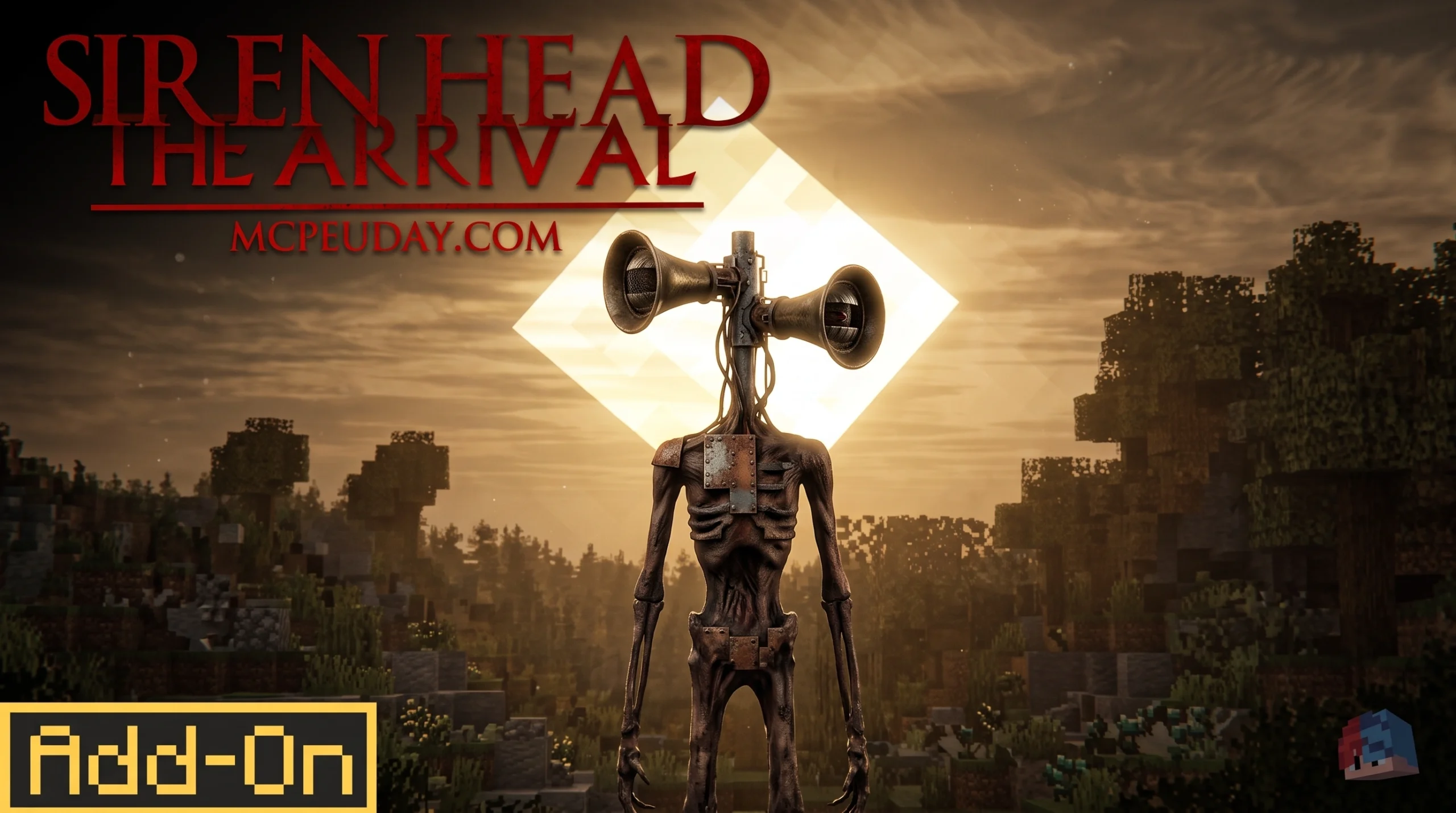
What the Siren Head Addon Does to Your Minecraft World
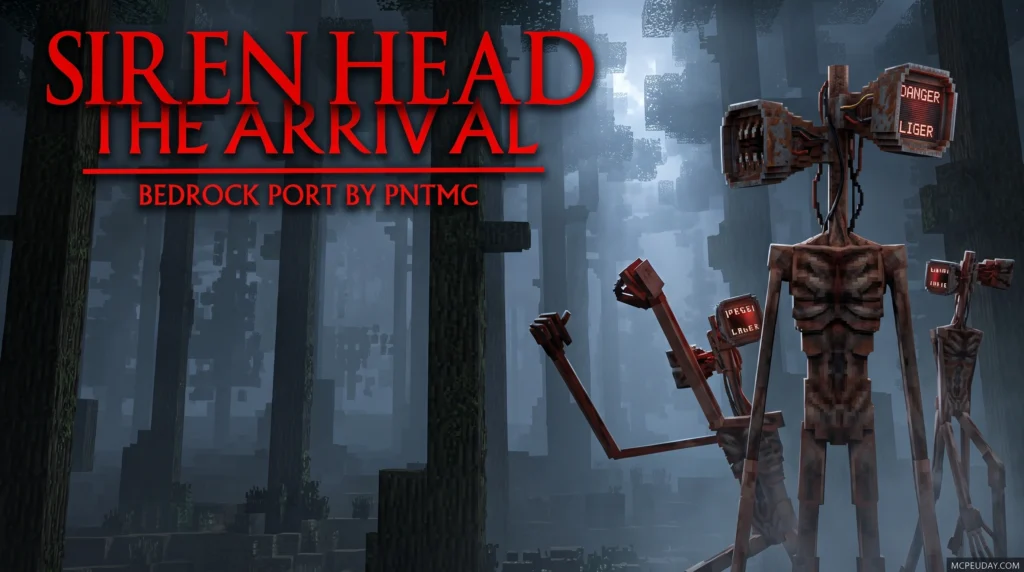
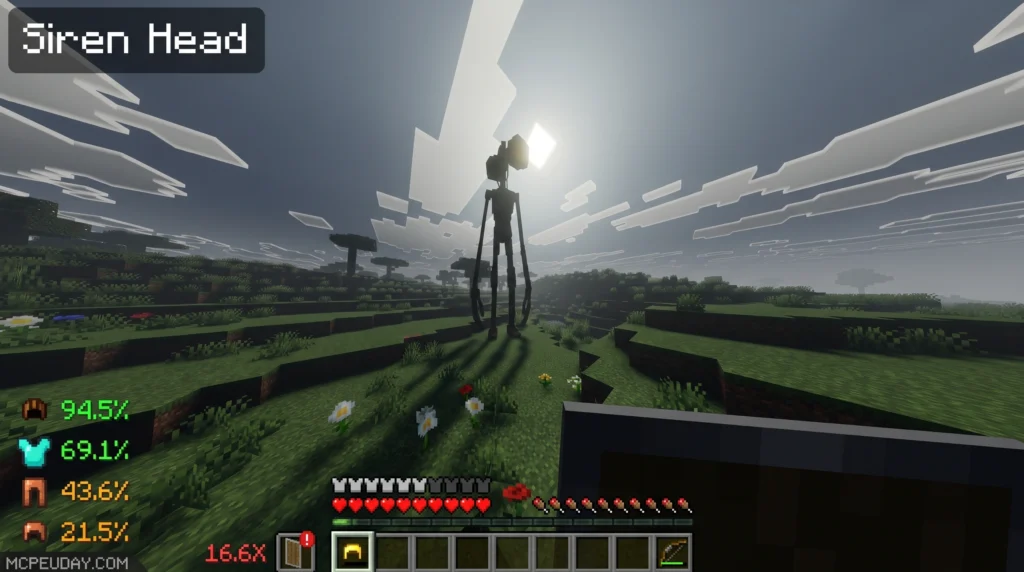
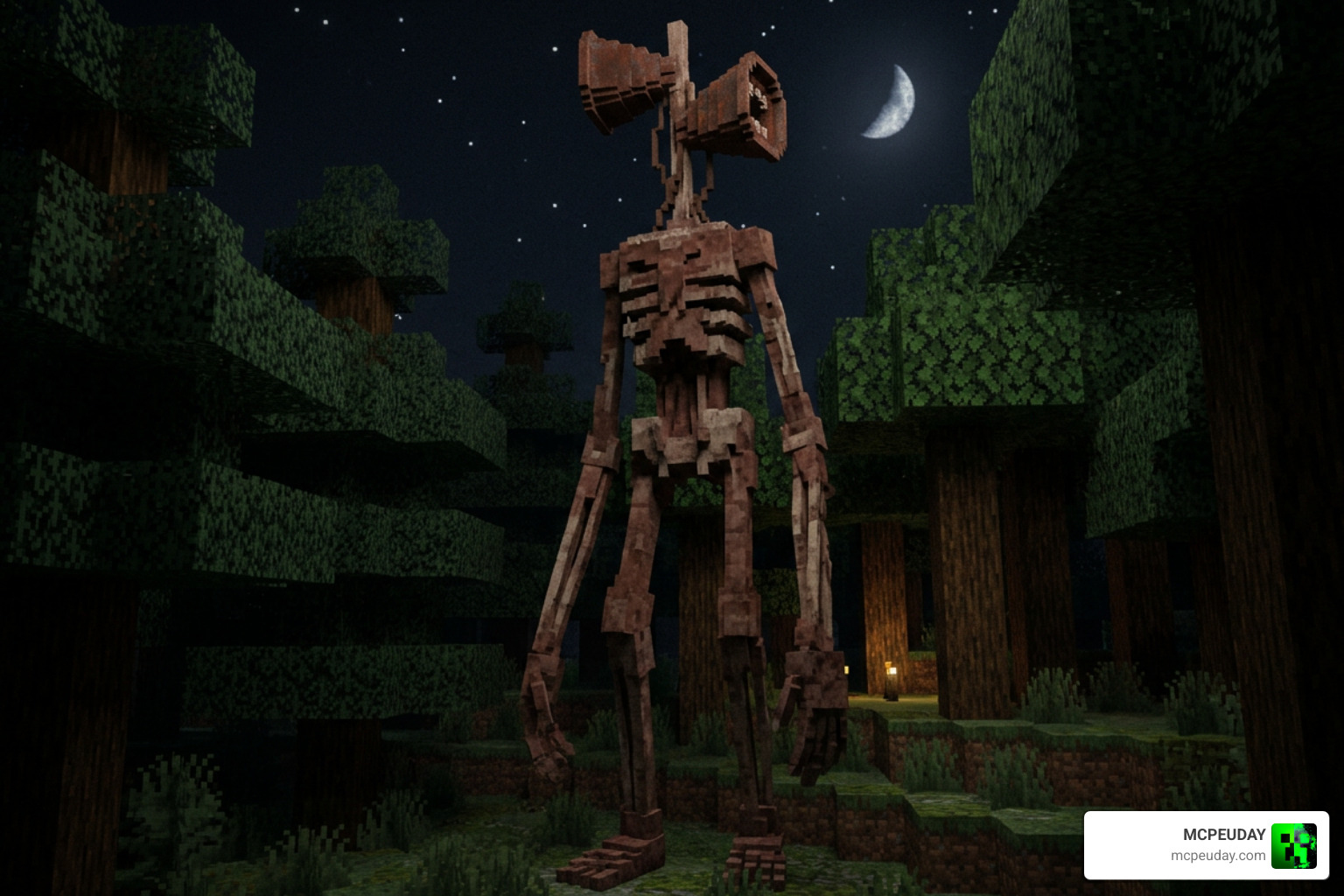
The Siren Head Addon brings one of the internet’s most terrifying urban legends straight into Minecraft Bedrock Edition — and it changes survival gameplay completely.
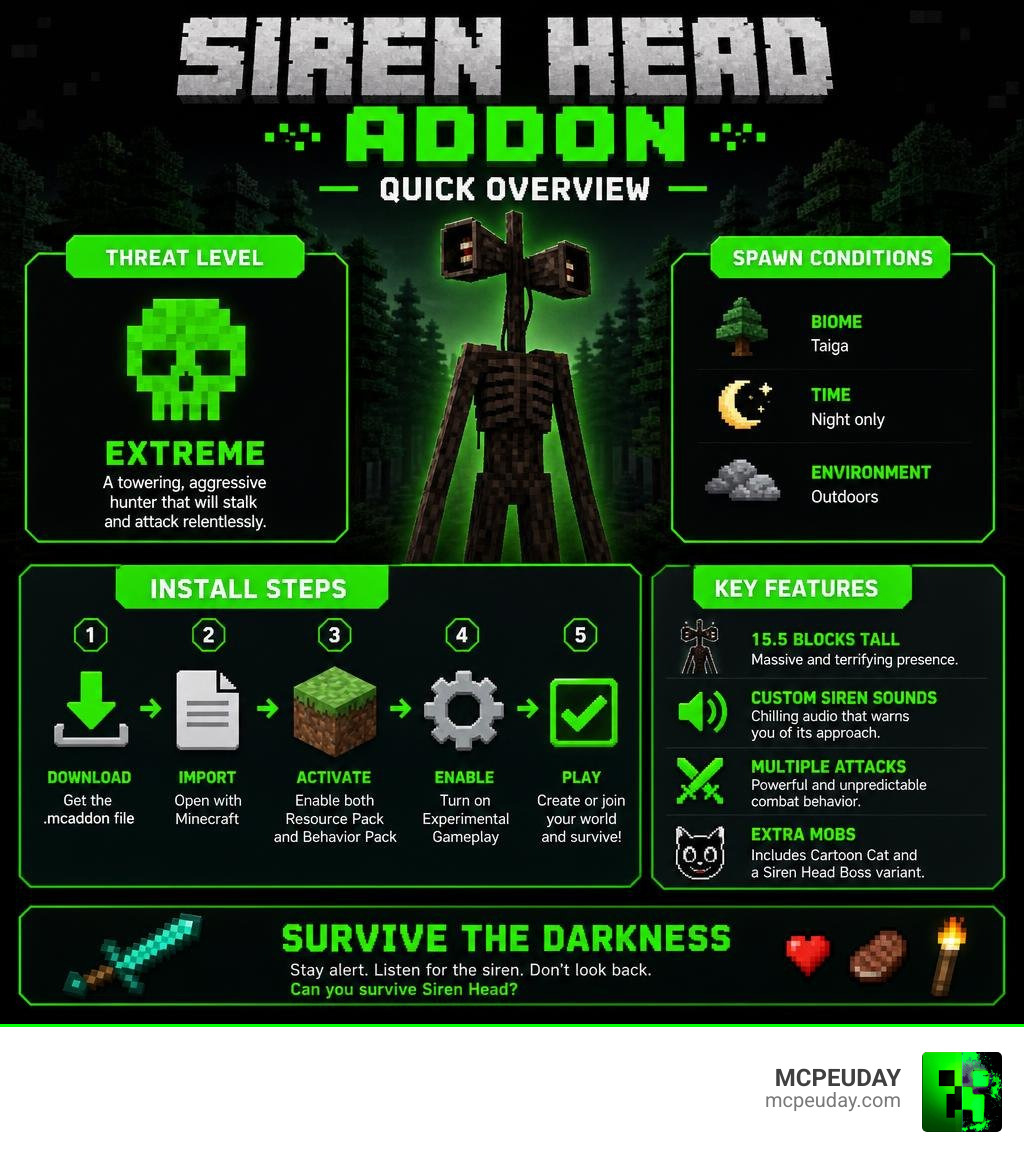
Quick answer for players who want the basics:
- What it is: A Minecraft Bedrock addon that adds Siren Head as a hostile mob
- Who created the concept: Artist Trevor Henderson
- How tall is it: 15.5 blocks — way bigger than anything in vanilla Minecraft
- Where it spawns: Taiga biomes, at night only
- What you need: Bedrock Edition 1.21+, Experimental Gameplay enabled
- Extra mobs included: Cartoon Cat and a Siren Head Boss variant
- How to install: Download the
.mcaddonfile, import it, activate both the Resource Pack and Behavior Pack
Siren Head isn’t just a reskinned mob. It plays custom siren sounds, hunts you down aggressively, and — in some versions — has 10 different attacks. Players have racked up over a million downloads across horror creature apps featuring it, with ratings consistently sitting above 4.3 stars.
If you love horror survival and want something that actually makes Minecraft feel scary again, this addon delivers. But getting it installed and running correctly takes a few specific steps — especially around experimental features and version compatibility.
This guide covers everything: what the addon adds, how to install it, how to survive it, and where to download it safely.
What is the Siren Head Addon for Minecraft?
The Siren Head Addon is a custom modification designed to transform Minecraft Bedrock into a tense, psychological horror experience. Unlike standard hostile mobs that simply wander around and strike when close, this addon introduces a towering, atmospheric predator that actively stalks you through the fog.
By integrating custom sound design, chilling visual effects, and advanced stalking behaviors, it turns a simple evening walk into a fight for survival. If you are looking to build a truly terrifying modpack, we highly recommend checking out our comprehensive list of the Best Minecraft Horror Mods For Java Bedrock 2026 Guide to pair with this creature.
Trevor Henderson’s Creation in Minecraft
The creature itself is based on the famous digital artwork by Trevor Henderson. In this addon, his creation is faithfully represented in all its terrifying glory. Standing at an imposing 15.5 blocks tall, Siren Head dwarfs the surrounding trees, allowing it to blend seamlessly into dense forest canopies.
Its most iconic feature is the pair of sirens fused to its head. The addon utilizes custom sound mechanics to broadcast creepy ambient noises, distorted radio broadcasts, and piercing air-raid sirens when the beast is nearby. This auditory warning system creates a highly tense atmosphere, forcing you to constantly listen to the environment to avoid a sudden jump scare.
Supported Minecraft Versions and Editions
While Java players have their own selection of spooky mods, this particular Siren Head Addon is optimized specifically for Minecraft Bedrock Edition (including MCPE on mobile devices, Windows 10/11, and consoles).
The modern iterations of the mod, such as the V4 Revamp and the Arrival Addon, fully support modern Bedrock versions including 1.21 and the newer 1.26 updates. If you are running multiple horror mods together, you will find that this addon pairs beautifully with other terrifying Bedrock scripts, such as the Dwellers Mod 26 X 1 21 Horror Addon For Mcpe.
Key Features and Mob Behaviors
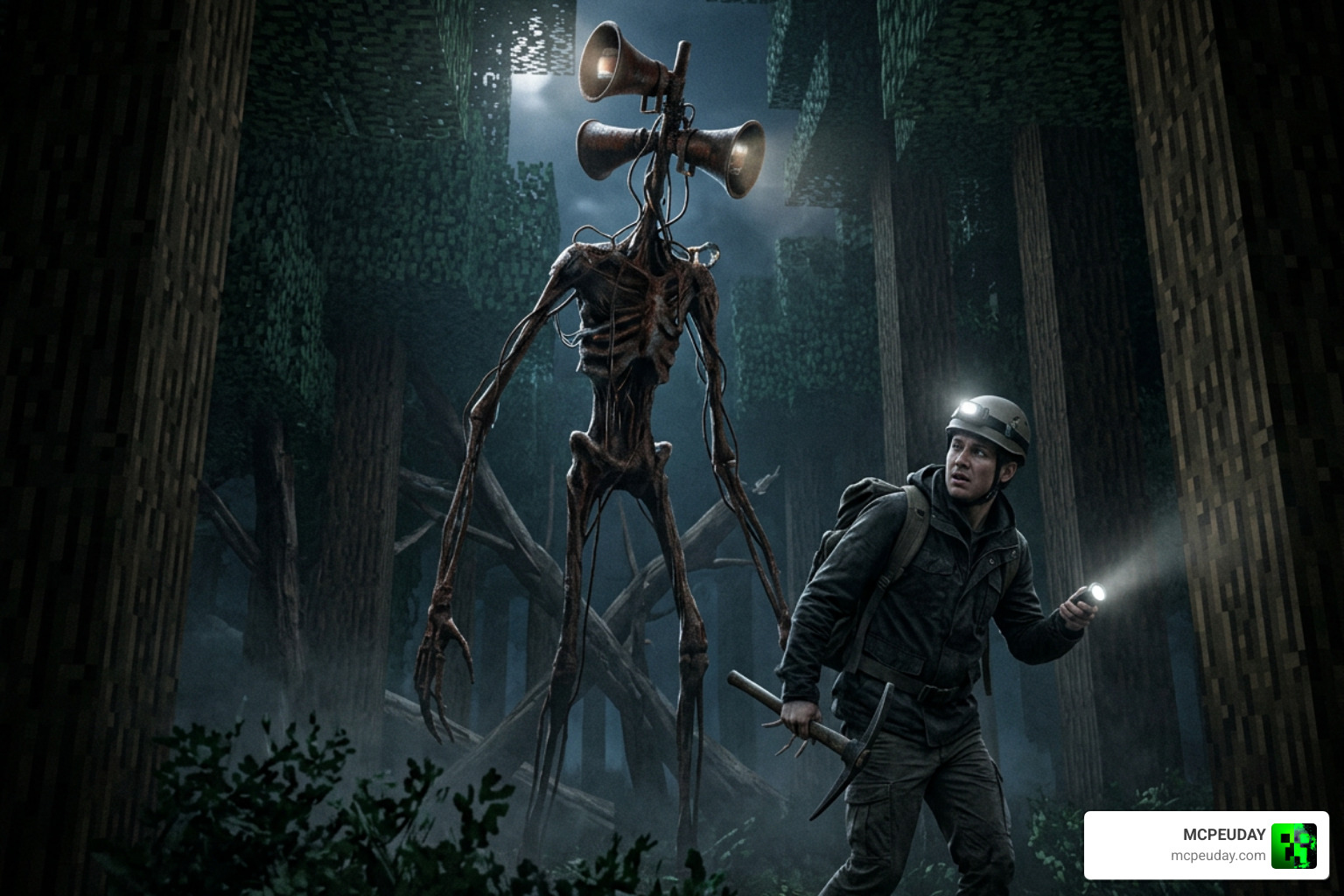
What makes the Siren Head Addon stand out is the sheer depth of the creature’s behavior. It does not just run in a straight line toward you; it stalks, hides, and strikes with terrifying precision. With updated animations, revamped AI, and custom visual effects (VFX), it behaves more like a boss from a dedicated horror game than a standard Minecraft mob.
Siren Head Addon Boss Stats and Abilities
In many versions of the addon, there are two distinct variations of the creature: the standard stalking Siren Head and an absolute powerhouse known as the Siren Head Boss. The boss variant is designed for late-game challenges and features its own visible boss health bar.
Here is a quick breakdown comparing the two versions:
- Normal Siren Head: Stands 15.5 blocks tall, moves slightly faster than player walking speed, possesses extremely aggressive AI, and drops standard bones or rotten flesh.
- Siren Head Boss: Stands even taller, has a massive health pool, possesses a visible boss health bar, and drops its own head as a decorative trophy upon defeat.
Defeating the boss is no easy task. It can easily sweep through top-tier netherite armor if you are unprepared. For those who enjoy testing their limits against unstoppable entities, this battle rivals encounters found in the Pale Mangler Dweller Addon 1 21 Scary Mcpe Horror Mod.
Cartoon Cat and Other Horror Entities
Siren Head is not the only nightmare creature lurking in this package. The addon also introduces Cartoon Cat, another famous Trevor Henderson entity.
Cartoon Cat is a cursed entity possessing unique abilities that no other vanilla mob has. It can stretch its body, teleport, and jump scare you when you least expect it. However, a word of caution for mobile players: summoning Cartoon Cat can occasionally cause performance lag and heavy particle effects that physically push the player around. If you want to expand your world’s roster of paranormal entities, pairing Cartoon Cat with the Anomaly Mod 26 X 1 21 Horror Addon For Mcpe will create the ultimate spooky survival world.
How to Install and Configure the Addon
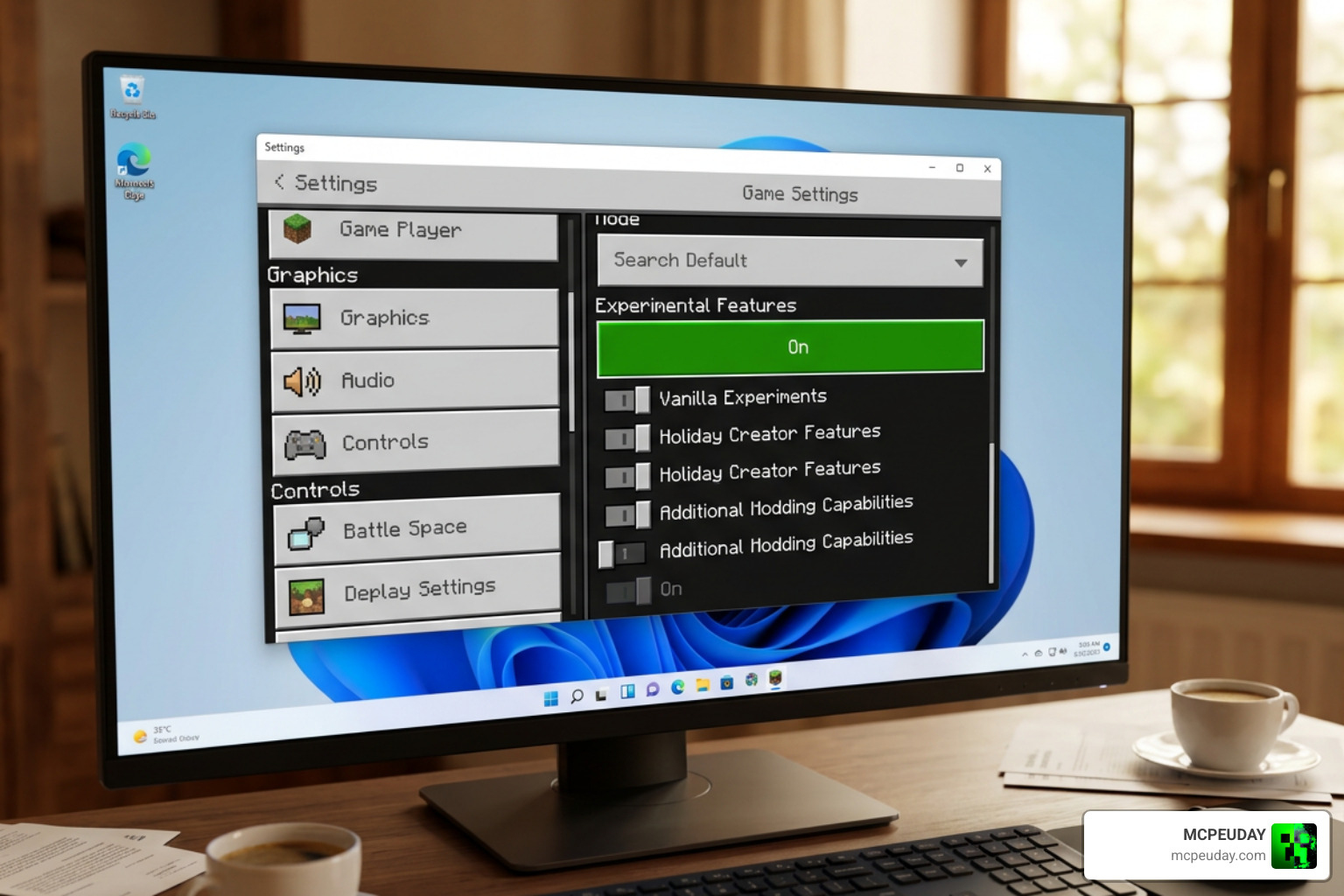
Getting the Siren Head Addon running in your world requires a few essential steps. Because Bedrock addons rely on custom scripts and animations, you must configure your world settings correctly to prevent the mobs from freezing or losing their custom AI.
Step-by-Step Installation Guide
To install the addon manually using the .mcaddon file, follow these simple steps:
- Download the resource pack (RP) and behavior pack (BP) files from a trusted source like MCPEUDAY.
- If you are on a mobile device, you can use a 1-click installer utility such as the Mod Siren Head for mcpe – Apps on Google Play to automatically import the files.
- Locate the downloaded files on your device and double-click or tap them to automatically launch Minecraft and import the packs.
- Create a new world or edit an existing one, and navigate to the Resource Packs and Behavior Packs tabs on the left menu.
- Activate the Siren Head packs in both sections to ensure all custom textures, sounds, and models load correctly.
If you are a Java player looking for similar creepy vibes, you will need to use a different installation method, which you can learn about in our guide for the Inside The System Mod 1 21 Creepy Horror Mod For Minecraft Java.
Activating Experimental Features and Commands
For the custom AI and advanced script features to work, you must enable Experimental Gameplay and Beta APIs in your world settings before loading the map. Without these toggled on, Siren Head might spawn but will remain completely static.
Once inside the game, you can use several helpful commands to manage the addon’s difficulty:
- Use the command
/function spawn_mode/offto completely disable natural spawns. - Use
/function spawn_mode/small,/function spawn_mode/normal,/function spawn_mode/hard, or/function spawn_mode/hardcoreto set the spawn frequency and difficulty. - Use
/function spawn_siren_testto instantly test if the spawning mechanics are working properly.
Survival Strategies and Known Issues
Surviving against a 15.5-block-tall predator requires strategy. If you run blindly into the woods, your journey will end very quickly. This addon turns Minecraft into a stealth-based horror game, much like the experience offered in the Herobrine Reawakened Addon 1 21 1 26 The Ultimate Horror Experience In Minecraft Pe.
Tips for Surviving the Siren Head Addon
- Listen closely: Siren Head’s sirens are your best early warning system. Learn to distinguish his eerie static and radio noises from the natural ambient sounds of the wind.
- Avoid Taiga biomes at night: This is his primary hunting ground. If you must travel through a taiga forest, do it during the day or make sure you are heavily armed.
- Use strategic lighting: Placing torches and campfires can help you spot his massive silhouette from a distance before he gets close enough to strike.
- Suit up: Do not attempt to fight Siren Head without high-tier armor, strong weapons, and plenty of healing items.
Performance Impacts and Bug Fixes
Because this addon uses custom models with complex vertex configurations (the V3 model, for example, features over 1,100 triangles), some low-end mobile devices may experience minor frame drops.
If you encounter an issue where Siren Head’s AI freezes or stops tracking you, simply open your chat console and run the command /function reset_siren_ai. This will instantly reset his pathfinding scripts and get him back on the hunt!
Frequently Asked Questions About the Siren Head Addon
How do I fix the Siren Head AI if it stops moving?
If the creature freezes, it is usually because the Experimental Gameplay toggles were turned off, or a Script API conflict occurred. You can easily fix this by running the debug command /function reset_siren_ai in your chat console.
Does this addon work on Minecraft Bedrock multiplayer servers?
Yes! The addon supports multiplayer servers and is optimized for cooperative horror play. Best of all, it is designed to keep achievements enabled on your worlds while providing tricky sound mechanics for all connected players.
Where can I safely download the Siren Head Addon?
To avoid malware and outdated files, we recommend downloading the files directly from trusted platforms such as MCPEUDAY or verified mobile assistant apps. For more safe recommendations, check out our Best Minecraft Horror Mods For Java Bedrock 2026 Guide.
Conclusion
The Siren Head Addon is a masterclass in Minecraft Bedrock horror. It takes a beloved internet myth and integrates it seamlessly into the game, offering custom animations, terrifying audio design, and a genuine survival challenge.
Whether you are exploring the dark woods alone or hosting a spooky multiplayer server with friends, this addon will keep you on the edge of your seat. Grab your gear, enable your experimental settings, and prepare to face the sirens. For more incredible horror addons and resources, keep exploring our collection right here on MCPEUDAY!
1 thought on “Siren Head Addon (26.x, 1.21) – MCPE/Bedrock Mod”