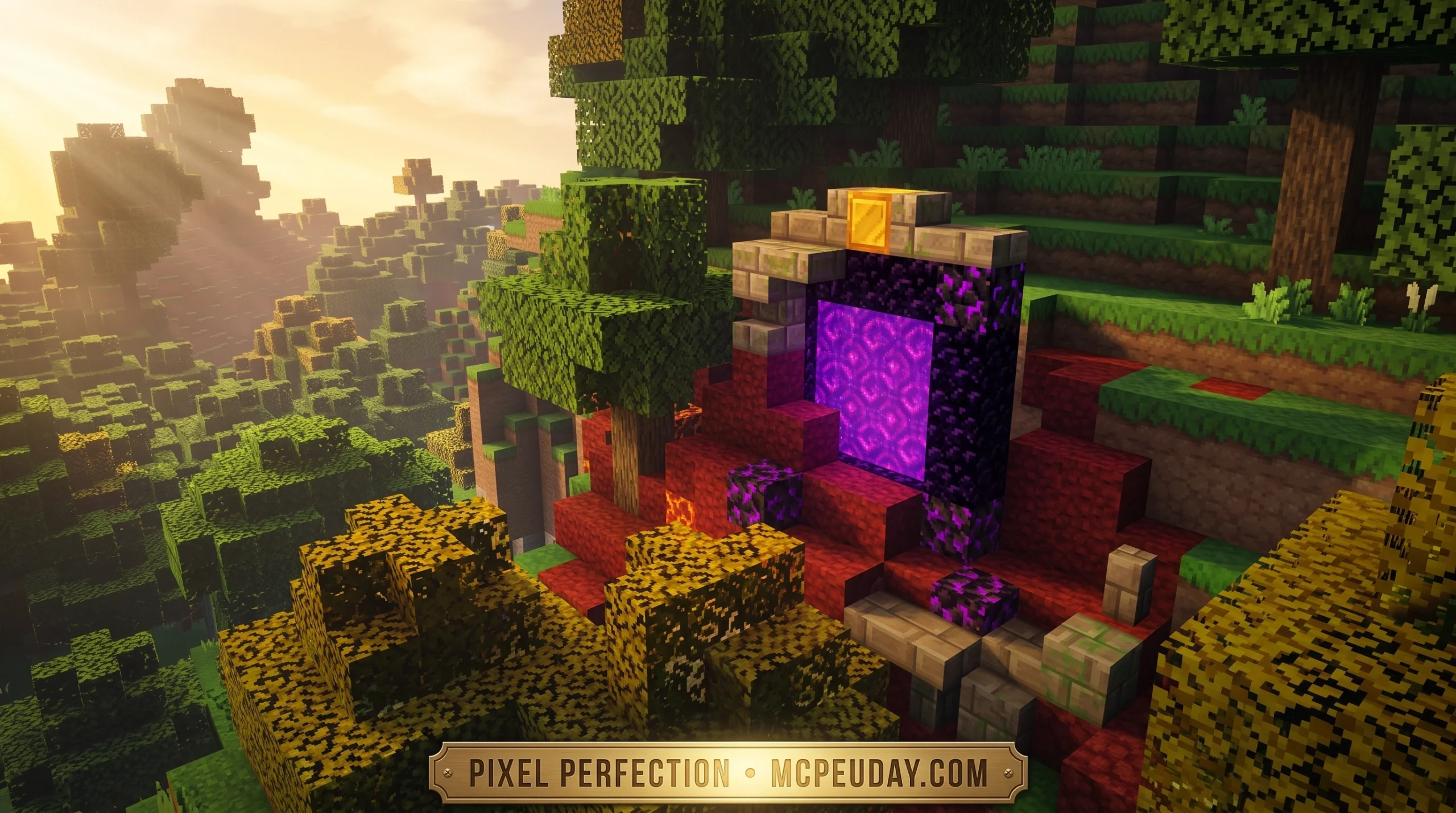
The Pixel Perfection Legacy Texture Pack: What You Need to Know
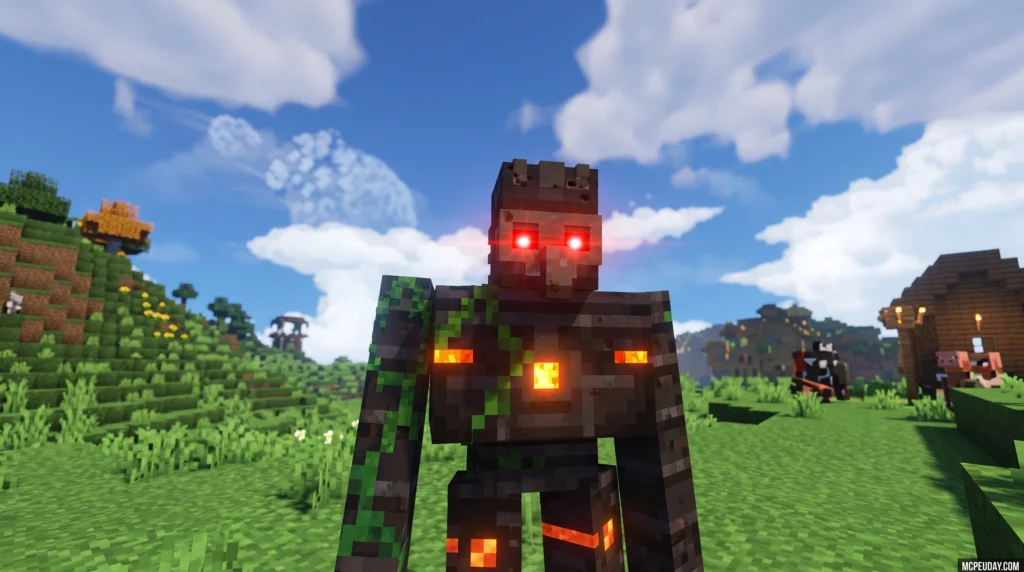
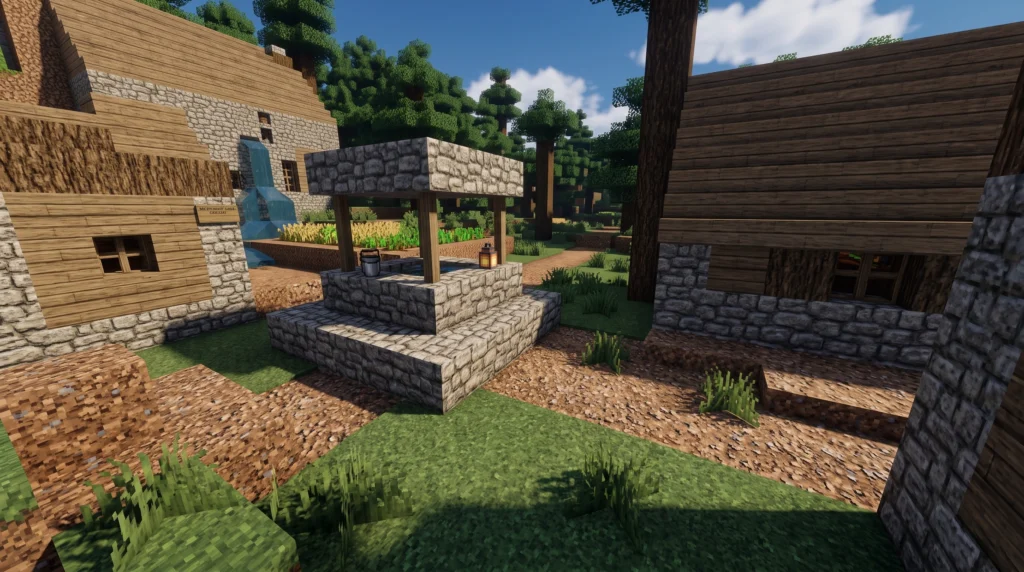
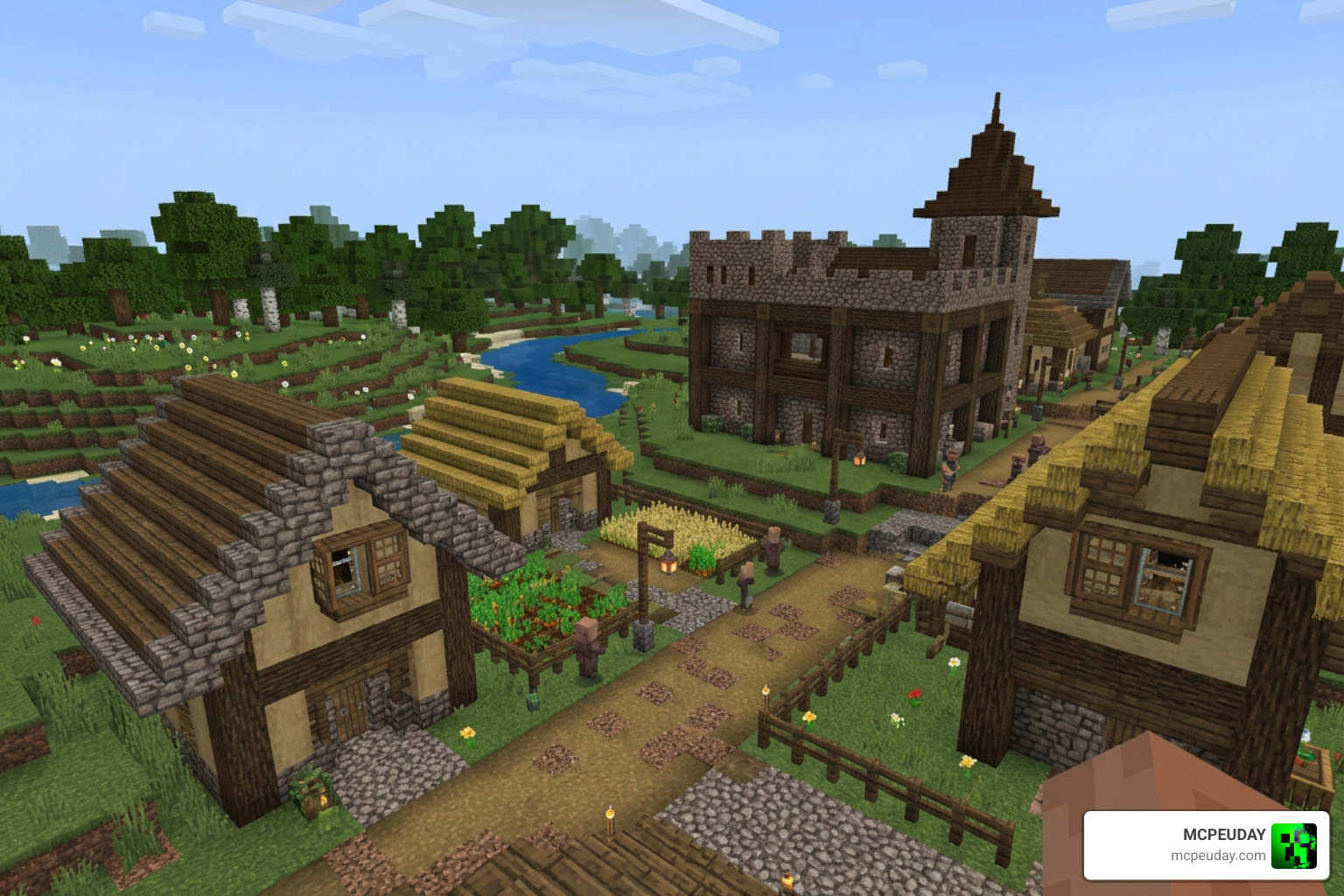
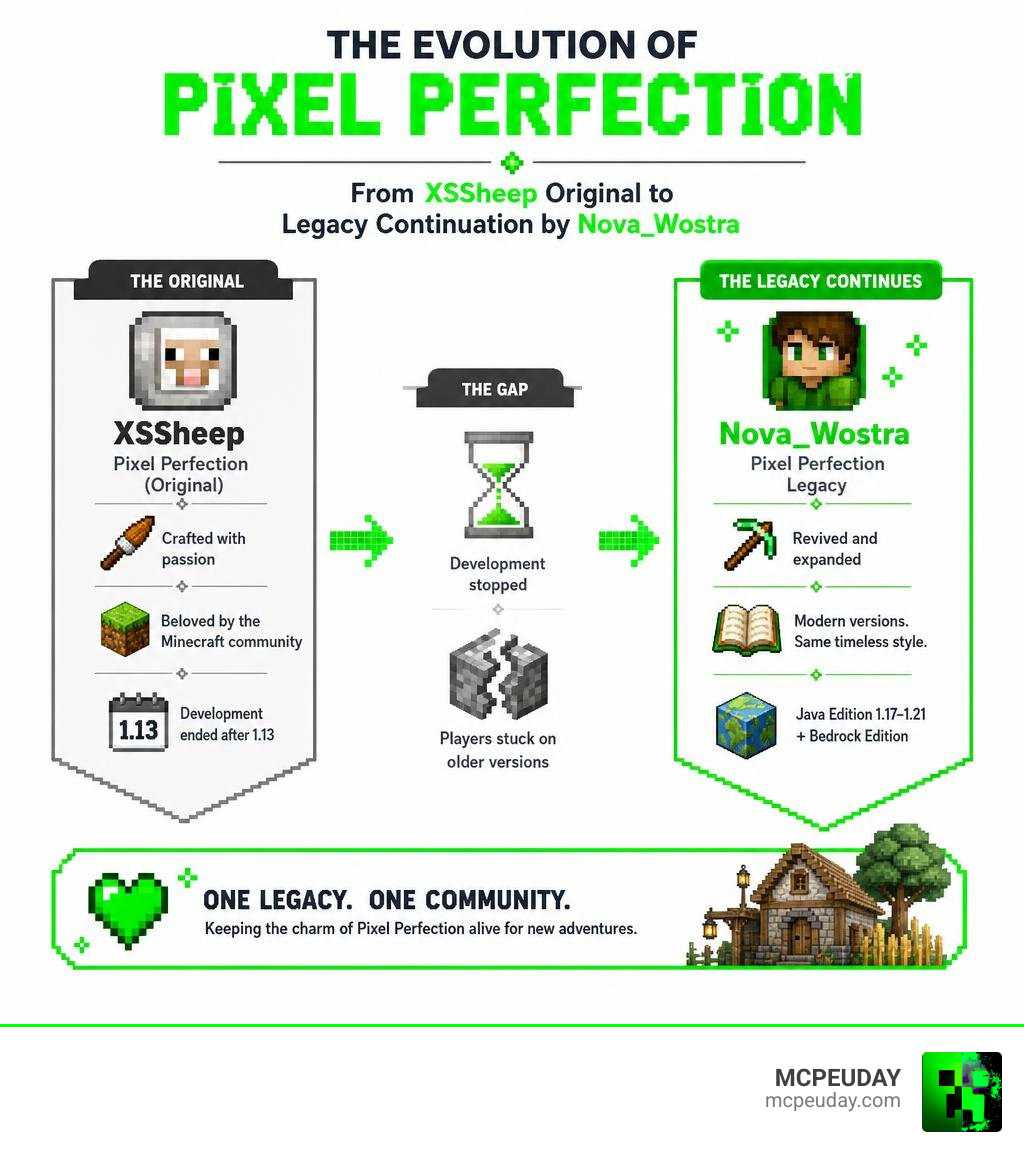
The Pixel Perfection Legacy texture pack is a fan-maintained continuation of the original Pixel Perfection pack by XSSheep, keeping the same charming 16×16 pixel art style alive for modern Minecraft versions.
Quick facts:
- Creator: Originally by XSSheep, continued by Nova_Wostra
- Resolution: 16×16
- Style: Rustic, medieval, desaturated pixel art
- Supported versions: Java Edition 1.17 through 1.21, plus Bedrock Edition
- Where to download: CurseForge and Modrinth
- Cost: Free
- License: Creative Commons Attribution-Share Alike 4.0
XSSheep’s original pack was one of the most beloved resource packs in the Minecraft community. But development stopped after version 1.13, leaving a huge gap. A dedicated fan stepped in to fill it — and the result is Pixel Perfection Legacy.
With over 175,000 downloads on CurseForge and nearly 2 million page views, this pack clearly struck a chord with players who wanted that classic look without being stuck on old versions.
Whether you’re on Java or Bedrock, playing 1.20 or 1.21, this guide covers everything you need — features, installation, addons, and more.
What is the Pixel Perfection Legacy texture pack?
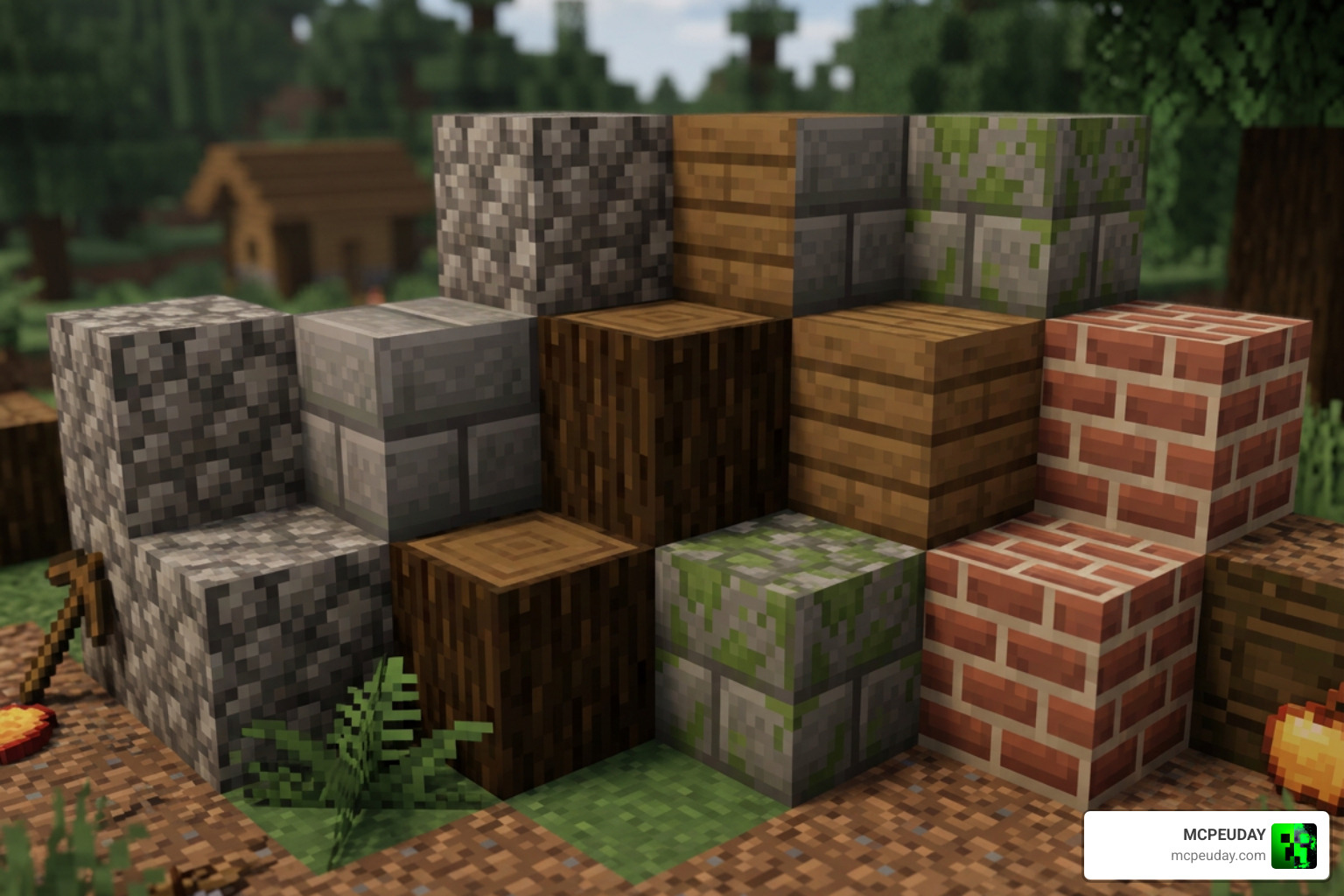
At its core, the Pixel Perfection Legacy texture pack is a 16×16 resource pack designed to give Minecraft a cozy, painterly, and rustic aesthetic. Unlike high-resolution packs that try to make Minecraft look photorealistic, Pixel Perfection embraces the game’s blocky nature. It uses intricate pixel artistry and a slightly desaturated color palette to create a cohesive medieval and fantasy-inspired world. The beauty of this pack lies in its restraint; by working within the standard 16×16 resolution, the artists have managed to pack an incredible amount of detail, shading, and character into every single block.
Originally created by the talented designer XSSheep, the project was eventually abandoned. Recognizing the artistic value of the original textures, community developer Nova_Wostra stepped up to maintain and update the pack. This fan-made continuation ensures that modern block types, items, and mobs fit seamlessly alongside the classic textures we all fell in love with years ago. The transition was handled with extreme care, ensuring that the community’s beloved aesthetic remained completely intact while expanding the pack’s horizons.
The History and Evolution of the Pack
The journey of Pixel Perfection began over a decade ago in 2012, during the early days of Minecraft’s beta and official releases. XSSheep designed the pack to offer a warm, storybook-like makeover to the game. It quickly became a staple for players who wanted a rustic, medieval vibe without sacrificing performance. The pack gained a massive following on the Minecraft Forums, where players shared screenshots of their medieval castles and cozy villages built using these unique textures.
However, when Minecraft 1.13 was released, the original creator stopped updating the pack due to time constraints and changing interests. For a long time, the project was considered dead, and players who updated their games were forced to look for alternatives or play with mismatched vanilla textures. That was until Nova_Wostra revived it in 2020/2021 under the “Legacy” moniker. By carefully studying XSSheep’s original pixel patterns, color palettes, and shading techniques, the community successfully brought this historic pack into the modern era of Minecraft, ensuring that a piece of the game’s history was not lost to time.
Differences Between Original and Legacy Versions
While the legacy version stays incredibly faithful to the original art style, it introduces several crucial updates. The primary difference lies in modern game compatibility. The original pack left hundreds of newer blocks and items with default vanilla textures. The Pixel Perfection Legacy texture pack fills these gaps by redesigning modern items like the copper spyglass, Netherite gear, and even deepslate blocks. Every new texture is designed from scratch to match the exact shading style and color theory established by XSSheep.
Furthermore, recent updates have added custom textures for newer features such as the Warden, Sculk sensors, and the mysterious Creaking mob. This means you can explore the deepest dark depths or the newest trial chambers without breaking your immersion.

To help you see the difference, here is a quick comparison:
| Feature | Original Pixel Perfection | Pixel Perfection Legacy |
|---|---|---|
| Active Developer | XSSheep (Discontinued) | Nova_Wostra (Active Community) |
| Last Official Version | Minecraft 1.13 | Minecraft 1.21+ |
| New Block Support | None (Defaults to vanilla) | Full support (Copper, Deepslate, etc.) |
| Modern Mob Textures | Standard older mobs | Warden, Creaking, updated Villagers |
| OptiFine / Continuity | Basic CTM support | Advanced Emissive textures & Custom Models |
Visual Style, Key Features, and Addons
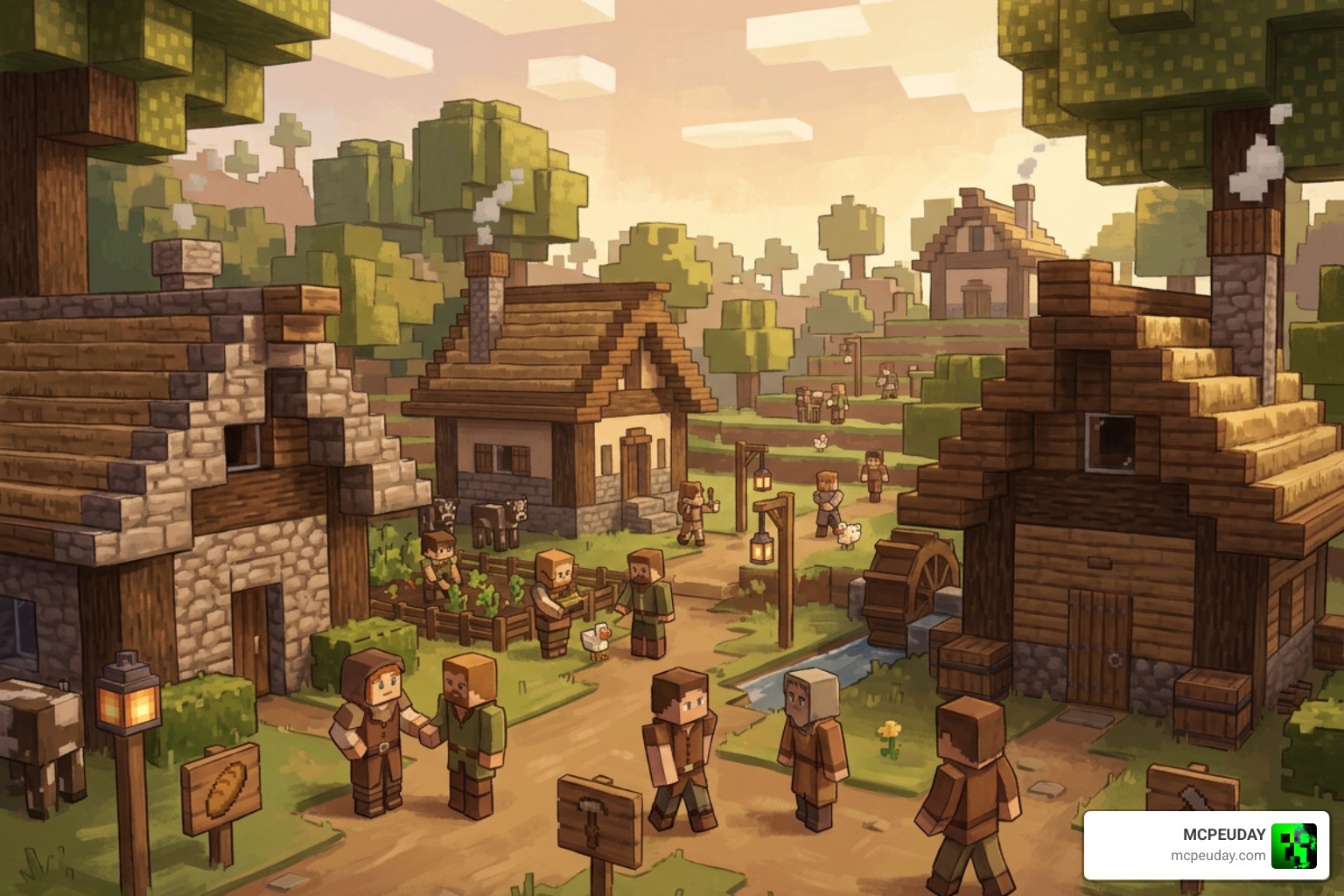
The visual style of the Pixel Perfection Legacy texture pack can be described as a whimsical, storybook adventure. It uses soft, earthy tones that remove the harsh, bright neon greens of vanilla Minecraft. The result is a much warmer, atmospheric environment that feels perfect for building medieval castles, cozy cottages, or exploring deep, dark dungeons. The pack excels at creating a sense of age and history; cobblestone looks weathered, wood looks hand-carved, and metal tools look forged by an ancient blacksmith.
Key Features of the Pixel Perfection Legacy texture pack
- Connected Textures (CTM): Blocks like glass, stone, and bookshelves blend together naturally rather than showing harsh borders. This is particularly noticeable when building large glass windows or stone brick walls, as the individual block lines disappear to create a single, continuous surface.
- Emissive Textures: Certain blocks and items, like glowing ores, redstone components, or lanterns, emit a subtle visual glow in dark areas. This adds an incredible layer of atmosphere when exploring deep caves or walking through a dimly lit medieval street at night.
- Custom Skybox: Gorgeous, atmospheric skies that change color during the early and late hours of the day. You will experience breathtaking, painterly sunsets and deep, starry nights that make standing on top of a mountain feel truly magical.
- Random Entities: Mobs have subtle visual variations, meaning you won’t see the exact same cow, sheep, or zombie every single time. This variety makes the world feel alive and organic, as if each creature has its own unique identity.
If you love detailed environments, we highly recommend pairing this pack with the Better Foliage Addon Texture Pack to make the trees and grass look even more lush and organic.
Supported Minecraft Versions and Editions
The legacy continuation officially supports Minecraft Java Edition from version 1.17 all the way up to the latest 1.21 updates. Thanks to dedicated community porters, Bedrock players can also enjoy this aesthetic on pocket editions, consoles, and Windows 10/11. While some advanced features like custom entity models might require specific setups on Bedrock, the core visual style remains beautifully consistent across all platforms.
Recommended Addons and Alternative Packs
To get the absolute most out of your visual experience, you can look into several official and community-made addons:
- Pixel Perfection PBR: Adds physically-based rendering support for realistic reflections and depth when using compatible shaders. This allows light to bounce off metallic surfaces and rough stone blocks realistically.
- Fresh Animations Addon: Gives mobs fluid, expressive movement while keeping the Pixel Perfection textures. It replaces the stiff vanilla animations with lively, expressive behaviors.
If you want to try out other styles, we have fantastic guides on alternatives like the rustic Mizunos 16 Craft Texture Pack, the highly detailed OvO’s Rustic Redemption Texture Pack, or the clean and simplified Bare Bones Texture Pack.
How to Download and Install the Pack
Ready to transform your Minecraft world? Downloading and installing the pack is incredibly straightforward.
How to Install the Pixel Perfection Legacy texture pack on Java Edition
- Download the latest ZIP file from the Pixel Perfection Legacy – Minecraft Resource Packs – CurseForge page or the Pixel Perfection Legacy – Minecraft Resource Pack page.
- Launch Minecraft and navigate to Options > Resource Packs > Open Pack Folder.
- Drag and drop the downloaded ZIP file directly into this folder.
- In Minecraft, hover over the pack in the left-hand column and click the arrow to move it to the “Selected” column.
- Click Done to load the textures.
Note: For the best visual experience, including connected and emissive textures, we highly recommend installing OptiFine or the Continuity mod. If you are running high-end shaders, you can also pair this with the Vanilla RTX Texture Pack for jaw-dropping lighting.
How to Install on Bedrock Edition
- Download the Bedrock-compatible
.mcpackfile from a trusted community source like the Pixel Perfection Legacy Texture Pack – ZonaCraft page. - Double-click the downloaded
.mcpackfile. Minecraft Bedrock will open and automatically import the pack. - Go to Settings > Global Resources > My Packs, select Pixel Perfection Legacy, and click Activate.
To make your Bedrock worlds feel even more immersive with this rustic theme, consider combining it with the Better Weather Texture Pack for beautiful, atmospheric rain and snow.
Frequently Asked Questions about Pixel Perfection Legacy
Is Pixel Perfection Legacy free to use and modify?
Yes! The pack is entirely free to download. It is licensed under the Creative Commons Attribution-Share Alike 4.0 International License. This means you are allowed to use, share, and adapt the textures as long as you give proper credit to the original creator, XSSheep, and the legacy maintainer, Nova_Wostra.
Do I need OptiFine to run this texture pack?
You do not need OptiFine to run the basic 16×16 textures. However, without OptiFine (or alternative fabric mods like Continuity, ETF, and EMF), advanced visual features like custom skyboxes, connected block textures, emissive glowing ores, and custom entity models will not function. If you prefer using Fabric, we highly recommend installing the Sodium and Continuity mods to get the exact same visual benefits without sacrificing performance.
Can I use this pack on Minecraft 1.21?
Absolutely! The legacy project is specifically designed to keep the pack updated for the latest releases. The newest versions fully support Minecraft 1.21, including textures for the newest blocks, items, and trial chamber features.
Does the Pixel Perfection Legacy pack cause lag or drop FPS?
Not at all! Because this is a standard 16×16 resolution pack, it requires the exact same amount of system resources as the default vanilla Minecraft textures. In fact, many players find that the slightly desaturated color palette and clean pixel art can actually make the game feel smoother on lower-end PCs and mobile devices.
Can I use shaders with this texture pack?
Yes, and we highly recommend it! Shaders pair beautifully with the warm, rustic tones of Pixel Perfection Legacy. Shaders like Complementary, BSL, or SEUS will enhance the atmospheric lighting, making the custom skybox and emissive textures look even more spectacular. If you are on Bedrock, you can also pair it with compatible deferred rendering packs.
Conclusion
The Pixel Perfection Legacy texture pack is the ultimate love letter to classic Minecraft design. It proves that you don’t need massive 512×512 resolutions to make Minecraft look beautiful. By preserving the rustic, cozy, and painterly feel of XSSheep’s original work, Nova_Wostra and the community have given us a timeless resource pack that works flawlessly on modern versions.
At MCPEUDAY, we love sharing the absolute best resources to upgrade your gaming experience. If you want to explore more incredible ways to change up your game’s look, head over to our comprehensive Category Texture Packs section to find your next favorite pack!