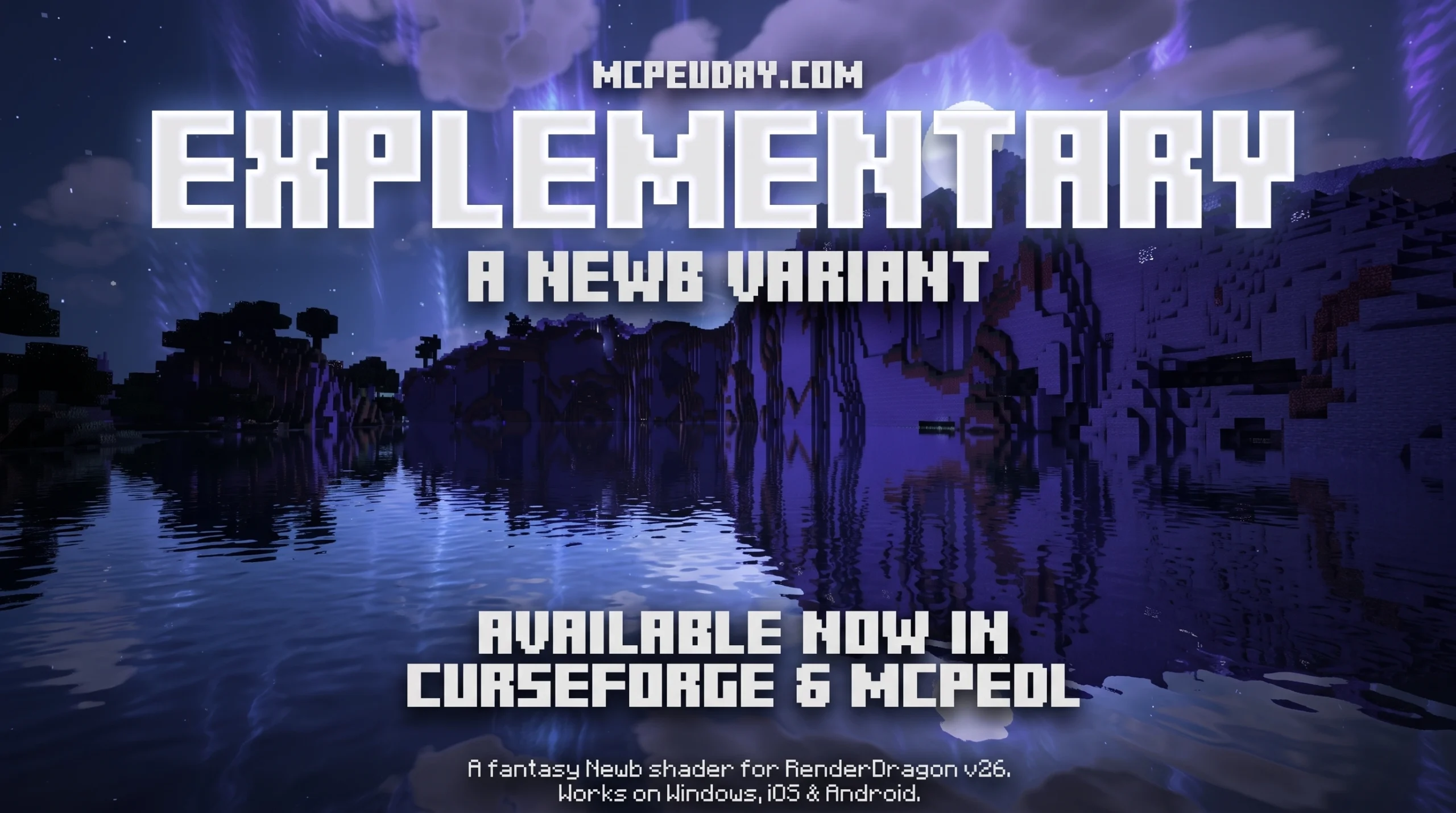
What the Newb Explementary Edition Shader Does for Minecraft Bedrock
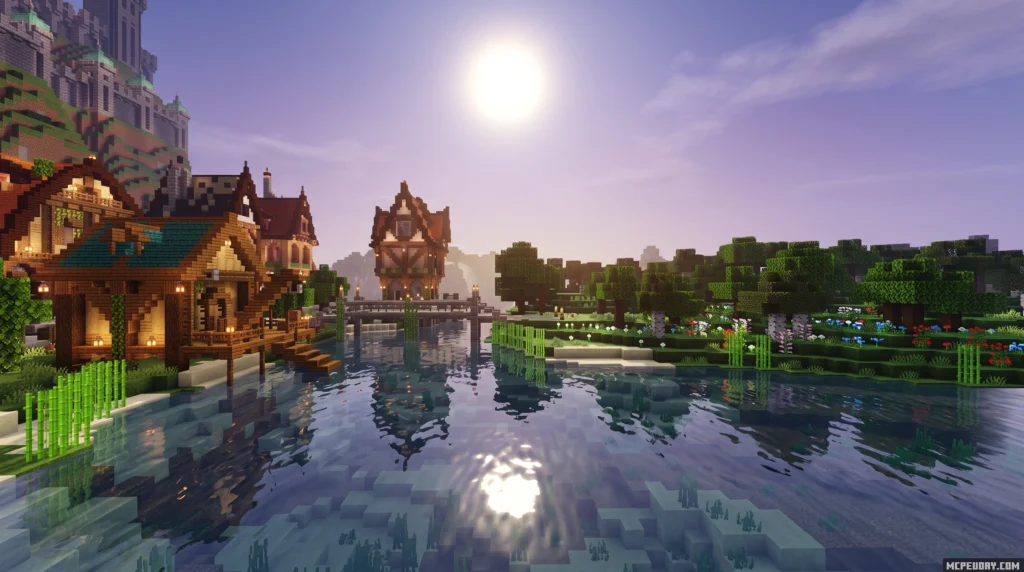
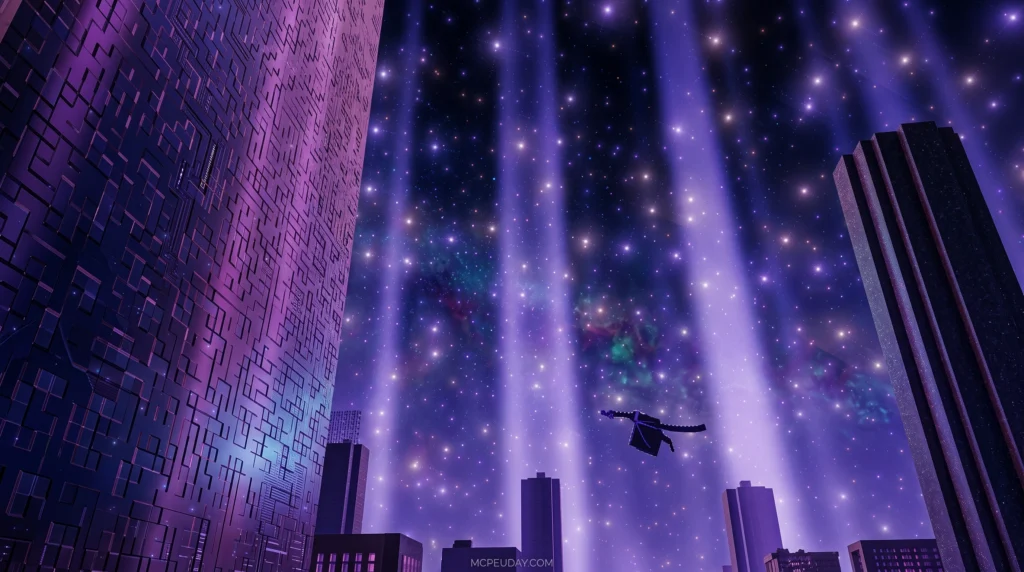
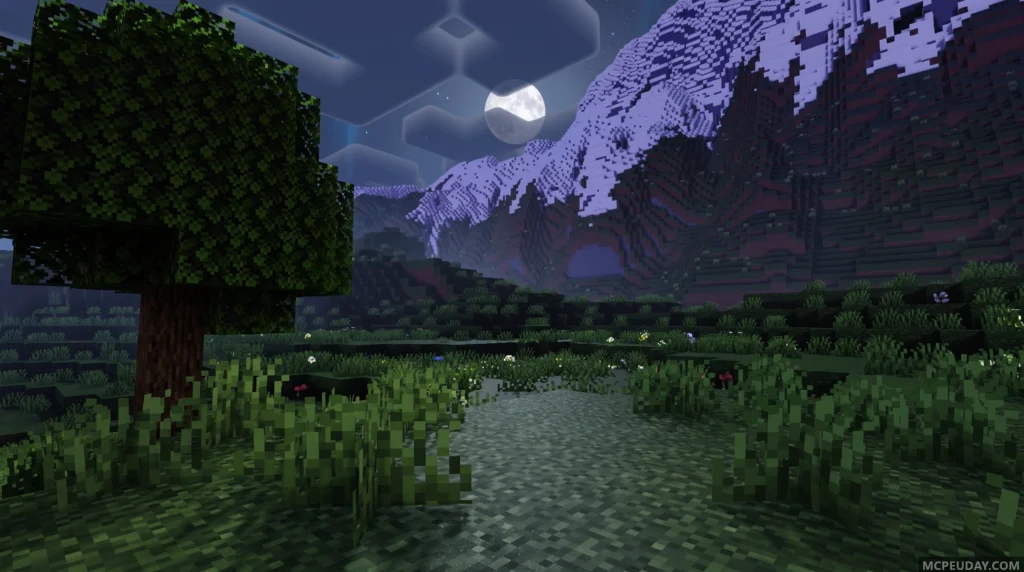
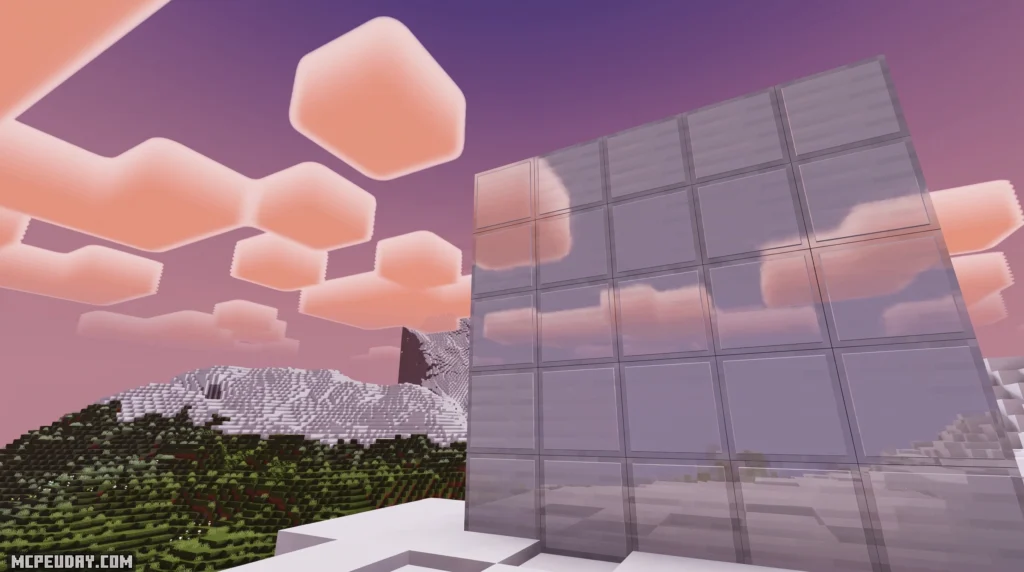
The Newb Explementary Edition Shader is a fantasy-themed RenderDragon shader for Minecraft Bedrock that adds auroras, moonlight rays, realistic clouds, hard shadows, and glowing ores — all without destroying your FPS.
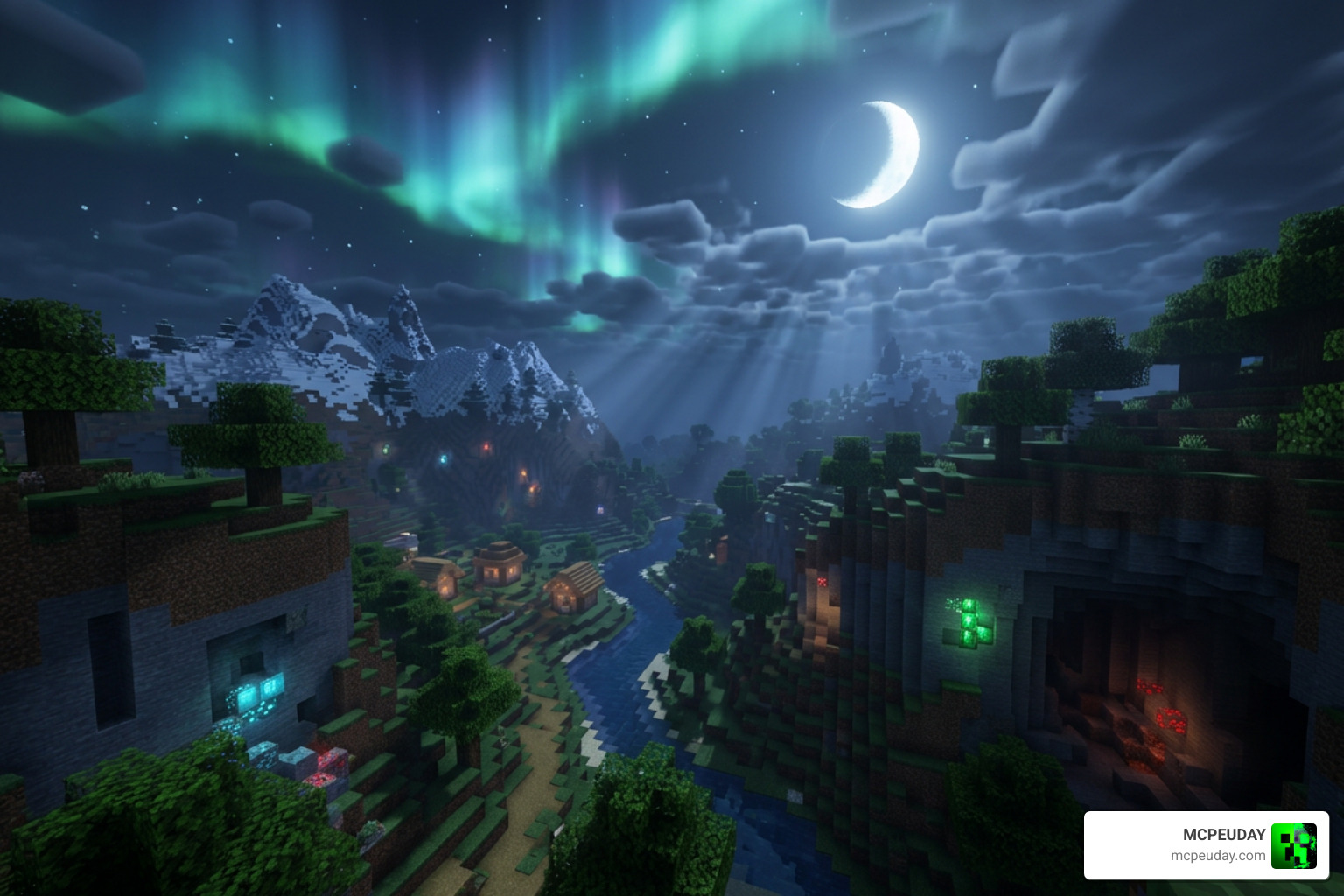
Quick answer for what it includes:
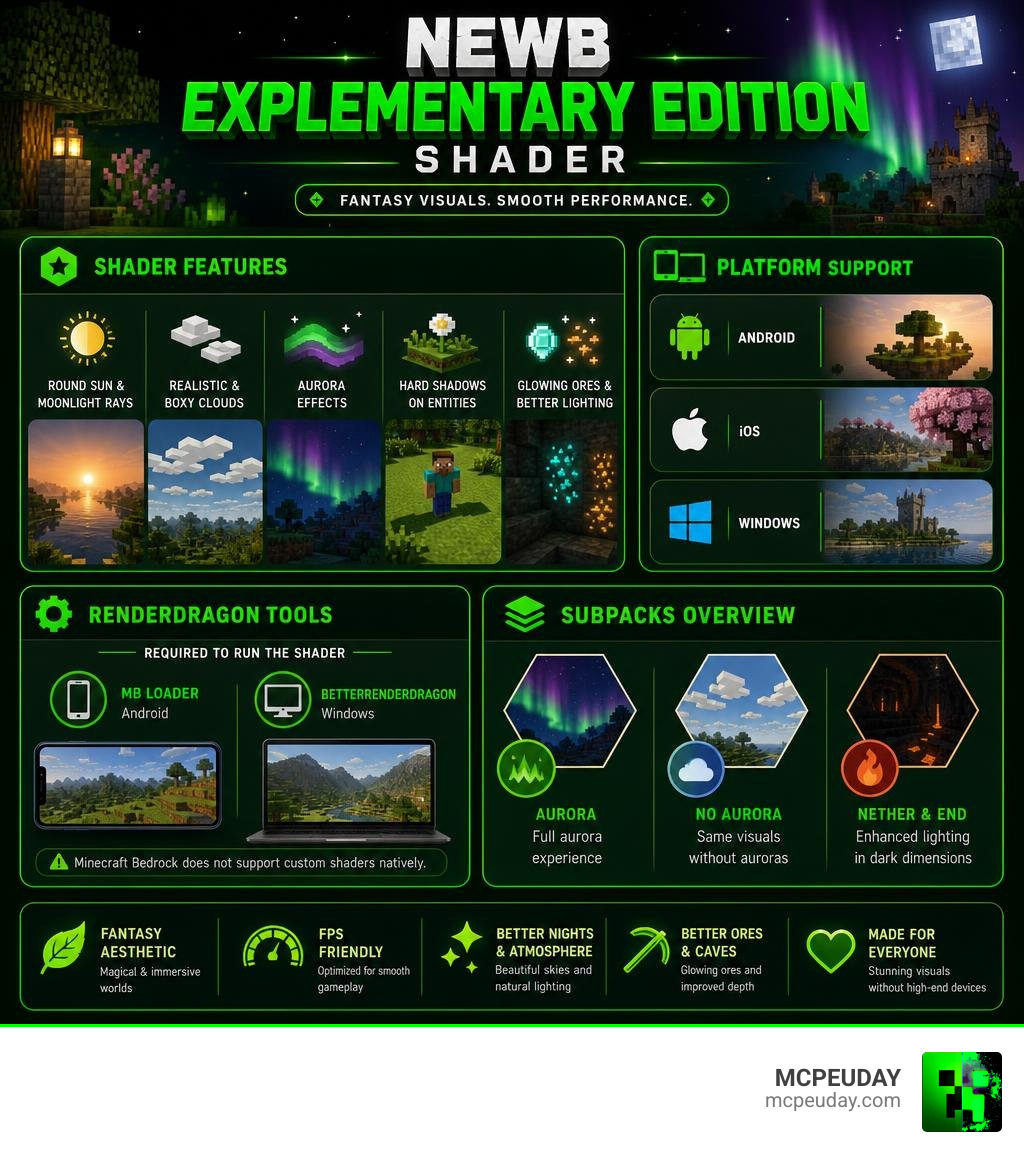
- Round sun and moonlight rays
- Realistic and boxy cloud options
- Aurora effects (with a no-aurora subpack available)
- Hard shadows on grass, flowers, and players
- Glowing ores and improved End/Nether lighting
- RenderDragon support via MB Loader (Android) or BetterRenderDragon (Windows)
Platforms supported: Android, iOS, Windows
What you need to run it: A third-party loader like MB Loader or BetterRenderDragon — Minecraft Bedrock does not support custom shaders natively.
It is built on top of the open-source Newb X Legacy shader and sits in a growing family of Newb variants, each with a different visual focus. Explementary leans into a fantasy aesthetic rather than pure realism, making it stand out from heavier Java-inspired options like Newb Complementary.
As of July 2026, version 1 has been downloaded over 1,000 times across all platforms — 932 on Android alone — which is impressive for a relatively new release.
If you want better-looking skies, atmospheric nights, and a more magical world without needing a high-end device, this shader is worth a close look.
What is the Newb Explementary Edition Shader?
If you are looking to breathe new life into your Minecraft Bedrock worlds, the Newb Explementary Edition Shader is one of the most exciting visual upgrades available today. At its core, this shader pack is designed to transform the blocky sandbox into a vibrant, fantasy-inspired world. Unlike standard texture packs that only swap block designs, this pack completely overhaul how light, shadows, and atmosphere behave in real time.
We love this shader because it successfully bridges the gap between high-end aesthetics and mobile-friendly optimization. To get a complete overview of its settings and basic setup, you can check out our Newb Explementary Edition Shader Complete Guide.
Origins and Creator of the Newb Explementary Edition Shader
The story of this pack is deeply rooted in the open-source community. It was developed as a specialized, fantasy-themed variant of the original, open-source Newb Shader project. The base code stems from the highly regarded Newb X Legacy repository on GitHub, which has gathered massive community support with nearly 200 stars and over 100 forks.
While Java players have long enjoyed the famous BSL Shaders and their subsequent edits, Bedrock players were left out of the loop due to engine limitations. The creator of the Explementary Edition saw an opportunity to bring that magical, high-quality feel to the Bedrock platform. Under the open-source licensing rules, players are encouraged to compile the shader from the source files for personal use, but redistributing modified compiled .mcpack files or relinking them through ad-heavy third-party sites is strictly prohibited by the creator.
How It Differs from Base Newb Shaders
You might be wondering how this edition stacks up against other popular versions like the classic Newb X Legacy, the highly optimized Newb Renewed Shader for Minecraft, or the experimental Newb Experimental Edition Shader for Minecraft.
While other Newb variants prioritize ultra-realistic lighting or vanilla-plus enhancements, the Newb Explementary Edition Shader leans heavily into its fantasy aesthetic. It introduces dramatic, theatrical elements like sweeping moonlight rays and glowing, magical ores. It trades some of the stark realism of other packs for a softer, dreamier, and more colorful environment that feels like a fantasy RPG.
Visual Features, Compatibility, and Installation
Using custom graphics packs in Minecraft Bedrock can feel like solving a puzzle, primarily due to Mojang’s RenderDragon rendering engine. This engine restricts traditional shader files on platforms like Android, iOS, and Windows PC. Fortunately, with the right setup, we can easily bypass these limits. If you are entirely new to this process, we recommend reading our master class on How to Turn On Shaders in Minecraft.
Visual Enhancements in the Newb Explementary Edition Shader
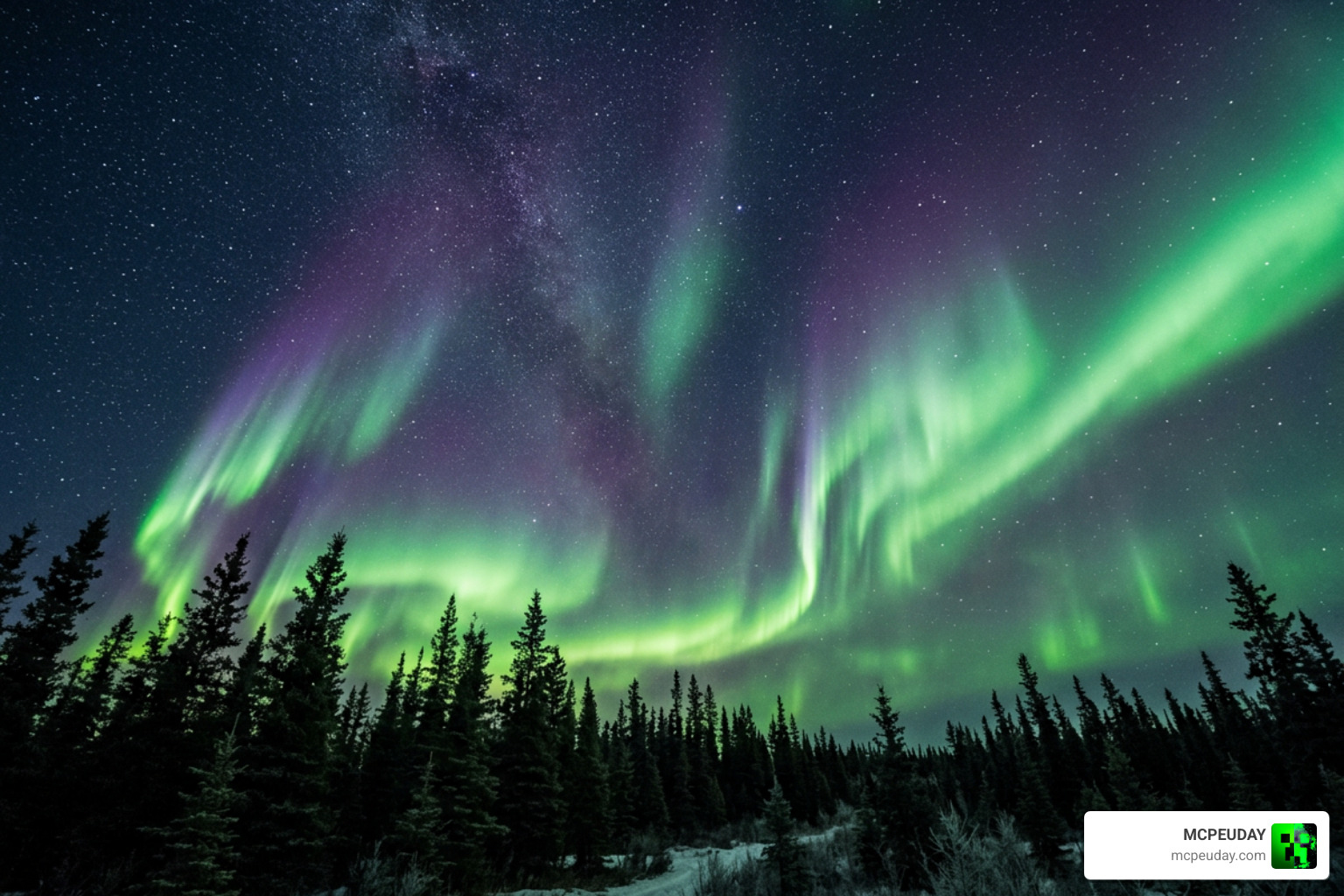
When you boot up Minecraft with this shader active, the visual changes are immediately apparent:
- Dynamic Skies: Enjoy a perfectly round sun, realistic volumetric clouds, and shooting stars that dash across the night sky.
- Atmospheric Nights: The night sky is dominated by sweeping auroras and gorgeous moonlight rays filtering through the trees.
- Hard Shadows: Hard shadows are cast dynamically by players, grass, and flowers, grounding your character in the environment.
- Glowing Ores & Lantern Waves: Ores emit a subtle, atmospheric glow in dark caves, while lanterns sway gently in the wind.
- Overhauled Dimensions: The Nether features thick, moody fog and improved lava textures, while the End dimension receives a purple, cosmic illumination.
Available Subpacks and Customization
One of our favorite aspects of this shader is the inclusion of built-in subpacks. You do not need to edit complex text files to change your visual style. Simply click the gear icon on the resource pack screen to toggle between these presets:
- Default: The full experience, featuring realistic clouds, auroras, and smooth animations.
- Boxy Clouds: Replaces the realistic clouds with stylized, blocky clouds that better match the vanilla Minecraft aesthetic.
- Chunk Animation: Adds a smooth fade-in effect to chunks as they load into your world.
- No Aurora: Disables the aurora effects to boost performance on lower-end devices.
Required Third-Party Tools for RenderDragon
Because Minecraft Bedrock does not officially support custom shader files, you must use third-party tools to load them.
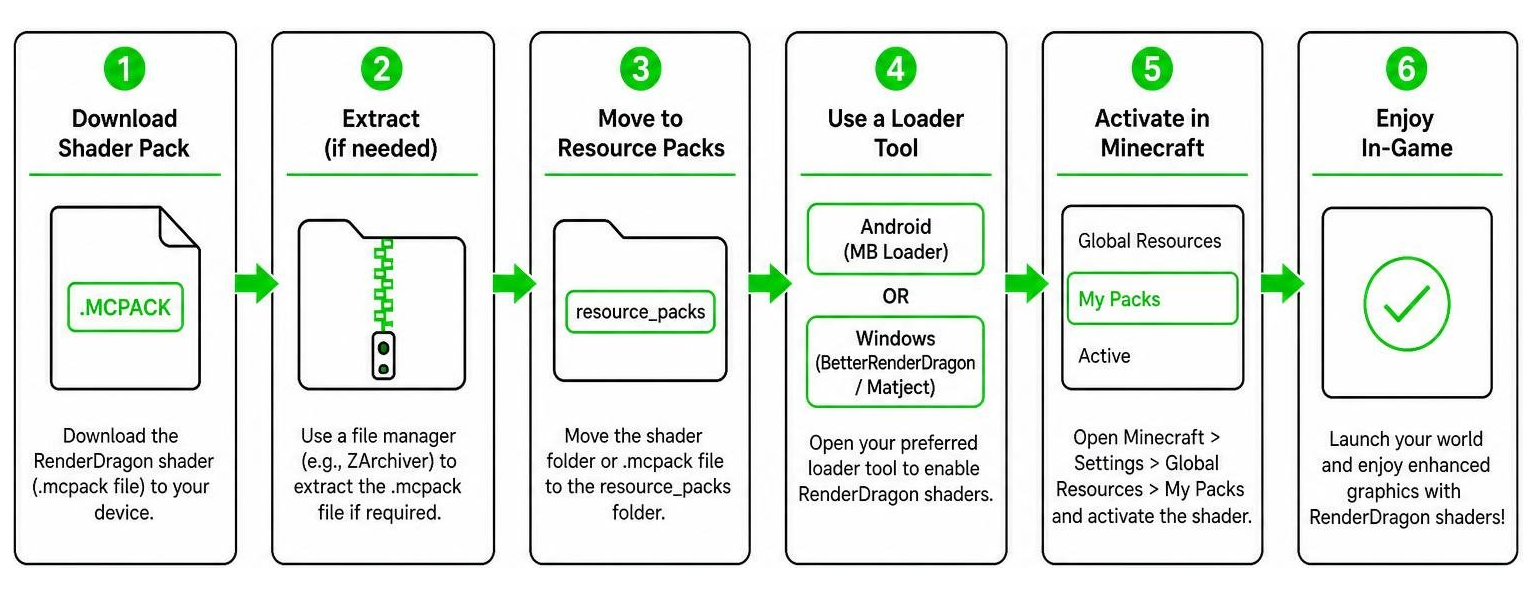
To get started, follow these platform-specific guidelines:
- Android: You will need to use a patched Minecraft APK or install MB Loader from the Google Play Store. You will also need an app like ZArchiver to extract the downloaded files and locate the
.mcpackfiles. - Windows PC: You must use BetterRenderDragon (which enables MaterialBinLoader) or utilize Matject to replace the game’s default
material.binfiles. - iOS: Installation typically requires a modified client or specific sideloading tools to bypass the system’s strict file access limits.
Performance, Comparisons, and Known Bugs
Before downloading any graphic mod, it is essential to know how it will impact your hardware. We want to ensure you get a smooth, stutter-free gameplay experience.
FPS Performance Across Devices
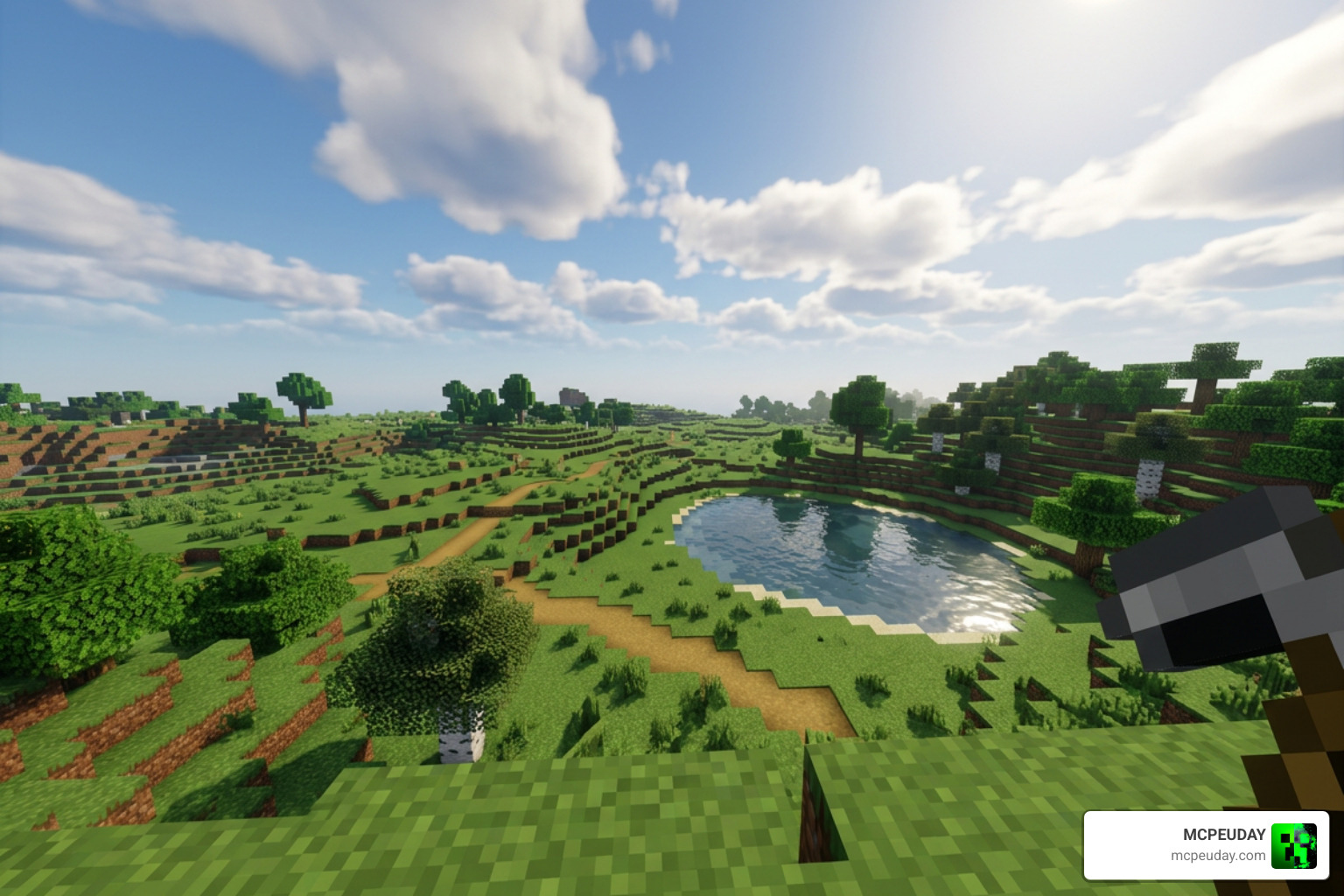
The Newb Explementary Edition Shader is incredibly lightweight compared to Java shaders, but it still has a minor performance cost:
- Low-End Devices / Laptops: You can expect a drop from a vanilla 80 FPS down to a very playable 45-60 FPS. We highly recommend lowering your shadow resolution and keeping your render distance around 8 to 12 chunks.
- Mid-Range Devices / PCs: Vanilla performance of 150 FPS will hover around 100-120 FPS with the shader active.
- High-End PCs: You will barely notice a dent, with frame rates remaining well above 180+ FPS.
Comparing Explementary to Other Newb Variants
To help you choose the best fit for your device, we have put together a quick comparison table of the most popular Newb options available on our platform:
| Shader Variant | Visual Style | Performance Impact | Key Highlight |
|---|---|---|---|
| Newb Explementary | Fantasy & Magical | Low to Medium | Auroras, glowing ores, and moonlight rays |
| Newb X Supplementary | Enhanced Vanilla | Very Low | Side-shadows and rounded cloud shadows |
| Newb Complementary | Java-Like Realism | Medium to High | Volumetric lighting and realistic water |
If you prefer a highly optimized, vanilla-plus look, check out our guide on the Newb X Supplementary Shader for Minecraft. If you want a visual style that mirrors high-end Java setups, you can explore the Newb Complementary Shader, which brings stunning volumetric lighting and realistic water to compatible Bedrock versions.
Frequently Asked Questions about Newb Shaders
Do I need a patched Minecraft client to run the Newb Explementary Edition Shader?
Yes. Because the official RenderDragon engine blocks custom shader materials, you must use a patched client, MB Loader (on Android), or BetterRenderDragon (on Windows PC) to load the custom files. Always make sure to back up your worlds before using modified clients!
Is the Newb Explementary Edition Shader compatible with Minecraft 1.21+ in 2026?
Yes! The shader is fully compatible with Minecraft Bedrock version 1.21 and newer v26.20+ releases. The developers consistently update the pack to ensure compatibility with the latest RenderDragon engine updates.
How do I fix the black blocks or red sky bugs?
These graphical glitches usually occur when there is a conflict in your game’s cache or when using an outdated version of BetterRenderDragon. To fix this, perform a clean install: delete your old shader pack, clear your Minecraft cache, and ensure your material.bin files are correctly patched using Matject or the latest loader version.
Conclusion
The Newb Explementary Edition Shader is an absolute triumph for the Minecraft Bedrock community. It successfully brings a dreamlike, fantasy atmosphere to mobile devices and Windows PCs without demanding high-end hardware. Whether you are exploring dark caves illuminated by glowing ores or watching a beautiful sunset under realistic clouds, this shader completely changes the way you experience the game.
If you are ready to find the ultimate look for your next adventure, head over to our curated list of the best shaders for MCPE 1.21 in 2026 and download your new favorite graphics pack today!