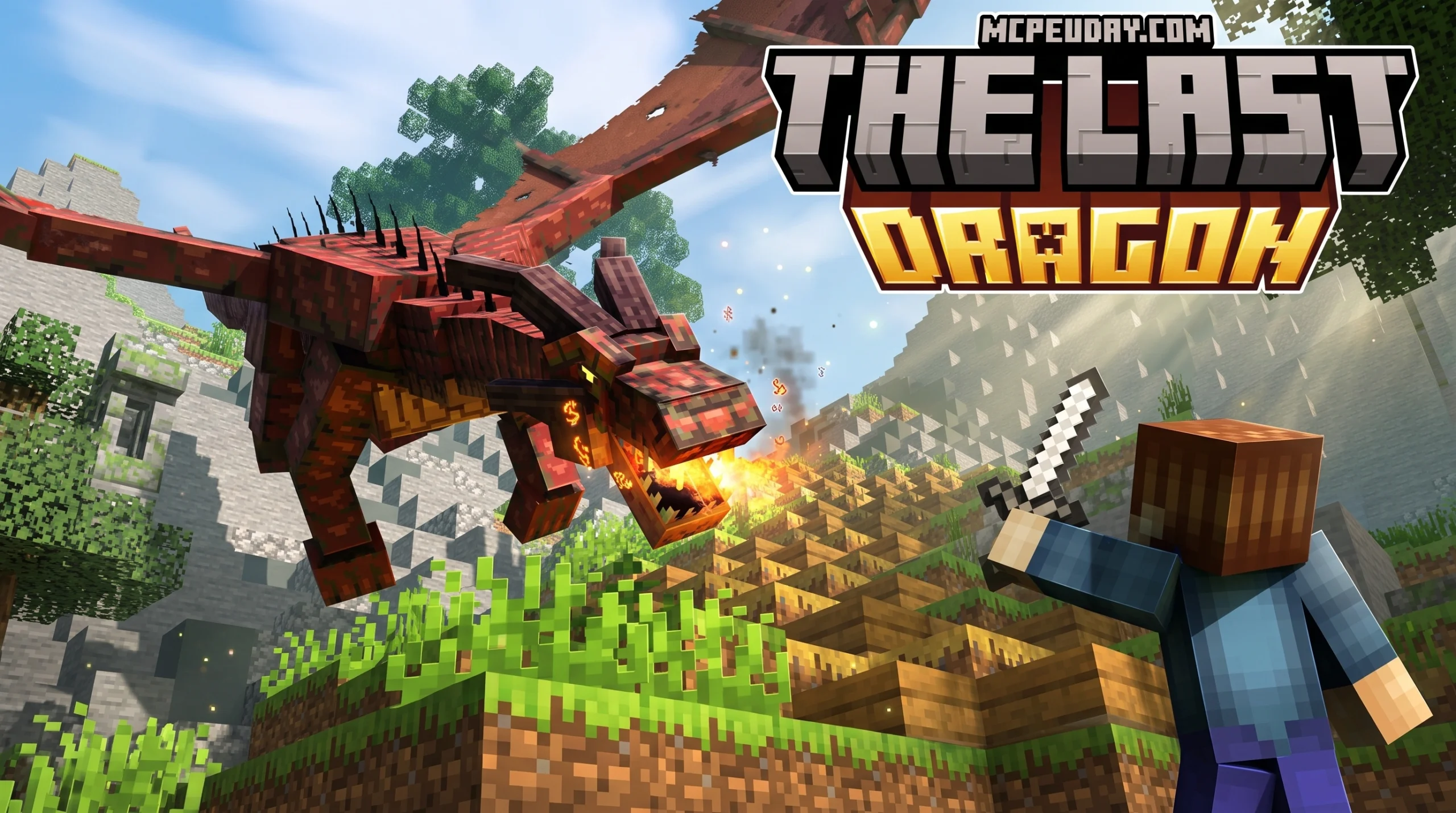
What The Last Dragon Addon Actually Is (And Why Players Love It)
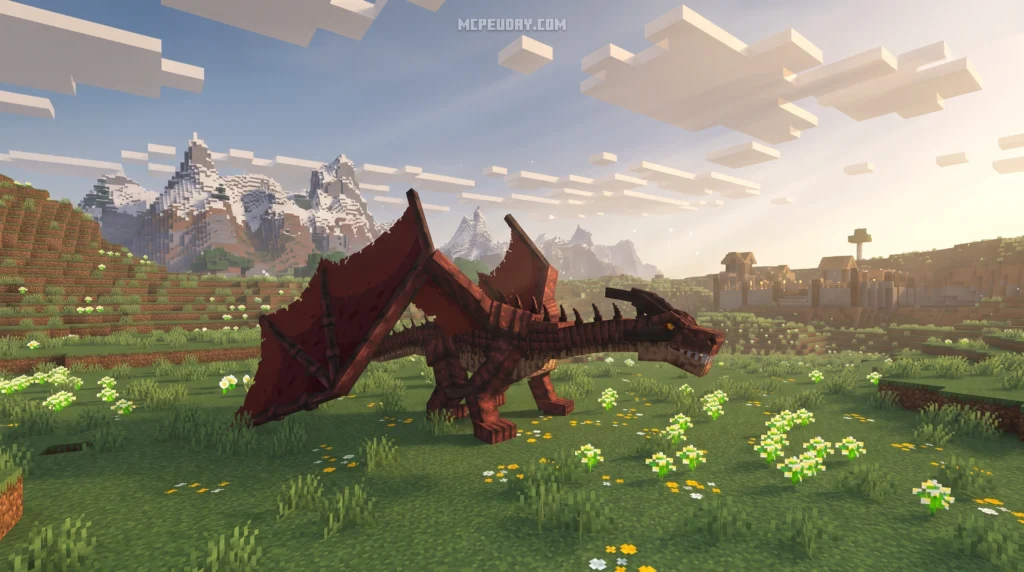
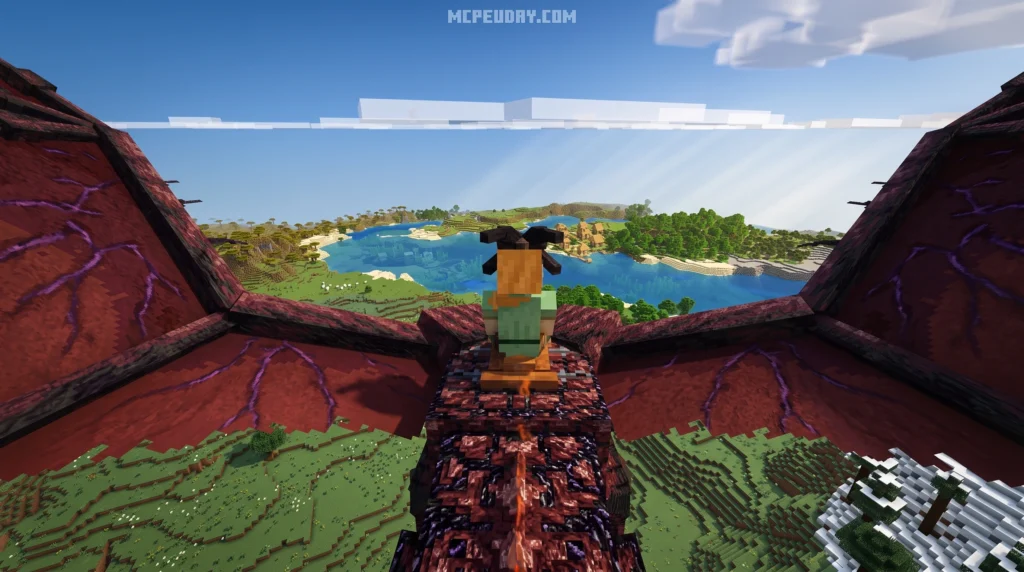
The Last Dragon Addon is a free Minecraft Bedrock addon that adds a large, tameable, and rideable dragon to your survival world — no commands, no summoning items required.
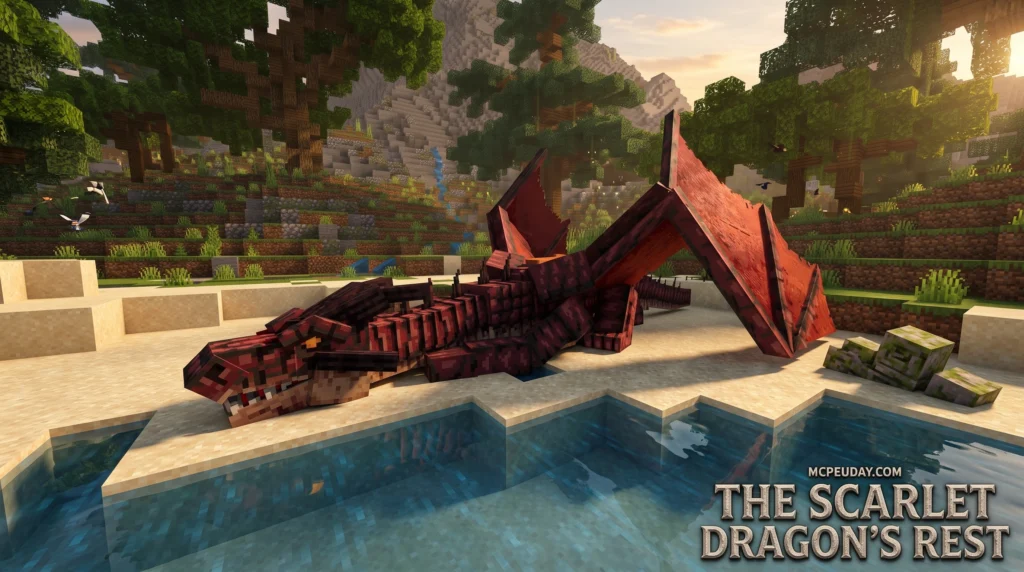
Here’s what you need to know right away:
- What it is: A Minecraft Bedrock addon adding naturally spawning dragons you can tame and ride
- How to tame: Feed wild dragons cooked chicken, cooked beef, or cooked porkchop
- How to hatch an egg: Use flint and steel on a dragon egg and wait about 5 minutes
- How to fly: Equip a saddle, then look up to climb and look down to descend
- File size: Approximately 208 KB
- Compatibility: Supports Minecraft PE versions 1.20 to 1.26
Dragons spawn naturally in your world — both as wild adults and as eggs. You don’t need to craft anything special just to find one. That simplicity is a big part of why players keep coming back to it. One common reaction from the community sums it up well: it turns a boring survival world into a full air-travel experience.
Whether you want to scout new biomes from the sky, travel between distant builds, or just have a giant dragon companion following you around, this addon delivers a focused, low-friction experience.
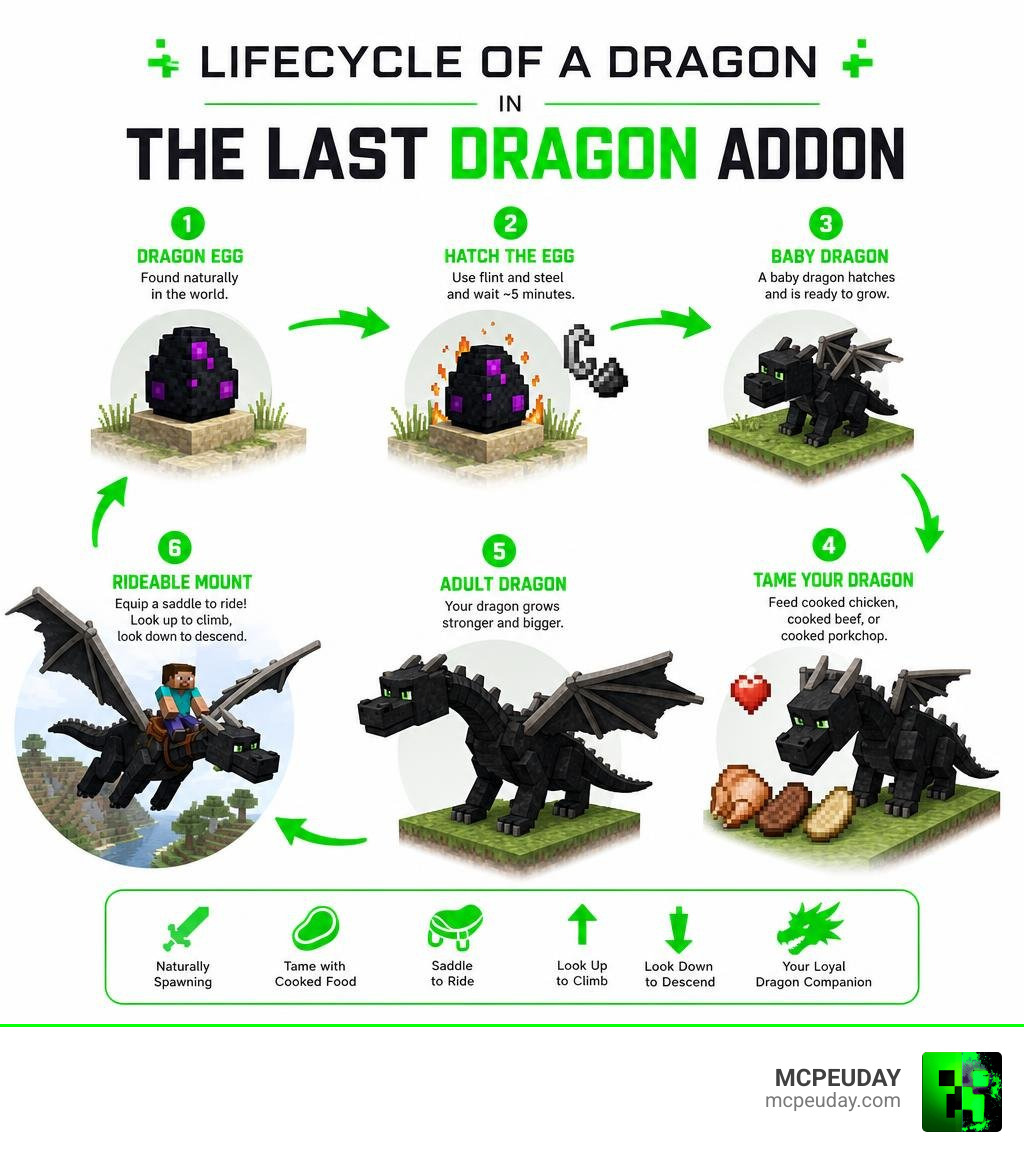
What is The Last Dragon Addon?
At its core, The Last Dragon Addon is designed to blend seamlessly into the vanilla Minecraft Bedrock Edition experience. Unlike heavier mods that completely overhaul the game’s code, this lightweight, 208 KB package focuses on doing one thing incredibly well: giving you a reliable, majestic aerial mount.
Because it relies on standard Bedrock behavior and resource packs, it runs smoothly on mobile devices, consoles, and Windows 10/11. The addon introduces natural spawning mechanics, meaning you will run into wild dragons and nested eggs while exploring your standard survival world. It is the perfect choice for players who want to skip the tedious crafting recipes of other mods and get straight to the joy of flight.
How to Obtain, Hatch, and Tame Your Dragon
Finding your first dragon is an adventure in itself. Wild dragons and their nests spawn naturally across various overworld biomes. If you happen to find a dragon nest, you will likely spot a dragon egg.
To hatch a dragon egg:
- Place the egg in a safe, secure location (you don’t want wild mobs attacking your future pet!).
- Ignite the egg by right-clicking it with flint and steel.
- Wait approximately 5 minutes for the incubation process to complete.
Once the five minutes are up, the egg will hatch into a loyal, tameable baby dragon. If you are looking for more complex evolutionary stages where you feed your dragon to watch it grow through multiple visual phases, you might also want to check out the Dragon Evolution Addon.
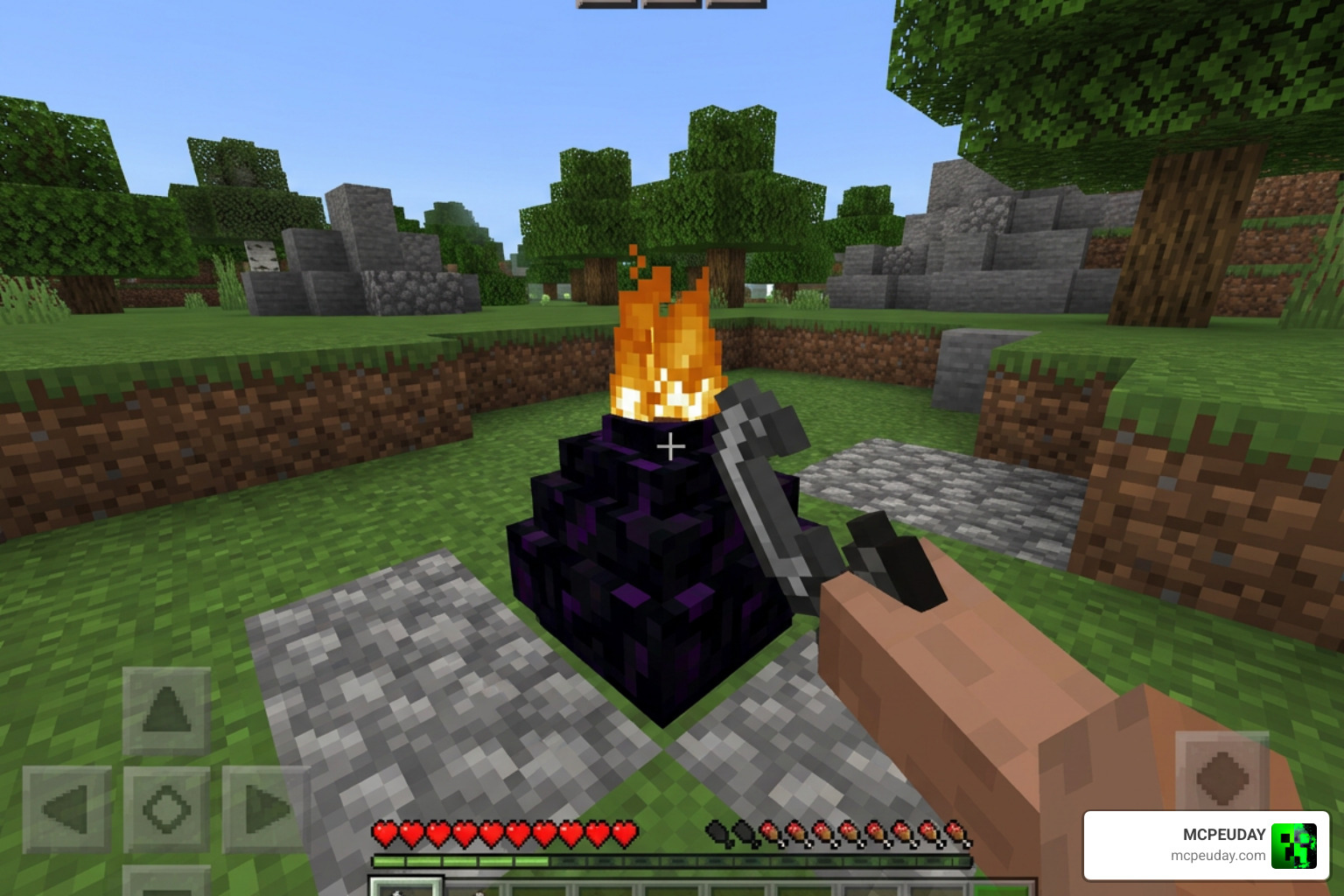
Taming Wild Dragons in The Last Dragon Addon
If you don’t want to wait for an egg to hatch, you can attempt to tame a fully grown wild dragon. To do this, you will need a healthy supply of cooked meats. Simply approach a wild dragon with one of the following items:
- Cooked chicken
- Cooked beef
- Cooked porkchop
Feed the dragon until hearts appear above its head. That wild dragons can be unpredictable, so we always recommend carrying backup meat and setting up an animal farm beforehand to ensure you don’t run out of treats mid-taming!
Flight, Combat, and Survival Mechanics
Once your dragon is tamed, it is time to take to the skies. To ride and control your dragon, you must first equip it with a saddle. Once saddled, your dragon becomes a high-speed sky mount that makes mapping out coastlines, finding structures, and traveling between bases an absolute breeze.
If you enjoy the combination of fantasy beasts and heavy combat, you should also take a look at the Fire And Steel Dragons Addon 26 X 1 21 Mcpe Bedrock Mod for alternative combat mechanics and elemental armor sets.
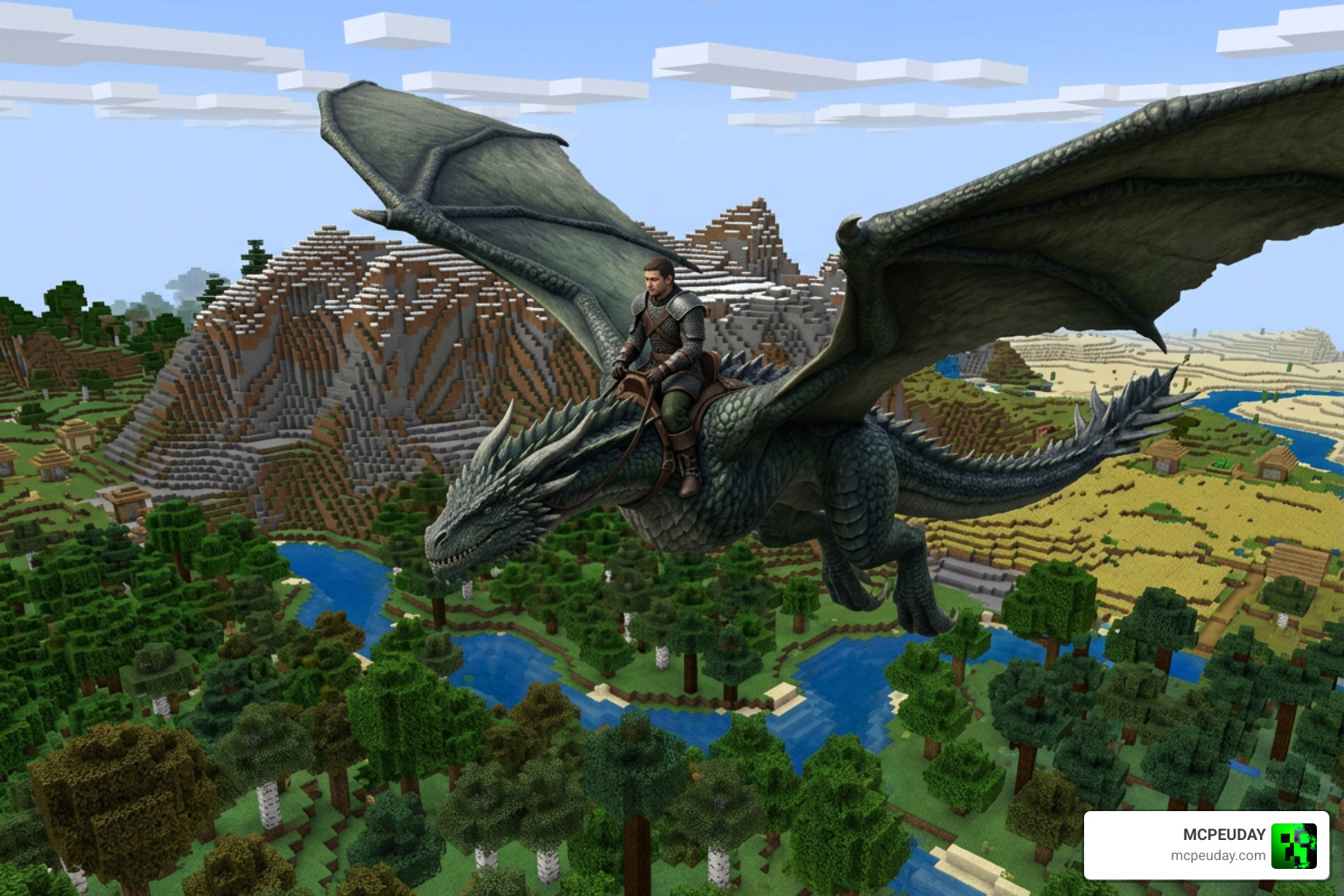
Mastering Flight Controls with The Last Dragon Addon
Flying with The Last Dragon Addon is designed to feel completely natural and intuitive:
- To Climb: Point your camera up (look up).
- To Descend: Point your camera down (look down).
- To Steer: Simply look in the direction you want to travel.
Survival Tips for First-Time Flyers:
- Avoid your very first test flights over dangerous hazards like deep oceans, lava pools, or the Nether void.
- Always keep extra cooked meat in your inventory to heal your dragon after tough encounters.
- Use your elevated viewpoint to scout out rare structures like Woodland Mansions and Ocean Monuments from absolute safety.
Installation, Compatibility, and Mod Comparisons
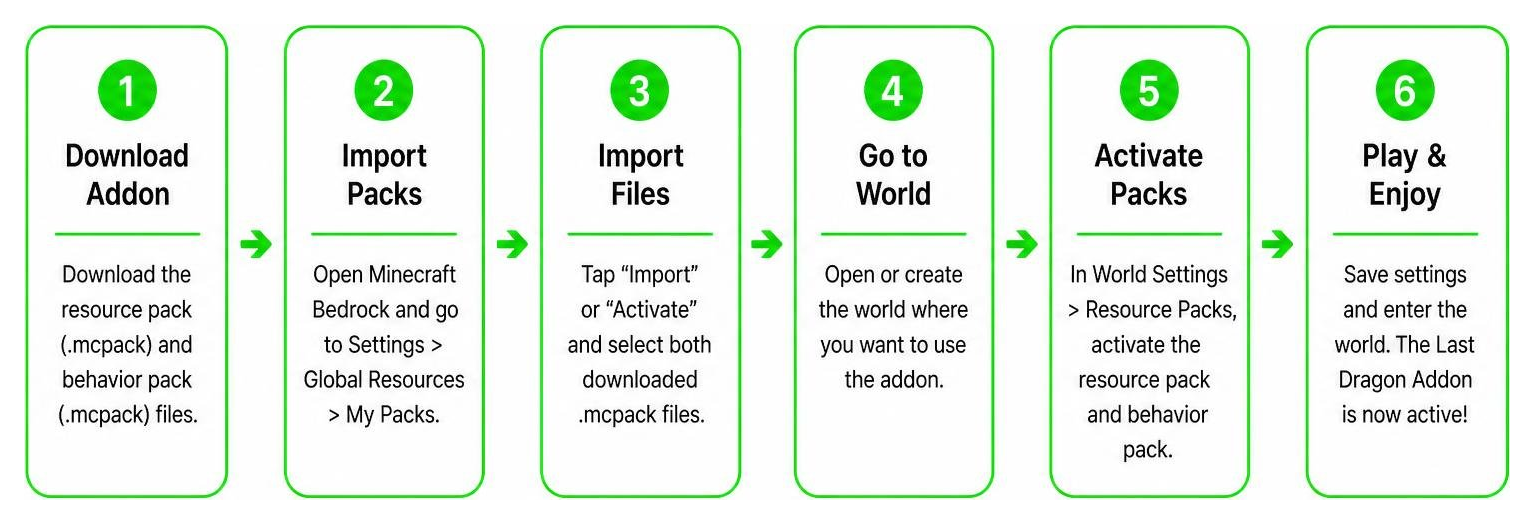
Installing the addon is incredibly straightforward. Because it is packaged as standard Bedrock resource and behavior packs, you simply need to download the files, import them into Minecraft, and enable both packs in your world settings. The addon is highly compatible, working smoothly on Bedrock versions 1.20 all the way up to 1.26 (the current version in 2026).
To make your dragon adventures look even more breathtaking, we highly recommend pairing this addon with a high-quality shader like the Newb X Dragon Shader.
Below is a comparison of how this addon stacks up against other popular dragon-themed options:
| Feature | The Last Dragon Addon | Fantasy Dragons Mod | Dragons Add-On (Marketplace) |
|---|---|---|---|
| File Size | ~208 KB (Very Lightweight) | Medium | Large |
| Taming Method | Cooked Meats | Cooked Meats / Eggs | Custom Evolution Items |
| Flight Control | Camera-Based (Look Up/Down) | Camera-Based | Jump/Sneak & Camera |
| Natural Spawning | Yes | Yes | Yes (Biome Nests) |
| Hatching Time | 5 Minutes (Flint & Steel) | Varies | Instant (Lava Bucket) |
To see the addon in action and get a visual walkthrough of the flight mechanics, check out this great video review: Minecraft’s BEST Dragon Addon Just Got Even Better! (v1.6 ….
Clearing Up Name Confusion
Because “The Last Dragon” is a highly popular title across pop culture, you might run into other unrelated files during your searches. To save you some time, here is a quick guide to what those other links are:
- If you are looking for the classic 1985 martial arts film, you can Watch The Last Dragon (1985) – Free Movies or check out the official streaming listing to Watch The Last Dragon on Netflix. There is also a famous The Last Dragon (2004 film)) mockumentary about the biology of dragons.
- For Skyrim players, The Last Dragonborn file is an endgame mod that replaces the Ebony Warrior quest.
- If you are looking for indie RPG games, you might stumble upon The Legend Of The Last Dragon by Zef1r0 or the vampire survivors clone the last dragon by mckay makes games.
- Lastly, if you are looking for the official Minecraft Marketplace world by Fall Studios, you can find details on The Last Dragons by Fall Studios | CHUNK – Minecraft Bedrock Marketplace Explorer.
Frequently Asked Questions
How do you tame a wild dragon?
You can tame a wild dragon by approaching it carefully and feeding it cooked chicken, cooked beef, or cooked porkchop. Once hearts appear over its head, the dragon is tamed.
How long does it take to hatch a dragon egg?
After placing the egg down, use flint and steel on it to start the ignition animation. The egg will incubate and hatch in exactly five minutes.
What are the flight controls for the dragon?
Flight is entirely camera-driven. Once you equip your tamed dragon with a saddle and mount it, look up to ascend into the sky and look down to descend back to the ground.
Tip: If you want the ultimate visual immersion while flying through the clouds, try using the Newb X Dragon Complementary Shader The Ultimate Minecraft Shader For Realistic Graphics to give your world ultra-realistic lighting and water reflections.
Conclusion
The Last Dragon Addon remains one of our absolute favorite ways to explore Minecraft Bedrock. It is fast, lightweight, and doesn’t clutter your game with unnecessary items or complicated crafting trees. Whether you are hatching an egg with flint and steel or soaring above the clouds looking for your next building site, it brings a wonderful sense of scale and adventure to survival play.
Want to discover more game-changing additions for your Bedrock worlds? Explore more Bedrock mods on MCPEUDAY to find the latest shaders, texture packs, and gameplay addons!