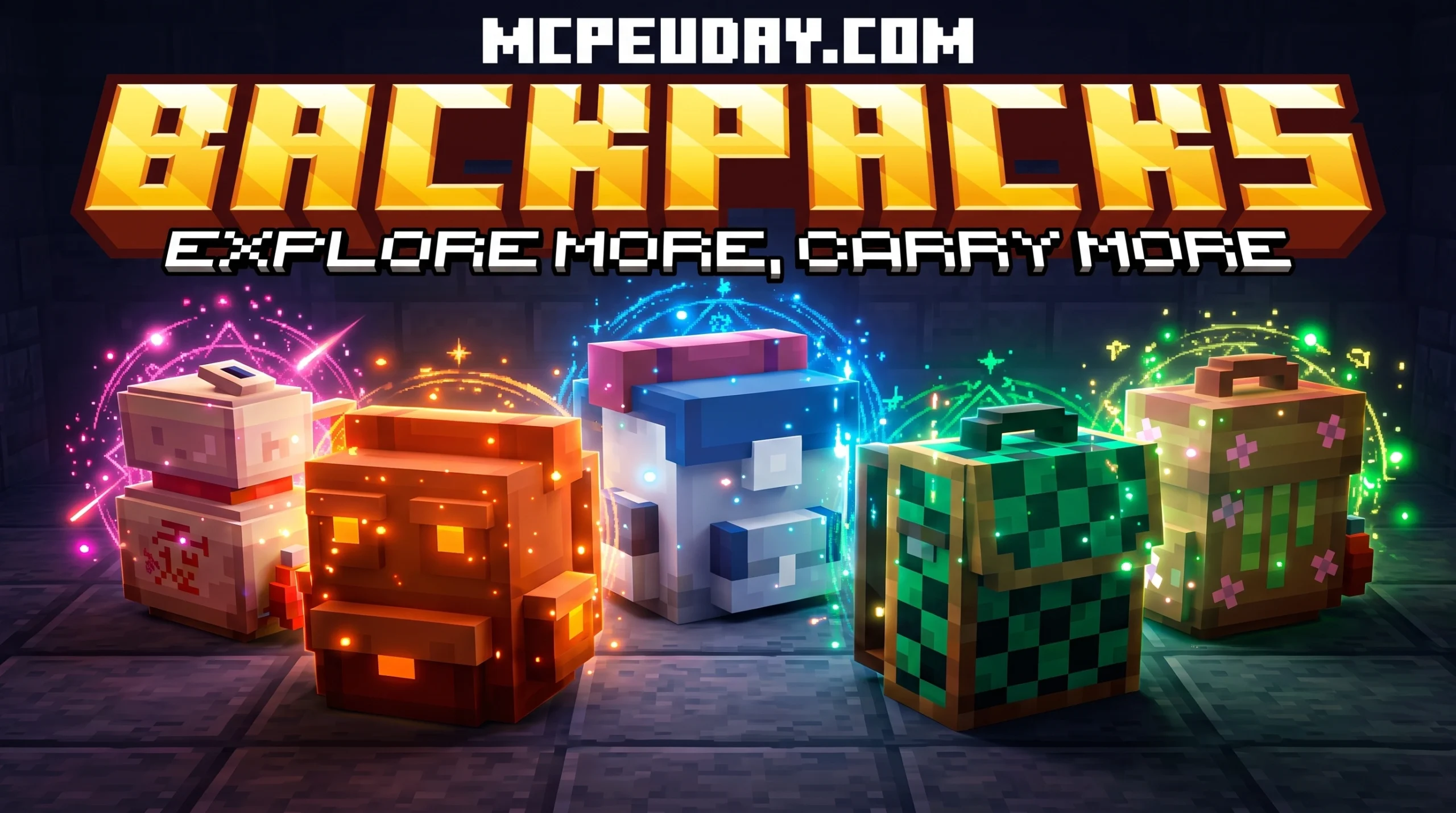
Why BONY162’s Backpacks Addon Is a Must-Have for Minecraft Survival
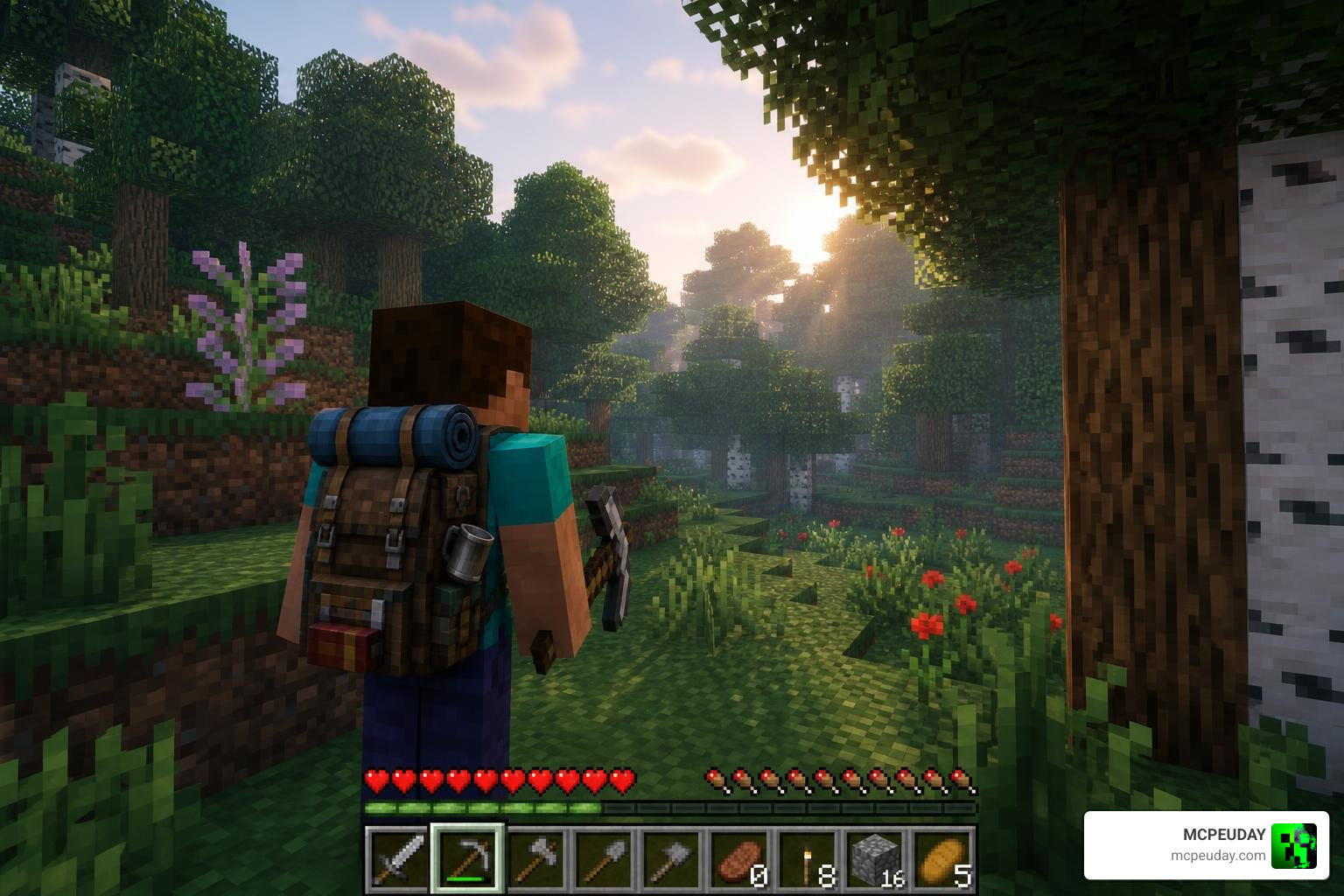
BONY162’s Backpacks Addon is a Minecraft Bedrock Edition addon that adds 10+ fully upgradable, placeable backpacks to your survival world — without disabling achievements or requiring experimental features.
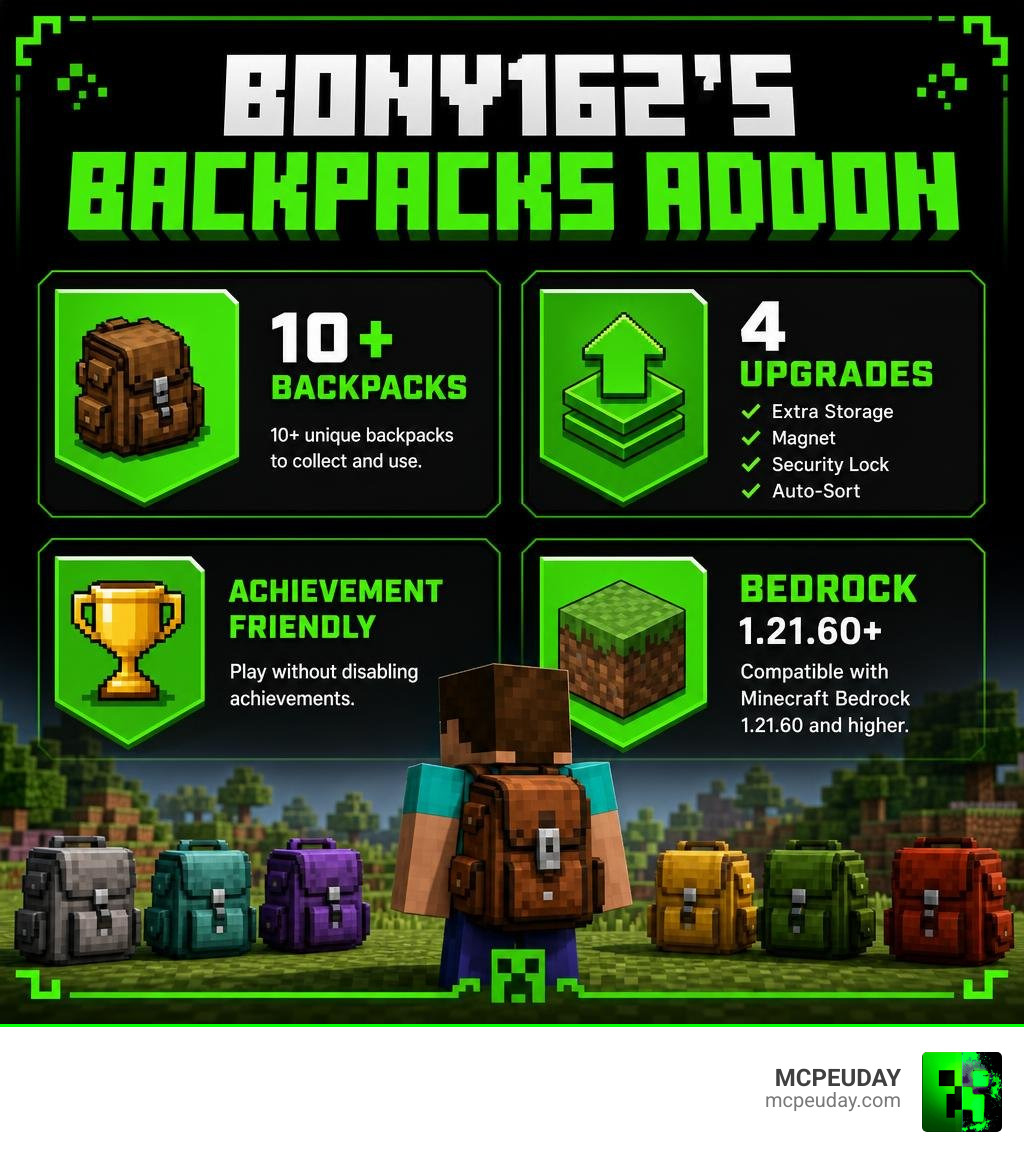
Here is a quick snapshot of what it offers:
- What it adds: 10+ unique backpack types you can carry or place on the ground
- Key upgrades: Extra Storage, Magnet, Security Lock, Auto-Sort
- How to equip: Place the backpack in your off-hand slot, or hit a placed backpack to auto-equip it
- Upgrade access: Crouch and interact with a placed backpack to open the upgrade menu
- Compatible with: Minecraft Bedrock Edition 1.21.60 and higher
- Achievements: Yes, they stay enabled
- Experimental features required: No
Running out of inventory space mid-adventure is one of the most frustrating parts of Minecraft survival. You are deep underground, diamonds everywhere, and your inventory is already full of cobblestone and torches. Something has to go — and it is usually something you will regret dropping later.
BONY162’s Backpacks Addon solves exactly that problem. It gives you real, functional extra storage that you can carry on your back, place down like a chest, lock from other players, and upgrade as your needs grow.
I am UDAY GAMER, and in this guide I will walk you through everything you need to know to download, install, and get the most out of this addon.
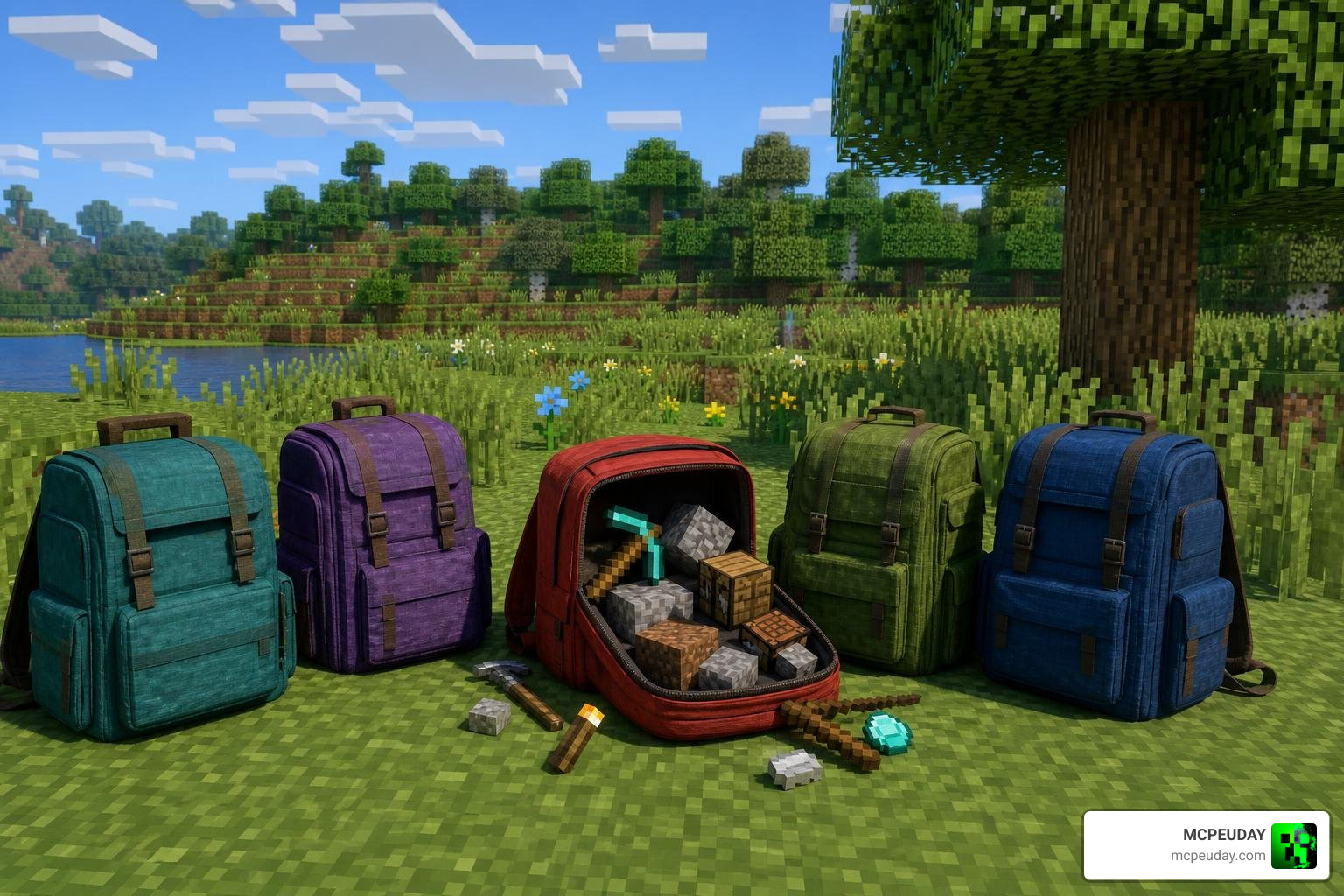
Key Features of BONY162’s Backpacks Addon
When we look at inventory solutions in Minecraft Bedrock, many options require complex setups. Some mods completely overhaul your UI, while others are mere visual reskins. What makes BONY162’s Backpacks Addon stand out is its physical interactivity and survival-friendly design.
Unlike basic backpack mods that only exist as abstract inventory menus, these backpacks can be placed down directly in your world. They function as interactive blocks that you can place in your base, inside a mining shaft, or at a temporary construction site.
For players who love earning achievements while exploring, this addon is a game-changer. Typically, Bedrock Edition addons require you to toggle on “Experimental Gameplay” features, which automatically disables achievements. However, the clever scripting behind this pack means you can run it natively in vanilla worlds while keeping your achievements completely intact.
If you have ever played Java Edition, you might be familiar with the famous Sophisticated Backpacks Mod 2026 Best Minecraft Storage Mod Explained. BONY162 brings that same level of depth, utility, and upgrade-focused progression directly to Bedrock Edition.
How to Equip and Use BONY162’s Backpacks Addon
Getting your backpack on your back is incredibly simple. You have two main ways to equip it:
- The Off-Hand Slot: Open your inventory and place the crafted backpack directly into your left-hand (off-hand) slot. This visually places the pack onto your character’s back, keeping your main inventory slots free.
- The Ground Punch: If your backpack is currently placed on the ground, simply hit (punch) the backpack. It will automatically equip to your off-hand slot. If you are already wearing a backpack, hitting a placed one will swap them, dropping your previously equipped pack onto the ground.
This physical placement mechanic makes it highly dynamic. It functions similarly to the Backpacked Armor Addon 26 x 1 21 MCPE Bedrock Mod, giving players a realistic way to manage their gear during hectic survival runs.
Upgrading Your Storage with BONY162’s Backpacks Addon
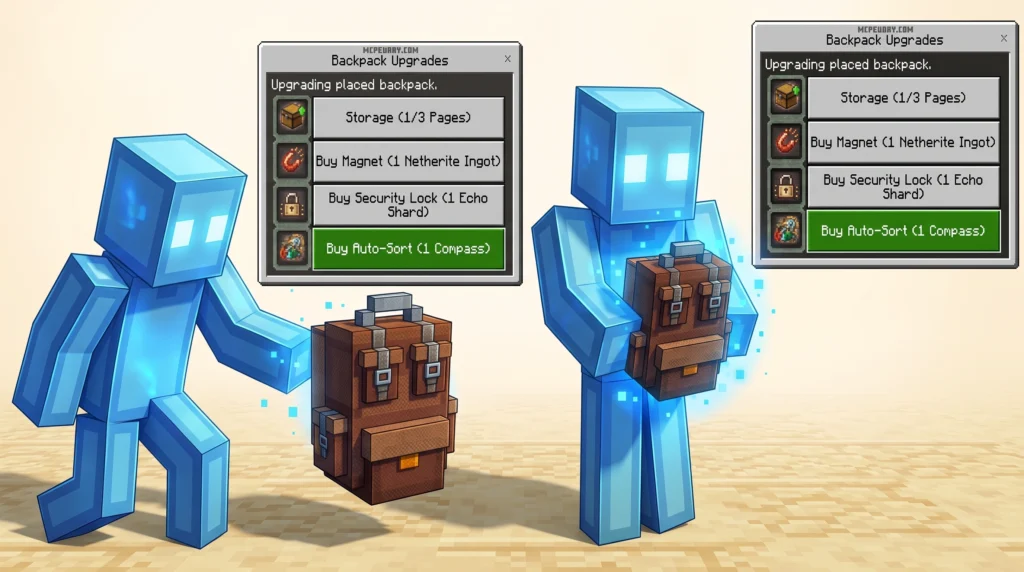
As your survival world progresses, a basic backpack might not cut it anymore. Fortunately, this addon features an interactive, in-game upgrade system.
To open the upgrade menu, follow these steps:
- Place the backpack down on the ground.
- Sneak (crouch) and interact with the backpack.
- Alternatively, you can hold the backpack in your hand and interact with an object to pull up its custom menu.
From this interface, you can apply special modules that completely change how your backpack behaves. This interactive menu system is a massive step forward for Bedrock scripting, drawing inspiration from high-quality open-source storage projects like UselessSolutions/bta-backpacks.
Exploring the Four Essential Backpack Upgrades
To truly master your inventory, you need to utilize the four unique upgrades included in this addon.
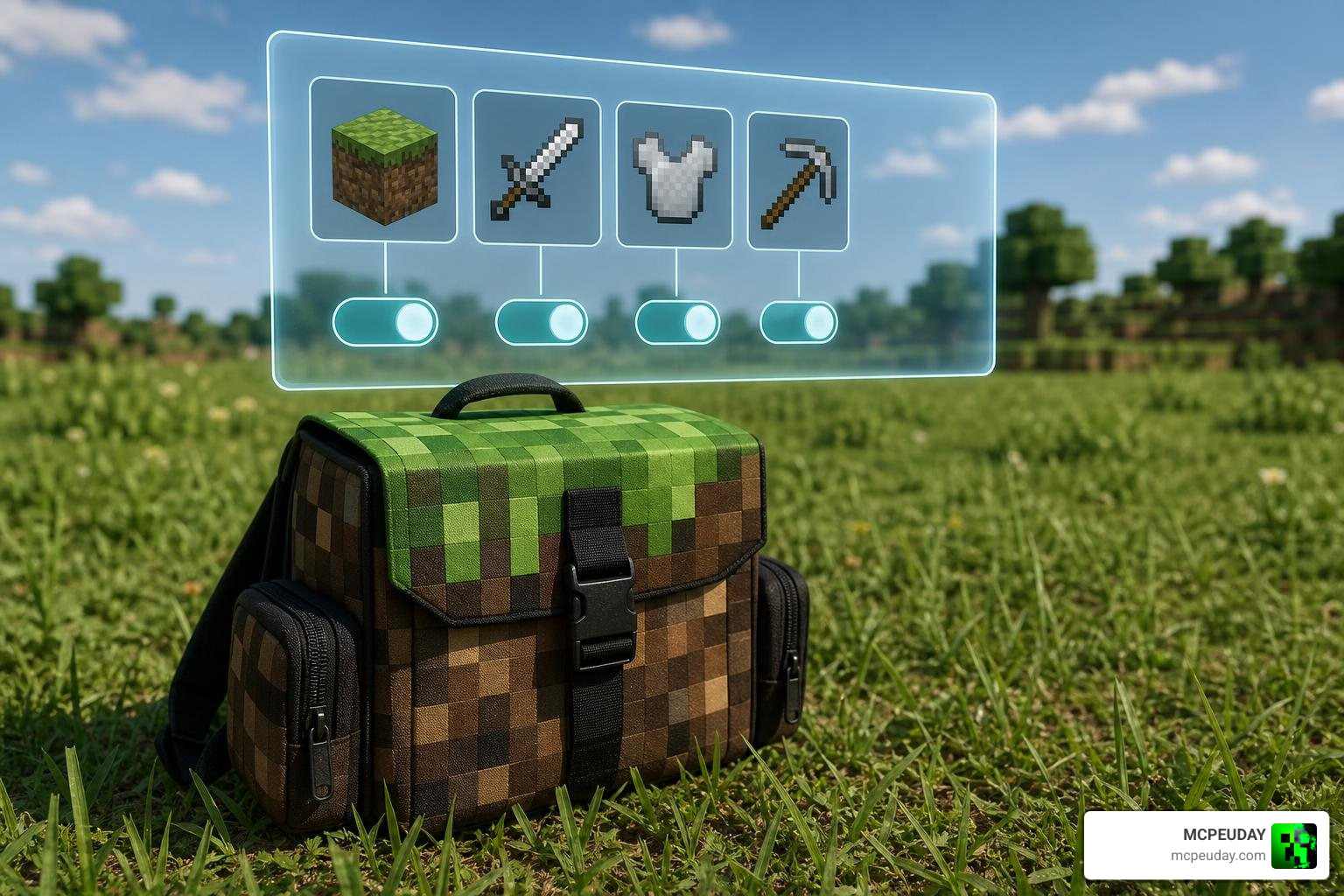
Each upgrade targets a specific survival pain point:
- Extra Storage Upgrade: This module expands your backpack’s capacity, adding multiple pages of storage. It essentially turns your portable pack into a mobile double chest.
- Magnet Upgrade: A favorite for miners. When activated, this upgrade automatically pulls dropped items on the ground directly into your backpack. You can easily toggle this on and off from your backpack’s menu so you do not accidentally pick up unwanted junk.
- Security Lock Upgrade: Essential for multiplayer servers. Applying this upgrade locks the backpack to your unique player ID, ensuring no other players can open it or steal your hard-earned loot.
- Auto-Sort Upgrade: Instantly organizes the contents of your backpack by item type or quantity, saving you from manually dragging blocks around.
If you enjoy managing multiple specialized kits, this system pairs beautifully with other utility expansions like the Multi Backpack Addon.
Here is a quick comparison of how these upgrades function:
| Upgrade Name | Main Function | Best Use Case |
|---|---|---|
| Extra Storage | Adds extra inventory slots and pages | Long-distance exploration and building projects |
| Magnet | Automatically sucks up nearby dropped items | Mining at coordinates or clearing large areas |
| Security Lock | Restricts access exclusively to the owner | Playing on public multiplayer servers or Realms |
| Auto-Sort | Instantly organizes messy inventory grids | Cleaning up your pack after a long resource run |
Crafting Recipes and Version Compatibility
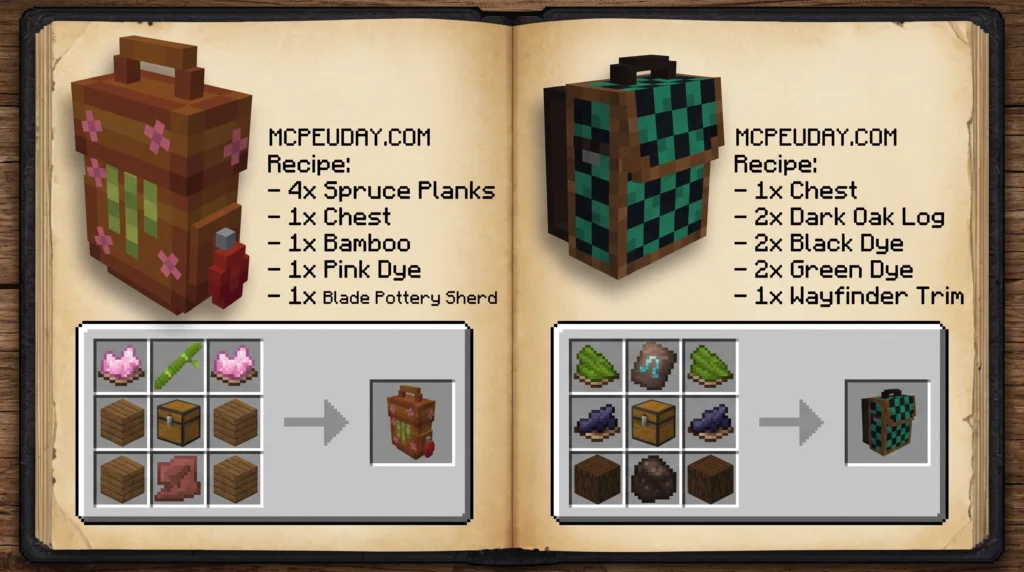
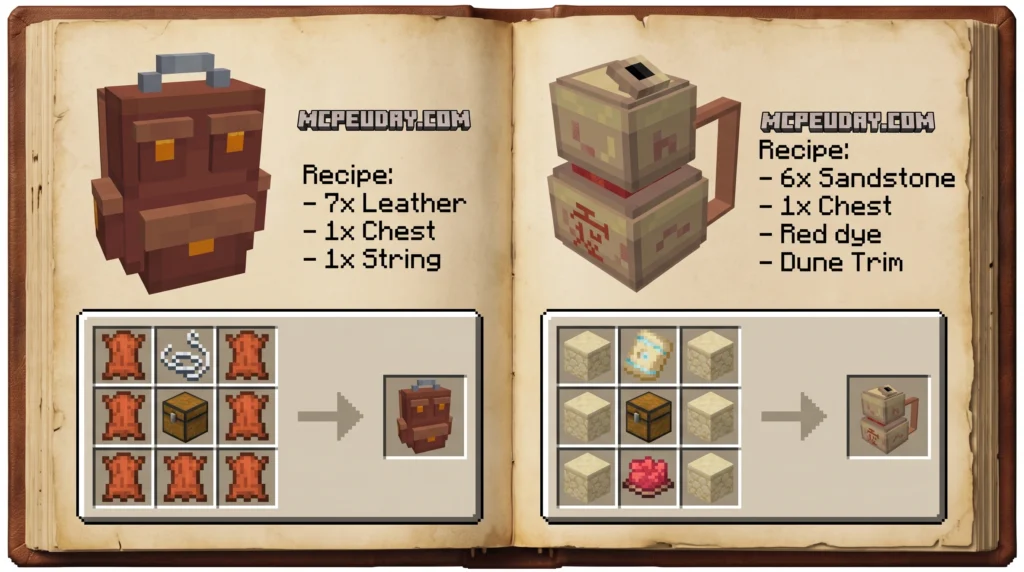
To begin your journey, you will need to craft your very first backpack. The addon features a progressive tier system, starting from a basic leather backpack up to high-capacity diamond and netherite versions.
The basic crafting recipe typically requires leather, iron ingots, and a chest. As you upgrade the physical pack, you will need gold, diamonds, and eventually netherite blocks to unlock the highest tiers.
In terms of compatibility, the addon is designed to work seamlessly with Minecraft Bedrock Edition version 1.21.60 and higher. Over time, the creator has released several versions:
- v1.3: The initial stable release, featuring basic storage and off-hand mechanics (File size: ~4.49 MB).
- v1.4: Added the interactive upgrade menu and refined the Magnet toggle system (File size: ~4.81 MB).
- v1.5: The latest version, optimizing multiplayer security locks and improving performance on low-end mobile devices (File size: ~5.12 MB).
Because this addon operates without experimental toggles, it is highly stable and works perfectly alongside massive world-expansion packs like the Better on Bedrock Addon 1 21 Best Survival Expansion for MCPE.
How to Install the Addon on Minecraft Bedrock
To get this addon running correctly in your world, you must install both the Resource Pack (RP) and the Behavior Pack (BP). Missing one of these files can lead to invisible textures or broken scripts.
Follow this simple guide to get set up:
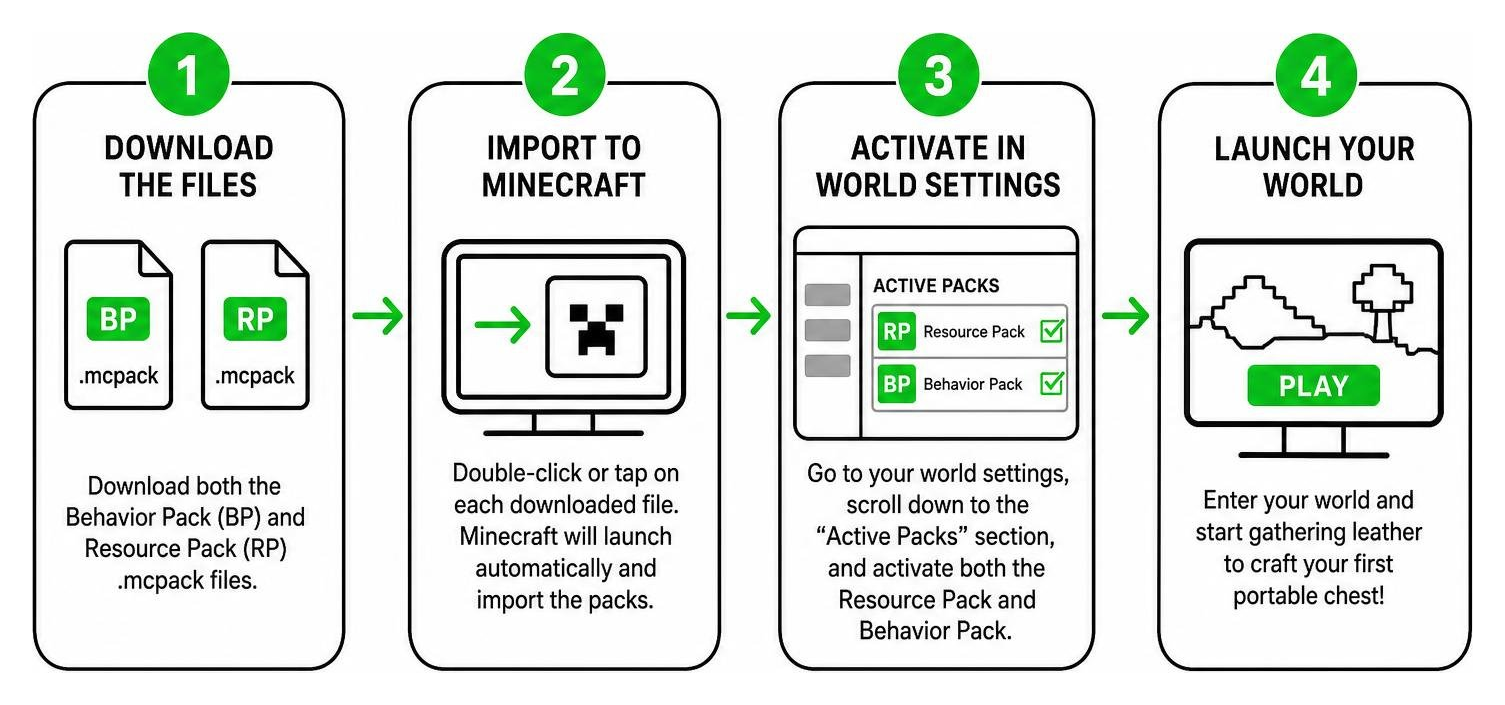
- Download the Files: Download both the Behavior Pack and Resource Pack
.mcpackfiles from our verified links on MCPEUDAY. - Import to Minecraft: Double-click or tap on each downloaded file. Minecraft will launch automatically and import the packs.
- Activate in World Settings: Go to your world settings, scroll down to the “Active Packs” section, and activate both the Resource Pack and Behavior Pack.
- Launch Your World: Enter your world and start gathering leather to craft your first portable chest!
For more showcases and update previews, you can also check out the official YouTube channel of the creator, BONY162.
Frequently Asked Questions about BONY162’s Backpacks Addon
Does this addon disable achievements in Minecraft Bedrock?
No! Because this addon does not rely on experimental gameplay toggles, you can safely use it in your survival worlds while keeping Xbox Live / PlayStation Network achievements fully enabled.
How do you lock your backpack in multiplayer?
To lock your backpack, place it on the ground, crouch, and interact with it to open the upgrade menu. Apply the “Security Lock” upgrade. Once applied, only you can open or pick up that backpack, keeping your items completely safe from thieves.
What happens if you hit a backpack placed on the ground?
Hitting a placed backpack will automatically pick it up and equip it directly to your off-hand slot. If you already have a backpack equipped, the two packs will swap places, allowing for quick gear management.
Conclusion
BONY162’s Backpacks Addon is easily one of the most practical, polished, and survival-friendly storage mods available for Minecraft Bedrock in 2026. Whether you are running a massive mining operation, building a megabase, or playing with friends on a multiplayer server, this addon completely eliminates the headache of inventory management.
We at MCPEUDAY are committed to bringing you the safest, highest-quality, and most up-to-date downloads for your Minecraft worlds. Once you have upgraded your storage, why not upgrade your arsenal too? Check out our list of the 5 Best Minecraft Bedrock Gun Mods to take your survival combat to the next level!

1 thought on “BONY162’s Backpacks Addon (26.x, 1.21) – MCPE/Bedrock Mod”