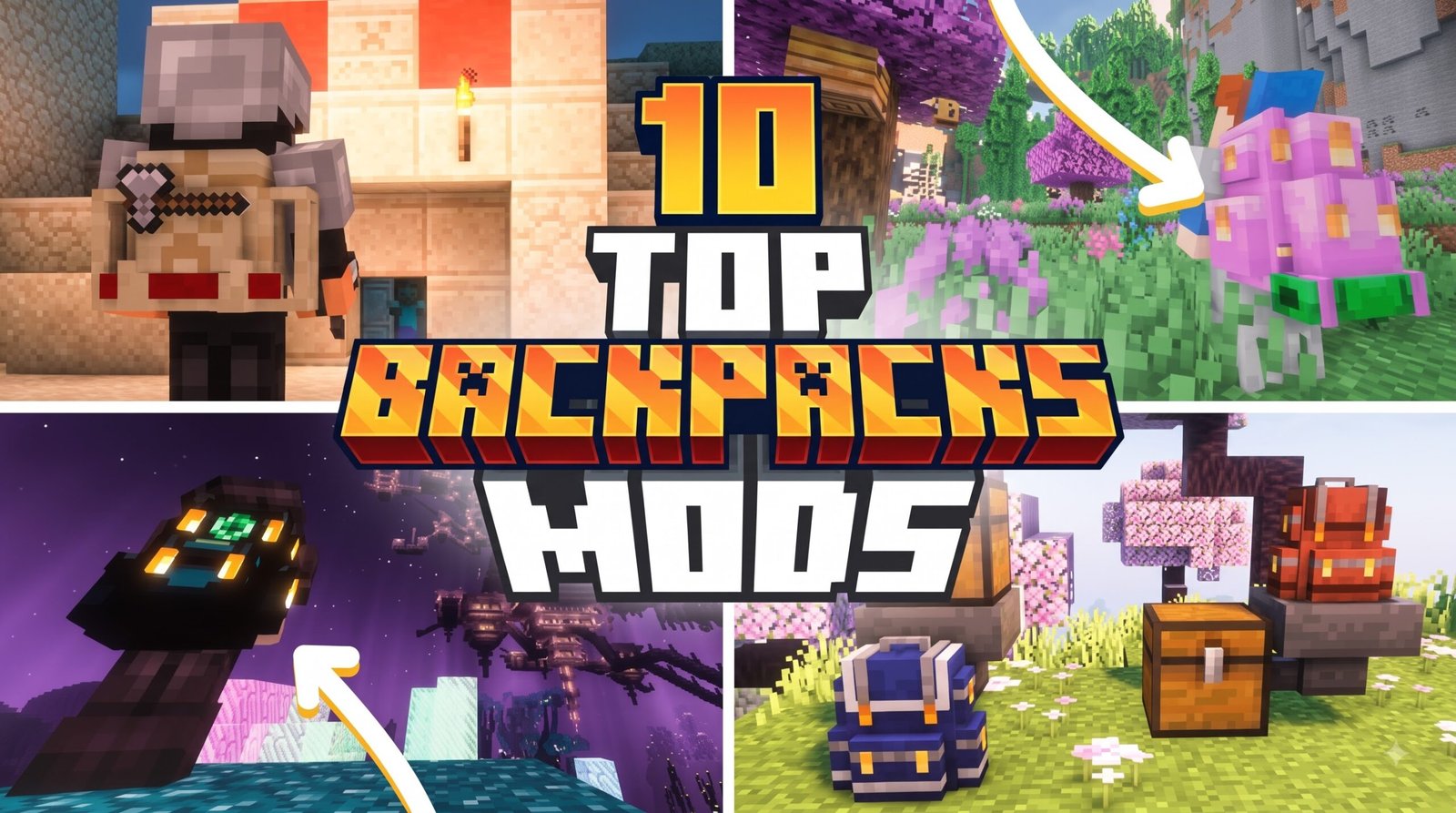
When choosing the top 10 backpack addon for Minecraft Bedrock/PE, finding a balance between storage size, performance impact, and aesthetic appeal is key. Managing inventory in modern Bedrock updates can quickly become a bottleneck during extensive mining expeditions or distant biome exploration. With countless addons available for Minecraft Pocket Edition and Bedrock Edition 26.x, selecting the right storage mod transforms your survival efficiency without causing stuttering or lag on mobile devices. Here is an in-depth breakdown comparing our top recommendations for 2026:
| Addon Name | File Size | Key Features | Primary Best Use Case |
|---|---|---|---|
| Better Backpacks | ~381.94 KB | Survival friendly, lightweight, classic UI | General Mobile Survival |
| Backpacks++ 2.1 | Marketplace | Custom slots, 3D visual models | Official Marketplace Play |
| Ender Backpack | Low…………….. |
The best backpack addons for Minecraft Bedrock/PE add portable storage, customizable backpacks, and survival-friendly mechanics without changing the core gameplay experience. Some focus on realism with craftable backpacks, while others introduce advanced features like multiple storage tiers, wearable backpacks, and multiplayer support.
In this guide, we’ve selected the top 10 backpack addons for Minecraft Bedrock/PE (26.x, 1.21+) based on compatibility, features, performance, ease of use, and community popularity.
10. Travel Backpacks Addon
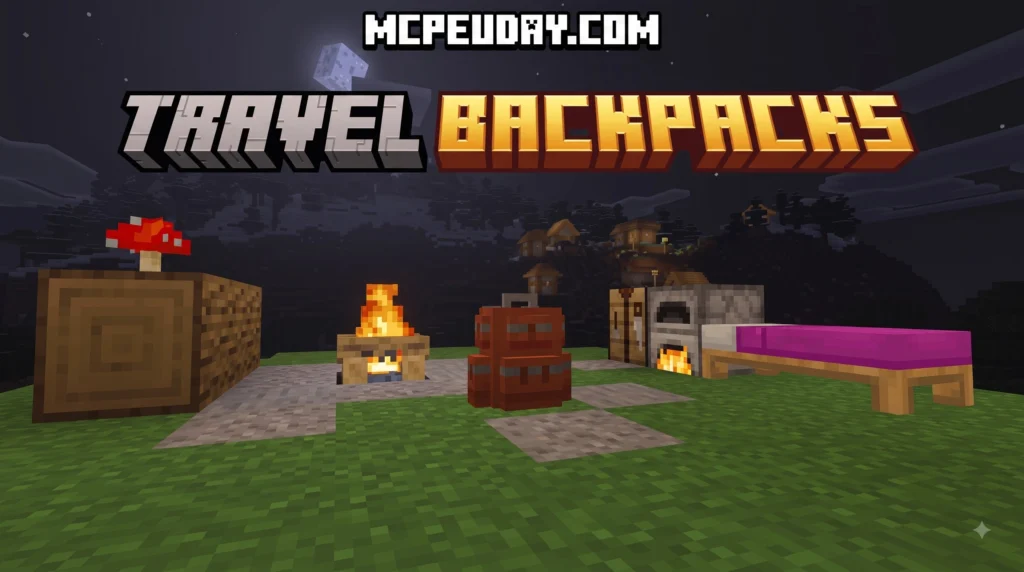
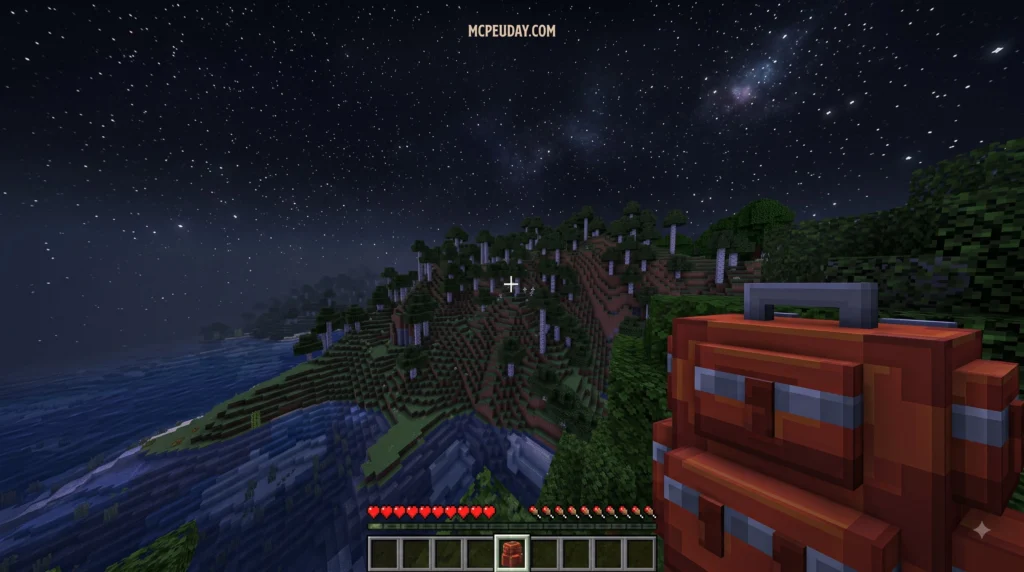
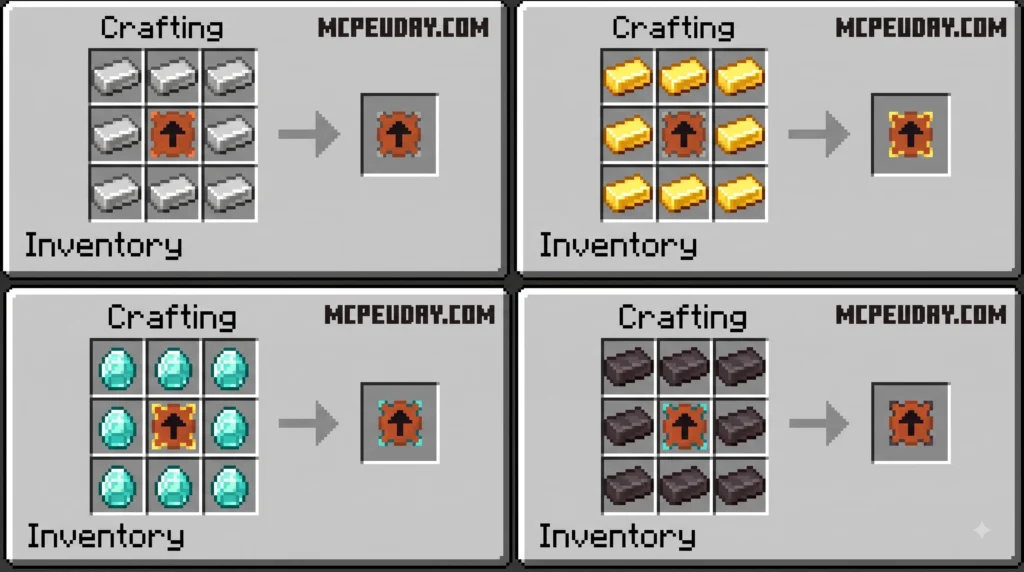
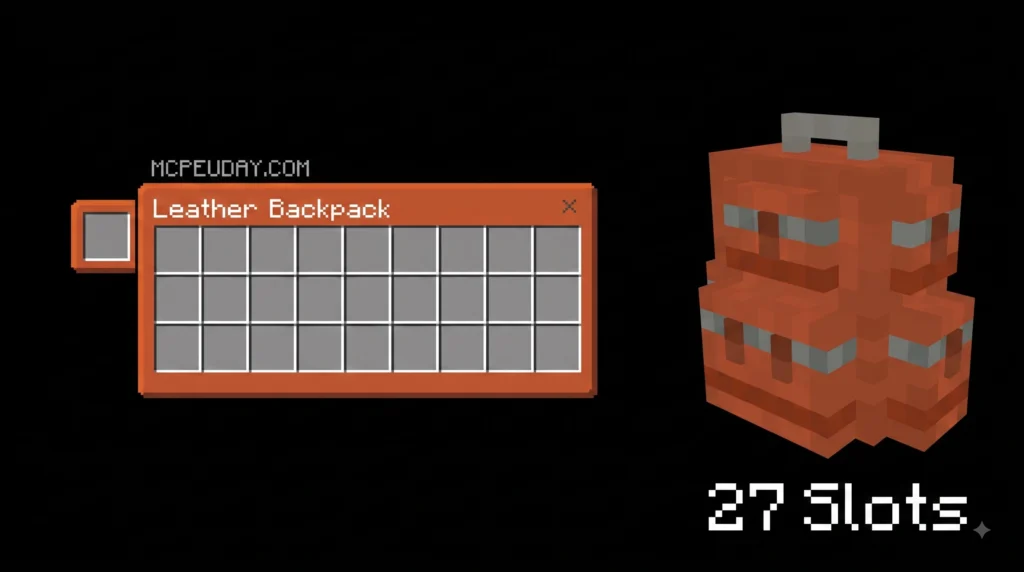
The Travel Backpacks Addon is a Minecraft Bedrock/PE addon that adds portable storage backpacks to your game, letting you carry far more items during exploration without running back to base.
MORE ADDONS – Click here
9. Better Backpacks Addon
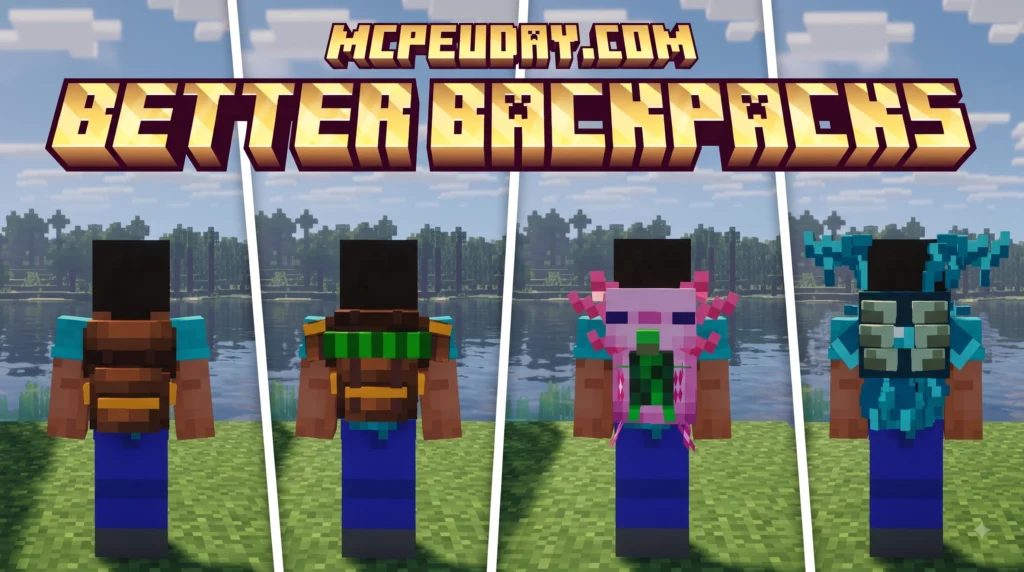
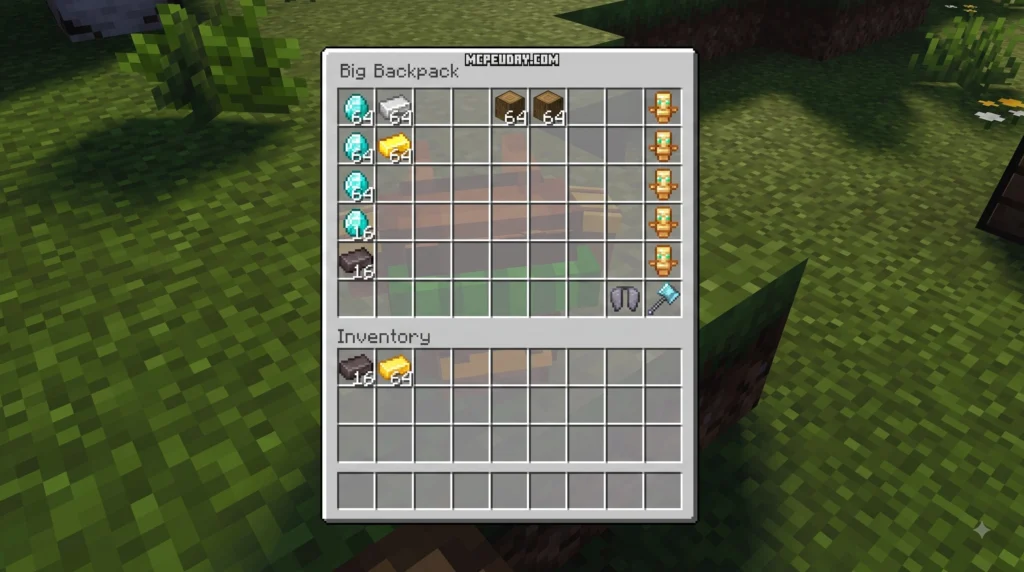
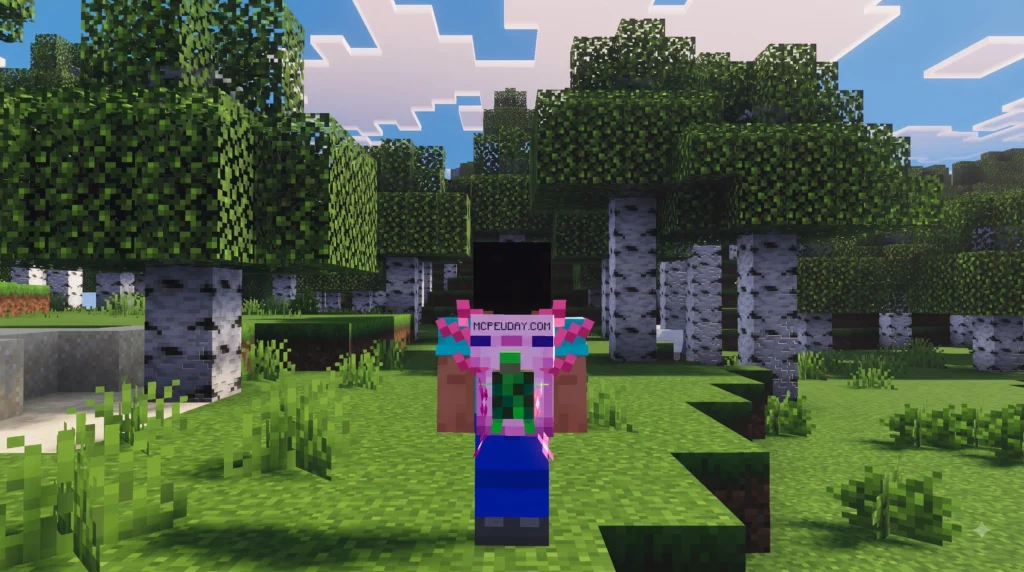
The Better Backpacks Addon is a portable storage expansion for Minecraft that adds tiered backpacks you can wear, place in the world, and customize — all without losing your items. Here is a quick summary of what it offers:
MORE ADDONS – Click here
8. True Backpack Addon
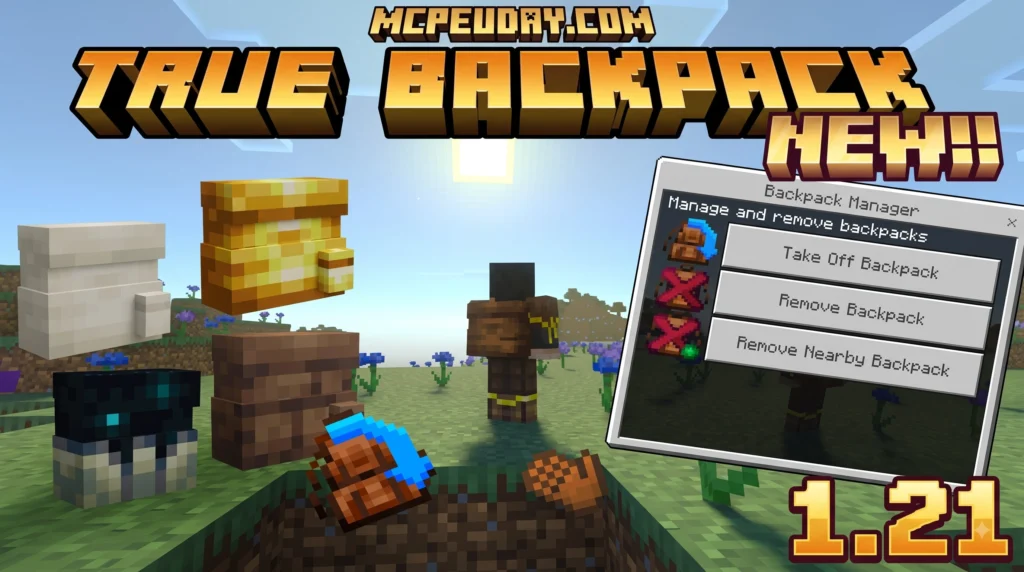
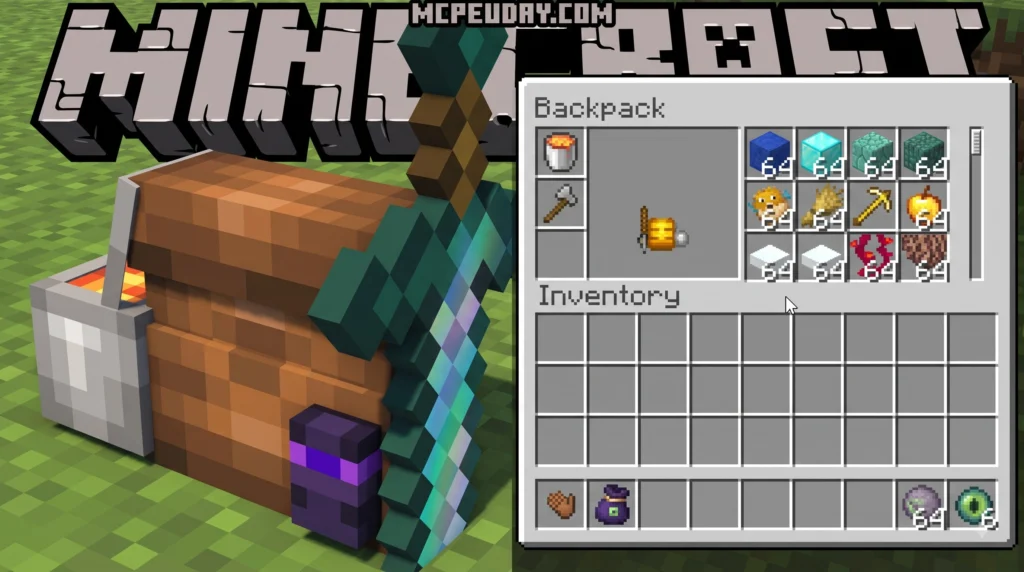
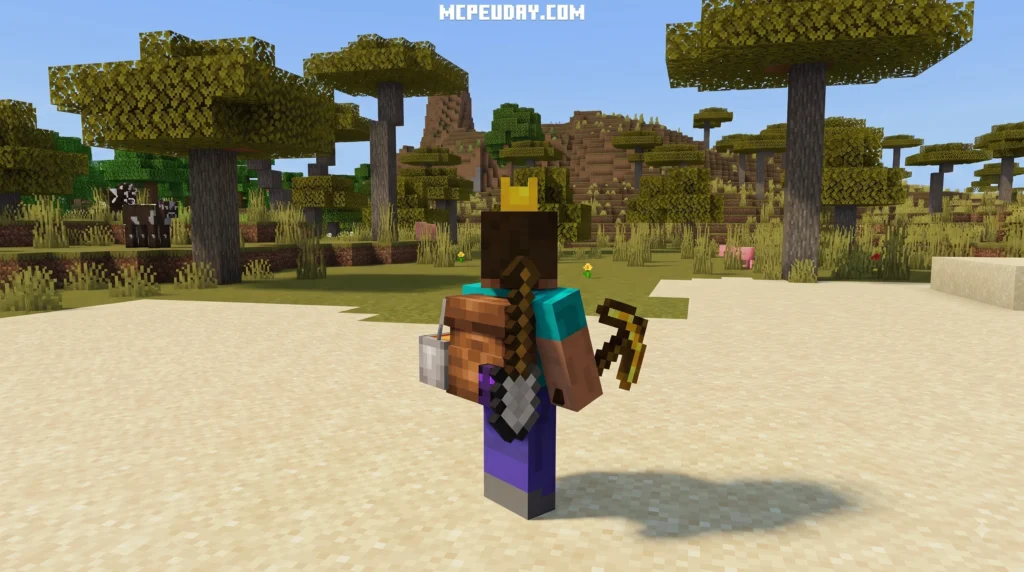
Modern designs like the True Backpack Addon fix this limitation completely. By leveraging custom equipment slots built directly into Bedrock Edition interfaces, you retain full armor defense values while wearing your portable bag. You get complete chest protection against hostile mobs while simultaneously enjoying vastly expanded carrying capacity. If you want to check out the underlying design parameters, you can review the latest official release details on our mod overview guides.
MORE ADDONS – Click here
7. Adventure Backpacks Addon
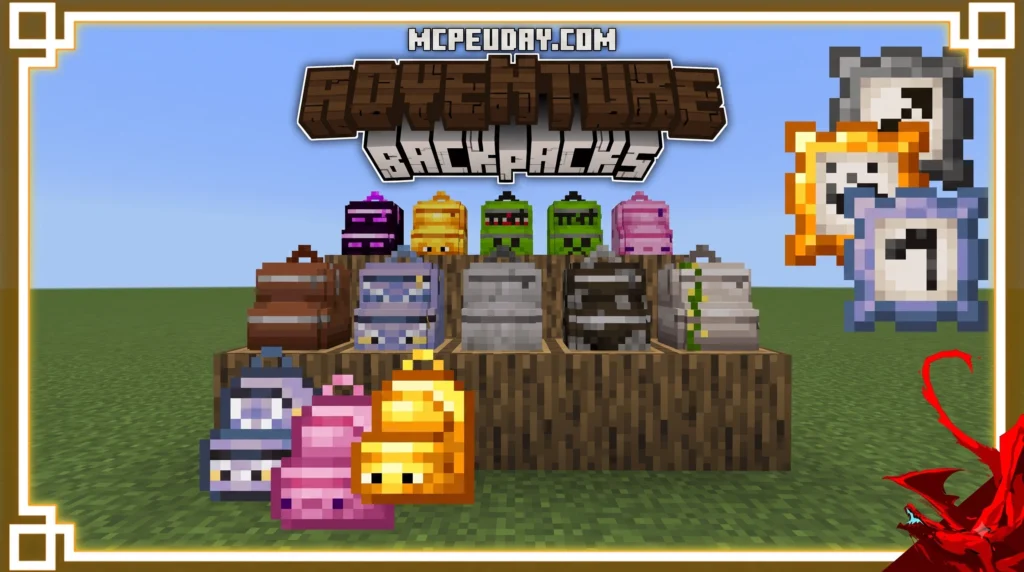
The core strength of the Adventure Backpacks Addon lies in how smoothly it integrates multiple survival tools into a single wearable item. Instead of clogging your inventory with a portable chest, bucket stacks, crafting tables, and beds, this mod consolidates everything onto your character’s back.
MORE ADDONS – Click here
6. Lilium Backpacks Addon
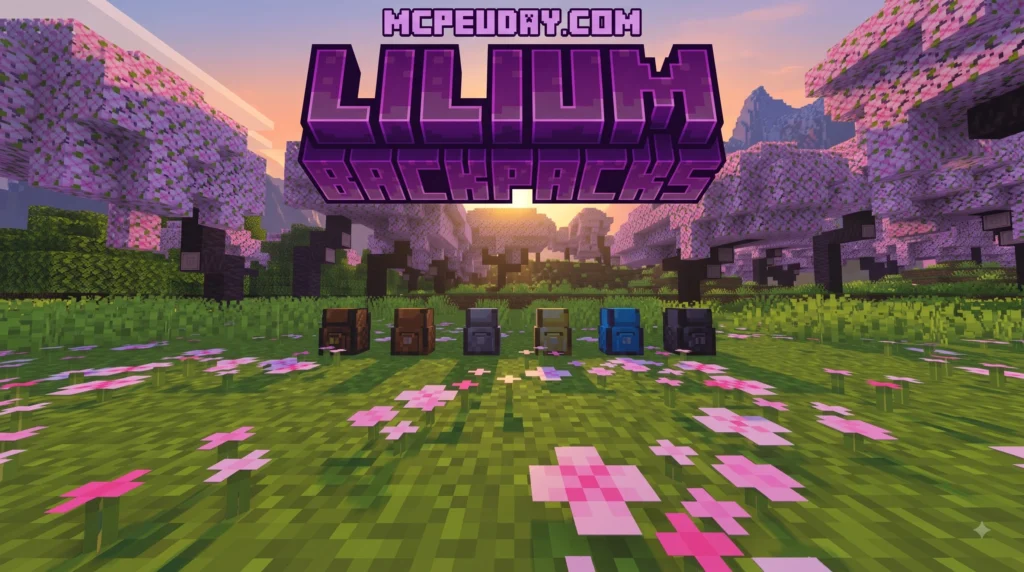
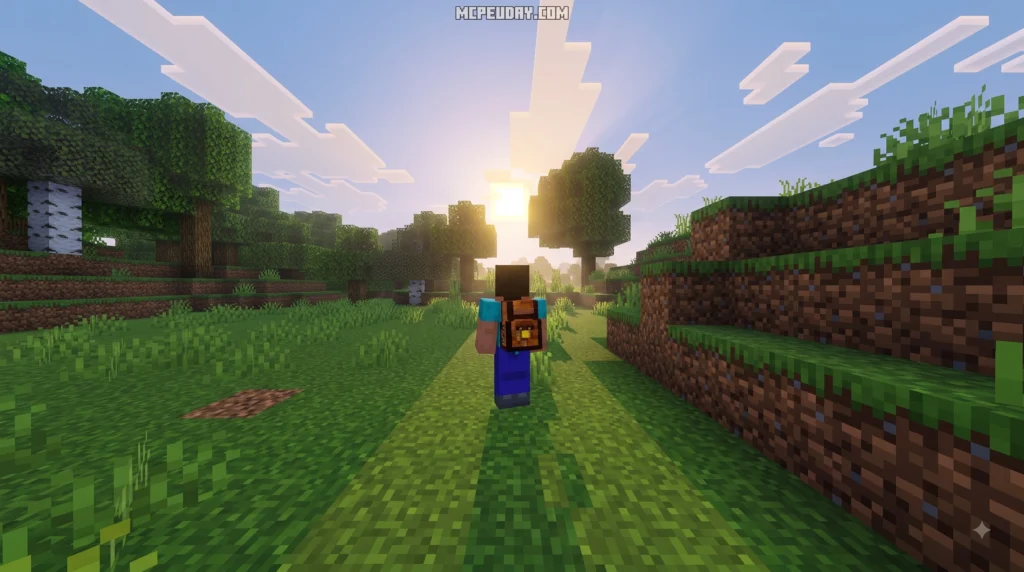
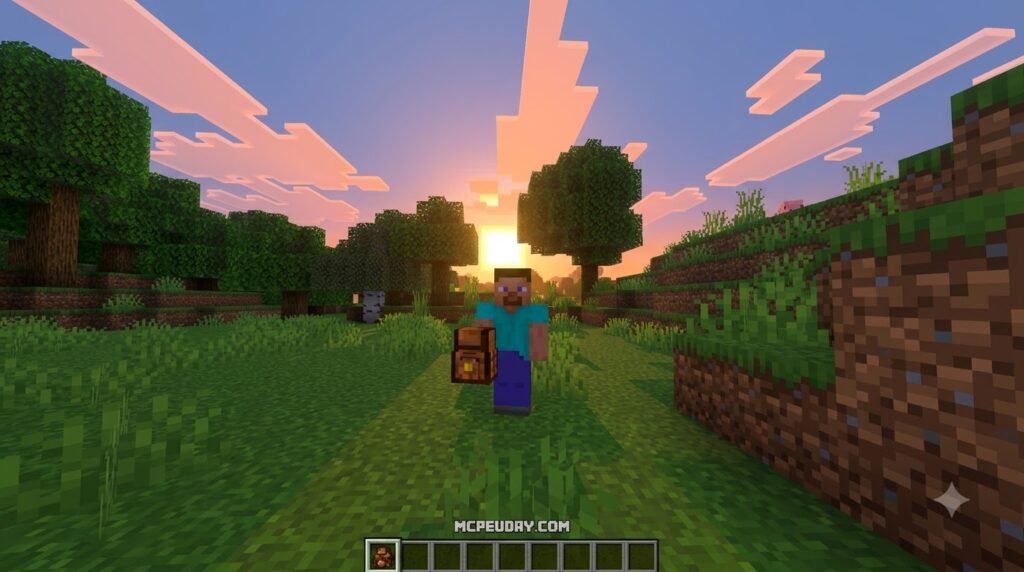
Managing inventory in Minecraft can quickly become a headache, especially during long mining trips, large survival projects, or adventure builds where every slot matters. The Lilium Backpacks Addon (powered by the core LilBackPacks plugin) solves this problem by adding customizable, mobile inventory slots directly into the game. Running natively on Spigot and Paper server software, it bridges the gap between classic survival play and modern server utility.
MORE ADDONS – Click here
5. Simple Backpack Addon
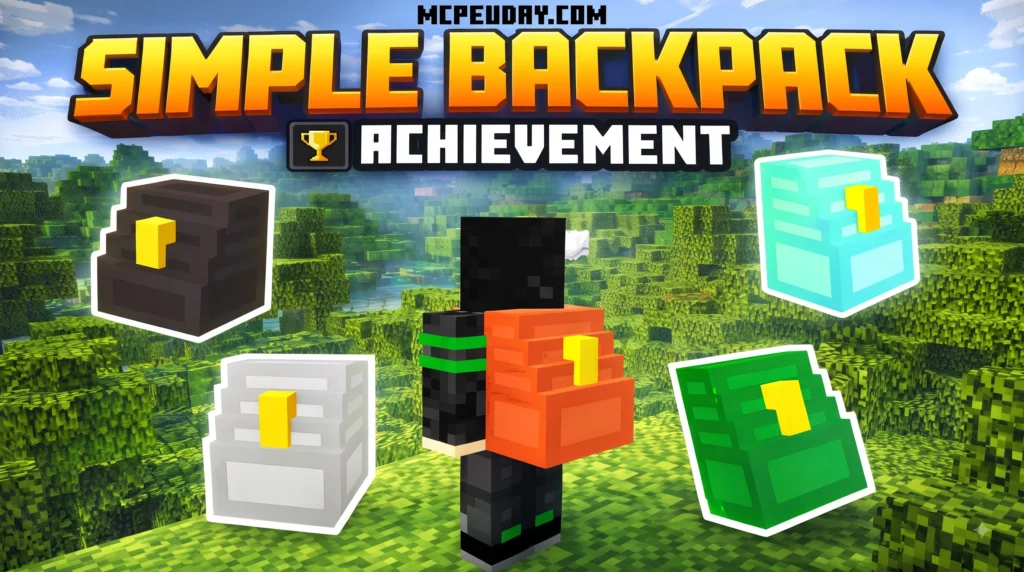
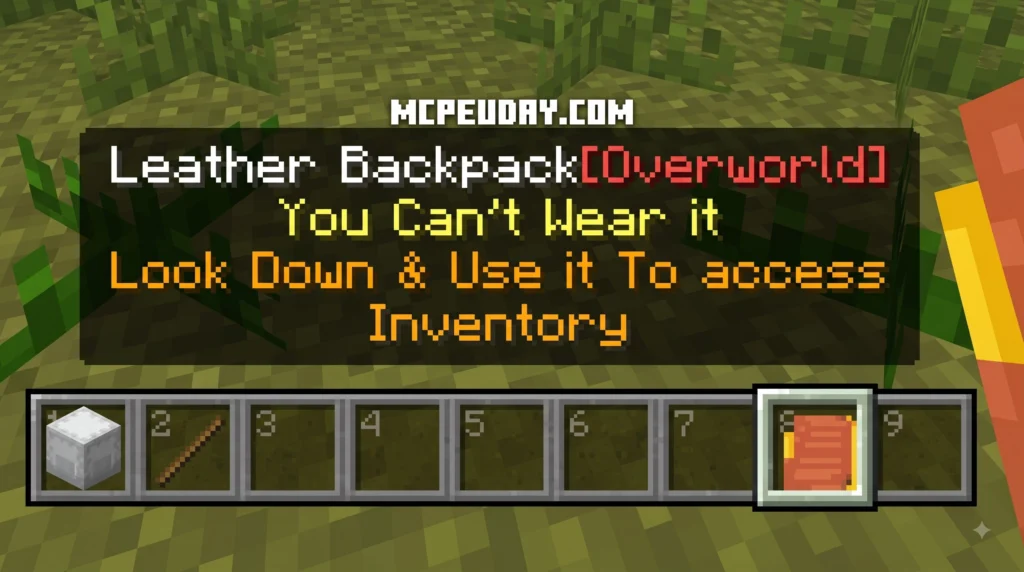
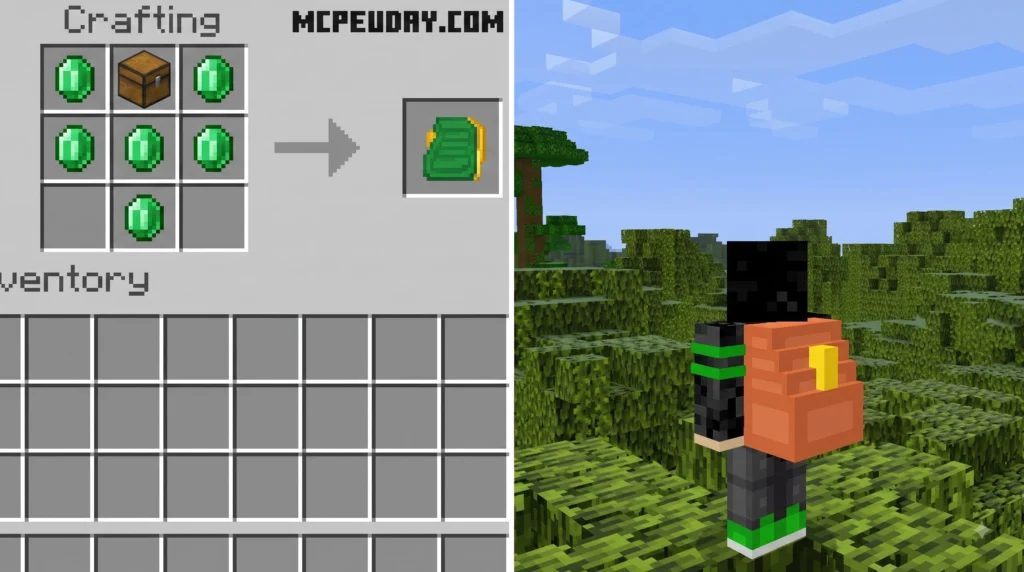
If you’ve ever run out of inventory space halfway through a long mining trip, you know the frustration. You either leave valuable resources behind or make the trip back to base early. The Simple Backpack ADDON solves that problem in a clean, balanced way — without flooding your game with overpowered features.
MORE ADDONS – Click here
10. BONY162’s Backpacks Addon
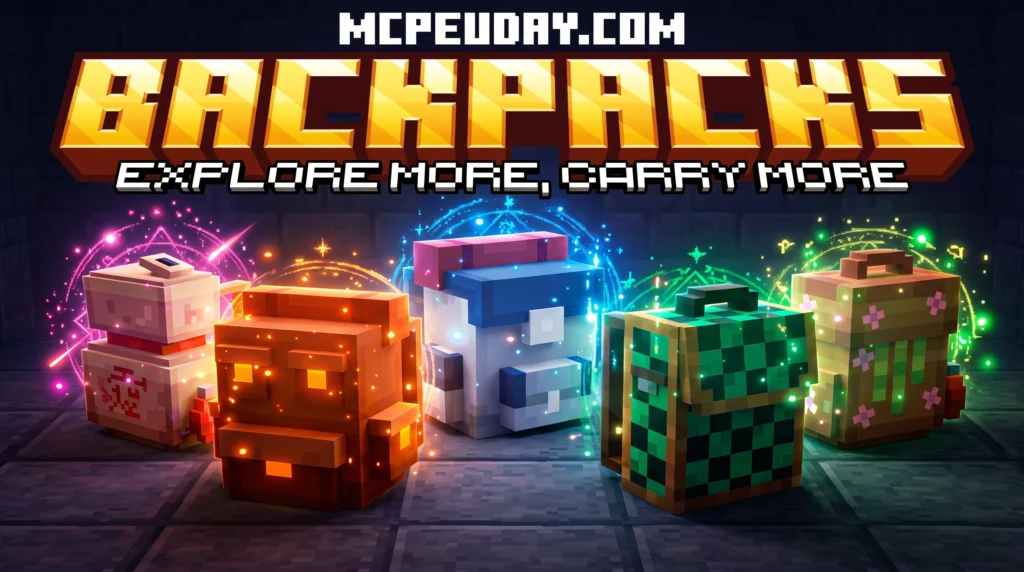
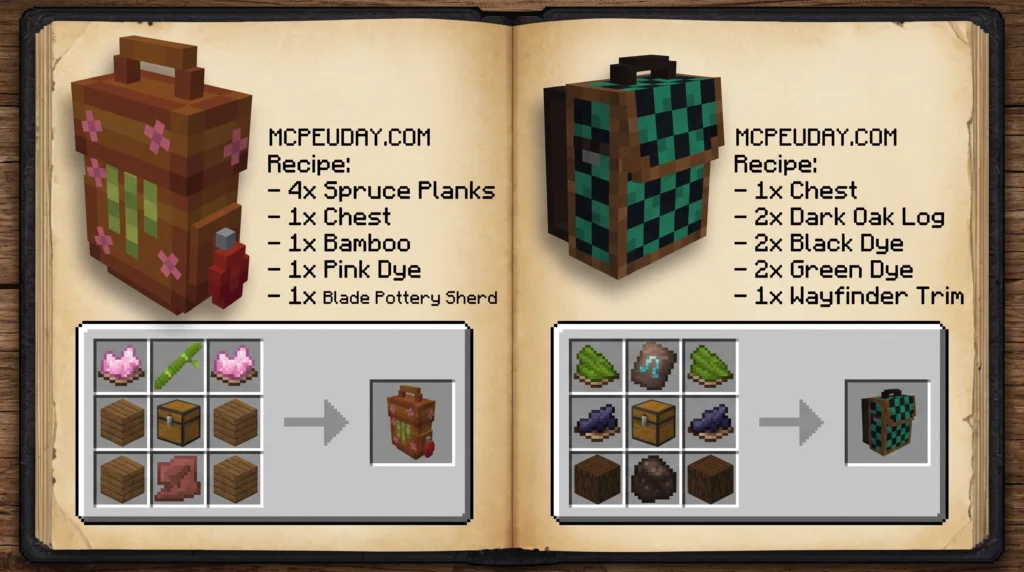
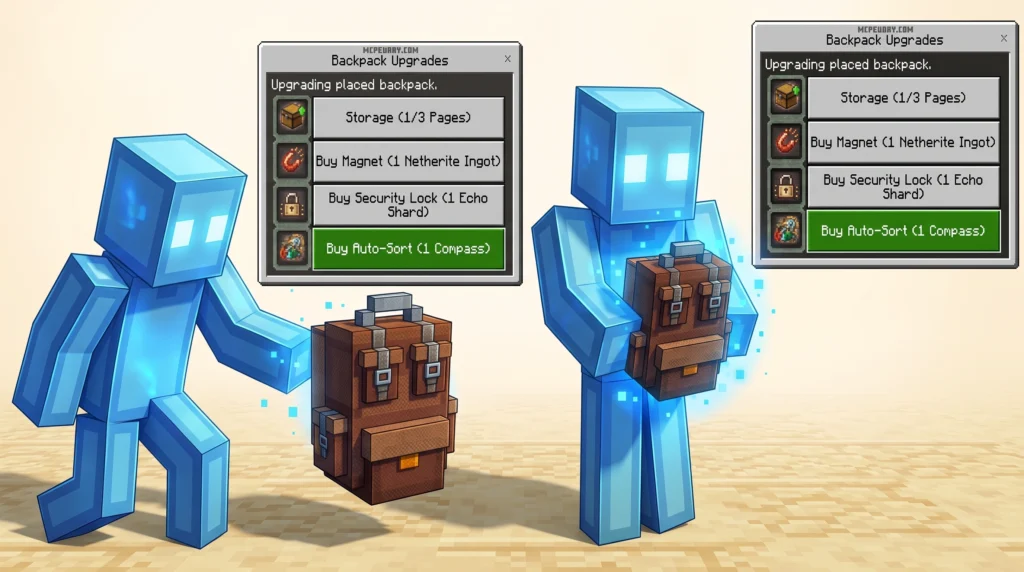
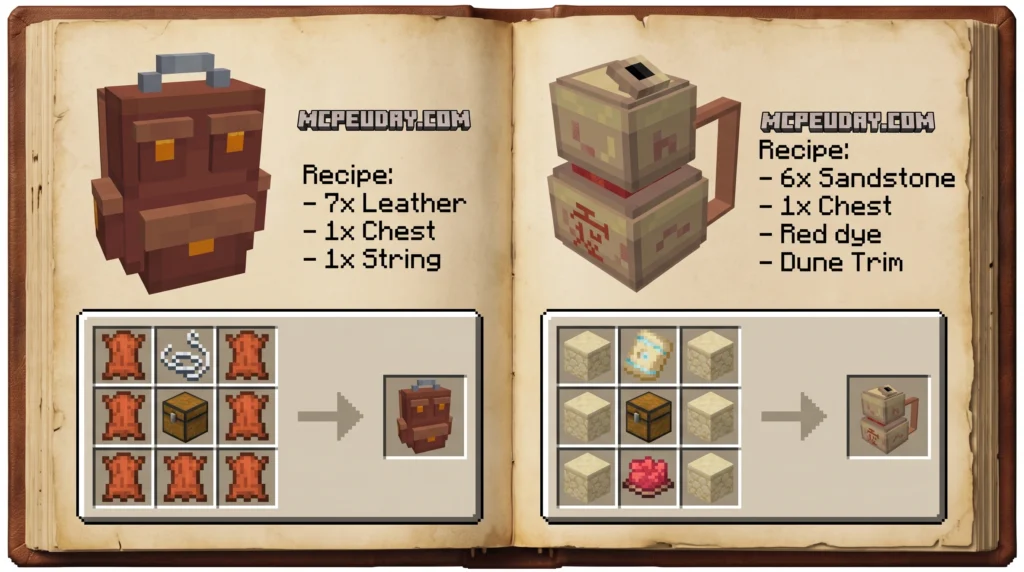
Download BONY162’s Backpacks Addon for Minecraft Bedrock 1.21.60+. Learn how to craft, upgrade, install, and use backpacks while keeping achievements enabled.
MORE ADDONS – Click here
3. OTG Backpack Addon
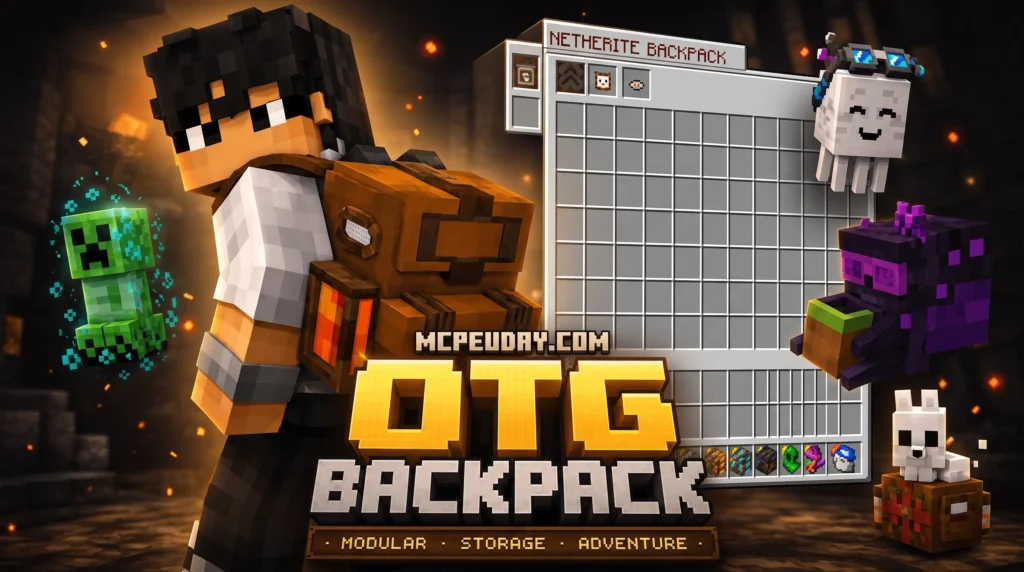
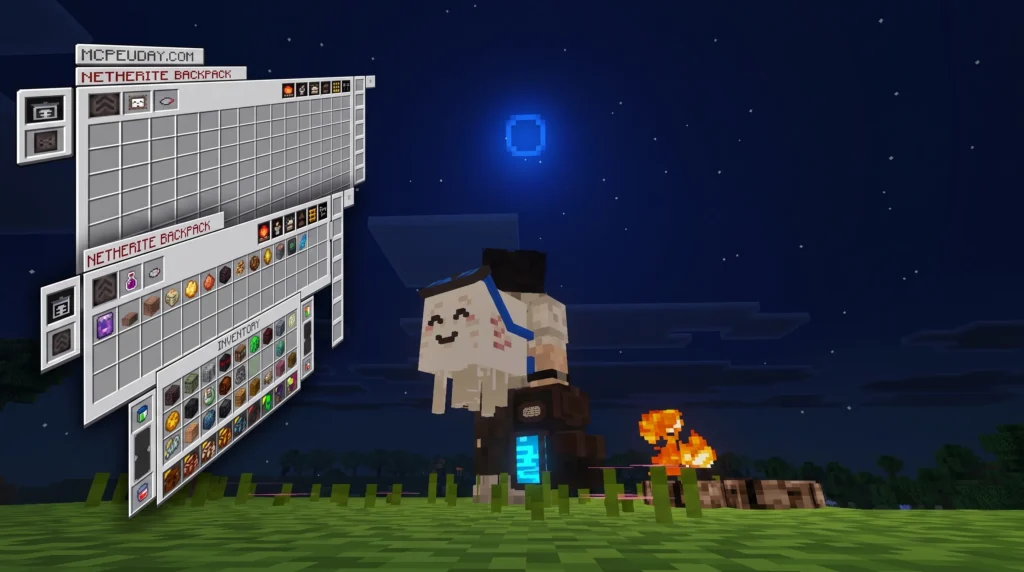
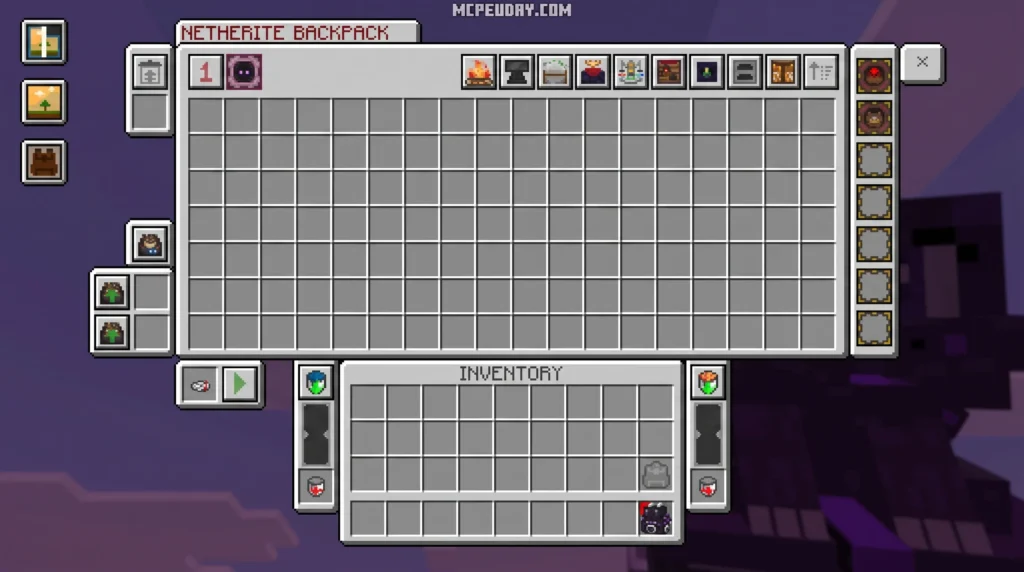
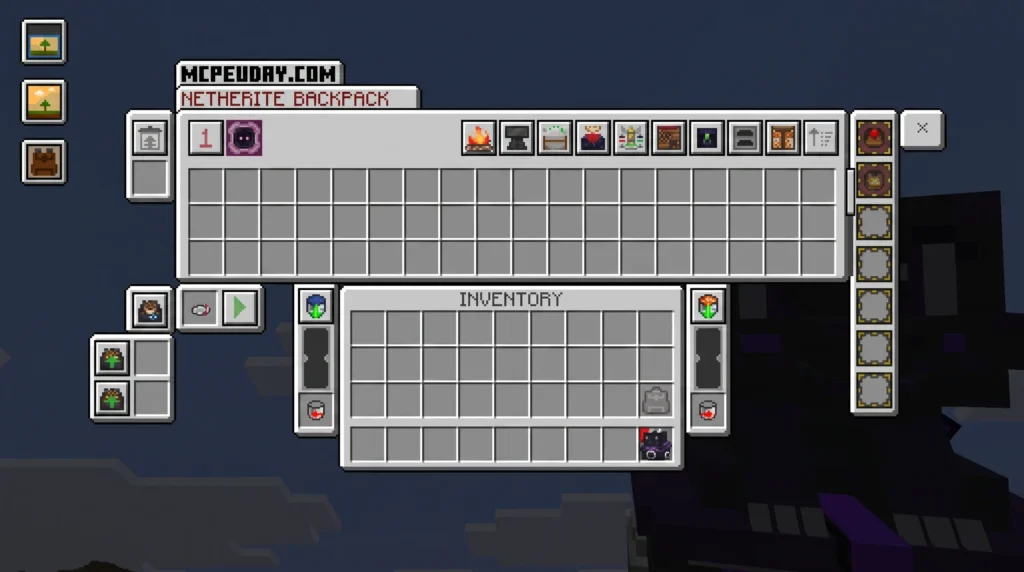
The OTG Backpack Addon refers to portable storage mods and addons for Minecraft that expand your inventory so you can carry more items without running back to base every five minutes.
MORE ADDONS – Click here
2. Multi Backpack Addon
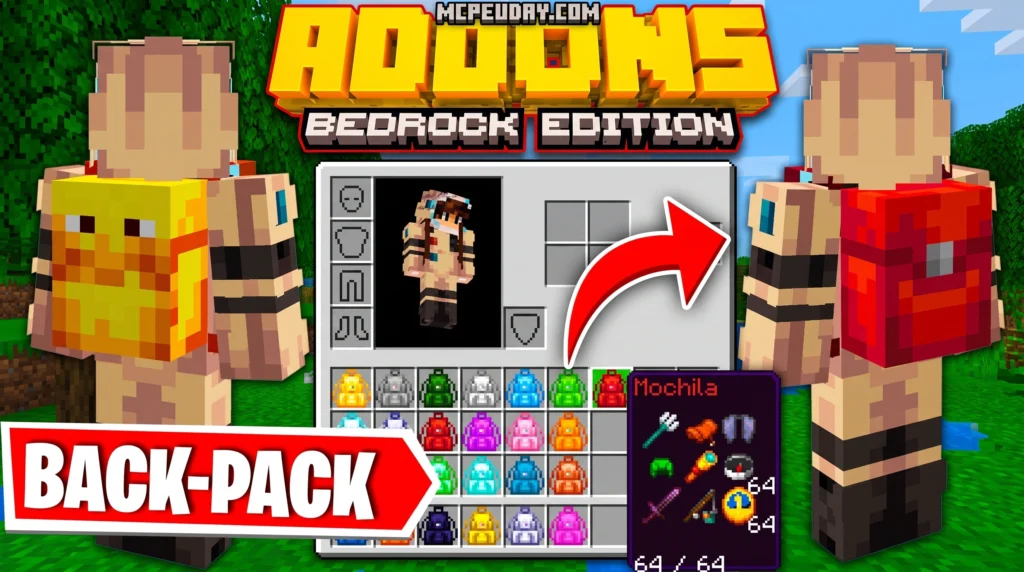
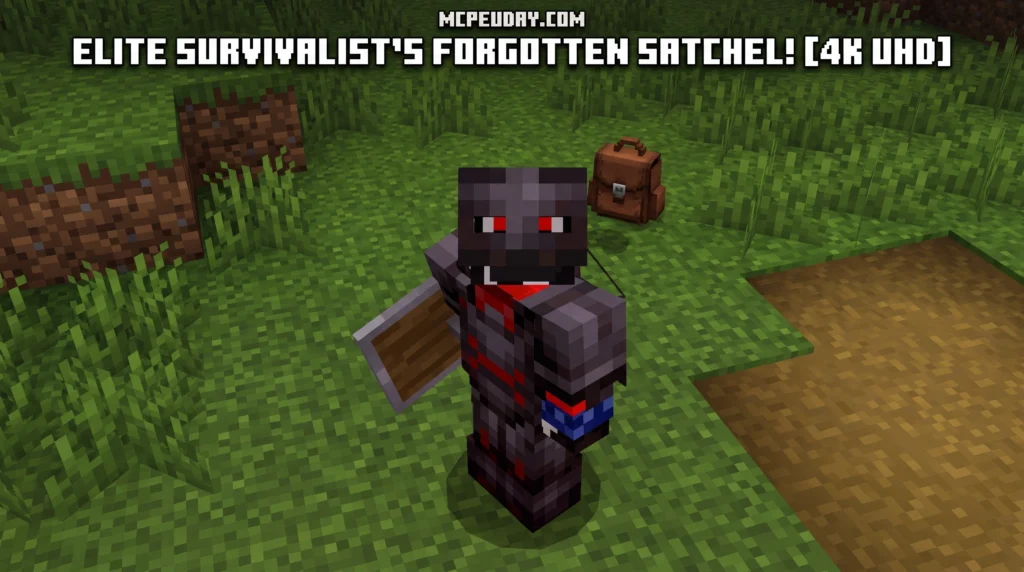
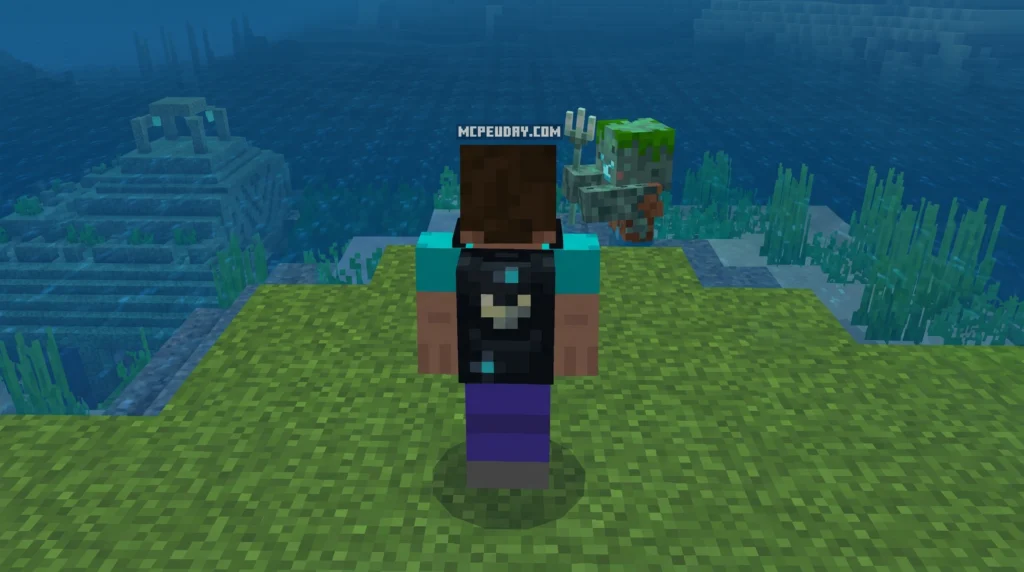
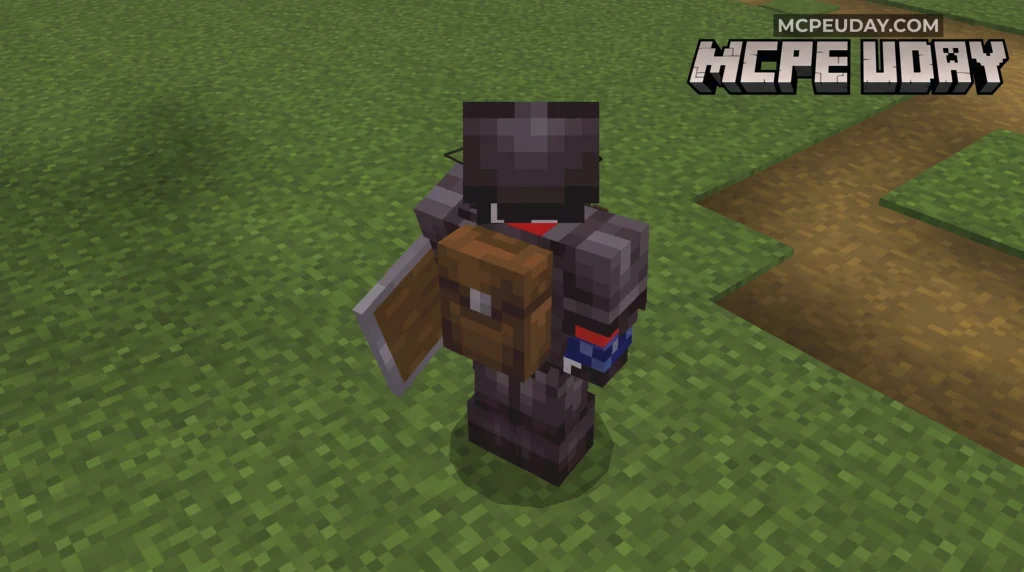
The Multi Backpack Addon is a Minecraft Bedrock/MCPE addon that adds craftable, wearable backpacks to your game — giving you extra storage slots beyond your default inventory without changing how vanilla Minecraft works.
MORE ADDONS – Click here
1. Backpacked Armor Addon
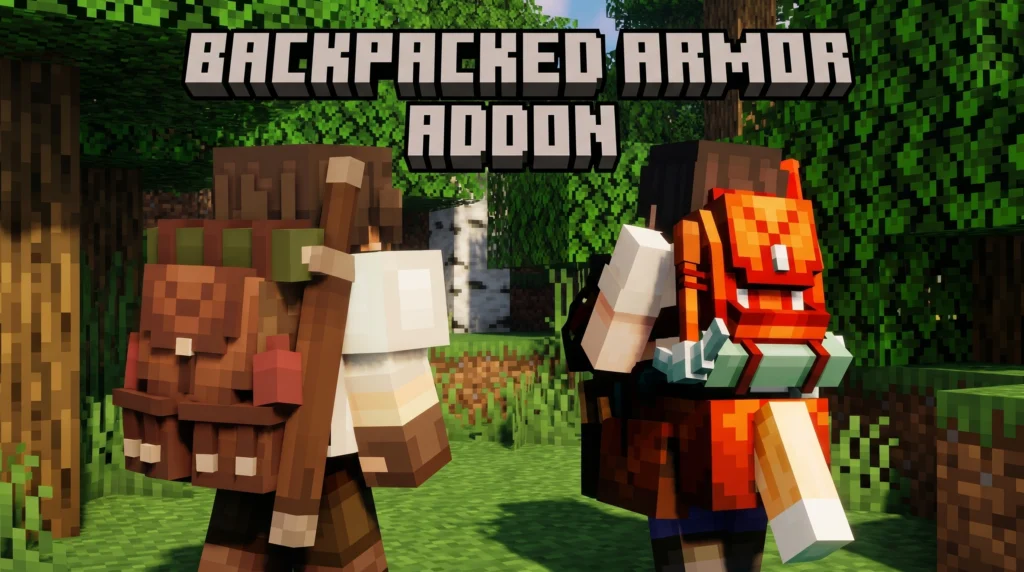
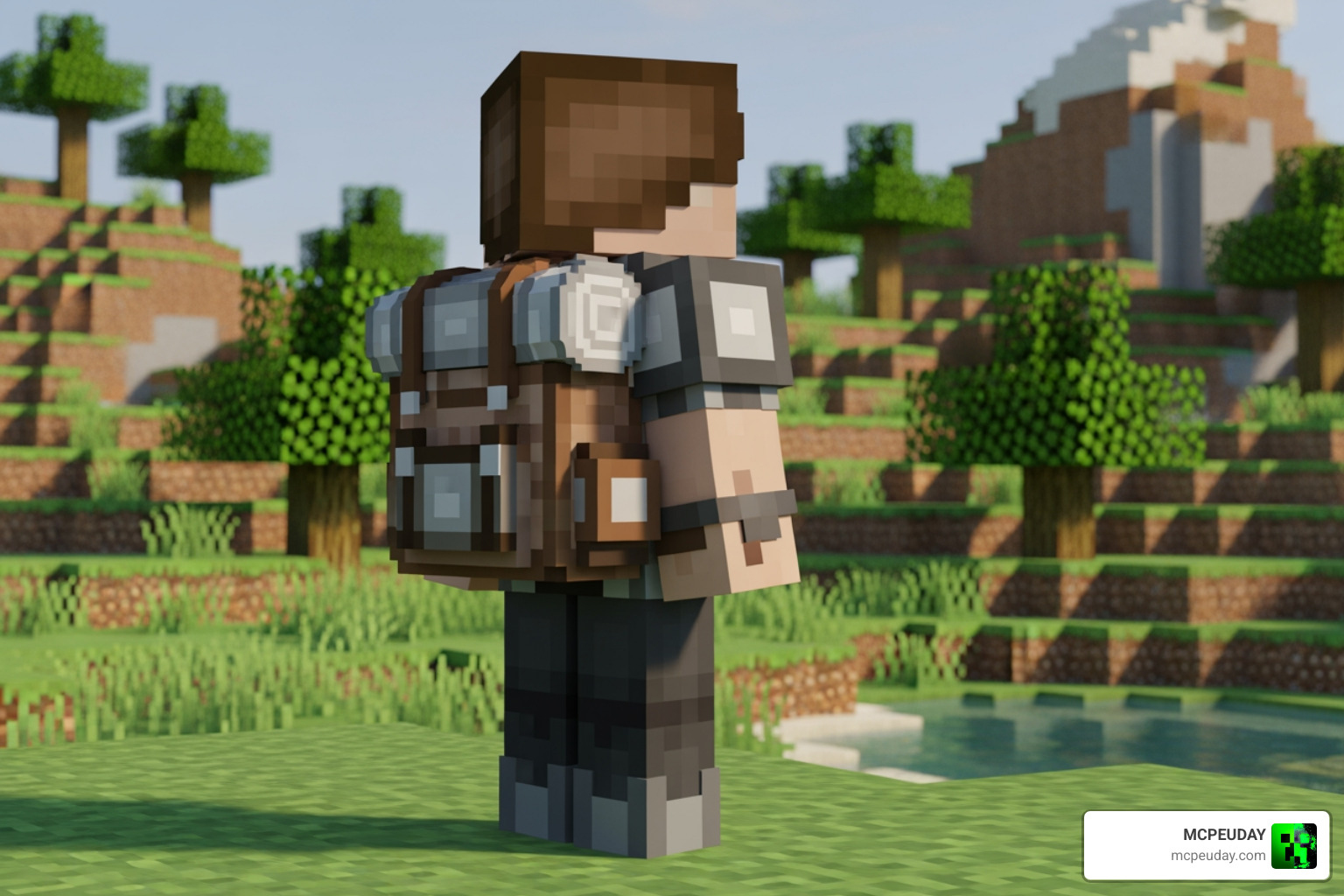
The Backpacked Armor addon is a resource pack for Minecraft Bedrock Edition (MCPE) that makes your character look like they’re wearing a traveler’s backpack — without changing any gameplay mechanics or adding storage.
MORE ADDONS – Click here
Top 10 Backpack Addon for Minecraft Bedrock/PE: Best Picks for 2026
| Addon Name | File Size | Key Features | Primary Best Use Case |
|---|---|---|---|
| Better Backpacks | ~381.94 KB | Survival friendly, lightweight, classic UI | General Mobile Survival |
| Backpacks++ 2.1 | Marketplace | Custom slots, 3D visual models | Official Marketplace Play |
| Ender Backpack | Low | Links directly to Ender Chest storage | High-tier End-game Mining |
| Wearable Containers | Low | Equips directly into armor/chest slot | Seamless Visual Roleplay |
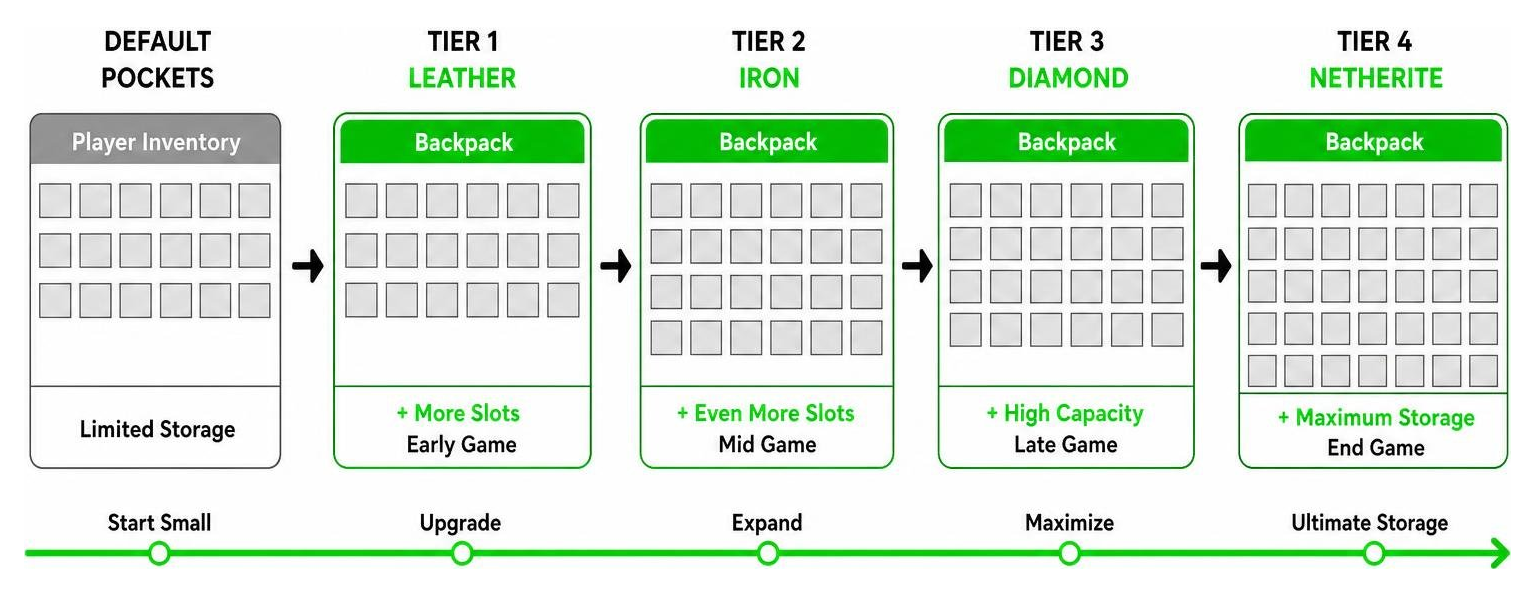
| TieredPack Addon | Medium | Upgradeable storage from leather to netherite | Long-term Progression Worlds |
| SlotPlus Backpacks | Low | Auto-sorting and filtered item slots | Organized Resource Hoarding |
| CraftPack Survival | Low | Native stonecutter and crafting recipes | Pure Survival Achievements |
| DyePack Addon | Medium | 16+ custom dyeable colors and 3D renders | Visual Customization |
| MobilePack Lite | ~200 KB | Minimalistic code base for zero frame drops | Budget Mobile Devices |
| ChunkSafe Storage | Medium | Low entity overhead to prevent chunk lag | Large Realms and Servers |
What Makes the Top 10 Backpack Addon for Minecraft Bedrock/PE Essential for Survival
Exploring vast underground cave networks, traversing thousands of blocks to locate deep dark cities, or gathering hundreds of building materials for large-scale bases requires serious inventory planning. Standard player inventories offer only 36 slots, which fill up within minutes of caving due to granite, diorite, cobble, ores, and mob drops. In recent updates filled with new blocks, Trial Chambers loot, armadillo scutes, and specialized armor trims, inventory clutter becomes an even bigger challenge. Without a dedicated backpack mod, players are frequently forced to pause their adventures, construct temporary dirt shelters, drop valuable resources, or constantly backtrack to primary bases just to empty their pockets.
By utilizing utilities like the BETTER BACKPACKS ADDON Enhances Your Survival … experience, you can double, triple, or even quadruple your portable storage on the go. Many of these top 10 backpack addons are explicitly designed to maintain authentic survival gameplay. They incorporate balanced crafting recipes utilizing core survival items like leather, string, copper, and iron ingots. Furthermore, because these modern Bedrock addons utilize optimized scripting APIs rather than laggy entity loops, you gain immense portable storage capacity without suffering frame drops on lower-spec mobile devices or tablets. This makes exploring multi-tiered cave systems or embarking on thousand-block nether highway projects far more enjoyable and efficient.
Evaluating Storage and Crafting in the Top 10 Backpack Addon for Minecraft Bedrock/PE
When picking a backpack addon for Minecraft Bedrock version 26.x, storage capacity, interface accessibility, and custom visual options are essential criteria. Official community content like the Backpacks++ 2.1 Add-On provides intuitive UI panels that allow players to seamlessly organize items into designated categories, attach functional sleeping bags for emergency night resets, or color-code containers using standard dye recipes.
Modern 2026 addons feature full 3D model rendering that places the crafted backpack directly onto your avatar’s back or chest armor slot. Unlike older mobile add-ons or early ports that generated high entity counts and severe tick lag, current Bedrock mods utilize lightweight geometry and client-side rendering. This architectural shift prevents chunk lag and frame drops, ensuring that even when dozens of players gather on an active Bedrock Realm while equipped with high-tier portable storage containers, world performance remains butter-smooth and visually consistent across all connected clients.
How Backpack Addons Work in Minecraft Bedrock 26.x
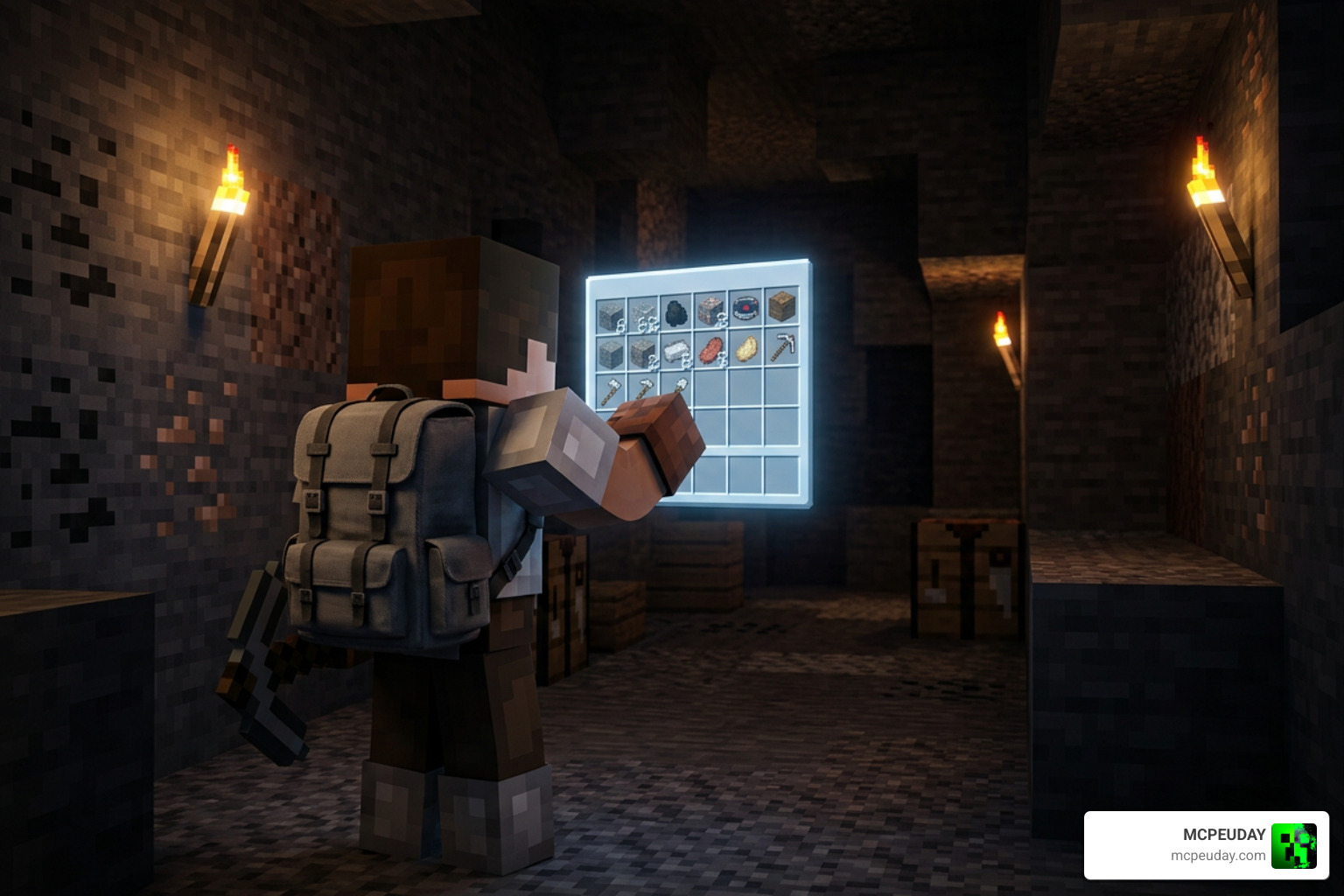
Understanding how these modern addons integrate into Minecraft Bedrock Edition makes acquiring and utilizing them straightforward for players on all platforms. Most backpack addons operate by introducing lightweight custom items that hook directly into the player character model or leverage non-intrusive container entities.
To wear a backpack, players can simply shift-click (sneak), tap an interactive action prompt on touchscreens, or equip the pack into their chestplate slot depending on the specific addon structure. Once worn, accessing your portable container is effortless: sneaking and interacting opens the extended container window, while some addons link directly into your main character inventory UI. You can observe various seamless controls and mechanics in action on The BEST Backpacks Addon You Will EVER Download for … .
Crafting and Obtaining Backpacks in Survival Mode
Crafting your first wearable storage pack in survival mode is meticulously designed to feel like a natural, balanced extension of vanilla Minecraft mechanics:
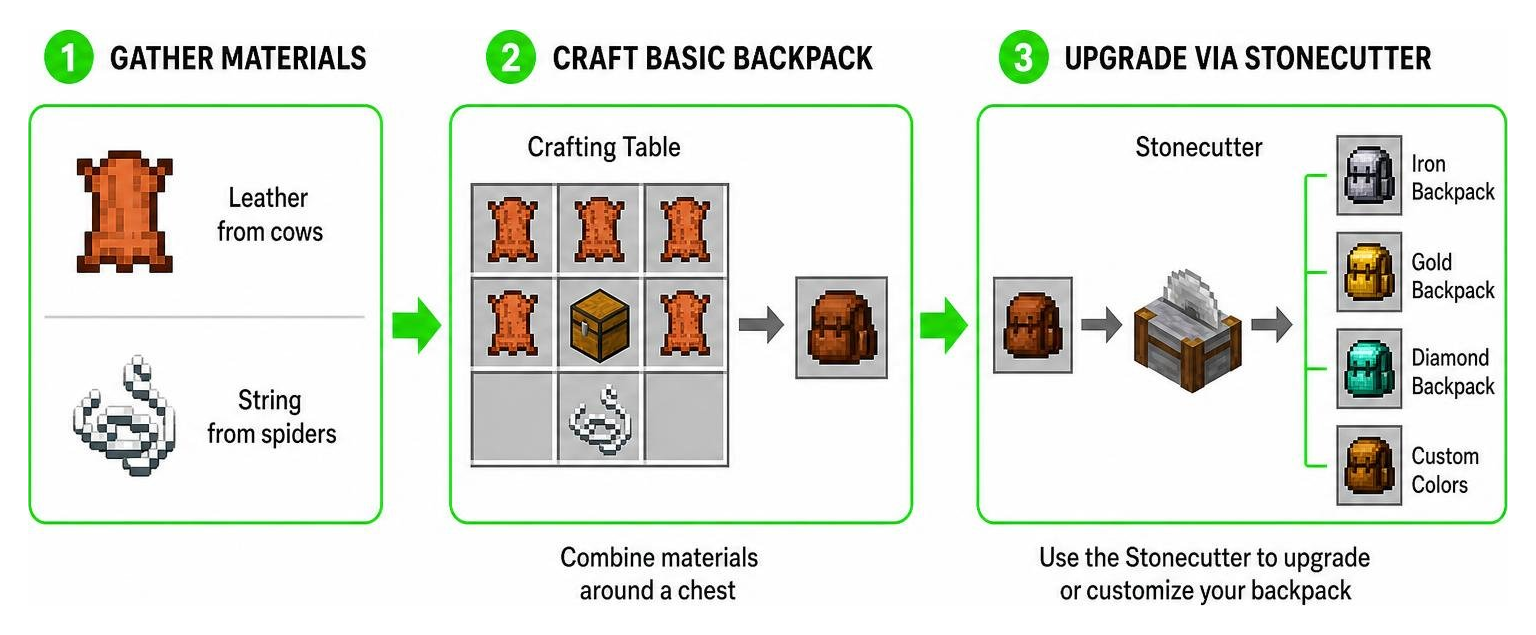
- Gather Basic Materials: Collect leather by hunting cows or horses, and gather string from spiders or cave cobwebs.
- Craft a Basic Backpack: Combine leather around a standard wooden chest on a Crafting Table to construct a starter tier leather backpack.
- Upgrade Tier via Stonecutter: Place your crafted leather backpack into a Stonecutter or Crafting Table to choose custom dye shades, or upgrade its storage capacity to iron, gold, diamond, and netherite tiers using refined metallic ingots and gems.
This stonecutter upgrade path eliminates complicated recipe guessing, letting mobile and console players easily preview all color variants and tier enhancements before using up their valuable minerals.
Installation, Multiplayer Compatibility, and Performance Guide
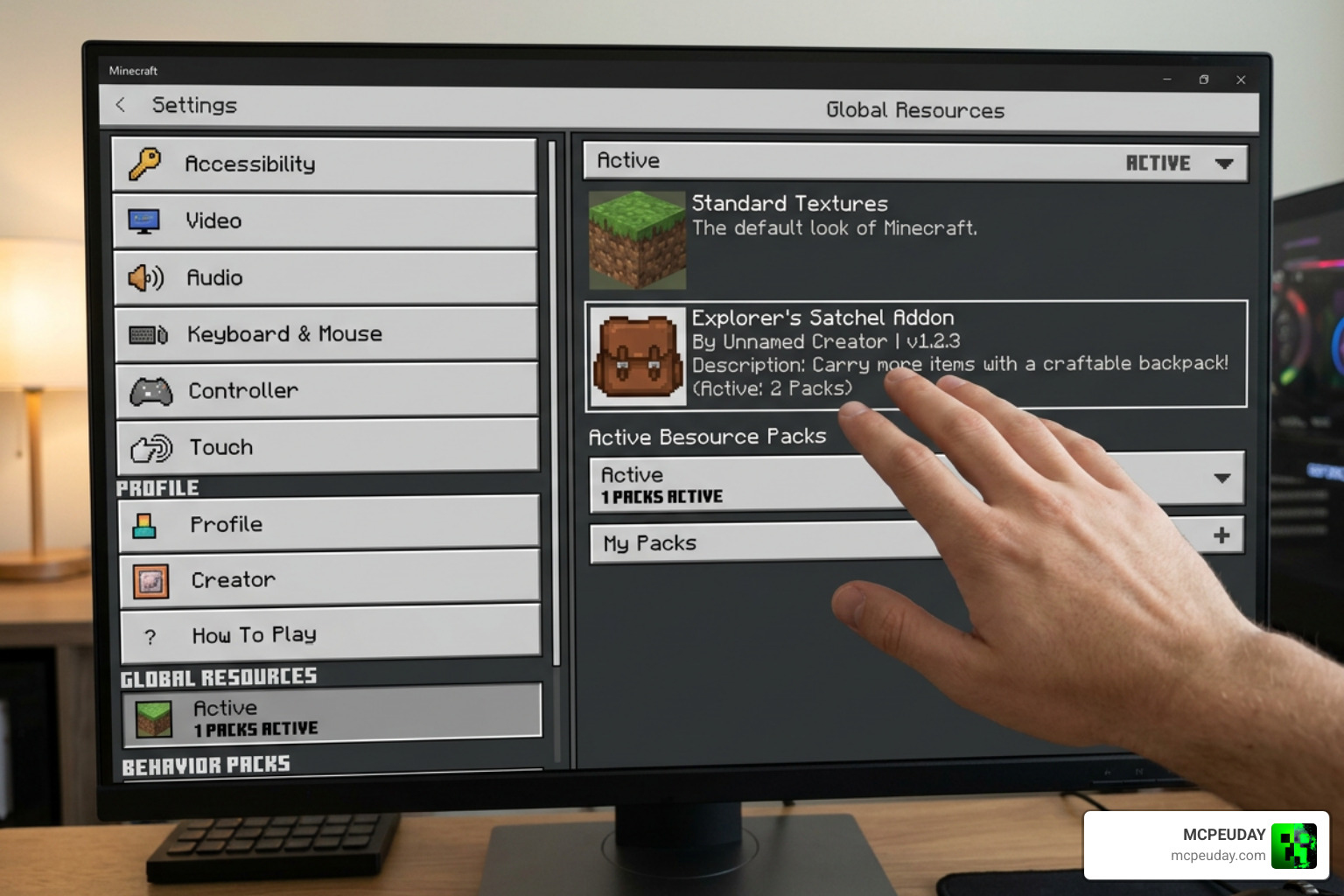
Installing custom addons across iOS, Android, Windows PC, and Xbox is simple and user-friendly in Bedrock version 26.x. Follow this step-by-step installation workflow to get your storage packs running in minutes:
- Download: Obtain the verified
.mcaddonor.mcpackfile from trusted community repositories or official links. - Import File: Tap or double-click the downloaded file to automatically launch Minecraft Bedrock Edition and begin importing the behavior and resource files.
- World Activation: Navigate to World Settings -> Resource Packs and Behavior Packs under the Active tab, and activate your installed backpack addon.
- Set Load Order: Ensure the backpack resource pack is placed near the top of your active stack to prioritize custom geometry and textures.
- Experimental Toggles: Check if your specific addon requires toggling Beta APIs or Molang Features in the world creation menu before entering your world.
Cross-Platform Setup and Shader Compatibility
Backpack addons run flawlessly across cross-platform Bedrock Realms, local LAN multiplayer, and dedicated servers. When hosting a dedicated Realm or multiplayer world, enable the setting “Require players to accept resource packs to join”. This setting automatically pushes the custom 3D backpack models and textures to joining friends, ensuring everyone can see each player’s equipped gear in full detail.
Performance is a top priority for mobile players. Addons like Better Backpacks maintain an extraordinarily small footprint at approximately 381.94 KB, preventing memory slowdowns on older smartphones or budget tablets. Furthermore, these updated 3D models fully support modern Deferred Technical Preview shaders, physically based rendering (PBR), and RTX Ray Tracing, giving your leather straps and metal buckles realistic metallic finishes and directional shadows.
Frequently Asked Questions About Bedrock Backpack Mods
Do backpack addons work in survival mode with achievements enabled?
Yes, lightweight backpack addons that rely strictly on custom item scripts, UI overrides, and standard resource modifications do not require toggling “Enable Cheats.” As long as experimental gameplay options that modify core world logic are not forced, Xbox and PlayStation achievements remain fully active in your survival world while using these packs.
Can you use backpack addons on Bedrock Realms and multiplayer servers?
Absolutely. When applied directly to the world settings of a Bedrock Realm or dedicated server, the server automatically prompts all joining players to download the required resource files. This client-side synchronization guarantees that all players can craft, wear, dye, and share backpacks seamlessly during joint survival sessions without encountering missing texture errors.
Will backpack addons lag low-end mobile devices?
Most modern backpack addons are heavily optimized for mobile platforms. Packs like Better Backpacks feature lightweight code structures with file sizes around 381.94 KB, ensuring quick world loading times, zero memory leaks, and stable frame rates even on budget Android and iOS devices.
What happens to backpack contents if a player dies in survival mode?
Most high-quality Bedrock backpack addons drop the equipped backpack as a single consolidated container item or preserve all contents directly inside the pack on death. When you return to your death location, simply picking up the dropped backpack restores all your stashed items intact, saving you from having dozens of loose items scatter or despawn in hazardous environments.
Conclusion
Managing your inventory should enhance your journey, not slow down your survival adventures. Installing one of these top 10 backpack addons for Minecraft Bedrock/PE provides the freedom to explore remote biomes, mine deep underground caves, and build massive structures without constantly returning to base to empty clogged inventory slots.
Ready to elevate your survival world? Explore more mods and addons on MCPEUDAY to discover the latest shaders, furniture packs, performance tools, and utility mods designed specifically for Minecraft Bedrock Edition!
