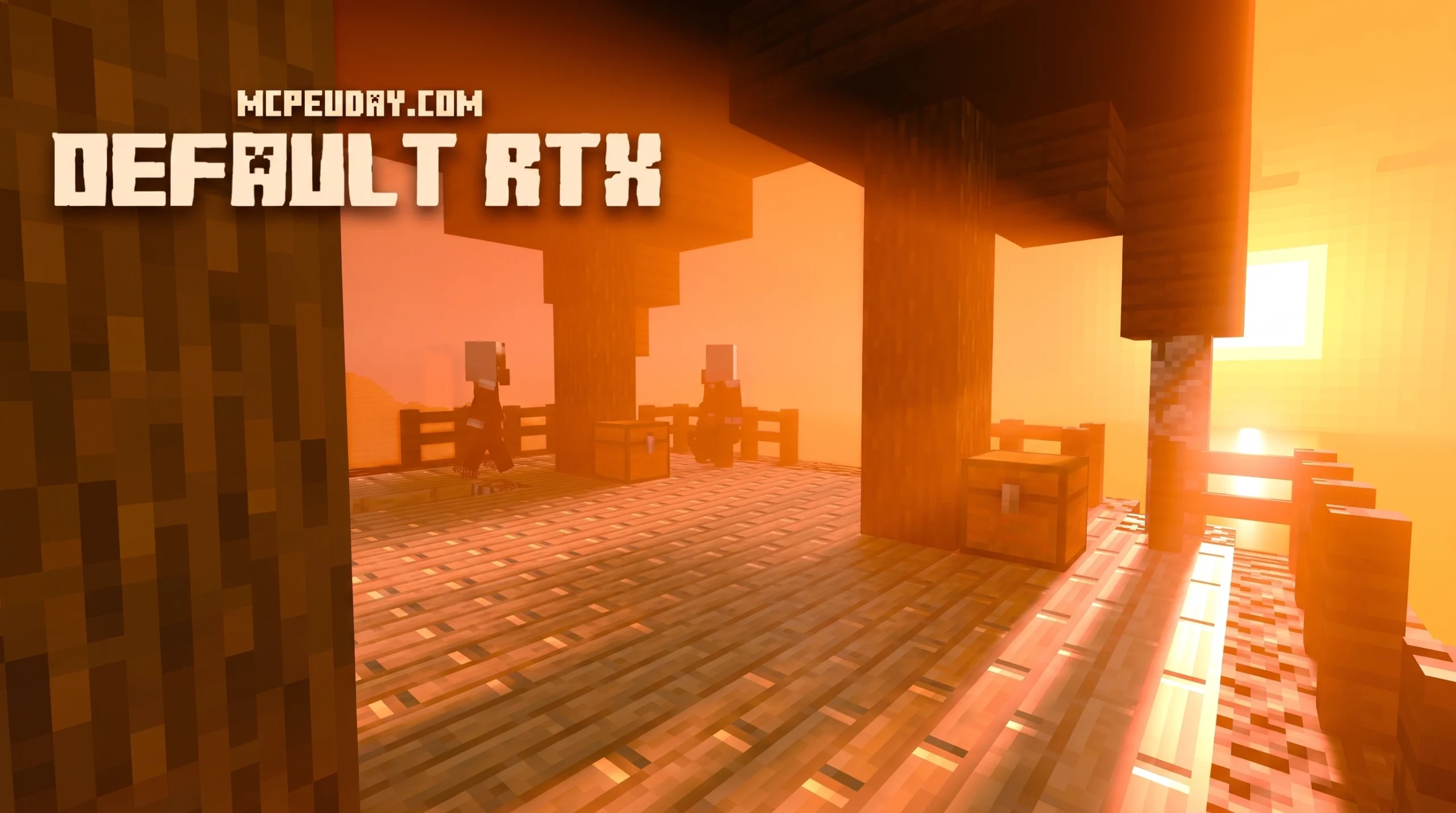
What the Default RTX Shader Actually Is (And Why It Matters for Bedrock Players)
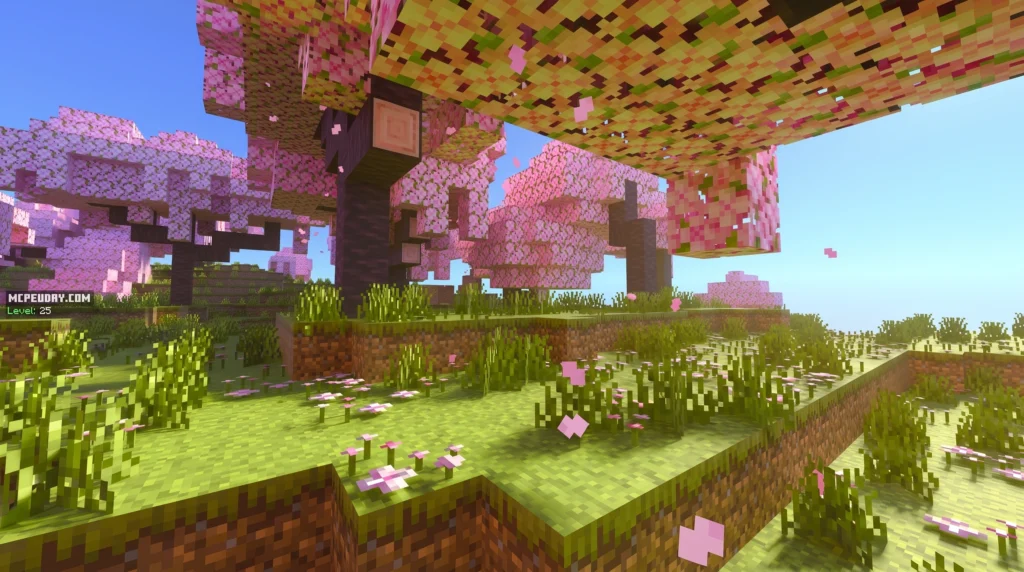
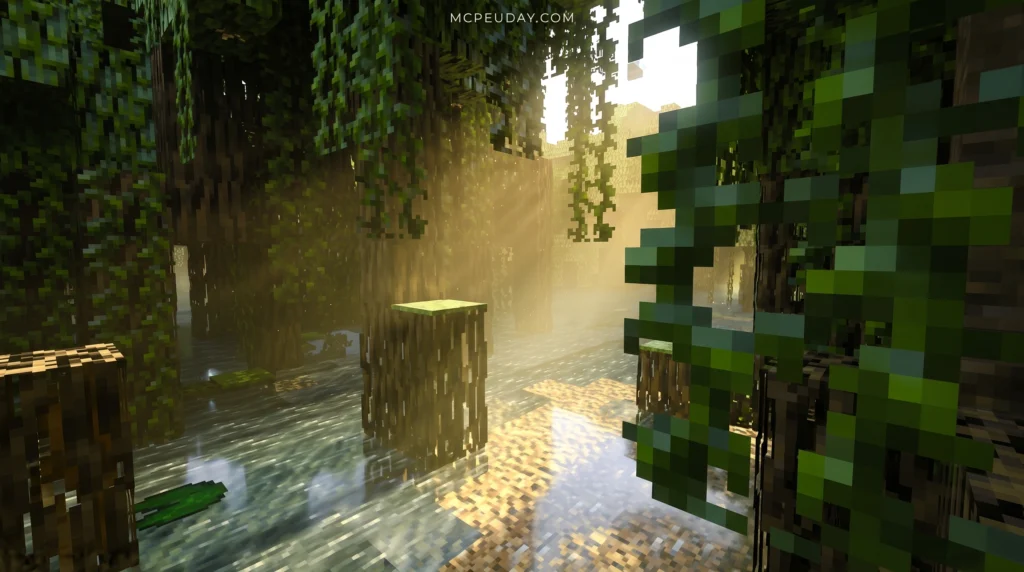
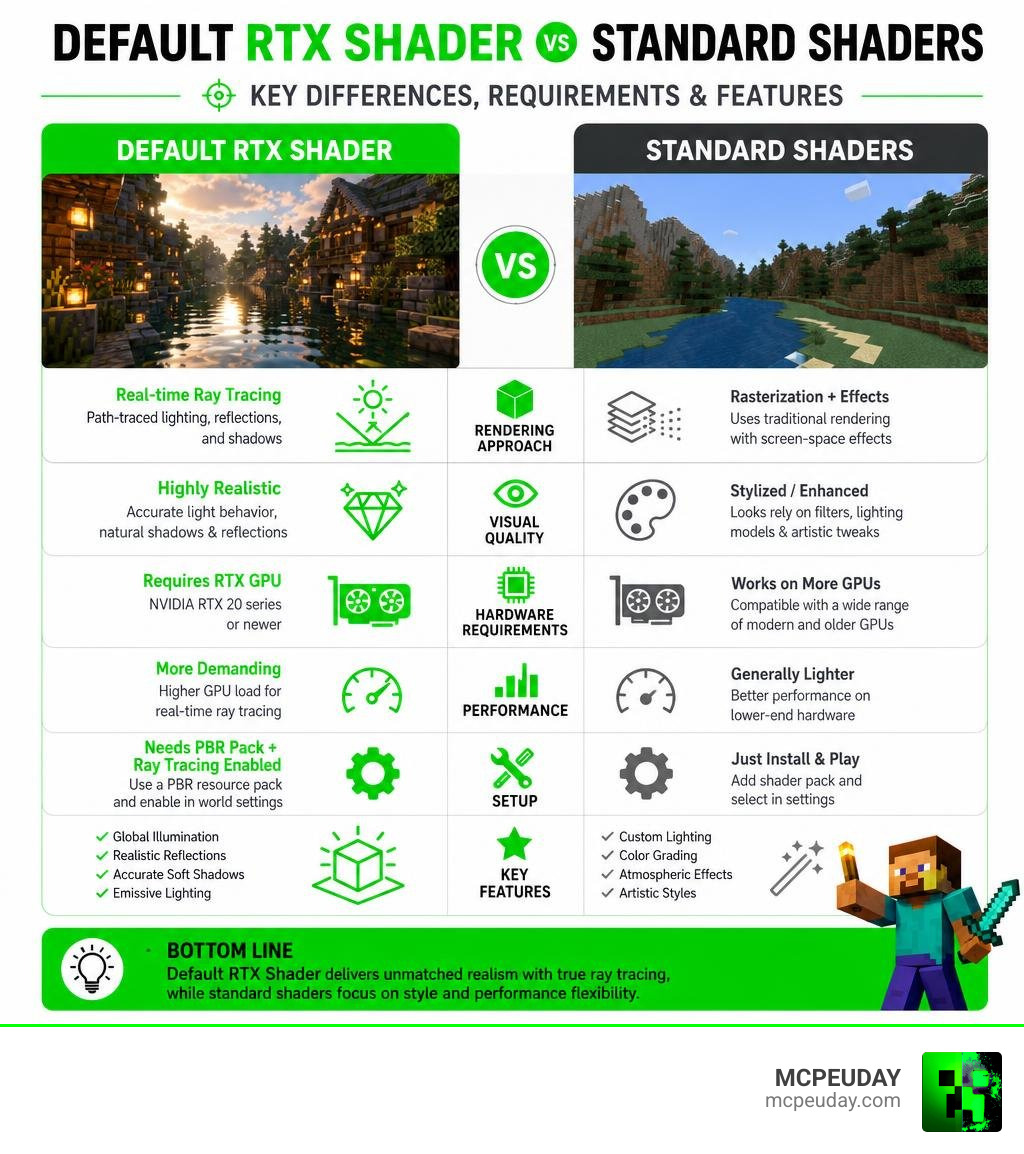
The Default RTX Shader is Minecraft Bedrock Edition’s built-in ray tracing system — and if you’ve ever wondered why your game doesn’t look as jaw-dropping as those screenshots online, this is exactly what you need to understand.
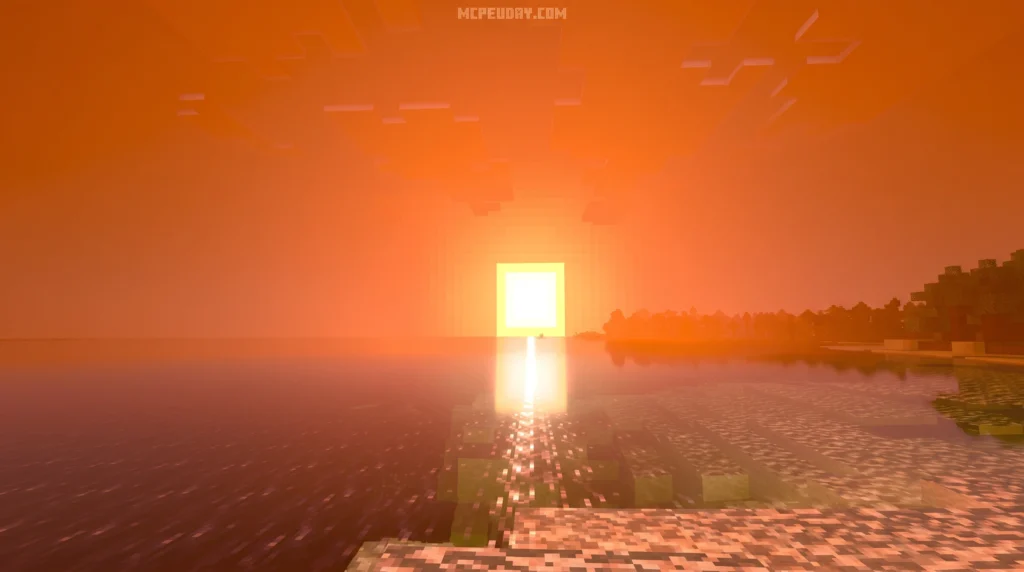
Here’s a quick answer:
- What it is: The official ray tracing renderer built into Minecraft Bedrock Edition for Windows, powered by NVIDIA RTX hardware
- How it works: Uses path-traced lighting, reflections, and shadows instead of traditional rasterization
- What you need: An NVIDIA RTX-capable GPU (RTX 20 series or newer)
- How to activate it: Install a PBR resource pack (like Vanilla RTX), then enable ray tracing in your world settings
- Can GTX cards use it? No — GTX cards can run Java Edition shaders like SEUS, but not Bedrock’s native RTX renderer
Most players confuse Bedrock’s Default RTX Shader with Java Edition mods like SEUS or Sildur’s. They are completely different things. Java shaders are software-based add-ons. Bedrock RTX is hardware-accelerated ray tracing — a fundamentally different technology that calculates real light bounces in real time.
The results can be stunning. But getting it set up correctly, and understanding why it sometimes breaks, is where most players get stuck.
I’m UDAY GAMER from MCPEUDAY, and in this guide I’ll walk you through everything — from PBR textures to installation, tuning, and fixing the most frustrating RTX bugs.
What is the Default RTX Shader in Minecraft Bedrock?
When we talk about the Default RTX Shader, we are referring to the native ray-tracing pipeline integrated directly into Minecraft Bedrock Edition’s Render Dragon engine. Unlike traditional post-processing techniques, this system completely replaces the game’s standard rasterized rendering pipeline with a fully path-traced solution.
If you want to understand the broader context of these graphical tools, you can check out our guide on What Are Shaders in Games or learn How to Get Shaders in Minecraft to see how different platforms handle visual upgrades.
Understanding the Default RTX Shader Engine
At its core, the Default RTX Shader calculates light dynamically. In a traditional game engine, lighting is simulated using pre-baked lightmaps or simplified deferred rendering pathways. For instance, classic 3D rendering engines often rely on frameworks like the LibGDX gdx/src/com/badlogic/gdx/graphics/g3d/shaders/DefaultShader.java at master · libgdx/libgdx to handle basic vertex and fragment calculations, or utilize a Unity – Manual: Deferred Shading rendering path to manage multiple light sources on screen.
Minecraft Bedrock’s Render Dragon engine takes a much more advanced approach. It utilizes hardware-accelerated path tracing to compute global illumination, pixel-perfect reflections, volumetric fog, and physically accurate shadows. Every single block acts as a physical object that can block, bounce, or color the light passing through the virtual world.
Hardware Requirements: Do You Need an RTX GPU?
A common question we hear at MCPEUDAY is whether you absolutely need an RTX graphics card to run these visuals. The short answer is: for Bedrock Edition’s native ray tracing, yes.
While older GTX cards like the GTX 1060 or 1050 Ti can run entry-level software-based shaders on Java Edition, Bedrock’s official ray-tracing engine requires dedicated hardware cores (such as RT Cores on NVIDIA cards or Ray Accelerators on AMD cards) to handle the complex mathematical calculations of path tracing. If you are eager to get this running on your PC, read our detailed guide on How to Get Ray Tracing in Minecraft Bedrock Fast to verify your hardware compatibility.
How the Default RTX Shader Uses PBR Textures
The magic of the Default RTX Shader cannot happen with flat, 2D textures. To make gold look metallic, water look reflective, and lanterns glow, the engine relies on Physically-Based Rendering (PBR) textures.
Without a PBR resource pack like the Vanilla RTX Texture Pack, enabling ray tracing will do almost nothing because the engine does not know how light should interact with individual surfaces. You can learn more about how engines define these properties in the RTX – Common — Omniverse Materials and Rendering documentation.
The 6 PBR Maps and Channel Packing
Minecraft’s PBR texturing system uses 6 distinct PBR maps to define the physical properties of a block:
- Base Color: The main visual texture of the block.
- Opacity: Determines transparency.
- Metallic: Defines how “metal-like” the surface is.
- Emissive: Controls how much light the block emits.
- Roughness: Determines how light scatters across the surface.
- Normal/Height: Simulates physical depth and bumps.
To optimize performance and save memory, these 6 maps are packed into 3 texture files per block: the base color/opacity file, the normal/height map, and a combined Metallic-Emissive-Roughness (MER) file. This process is called channel packing.
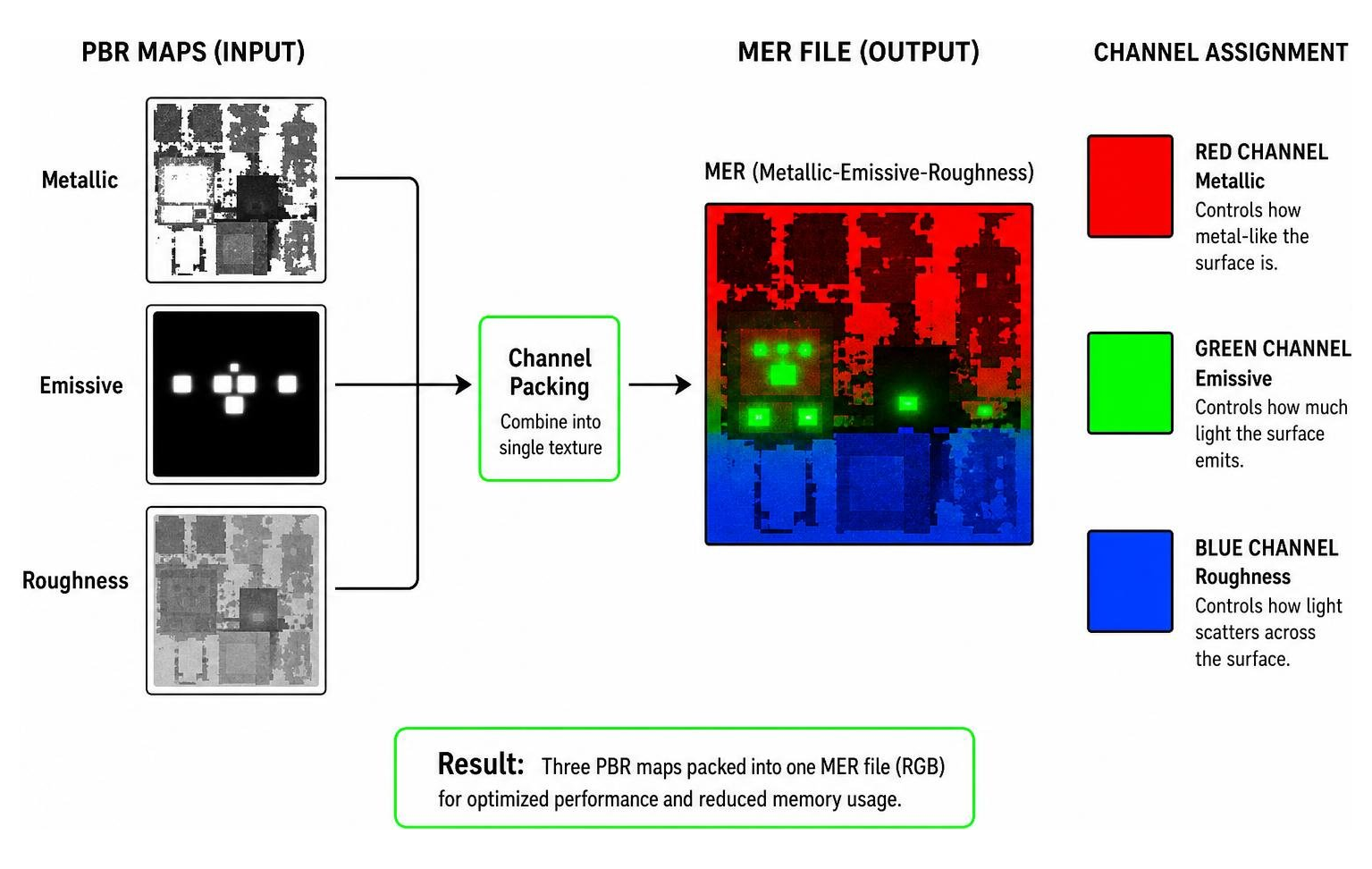
In the MER file, the Red channel represents Metallic properties, the Green channel represents Emissive properties, and the Blue channel represents Roughness. For developers working on advanced integrations, the rtx — OpenUSD Exchange SDK offers a great reference on how ORM (Occlusion, Roughness, Metallic) textures are handled programmatically in industry-standard workflows.
Creating Custom Materials for the Default RTX Shader
Creating your own PBR textures requires defining a Texture Set JSON file using format version 1.16.100 or 1.16.200. This JSON file tells the game engine exactly which texture files correspond to which PBR maps.
When designing these, professional artists often use Adobe Substance Painter or Photoshop. When managing transparency, the RTX engine maps only the upper half of the alpha channel (0.5 to 1.0) to the full in-game opacity range. This prevents blocks from looking overly transparent when ray tracing is turned off. For a deep look into the low-level shader math behind these calculations, you can explore the Shaders/RaytracingShared.hlsli repository.
Managing and Customizing with the Vanilla RTX App
To make managing and tweaking your ray-tracing experience easier, the community relies on powerful companion tools. The Vanilla RTX App is an open-source utility created by developer Cubeir.
Originally created on 2025-06-01, this repository has grown to feature 72 stars, 4 forks, and over 290 contributions from its main developer. It acts as a central hub for downloading, updating, and customizing your RTX resource packs without manually editing JSON files.
Tuning Fog, Emissivity, and Roughness
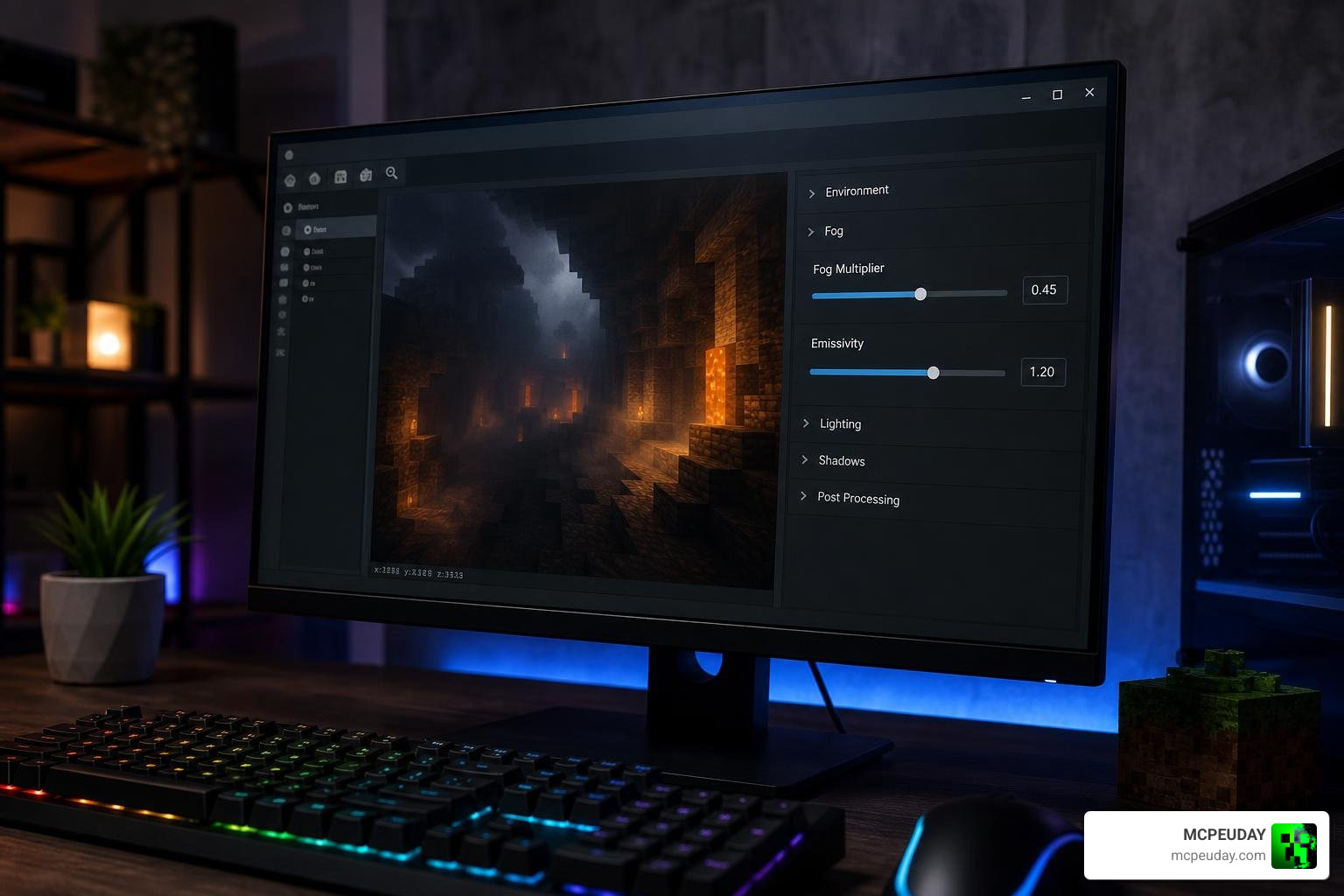
With the built-in Vanilla RTX Tuner, you can easily customize the game’s visual properties. The app lets you tweak:
- Fog Multipliers: Adjust the thickness and distance of volumetric fog. We recommend a value of 0.5 to 0.7 if you are combining packs.
- Emissivity Multipliers: Make glowing blocks like glowstone or sea lanterns shine brighter.
- Roughness Control: Fine-tune how glossy or matte your blocks appear.
This degree of customization allows you to achieve the exact look of premium setups like the Vibrant RTX Visuals Shader with just a few clicks.
Default RTX Shader vs BetterRTX
While the Default RTX Shader is the official engine, many players use third-party mods like the BetterRTX Shader. BetterRTX is a community-made modification that unlocks hidden parameters within the Render Dragon engine, offering superior denoiser settings, better light bounce calculations, and custom presets.
The Vanilla RTX App makes it easy to manage both. If a game update ever breaks your BetterRTX presets, the app allows you to instantly roll back to the Default RTX preset to prevent crashes.
Step-by-Step Installation and Troubleshooting Guide
Ready to experience ray tracing? Let’s get the Default RTX Shader up and running on your Windows 10 or Windows 11 PC.
How to Install and Enable the Shader
- Ensure you have an RTX-capable graphics card and the latest GPU drivers installed.
- Download a PBR-compatible resource pack, such as the Vanilla RTX pack, from MCPEUDAY.
- Double-click the downloaded
.mcpackfile to automatically import it into Minecraft Bedrock Edition. - Launch Minecraft, go to Settings, select Global Resources, and activate your imported PBR pack.
- Create a new world or load an existing one, open the Video settings, scroll down, and toggle the Ray Tracing switch to “On”.
For a broader look at setting up graphics packs across different editions, you can read our How to Turn On Shaders in Minecraft 2026 Guide Java Bedrock MCPE Setup Fast.
Troubleshooting Common RTX Bugs and Performance Issues
Even with high-end hardware, Minecraft RTX can run into bugs. Here are the most common fixes:
- VSync Performance Starvation: Minecraft’s default VSync can severely limit ray-tracing performance. Launching the game through the Vanilla RTX App automatically disables VSync to unlock your frame rate.
- RTX 50 Series Compatibility: If you are running a cutting-edge GeForce RTX 50 series GPU, the bundled Minecraft DLSS file might fail to load. Use the DLSS version swapper in the Vanilla RTX App to replace it with a compatible DLL.
- Pink and Black Checkerboards: This visual bug occurs when a custom PBR JSON file is missing its required base color layer definition. Ensure your JSON format is correct.
- Non-RTX Shaders: If you are looking for alternative rendering solutions that do not require specialized hardware, check out our Galaxy Shaders RD Render Dragon Complete Guide Bedrock Edition or explore post-processing ray tracing solutions via ReShade like Shaders/dhuberrt.fx .
Frequently Asked Questions about the Default RTX Shader
Can you run the Default RTX Shader on a GTX card?
No. The native Default RTX Shader in Bedrock Edition requires dedicated hardware ray-tracing cores. If you are using a GTX card like the GTX 1060, you will need to play Java Edition and use software-based shaders instead.
Why does my screen show a pink and black checkerboard?
This is Minecraft’s default error texture. It happens when there is a syntax error in your block’s .texture_set.json file, or if the game engine cannot locate the specified base color texture.
How do I fix the VSync performance lag in Minecraft RTX?
You can fix this by disabling VSync. Since Minecraft Bedrock does not have an in-game VSync toggle, the easiest method is to launch the game using the Vanilla RTX App, which automatically optimizes startup parameters for maximum performance.
Conclusion
The Default RTX Shader represents a massive leap forward for Minecraft’s visual potential, turning the blocky sandbox into a photorealistic playground of light and shadow. Thanks to community tools like the Vanilla RTX App and dedicated texture creators, configuring and customizing your ray-traced world is easier than ever.
As we look toward future updates, we expect community support to grow even stronger. If you want to explore more options for your game, be sure to check out our handpicked list of the Best Shaders for MCPE 1.21 2026 on MCPEUDAY today!
