
The Amixi Practice Map: What MX Bikes Players Need to Know
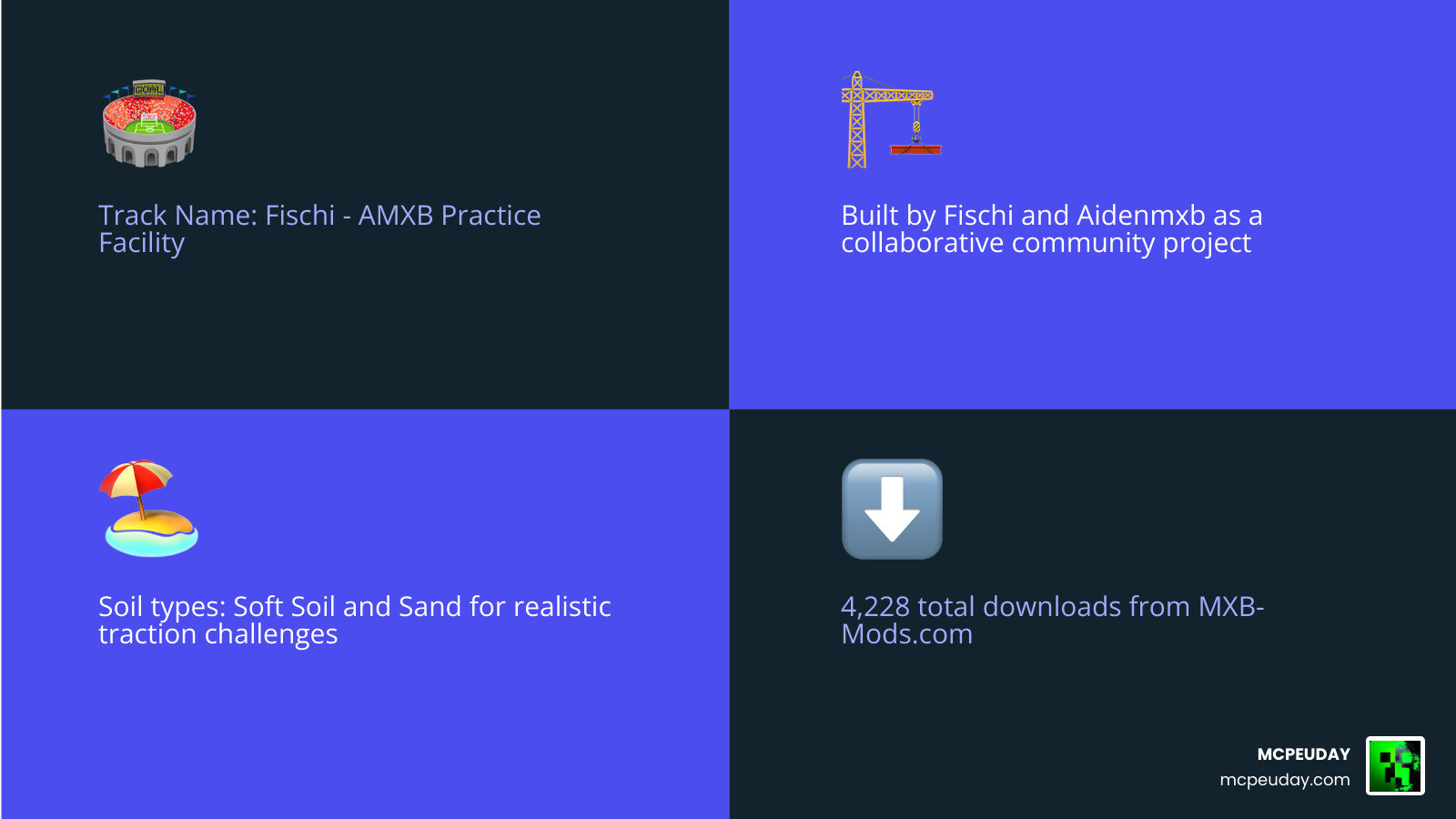
The Amixi Practice map — officially known as the AMXB Practice Facility — is a custom MX Bikes track built for Beta 19, designed to challenge riders on soft soil and sand terrain. Here is a quick overview:
- Track Name: Fischi – AMXB Practice Facility
- Created by: Fischi and Aidenmxb (collaborative build)
- Compatible with: MX Bikes Beta 19
- Soil Types: Soft Soil and Sand
- Total Downloads: 4,228
- Install method: Drop the PKZ file into your
mods/tracks/folder
This track is rough, technical, and built to push your riding skills to the limit. It uses a newer texturing style and custom community assets that make it stand out from most practice maps available for MX Bikes.
I’m UDAY GAMER from MCPEUDAY, and in this guide I’ll walk you through everything — from what makes this track special to exactly how to get it running on your setup.
What is the Amixi Practice Map?
The Amixi Practice map is an outstanding custom-built motocross track created specifically for the highly realistic simulator MX Bikes. Developed as a collaborative passion project between community creators Fischi and Aidenmxb, this facility was designed to provide a highly technical, rough, and realistic training environment.
Unlike many standard tracks that offer smooth, predictable racing lines, this layout is intentionally built to challenge your throttle control, weight distribution, and cornering precision. It is a true test of skill, mimicking the grueling conditions of real-life practice tracks that get chewed up after hours of heavy use. The track demands that players constantly adapt their riding style, as a single mistake on a jump face or a poorly timed throttle input in a deep rut can easily result in a crash.
If you are looking to download the track directly and join thousands of other riders who have already taken on this beast, you can grab the files over at the Fischi – AMXB Practice Facility – MXB-Mods.com download page.
Key Features of the Amixi Practice Map
What makes this track stand out in the MX Bikes modding scene is its uncompromising terrain. The creators focused heavily on replicating realistic dirt physics, which directly affects how your bike handles. The deformation system in MX Bikes is fully utilized here, meaning that as you and other riders complete laps, the track will dynamically change, creating deeper ruts and more challenging bumps.
The track primarily features two distinct soil types:
- Soft Soil: This material requires excellent momentum management. It can easily bog your bike down if you lose speed, but it offers incredible traction if you hit your lines correctly. Riders must learn to feather the clutch and maintain a higher gear to keep the rear wheel spinning without digging too deep into the loam.
- Sand: Sand sections are notoriously unstable. They require you to keep your front wheel light and your weight biased toward the rear of the bike to prevent washing out in deep turns. Standing up on the pegs and leaning back is essential to surviving these grueling stretches.
The combination of these surfaces means you cannot simply hold the throttle wide open and hope for the best. Every single corner, whoop, and jump face requires active adjustment. The transition zones between the soft soil and the deep sand are particularly tricky, forcing riders to quickly shift their body weight and adjust their braking points.
Technical Specifications and Compatibility
Before you jump into the game, there are a few technical details you need to keep in mind. This track was specifically designed and optimized for Beta 19 of MX Bikes. Running it on older or newer versions of the game might cause physics anomalies, broken traction layers, or unexpected crashes. The developers utilized the specific physics engine updates introduced in Beta 19 to fine-tune the tire-to-ground interactions.
- Track ID: Fischi – AMXB Practice Facility
- Compatibility: MX Bikes Beta 19
- Multiplayer Support: A dedicated server version is available for those looking to host multiplayer practice sessions.
If you plan on hosting a server for your friends or your racing team, make sure you use the exact Track ID listed above so players can join without encountering mismatch errors. Additionally, because of the high-detail textures and custom assets, server hosts should ensure their hardware can handle the increased data transfer when multiple riders are deforming the track simultaneously.
How to Download and Install the Track
Installing custom tracks in MX Bikes is a straightforward process once you understand how the game’s directory structure works. The track is distributed in two main formats: a single packed PKZ file or an unpacked folder. Understanding the difference between these two formats can help you manage your mods folder more efficiently as your collection of custom tracks grows.
Here is a quick comparison of the two installation methods to help you decide which one is right for your setup:
| Installation Method | Pros | Cons | Best For |
|---|---|---|---|
| PKZ File | Clean installation, single file, faster loading times | Harder to modify individual assets | Standard players and general multiplayer |
| Unpacked Folder | Easy to customize or view specific assets | Can clutter your directory, slightly slower initial load | Modders and advanced users |
Step-by-Step Installation Guide
To get the Amixi Practice map up and running on your system, follow this simple process:
- Download the track files (the PKZ file or folder) from the official Mega.nz links provided on the mod page.
- Open your file explorer and navigate to your local MX Bikes directory. This is typically located in your Documents folder under Category/PiBoSo/MX Bikes/mods/. This is different from the Steam installation directory; mods must always go into the PiBoSo folder in your Documents to be recognized by the game.
- Locate the tracks folder inside your mods directory. If this folder does not exist, you can create it manually, ensuring the spelling is exactly correct.
- Choose the appropriate category folder (such as Motocross or Supercross) where you want the track to appear in your in-game menu. For the AMXB Practice Facility, placing it in the Motocross folder is highly recommended.
- Drag and drop the downloaded PKZ file (or the unpacked folder) directly into that category folder. Do not extract the PKZ file if you chose the packed version; the game engine is designed to read the PKZ file directly.
- Launch MX Bikes, select your track category, and look for “Fischi – AMXB Practice Facility” in your map selection list.
If the track does not appear in your list, double-check that you have not nested it inside an extra subfolder. The path should look like: Documents/PiBoSo/MX Bikes/mods/tracks/Motocross/Fischi_AMXB_Practice.pkz.
Development Credits and Community Contributions
The creation of the Amixi Practice map is a testament to the collaborative nature of the MX Bikes community. Fischi and Aidenmxb did not build this masterpiece in a vacuum; they utilized advanced techniques and assets shared by some of the most talented creators in the scene. This collaborative spirit is what keeps the MX Bikes modding community thriving, allowing creators to build upon each other’s work to deliver highly polished experiences.
A major highlight of the track’s visual appeal is its advanced texturing style. The creators credit DrNoClout for teaching them a new texturing method that brings out the depth, moisture, and roughness of the soft soil and sand sections. This technique utilizes custom normal maps and specular maps that react dynamically to the game’s lighting engine, giving the dirt a wet, realistic sheen that changes depending on the time of day.
Additionally, the environment feels alive and realistic thanks to custom assets contributed by several legendary community members:
- KingMX818 & RedRider197: Provided high-quality environmental objects, realistic track markers, and detailed fences that line the perimeter of the facility.
- Cody James: Contributed realistic vegetation, grass textures, and 3D trees that line the track, creating a natural, immersive backdrop that makes you feel like you are at a real-world practice facility.
- Giopanda: Provided highly detailed trackside assets, including tents, vehicles, and utility objects that enhance the overall realism of the facility.
By combining these high-quality assets with their own custom terrain design, Fischi and Aidenmxb have created a track that is not only incredibly fun to ride but also serves as a visual benchmark for future MX Bikes track creators.
Frequently Asked Questions about the Amixi Practice Map
Which version of MX Bikes is the Amixi Practice map compatible with?
The track was built specifically for MX Bikes Beta 19. While it may load on other versions, we highly recommend using Beta 19 to ensure the physics, traction layers, and collision models function exactly as the creators intended. Using incompatible versions can lead to issues where the bike sinks into the ground or experiences unpredictable physics reactions on jump faces.
What soil types are featured on this track?
The facility features a mix of Soft Soil and Sand. These materials are designed to simulate a rough, realistic practice day, requiring precise throttle control and proper weight distribution to master. The soft soil provides excellent grip when you are upright but can bog you down in corners, while the sand sections require a completely different riding style, focusing on rear-wheel traction and keeping the front end light.
How do I install the custom track?
Simply download the PKZ file and place it into your mods/tracks/ directory (usually found in your Documents/PiBoSo/MX Bikes/ folder). Make sure to place it in a subfolder like Motocross so it displays correctly in the game menu. Avoid extracting the PKZ file unless you are a modder looking to customize the assets.
Does this track support dynamic terrain deformation?
Yes, the Amixi Practice map fully supports MX Bikes’ dynamic terrain deformation. As you ride lap after lap, or when playing with multiple riders on a server, the tires will dig into the soft soil and sand, creating deep ruts and bumps. This means the track will become progressively more difficult and technical the longer your practice session lasts, mimicking real-life track wear.
What bike setup is recommended for this track?
Because of the soft soil and deep sand, it is highly recommended to run a softer suspension setup to absorb the heavy bumps and ruts. Increasing your rear sag slightly can help keep the weight biased toward the back, which is crucial for maintaining stability in the sand sections. Additionally, choosing a tire compound designed for soft terrain will give you a significant advantage in traction.
Conclusion
At MCPEUDAY, we love celebrating the incredible creativity of the gaming community. Whether it is custom textures that breathe new life into your favorite sandbox games or technical track mods that push your racing skills to the absolute limit, community-made content keeps our favorite games fresh and exciting.
If you are looking to take a break from the dirt tracks and want to customize your other favorite gaming worlds, be sure to check out our extensive collection of resources. You can Explore Minecraft Texture Packs on our site to find stunning visual upgrades, custom shaders, and unique add-ons.
Download the Amixi Practice map today, drop it into your mods folder, and see if you have what it takes to conquer the soft soil and sand!
