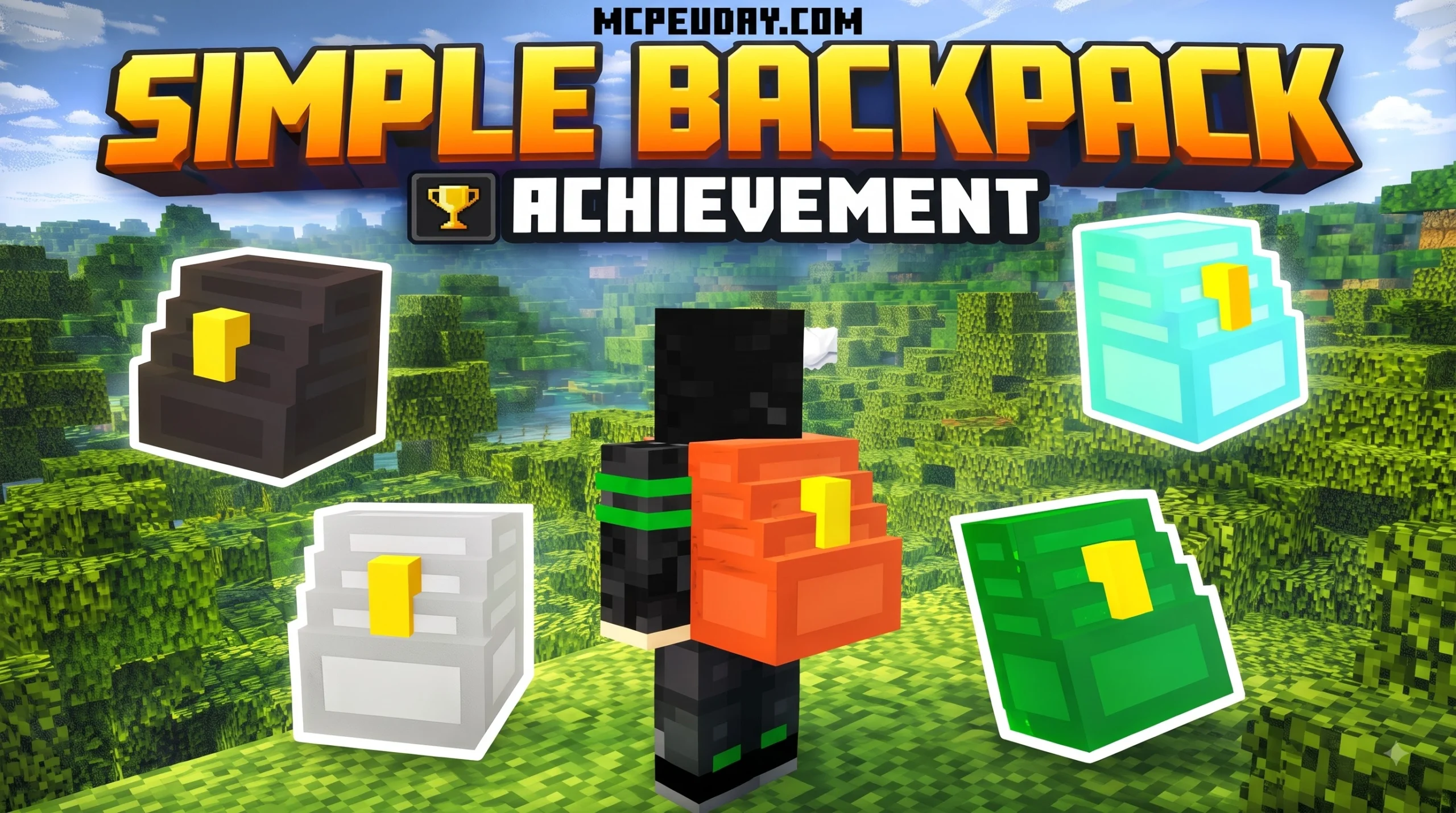
The Simple Backpack ADDON That Fixes Minecraft’s Biggest Survival Problem
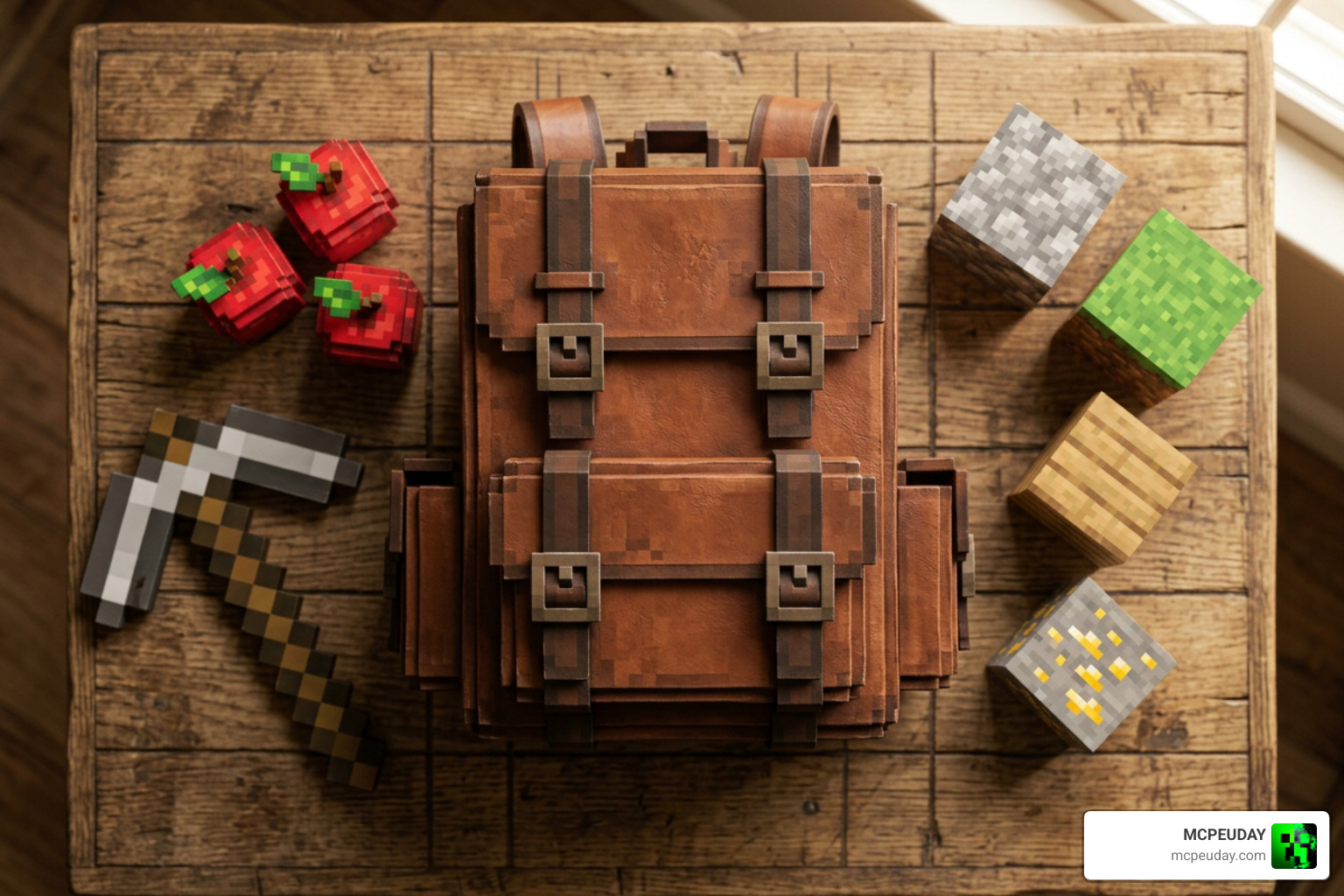
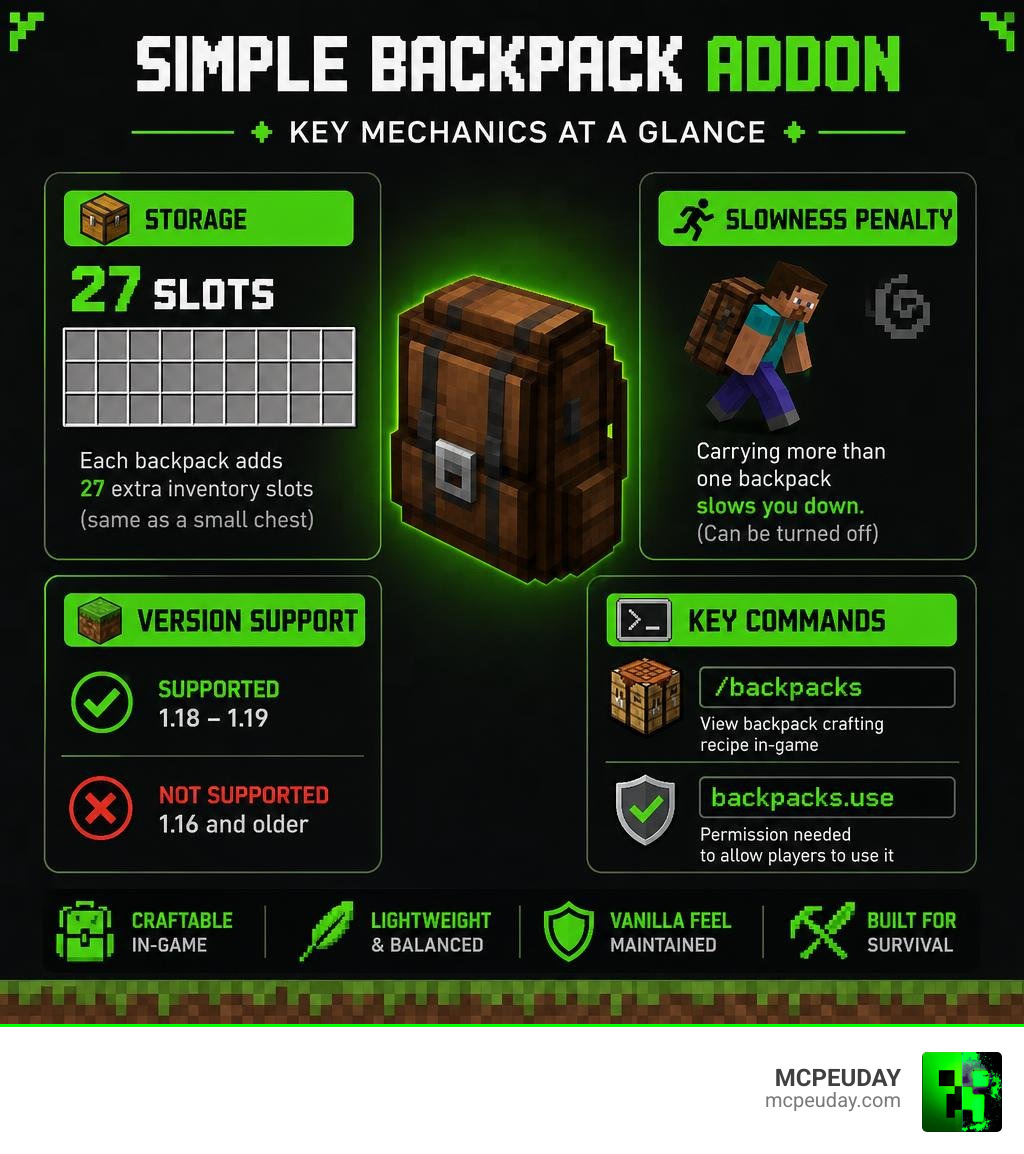
The Simple Backpack ADDON gives you 27 extra inventory slots — the same size as a small chest — without breaking the vanilla survival feel of the game.
Here’s what you need to know at a glance:
- Storage: Each backpack adds 27 slots to your inventory
- Supported versions: Minecraft 1.18 and 1.19
- Slowness penalty: Carrying more than one backpack slows you down (can be turned off)
- Crafting: View the recipe in-game using
/backpacks - Permission needed:
backpacks.useto allow players to use it - Versions not supported: 1.16 and older
If you’ve ever run out of inventory space halfway through a long mining trip, you know the frustration. You either leave valuable resources behind or make the trip back to base early. The Simple Backpack ADDON solves that problem in a clean, balanced way — without flooding your game with overpowered features.
It’s a lightweight plugin designed for Minecraft Java servers (1.18–1.19) that adds craftable backpacks to the game. The design philosophy is simple: expand your storage, but keep the survival challenge alive. That’s why carrying too many backpacks actually slows you down — more on that later.
I’m UDAY GAMER, and in this guide I’ll walk you through everything you need to know to get the most out of this addon.
What is the Simple Backpack ADDON and How Does It Work?
At its core, this tool functions as a highly efficient inventory expansion utility. While many players search for Bedrock-compatible files under the name Simple Backpack ADDON, the original popular framework is the SimpleBackpacks SpigotMC Plugin, which is built primarily for multiplayer servers running Spigot or Paper.
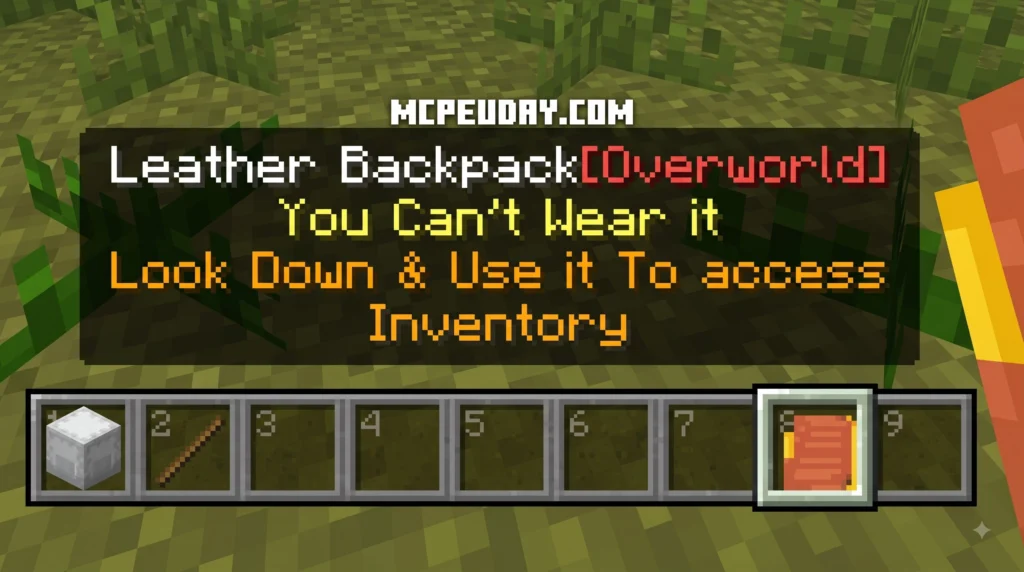
The addon works by linking dedicated storage data to a physical item in your inventory. When you interact with the backpack item, it opens up a virtual container. This approach keeps your game running smoothly because it doesn’t rely on complex entity rendering. Unlike other mods that render 3D models on your character’s back—which can cause significant frame drops on lower-end devices—this plugin uses lightweight data packets to manage your extra slots. It is designed to feel like a natural extension of the base game, keeping that beloved “vanilla feel” intact while saving you from making dozens of tedious trips back to your chests.
This lightweight design is particularly beneficial for server owners. Because the backpack’s contents are stored as metadata attached to the item itself, it minimizes database queries and prevents server-side lag, even when dozens of players are opening and closing their backpacks simultaneously.
For players on other platforms, similar survival-friendly options can be found via the official Simply Backpacks Add-On on Minecraft Marketplace, which offers comparable storage features tailored for Bedrock players.
Key Features and Gameplay Mechanics
The primary draw of this addon is its balanced approach to resource gathering. Rather than giving you bottomless pockets that take away the challenge of survival, it introduces smart limitations.
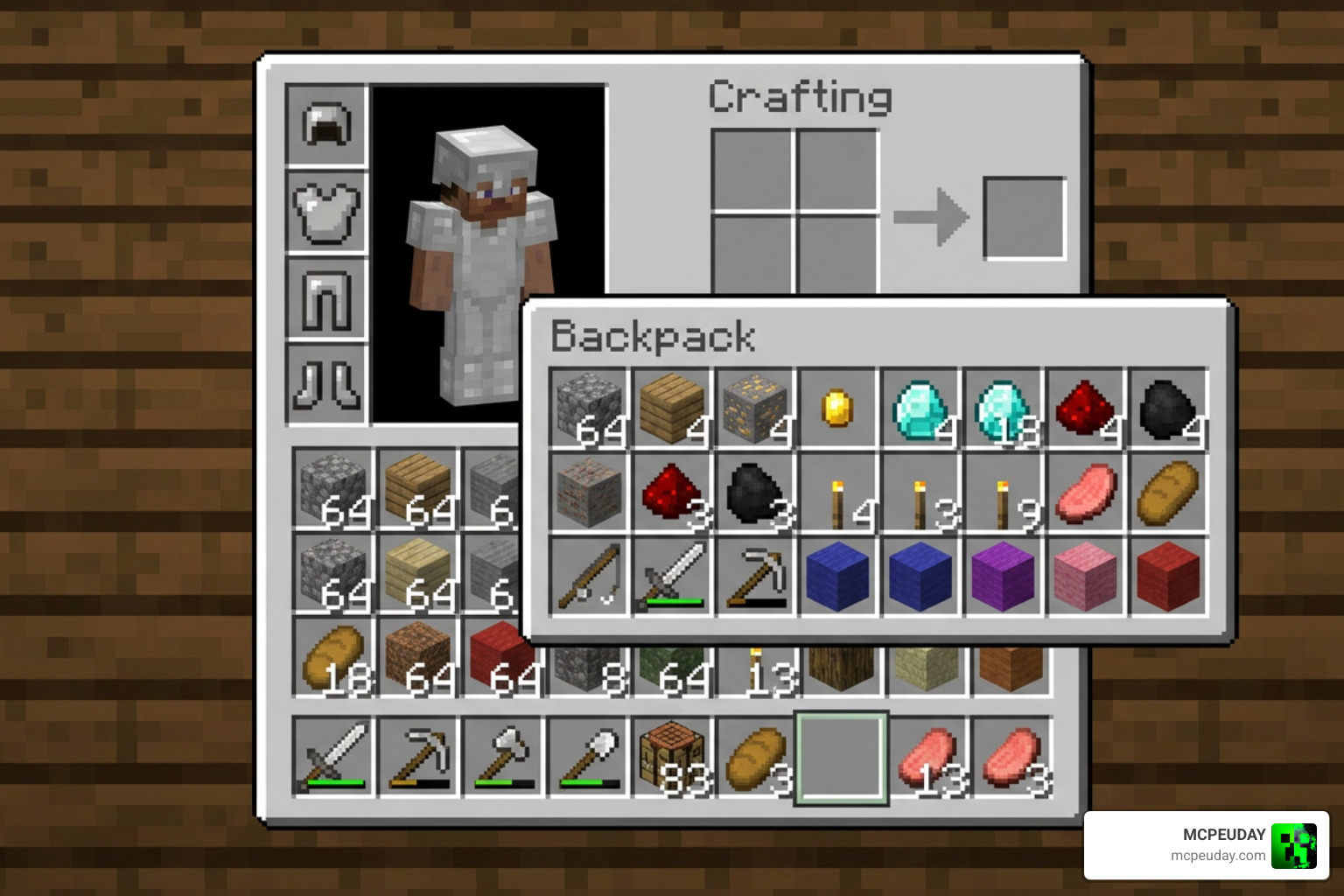
Each crafted backpack provides exactly 27 slots of storage. This is identical to a standard small chest or a single Shulker Box. However, unlike Shulker Boxes, which require you to defeat the Ender Dragon and explore End Cities, you can access these backpacks much earlier in your survival journey. This makes it an invaluable tool for early-game mining expeditions, woodcutting sessions, or long-distance exploration where finding a Shulker Box is still a distant dream.
To keep players from simply filling their entire inventory with dozens of backpacks, the creator implemented a brilliant balancing mechanic: physical weight. If you carry more than one backpack in your active inventory, the weight begins to drag you down. Each additional backpack you carry applies a cumulative slowness effect. This forces you to make strategic decisions about what to bring on your adventures. Do you carry two backpacks and accept a minor speed penalty, or do you stick to one to remain agile enough to escape Creepers and Skeletons?
| Storage Option | Slot Capacity | Early Game Access? | Movement Penalty? |
|---|---|---|---|
| Standard Inventory | 36 Slots | Yes | No |
| Small Chest | 27 Slots | Yes | Cannot be carried open |
| Shulker Box | 27 Slots | No | No |
| Simple Backpack | 27 Slots | Yes | Yes (if carrying multiples) |
Crafting and Using the Simple Backpack ADDON
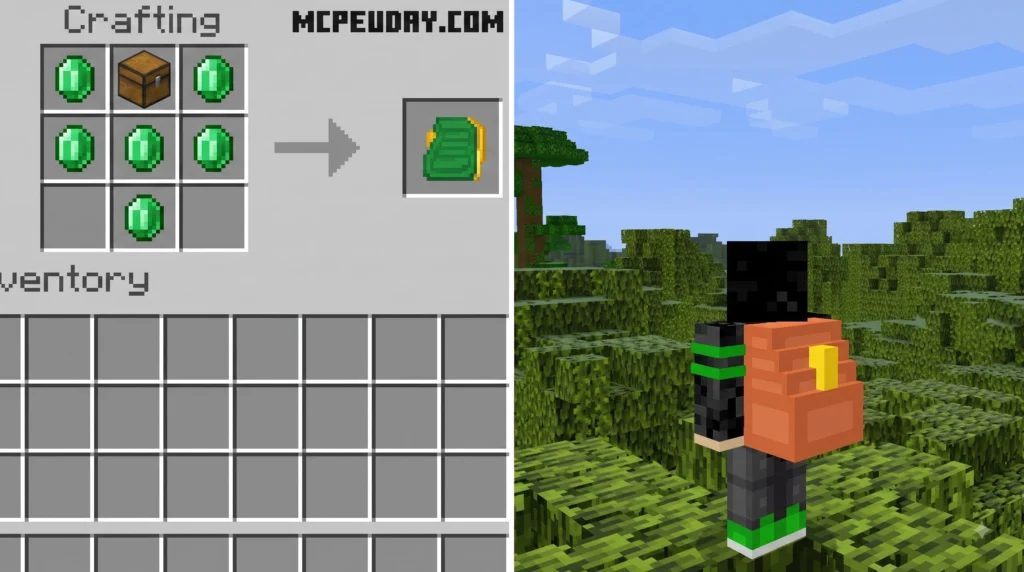
Getting your hands on a backpack is incredibly straightforward. You do not need to hunt down rare mob drops or travel to distant dimensions. The crafting recipe is designed to be accessible to players who have just started a new world, typically requiring basic survival materials like leather, iron, and chests. This ensures that you can craft your first storage expansion within your first few days in a new world.
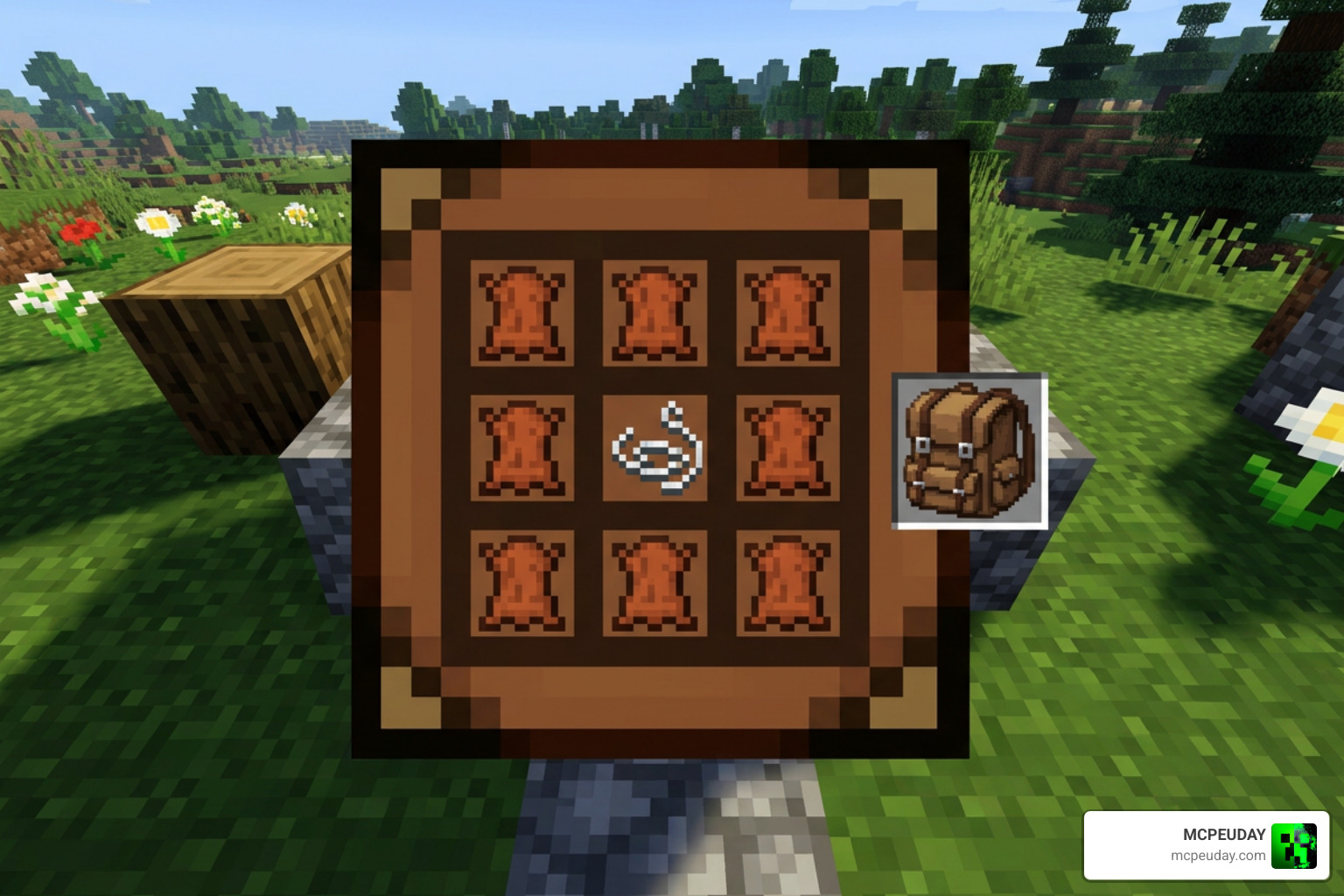
To view the exact crafting recipe in-game at any time, you can simply type the /backpacks command into your chat console. This will open up a visual recipe guide directly on your screen, showing you exactly which materials you need to assemble. This feature is incredibly handy for survival servers where players might forget the layout of the crafting grid, eliminating the need to constantly alt-tab to a wiki or search online guides.
Managing the Slowness Mechanic in the Simple Backpack ADDON
The slowness mechanic is a fantastic way to prevent players from hoarding infinite resources, but we know it might not fit every playstyle. On a private server with close friends, or a peaceful building server, you might prefer to run around at full speed even with a pocket full of backpacks.

Thankfully, server administrators have complete control over this feature. By opening up the plugin’s configuration folder and editing the config.yml file, you can easily toggle this penalty. If you turn it off, players can carry as many backpacks as they want without any impact on their movement speed. This level of customization ensures that the addon can be tailored to fit hardcore survival servers, casual SMPs, or creative building communities alike.
Commands, Permissions, and Configuration
Setting up the addon on a server is a breeze, thanks to its clean configuration files and simple permission nodes.
For administrators, the most important permission node to know is backpacks.use. Without this permission assigned to your player groups, users will not be able to open or craft the backpacks. You can easily manage this using popular permission management plugins like LuckPerms. For example, you can set up a system where default players can only use one backpack, while VIP or donor ranks are granted permissions to carry multiple backpacks without experiencing the slowness penalty.
The config.yml file allows you to customize the experience to match your server’s community. Aside from toggling the slowness penalty, you can adjust settings to ensure the plugin runs perfectly alongside your existing setups. You can also customize the prefix messages in chat, change the display name of the backpacks, and reload the configuration on the fly using the /backpacks reload command, which saves you from having to restart the entire server. For developers and curious players who want to see how the system is built or host their own modified versions, the source code is openly available, and links to support the developer can be found directly on their SpigotMC resource page.
Compatibility, Known Bugs, and Troubleshooting
As of July 2026, the plugin is fully tested and functional on Minecraft versions 1.18 and 1.19. It is important to note that the developer has officially confirmed that versions earlier than 1.18, such as 1.16, are not supported. Attempting to run this tool on older server builds can lead to serious item corruption, missing data, or server crashes.
When running a modded or plugin-heavy server, keep these best practices in mind:
- Do not place the backpack as a block: A known bug on version 1.18.2 was reported where attempting to place a backpack down on the ground could delete the item data inside it. While the developer was unable to replicate this issue under normal testing conditions, it is highly recommended that players treat the backpack strictly as an inventory menu item and never try to place it on the ground.
- Custom Item Support: Minecraft inventory plugins sometimes struggle to save data for custom items created by other plugins. To prevent any loss of valuable gear, we recommend storing vanilla Minecraft blocks and items inside your backpacks, rather than highly customized weapons, modded armor, or tools from other complex mods.
- Keep Backups: As with any inventory-altering tool, always make regular backups of your world and player data before performing major server updates. This ensures that even if a conflict occurs with another plugin, your players’ hard-earned items remain safe and recoverable.
Frequently Asked Questions
Here are some of the most common questions we see from players and server owners regarding this addon.
Does the addon support Minecraft versions earlier than 1.18?
No. The developer has built the plugin using modern coding libraries that require features introduced in the 1.18 update. Running it on older versions like 1.16 will cause errors and could corrupt player inventories.
Can you disable the slowness effect when carrying multiple backpacks?
Yes! Server administrators can easily disable this feature by changing the slowness penalty setting to false inside the config.yml file located in the plugin’s server folder.
How do you view the crafting recipe in-game?
Any player with the proper permissions can view the exact recipe by typing the /backpacks command in the chat bar.
Conclusion
The Simple Backpack ADDON strikes a perfect balance between utility and the classic survival experience. It offers the extra space you need for those massive mining projects without making the game feel too easy.
If you are ready to upgrade your gameplay and say goodbye to inventory clutter, we have got you covered. Download the Simple Backpack addon today from MCPEUDAY and start exploring with unlimited inventory freedom! For more incredible tools, resource packs, and gameplay enhancements, be sure to explore our dedicated collection of MCPE Bedrock Addons on MCPEUDAY. Happy mining!