Why a Custom Crosshairs Texture Pack Can Change How You Play
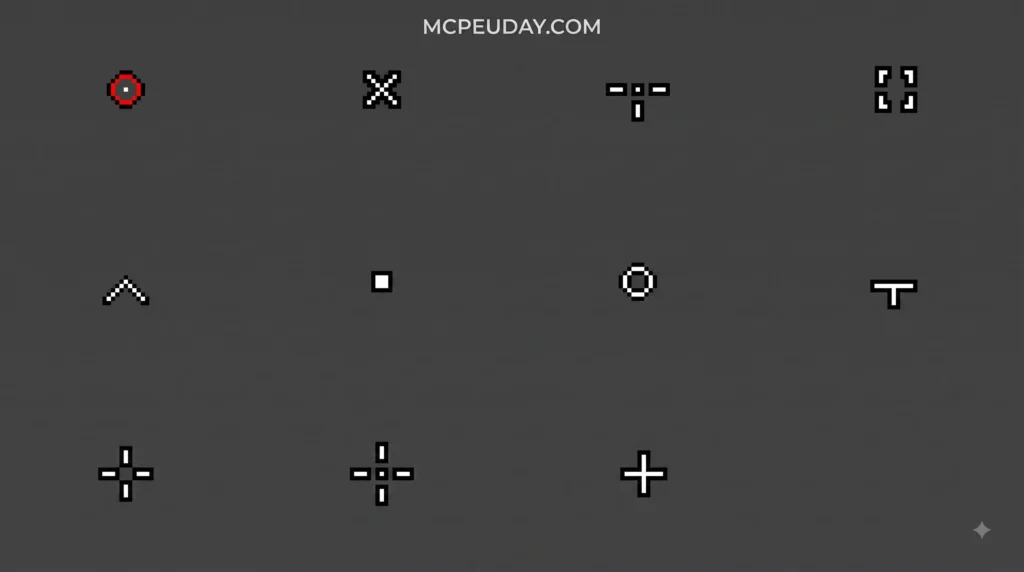
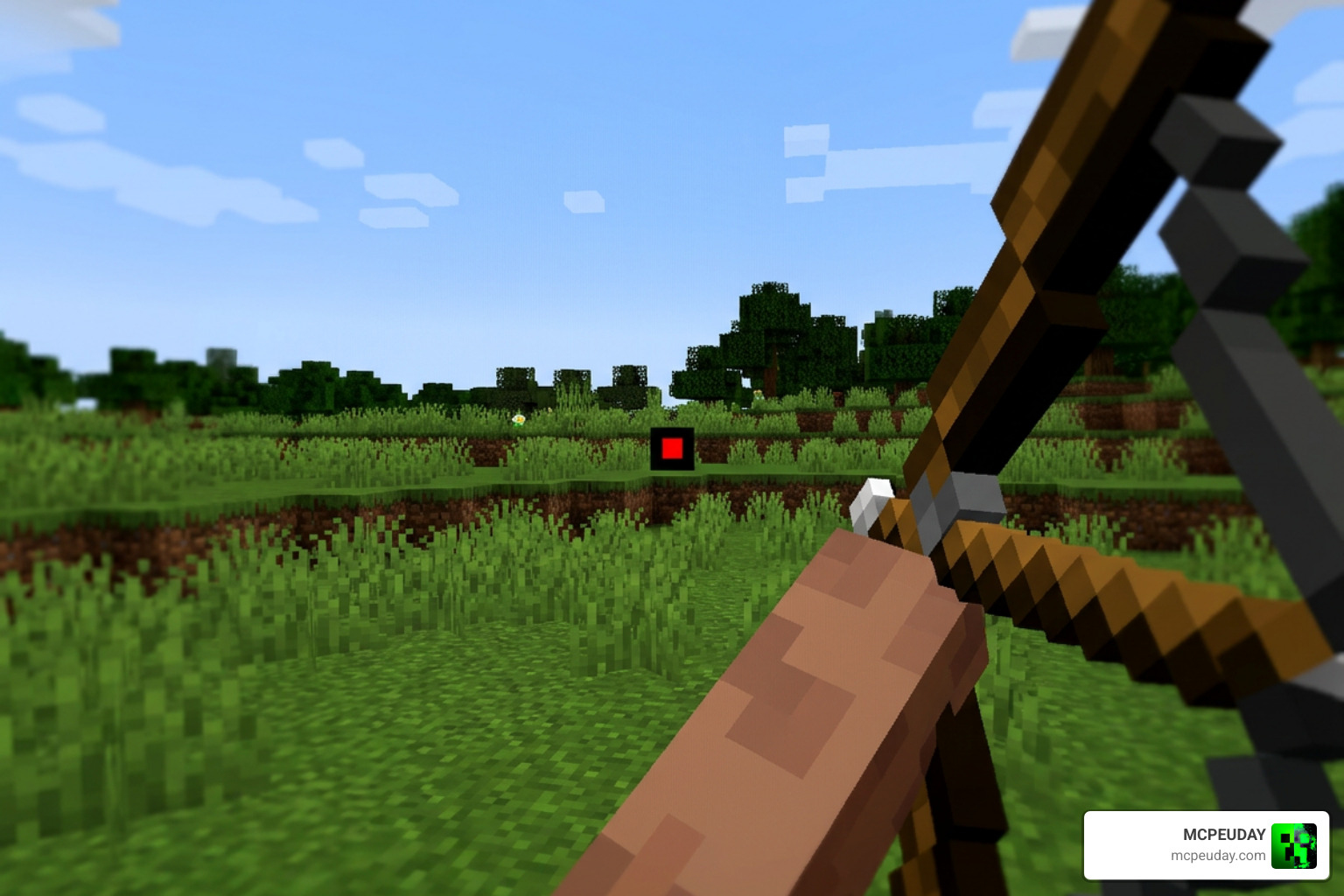
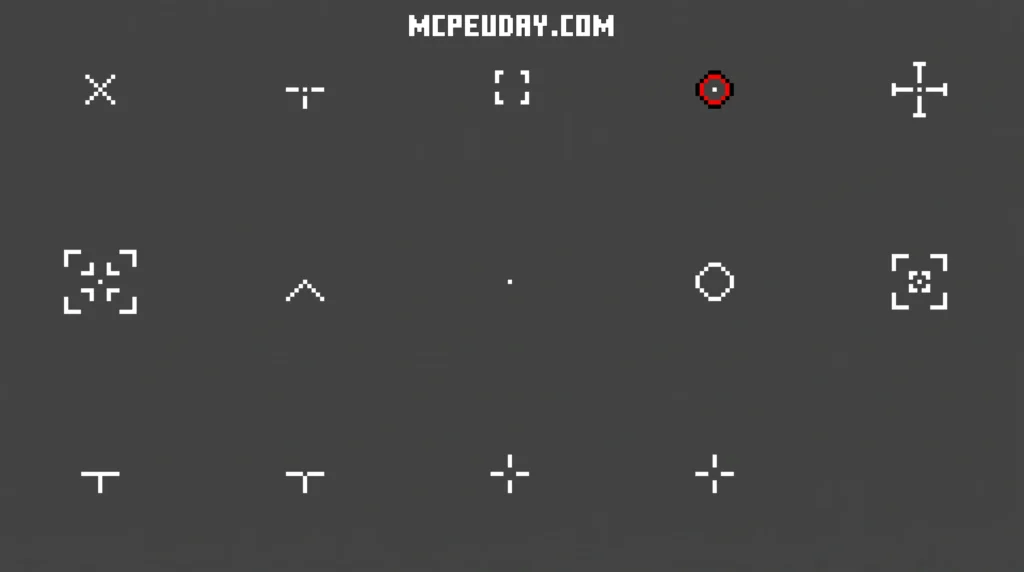
A Custom Crosshairs Texture Pack lets you replace the plain default crosshair in Minecraft (or other games) with your own design — whether that’s a tiny dot, a CS:GO-style gap crosshair, or even a skull icon.
Quick answer — what you can do with a custom crosshair pack:
- Replace the default “+” crosshair with any style you want
- Use a pre-made pack (like the Kenney Crosshair Pack’s 200+ free designs) or build your own pixel by pixel
- Apply it in Minecraft Java or Bedrock via a texture pack, or use a mod like UltimateCustomCrosshair for live in-game editing
- Switch profiles on the fly for PvP, building, or roleplay
It sounds like a small change. But the right crosshair can genuinely improve your aim in PvP, help you place blocks more precisely, or just make the game feel more like yours.
The default Minecraft crosshair is a one-size-fits-all design. It works fine for casual play, but if you’re grinding ranked PvP or building detailed structures, a customized reticle gives you a real edge — or at least a more enjoyable experience.
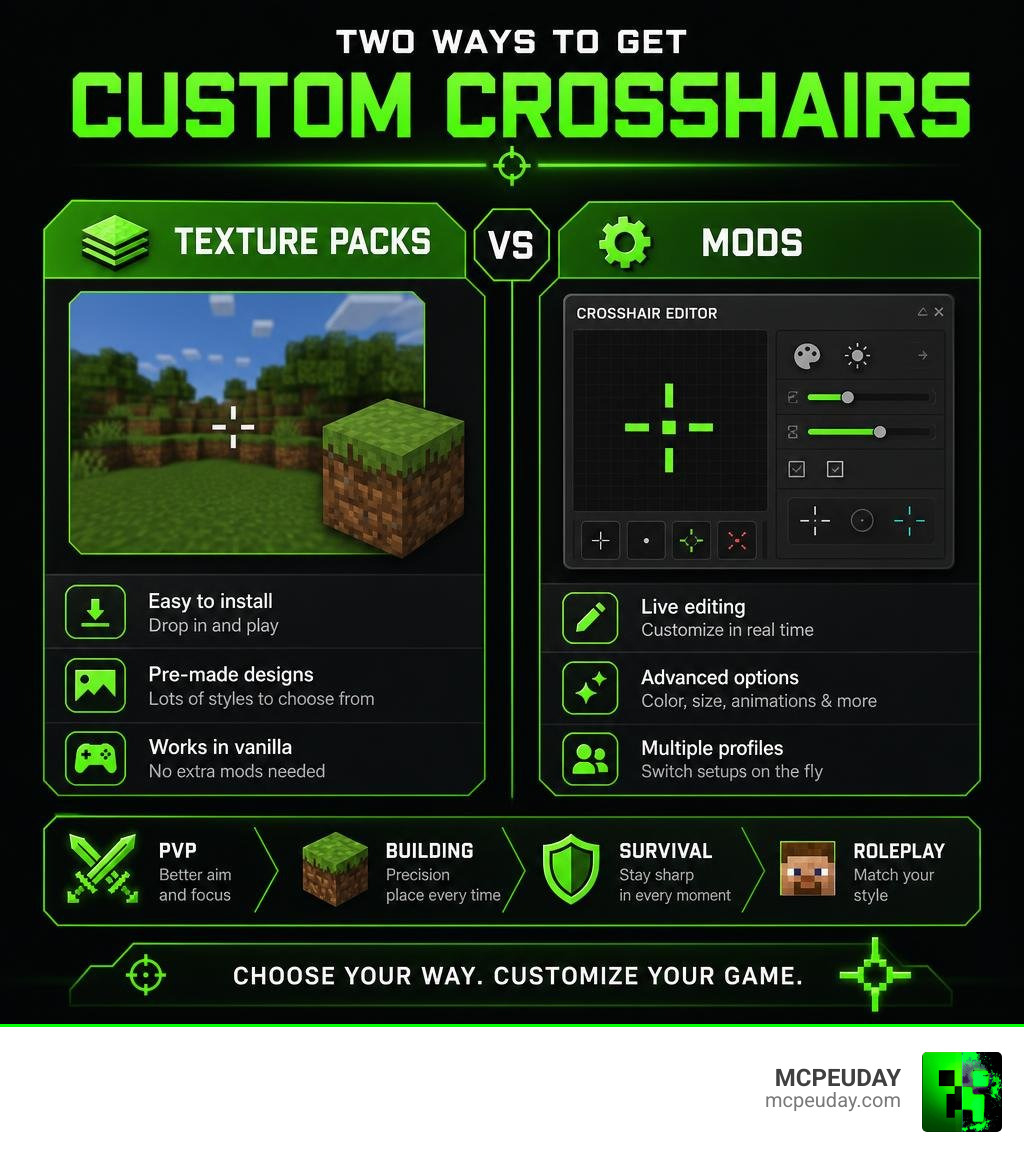
There are two main ways to get a custom crosshair in 2026:
- Texture packs — simple to install, no extra mods needed
- Mods like UltimateCustomCrosshair — more powerful, with a live pixel editor and dynamic effects
I’m UDAY GAMER, and in this guide I’ll walk you through both approaches step by step so you can pick what works best for your setup.
What is a Custom Crosshairs Texture Pack?
At its core, a Custom Crosshairs Texture Pack is a collection of image assets designed to replace your game’s default targeting reticle. Instead of relying on the simple cross shape that comes standard in many games, these packs inject custom-designed graphics to improve your visual clarity and aiming precision.
If you are looking to build your own custom resource pack, you do not have to start from scratch. A legendary resource in the game development community is the Kenney Crosshair Pack. Kenney is affectionately referred to as “Asset Jesus” by creators because of the massive amount of high-quality, free assets they provide to the public.
This specific pack includes over 200 crosshair files designed at a clean 64×64 pixel resolution. Because they are released under the Creative Commons CC0 license, they are entirely in the public domain. This means we can use, modify, and distribute them in our own custom texture packs without needing to worry about attribution.
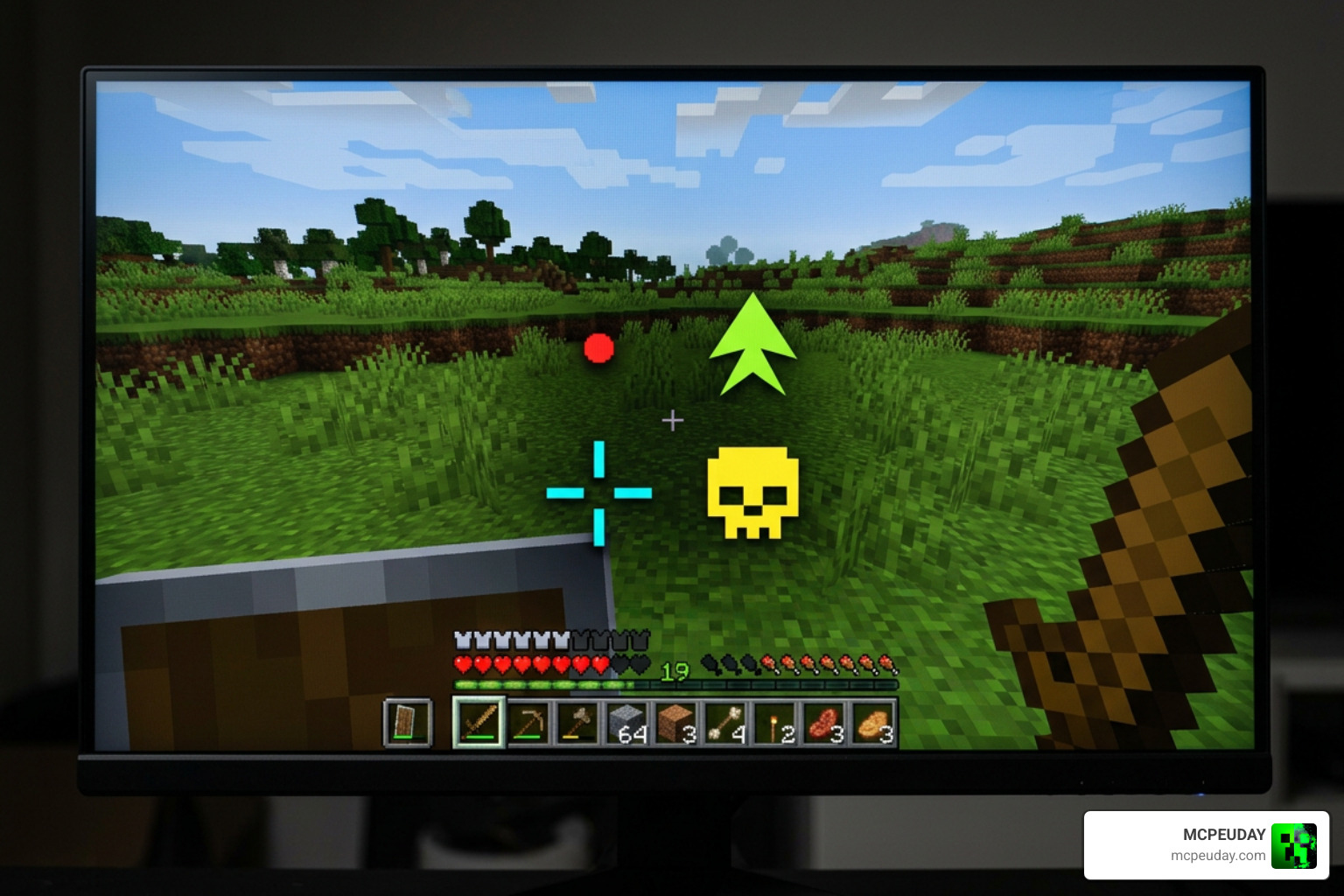
For players who want a ready-to-use option specifically built for competitive Minecraft play, we highly recommend checking out pre-made options like the PvP Crosshair – Minecraft Resource Pack. These packs swap out the default plus sign for high-contrast, minimalist designs like a static dot, which prevents visual clutter when tracking opponents in combat.
How to Install a Custom Crosshairs Texture Pack in Minecraft
Installing a Custom Crosshairs Texture Pack varies depending on whether you are playing on Java Edition or Bedrock Edition. To make things easy, we have put together a comparison table of the installation steps for both platforms:
| Feature / Step | Minecraft Java Edition | Minecraft Bedrock Edition |
|---|---|---|
| File Format | .zip folder or loose directory | .mcpack file |
| Primary Location | resourcepacks folder | development_resource_packs or double-click to import |
| How to Activate | Options > Resource Packs > Move to Active | Settings > Global Resources > My Packs > Activate |
| Custom PNG Path | assets/minecraft/textures/gui/icons.png | textures/ui/crosshair.png (depends on pack structure) |
If you are playing on Bedrock Edition and want to see how this works in action, there are excellent community video guides available, such as the Java Crosshairs on Bedrock! 30+ Crosshairs showcase, which walks through how to get clean, Java-style reticles working on mobile, console, and Windows Bedrock clients.
Creating Your Own Pack Using Kenney Assets
If you want to build a custom pack from scratch using the Kenney assets:
- Download the Kenney Crosshair Pack and select your favorite 64×64 PNG design.
- Ensure the background of your chosen PNG remains fully transparent.
- Replace the default crosshair texture inside your custom texture pack files (for Java, this is located inside the
icons.pngsheet atassets/minecraft/textures/gui/). - Save, zip the pack, and load it into your game!
Custom Crosshairs in Other Games: BONELAB
It is not just Minecraft players who love custom reticles. Virtual reality players also use custom crosshairs to improve their aiming in VR space. For example, the CustomCrosshairsTextures v1.0.2 | BONELAB Mod Database is a popular texture pack that has received over 320 downloads in just its first two days of release.
This pack replaces the default VR reticle textures. VR texture packs often require code-based mod frameworks to function; this specific BONELAB pack requires the NotEnoughPhotons Crosshairs Code Mod as a dependency. To install it, you place your custom PNG in the Userdata/Crosshairs/textures folder and rename the file to remove any special characters (like ‘#’) so it is named exactly crosshairs.png.
UltimateCustomCrosshair: The Next-Gen Minecraft Mod
If you are playing Minecraft Java and want to move beyond static texture packs, a dynamic mod is the ultimate solution. The UltimateCustomCrosshair — on Modrinth — Obmodin mod is a performance-first, client-side Fabric mod that has gained massive popularity with over 2,300 downloads.
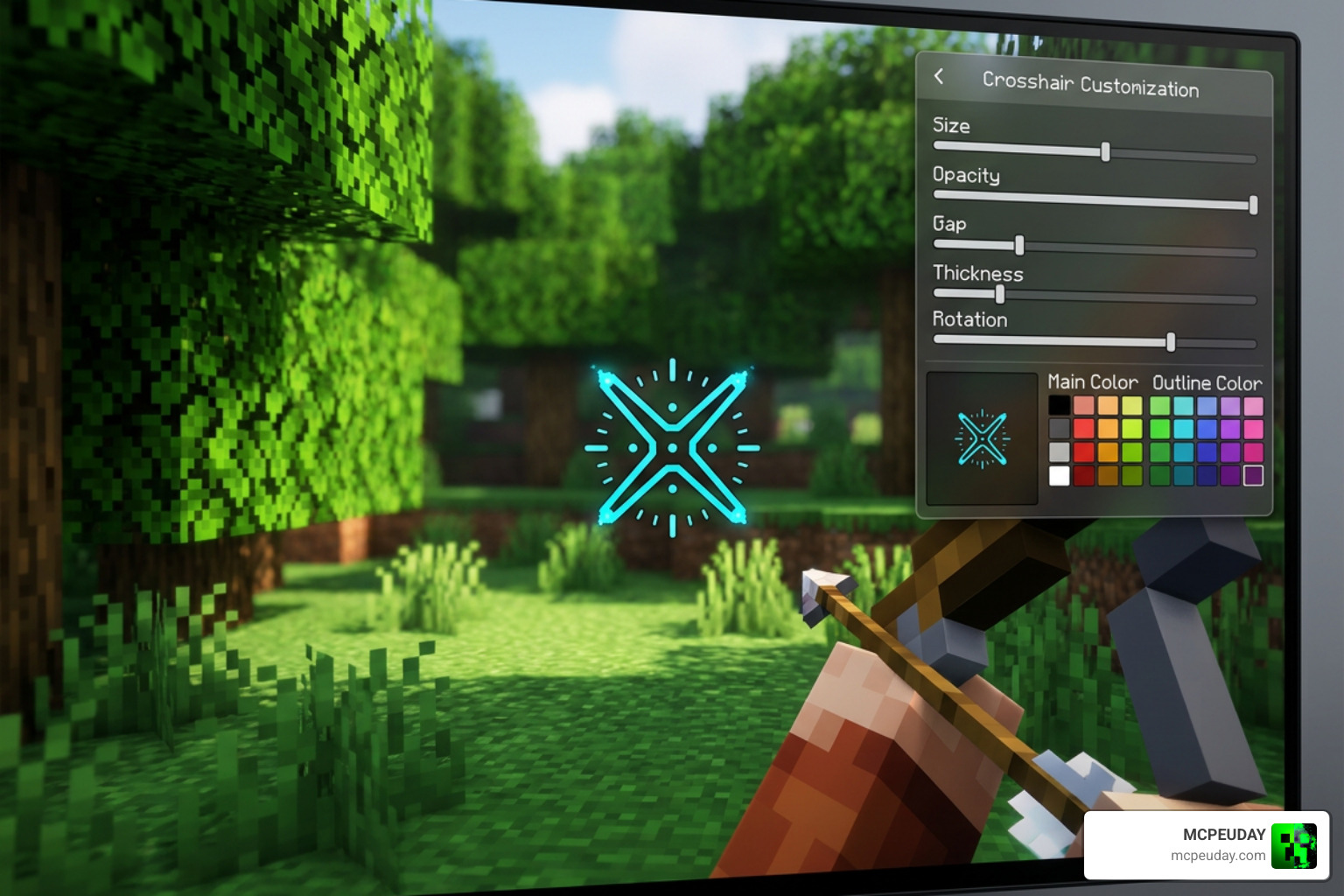
Unlike static resource packs that require you to close the game and edit image files in Photoshop, this mod lets you design and adjust your crosshair live in-game. It features an incredibly optimized rendering engine with a virtually non-existent performance impact:
- FPS Impact: Less than 1%
- Memory Usage: Around 5MB
- Load Time: Under 100ms
- Render Time: Under 0.1ms per frame
Because it is a client-side mod, it is completely safe to use on multiplayer servers, as it does not modify any server-side physics or send illegal packets to anti-cheat systems.
Designing Your Custom Crosshairs Texture Pack with the 15×15 Pixel Grid Editor
The standout feature of UltimateCustomCrosshair is its built-in interactive pixel editor.
By pressing the default G keybind in-game (or typing /crosshair editor in the chat), you open up a highly intuitive 15×15 grid system. This grid gives you 225 individual pixels to paint your perfect reticle.
Using the editor is simple:
- Left-click to activate a pixel on the grid.
- Right-click to erase a pixel.
- Use the built-in RGB sliders (ranging from 0 to 255) to choose any color in the spectrum.
- Adjust the opacity slider to make your crosshair semi-transparent or fully solid.
- Scale your design freely with a scale range spanning from 50% to 400% (0.5x to 4.0x) to match your screen resolution perfectly.
Presets and Dynamic Effects in the Custom Crosshairs Texture Pack Mod
If you do not want to draw a design from scratch, the mod comes pre-packaged with over 20+ preset crosshair designs. These include popular layouts inspired by competitive tactical shooters like CS:GO and Valorant, as well as fun shapes like hearts or skulls.
Furthermore, because it is a mod rather than a static texture pack, it can render dynamic effects that react to your gameplay. You can enable dynamic hit markers that flash when you strike an enemy, pulse animations that expand when you jump or run, and even subtle recoil simulations.
Troubleshooting and Best Use Cases for Custom Crosshairs
When setting up custom crosshairs, you might run into a few technical hurdles. Here is our quick guide to solving the most common issues:
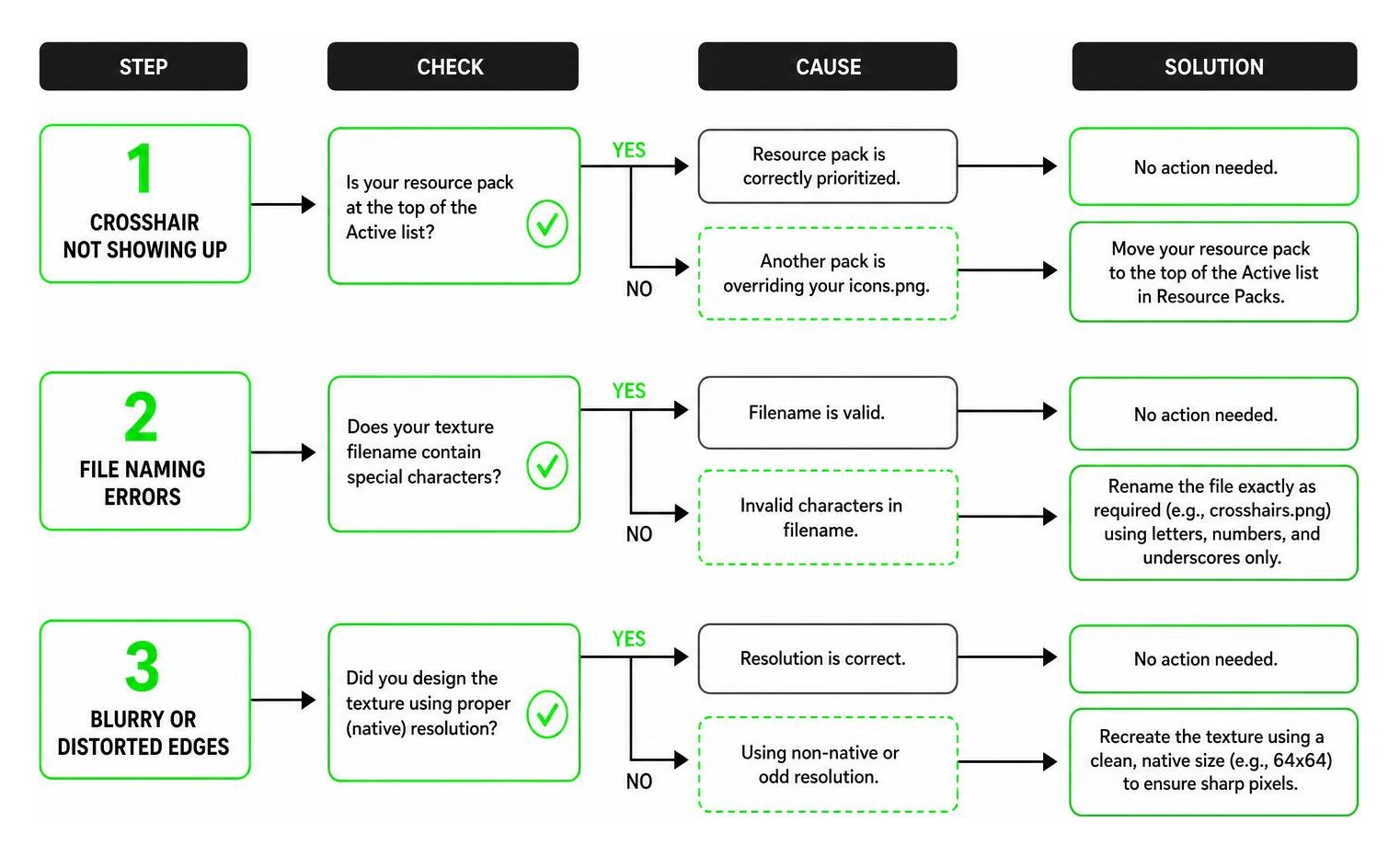
- Crosshair Not Showing Up: In Minecraft, ensure your custom resource pack is placed at the very top of your “Active” list in the Resource Packs menu. If another pack is loaded above it, its default
icons.pngwill overwrite your custom design. - File Naming Errors: In mods like the BONELAB custom texture pack, the game engine will completely ignore your texture if it contains special characters. Always double-check that your file is named exactly as required (e.g.,
crosshairs.pngwithout any extra symbols). - Blurry or Distorted Edges: Always design your crosshair textures using clean, native scaling (like 64×64 pixels). Using odd resolutions can cause the game engine to stretch and blur the pixels.
Best Use Cases for Different Game Scenarios
Choosing the right crosshair shape can dramatically impact your gameplay:
- Competitive PvP: Use a tiny, high-contrast dot or a small gap crosshair. This ensures your target is never obscured, allowing for maximum precision during bow shots or melee tracking.
- Precision Building: Use a larger, grid-aligned crosshair. Having a wider horizontal and vertical axis helps you align blocks symmetrically over long distances.
- Accessibility: If you have visual impairments or play on an ultra-wide monitor, scaling your crosshair up to 200% and using high-contrast neon colors (like magenta or bright green) ensures you never lose track of your center screen.
Frequently Asked Questions about Custom Crosshairs
Can I use custom crosshair mods on multiplayer servers without getting banned?
Yes, in almost all cases. Because texture packs and client-side mods like UltimateCustomCrosshair only change how the game looks on your own screen, they do not give you unfair physics advantages. However, always check the specific rules of the server you are playing on, as some highly competitive tournament servers restrict all external UI modifications.
What is the performance impact of using the UltimateCustomCrosshair mod?
The mod is designed to be incredibly lightweight. It uses less than 5MB of RAM and has an FPS impact of less than 1%, meaning you will not experience any stuttering or frame drops even on lower-end systems.
How do I fix my custom crosshair not loading in Minecraft?
First, verify that your resource pack is active and placed at the top of your resource pack list. Second, make sure your custom PNG has a transparent background; otherwise, you will see a solid white or black square around your reticle. Finally, ensure your folder directory path is exactly correct inside your custom zip file.
Conclusion
Whether you choose a classic, static Custom Crosshairs Texture Pack or dive into dynamic, pixel-by-pixel editing with modern Fabric mods, customizing your reticle is one of the easiest ways to refresh your gaming experience. It brings immediate benefits to your aiming precision, building alignment, and overall visual comfort.
If you are ready to completely transform the look and feel of your game, we invite you to Explore Minecraft Texture Packs on MCPEUDAY! We host a massive, up-to-date collection of the best graphics packs, shaders, and gameplay mods to help you build your perfect virtual world. Happy gaming, and may your aim always be true!
