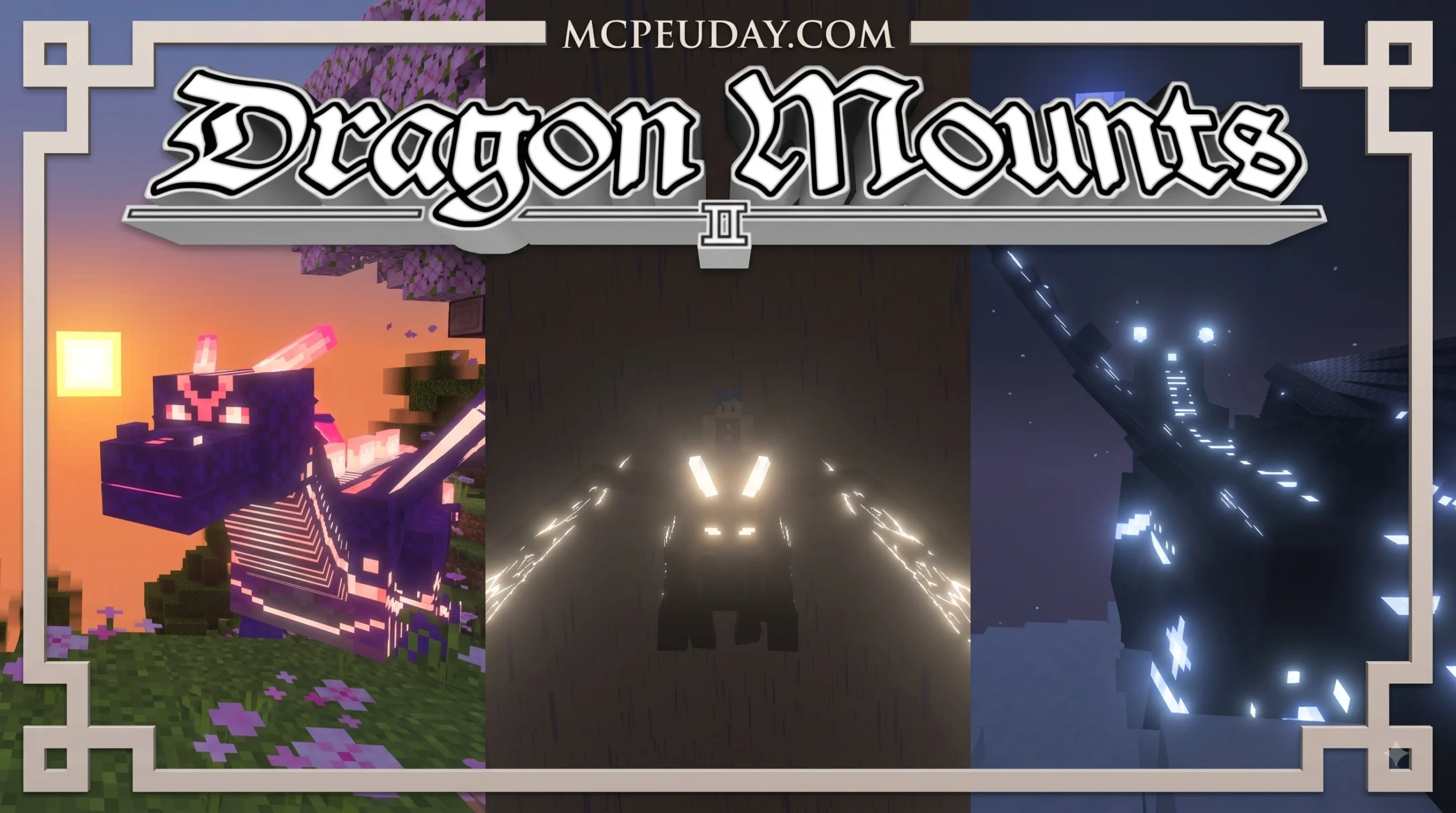
What is the Dragon Mounts 2 Addon for Minecraft?
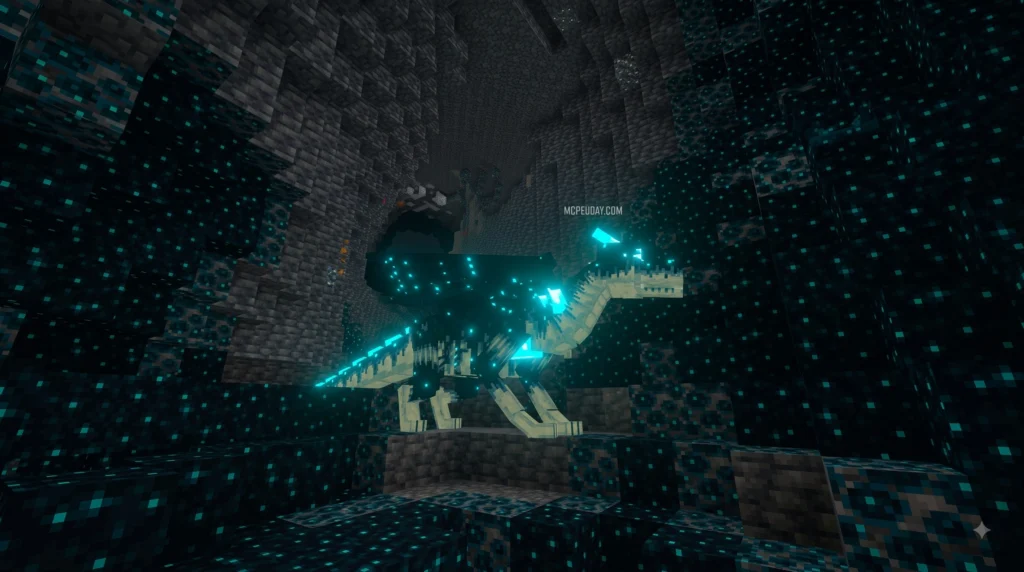
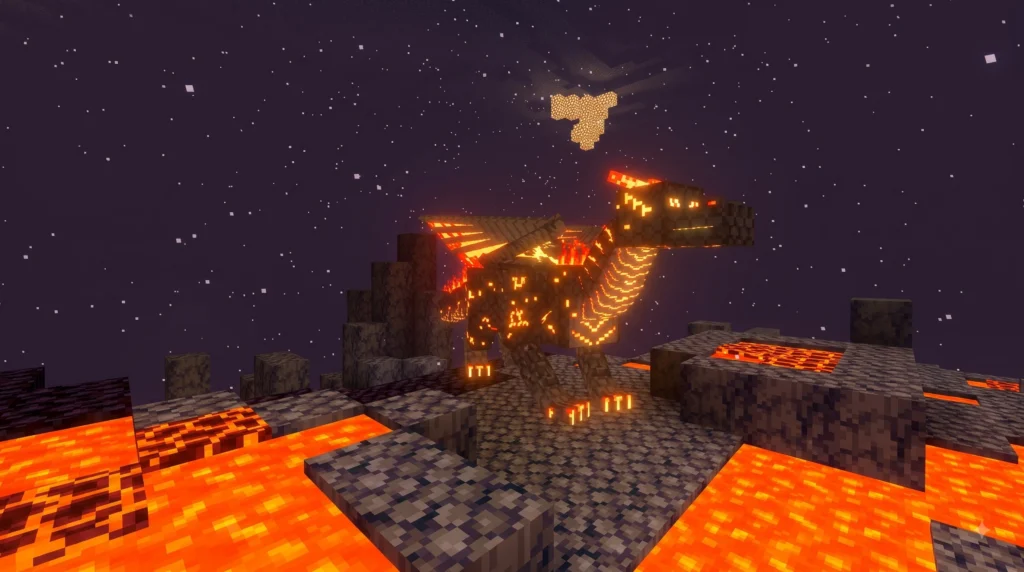
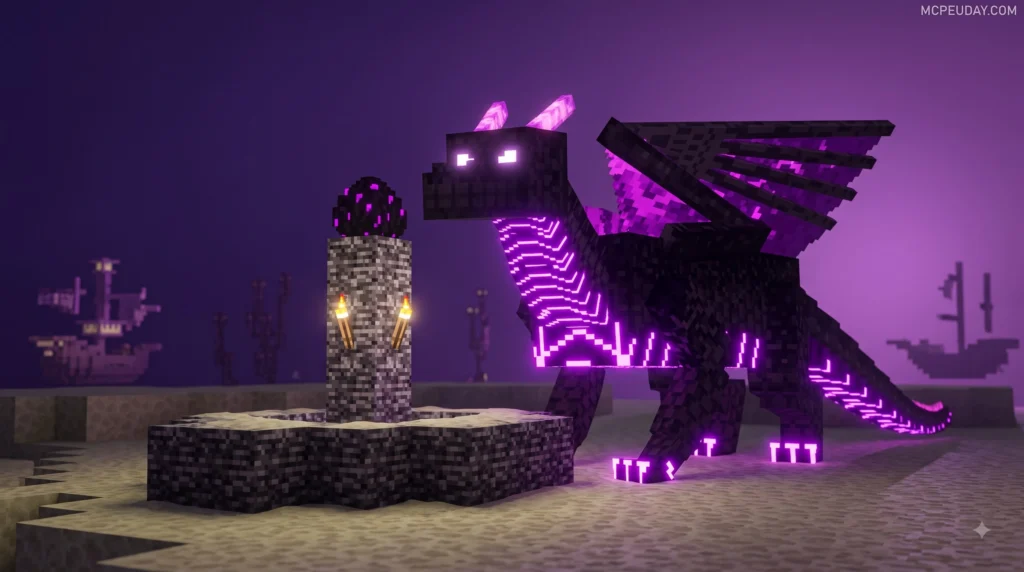
The Dragon Mounts 2 Addon transforms unused dragon eggs into living companions that can be hatched, raised, and brought into battle. In vanilla Minecraft, defeating the Ender Dragon yields a single egg that traditionally serves as little more than a decorative trophy sitting on a display pedestal. This comprehensive content expansion revitalizes standard survival gameplay by populating your world with a diverse array of elemental creatures, custom weapons, biomes, and interactive mechanics.
Across its various versions and port releases, the addon introduces up to 22 new dragons, 14 custom swords, three unique items, siege cannons, and four distinct biomes. Dragons appear throughout the world in both wild hostile variants that challenge experienced adventurers and peaceful tameable forms ready to serve as loyal pets and powerful companions.
Features of Dragon Mounts 2 Addon
- 15+ Distinct Dragon Species: Includes elemental powerhouses such as the Fire Dragon, Water Dragon, Aether Dragon, Ghost Dragon, and unique ground-dwelling Ender Dragons. Each species features custom sound effects, animations, and particle effects.
- Gender Variants: Each dragon species features distinct male and female visual models, adding visual variety and detail to your dragon sanctuaries and breeding pens.
- Equipment Options: Equip your tamed adult dragons with four types of dragon armor (ranging from iron to diamond and netherite tiers), custom saddles, storage chests, and specialized horse armor variants.
- Inventory Management: Access custom inventory slots on tamed dragons by performing a shift right-click or long-pressing on mobile devices to store surplus loot, weapons, and food directly inside your dragon’s saddlebags.
- Special Control Mechanics: Use items like simple wooden sticks, bones, or specialized Dragon Amulets to command sitting states or transport adult dragons easily over vast distances without needing to lead them manually across oceans and mountain ranges.
Original Version vs Dragon Mounts 2 Expanded
It is essential to understand the difference between the mobile Bedrock/MCPE addon versions and the Java Edition remasters. While mobile versions aim for easy Bedrock pack integration and seamless performance across smartphones and tablets, the community remaster Dragon Mounts 2: Expanded specifically targets Minecraft Forge 1.12.2 to overhaul legacy Java code.
| Feature / Detail | Original Dragon Mounts 2 | Dragon Mounts 2: Expanded |
|---|---|---|
| Platform | MCPE / Bedrock & Java Forge | Java Edition (Minecraft Forge 1.12.2) |
| Development Status | Discontinued | Active Community Remaster |
| Primary Focus | Adding dragons, biomes & cannons | Code refactoring, bug fixes & polished textures |
| Licensing | Open Community Mod | Open Source (GPLv3) |
| Official Repository | GitHub / Third-Party Repos | DragonMounts2-Expanded GitHub Repository |
The Java community remaster focuses on cleaning up legacy code, fixing entity pathfinding bugs, upgrading texture resolution, and ensuring long-term stability for modpacks. Meanwhile, the Bedrock addon continues to provide mobile and console players with an easy way to experience dragon taming without requiring complex server setups or heavy computer hardware.
How to Install the Dragon Mounts 2 Addon in 5 Simple Steps

Installing the Dragon Mounts 2 Addon on Minecraft Bedrock Edition requires attaching both a Resource Pack (which controls visuals, custom models, and textures) and a Behavior Pack (which controls mob logic, scripts, and entity behaviors) to your world.
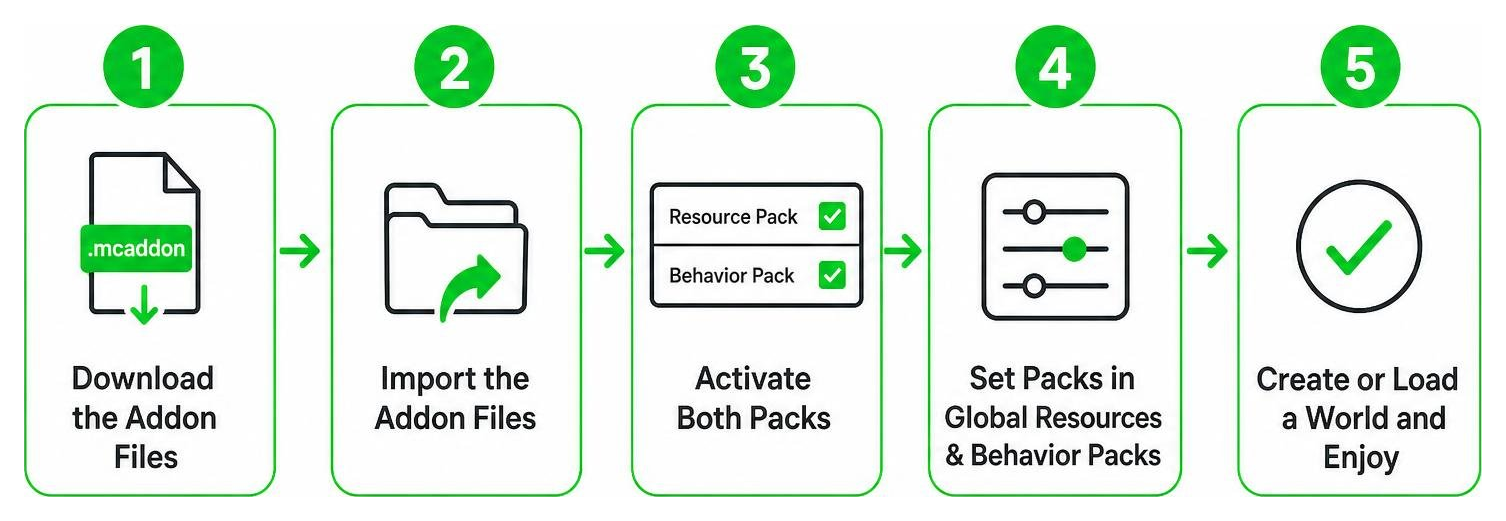
Step 1: Download the Addon Files
Download the .mcaddon or separate .mcpack files directly from our trusted library at MCPEUDAY. Ensure you select the package file version compatible with your installed version of Minecraft Bedrock Edition. Double-check your current game version in the bottom-right corner of the Minecraft main menu to prevent compatibility crashes.
Steps 2 to 5: Import and Activate Packs
- Step 2: Import the Packs: Open your device file manager and tap or double-click the downloaded
.mcaddonfile. Minecraft will launch automatically and display a banner reading “Import Started” followed by “Successfully Imported”. If you downloaded separate.mcpackfiles, click each file individually to import the Resource Pack and Behavior Pack into your game library. - Step 3: Activate Behavior Pack: In Minecraft, go to Create New World (or select an existing world and open its Edit World settings). Navigate to Behavior Packs in the left sidebar menu, locate Dragon Mounts 2, and click Activate. Confirm the pop-up warning regarding achievements if prompted.
- Step 4: Activate Resource Pack: Click on Resource Packs in the same left sidebar menu. Locate the matching Dragon Mounts 2 resource pack under “My Packs” and click Activate so that all dragon models, textures, animations, and custom items render correctly in-game.
- Step 5: Enable Experimental Gameplay & Launch: Scroll down to the Experiments toggle section located inside world settings. Enable key options such as Holiday Creator Features, Custom Biomes, and Upcoming Creator Features. These settings grant the addon permission to inject custom entities and biomes into the terrain generator. Finally, click Create World (or Play) to start your dragon-taming adventure.
How to Obtain, Hatch, and Tame Dragons in Minecraft
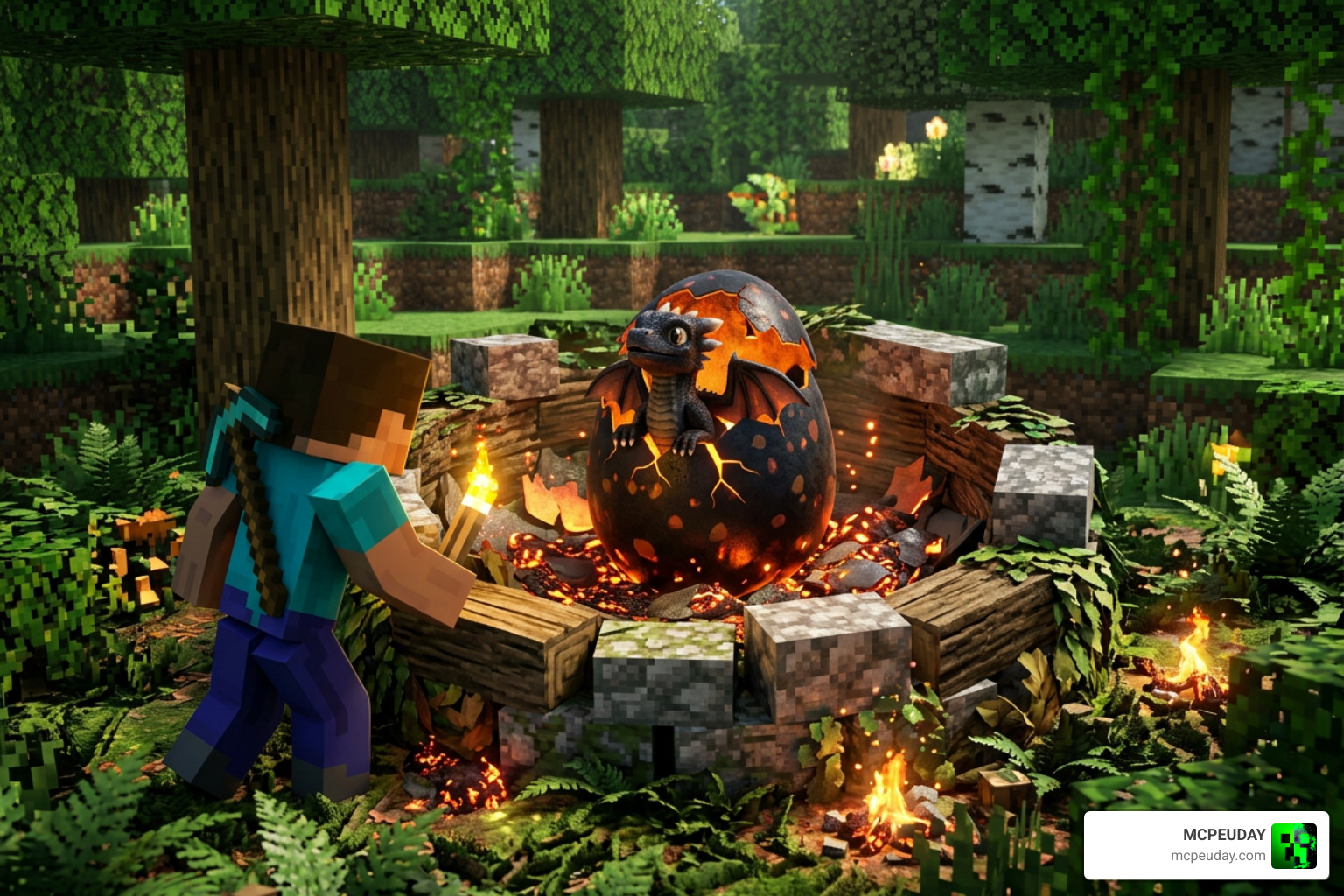
Finding Dragon Eggs and Biome Nests
Dragon eggs spawn inside elemental nests distributed across specific biomes and dimensions, or can be claimed as rare drops after defeating formidable boss creatures:
- Fire Dragon: Found in fire-resistant nests located deep within the Nether dimension; wild Fire Dragons are extremely aggressive, but tamed using Blaze Rods.
- Water Dragon: Naturally spawns near deep ocean biomes, warm oceans, or rivers; remaining peaceful until attacked, they can be tamed using raw fish like raw salmon or cod.
- Ghost Dragon: Spawns underground in dark caverns and deep subterranean shafts; this glowing creature illuminates surrounding caves and is tamed using regular bones.
- Aether Dragon: Found in high-altitude mountain nests and sky sanctuaries; tamed easily with raw fish or raw meat.
- Ender Dragon: Small ground-dwelling variants spawn throughout the End dimension; these mystical companions can be tamed with raw fish once subdued.
Hatching Timers and Growth Stages
Hatching and raising a dragon requires patience, adequate preparation, and proper elemental conditions. A dragon undergoes four distinct growth stages: Egg, Baby, Juvenile, and Adult.
Each growth stage takes exactly 20 minutes of active gameplay time. This means it takes a total of 60 minutes for a newly hatched baby dragon to progress through all stages and reach full adult maturity. Place the egg on an appropriate elemental block (such as Netherrack or Magma for Fire Dragons, or Prismarine for Water Dragons) and right-click the egg to initiate the hatching timer. Keep the surrounding area secure from hostile mobs while waiting for the shell to crack.
Customizing Dragon Mounts 2 Addon Dragons with Gear
Once your dragon reaches its full adult size, you can equip it for rapid travel, defense, and long-distance exploration:
- Saddles & Armor: Shift right-click (or long press on screen for mobile touch controls) while targeting an adult dragon to open its custom inventory menu. Place custom dragon armor (Iron, Gold, Diamond, or Netherite tiers), saddles, or chests into their designated equipment slots to increase defense and riding capability.
- Commands: Right-click a tamed dragon while holding a standard stick or bone to toggle between sitting and standing commands. Ordering your dragon to sit prevents it from wandering into lava lakes or attacking unwanted targets.
- Dragon Amulets: Craft and use specialized Dragon Amulets to store full-sized adult dragons instantly into your inventory, allowing you to transport them across long map distances or keep them safe during dangerous boss fights.
Frequently Asked Questions About Dragon Mounts 2
How long does it take for a dragon egg to hatch and mature?
It takes 20 minutes for a dragon egg to hatch into a baby dragon after being activated on an elemental block, and another 20 minutes per stage across the baby, juvenile, and adult growth phases. In total, expect 60 minutes of active in-game time from the moment the egg is placed until your dragon reaches full adult maturity and can be equipped with armor and saddles.
Why can’t tamed dragons fly in some versions?
In certain mobile Bedrock versions of the Dragon Mounts 2 Addon, tameable dragon variants are balanced primarily as ground mounts and mobile defense pets rather than flying vehicles due to game engine flight restrictions on touch devices. However, adult dragons still offer massive speed boosts, combat assistance, jump boosts, and heavy damage output when defending your base or traveling across land.
How do you command dragons to sit or open their inventory?
To open a dragon’s inventory, stand next to a tamed dragon and perform a shift right-click (or perform a long press on screen for mobile touch devices). To command a tamed dragon to sit or stand, right-click the dragon while holding a stick or a bone in your active hand. Sitting dragons will remain stationary until commanded to follow again.
Conclusion
The Dragon Mounts 2 Addon expands survival Minecraft by providing a deeply rewarding progression system centered around hunting dragon nests, hatching elemental eggs, taming wild hatchlings, and gearing up majestic adult dragons. By following our simple 5-step installation guide, you can quickly bring these powerful flying and ground creatures into your world and elevate your survival adventures.
Whether you are looking to build a multi-species dragon sanctuary, equip your pets with netherite dragon armor, or command elemental beasts in combat, this addon brings unparalleled depth to Bedrock and Java gameplay alike. Ready to explore even more custom content, shaders, and gameplay updates? Explore More Minecraft Mods and Addons on MCPEUDAY to transform your Bedrock and Java gameplay experience today!
