Overview of the Sweet Dreams Addon and Progressive Versions

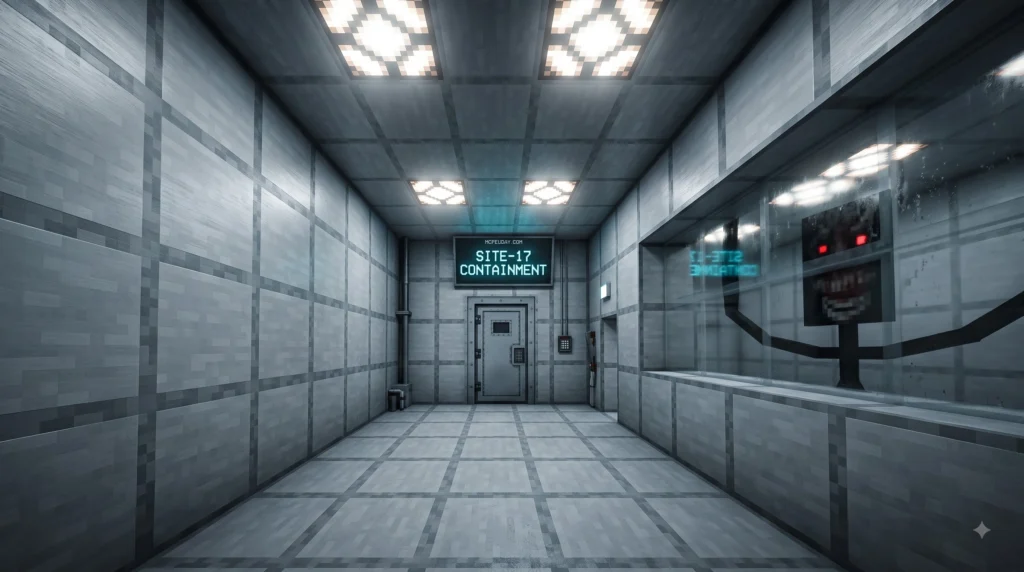
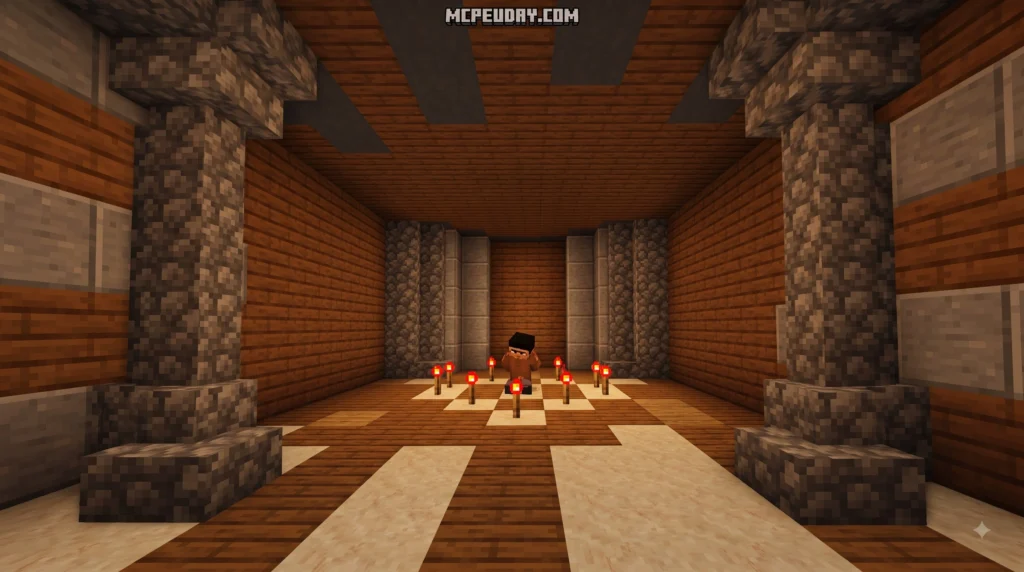
The Sweet Dreams Addon is a progressive sample project developed for Minecraft Bedrock Edition, originally created to showcase advanced scripting capabilities in the Bedrock engine. Detailed technical documentation and source files are available on the Microsoft Learn Add-on Guide. It changes standard night-skipping mechanics into a dynamic event by capturing camera paths and flying over terrain automatically.
In vanilla Minecraft, interacting with a bed simply causes the screen to fade to black for a few seconds before accelerating time to sunrise. While functional, this traditional mechanic misses an opportunity to immerse players in the aesthetics of their generated worlds and custom construction projects. The Sweet Dreams Addon completely redefines this interaction by detaching the player’s perspective from their physical avatar upon entering sleep. Rather than enduring a brief black screen, players are treated to an automated, panoramic sweep across nearby biomes, landscape features, or carefully marked player build locations.
Progressive Addon Versions Explained
The add-on is structured into three progressive development phases to help creators understand its scripting framework step-by-step:
| Version Phase | Core Additions | Main Focus |
|---|---|---|
| Part 1: Dream Turkey | Dream Turkey mob, Raw & Cooked Dream Turkey, Dream Essence | Basic entity spawning and custom item interaction |
| Part 2: Dreams Come True | Dream Pencil, Memory Jars, Dream Journal | Waypoint creation and location saving |
| Complete Version | Full cinematic engine, Nether nightmares, camera controls | Bundled experience with all features active |
Part 1 introduces fundamental entities and drops, establishing the baseline item logic and mob interaction routines required for custom food mechanics. Part 2 builds upon these mechanics by letting players mark visual waypoints in their worlds using specialized memory containers and crafting recipes. The Complete version combines every system into a seamless cinematic experience, incorporating advanced camera transitions, nightmare routines in terrifying dimensions like the Nether, and full user control systems.
Key Gameplay Features and Hands-Free Mode
The centerpiece of the Sweet Dreams Addon is its hands-free camera mode. Once activated, players lose manual character movement while their perspective ascends into a camera track that smoothly glides along predefined or dynamically calculated vector paths.
The camera automatically navigates above random biomes, player-created structures, or dangerous Nether landscapes during nightmares. This mode allows players to sit back and observe their surroundings from elevated aerial angles, revealing intricate architectural details and sprawling terrain that are rarely visible from ground level. When the player decides to return to reality, a simple movement input exits the camera sequence immediately, returning full control to the player’s character in bed.
Technical Prerequisites and Environment Setup
Setting up or inspecting the add-on’s underlying code requires specific development tools and a clean project environment. We recommend configuring a standard Bedrock scripting workspace using Node.js LTS and Visual Studio Code to ensure full compatibility with modern Bedrock API standards.
Setting Up Prerequisites for the Sweet Dreams Addon
To modify, build, or deploy the add-on directly from source files, follow these comprehensive environment preparation steps:
- Download and install Node.js (LTS version) on your development system to enable module management and build scripts.
- Install Visual Studio Code as your primary code editor for syntax highlighting, debugging tools, and project management.
- Launch Visual Studio Code and navigate to the Extensions tab in the side activity bar.
- Search for and install the Blockception’s Minecraft Bedrock Development extension alongside the Minecraft Debugger tool to gain real-time error logging and autocomplete support for Bedrock APIs.
- Open your integrated terminal in Visual Studio Code, navigate to your active development directory, and run npm i to install all necessary scripting dependencies and type definitions.
Building and Deploying Addon Files
Once the development environment is fully prepared, folder structures must be assigned correctly within your local Bedrock installation directories. Place behavior logic, scripts, and custom entity definitions in your world’s behavior_packs folder, and place custom models, textures, and visual assets in the matching resource_packs directory.
When both packs are enabled in your Bedrock world settings menu, turn on Experimental Gameplay toggles—specifically Beta APIs and Custom Components. Enabling these toggles is critical, as it grants the underlying JavaScript engine permission to execute custom camera commands, track player states, and handle smooth cinematic transitions without crashing standard game loops.
Core Mechanics: Dream Turkey, Essence, and Dream Mode
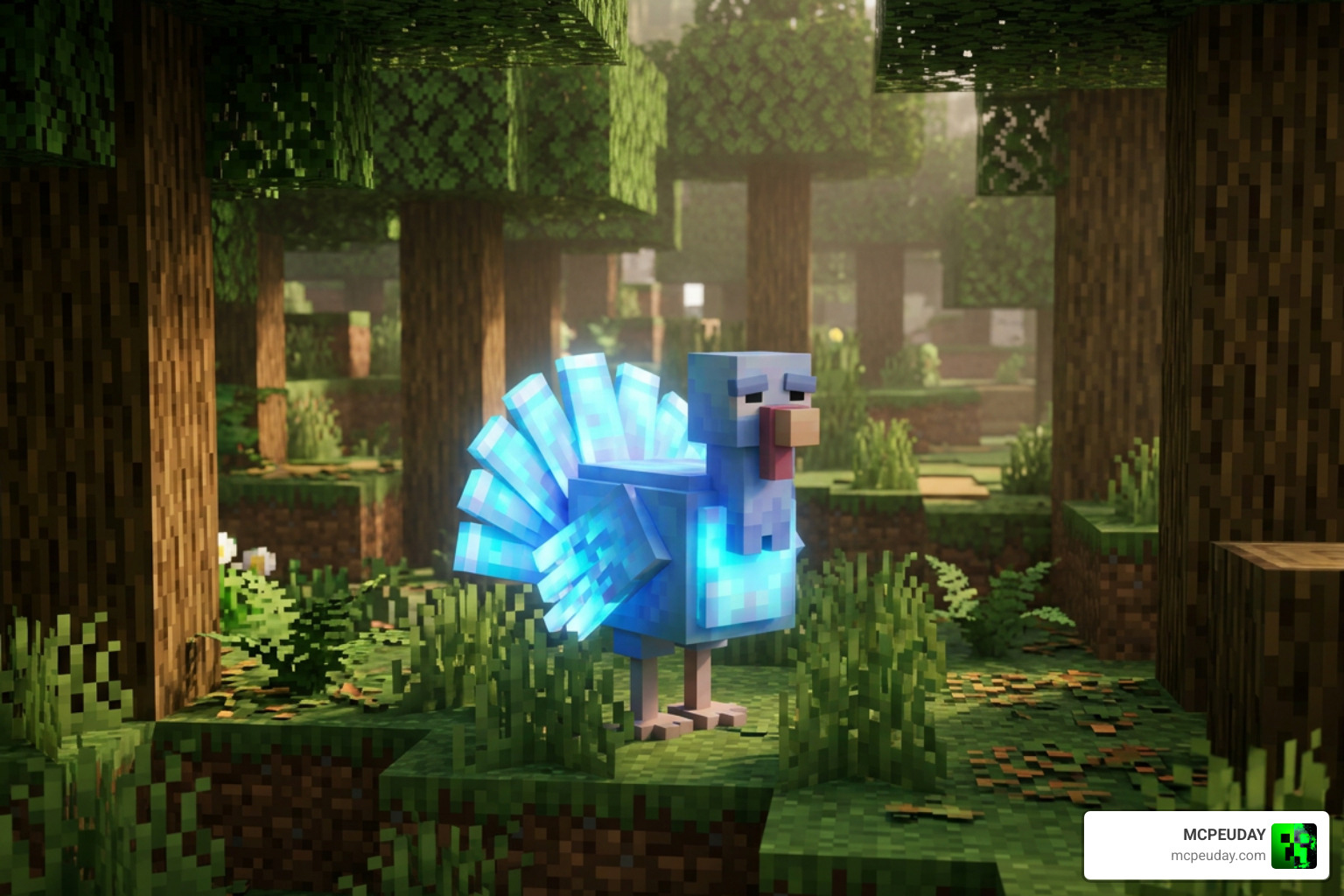
The custom gameplay loop revolves around finding a unique passive mob introduced in Part 1 of the addon: the elusive Dream Turkey. Understanding how to locate this creature and process its drops is essential to unlocking cinematic travel in your world.
How Hands Free Camera Mode Works in the Sweet Dreams Addon
To enter Dream Mode, players must track down and defeat a Dream Turkey in overworld biomes like temperate forests and plains. Defeating this entity yields Raw Dream Turkey, an uncommon edible item.
Cook the raw meat over a campfire, inside a smoker, or in a standard furnace to obtain Cooked Dream Turkey. Consuming Cooked Dream Turkey right before entering a bed triggers the hands-free camera state. Upon getting into bed with the active dream effect, your camera perspective detaches from your player model and gently soars across the surrounding landscape along continuous bezier paths. The system automatically pans, rotates, and tilts to highlight impressive topographical features. To manually exit Dream Mode at any time during a flyover, simply press the sprint key or press any movement input to snap back into standard view.
Acquiring and Utilizing Dream Essence
Defeating a Dream Turkey also rewards players with Dream Essence, a foundational craftable material that forms the backbone of all memory navigation tools in the add-on.
- Crafting the Dream Pencil for writing memory waypoints on specified blocks
- Assembling the Dream Journal to log saved locations and configure flyover preferences
- Creating custom memory containers and Memory Jars for specific builds across your world
- Binding dream triggers to special block locations to customize night tour pathways
Memory Navigation: Dream Pencil, Memory Jars, and Dream Journal
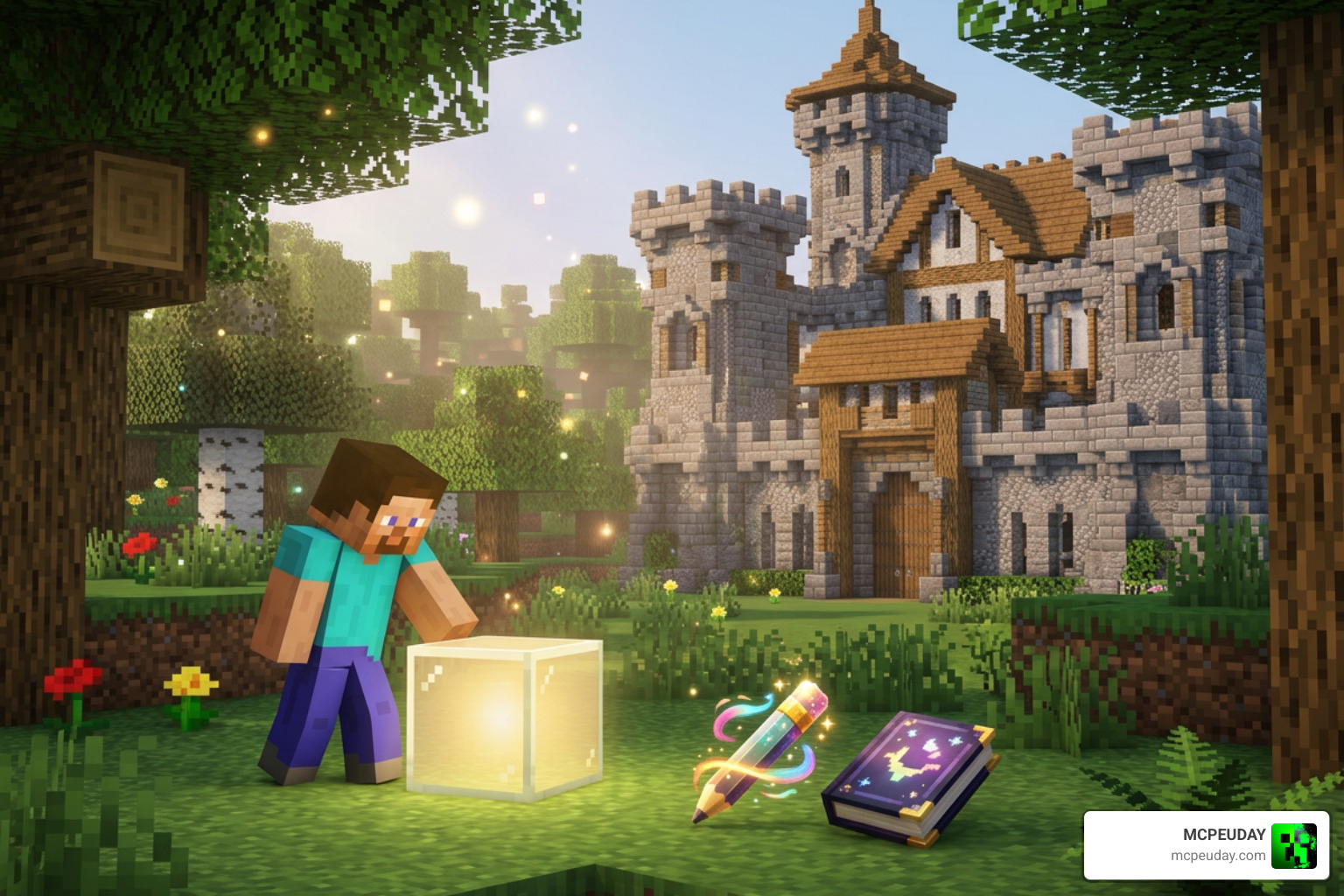
Instead of relying solely on random terrain generation for every flight path, the Sweet Dreams Addon allows players to curate specific flight destinations using custom memory waypoints. This turns night sleep into a dynamic showcase for your favorite bases, monuments, and landscapes.
Crafting the Dream Pencil and Memory Jars
To set up permanent camera destinations, players must craft a Dream Pencil using the crafting grid recipe:
- 1 Dream Essence (obtained from defeating Dream Turkeys)
- 2 Brown Concrete blocks
- 2 Sticks
With the Dream Pencil in hand, players can craft placeable Memory Jars. Placing a Memory Jar near a custom build or landmark tags that location as a target waypoint in the world’s database. When Dream Mode activates during sleep, the camera script prioritizes sweeping smoothly around these saved Memory Jars, showcasing your builds from aerial dynamic perspectives.
Utilizing the Dream Journal for Memory Management
The Dream Journal acts as a central control hub for managing all saved destinations across your world. It is crafted using basic materials combined with magical essence:
- Paper
- Leather
- Dream Essence
Opening the Dream Journal brings up an interactive user interface displaying all active Memory Jars. Players can toggle camera preferences, adjust flight path speeds, reorder waypoint sequences, or organize specific landmarks into preferred tour routes for tailored night flights.
Frequently Asked Questions
What items drop when defeating a Dream Turkey mob?
When defeated, a Dream Turkey drops Raw Dream Turkey and Dream Essence. Raw Dream Turkey can be cooked into Cooked Dream Turkey, which grants the special dream trigger state when consumed prior to sleeping. Meanwhile, Dream Essence serves as the primary craftable ingredient for creating advanced memory tools such as the Dream Pencil, Memory Jars, and the interactive Dream Journal.
How do players manually exit Dream Mode during a flyover?
Players can exit Dream Mode instantly by engaging the sprint button or executing any standard character movement command. This action immediately cancels the active cinematic camera script, wakes the player character from the bed, and restores standard first-person or third-person controls without delay or penalty.
Where can developers access the official add-on repository?
The official sample project files, script templates, and underlying Bedrock engine documentation can be accessed directly via the Official Minecraft Sample Code repository hosted on Microsoft Learn. Developers can inspect the source code to study Script API implementations or adapt the camera systems for their own custom Bedrock projects.
Conclusion
The Sweet Dreams Addon offers a unique blend of custom entity hunting, item crafting, and automated visual exploration. By turning routine bed usage into an interactive, hands-free camera flyover, players can appreciate their personal builds and world biomes from a brand-new, cinematic perspective.
Whether you are a developer learning Bedrock Script API mechanics or a player looking to showcase complex builds during night sleep, this addon provides an elegant showcase of Minecraft Bedrock’s capabilities. For more custom creations, shaders, and Bedrock content, check out our extensive collection of MCPE Mod & Addon Downloads. Explore our comprehensive guides at MCPEUDAY to elevate your Bedrock gameplay experience today!