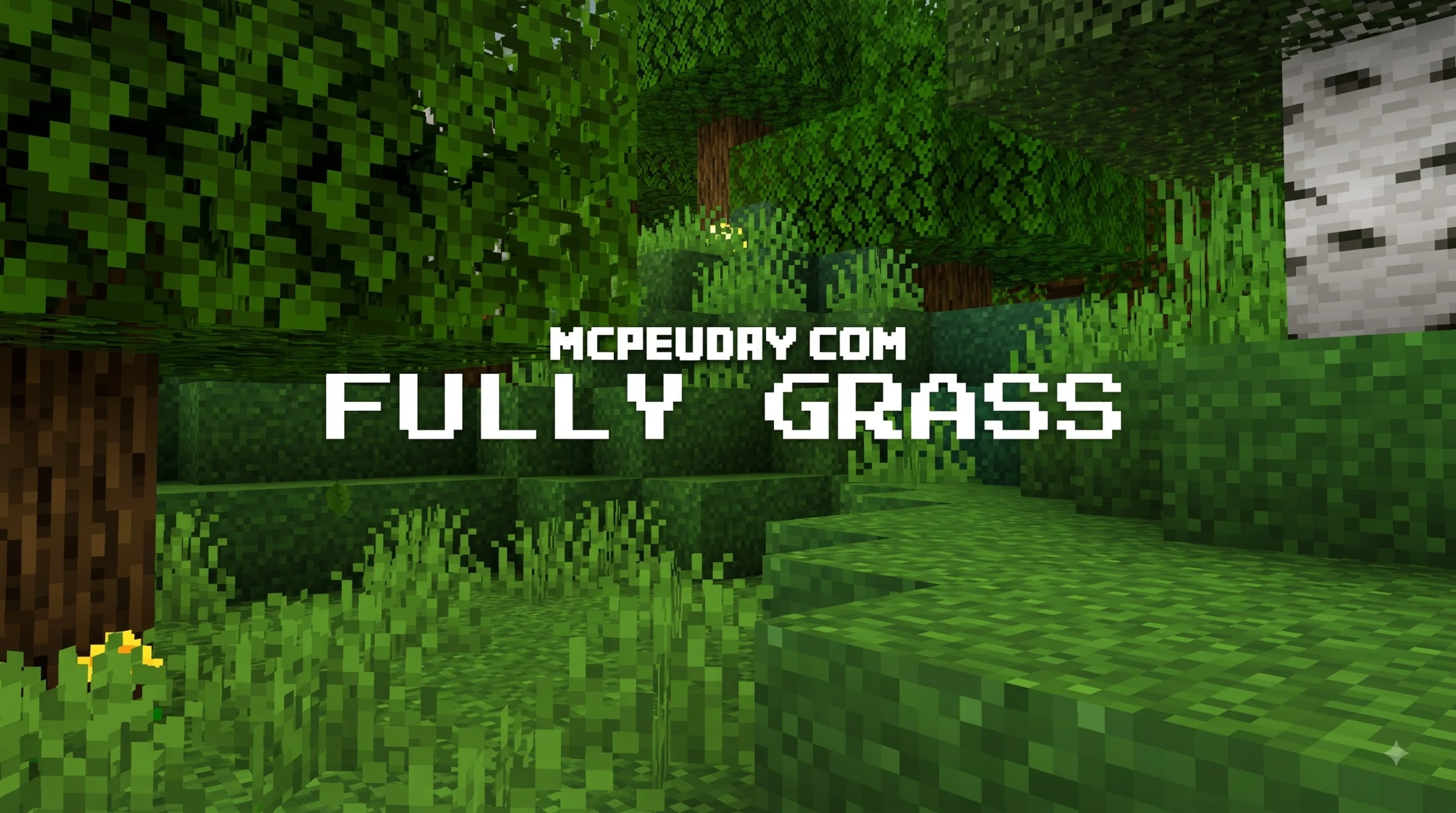
Full Grass Addon For MCPE: A Cleaner Look for Every Grass Block
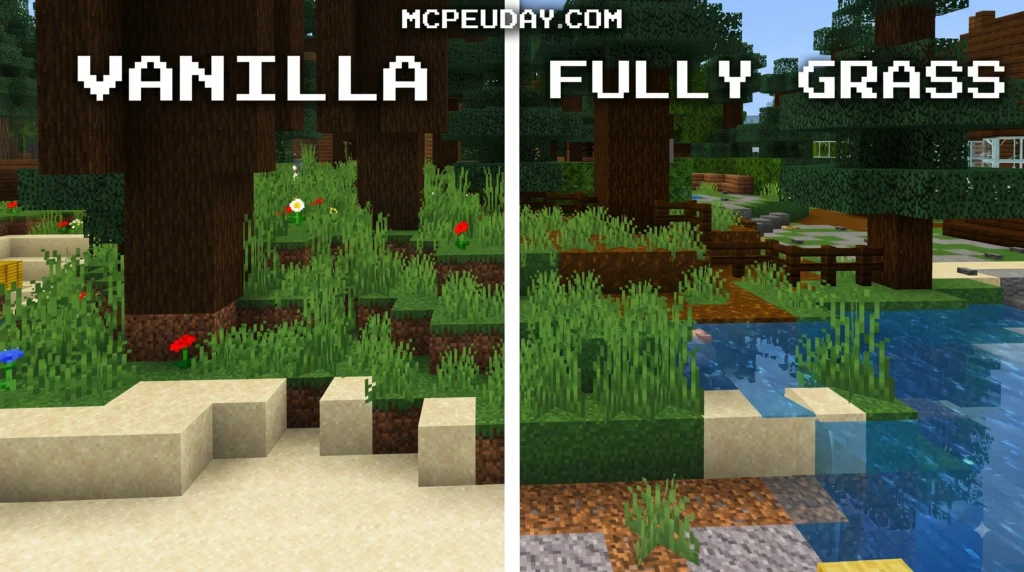
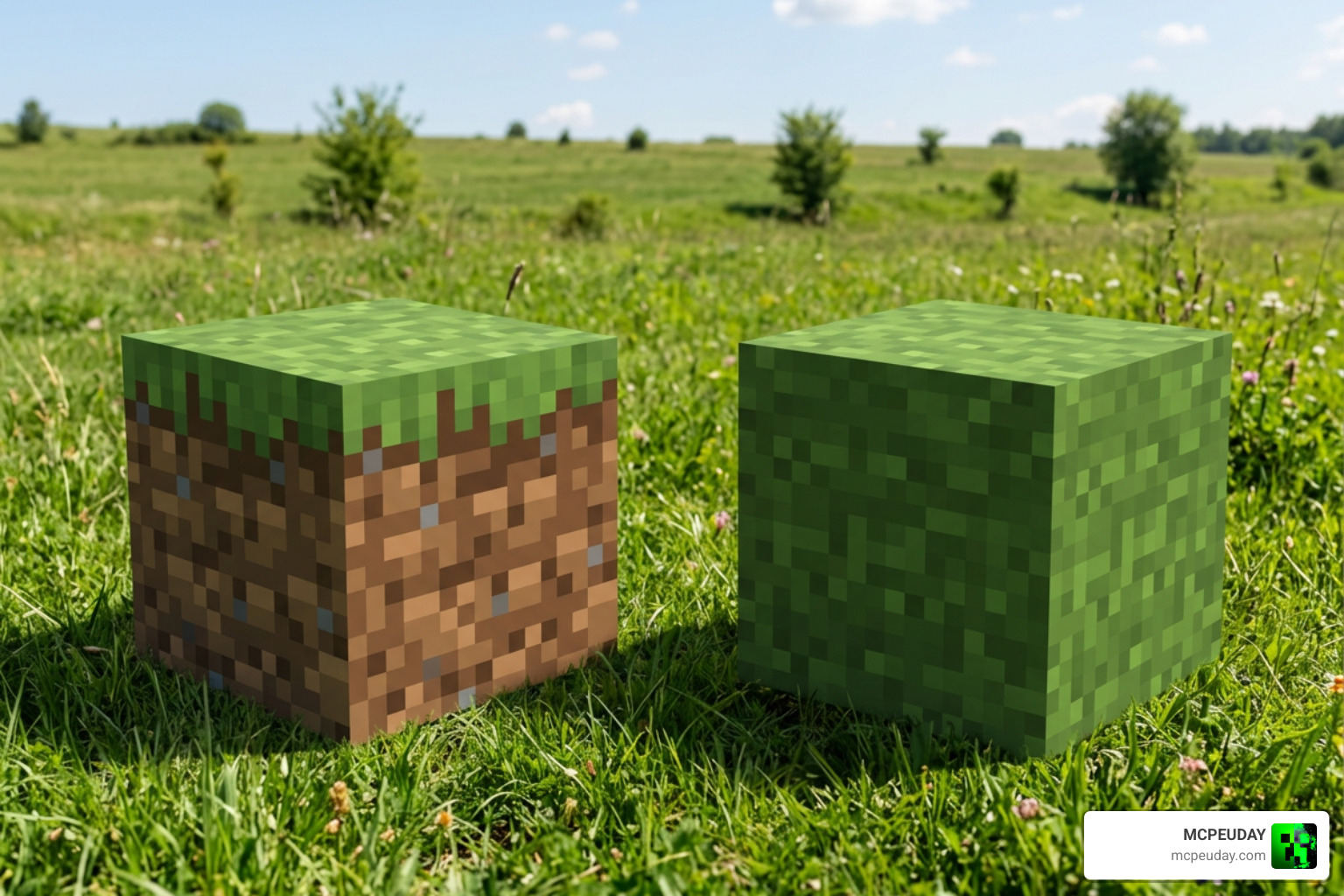
Full Grass Addon For mcpe is a visual resource pack or addon that makes the dirt-colored sides of grass blocks look green, helping hills, cliffs, and flat terrain blend into a more seamless landscape. It does not change Minecraft’s core survival gameplay. Instead, it improves how grass blocks are rendered, so worlds look less blocky and more natural than vanilla MCPE. Whether you are building elaborate survival bases or exploring vast procedural landscapes in official Minecraft worlds, clean terrain textures dramatically elevate the visual quality of your game.
In standard block texturing, terrain generation can often look fragmented when viewed from a distance or along steep hillsides. This visual style has been part of the game since its early release, but many players prefer a smoother aesthetic for modern builds. By applying a full-grass overlay, every single block face adopts the top foliage texture, creating a cohesive green coat across every hill and valley. This simple visual overhaul converts harsh terrain transitions into smooth green slopes that dramatically enhance landscape photography, world showcases, and survival exploration.
| Quick answer | What it means |
|---|---|
| Main change | Covers or blends the dirt sides of grass blocks with grass texture |
| Best use | Improving terrain visuals in Minecraft Bedrock/MCPE |
| Similar pack | Fast Better Grass is a related style of resource pack focused on cleaner grass-block sides |
| Installation | Download the pack file, open it with Minecraft, then activate it in Resource Packs |
| Performance | Usually light, but FPS can vary when used with shaders or high-resolution packs |
Vanilla Minecraft shows brown dirt along the sides of most grass blocks. A full-grass texture changes that familiar look, making grassy hills and landscapes feel smoother at a glance. It can be a small upgrade, but it is especially noticeable in open plains, mountains, and shader-enhanced worlds. By removing the harsh brown stripes on hillsides, your terrain gains a soft, continuous carpet effect that feels far more immersive for exploration and showcase builds alike.
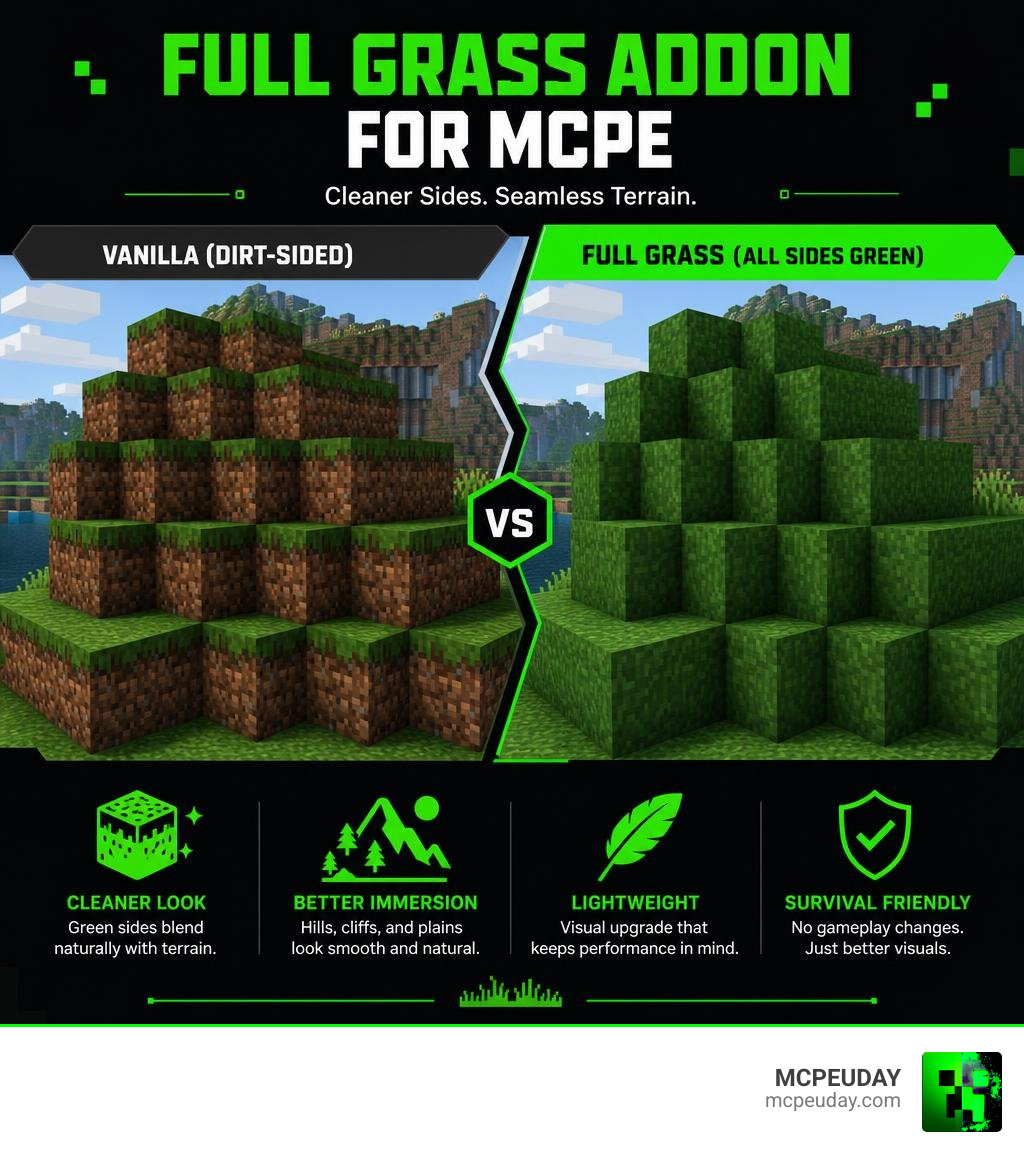
I’m UDAY GAMER, and next I’ll explain what this grass upgrade changes and how it works in MCPE.
What is the Full Grass Addon For MCPE and How Does It Work?
When you construct a world in standard Minecraft Pocket Edition, every grass block comes with a default design: a lush green top resting over exposed brown dirt sides. While this classic look has its charm, building sprawling hills, rolling meadows, or tall mountains often leaves your terrain looking like a giant layer cake made of soil. This fragmented appearance can ruin the atmosphere when creating large-scale custom maps, realistic landscapes, or scenic survival builds.
The Full Grass Addon For mcpe fixes this aesthetic hiccup. By modifying the block rendering settings and side textures, this addon extends the top grass texture down the entire face of the block. Whether you look at a cliffside straight on or stand atop a mountain, every visible surface displays full grass coverage instead of patchy dirt sides. The Bedrock graphics engine handles this modification by remapping block face texture definitions, forcing the dynamic biome color mask to colorize all four vertical side faces alongside the top face.
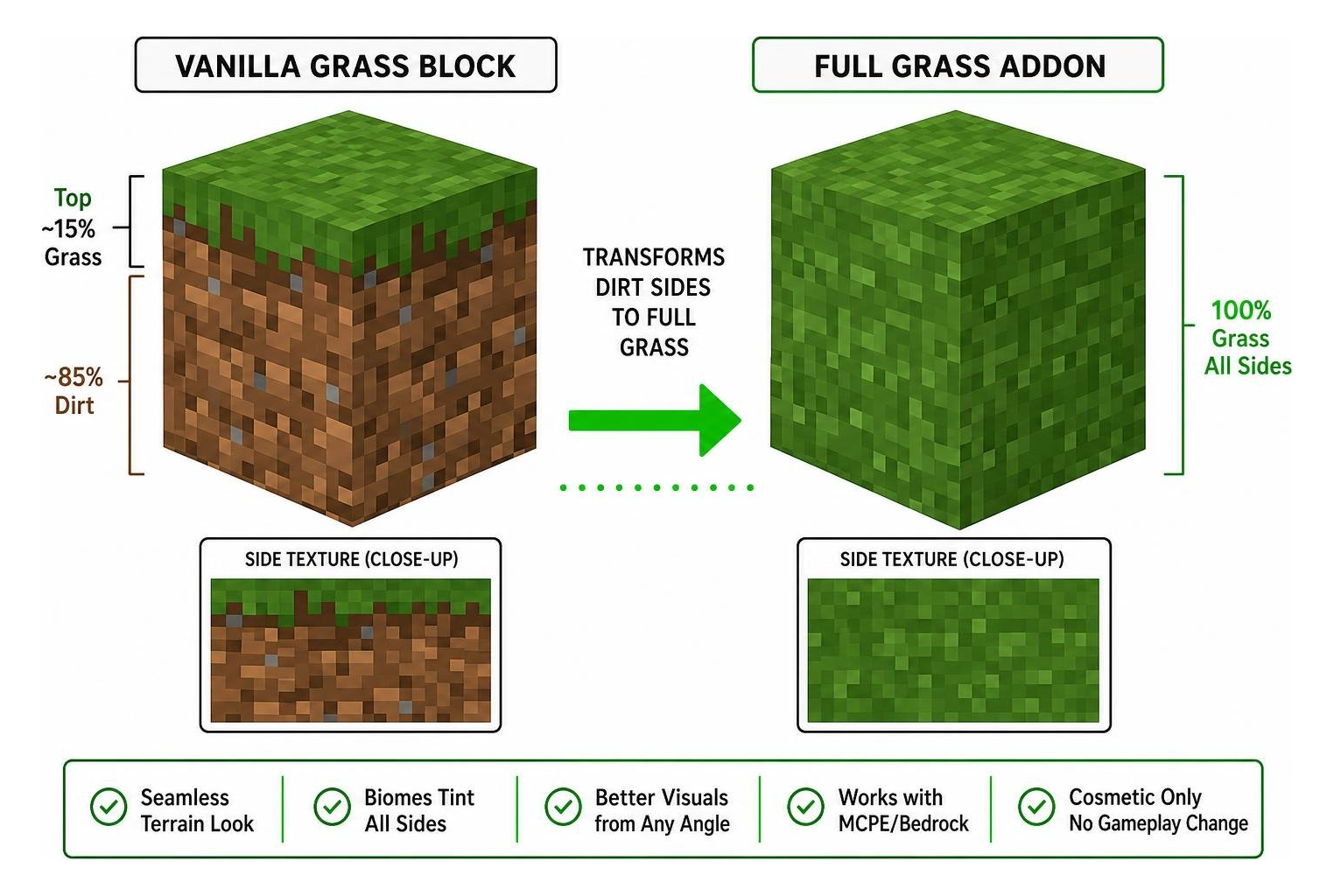
Under the hood, vanilla Minecraft applies a dual-texture system to grass blocks: a grayscale top texture tinted dynamically by biome color maps, paired with fixed brown side textures featuring a thin green trim along the upper edge. The Full Grass Addon replaces this setup by assigning the tinted foliage mask to all side faces, ensuring that the block appears fully covered in grass regardless of viewing angle or elevation.
A closely related alternative enjoyed by many Bedrock players is the Fast Better Grass resource pack. Both options target the exact same visual issue, but they achieve it through lightweight file modifications that work seamlessly across Bedrock platforms including Android, iOS, Windows, and gaming consoles.
| Feature | Vanilla Grass Blocks | Full Grass Addon Blocks |
|---|---|---|
| Side Appearance | Top 15% grass, bottom 85% exposed dirt | 100% full grass texture down all four sides |
| Terrain Look | Patchy brown and green staircases on hills | Continuous, seamless green carpet across landscapes |
| Biome Tinting | Only colors the top layer | Extends biome-specific green colors across all sides |
| Game Mechanics | Standard block drops and growth rules | Fully identical gameplay; purely cosmetic change |
| Memory Overhead | Default Minecraft assets | Virtually zero extra load on device RAM |
Key Features and Compatibility of Grass Overlays
Installing a full grass texture overhaul does far more than just painting dirt blocks green. Modern Bedrock overlays use smart rendering techniques to keep your worlds visually immersive across every biome while maintaining peak gaming performance on mobile hardware.
Features of the Full Grass Addon For MCPE
- Full-Side Coverage: Eliminates awkward dirt borders across all grassy slopes, ravines, canyons, and high-altitude plateaus.
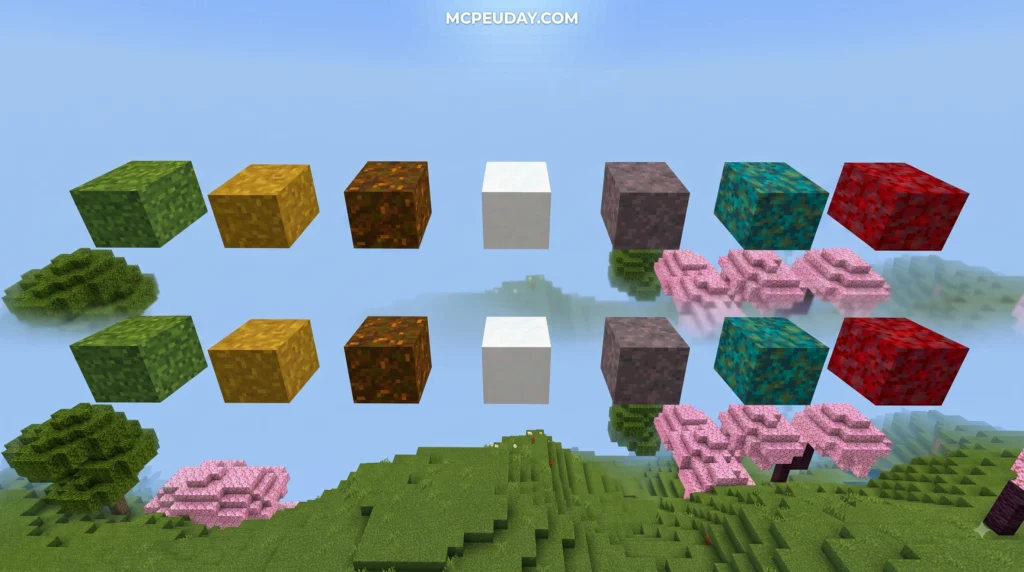
- Smart Biome Blending: Automatically matches the exact green hue of the surrounding biome, from bright pale greens in plains to rich olive tones in jungles, vibrant shades in birch forests, and dark emeralds in cold taiga biomes.
- Connected Visuals: Creates a smooth, unbroken blanket of vegetation that connects neighboring blocks effortlessly across stepped terrain.
- Zero Gameplay Changes: Mob spawning algorithms, dirt tilling with hoes, farmland creation, and natural grass spreading mechanics remain completely unchanged.
- Optimized Rendering: Designed specifically for mobile hardware and touch devices, ensuring smooth performance without stuttering or unexpected frame drops.
Mod Compatibility and Performance for Full Grass Addon For MCPE
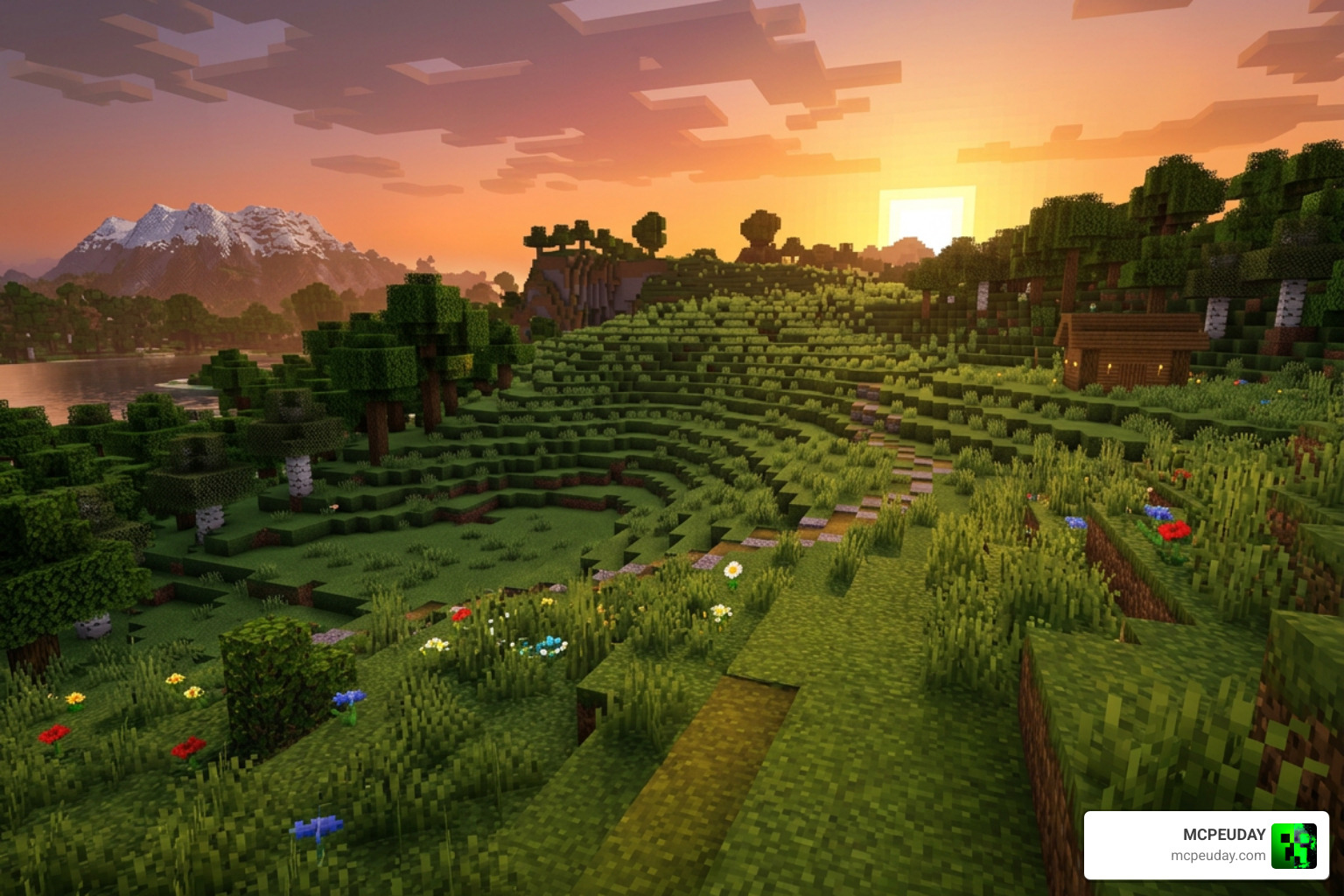
We often get asked if modifying terrain textures will slow down your mobile device or cause lag spikes during gameplay. The great news is that the Full Grass Addon For mcpe is extremely lightweight. Because it simply re-maps texture overlays rather than introducing heavy 3D geometry, custom entity scripts, or complex animations, your mobile FPS remains stable.
Another key benefit of modern grass overlays is their seamless integration with other popular environmental packs. For instance, if you use custom leaves, detailed water textures, or realistic weather effects, the full grass block faces adjust dynamically to match color palettes. Because the pack relies on standard 16×16 resolution assets, memory usage remains minimal, ensuring fast world loading times and responsive controls even during intense multiplayer sessions.
Whether you play on budget Android devices, older iPhones, or high-end iOS tablets, you can enjoy zero lag gameplay. Furthermore, it works fantastically when paired with external shader packs, realistic lighting packs, custom skyboxes, and HD texture packs.
How to Download Full Grass Addon for MCPE in 3 Easy Steps
Upgrading your world’s scenery is quick and easy. Follow our simple step-by-step installation guide below to get your textures running in minutes without requiring complex file edits or jailbreaking your mobile device.
Step 1: Download the Addon File
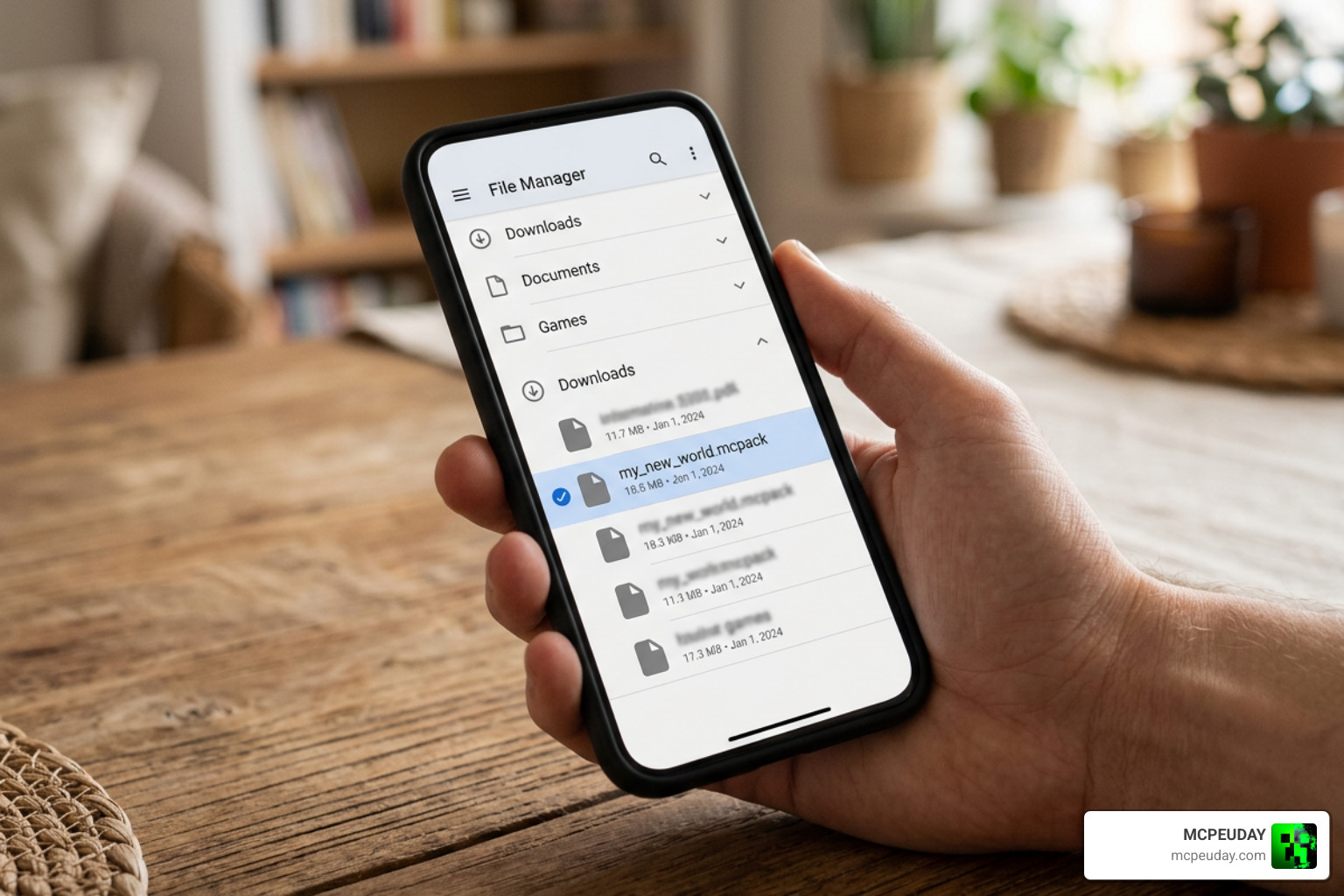
- Locate the download link for the Full Grass Addon For mcpe on our trusted catalog.
- Tap the link to save the
.mcpackfile directly onto your mobile device storage. - Open your device’s file manager (such as ZArchiver or default Files app) and locate the downloaded file in your default Downloads folder.
- Ensure the file ends with
.mcpack. If it ends with.mcpack.zip, simply rename it to remove.zipbefore attempting to open it.
Step 2: Import into Minecraft Pocket Edition
- Tap directly on the downloaded
.mcpackfile inside your file manager app. - Select Minecraft when prompted to choose an app to open the file.
- Minecraft will launch automatically on your mobile device, displaying a top banner notification that reads “Import Started” followed quickly by “Successfully Imported.”
Step 3: Activate the Resource Pack in World Settings
- On the main Minecraft menu, navigate to Settings > Global Resources, or click the edit icon next to an existing survival or creative world.
- Scroll down to Resource Packs in the left menu bar and expand the My Packs tab.
- Locate the Full Grass Addon For mcpe (or Fast Better Grass) and tap Activate.
- Move the pack to the top of your active stack list to ensure its block definitions take priority over other base textures.
- Launch your world and admire your stunning, seamless green landscape!
If you want to apply the addon across all your singleplayer worlds and multiplayer server joins at once, activating it under Global Resources in the main menu is recommended. Alternatively, if you only want it active in specific projects, you can activate it inside individual world settings under Resource Packs.
Frequently Asked Questions About MCPE Full Grass Mods
Does the Full Grass Addon cause FPS lag on low-end devices?
No, it generally does not impact your frame rate or performance. Because the pack focuses on 16×16 standard texture mapping rather than adding complex 3D block models or memory-intensive scripts, your device RAM handles it effortlessly. It is fully optimized for smooth performance on older mobile devices, budget smartphones, and low-spec tablets.
Which versions of MCPE support full grass block textures?
The addon is fully compatible with almost all modern versions of Minecraft Bedrock Edition (MCPE 1.20, 1.21, and newer release updates in 2026). It utilizes standard Bedrock resource pack formatting, ensuring long-term compatibility across upcoming game patches and platform updates without breaking your worlds.
Can I combine this with other custom shader packs?
Yes! You can stack this addon with custom shaders, realistic lighting mods, custom foliage packs, or custom sky packs. Just ensure that you place the full grass texture pack higher in your Active Resource Packs list priority so its block overlays render correctly over standard block textures without being overwritten by other packs.
What happens if I remove the addon later?
Removing or deactivating the addon will instantly revert your grass blocks back to standard vanilla textures without corrupting your world save or affecting built structures. Since no custom blocks are registered, your game environment remains 100% safe.
Conclusion
Upgrading your Minecraft Pocket Edition landscapes doesn’t require complex mods, experimental toggles, or performance-heavy graphics setups. Applying a Full Grass Addon For mcpe gives your survival worlds, multiplayer servers, and creative builds a clean, modern, and cohesive look instantly.
Ready to transform your world graphics and elevate your gameplay experience? Explore more MCPE Mods and Addons at MCPEUDAY to download the latest shaders, resource packs, texture tweaks, and gameplay mods designed specifically for Bedrock Edition!