Scroll down to D0vvnl0ad
Make Minecraft Bedrock Movement More Fun With the Parkour Add-On
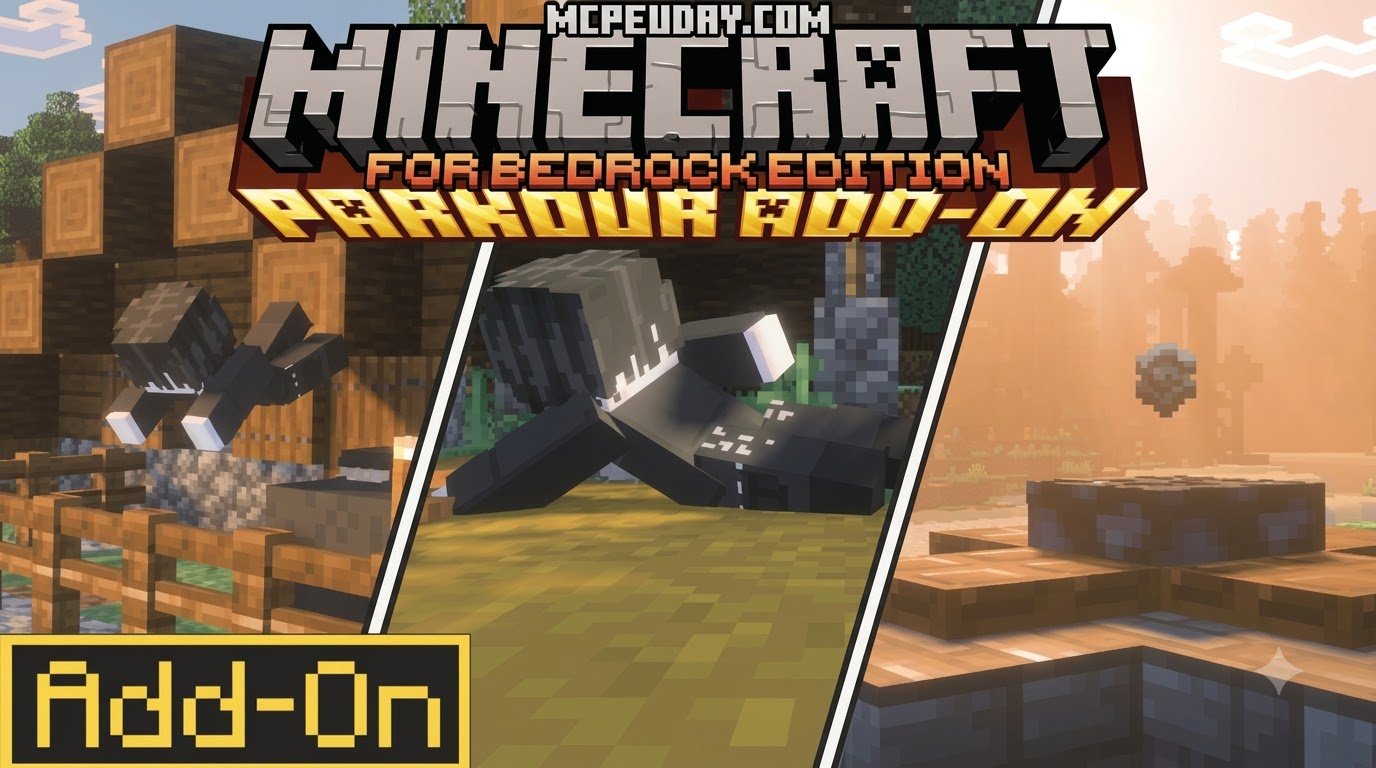
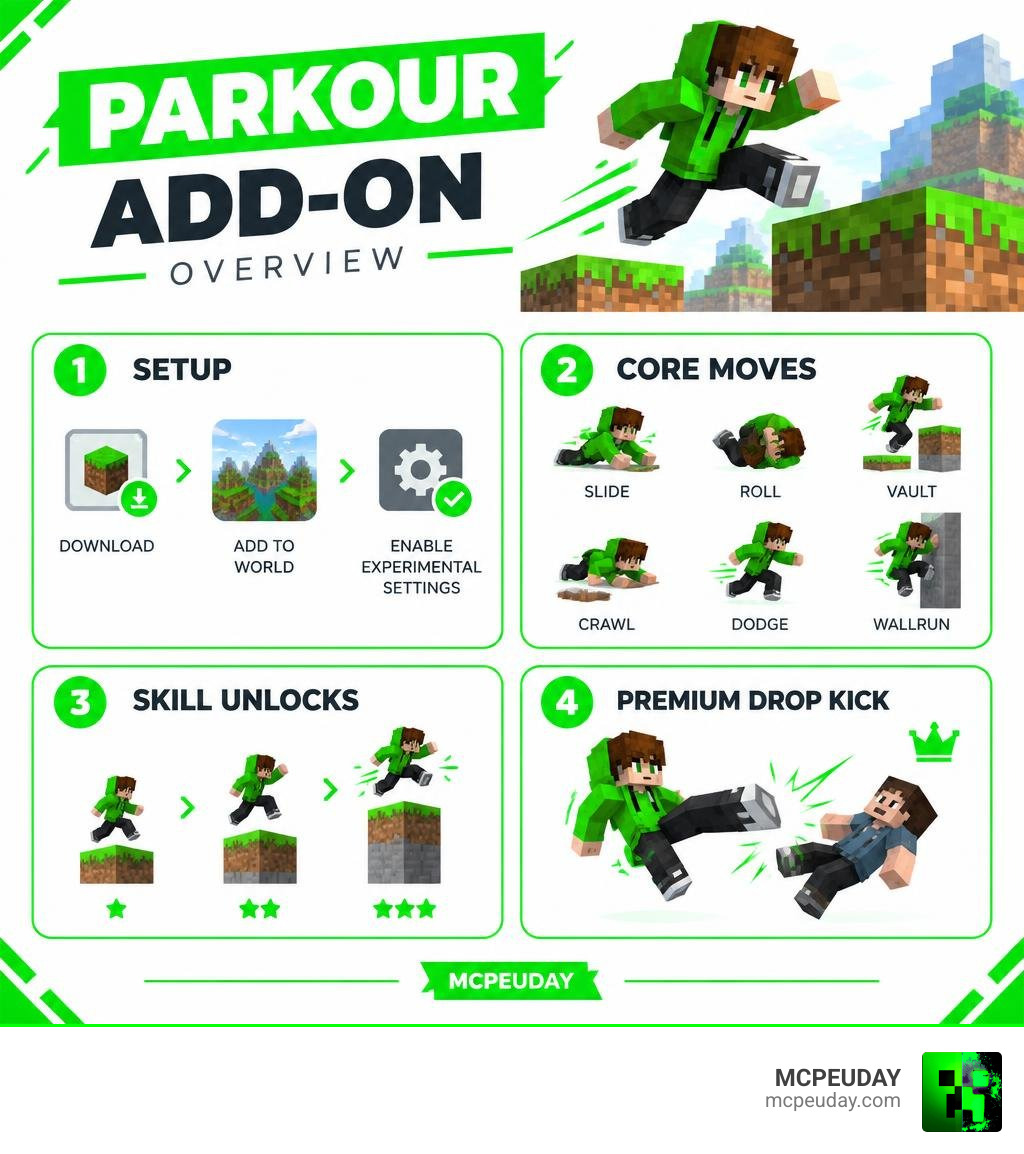
S7D’s Parkour Add-On for Minecraft PE and Bedrock adds moves such as slides, rolls, vaults, crawls, dodges, and wallruns. To get started, download a release that matches your Bedrock version, add it to a world, and enable the experimental settings it requires. Then try sprinting and sneaking to slide. Some moves depend on your skill level, while the dropkick requires the premium Parkour++ pack.
The best tip? Check compatibility before practicing combos. A working setup saves more time than perfect timing. I’m UDAY GAMER, and I’ll help you get the add-on running before we tackle the moves. This guide covers installation, core acrobatics, stamina management, and practical uses for survival, adventure maps, and PvP, so you can start moving with confidence right away.
Mastering Movement in the Parkour Addon for Minecraft PE/Bedrock
Mastering dynamic mobility in Bedrock transforms how we navigate our worlds. The Parkour Addon by S7D integrates acrobatic tricks straight into standard touch, keyboard, and controller inputs without clunky menus getting in the way. Once installed, the add-on feels like a natural extension of Minecraft’s movement system, letting you chain slides into vaults or dodge out of a sprint without breaking your flow.
Performing Core Acrobatics and Combos
Executing tricks relies on fluid timing and standard control combinations. Each move has a specific input window, and practicing the basics first makes advanced combos much easier to pull off.
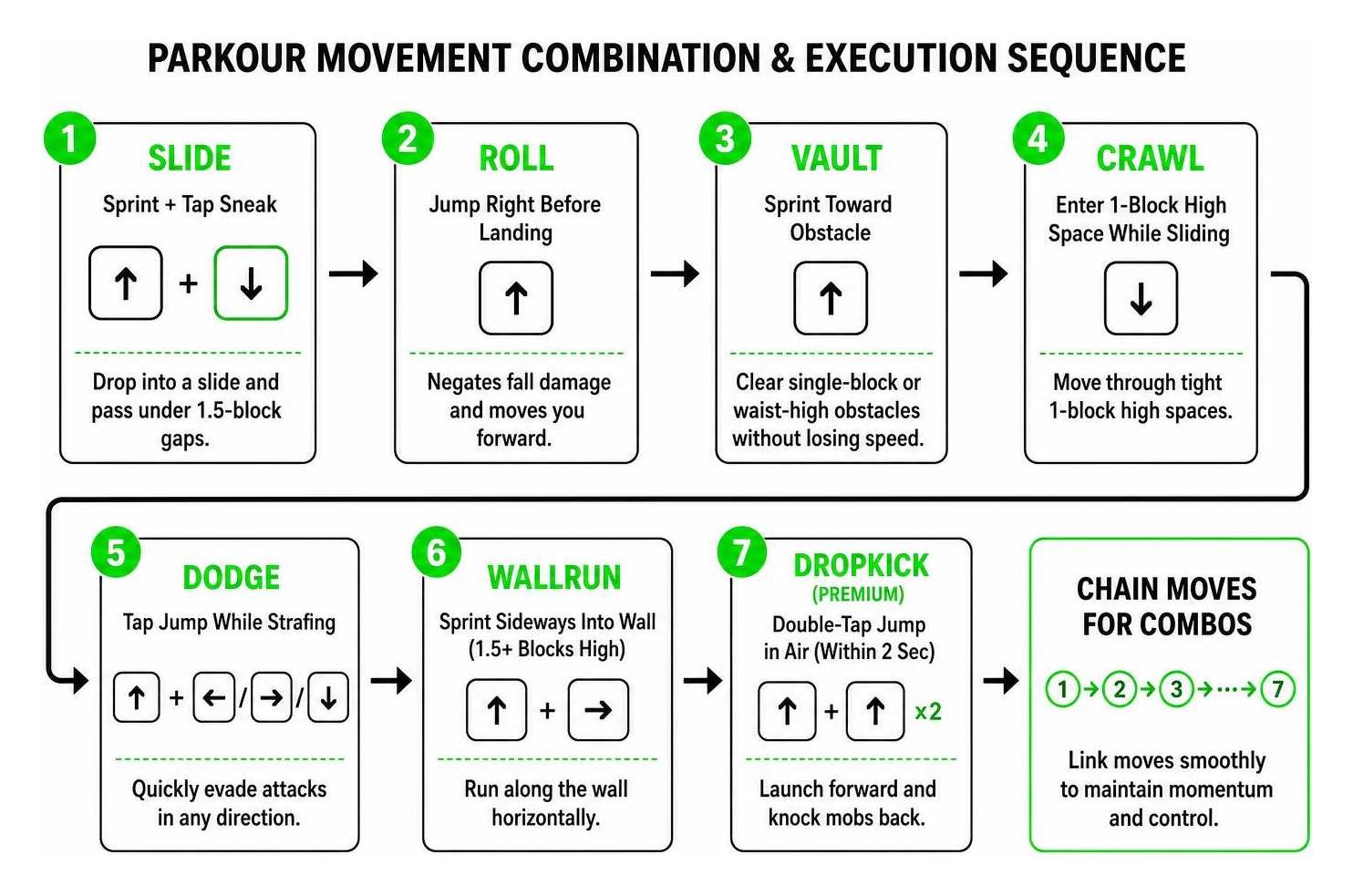
- Slide: Initiate a sprint and tap sneak. Your character will drop into a low slide, allowing you to pass under 1.5-block gaps while maintaining momentum.
- Roll: When falling from dangerous heights, press Jump right before impacting the ground. Landing within this precise window negates fall damage and propels you forward.
- Vault: Sprint directly toward single-block or waist-high obstacles to clear them seamlessly without losing speed.
- Crawl: Triggered when entering 1-block high spaces during slides or through dedicated crouch prompts, perfect for exploring tight caves.
- Dodge: Tap jump while strafing left, right, or backward to quickly evade incoming hostile attacks.
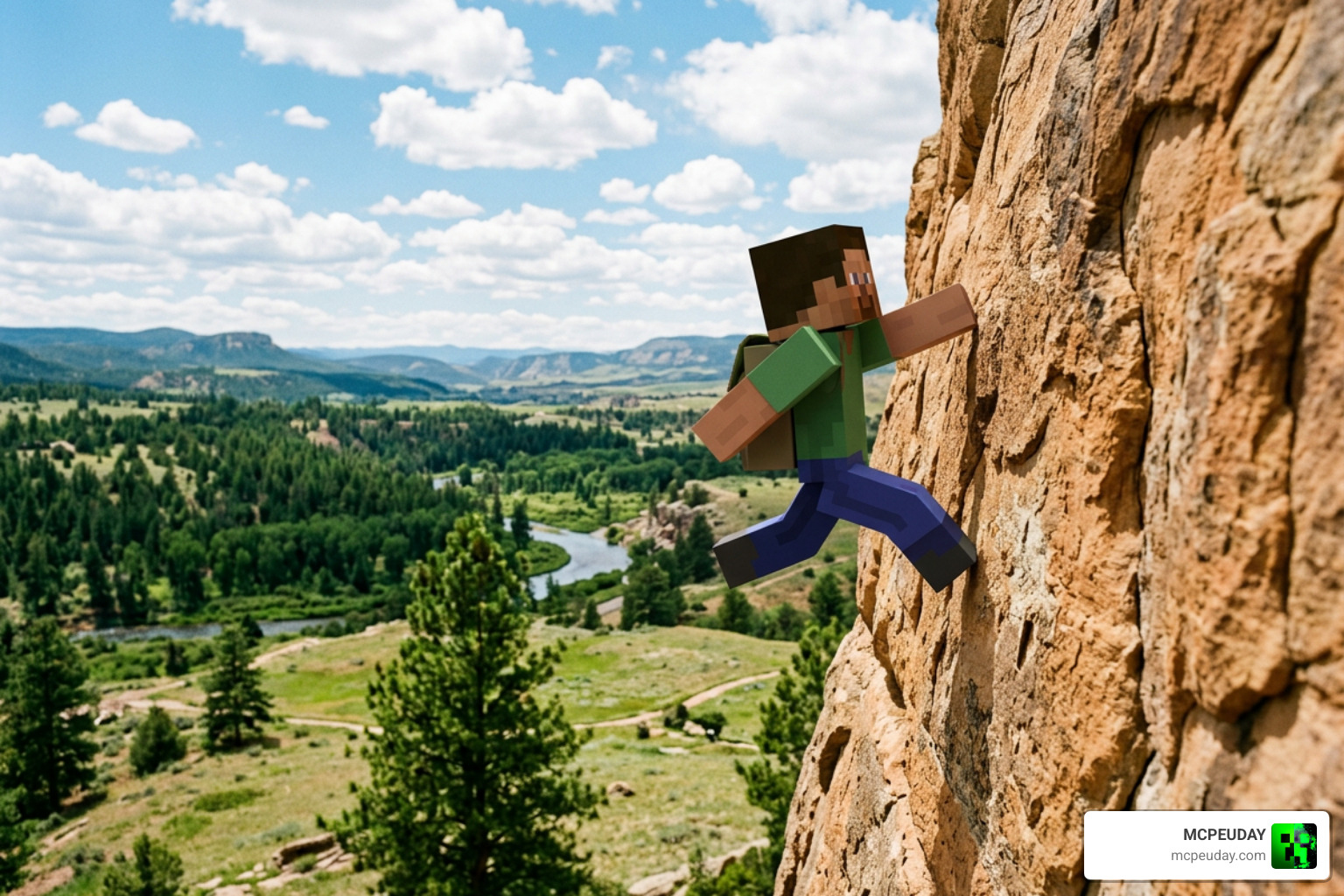
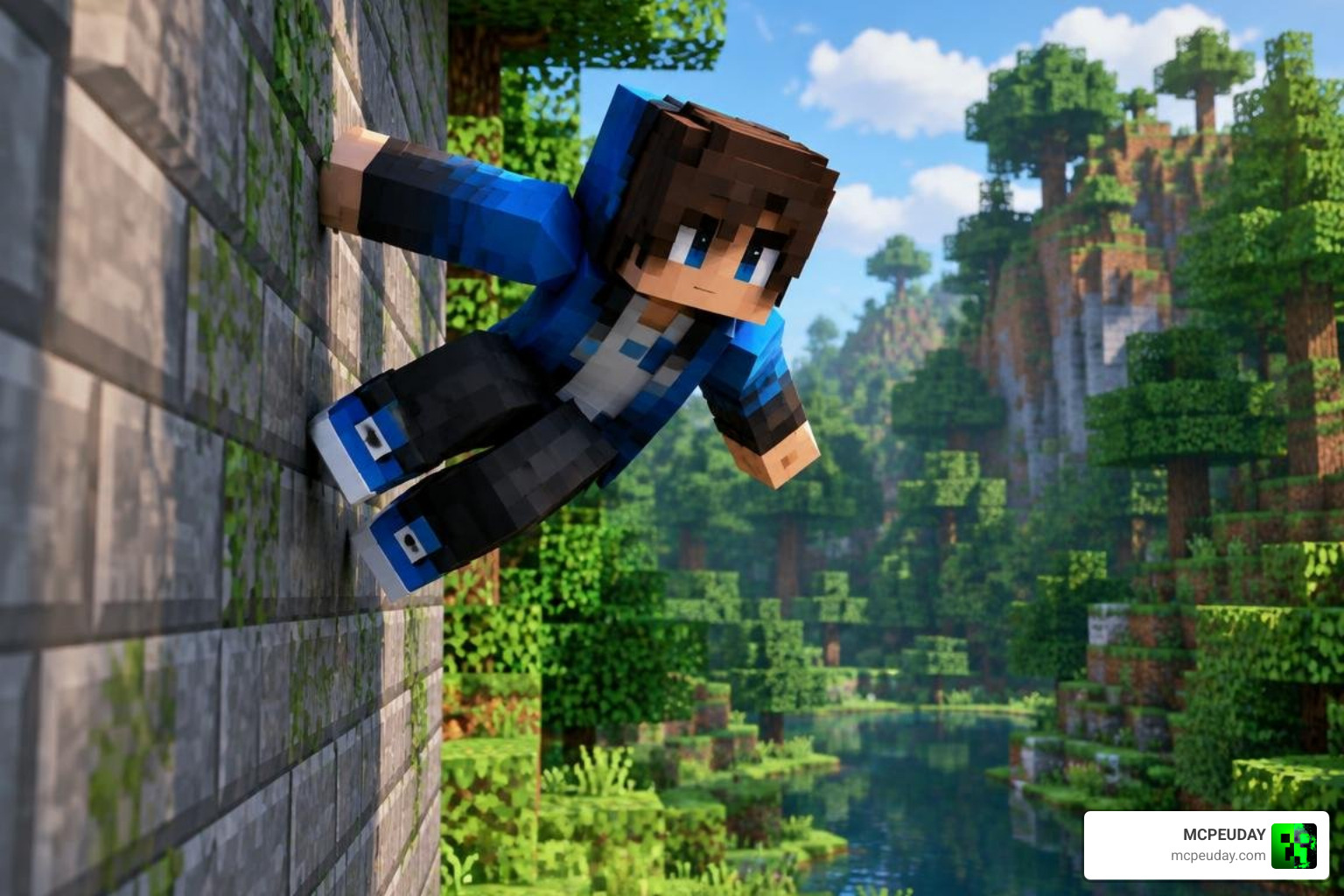
- Wallrun: Sprint sideways into a flat wall while at least 1.5 blocks above the ground to stick and run horizontally along the surface.
- Dropkick: Double-tap jump within a 2-second airtime window to launch forward and send mobs flying backward.
Combining these moves is where the add-on really shines. For example, you can sprint into a vault, immediately slide under a low overhang, then roll out of the slide to keep your momentum. Wallruns can also be chained with dodges to change direction mid-air, which is especially useful on parkour maps with tight turns.
Stamina Mechanics and Skill Progression
Movement is governed by an integrated stamina bar and an XP-driven skill system. As you sprint, vault, and wallrun, stamina depletes. If drained completely, your character suffers exhaustion and must recover before performing advanced tricks again. Managing stamina becomes a core part of longer parkour runs, since running out mid-wallrun can drop you into a pit or leave you exposed in combat.
As you collect experience orbs in your world, you earn level-up announcements on your screen. The add-on rewards player growth by unlocking a random skill every 2nd level. This progression system gives you a reason to keep exploring and fighting mobs, even after you have mastered the basic moves. If you prefer freeform agility without waiting or dealing with exhaustion bars, the add-on includes an optional bypass tool to toggle stamina drain off and unlock all moves immediately.
Installation and Compatibility Guide
Setting up the add-on correctly prevents gameplay errors and ensures smooth performance across different hardware setups. The installation process is straightforward, but taking a few minutes to verify your game version and experimental settings will save you from frustrating glitches later.
Platform Setup for Parkour Addon for Minecraft PE/Bedrock
We recommend backing up existing worlds before applying custom files. The add-on is lightweight (around 3.08 MB in its latest version 1.1.3 release) and runs smoothly on supported Minecraft Bedrock versions, including 1.21.111, 1.21.120, 1.21.121, 1.21.132, and version 26.0. Make sure to download the compatible pack files for your specific game build before getting started.
- Android: Download the
.mcaddonfile and tap to open it directly with Minecraft, or move it into yourcom.mojangbehavior and resource pack folders. - iOS: Tap the downloaded package in the Files app and choose “Open in Minecraft” to trigger automatic import.
- Windows 10 / 11: Double-click the downloaded
.mcaddonor.mcpackfile to automatically launch Minecraft Bedrock and install the pack.
After importing, always check that both the resource pack and behavior pack appear in your world’s active pack list. If one pack is missing, the add-on may load only partially, leaving you with visual elements but no functional movement abilities.
Experimental Config for Parkour Addon for Minecraft PE/Bedrock
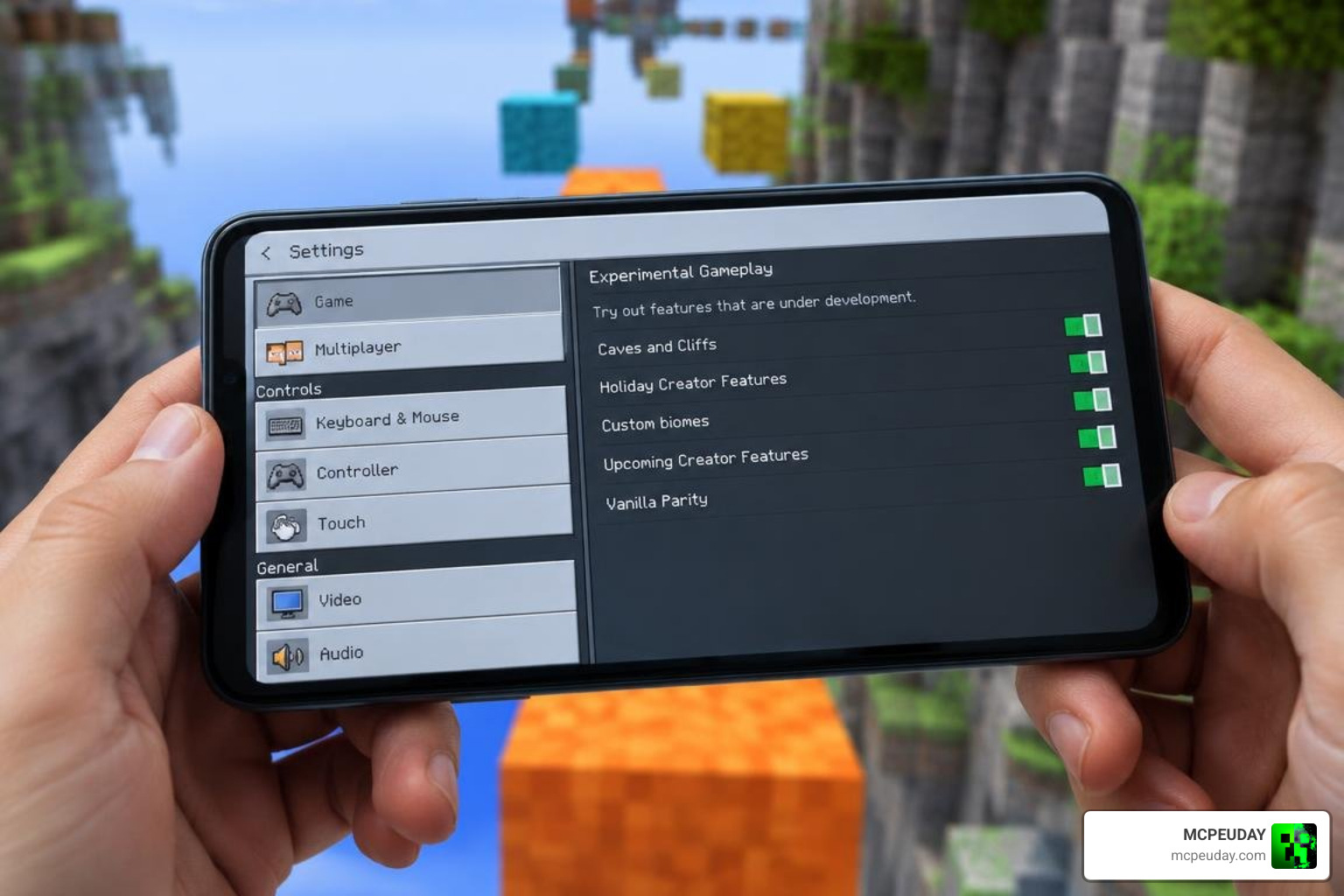
To allow custom animations, movement scripts, and player scaling to run, you must toggle the required experimental switches inside world settings.
- Enable Beta APIs / Script API toggles.
- Turn on Holiday Creator Features and Upcoming Creator Features where applicable.
- Ensure both the Resource Pack and Behavior Pack are active and placed high in your load order.
Leaving experimental features disabled often results in UI-only glitches, such as seeing a smartwatch interface without any active parkour functionality. If you run into this issue, close the world, open the settings menu, and confirm every experimental toggle is enabled before reloading.
Free Edition vs Parkour++ Premium Comparison
Understanding what is included in each version helps you choose the right tier for your playstyle. The free edition already includes a full set of acrobatic moves, while the premium upgrade adds exclusive combat options and visual polish.
| Feature | Free Parkour Add-On | Parkour++ Premium Pack |
|---|---|---|
| Core Moves (Slide, Roll, Vault, Wallrun, Dodge, Crawl) | Included | Included |
| Dropkick Attack Move | Not Included | Included (Exclusive) |
| Stamina System & Skill Leveling | Included | Included |
| Bypass Tool for Instant Unlocks | Included | Included |
| Custom Animation Smoothing & Polish | Standard | Enhanced |
| Smartwatch UI Cosmetics | Basic | Advanced |
| Direct Developer Support | Community | Priority |
The developer maintains the free tier so everyone can enjoy acrobatic navigation, while keeping select moves like the Dropkick exclusive to Parkour++ to reward dedicated supporters. If you mostly explore and build, the free version is likely enough. If you want the dropkick for combat or prefer smoother animations and priority support, the premium pack is worth considering.
Strategic Gameplay Applications for Survival, Maps, and PvP
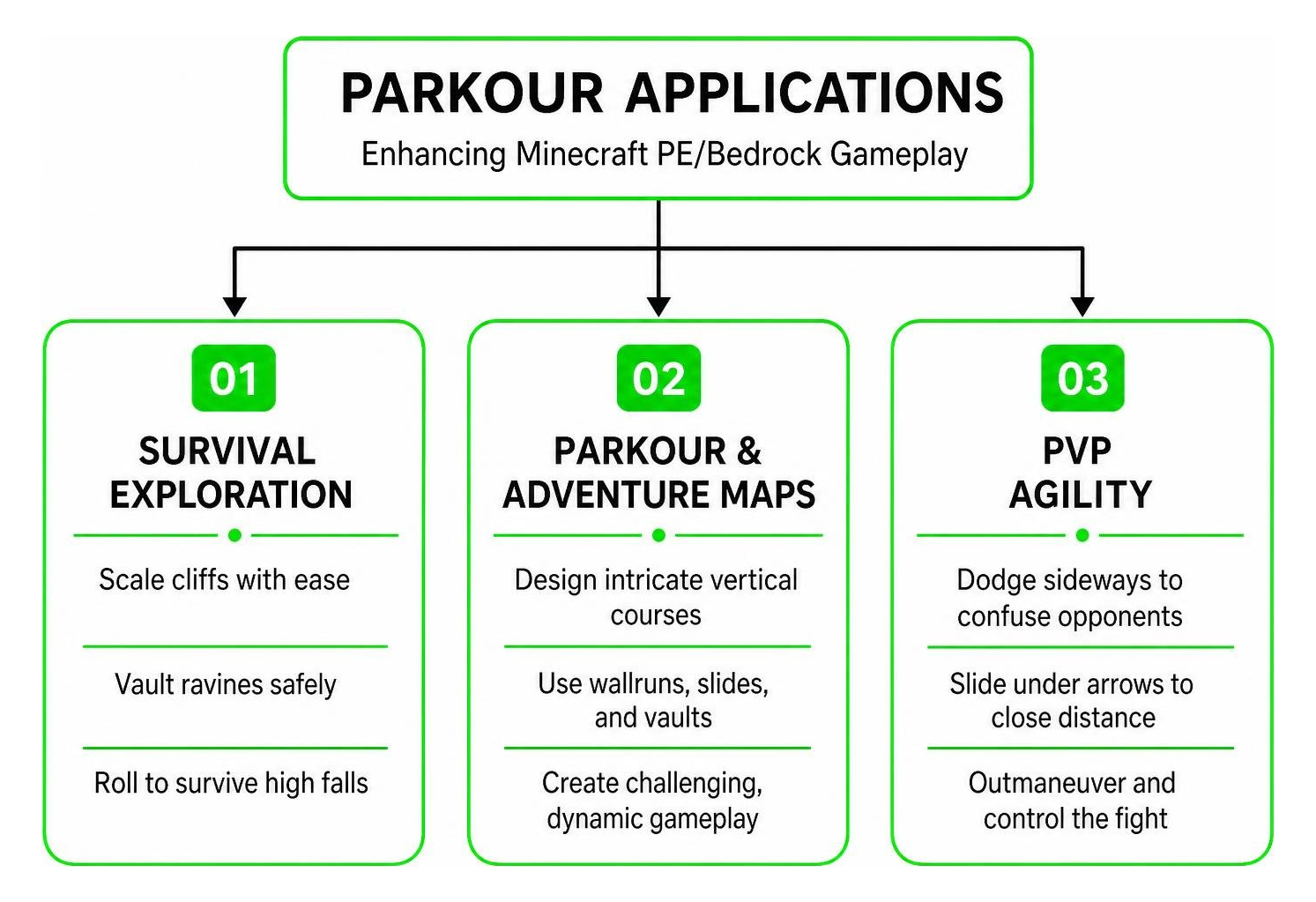
Integrating acrobatic agility elevates every corner of Bedrock gameplay. The same moves that make parkour maps exciting can also keep you alive in survival worlds and give you an edge in multiplayer fights.
- Survival Exploration: Scaling cliffs, vaulting ravines, and rolling out of accidental high falls drastically increases survival rates during resource gathering. The roll move alone can save you from fatal drops while mining or exploring mountain biomes.
- Parkour & Adventure Maps: Map creators can design intricate vertical courses using wallruns, tight slides, and controlled vaults rather than relying solely on simple ladder jumps. Players can also use the add-on to practice advanced routes and improve their completion times.
- PvP Agility: Dodging sideways confuses enemy aim and sword swings, while sliding under arrows allows you to close distances quickly in multiplayer combat. The dropkick, if you have the premium pack, adds a high-knockback attack that can knock opponents off ledges or create space in a fight.
Frequently Asked Questions about Parkour Addon for Minecraft PE/Bedrock
How do you perform a dropkick using the add-on?
The dropkick is exclusive to the Parkour++ upgrade. When installed, sprint toward a target, jump, and double-tap the jump button within 2 seconds of being airborne to deliver a high-knockback kick. The move works best when you line up your target before jumping, since the forward launch can be hard to adjust mid-air.
Why are parkour functions not working after installation?
If your character displays a smartwatch interface without triggering movement moves, verify that all Experimental Gameplay options (especially Script API) are toggled on, and ensure your game matches supported versions like 1.21 or 26.0. Also check that both the resource pack and behavior pack are active and placed high in your load order, since a missing behavior pack will prevent movement scripts from running.
Can you disable the stamina drain system?
Yes. Use the included in-game bypass tool item to toggle the stamina mechanic off, giving you unlimited movement without stamina exhaustion or level requirements. This is especially useful for creative building sessions or when you want to practice advanced combos without interruptions.
Conclusion
Mastering acrobatic movement transforms the classic blocky world into an agile playground. With these setup steps and movement combinations, you are ready to slide, vault, and wallrun through any obstacle. Start with the core moves, practice chaining them together, and then experiment with stamina settings to find the playstyle that suits you best. For more gameplay enhancements, discover our expansive collection of Minecraft PE mods and addons to take your Bedrock experience even further.