What the Actions & Stuff Pumpkin Texture Pack Actually Does
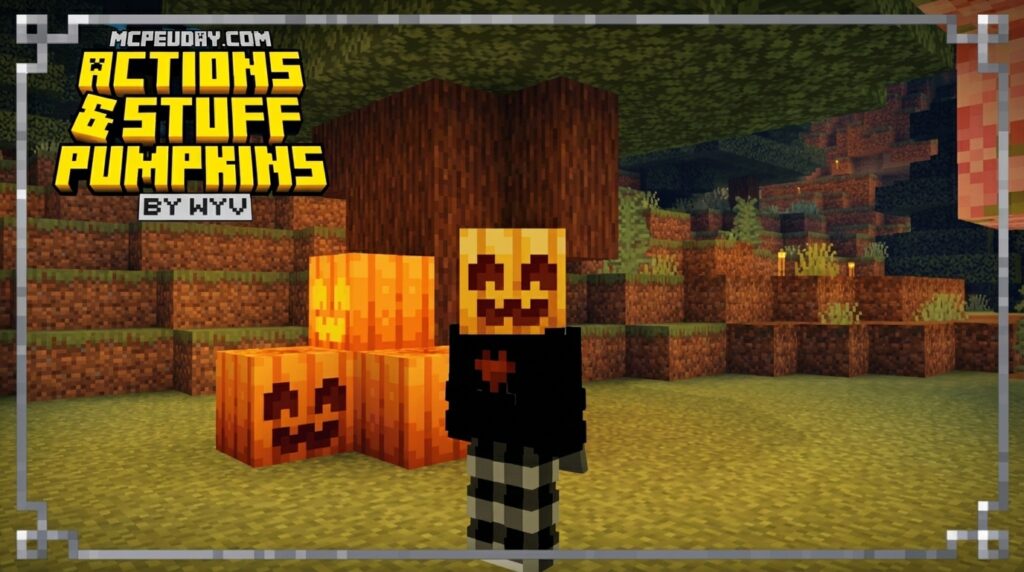
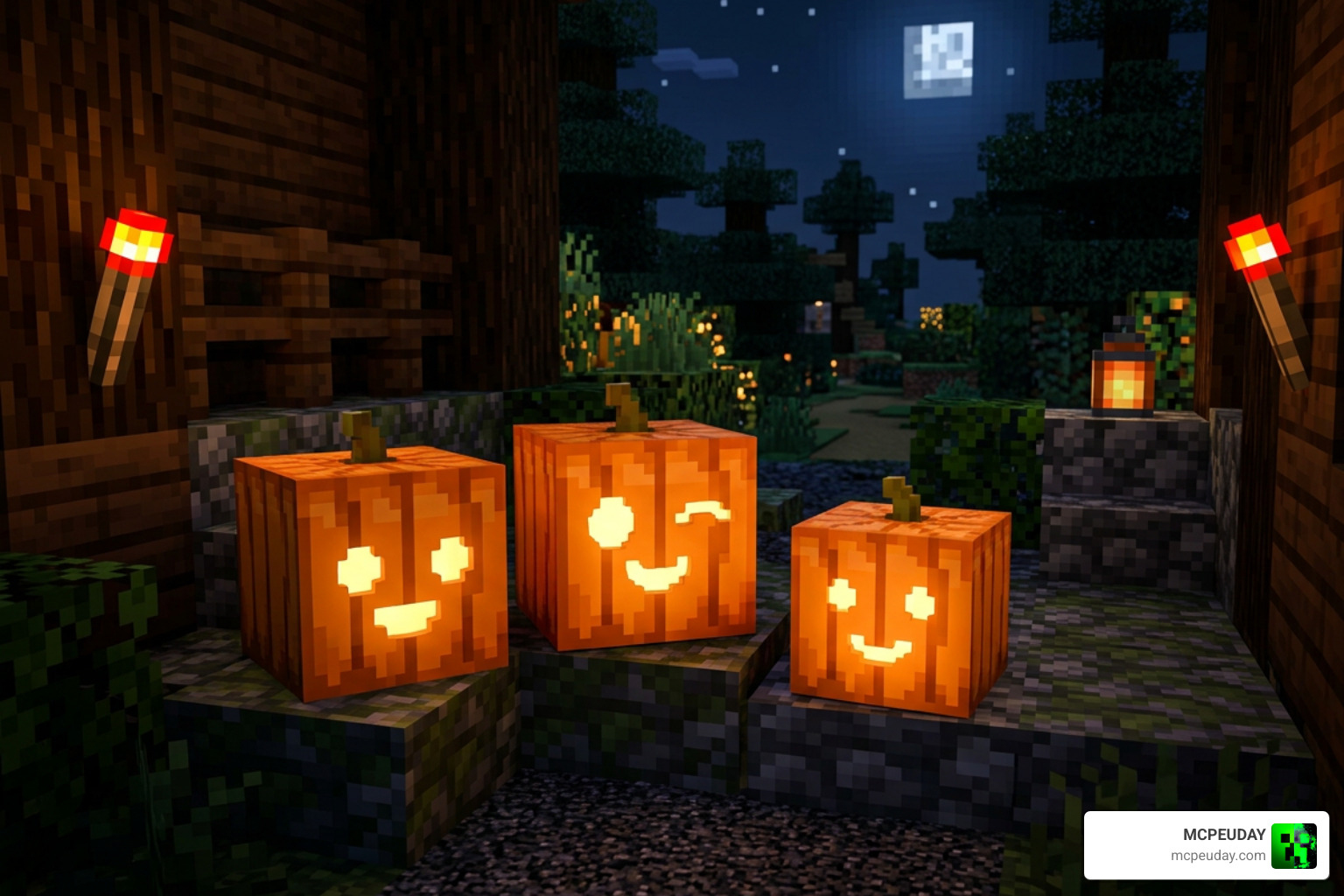
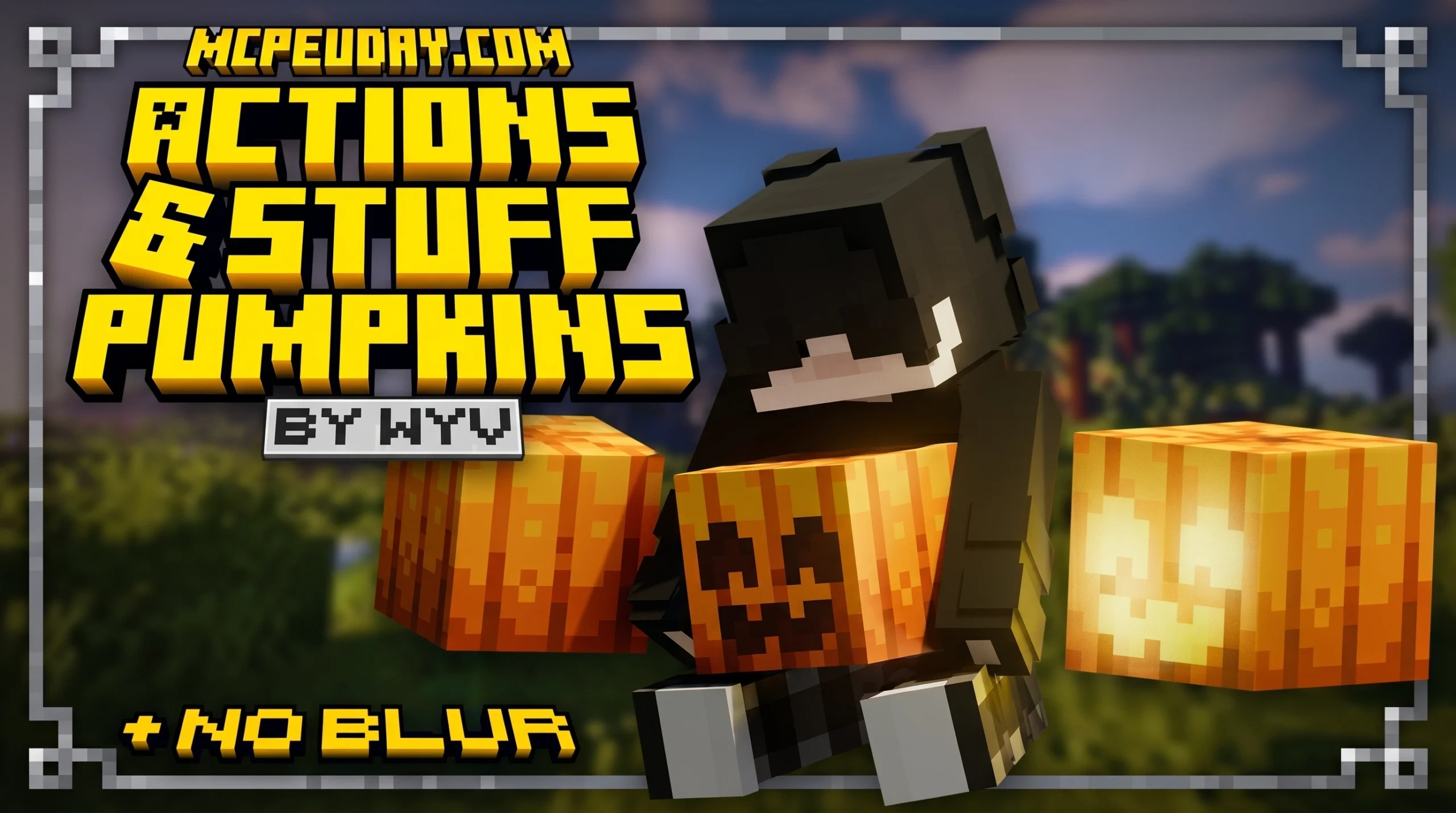
The Actions & Stuff Pumpkin Texture Pack is a lightweight standalone resource pack for Minecraft PE and Bedrock Edition that replaces the default pumpkin textures with cute, spooky 256×256 designs — and removes the annoying blur overlay you normally see when wearing a pumpkin on your head.
Quick answer:
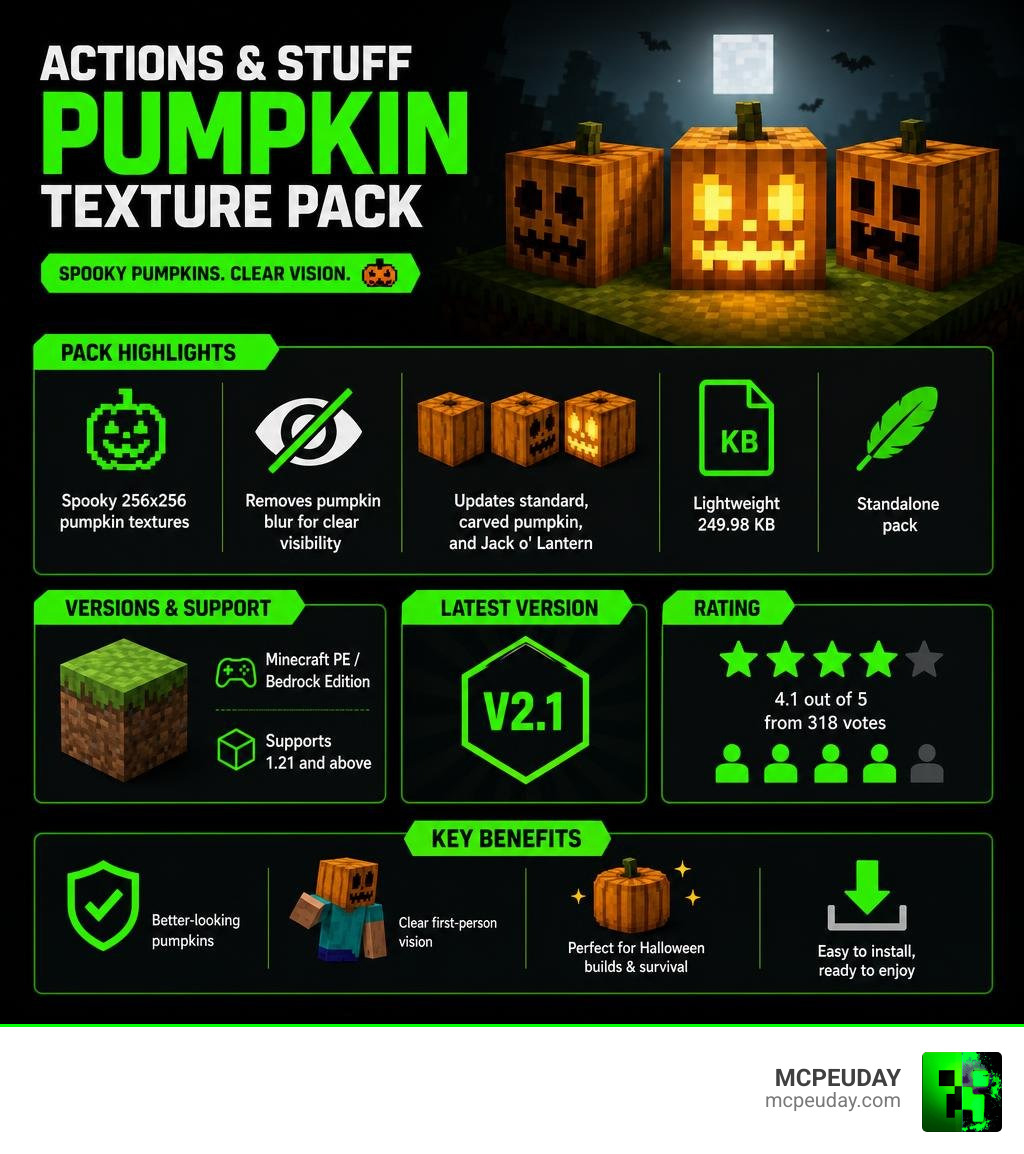
- What it is: A standalone Bedrock Edition texture pack focused only on pumpkins
- What it changes: Standard pumpkin, carved pumpkin, and Jack o’ Lantern textures
- Key feature: Removes pumpkin blur for clear visibility in first-person view
- Resolution: 256×256 (sharper than vanilla)
- Latest version: V2.1
- File size: 249.98 KB
- Supports: Minecraft PE / Bedrock Edition 1.21 and above
- Rating: 4.1 out of 5 from 318 votes
It pulls the pumpkin visuals from the popular full Actions & Stuff pack by Oreville Studios — but packages them into a tiny, easy-to-install file. So you get the spooky aesthetic without needing to install the entire animation overhaul pack.
Perfect if you just want better-looking pumpkins and clearer vision during Halloween builds or survival gameplay.
What is the Actions & Stuff Pumpkin Texture Pack?
The Actions & Stuff Pumpkin Texture Pack is a dedicated, aesthetic-focused resource pack designed specifically for Minecraft Pocket Edition (MCPE) and Bedrock Edition. If you have ever played on Bedrock, you are likely familiar with the massive visual overhauls created by Oreville Studios. Their main project completely reimagines how characters move, fight, and interact with the blocky world.
However, many players do not want a complete gameplay or animation overhaul just to enjoy a few beautiful textures. That is where this standalone pack comes in handy. It extracts the highly praised, stylized pumpkin models from the main project and serves them up in a incredibly lightweight package.
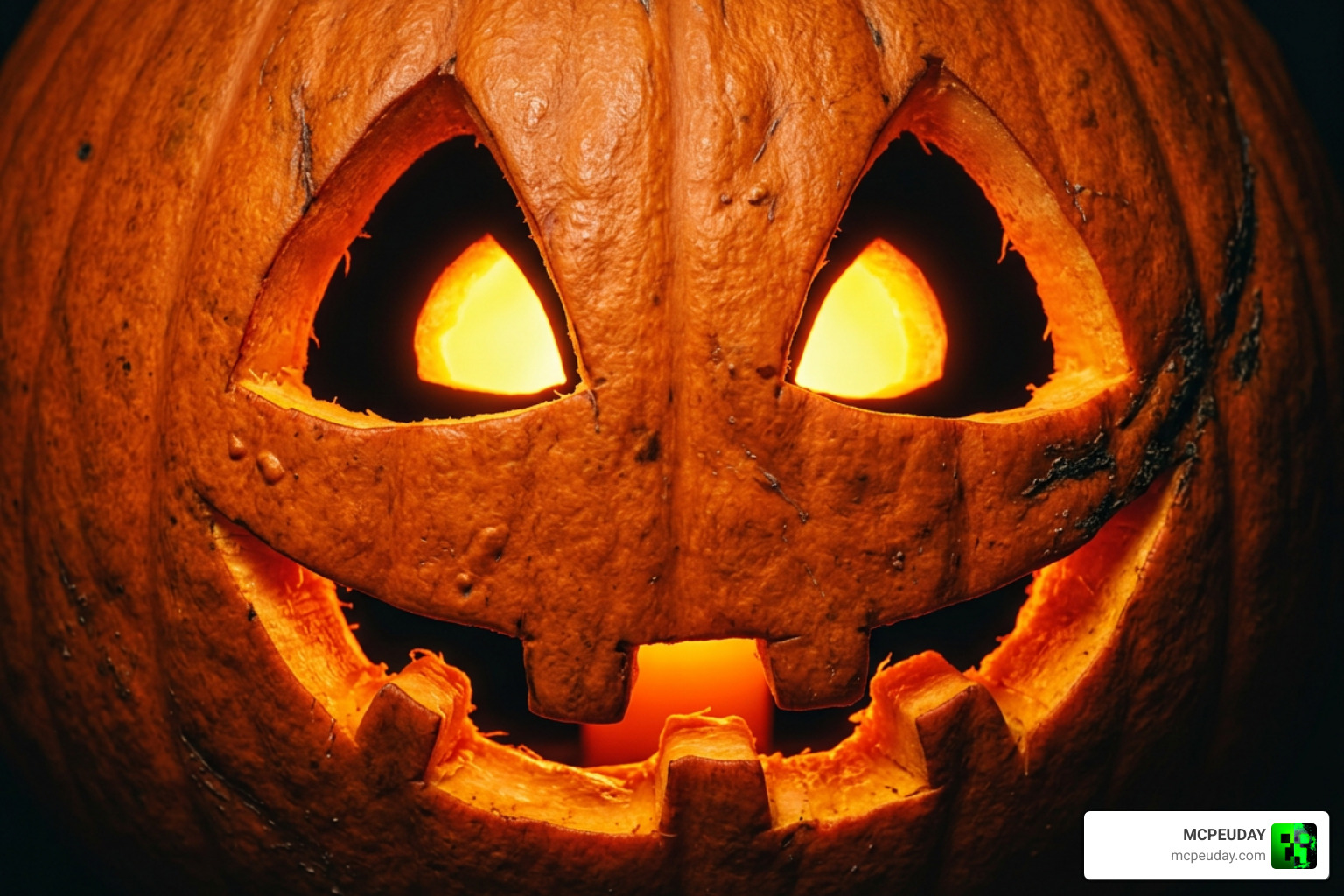
Instead of the pixelated, low-resolution orange blocks we have been staring at for over a decade, this pack introduces gorgeous 256×256 resolution textures. The pumpkins look clean, modern, and have a unique “cute but spooky” vibe that fits perfectly into any survival world, spooky adventure map, or autumn-themed build.
How the Actions & Stuff Pumpkin Texture Pack Differs from the Full Pack
The primary difference between this standalone pack and the full Actions & Stuff resource pack boils down to performance, size, and purpose:
- Animation Overhaul: The full Actions & Stuff pack is famous for adding fluid physics, realistic running, crawling, eating animations, and custom mob behaviors. You can see these incredible movements in action on YouTube via THE BEST ANIMATED TEXTURE PACK FOR MINECRAFT IN … . The pumpkin pack, on the other hand, contains zero player or mob animations. It is strictly a visual texture swap.
- File Size and Performance: The full animation pack can be quite heavy for older mobile devices or consoles, sometimes leading to frame drops. This pumpkin-specific pack is a mere 249.98 KB. It has zero performance impact, making it ideal for players who want a vanilla-plus experience without sacrificing FPS.
- Resource Extraction: We love that the developers isolated these textures. Instead of forcing players to run a massive addon that changes the entire game UI, item models, and sounds, you can load this tiny pack and enjoy beautiful pumpkins instantly.
Core Features of the Pumpkin Pack
This pack might be small, but it completely changes how you interact with one of Minecraft’s oldest block families. Here are the main features you will notice immediately after activating it:
- Upgraded 256×256 Resolution: The textures are incredibly sharp. Instead of the standard 16×16 resolution, these pumpkins feature smooth lines and detailed shading that make them pop, even from a distance.
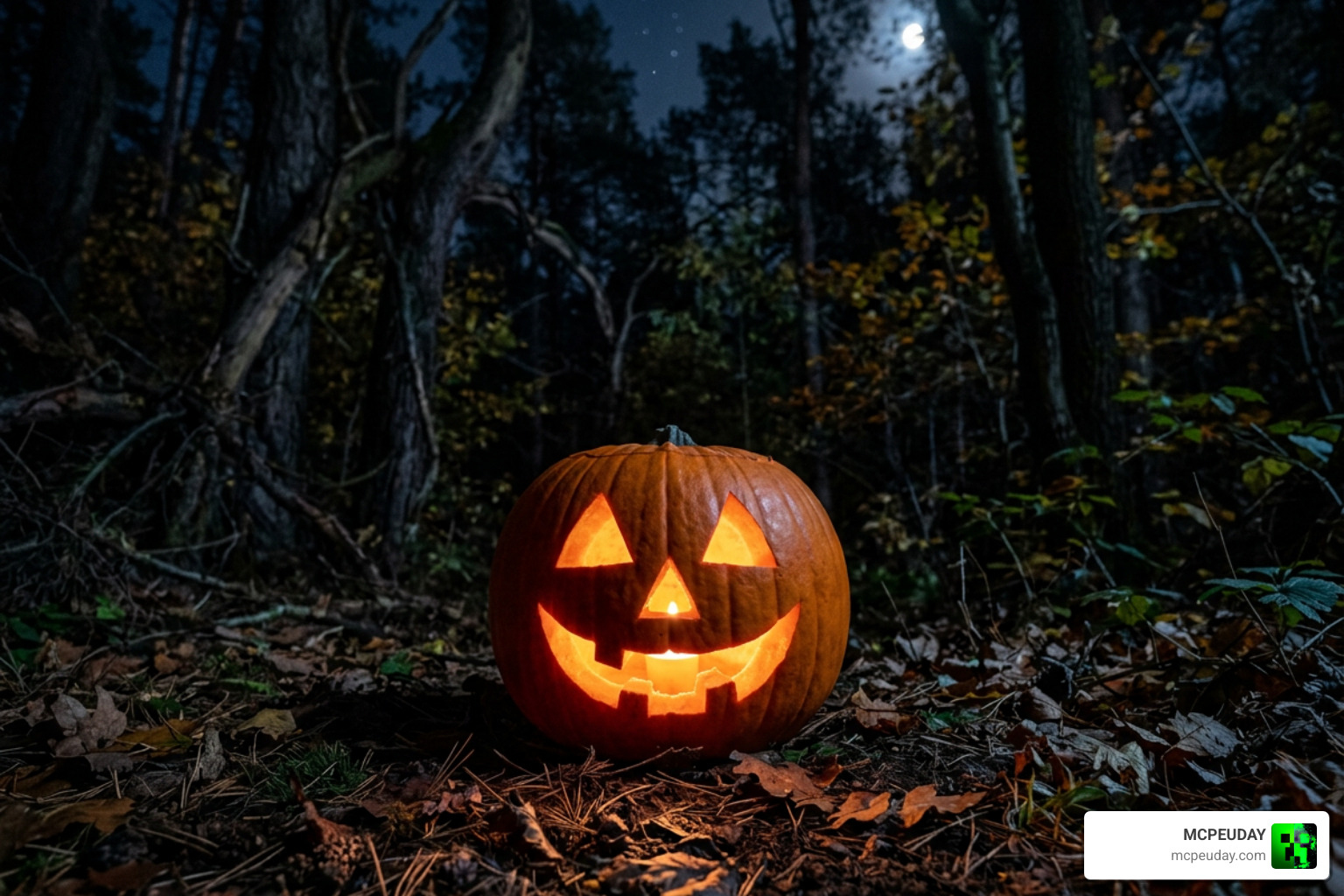
- Spooky Carved Pumpkin and Jack o’ Lantern Variants: The carved pumpkin features a beautifully stylized face that strikes the perfect balance between cute and creepy. When you place a torch inside to create a Jack o’ Lantern, the glow effect looks vibrant and atmospheric, especially at night.
The No Blur Feature in Actions & Stuff Pumpkin Texture Pack
The absolute best feature of the Actions & Stuff Pumpkin Texture Pack is the complete removal of the pumpkin blur overlay.
In vanilla Minecraft, wearing a carved pumpkin on your head is the ultimate defense against Endermen because it prevents them from aggroing when you look at them. However, Mojang balances this by covering your screen with a horrible, pitch-black carved face overlay that severely limits your field of view.
With this pack installed, that overlay is completely gone. You can wear a pumpkin on your head for safety while maintaining 100% clear, first-person visibility. If you enjoy pairing clear visibility with brilliant lighting, we highly recommend checking out the Glowing Plus Texture Pack Make Your Minecraft World Shine With Brilliant Light Effects to make your illuminated Jack o’ Lanterns and glowing blocks stand out even more.
Compatibility, Supported Versions, and Performance
As of June 2026, this pack is fully optimized for Minecraft PE and Bedrock Edition version 1.21 and higher. Because it only replaces a few block textures and one UI overlay, it is incredibly stable and virtually immune to the compatibility issues that plague larger behavior packs.
Whether you play on an Android phone, iOS device, Windows PC, or console, this pack will run flawlessly. To help you visualize the upgrade, we have put together a quick comparison table:
| Feature | Vanilla Minecraft Pumpkins | Actions & Stuff Pumpkins |
|---|---|---|
| Texture Resolution | 16×16 (Pixelated) | 256×256 (High Definition) |
| First-Person Wearable Blur | Heavy black overlay (Obstructed view) | Completely removed (100% Clear view) |
| Visual Style | Basic, blocky orange face | Cute, modern, spooky 3D-shaded face |
| File Size Impact | None | Negligible (Under 250 KB) |
If you prefer a simpler, more retro look for the rest of your world while keeping your game lightweight, you can easily stack this on top of the Bare Bones Texture Pack 1 21 Mcpe Bedrock Edition Download Now for a clean, vibrant aesthetic.
How to Download and Install the Pack
Getting this pack up and running in your world is incredibly simple. Follow our quick step-by-step guide to install the .mcpack file on your device:
- Download the Pack: Download the latest V2.1
.mcpackfile from our verified links. - Open with Minecraft: Locate the downloaded file on your mobile device or PC and tap/double-click it. Your device should automatically launch Minecraft and import the pack.
- Activate Globally: Go to Settings > Global Resources > My Packs, locate the Action’s & Stuff Pumpkin’s [ No Blur ] pack, and click Activate.
- Enjoy: Load up your favorite survival world or creative server and check out your beautiful new pumpkins!
To discover more ways to customize your game’s graphics, UI, and blocks, Explore more Minecraft Texture Packs on our site.
Frequently Asked Questions about the Pumpkin Pack
We have gathered some of the most common questions from our community to help you troubleshoot and get the most out of your download.
Is the Actions & Stuff Pumpkin Texture Pack compatible with Java Edition?
This specific .mcpack version is designed exclusively for Bedrock Edition and MCPE. However, if you are a Java Edition player looking to bring this gorgeous aesthetic to your game, you can search for fan-made recreations or similar community designs online that are compatible with Java Edition.
Does this pack require the full Actions & Stuff animation pack to work?
Not at all! This is a completely standalone resource pack. You do not need to download, install, or run the full Actions & Stuff animation pack. It works perfectly on its own and will not affect your game’s performance.
How do I remove the pumpkin overlay when wearing it?
You don’t have to do anything! The “no blur” feature is hardcoded directly into this texture pack. The moment you activate the pack in your settings and put a carved pumpkin on your head, the overlay will automatically disappear, giving you a crystal-clear first-person view.
Conclusion
At MCPEUDAY, we love resource packs that solve real gameplay annoyances while giving the game a fresh coat of paint. The Actions & Stuff Pumpkin Texture Pack does exactly that. By upgrading your pumpkins to a beautiful 256×256 resolution and removing the frustrating pumpkin blur overlay, it makes survival combat, Enderman hunting, and autumn building a total joy.
If you want to take your cozy, seasonal atmosphere to the next level, try pairing this texture pack with the warm, atmospheric lighting of the Pumpkin Spice Shader for MCPE. Don’t forget to Explore more Minecraft Texture Packs in our library to keep your Bedrock worlds looking fresh, unique, and exciting!