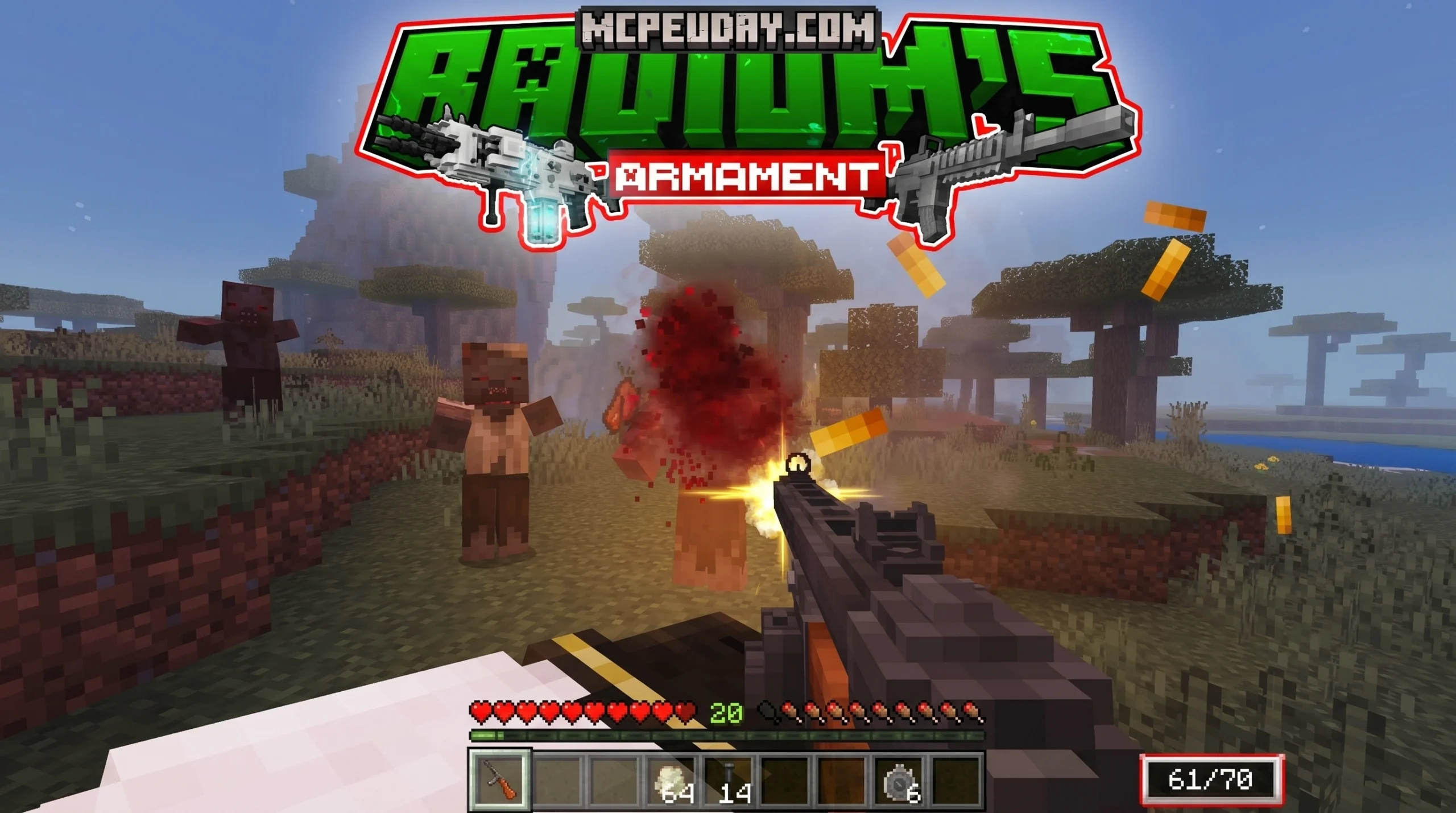
What is the Armament Addon for Minecraft Bedrock?


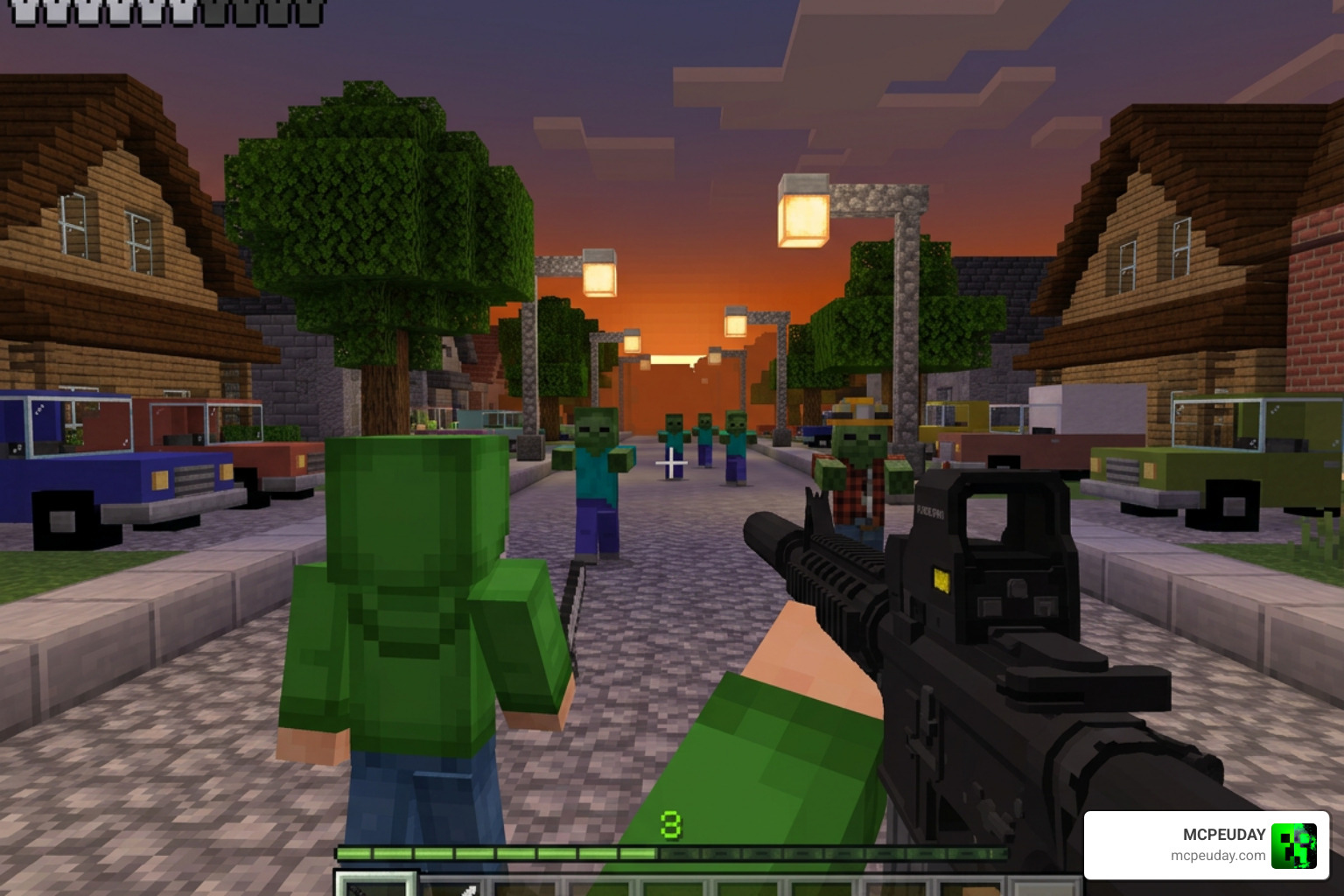
The Armament Addon for Minecraft Bedrock is one of the most advanced weapon and survival overhaul addons available for MCPE in 2026. If you’re looking for a quick answer, here’s what you need to know:
- What it is: A Minecraft Bedrock addon that adds guns, custom zombies, weapon attachments, physics, and gore mechanics to your world
- Best for: Survival and horror-style gameplay on Minecraft 1.21.1+
- No experimental settings needed in the latest version (3.1)
- Free version available with premium updates on Patreon
- Over 241,000 downloads for version 2.6 alone
The most well-known version is Radium’s Armament, built by an independent creator who has spent hundreds of hours developing and refining the addon over multiple major releases. It started as a small project — “Originally, I was only going to release v1.0. Things got a little out of hand with all the love and support the community was throwing towards me,” the creator noted on the official project page.
What makes this addon stand out from other weapon packs is the sheer depth of features. We’re talking 27+ guns, custom zombie variants, weapon displays, real physics, and gore mechanics — all packed into a single Bedrock-compatible addon.
Whether you’re new to Minecraft addons or a seasoned modder, this guide covers everything: features, installation, settings, troubleshooting, and how it stacks up against similar packs.
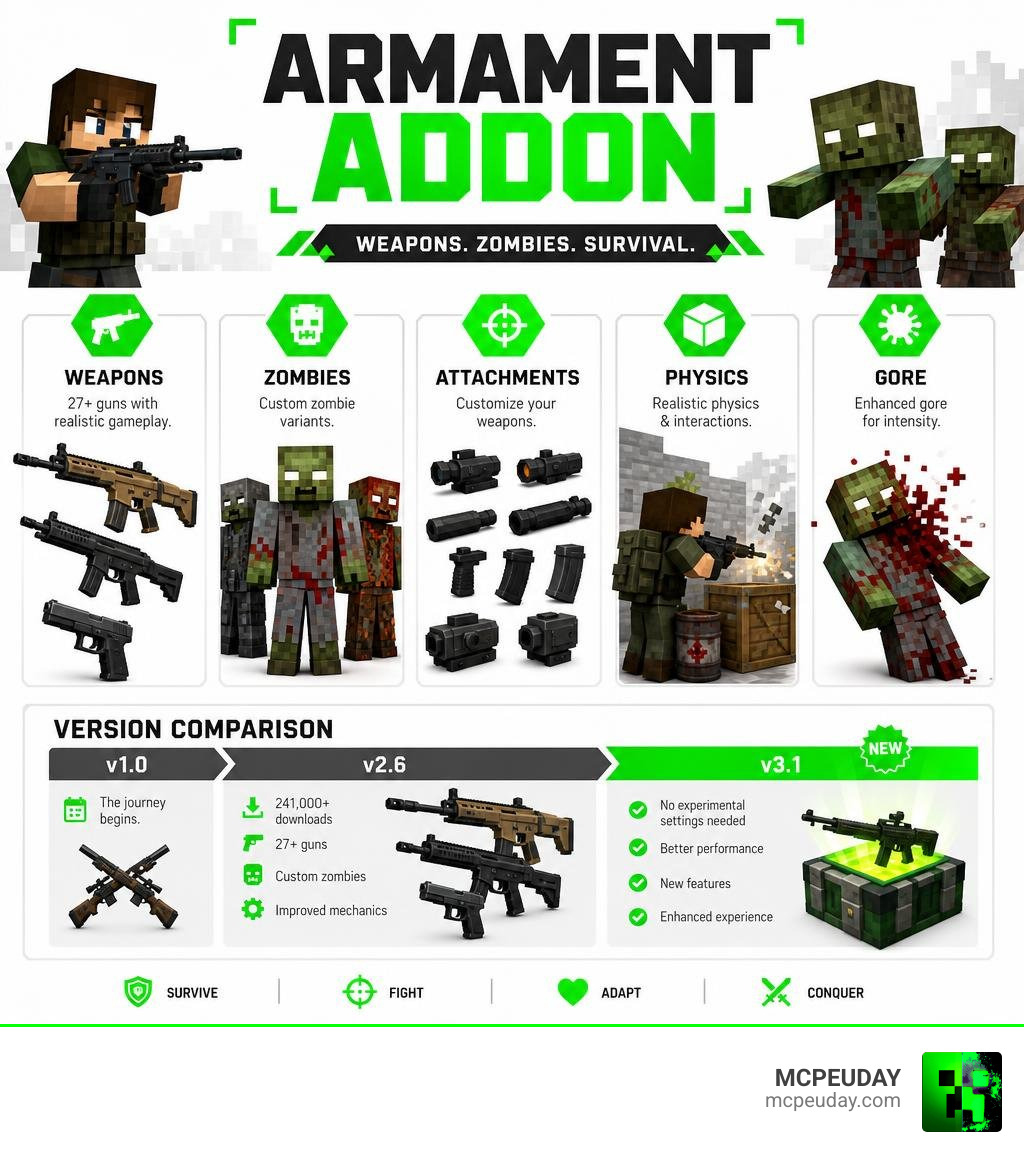
What is Radium’s Armament Addon?
Radium’s Armament Addon is a premier combat and survival mod pack developed specifically for Minecraft Bedrock Edition (MCPE). It is designed to completely transform the vanilla combat experience by introducing a realistic firearm system alongside a terrifying zombie apocalypse environment.
The project has achieved massive popularity within the Bedrock community, racking up over 241,303 downloads for the Radium’s Armament 2.6 Addon (.mcaddon) and an additional 74,113 downloads for the companion radium.mctemplate world file.
While the addon started as a completely free project, its massive scale led to a shift in development. The creator spent between 400 to 500 hours over six months developing version 1.1 alone, only to earn a mere $1 to $2 USD per hour from traditional ad-supported download links. To make addon development sustainable and treat it as a proper part-time job, the creator transitioned newer major updates (such as version 3.0 and the latest 3.1) behind a Patreon-exclusive paywall.
Fortunately, the free version (v2.6) remains highly accessible, allowing the community to experience a fully featured, high-quality weapon system without spending a dime.
Key Features and Mechanics of the Armament Addon
The Armament Addon is far more than a simple skin pack for bows and crossbows. It is a complete rewrite of Minecraft’s combat loop, complete with dedicated UI elements, custom inventory slots, and advanced entity behaviors.
To help you understand the differences between the free releases and the premium Patreon updates, we have compiled a quick comparison table:
| Feature | Free Version (v2.6) | Patreon Version (v3.0 / 3.1) |
|---|---|---|
| Guns Included | 15+ Firearms | 27+ Firearms |
| Weapon Displays | 19 Displays | 21+ Displays |
| Experimental Settings | Required (Holiday Creator, Beta APIs) | None Required (v3.1) |
| Custom Blocks | Standard | 140+ via Radium’s Decore |
| Zombie Variants | Standard Radium Zombies | Speed Walkers, Runners, Crawlers |
| Hipfire Support | Limited | Fully Supported |
Weapons, Attachments, and Custom Blocks in the Armament Addon
The arsenal provided by this addon is incredibly diverse. In the premium versions, you gain access to 27 distinct firearms, while the free version offers a robust selection of over 15 guns, including pistols, submachine guns, and rifles.
What sets this pack apart is its custom attachment system. You can equip various attachments to upgrade your weapons, such as:
- Holographic Sights: For cleaner, more precise aiming.
- Suppressors: To quiet your shots and avoid drawing hordes.
- Laser Sights: To improve hipfire accuracy.
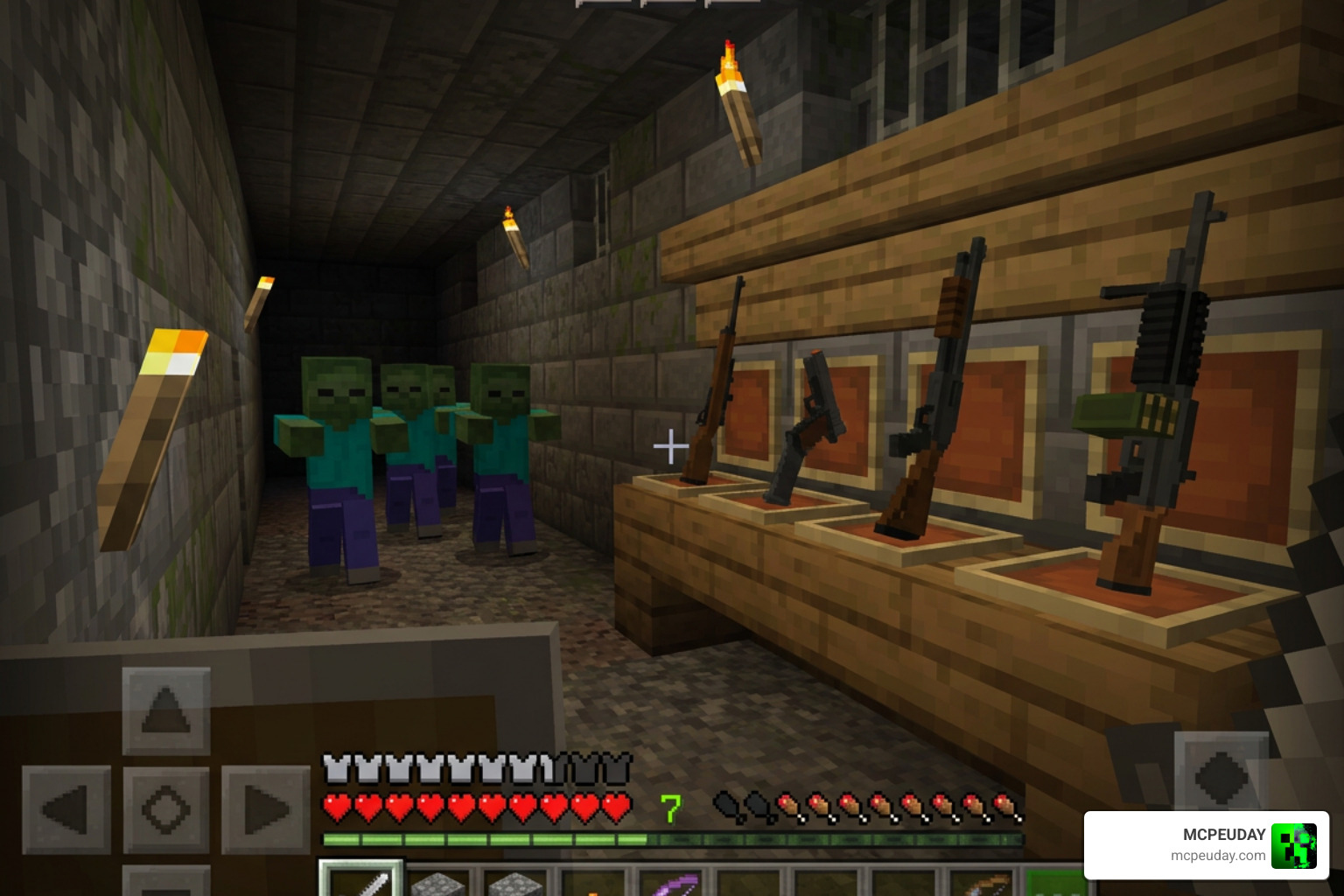
Additionally, the addon integrates with Radium’s Decore, bringing over 140 creative custom blocks into your game. You can use these to build military outposts, barricades, or armories. You can also showcase your collection using up to 21 custom weapon displays to hang your firearms on the wall.
For more details on the development of this project, check out the official Radium’s Armament project page. If you want to check out other incredible weapon mods, take a look at our True Weapons Addon 1-21-26-x Download Features Guide for MCPE.
Advanced Physics, Animations, and Gore Mechanics
If you are tired of vanilla Minecraft’s floaty combat, the Armament Addon is exactly what you need. It features custom-tailored reloading, aiming, and firing animations.
The addon introduces realistic physics, including:
- Dismembering and Gore: Zombies react dynamically to where they are shot, allowing you to blow off limbs or heads.
- Hipfire Support: All weapons support hipfire while moving, allowing you to shoot on the run without scoping in.
- Off-Hand Grip Mechanics: You can place grips or underbarrel grenade launchers in your off-hand slot to change how your weapon behaves.
New Zombie Variants and Survival Challenges
To test your new weapons, the addon introduces custom zombie variants that turn your world into a true survival horror game:
- Speed Walkers: Faster than normal zombies, keeping you constantly on the move.
- Runners: Extremely fast variants that will sprint directly at you.
- Crawlers: Low-profile threats that sneak up through the grass.
- TNT Zombies: Walking explosives that can destroy your defenses if not taken out from a distance.
- Pet Zombies: Unique passive or helper variants to add some flavor to your post-apocalyptic base.
Installation Guide and Performance Optimization
Getting the Armament Addon to run smoothly requires a bit of preparation, especially depending on which version you are using.
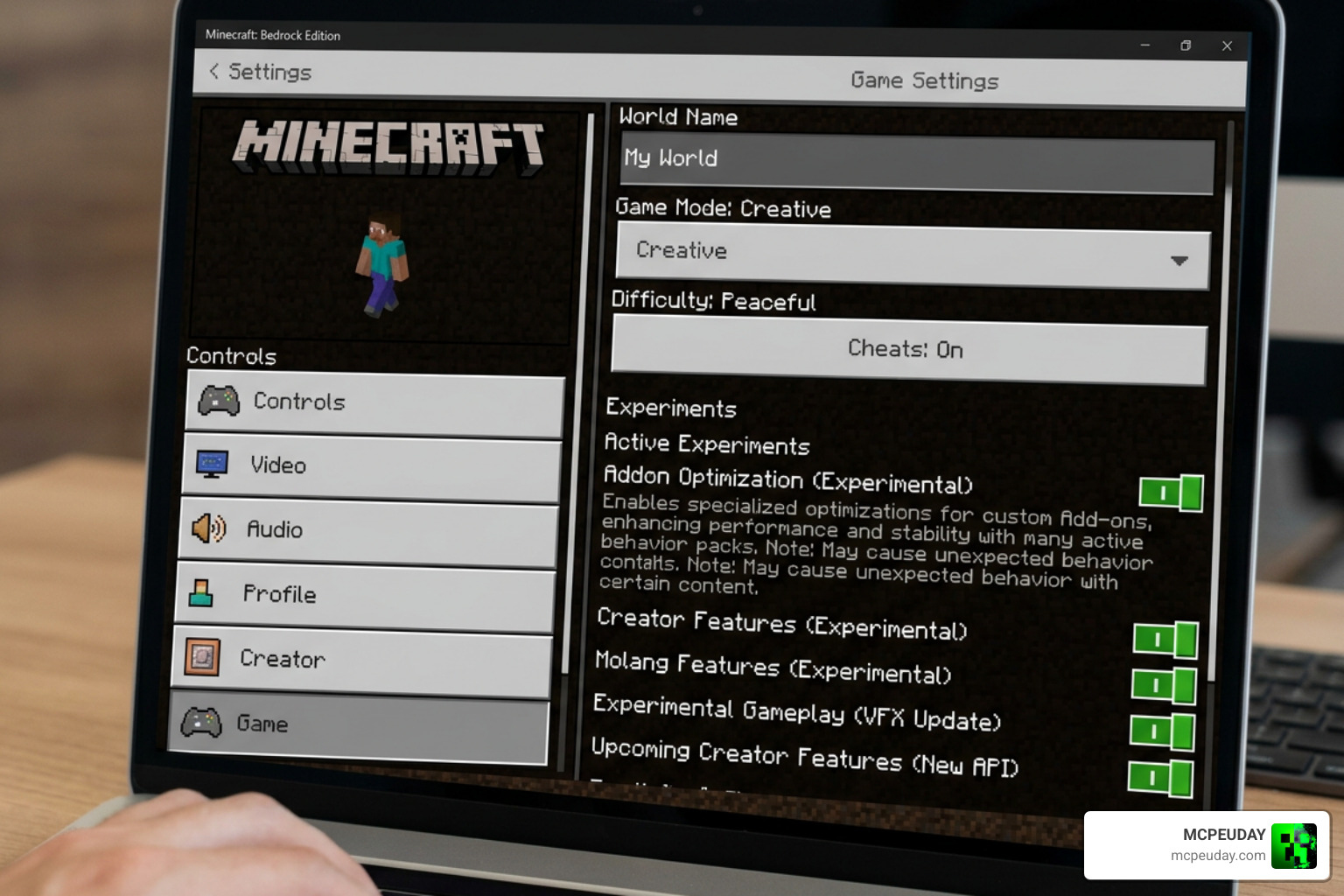
Required Settings for Armament Addon 1.21+
For the free version (v2.6), you must enable specific experimental toggles in your world settings before loading your game. These include:
- Short Sneaking
- Holiday Creator Features
- Beta APIs
However, if you are running the latest premium version (v3.1) on Minecraft 1.21.1+, no experimental settings are required!
To get the best visual experience, we highly recommend adjusting your in-game video settings:
- Set your Field of View (FOV) to 70–80.
- Keep View Bobbing and Camera Shake toggled ON for realistic gun recoil.
- Combine this with the Better Dynamic Light Addon for Minecraft Bedrock 1-21-1-20 Realistic Lighting Mod for MCPE to make dark nights and muzzle flashes look absolutely spectacular.
Troubleshooting and Performance Tips
Because this addon introduces heavy physics and custom entities, it can impact performance on lower-end mobile devices. Use these optimization tips to keep your game running smoothly:
- Disable Paperdoll: Turn off the “Hide Paperdoll” setting in your video menu to save processing power.
- Lower Render Distance: Keep your render distance moderate to prevent lag when zombie hordes spawn.
- Turn Off Mob Loot: If you are experiencing micro-stutters during heavy combat, disabling mob loot drops can dramatically improve frame rates.
- Night Vision Goggles Bug: In some versions, night vision goggles may stack in your inventory instead of equipping properly. To fix this, ensure you are using the correct
.mctemplateworld file provided with the download. - Disable Daytime Zombie Spawns: To prevent lag and keep your days peaceful, configure the addon settings to only allow zombie spawns at night.
Comparing Radium’s Armament to Other Bedrock Addons
How does the Armament Addon compare to other popular Bedrock mods?
While vanilla weapons are simple and easy to use, they lack the tactical depth required for a true survival playthrough. If you want a more medieval or fantasy combat style, we highly recommend checking out the More Armour Addon for Minecraft PE Bedrock Unlock Powerful New Armor Sets Dominate Your World alongside the More Shield Addon for Minecraft Bedrock MCPE New Powerful Shields You Must Try to bolster your defenses.
However, if you want modern firearms, your best options are Radium’s Armament and the True Weapons Addon 1-21-26-x Download Features Guide for MCPE. While True Weapons focuses heavily on clean, arcade-style gunplay, Radium’s Armament leans heavily into realism, survival horror, gore mechanics, and atmospheric world-building.
Frequently Asked Questions about the Armament Addon
How do you equip attachments in Radium’s Armament?
To equip attachments like sights or suppressors, open your inventory and look for the custom blue inventory slots. Place your desired sight or laser in the very last blue slot. To equip underbarrel attachments, such as grips or grenade launchers, place them directly into your off-hand slot.
Why did the creator move the latest updates to Patreon?
The creator transitioned updates to Patreon because of the sheer amount of time required for development. Spending 400+ hours on an update to only make $1–2 USD per hour from ad links was unsustainable. Moving to Patreon allows the creator to earn a fair wage, treat addon development as a professional part-time job, and consistently deliver high-quality updates.
Is the Armament Addon compatible with Minecraft Realms?
We advise caution when using the Armament Addon on Minecraft Realms. Because of the complex physics, custom scripting, and heavy entity counts from zombie hordes, it can cause significant multiplayer desync and lag on standard Realms servers. For the best multiplayer experience, host the world on a dedicated server with optimized performance settings.
Conclusion
At MCPEUDAY, we believe the Armament Addon is an absolute must-have for any Minecraft Bedrock player looking to inject some high-intensity action into their survival worlds. From its incredibly detailed weapon models and realistic attachment system to its terrifying zombie variants, it completely redefines what is possible within the Bedrock engine.
If you are ready to build the ultimate survival setup, make sure to read our curated list of the 5 Best Minecraft Bedrock Gun Mods to find even more incredible addons to pair with your game!