What Is the Alex Addon for Minecraft Bedrock?
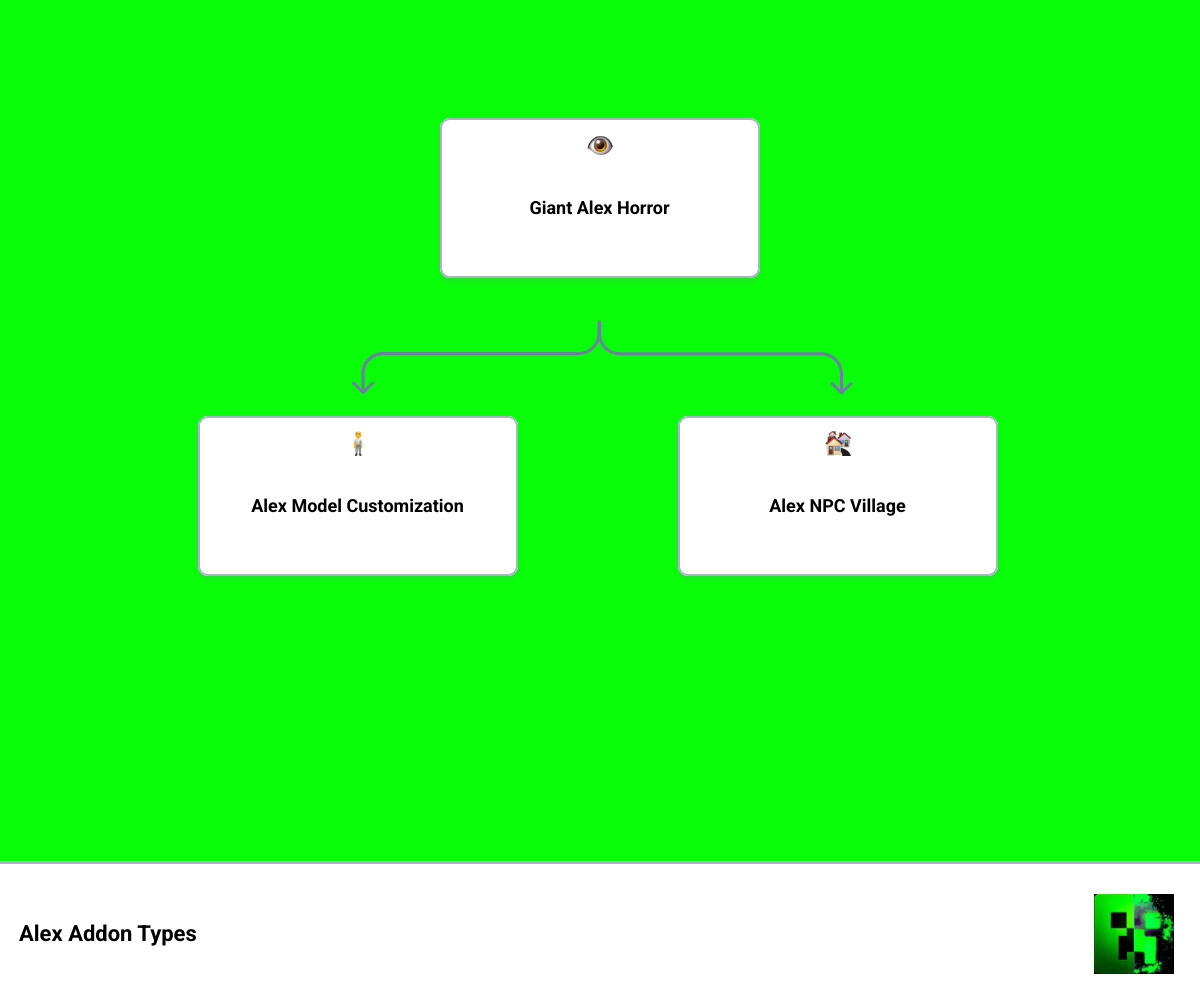
The Alex Addon is a category of Minecraft Bedrock add-ons that range from horror experiences to NPC upgrades — here’s a quick breakdown:
| Addon Type | What It Does | Best For |
|---|---|---|
| Giant Alex (Horror) | Spawns a massive, terrifying entity that stalks players | Horror fans, survival challenge |
| Alex Model (Jenny Mod) | Replaces a mod character’s 3D model with Alex’s slim female skin | Customization players |
| Alex NPC/Village | Adds Alex-themed villagers with unique trades and professions | Roleplay and survival |
The most popular of these is the Giant Alex horror experience — a Bedrock addon that turns a well-known Minecraft urban legend into a real in-game nightmare.
Minecraft has always had a creative modding community. But horror addons hit differently. Giant Alex taps into years of creepypasta lore — the idea of a massive, glitching version of the default Alex skin haunting your world. With over 27,000 downloads, it’s clearly striking a nerve.
Whether you’re looking for a terrifying solo survival challenge or want to scare your friends on a Realms server, understanding which Alex Addon fits your goal matters. They’re very different experiences.
This guide covers all of it — the horror, the utility, the installation, and everything in between.
Understanding the Giant Alex (Horror Experience) Addon
When we talk about the Alex Addon in the context of horror, we are specifically looking at the “Giant Alex (Horror Experience)” created by DynamixLuffy69. This creator is a powerhouse in the Bedrock community, with over 903,000 total downloads across 53 different projects. This particular addon has secured 27,951 downloads, proving that the appetite for a good scare is alive and well in May 2026.
Designed specifically for Minecraft Bedrock (including the latest 1.21.61 version), this addon doesn’t just add a big mob; it changes the entire vibe of your game. It introduces an entity stalking mechanic that makes you feel like you are being watched from the shadows of the forest. The atmosphere becomes heavy and haunting, turning a standard survival session into a psychological thriller. We’ve found that this addon is one of the most requested files on MCPEUDAY because it bridges the gap between simple “scary” mods and deep, atmospheric horror.
Origins of the Giant Alex Legend
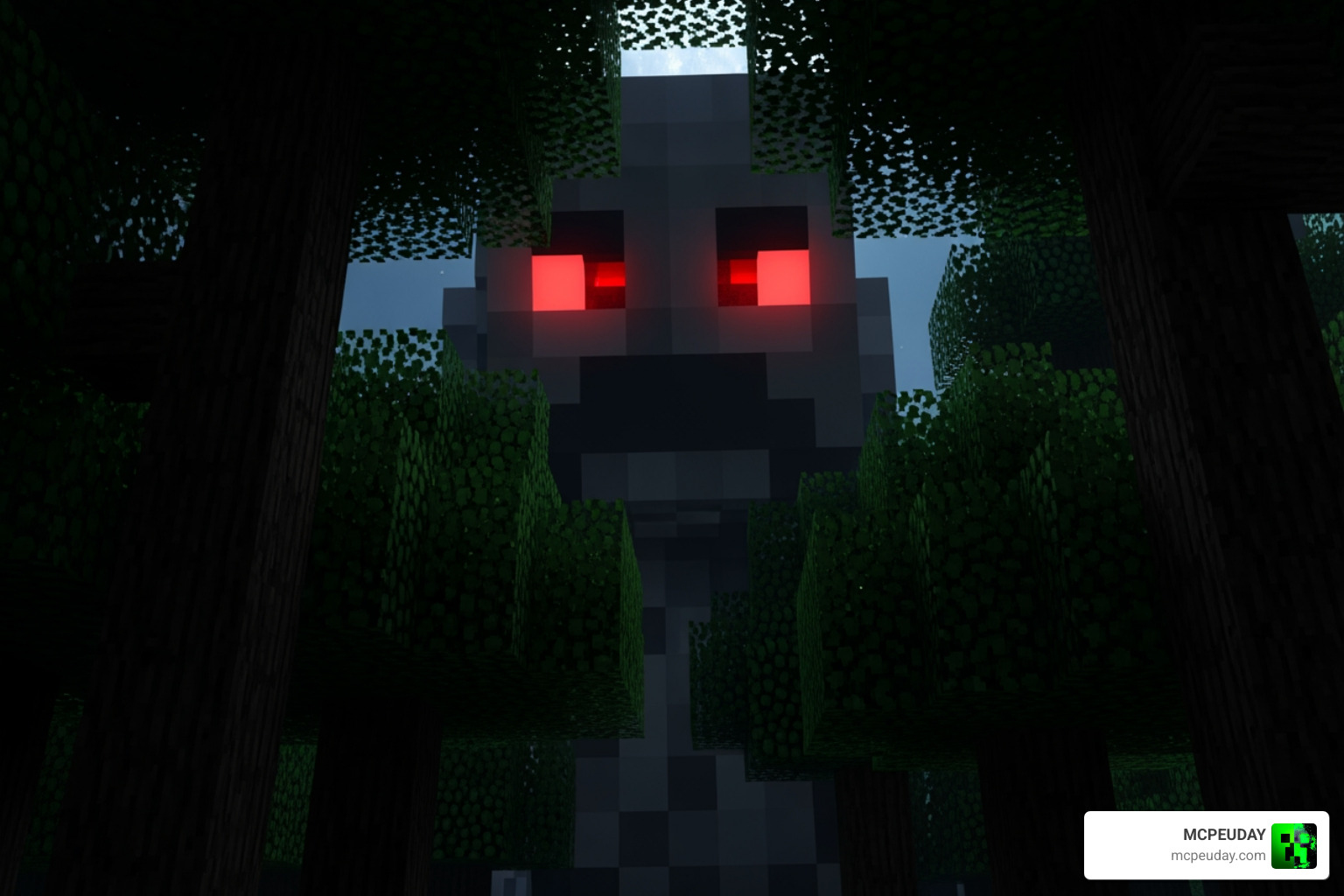
Before it was an Alex Addon, Giant Alex was a staple of Minecraft Creepypasta. Legend had it that a massive, 12-block-tall version of Alex would appear in seeds with a specific view distance, standing perfectly still and leaving massive 2×2 holes in the ground.
The addon takes this eerie behavior and amplifies it. Instead of just standing there, the entity now tracks the player. It uses its massive size to tower over the landscape, creating a sense of scale that makes the player feel incredibly vulnerable. It’s that “glitch in the matrix” feeling that makes this legend so enduring.
Core Features and Behaviors of the Alex Addon
What makes the Alex Addon stand out is the sophisticated AI behavior. This isn’t a zombie that just runs at you. Giant Alex is unpredictable. She might watch you from a distance, or she might suddenly appear behind a hill.
Key features include:
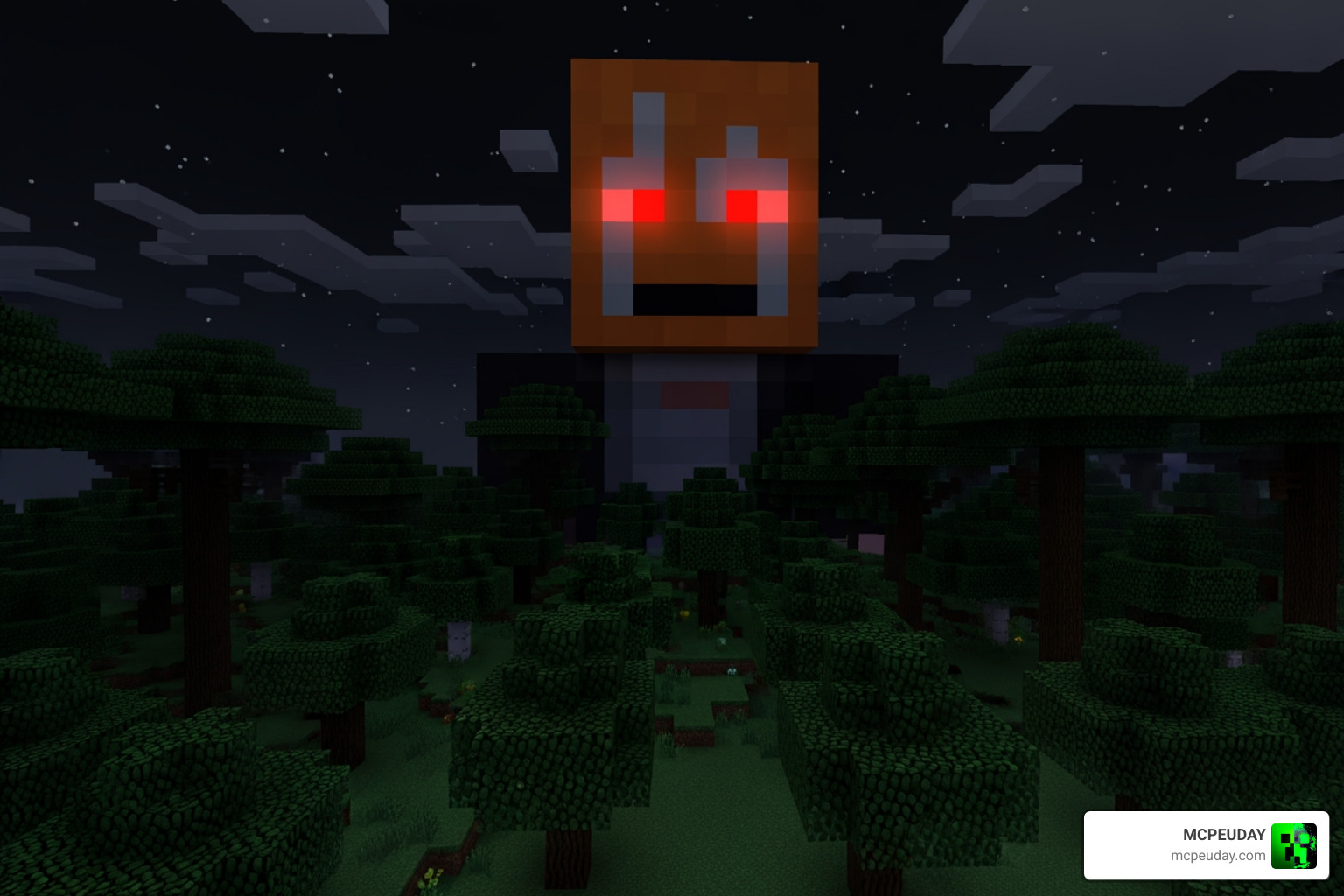
- Massive Size: At roughly 12 blocks tall, she is impossible to miss—yet she has a habit of disappearing when you blink.
- Red Eye Glow: In the dark, her eyes emit a haunting red glow, a classic horror trope that works perfectly in the blocky aesthetic.
- World Interaction: She doesn’t just exist; she impacts the environment, often leaving signs of her presence before you even see her.
Giant Alex Horror Traits vs. Standard Mob Behavior
To understand why this is so effective, we can compare her to a standard Minecraft mob:
| Feature | Standard Mob (e.g., Zombie) | Giant Alex (Alex Addon) |
|---|---|---|
| Detection | Sees player within 16 blocks | Can track players from vast distances |
| Movement | Direct pathfinding toward player | Stalking, teleporting, and erratic positioning |
| Sound | Repetitive growls/moans | Haunting ambient noises and silence |
| Visuals | Standard 2-block height | 12-block tall towering entity |
Survival and Stalking Mechanics
The stalking mechanics are designed to build tension. The addon uses sound design and atmospheric fog to limit your vision. You might hear the sound of heavy footsteps or strange static, only to turn around and see nothing. Then, when you least expect it, a jump scare occurs. This psychological tension is what makes the Alex Addon a favorite for streamers and horror enthusiasts.
Compatibility and Version Support
One of the best things about this addon is its technical stability. It supports over 20 Minecraft Bedrock versions. Whether you are running 1.20 or the cutting-edge 1.21.61, the performance remains smooth. This is crucial for mobile players on Android or iOS, as horror mods can sometimes be resource-heavy. DynamixLuffy69 has optimized the code to ensure that the “scare” doesn’t come from your frame rate dropping!
Alex Addon Variations: Horror vs. Utility
While the horror version gets the most “screams,” there are other versions of the Alex Addon that serve different purposes.
For instance, some players use an Alex Addon as a 3D model replacement. In certain popular mods like the Jenny Mod, the “Alex Addon” specifically refers to a custom model that replaces the default character with the slim, 3-pixel arm version of Alex introduced in Minecraft 1.4.2.
Others look for utility. There are addons that introduce:
- Warrior Alex: A combat-focused NPC that can help defend your base.
- Archer Alex: Long-range support for your village.
- Alchemist Professions: New trading systems where you can get advanced potions.
The Role of Alex in Custom Modpacks
In May 2026, we see more modpacks integrating “Alex” as a specialized NPC rather than just a player skin. These addons often feature a tiered trading system. For example, Alchemist Alex might start by trading basic survival items but eventually unlocks the “Alchemist’s Satchel” for crafting on the go. You can even find Alex’s Mobs Interaction – Minecraft Mods – CurseForge to add even more depth to how these entities behave with other mods like Alex’s Mobs – Minecraft Mods .
Technical Differences Between Bedrock and Java Addons
It is important to note that “Addons” are the Bedrock equivalent of “Mods” in Java. Bedrock addons use .mcaddon files which bundle Resource Packs (for visuals) and Behavior Packs (for logic). This makes them much easier to install on mobile and consoles compared to Java mods, which often require complex loaders like Forge or Fabric. The Alex Addon for Bedrock is optimized for the Bedrock engine, ensuring compatibility across Windows 10/11, mobile, and even some console setups.
Installation Guide for Minecraft Bedrock
Installing the Alex Addon is straightforward, but you need to follow the steps carefully to ensure the horror entity actually spawns.
- Download: Get the official .mcaddon file from a trusted source like Giant Alex (Horror Experience) Addon Mcpe V1.20.+ – CurseForge .
- Import:
- Mobile: Tap the file and select “Open with Minecraft.”
- Windows: Double-click the file; Minecraft will auto-import it.
- World Settings: Create a new world or edit an existing one.
- Experimental Gameplay: This is the most important step! You must toggle on “Experimental Features” (like Holiday Creator Features or Upcoming Creator Features) for the AI to work correctly.
- Education Mode: Some versions require Education Mode to be toggled OFF to avoid NPC conflicts.
To make your experience even better, we recommend checking out the New Player Animation Addon 26 X 1 21 Realistic Movement Mod For Mcpe to ensure your own movements look as smooth as the entity stalking you.
Activating Behavior and Resource Packs
Once imported, navigate to the “Resource Packs” and “Behavior Packs” sections in your world settings. You must activate the Alex Addon in both sections. If you only activate the resource pack, you might see a giant Alex that doesn’t move. If you only activate the behavior pack, you might see a giant invisible “missing texture” block chasing you—which is arguably scarier, but not what we want!
Troubleshooting Common Issues
If Giant Alex isn’t appearing, check the following:
- Version Mismatch: Ensure you are on at least version 1.20.
- Conflict Resolution: Sometimes other mob mods conflict. Try using the More Body Actions Addon V26 1 21 For Minecraft Pe Full Guide Features How To Use to see if animations are overriding each other.
- Spawn Conditions: She often spawns in specific biomes like Plains or dark forests.
Enhancing the Horror Atmosphere with Related Mods
The Alex Addon is great on its own, but if you really want to lose sleep, you should pair it with other immersion tools.
We recommend the Dynamic First Person Model Addon 26 X 1 21 Realistic Mcpe Gameplay Guide. Seeing your own feet and body as you sprint away from a 12-block-tall giant adds a level of realism that standard Minecraft lacks.
Additionally, since Giant Alex can be quite dangerous, you might want to gear up. The More Armour Addon For Minecraft Pe Bedrock Unlock Powerful New Armor Sets Dominate Your World provides the protection you’ll need if she decides to stop stalking and start attacking.
Finally, adding a dark shader or a “foggy” texture pack can make the red eyes of the Alex Addon pop out of the darkness, creating a truly cinematic horror experience.
Frequently Asked Questions about the Alex Addon
Is the Alex Addon safe for younger players?
While the addon doesn’t contain gore, it is designed to be a “Horror Experience.” It uses jump scares, psychological tension, and eerie sounds. We recommend parental discretion for very young children who might be sensitive to “stalker” mechanics in games.
Which versions of Minecraft support the Alex Addon?
As of May 2026, the addon is fully compatible with Bedrock 1.20, 1.21.60, and the latest 1.21.61. It is built to be lightweight, so it works well even on older mobile devices.
Can I use the Alex Addon in multiplayer or Realms?
Yes! However, all players joining the server or Realm must download the resource pack. We suggest enabling the “Require players to accept resource packs to join” setting to ensure everyone sees the giant entity.
Are there other “Alex” mods I should know about?
Yes, there is a wide variety of content out there. For example:
- Alex’s Tamables (An Alex’s Mobs Addon) – Minecraft – CurseForge for those who want pets.
- Alex’s Russian Arsenal for a completely different Garry’s Mod vibe.
- alexbelgium/hassio-addons for technical Home Assistant users (unrelated to Minecraft gameplay, but often searched!).
Conclusion
The Alex Addon remains one of the most versatile and chilling additions to the Minecraft Bedrock ecosystem. Whether you are facing off against the towering Giant Alex in a dark forest or upgrading your village with specialized Alex NPCs, this addon brings a fresh layer of gameplay to blocks.
At MCPEUDAY, we strive to keep you updated with the latest and safest downloads for your gaming experience. The community feedback for the Giant Alex experience has been overwhelmingly positive, with users praising the “unpredictable AI” and the “genuine sense of dread” it brings to survival mode.
Ready to test your nerves? Explore more Minecraft Bedrock Addons and see if you have what it takes to survive the night. Just remember: if you see glowing red eyes in the distance, it’s probably already too late to run!
1 thought on “Alex Addon (26.x, 1.21) for MCPE – Alex Model for Jenny Mod”