What is the Origin Animation Addon for Minecraft PE/Bedrock?
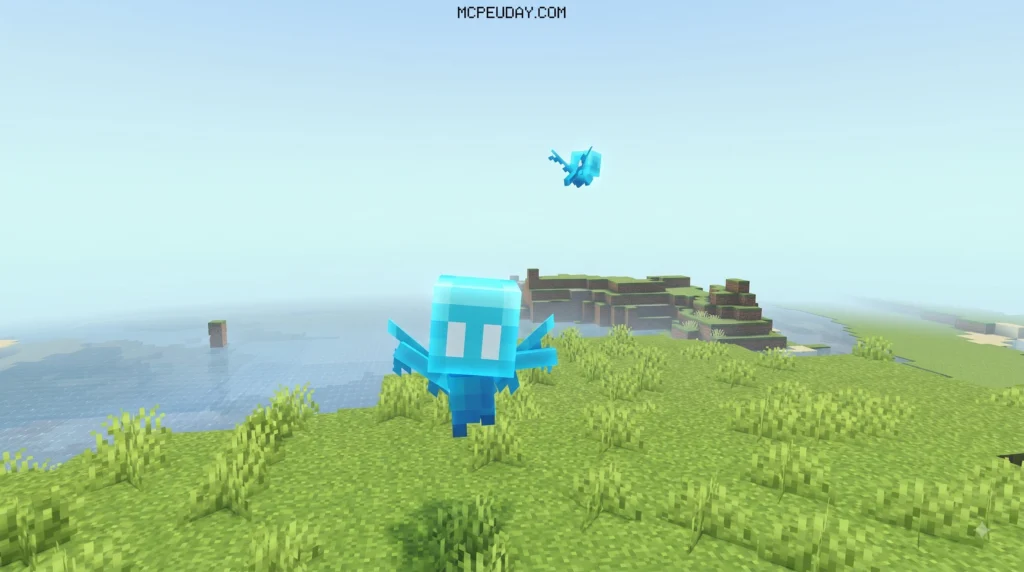
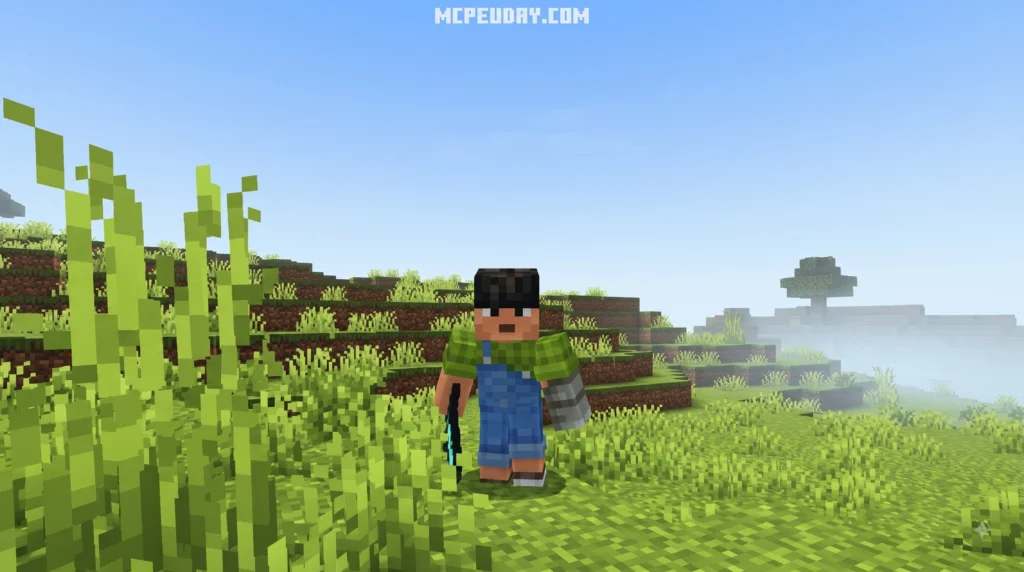
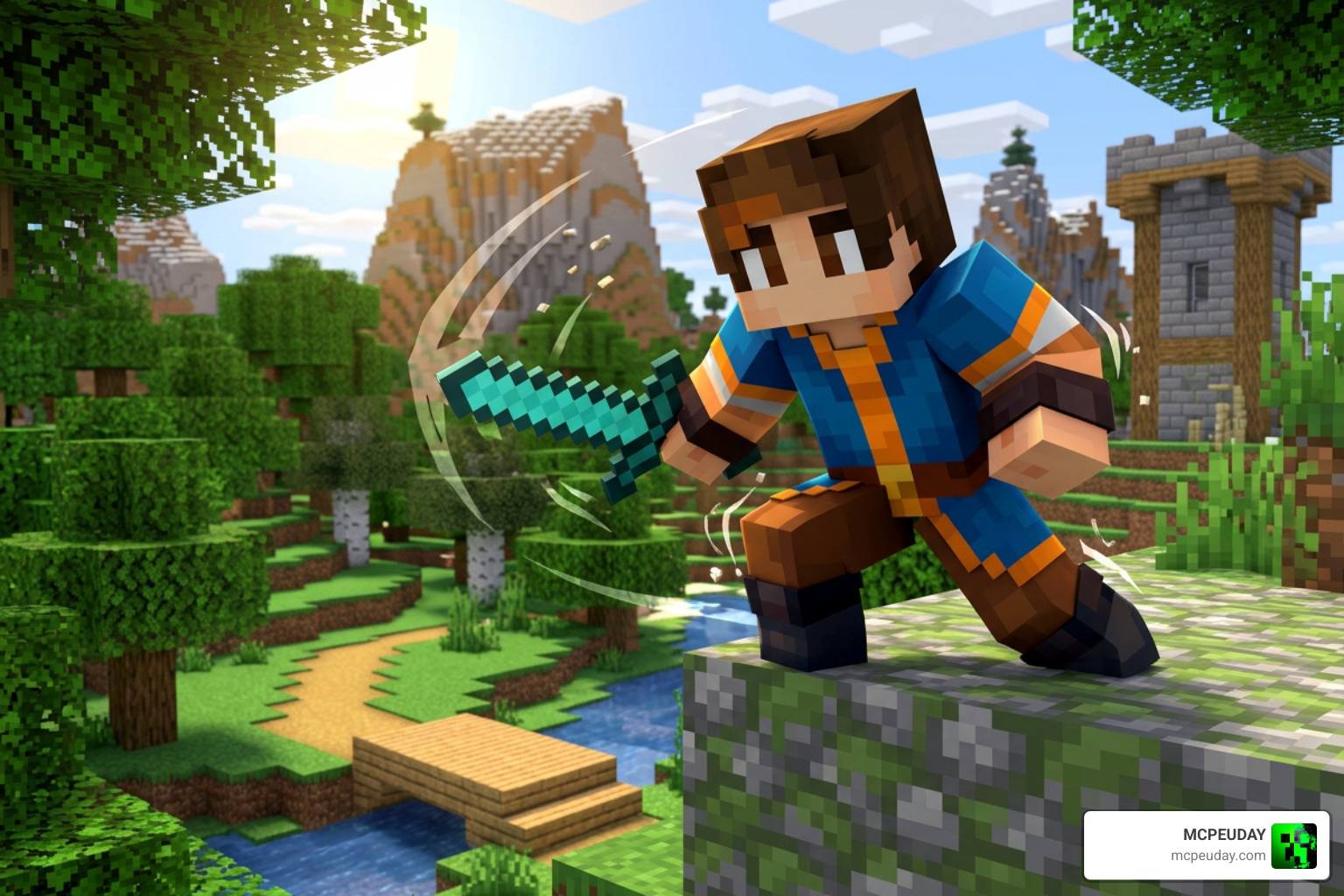
The Origin Animation Addon for Minecraft PE/Bedrock brings realistic movement and state-driven actions to player models and custom entities in MCPE. At its core, the addon relies on Bedrock’s finite state machine framework. Rather than running static, looping animations that can feel stiff or unresponsive, the addon dynamically evaluates what an entity is doing every single tick (1/20th of a second) using Molang queries.
Whether a character is sprinting across open terrain, crouching beneath obstacles, gliding through the skies with elytra, or swinging a heavy weapon in combat, the addon continuously processes the entity’s physical conditions—such as horizontal velocity, vertical momentum, ground contact, submerged depth, or currently equipped items—to smoothly blend character motion and transition between skeletal poses.
Core Features of the Origin Animation Addon for Minecraft PE/Bedrock
- Dynamic Player Motion: Smoothly transitions bone animations for walking, running, swimming, crawling, and jumping without awkward visual snapping.
- Integrated Audio and Visuals: Triggers directional sound effects and particle emissions directly when specific animation frames or movement states are reached.
- Synchronized Server-Client Actions: Combines client-side visual smoothing with server-side gameplay triggers for optimal responsiveness during multiplayer sessions.
- Custom Motion Rigs: Enhances vanilla animations to give Bedrock entities a fluid feel similar to modern action RPG titles.
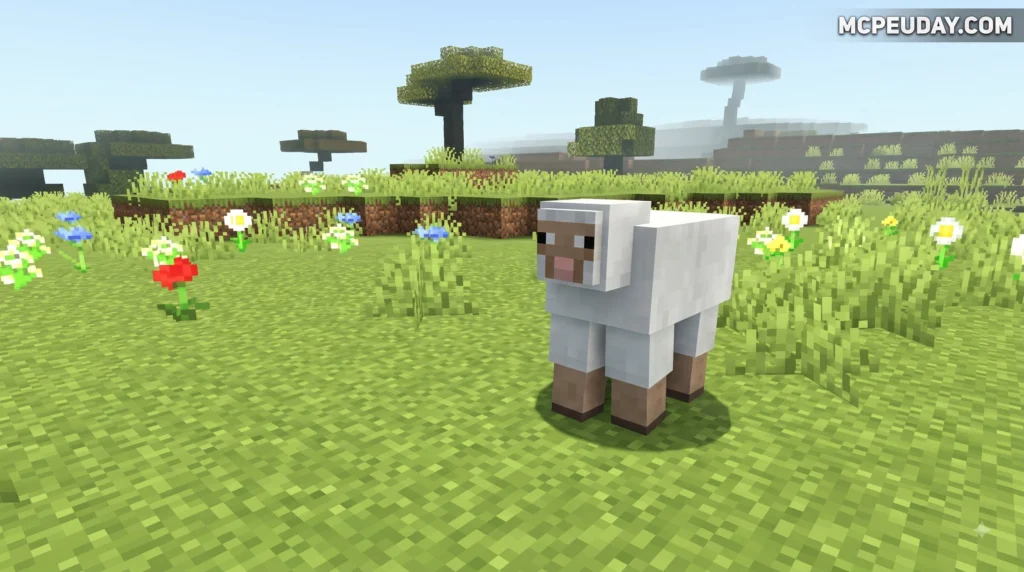
To see dynamic movement systems in action, check out The Best Player Animations for Minecraft Bedrock Edition.
How State Machines Power Custom Entity Animations
Every animation controller within the addon functions as an isolated state machine. It begins at an initial default state and continuously listens to condition checks evaluated by the Bedrock engine.
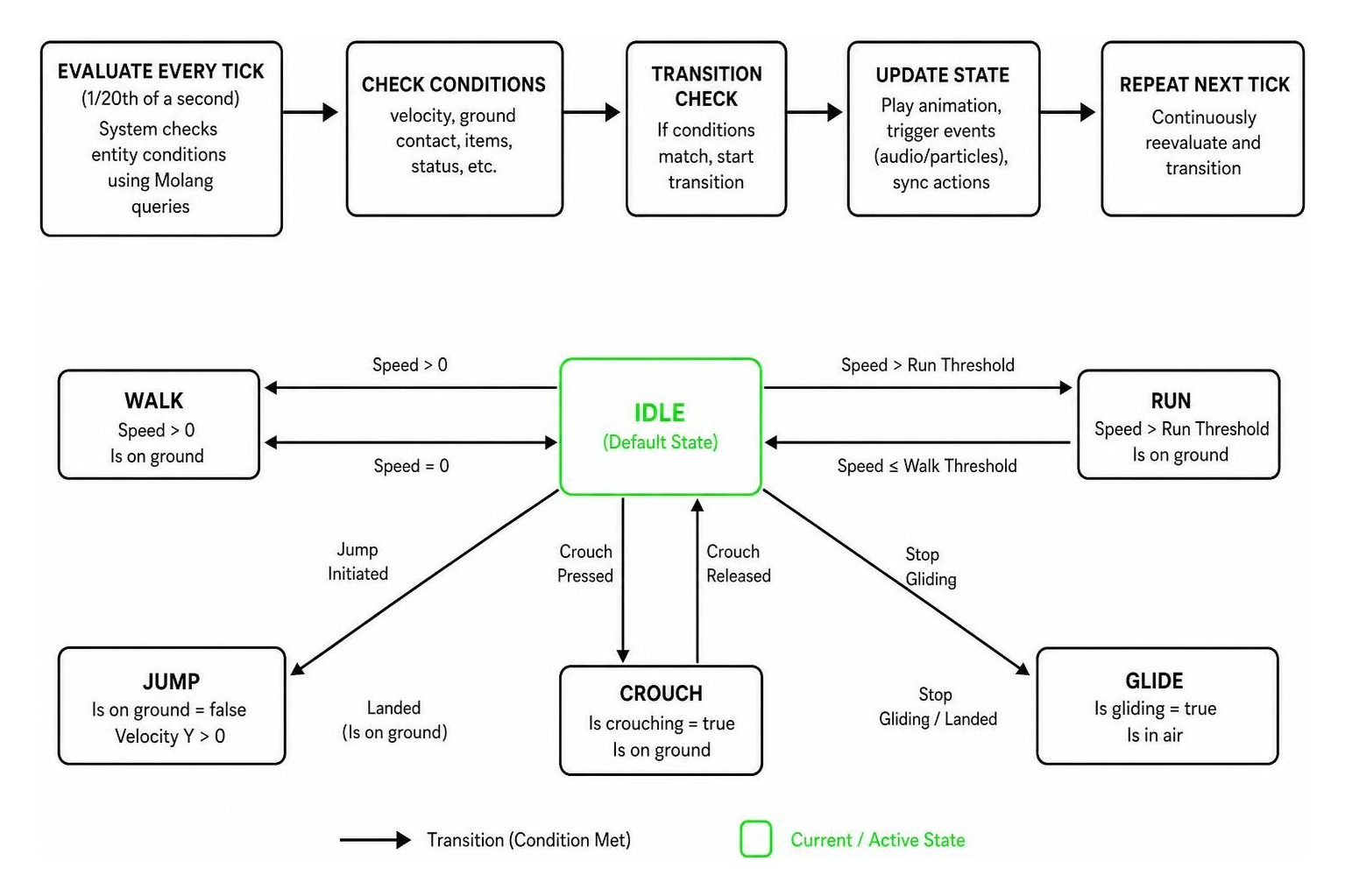
Because Bedrock evaluates transitions at a maximum rate of once per tick, transitions occur instantly when conditions align, ensuring movement logic remains responsive without causing tick lag or performance drops even on mobile devices.
Resource Pack vs Behavior Pack Animation Controllers
Animation controllers in Bedrock exist across two different environments: Resource Packs (RP) and Behavior Packs (BP). Understanding the division between client-side graphics and server-side entity logic is essential when working with advanced addons.
| Feature | Resource Pack (RP) Controllers | Behavior Pack (BP) Controllers |
|---|---|---|
| Primary Focus | Visuals and Client Effects | Entity Logic and Server Commands |
| Execution Scope | Runs on the client | Runs on the server/world tick |
| Plays Animations | Yes (Skeletal/Bone rigs) | No (Defers visual playback to RP) |
| Plays Sounds/Particles | Yes | No |
| Executes Commands | No | Yes (Slash commands via on_entry/on_exit) |
| Triggers Entity Events | No | Yes (Calls entity JSON event triggers) |
Defining States, Transitions, and Remap Curves
Inside controller files, movement logic is defined through states, transitions, variables, and remap curves that alter playback behavior:
- Transition Queries: Logical Molang conditions (e.g.,
query.is_moving,query.is_on_ground,query.is_sneaking) that determine precisely when to move to a target state. - Variables: Local scope flags used to track internal timing, cool-down counters, or state duration limits across consecutive frames.
- Remap Curves: Mathematical curves that adjust input values (like movement speed or limb rotation angle) to alter animation playback rates dynamically using Molang math.
Triggering Actions with onentry and onexit Hooks
Behavior Pack controllers utilize on_entry and on_exit arrays to trigger events the exact tick an entity enters or exits a state, allowing complex gameplay mechanics to tie directly into visual motion.
on_entry: Executes slash commands, grants status effects, or triggers entity events as soon as the state becomes active.on_exit: Runs cleaning routines, removes temporary status effects, resets entity variables, or clears animation flags when transitioning out of the state.
How to Attach the Origin Animation Addon for Minecraft PE/Bedrock to Entities
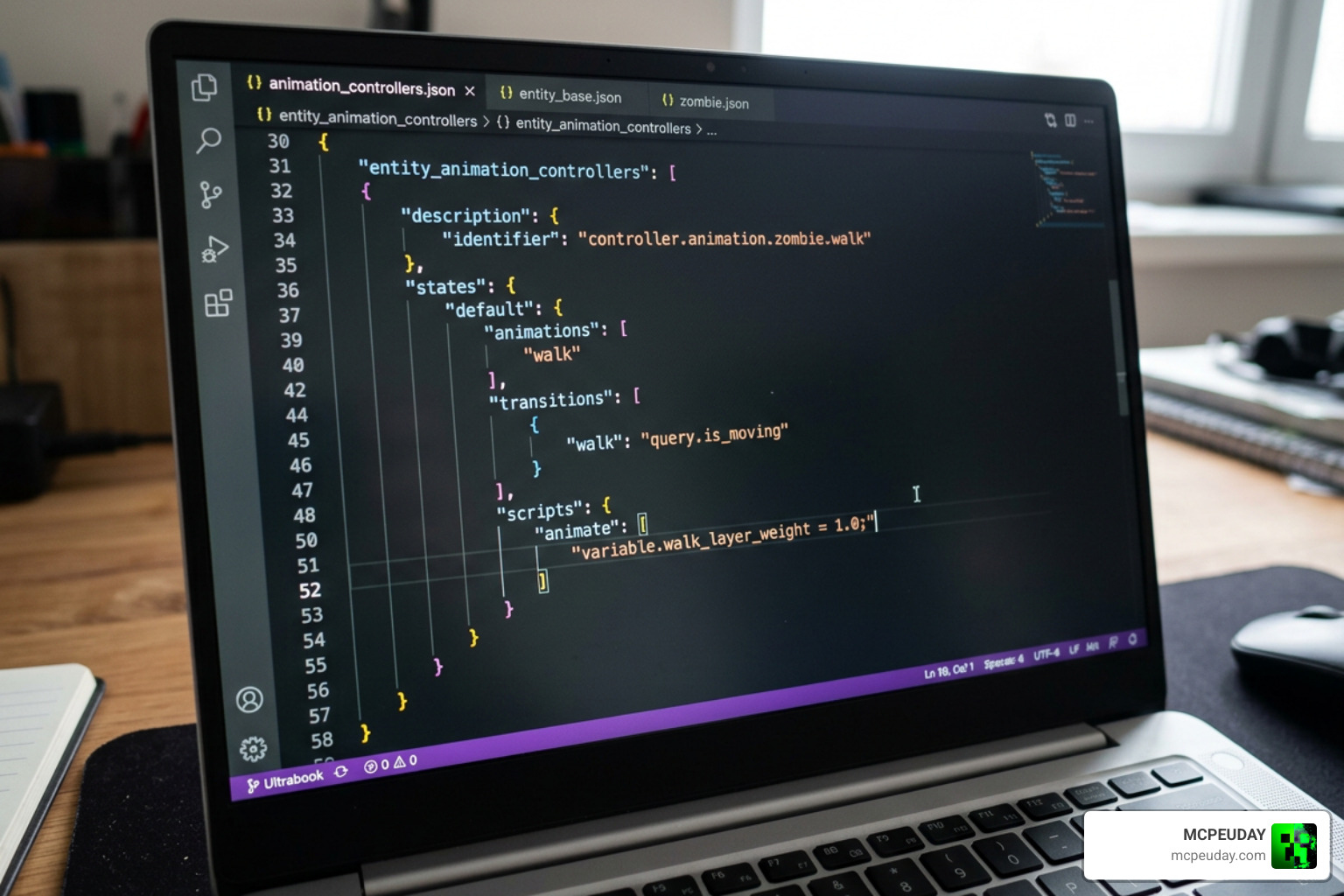
To attach animation controllers to entities, you reference them inside the entity’s client or server JSON definition files. Controllers are assigned short-names within the animations block and listed under the scripts/animate array for execution.
By applying Molang expressions inside the scripts/animate array, you can conditionally execute controllers only when specific requirements are met (such as holding a specific item, riding an entity, or being in water).
Step-by-Step Installation and Activation Guide
Installing the Origin Animation Addon for Minecraft PE/Bedrock requires enabling both the resource and behavior components in your world settings to ensure full compatibility:
- Download the Addon: Download the
.mcaddonor.mcpackfiles to your mobile device, tablet, or PC. - Import into Minecraft: Tap or double-click the file to import the pack into Minecraft Bedrock Edition automatically.
- Apply Resource Pack: Go to World Settings > Resource Packs and activate the Origin Animation Resource Pack in your active list.
- Apply Behavior Pack: Go to World Settings > Behavior Packs and activate the matching Origin Animation Behavior Pack.
- Enable Experimental Features: Toggle on “Beta APIs” and “Custom Biomes / Molang Features” under the world’s Experiments tab to ensure all script controllers compile correctly.
- Launch Your World: Enter the world to enjoy enhanced entity and player animations across singleplayer or multiplayer modes!
Troubleshooting Animation Controllers and Common Limitations
Even robust controllers can run into edge cases or performance hurdles during intense gameplay sessions. Here are key mechanisms to keep in mind when troubleshooting unexpected animation behavior:
- Chunk Reloading Reset: When chunks unload or a player rejoins the world, entities reload and animation controllers instantly reset back to their default initial state. Always include fail-safe default logic in your initial state so entities do not freeze in broken poses.
- Particle Limitations: Resource pack controllers can spawn particles, but complex particle systems attached to rapidly switching controller states may cause visual flickering or performance drops on lower-end mobile devices.
- Animation Controller Limits: Moving between too many nested states within a single tick is constrained by the game’s hard limit of one state transition per tick.
Common Animation Controller Errors
- Missing Default Transitions: The controller gets stuck in a state permanently because no valid Molang condition evaluates to
trueto leave it. - Typo in Animation Short-Names: The entity script references an animation key that was not declared in the
animationsblock of the JSON file. - Server-Client Mismatch: Placing slash commands in a Resource Pack controller (which only accepts visual hooks) instead of a Behavior Pack controller.
- Incorrect Variable Scoping: Attempting to read client-side variable queries inside server-side behavior controllers without proper synchronization.
Frequently Asked Questions
What is the maximum state movement speed for Bedrock animation controllers?
Animation controllers evaluate conditions every game tick and can shift states at a maximum speed of once per tick (20 times per second), ensuring instant responsiveness without overloading CPU performance.
How do animation controllers handle chunk reloads or player rejoins?
When an entity unloads due to chunk distance or a world exit, all associated animation controllers reset back to their designated initial_state upon reloading into memory.
What is the main difference between onentry and onexit hooks?
on_entry triggers actions (such as sound playback, particle spawning, or running commands) the exact tick a state is entered, whereas on_exit triggers actions during the tick the entity leaves that state.
Can I use the Origin Animation Addon alongside other custom resource packs?
Yes, as long as the resource packs do not overwrite the exact same player geometry files or core animation controller references.
Conclusion
The Origin Animation Addon for Minecraft PE/Bedrock brings dynamic visual depth and fluidity to your Minecraft worlds by leveraging finite state machines and real-time Molang queries. By understanding how Resource Packs, Behavior Packs, and state logic work together, you can troubleshoot potential bugs, tweak entity configurations, and enjoy dynamic motion across all your devices.
Looking for more ways to customize your gameplay? Discover new worlds, mods, shaders, and performance tools when you Explore Minecraft Addons at MCPEUDAY!