Bicubic Shaders enhances Minecraft visuals with smooth lighting, soft shadows, realistic colors, and optimized performance, making gameplay beautiful without sacrificing FPS.

Minecraft’s blocky world becomes visually stunning with Bicubic Shaders. This shader pack is designed for players who want realistic lighting, smooth shadows, and vibrant colors without heavy performance loss. Unlike heavy shaders, Bicubic focuses on visual balance and optimization, making it perfect for both low-end and high-end systems.

What Are Bicubic Shaders?
Bicubic Shaders is a lightweight yet powerful Minecraft shader pack that improves:
- Lighting smoothness
- Shadow quality
- Water reflections
- Color accuracy
It uses bicubic filtering techniques to make transitions smoother and visuals more natural, while maintaining excellent FPS.
Key Features of Bicubic Shaders
1. Smooth Lighting Engine
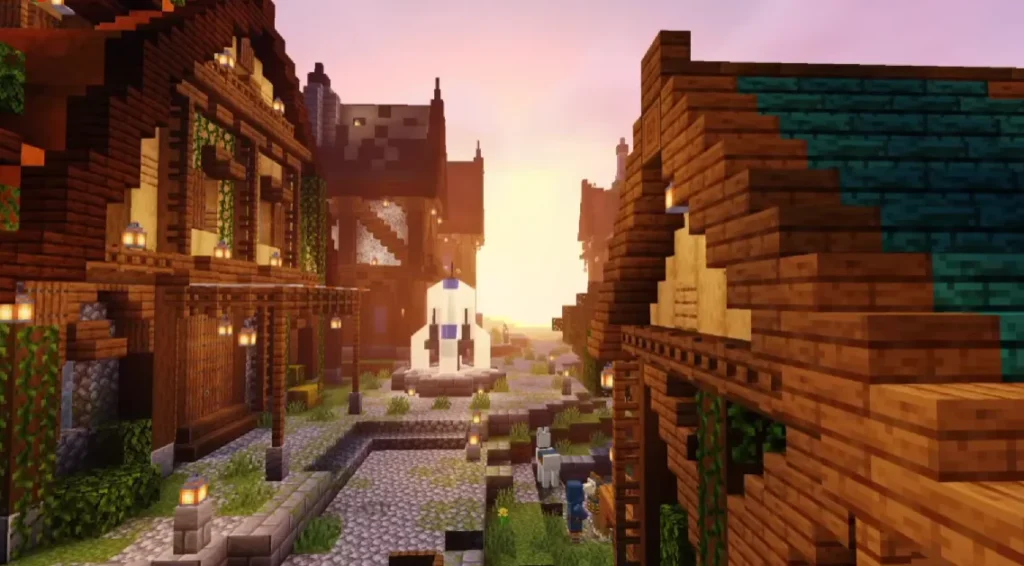
Bicubic Shaders eliminates harsh lighting transitions and replaces them with soft, natural light blending.
2. Realistic Shadows
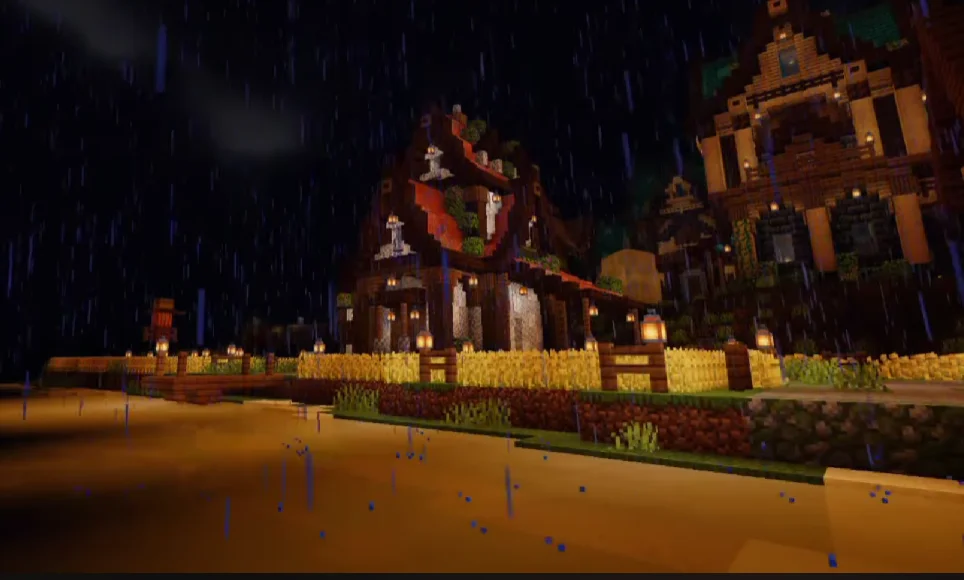
Shadows appear smoother and more dynamic, enhancing immersion without causing lag.
3. Enhanced Colors
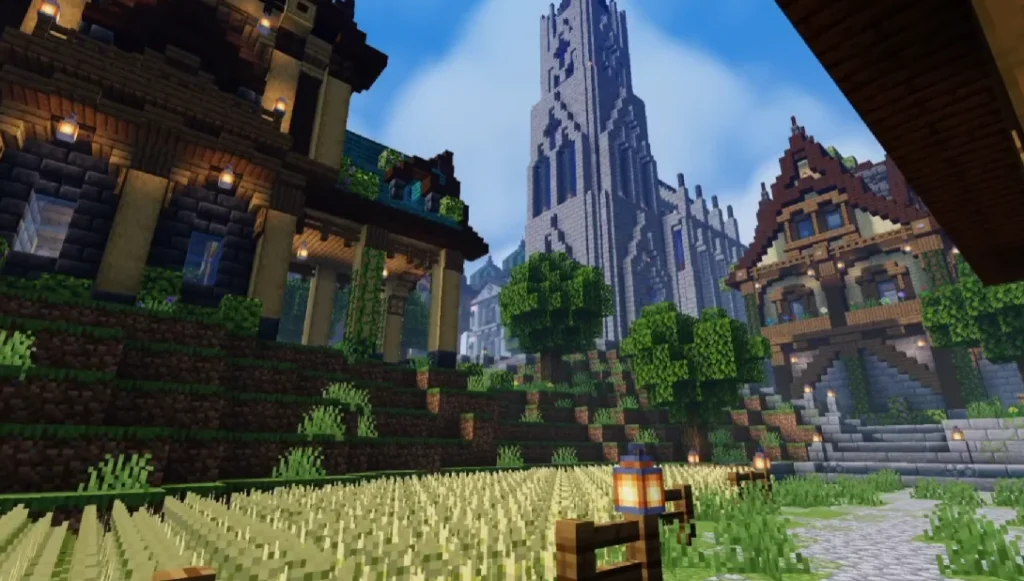
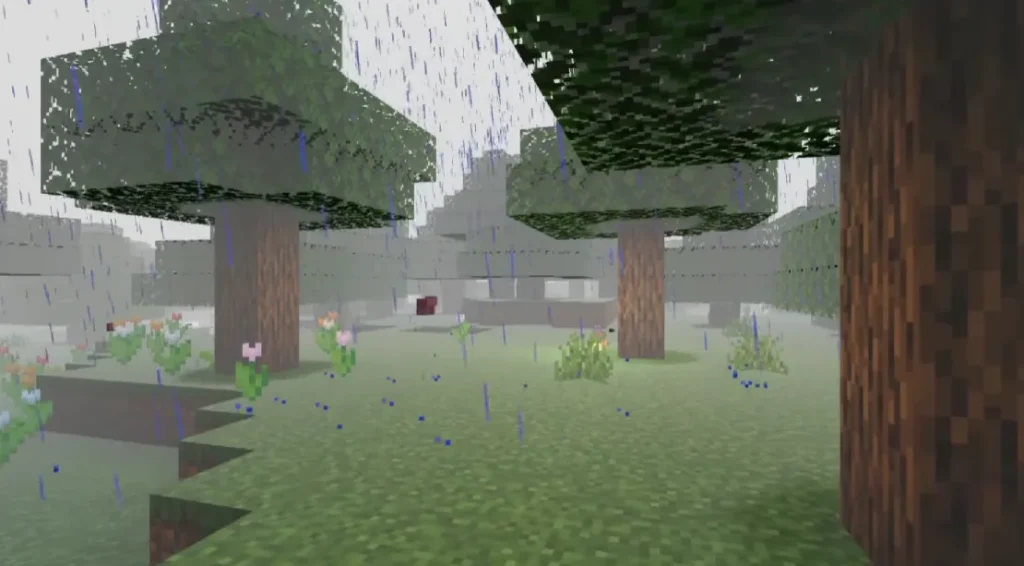
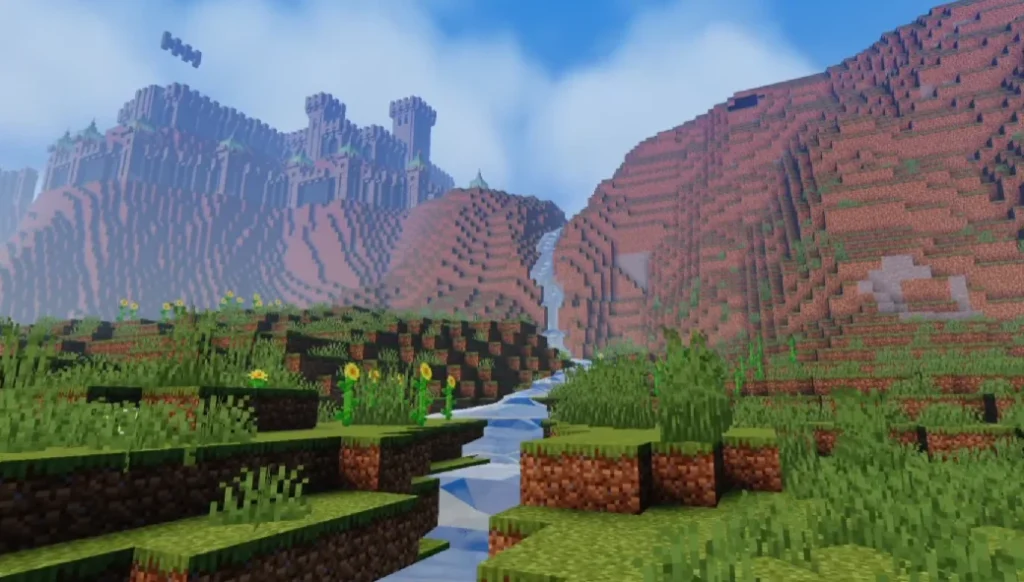
Grass, water, sky, and terrain colors look vibrant yet realistic, avoiding oversaturation.
4. Optimized Performance
Designed to run smoothly even on low-end PCs and mobile devices.
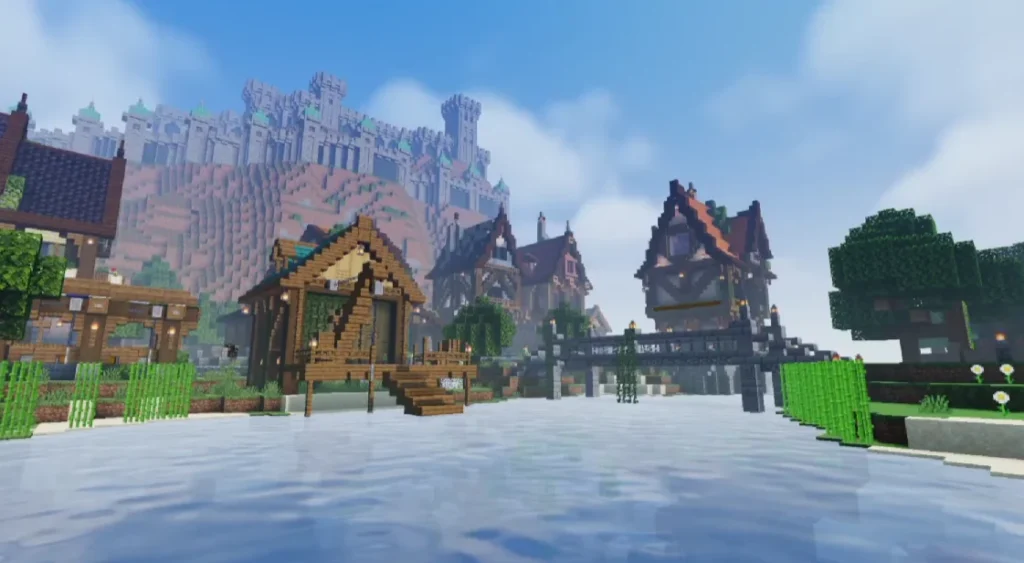
5. Improved Water Effects
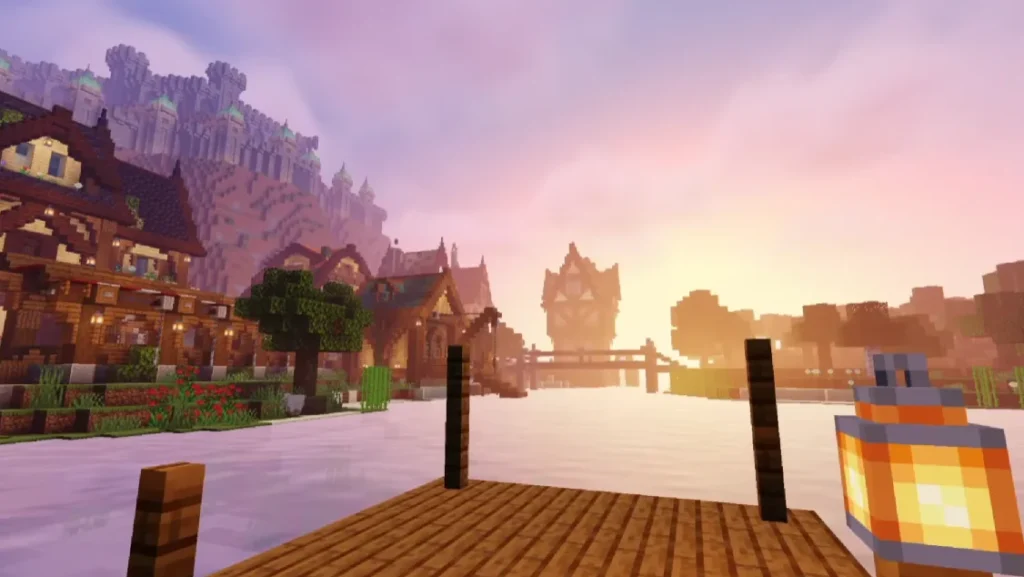
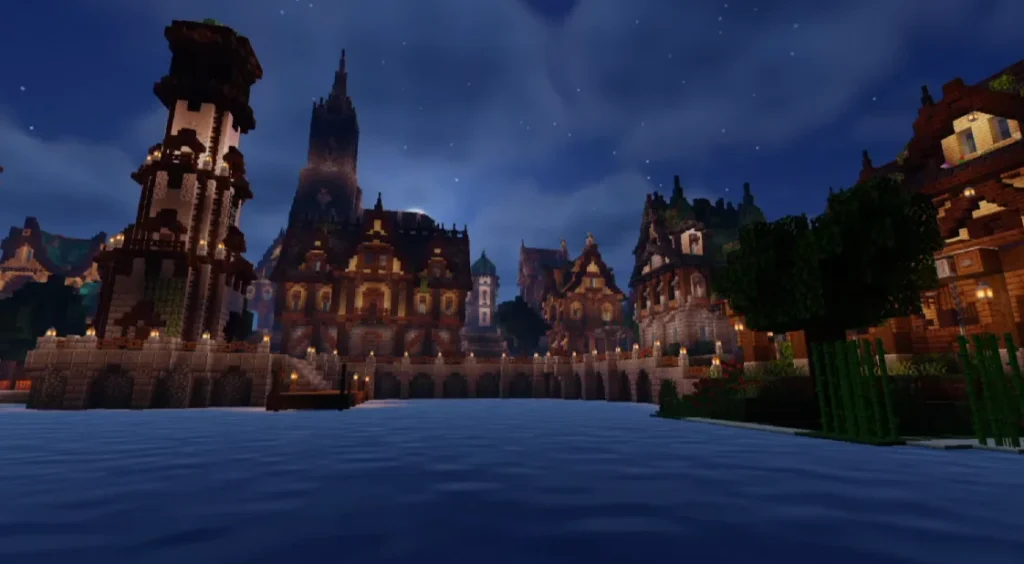
Water reflections and refractions look cleaner and more natural.
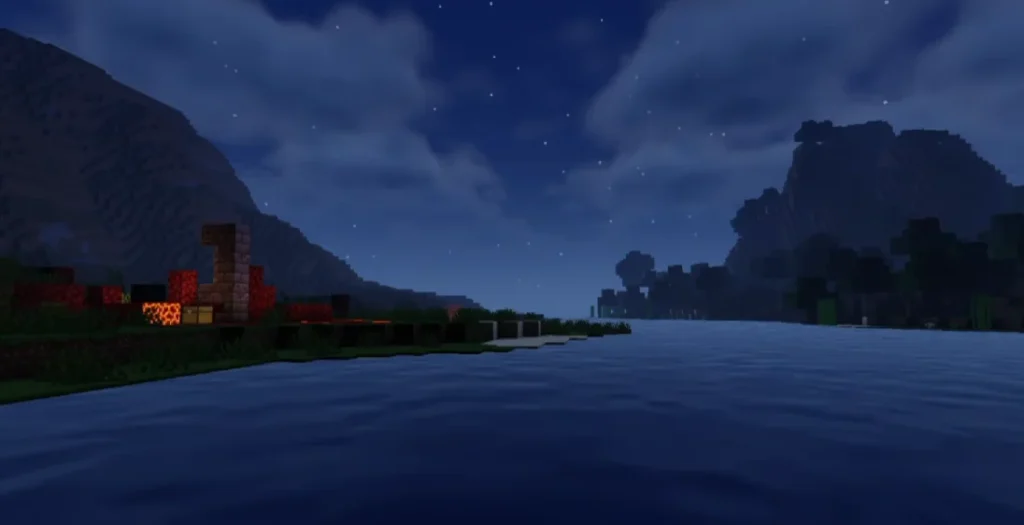
6. Day & Night Improvements
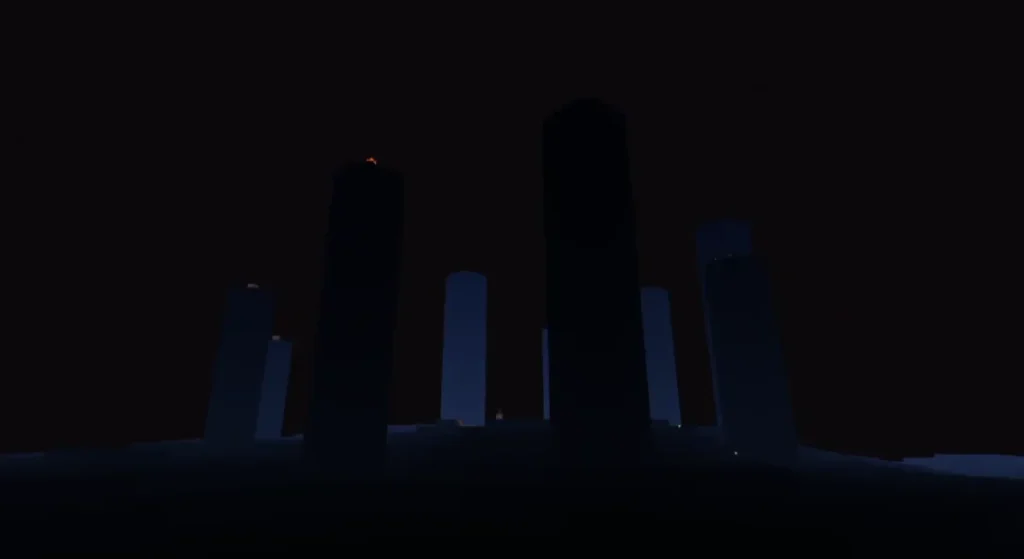
Sunrise, sunset, and night lighting feel more cinematic and immersive.
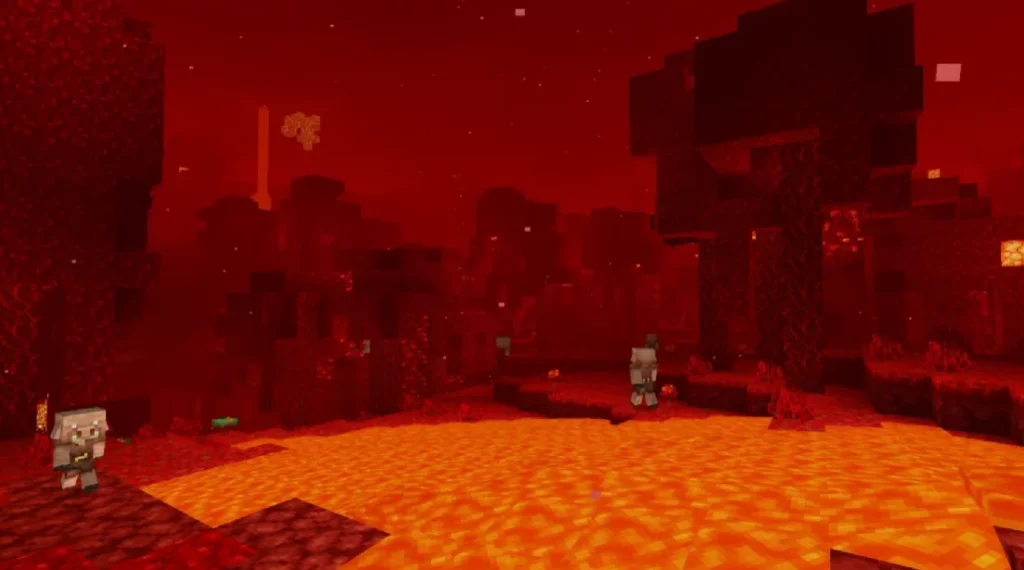
Screenshots:
Why Choose Bicubic Shaders?
- ✔ Lightweight & lag-free
- ✔ Easy to install
- ✔ Works with most resource packs
- ✔ Perfect for survival & creative mode
- ✔ Great alternative to heavy shaders
Compatibility & Requirements
Supported Versions
- Minecraft Java Edition
- Minecraft Bedrock Edition (with shader support)
Requirements
- OptiFine or Iris Shader Loader (Java)
- Shader-supported Minecraft launcher
- Minimum 2GB RAM recommended
How to Install Bicubic Shaders (Step-by-Step)
Java Edition
- Install OptiFine or Iris Shaders
- Download Bicubic Shaders
- Open
.minecraft > shaderpacks - Paste the shader zip file
- Enable it from Video Settings > Shaders
– Bicubic Shaders DOWNLOAD –
Download Shader
Bedrock Edition
- Download the shader pack
- Open the file to import
- Activate from Global Resources
- Restart Minecraft
Performance Comparison
Bicubic Shaders provides:
- Better FPS than SEUS
- Less lag than BSL
- Cleaner visuals than basic shaders
It’s an excellent mid-range shader solution.
2 thoughts on “Bicubic Shaders for Minecraft (2026)”