What Is the Brutal Legends Addon (26.x, 1.21) for MCPE/Bedrock?
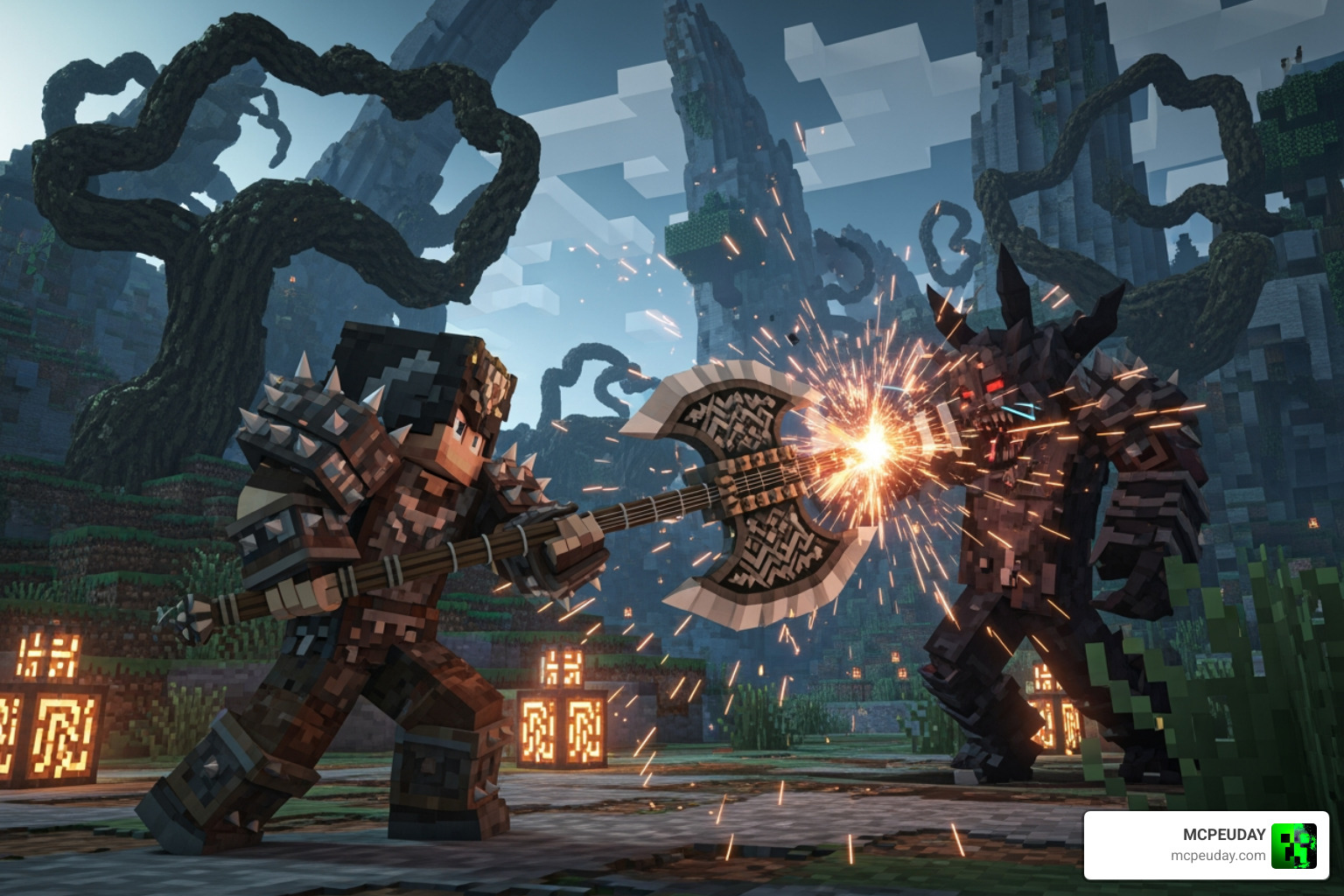
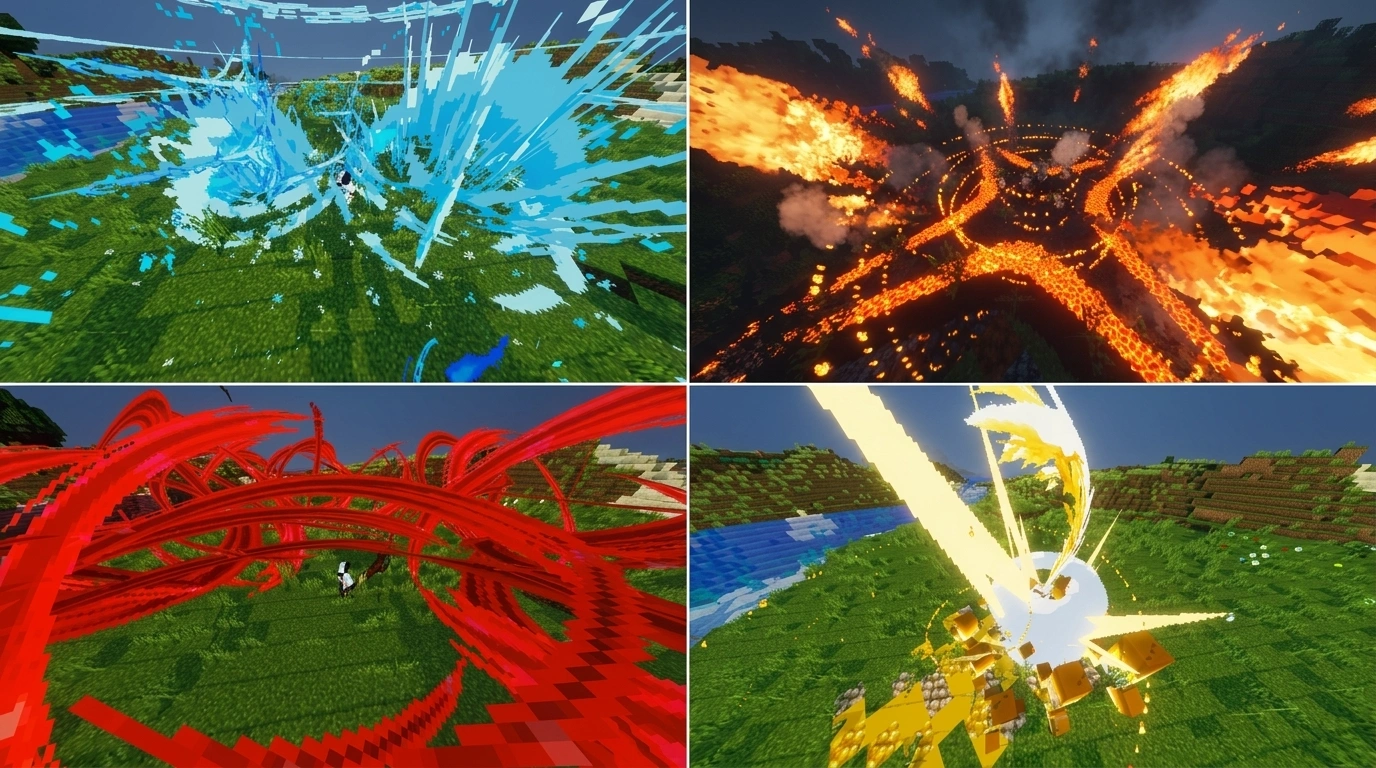
The Brutal Legends Addon (26.x, 1.21) – MCPE/Bedrock is a high-quality RPG overhaul addon that transforms vanilla Minecraft survival into a deeper, more strategic experience with custom weapons, armor, and progression systems.
Quick answer for version 1.21 players:
- What it is: An addon that adds custom weapons, gauntlets, unique skills, and armor sets to Minecraft Bedrock Edition
- Version support: Compatible with Minecraft Bedrock 1.21 (addon version 26.x)
- Key features: Weapon evolutions (including Envy Evo), unique skill combos, durability mechanics, and RPG-style progression
- Graphics options: Both high and low graphics versions available for different devices
- Installation note: Requires Experimental Settings to be enabled
- Multiplayer: Works on Realms and multiplayer servers
If vanilla Minecraft Bedrock survival feels too predictable, this addon gives you a reason to grind, gear up, and fight smarter. Instead of random exploration, you work toward clear goals — craft better weapons, unlock new skills, evolve your gear, and take on structured boss encounters.
It’s one of the most complete combat-focused addons available for MCPE right now, and it does all of this without ripping out the core Minecraft experience you already love.
Key Features of the Brutal Legends Addon (26.x, 1.21) – MCPE/Bedrock
When we look at the current landscape of Minecraft Bedrock mods in May 2026, the Brutal Legends Addon (26.x, 1.21) – MCPE/Bedrock stands out because of its sheer polish. It doesn’t just add “more swords”; it adds a completely new way to interact with the world.
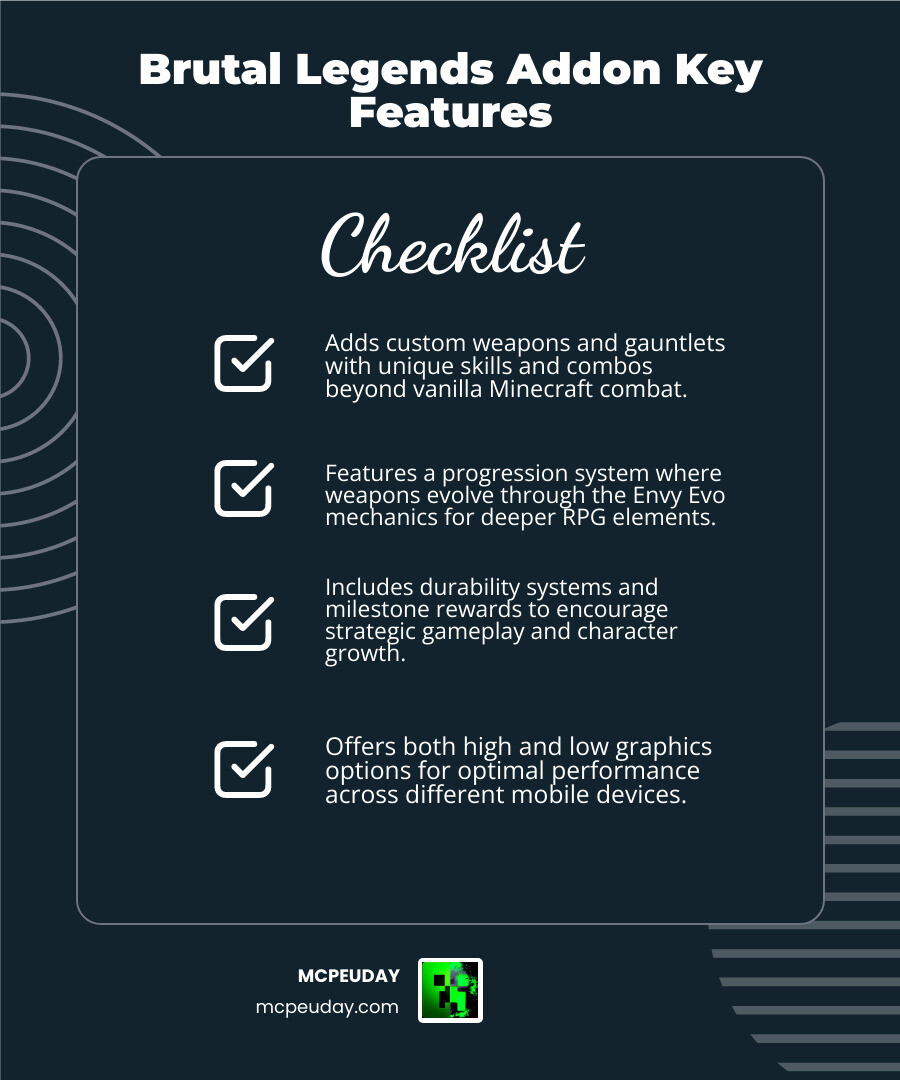
The addon introduces high-quality custom weapons and gauntlets, each equipped with unique skills and combos. Unlike vanilla swords that just require a repetitive tapping motion, these weapons have weight and tactical utility. You can perform specific combos to deal massive damage or trigger magical effects.
To complement these weapons, the addon features a robust durability system and specialized gear. If you find yourself needing even more protection, you might consider pairing this with the More Armour Addon For Minecraft Pe Bedrock Unlock Powerful New Armor Sets Dominate Your World or the More Shield Addon For Minecraft Bedrock Mcpe New Powerful Shields You Must Try to create the ultimate tank build.
Weapon Evolutions and Envy Evo Mechanics
One of our favorite parts of this addon is the progression system. You don’t just find the best weapon in a chest and call it a day. The Brutal Legends Addon (26.x, 1.21) – MCPE/Bedrock uses an evolution mechanic, most notably the Envy Evo.
As you use your weapons and gather specific materials, you can evolve them into more powerful forms. This mirrors the progression found in popular RPGs, where your gear grows alongside your character. For those who want to expand their arsenal even further, we recommend checking out the True Weapons Addon 1 21 26 X Download Features Guide For Mcpe, which offers a similar focus on high-fidelity weaponry.
High vs Low Graphics Options for Mobile
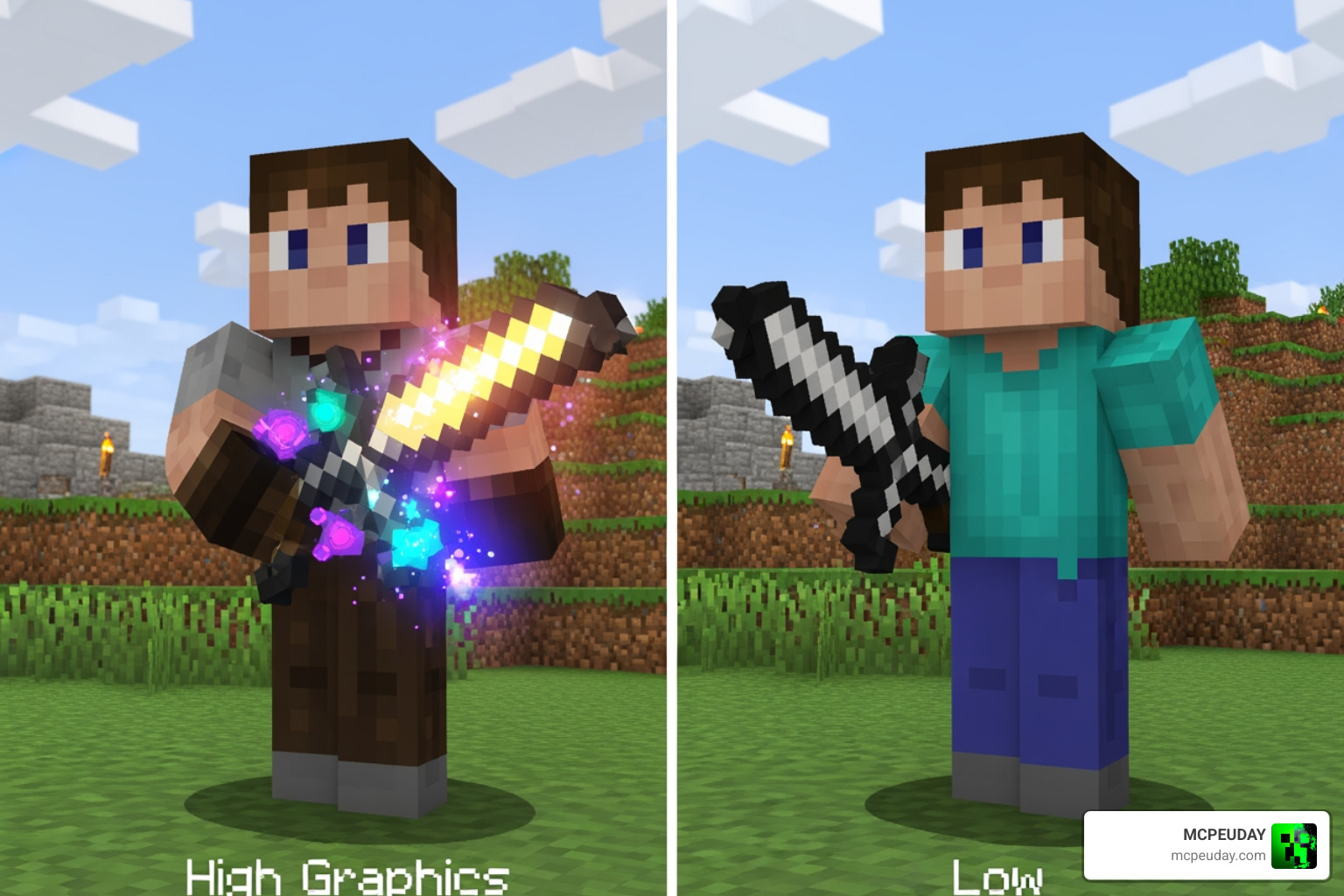
We know that not everyone is playing on a high-end gaming tablet. Some of us are rocking older mobile devices that might struggle with heavy shaders or complex 3D models. The developers of Brutal Legends have been incredibly thoughtful here by providing both High and Low graphics options.
- High Graphics: Features intricate 3D models, glowing particle effects, and high-resolution textures. Best for modern devices with at least 6GB of RAM.
- Low Graphics: Strips back the intensive visual effects while keeping the gameplay mechanics identical. This ensures that even players on budget phones can enjoy the RPG combat without their device turning into a pocket heater.
Enhancing Combat and Survival Gameplay
In vanilla Minecraft, survival often becomes a “solved” game after the first few nights. You build a wall, get some iron, and you’re basically safe. The Brutal Legends Addon (26.x, 1.21) – MCPE/Bedrock changes that by introducing structured encounters.
The world feels more alive and dangerous. You’ll encounter custom creatures with unique behaviors that require more than just “spam-clicking” to defeat. If you love this style of gameplay, you might also enjoy the Bedrock Reimagined Addon 1 21 1 26 Transform Minecraft Bedrock Into An Rpg Adventure or the dark, atmospheric vibes of the Dark Fantasy Addon.
RPG Progression in Brutal Legends Addon (26.x, 1.21) – MCPE/Bedrock
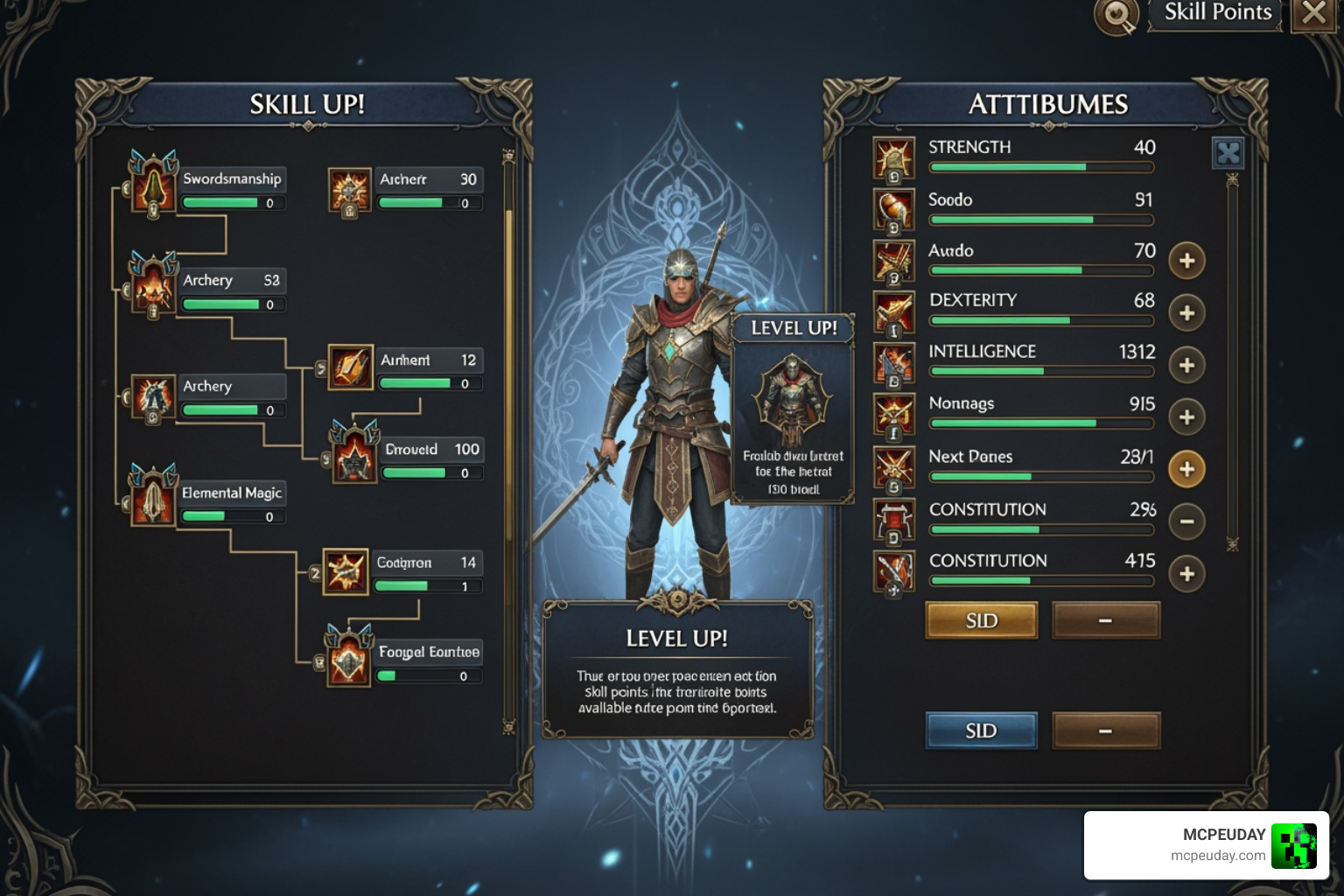
The progression isn’t just about what you hold in your hand; it’s about how your character grows. The addon includes a skill unlock system where you can earn milestone rewards. As you defeat bosses and survive longer, you unlock new abilities that make combat feel cinematic.
Imagine leaping into the air, performing a mid-air dash, and slamming down with a gauntlet-powered shockwave. That’s the kind of character growth we’re talking about. It moves the game away from “block-breaking simulator” and toward a “fantasy action-adventure.”
Multiplayer and Realms Compatibility
Can you play this with friends? Absolutely! We’ve tested this on both local multiplayer and dedicated Realms, and it performs surprisingly well. The shared progression makes for excellent cooperative play. You can have one player acting as the “tank” with heavy armor and gauntlets, while another focuses on high-damage skill combos.
To keep the economy and rewards interesting on a server, many players combine this with the Keys Crates Addon Mcpe 1 21 1 20 Download Features Guide to create a full RPG server experience with loot boxes and tiered rewards.
Installation Guide and Experimental Settings
Installing the Brutal Legends Addon (26.x, 1.21) – MCPE/Bedrock is straightforward, but you must pay attention to the experimental toggles. If you miss these, the custom items might not show up, or the skills won’t trigger.
- Download the .mcaddon file (which usually includes both the Resource and Behavior packs).
- Import it into your Minecraft PE by clicking the file.
- Create a New World (or edit an existing one).
- Activate the Resource Pack and the Behavior Pack in the world settings.
- Enable Experimental Settings (see the list below).
Required Experimental Toggles for Brutal Legends Addon (26.x, 1.21) – MCPE/Bedrock
To ensure all the custom weapons and “Envy Evo” mechanics work, you need to toggle the following in your world settings:
- Holiday Creator Features
- Custom Biomes
- Beta APIs
- Molang Features
Missing these is the number one reason why addons “break.” For a more technical look at how these systems integrate with the game, check out our Core Craft Addon Mcpe 1 21 Features Download Full Guide.
Performance Considerations and Device Optimization
While the addon is well-optimized, adding dozens of custom entities and high-poly weapons will naturally impact performance. Here is a quick breakdown of how to get the best FPS:
| Setting | High-End Device (8GB+ RAM) | Low-End Device (2-4GB RAM) |
|---|---|---|
| Graphics Pack | High Graphics | Low Graphics |
| Render Distance | 12-16 Chunks | 6-8 Chunks |
| Fancy Graphics | On | Off |
| Particle Limit | Unlimited | Minimal |
If you find that the world feels a bit laggy with all the new combat effects, consider using the Better Foliage Addon For Minecraft Ultra Realistic Leaves Grass Nature Upgrade which, despite its name, includes many performance optimizations for Bedrock’s rendering engine.
Frequently Asked Questions about Brutal Legends
Is Brutal Legends compatible with Minecraft 1.21?
Yes! The 26.x version of the addon is specifically designed for the 1.21 “Tricky Trials” update. It utilizes the latest Bedrock APIs to ensure stability. We always recommend keeping your game updated to the latest version available on the App Store or Google Play for the best experience.
Does this addon work on low-end mobile devices?
It does, provided you use the Low Graphics version of the resource pack. We also suggest lowering your in-game render distance to 8 chunks or less to ensure a smooth frame rate during intense boss battles.
Can I use Brutal Legends with other RPG mods?
Generally, yes. However, since Brutal Legends changes many combat mechanics, you should check for conflicts if you use other “overhaul” mods. It works beautifully alongside the True Survival Zombie Apocalypse Addon 1 21 1 26 0 if you want to turn your world into a hardcore survival RPG.
Conclusion
At MCPEUDAY, we strive to bring you the highest quality resources for your Bedrock experience. The Brutal Legends Addon (26.x, 1.21) – MCPE/Bedrock is a masterclass in how to expand Minecraft’s combat without losing its charm. Whether you are hunting for the Envy Evo or just want a more cinematic way to fight creepers, this addon is a must-download for May 2026.
Ready to dive into a more dangerous world? Don’t forget to check out our other guides, like The Ultimate Minecraft Horror Mods Guide 2026, to keep your adventures fresh and exciting!
Happy crafting, and may your legends be truly brutal!