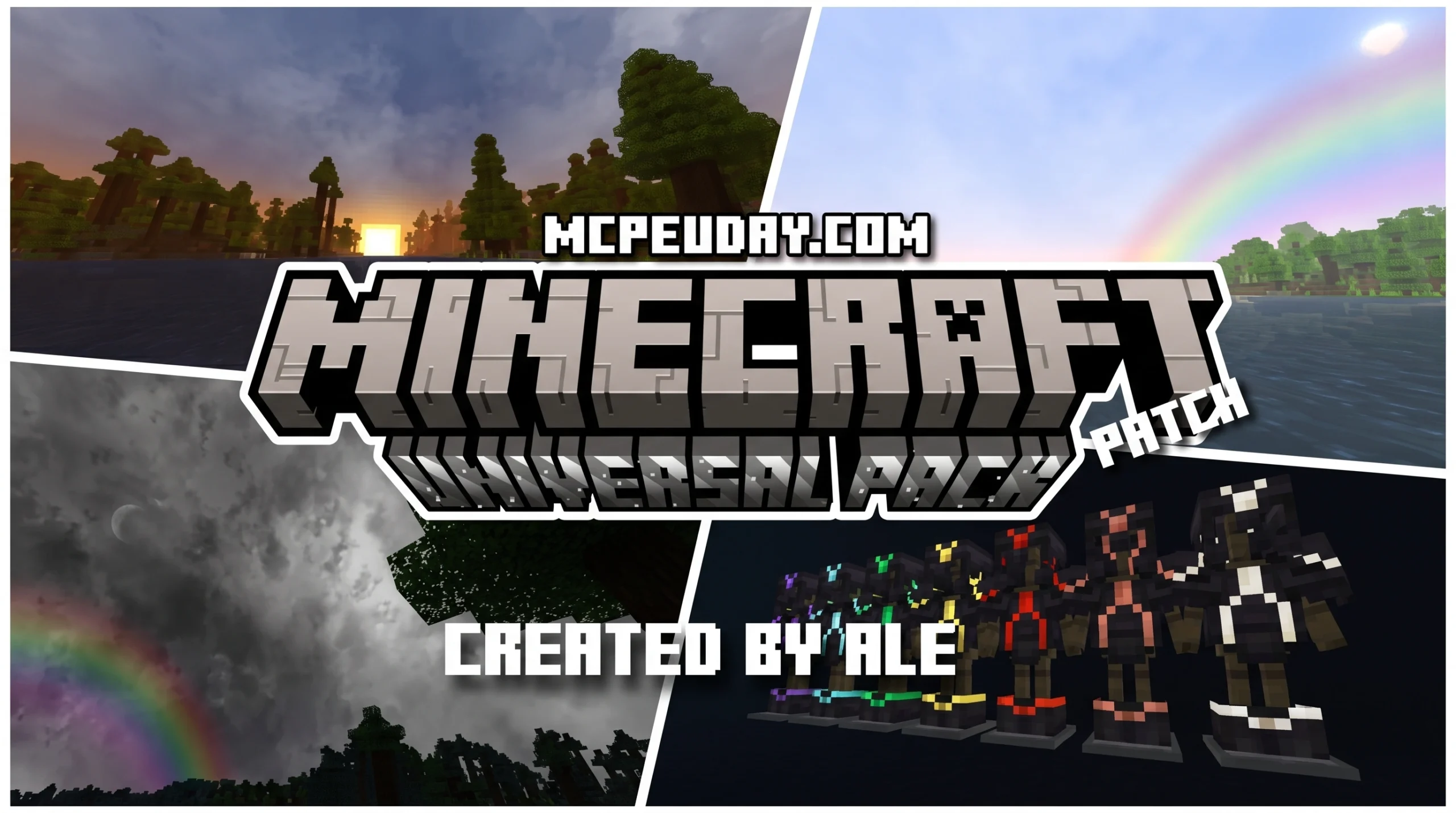
What the Universal Pack Renewed Patch Does for Minecraft PE
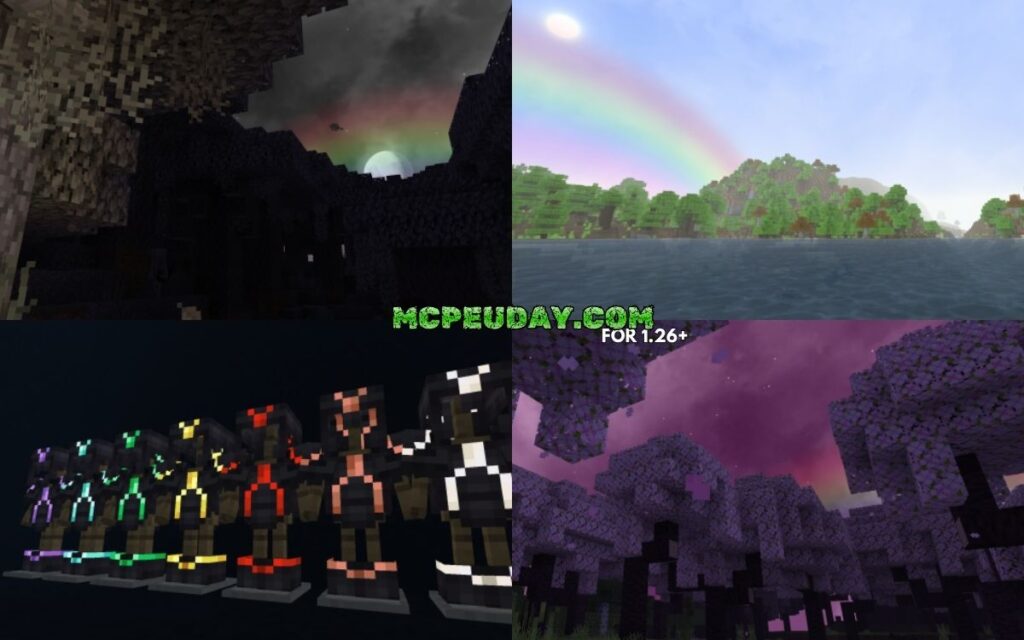
The Universal Pack Renewed Patch is a shader and texture pack for Minecraft Bedrock Edition (PE) that upgrades your game’s visuals — and it works with the RenderDragon engine on all major devices.
Quick answer for what it does:
- Adds realistic lighting, moving plants, glowing mob eyes, and improved water
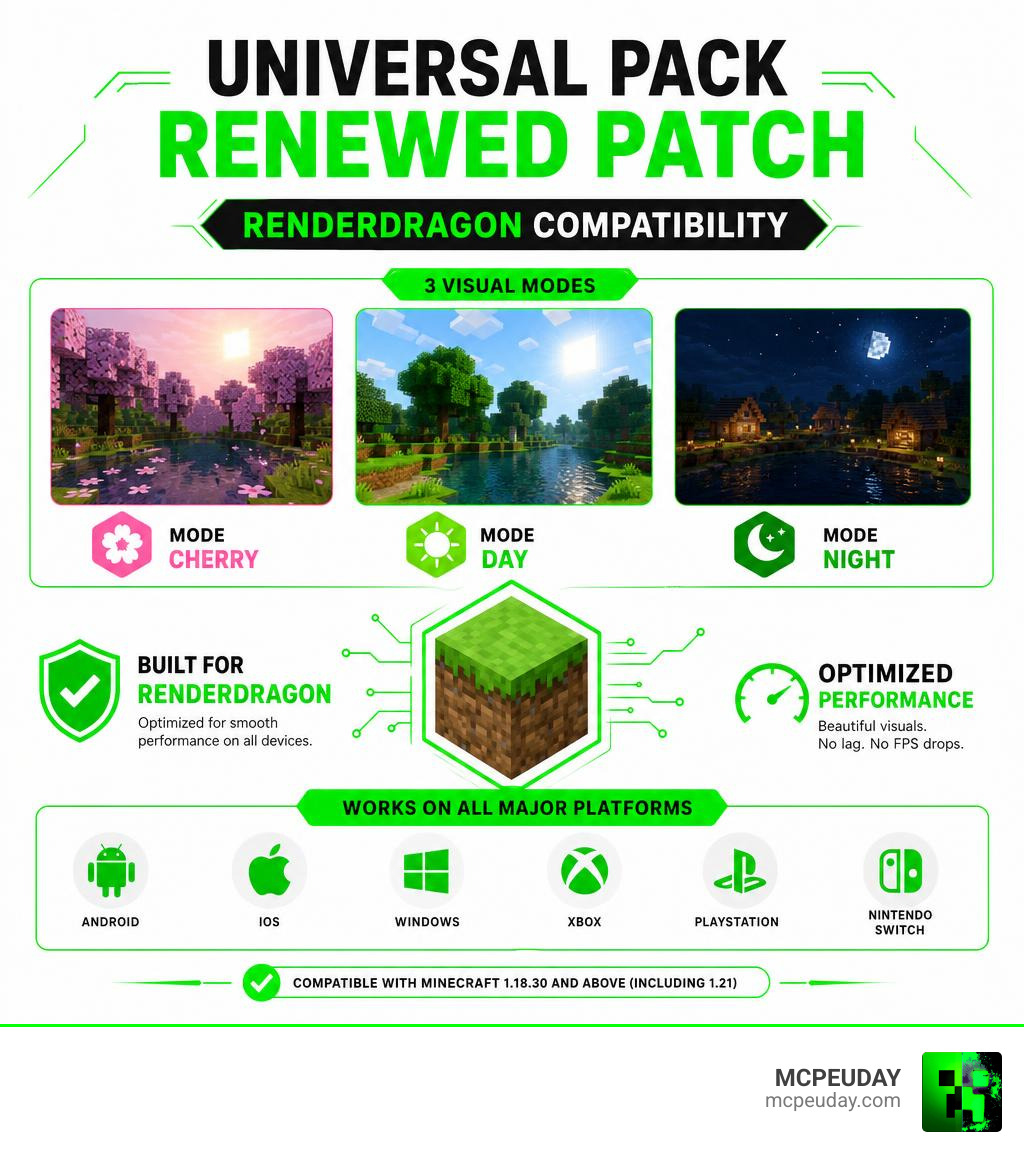
- Supports three visual modes: Mode Cherry, Mode Day, and Mode Night
- Works on Android, iOS, Windows, Xbox, PlayStation, and Nintendo Switch
- Compatible with Minecraft version 1.18.30 and above, including 1.21
- Optimized for low-resource devices — no lag, no FPS drops
If you’ve ever tried to install a shader on Minecraft Bedrock and hit a wall because of the RenderDragon engine, you’re not alone. Most shaders simply don’t work anymore on newer Minecraft versions. That’s exactly the problem the Universal Pack Renewed Patch solves. It’s built specifically for RenderDragon, so it installs cleanly and runs smoothly — even on budget Android phones or older iPads.
It has earned an average rating of 4.1 to 4.4 out of 5 across user reviews, and it’s one of the most recommended shaders for Minecraft 1.21 Bedrock players right now.
This guide covers everything: features, visual modes, installation steps for every platform, and performance tips.
What is the Universal Pack Renewed Patch?
At its core, the Universal Pack Renewed Patch is a highly optimized graphics and resource pack designed to bypass the visual limitations imposed by Minecraft’s RenderDragon engine. When Mojang introduced RenderDragon to Bedrock Edition, it unfortunately broke almost all traditional shaders. For a long time, players were stuck with flat, lifeless vanilla graphics.
This renewed patch acts as a bridge, giving you those lush, vibrant visuals back without needing a supercomputer to run them. It completely overhauls how light, shadow, water, and foliage behave in your game. While some high-end shaders only work on specific platforms, this pack is truly “universal,” running beautifully on mobile devices, consoles, and PCs alike.
If you are looking for other incredible alternatives to upgrade your game’s atmosphere, you should also check out the Newb Renewed Shader For Minecraft, which offers another fantastic approach to modern Bedrock rendering.
Core Features of the Universal Pack Renewed Patch
The pack packs a punch when it comes to visual features. Here is what you can look forward to once you activate it:
- Dynamic Lighting Effects: Torches, lanterns, and glowstone emit a much warmer, realistic glow that bounces naturally off surrounding blocks.
- Waving Foliage: Leaves, grass, and plants sway gently in the wind, making forests and plains feel alive instead of static.
- Refined Water Textures: Water looks clearer, with smooth surface animations and realistic transparency.
- Customizable Fog: The horizon transitions smoothly into a soft, atmospheric fog rather than cutting off abruptly.
- Rainbow Effects & Skyboxes: Beautiful sky transitions, including a toggleable rainbow effect that adds a magical touch to rainy days.
- Glowing Mob Eyes: Spiders, Endermen, and other mobs have glowing eyes that pierce through the dark, adding a spooky, immersive vibe to nighttime exploration.
For those running ultra-low-end hardware who still want a massive visual boost, combining these insights with the Newb X Lowres Renewed Shader Best Lightweight Shader For Minecraft Pe Mcpe can help you find the absolute perfect balance between beauty and performance.
Compatibility and Supported Devices
One of the biggest strengths of the Universal Pack Renewed Patch is its wide-reaching compatibility. It supports Minecraft versions 1.18.30 and all the way up to 1.21+.
Unlike Java edition shaders that require heavy mods like OptiFine or Iris, this Bedrock pack is designed to run natively across the entire Bedrock ecosystem. Here is a quick breakdown of how it performs across various platforms:
| Platform | RenderDragon Support | Performance Impact | Recommended Settings |
|---|---|---|---|
| Android | Yes | Very Low (Lag-free) | Fancy Graphics ON, Beautiful Skies ON |
| iOS (iPhone/iPad) | Yes | Low | Fancy Graphics ON |
| Windows 10/11 | Yes | Negligible | Max settings with ease |
| Consoles (Xbox/PS/Switch) | Yes | Low to Medium | Standard default settings |
Exploring the Visual Modes
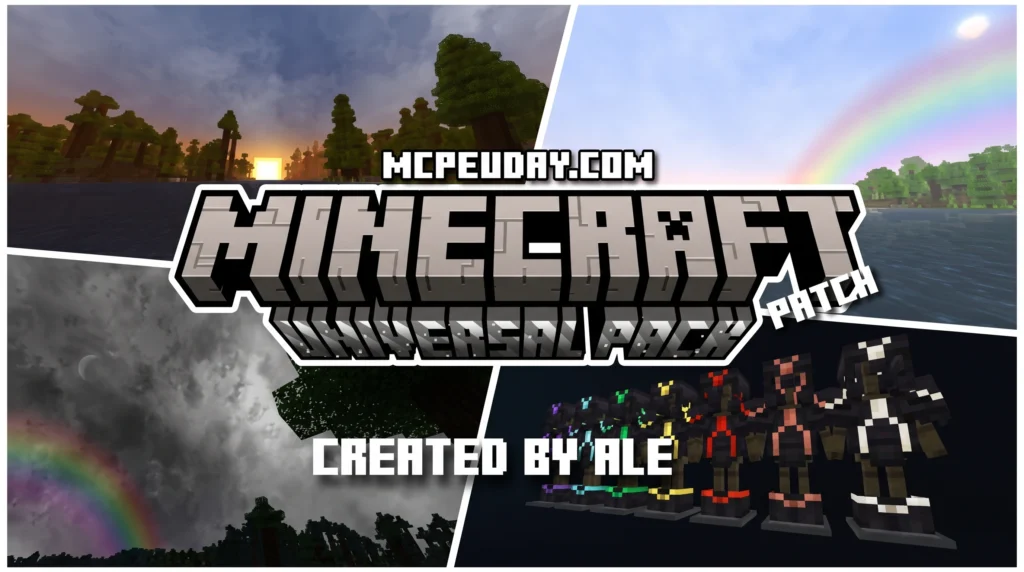
Rather than forcing a single aesthetic on every player, the creator of the Universal Pack Renewed Patch built three distinct visual modes into the pack. When you download the pack, you can choose which mode to activate depending on your mood or the style of your world.
These modes allow you to completely shift the atmosphere of your game with a single click. If you enjoy experimenting with different vanilla-friendly looks, you might also want to compare these modes with the Newb X Super Vanilla Shader For Minecraft Best Vanilla Shader 2026 to see which style suits your building projects best.
Mode Day vs. Mode Night in Universal Pack Renewed Patch
The contrast between day and night in this pack is stunning:
- Mode Day: Focuses on bright, warm, and highly saturated sunlight. The skybox looks incredibly clean, and shadows are cast softly beneath trees and structures. The leaves on the trees look more vibrant, and the overall world feels welcoming and perfect for building.
- Mode Night: Turns Minecraft into a moody, atmospheric adventure. The darkness is deeper, but it is beautifully balanced by the realistic glow of light sources. Shiny armors glisten under the moonlight, and the glowing eyes of mobs make surviving the night feel like a true challenge.
To get the most out of these lighting transitions, check out the Newb X Ambient Shader For Minecraft Pe Realistic Lighting Smooth Shadows Fps Friendly for another take on cozy ambient shadows.
Mode Cherry Aesthetics
If you are a fan of the Cherry Grove biome introduced in recent updates, Mode Cherry is going to be your absolute favorite.
This mode infuses the world with soft pink hues, custom cherry blossom leaf animations, and specialized grass tones that make your entire world feel like a whimsical spring paradise. It modifies the biome colors slightly to give a dreamy, pastel-like aesthetic across all biomes, not just the cherry forests.
How to Install Universal Pack Renewed Patch
Installing shaders on Bedrock can sometimes feel a bit tricky, but we have broken it down into simple, easy-to-follow steps.
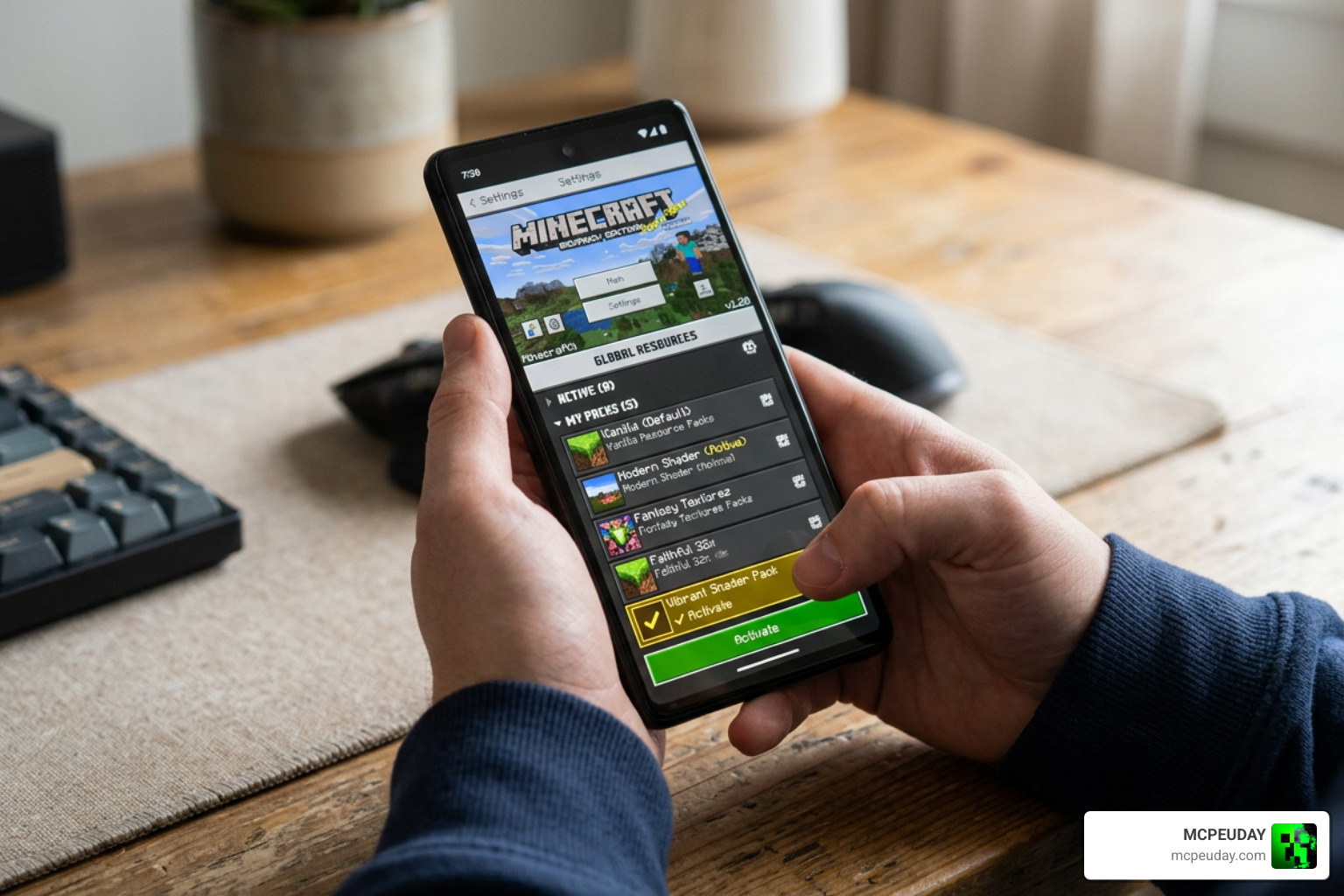
Before you begin, make sure you download the official pack files. You can find the authentic files directly on the Universal Pack Renewed Patch | Support RenderDragon … – MCPEDL page or check out the Universal Pack Renewed Patch for Minecraft Pocket Edition 1.21 resource page for alternative mirrors.
Installation on Android and iOS
For mobile players, here is how you get the pack up and running:
- Download the
.mcpackfile from a trusted source. - Open your device’s File Manager app.
- Locate the downloaded file. If it ends in
.zip, rename it to remove the.zipextension so it ends strictly in.mcpack. - Tap on the file and select “Open with Minecraft”. The game will launch automatically and import the pack.
- Go to Settings > Global Resources > My Packs, select the Universal Pack, and click Activate.
Note for Android users: If you need to manually place the folder, the target directory is typically: Android/data/com.mojang.minecraftpe/files/games/com.mojang/resource_packs/
For a deeper dive into managing mobile shader files and troubleshooting common black-screen bugs, our Newb X Lowres Shaders For Minecraft Pe Mcpe Complete Beginners Guide Installation Settings Fps Tips is an invaluable resource.
Installation on Windows and Consoles
On Windows 10/11, installation is incredibly simple:
- Download the
.mcpackfile. - Double-click the file. Windows will automatically launch Minecraft and import the resource pack.
- Activate it in your Global Resources settings.
For advanced users or modders working with packaged files or customized assets across platforms, tools like AriesLR/PakMaster can be useful for managing packed archives, though standard users will only need the simple .mcpack file.
(Note: While the pack is compatible with consoles like Xbox, PlayStation, and Nintendo Switch, you will generally need to load the pack onto a mobile device or PC first, apply it to a Minecraft Realm, and then join that Realm from your console to enjoy the upgraded graphics).
Performance Optimization and Limitations
One of our favorite things about the Universal Pack Renewed Patch is how incredibly well-optimized it is. Shaders are notorious for turning mobile phones into hand-warmers, but this pack uses lightweight rendering techniques to keep your frame rates high.
To ensure a completely lag-free experience:
- Keep your render distance at a sensible level (10-14 chunks on mobile).
- Turn off “Beautiful Skies” only if you are playing on an extremely old device.
- If you are a 3D artist or texture designer looking at how these assets are structured, you might be familiar with UV mapping tools like Packer-IO 1.3 Released | UV-Packer, but rest assured, the texture sheets in this pack are already perfectly compressed and optimized out-of-the-box!
- (Just as a side note for asset developers: don’t confuse this Minecraft pack with the Unity asset developer pack Poly Universal Pack — polyperfect — they are completely different projects!)
Known Issues and Distribution Rules
As with any mod, there are a few ground rules and minor limitations to keep in mind:
- No Redistribution: The creator has explicitly stated that you should not upload modified versions of this pack or publish it under your own name. Always link back to the official community pages.
- Personal Tweaks: You are welcome to modify the code or textures for your own private, personal use.
- Bug Reports: If you encounter any rare graphical glitches, the developer hosts a dedicated Discord server where you can report bugs and suggest new features.
Frequently Asked Questions about Universal Pack
Does the Universal Pack Renewed Patch work on Minecraft 1.21?
Yes! The renewed patch is fully updated and optimized to support Minecraft Bedrock version 1.21 and above, working flawlessly with the RenderDragon engine.
Do I need a patched version of Minecraft to use this pack?
No, the standard version of Minecraft Bedrock from the official app store works perfectly. However, some players prefer using patched clients to unlock even deeper shader features.
Is the Universal Pack Renewed Patch optimized for low-end devices?
Absolutely. It is specifically designed to run on low-resource devices, meaning you get beautiful lighting and moving plants without sacrificing your FPS.
Conclusion
The Universal Pack Renewed Patch is a must-have for any Bedrock player who wants to escape the flat look of vanilla Minecraft without destroying their device’s performance. With its beautiful Day, Night, and Cherry modes, it brings a fresh wave of color and life to your world.
If you’re ready to explore even more ways to customize your game, head over to our main library and Explore more Minecraft Mods and Addons to find the perfect additions for your next blocky adventure!