What the Fapcraft Addon Actually Does (And Why Players Love It)
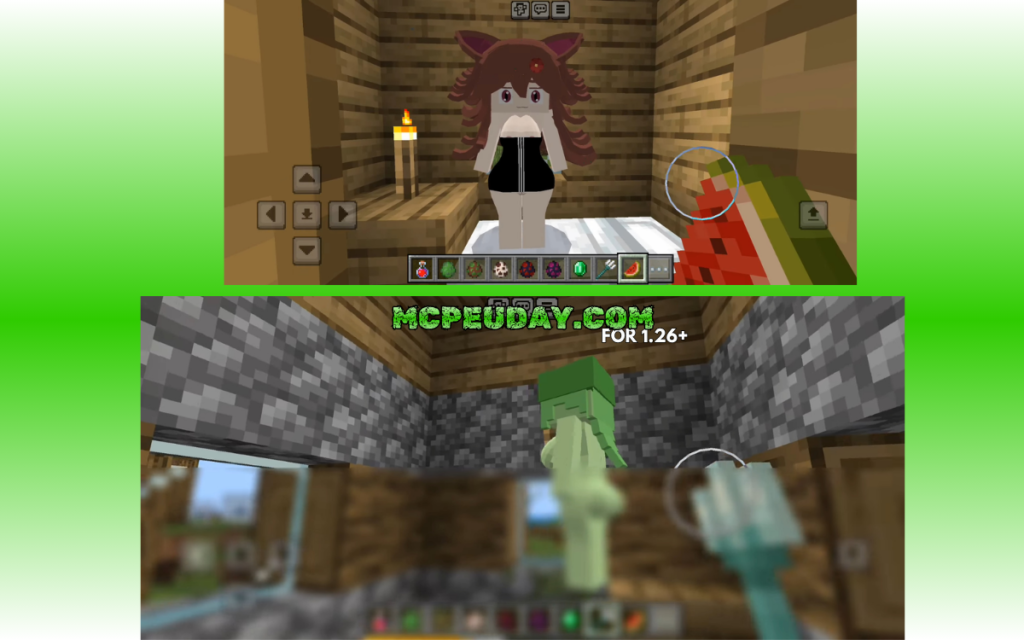
The Fapcraft Addon is a popular Minecraft Bedrock mod that adds interactive NPC companions — including unique female characters — to your world, with over 552,000 downloads and counting.
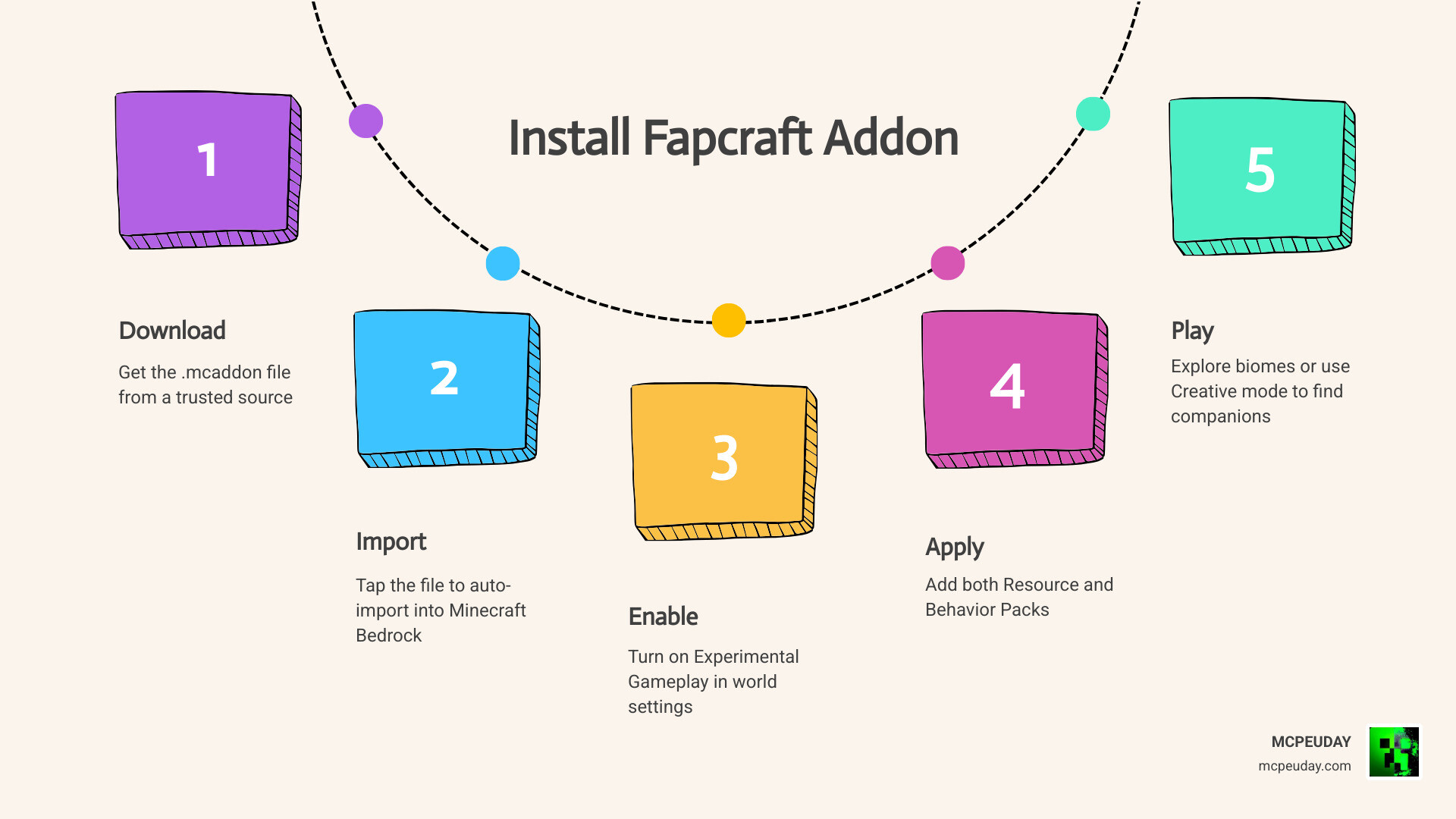
Quick answer for Bedrock players:
- Download the
.mcaddonfile from a trusted source - Tap the file to auto-import it into Minecraft
- Create a new world and apply both Resource and Behavior Packs
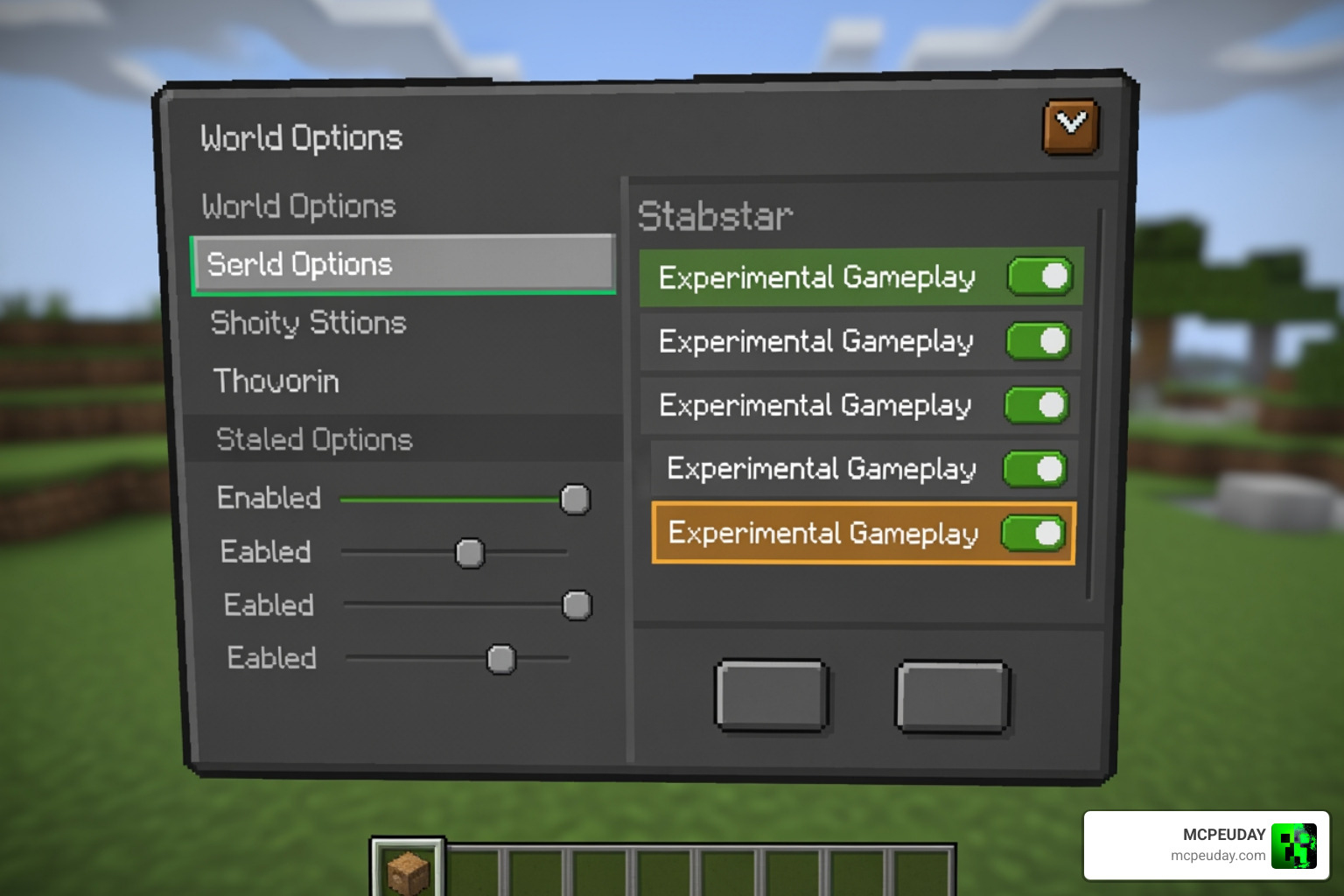
- Enable Experimental Gameplay in world settings
- Explore spawn biomes or use Creative mode to find your companions
Here is what the addon adds at a glance:
| Feature | Details |
|---|---|
| New characters | 5 unique female NPCs with distinct looks and behaviors |
| Interaction system | Gifting, mood changes, and companion mechanics |
| Combat utility | Allies that help fight hostile mobs |
| Special abilities | Teleportation, healing, underwater breathing |
| Supported versions | Minecraft Bedrock/MCPE 1.20 and 1.21+ |
| Platforms | Android, iOS, Windows Bedrock |
So what makes this addon worth talking about? It goes beyond a simple skin swap. These characters behave — they react to gifts, follow you through biomes, and even support you in fights. Whether you want a survival companion or just something new to explore, this addon changes how the game feels.
It works differently from the Java version too, which is important to understand before you download anything.
What is the Fapcraft Addon for Minecraft Bedrock?
When we talk about the Fapcraft Addon, we are looking at a unique expansion designed specifically for the Bedrock Edition (MCPE). While many veterans might be familiar with the “Jenny Mod” on Java Edition, the Bedrock version is a different beast entirely. On Java, mods usually require complex launchers like Forge and specific Java versions (like Java 8 for older mods). However, for Bedrock, the Fapcraft Addon uses the .mcaddon or .mcpack format, which is natively recognized by Minecraft on mobile devices and Windows.
This addon is essentially a companion system. It introduces intelligent survival allies into your world. Unlike standard villagers who just wander around looking for emeralds, these NPCs have expressive behaviors and interactive mechanics. They are designed to act as partners in your survival journey, providing a sense of immersion that vanilla Minecraft often lacks.
If you enjoy making your character move more realistically while interacting with these new NPCs, you might also want to check out the More Body Actions Addon V26 1 21 For Minecraft Pe Full Guide Features How To Use to enhance your physical presence in the game.
The Fapcraft Addon is often described as a continuation or a compilation of various “girlfriend” style mods, bringing characters like Jenny, Ellie, and Allie into one stable package compatible with modern versions like 1.21.
Key Features and Characters in the Addon
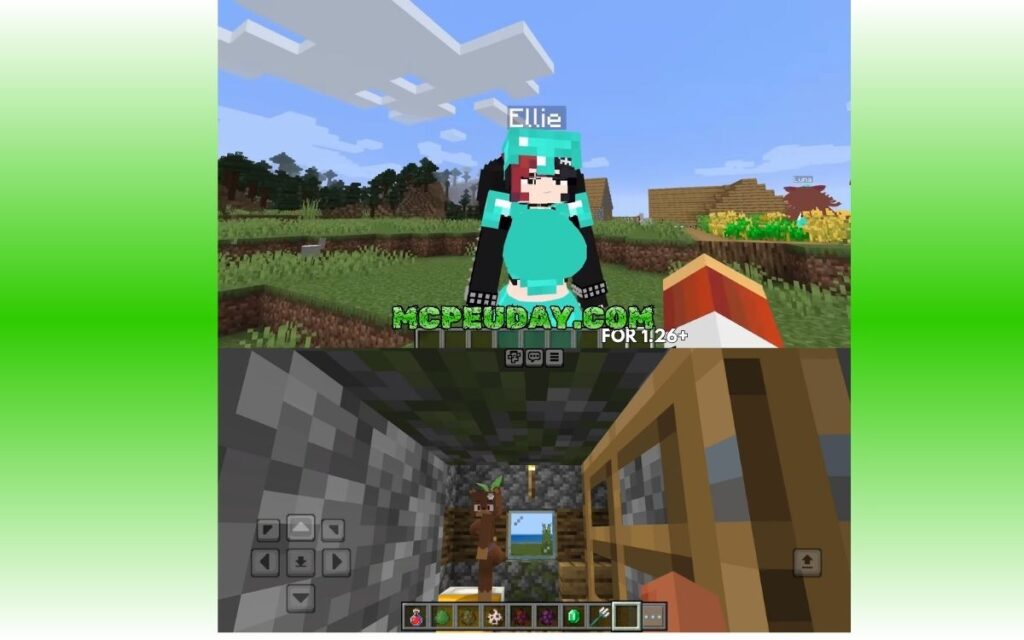
One of the biggest draws of the Fapcraft Addon is the cast of characters. Each NPC isn’t just a static model; they come with unique textures, personalities, and special abilities that can actually help you survive the night.
The Character Lineup
- Jenny: Often considered the “original” character, she features high-quality animations and is the core of the interaction system.
- Ellie: Known for her love of exploration, she is a great companion for long treks across distant biomes.
- Slime Girl: A unique entity with distinct movement and aesthetic traits.
- Allie, Bia, and Luna: Other characters that round out the roster, each offering different visual styles and interaction options.
Special Abilities and Mechanics
These characters aren’t just for show. Depending on the version you install, they possess “superpowers” that assist in gameplay:
- Teleportation: Some characters can warp to your location if you get too far away, ensuring they don’t get lost in thick forests.
- Healing: Certain NPCs have the ability to regenerate health or provide support during tough battles.
- Underwater Breathing: Useful for exploring shipwrecks or ocean monuments.
- Gifting Mechanics: You can give characters items (like diamonds or flowers) to change their mood or unlock new interaction tiers.
To keep your new allies safe during these adventures, we recommend equipping yourself with better gear. Take a look at the More Armour Addon For Minecraft Pe Bedrock Unlock Powerful New Armor Sets Dominate Your World to ensure you can tank hits while your companions provide backup.
How to Install the Fapcraft Addon in 5 Simple Steps
We know that installing mods on mobile can feel intimidating, but the Fapcraft Addon is actually very straightforward if you follow these steps. As of May 2026, these steps are the gold standard for getting the mod running on version 1.21 and 1.22.
Step 1: Download the Files
Locate a verified source (like the links provided in our research) and download the .mcaddon file. This file contains both the Resource Pack (what things look like) and the Behavior Pack (how things act).
Step 2: Import to Minecraft
Once the download is finished, tap on the file. Your mobile device should ask which app to use; select Minecraft. The game will open automatically and display a message saying “Import Started” followed by “Successfully Imported.”
Step 3: Create a New World
While you can add this to an existing world, we strongly recommend creating a fresh one to avoid conflicts. Go to the “Create New World” screen.
Step 4: Enable Experimental Settings
This is the most critical step! Scroll down in the world settings to the Experiments tab. You must toggle on:
- Holiday Creator Features
- Upcoming Creator Features
- Molang Features
- Beta APIs (if available)
Without these, the NPCs won’t spawn, and the gifting mechanics will be broken. For more tips on how to handle these technical settings, check out our guide on the Nics Common Sense Addon 1 26 1 21 Download Features Installation Guide.
Step 5: Activate Packs and Play
Navigate to the Resource Packs tab and activate the Fapcraft Addon. Then, go to the Behavior Packs tab and do the same. Click “Create,” and you’re in! You can find the characters by searching for “Spawn Eggs” in Creative mode or by finding their unique houses with pointy roofs in the world.
Gameplay Mechanics and Survival Utility
The Fapcraft Addon turns Minecraft into a more RPG-like experience. These allies are active teammates. If you are being swarmed by zombies or skeletons, they will step in to distract or attack the threats. This makes them invaluable for players who enjoy deep-cave mining or exploring the Nether.
| Character | Primary Role | Special Ability | Preferred Gift |
|---|---|---|---|
| Jenny | Social/Interactive | High Health | Diamonds |
| Ellie | Scout/Explorer | Speed Boost | Emeralds |
| Slime Girl | Combat Support | Knockback Resistance | Slime Balls |
| Allie | Survivalist | Healing Aura | Gold Ingots |
These mechanics pair perfectly with other “World Overhaul” mods. If you want to turn your Bedrock experience into a full-scale adventure, consider adding the Bedrock Reimagined Addon 1 21 1 26 Transform Minecraft Bedrock Into An Rpg Adventure alongside Fapcraft.
Interaction System
By interacting with the NPCs, you can access menus that allow you to “tame” them or invite them on trips. Their mood changes based on how much you interact with them and the quality of gifts you provide. In Survival mode, protecting these tamed creatures becomes a mini-game in itself, as they can be targeted by hostile mobs just like you.
Safety, Compatibility, and Troubleshooting
Safety is a common concern with mature-themed mods. Based on our research, the Fapcraft Addon itself is not a virus, but the source of the download matters. Always avoid .exe files if you are playing on mobile or Bedrock; you should only ever see .mcaddon, .mcpack, or .mcworld extensions.
System Requirements
To run this addon smoothly, we recommend the following:
- RAM: At least 2GB (4GB is ideal for Bedrock on Windows).
- Storage: Approx 10-20MB for the mod files.
- Version: Minecraft 1.20.0 through 1.21.x.
Troubleshooting Common Issues
- NPCs are invisible: This usually means the Resource Pack isn’t active. Check your world settings.
- NPCs don’t move or interact: You likely forgot to enable Experimental Gameplay.
- Game Crashes: If you have 20+ other mods active, there might be a conflict. Try running the Fapcraft Addon on a clean world first.
For those who want to keep a close eye on their gear while managing these new companions, the Durability Viewer Addon For Minecraft Pe Bedrock is a great utility to add to your loadout.
Multiplayer and Cross-Platform
Yes, the Fapcraft Addon works in multiplayer! However, the world owner must have the packs installed and enabled. When friends join, they will be prompted to download the “Server Resource Packs.” It works across Android, iOS, and Windows, though console players (Xbox/PlayStation) may struggle to import the files without a dedicated Realms server.
Frequently Asked Questions about Fapcraft Addon
Is the Fapcraft Addon safe to download?
Yes, provided you use reputable community sites like 9Minecraft or MCPE-Planet. We recommend scanning any downloaded file with mobile antivirus software before opening it. Remember: a real Bedrock mod will never ask for administrative “Run as” permissions on your PC or “Root” access on your phone.
Does the Fapcraft Addon work on mobile and consoles?
It is specifically built for mobile (Android/iOS) and Windows Bedrock. On consoles, you can only use it if you upload a world with the addon to a Minecraft Realm and then join that Realm from your console.
Can I use the Fapcraft Addon in multiplayer?
Absolutely. We’ve tested it in small “Friend” sessions, and it works well. Just ensure the host has a stable internet connection, as the custom animations can put a slight strain on the server’s sync rate.
Conclusion
The Fapcraft Addon remains one of the most talked-about mods in the MCPE community in 2026. Whether you are looking for a survival ally to help you conquer the deep dark or you just want to see the impressive AI and animation work, it offers a level of interaction that vanilla Minecraft simply doesn’t provide.
At MCPEUDAY, we strive to bring you the most current and verified guides for all things Minecraft. If you’ve enjoyed adding these companions to your world and are looking for a change of pace, why not try something a bit scarier? Explore the Best Minecraft Horror Mods 2026 Guide to find your next heart-pounding adventure!
Happy crafting, and enjoy your new survival partners!

4 thoughts on “Fapcraft Addon (26.x, 1.21) — MCPE/Bedrock Mod”