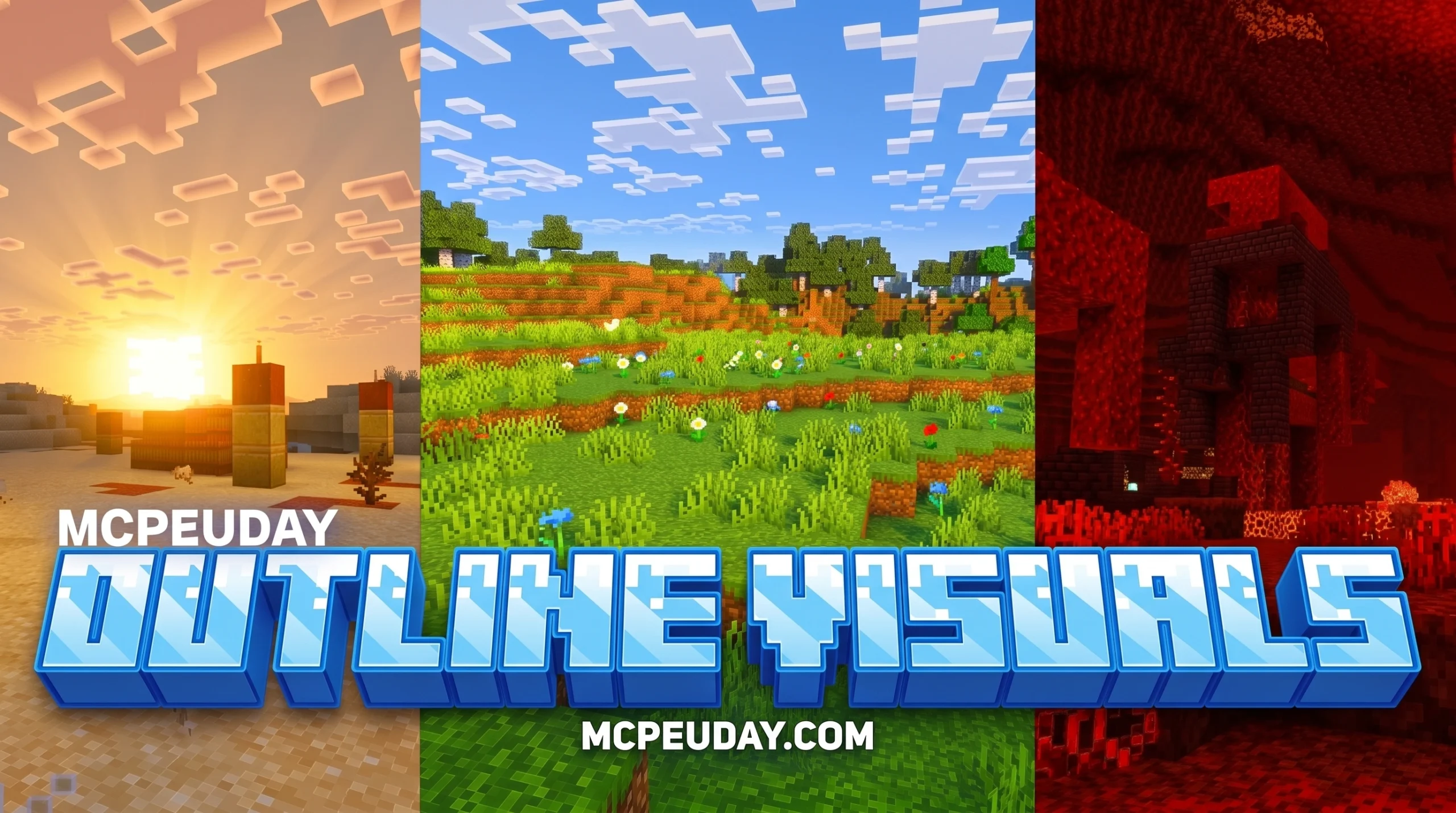
What Is the Outline Visuals Shader and Why Minecraft Players Love It
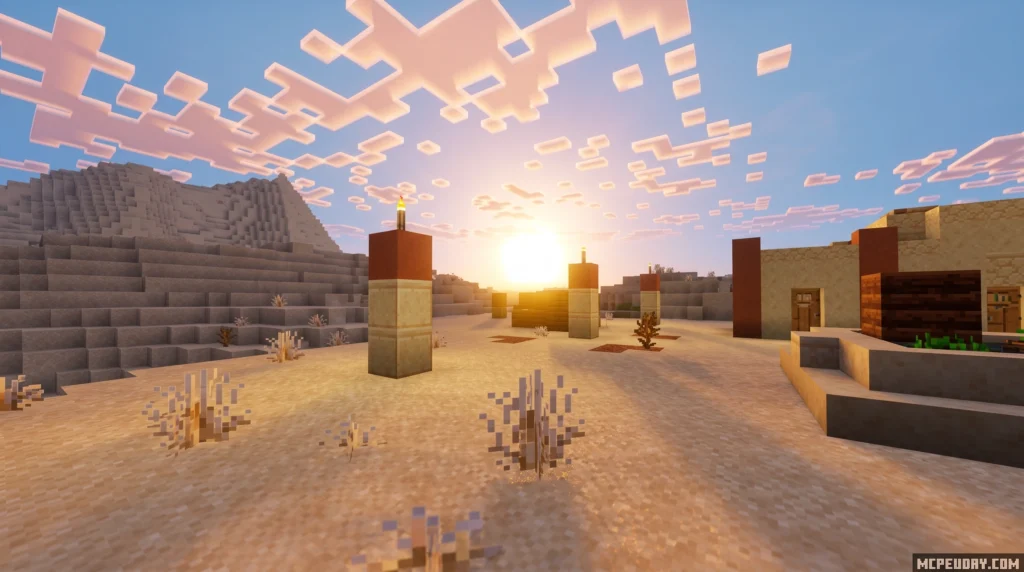
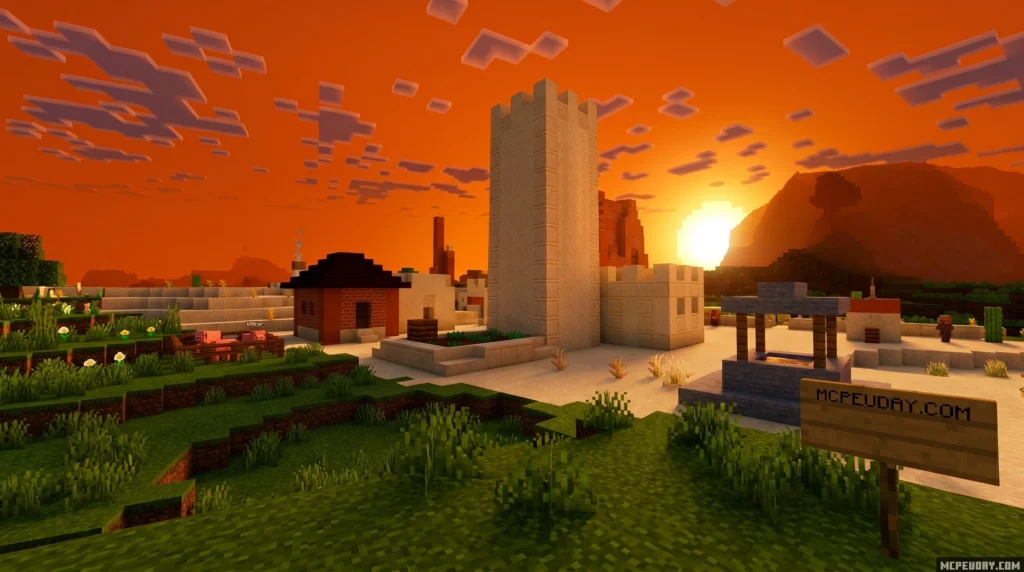
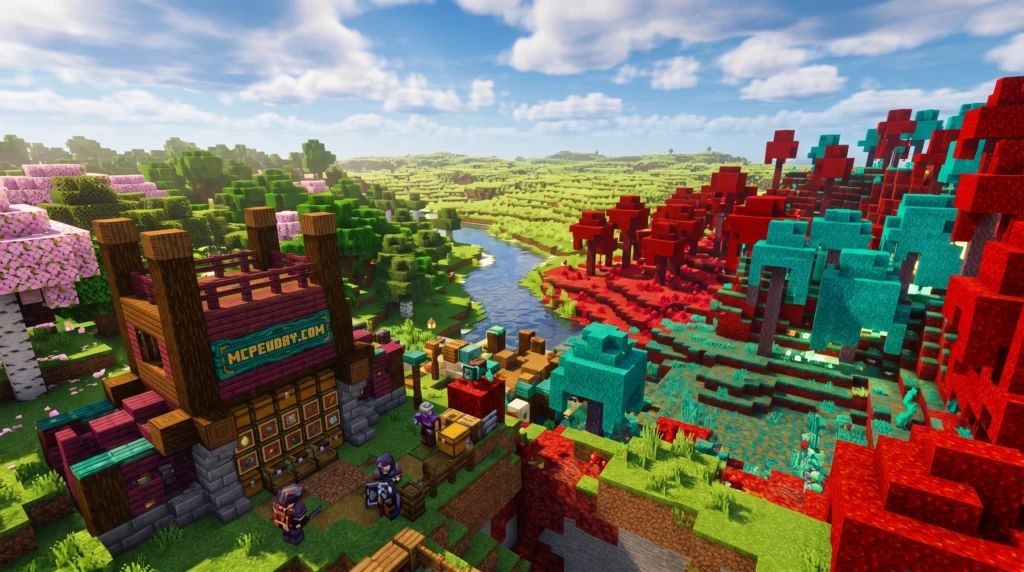
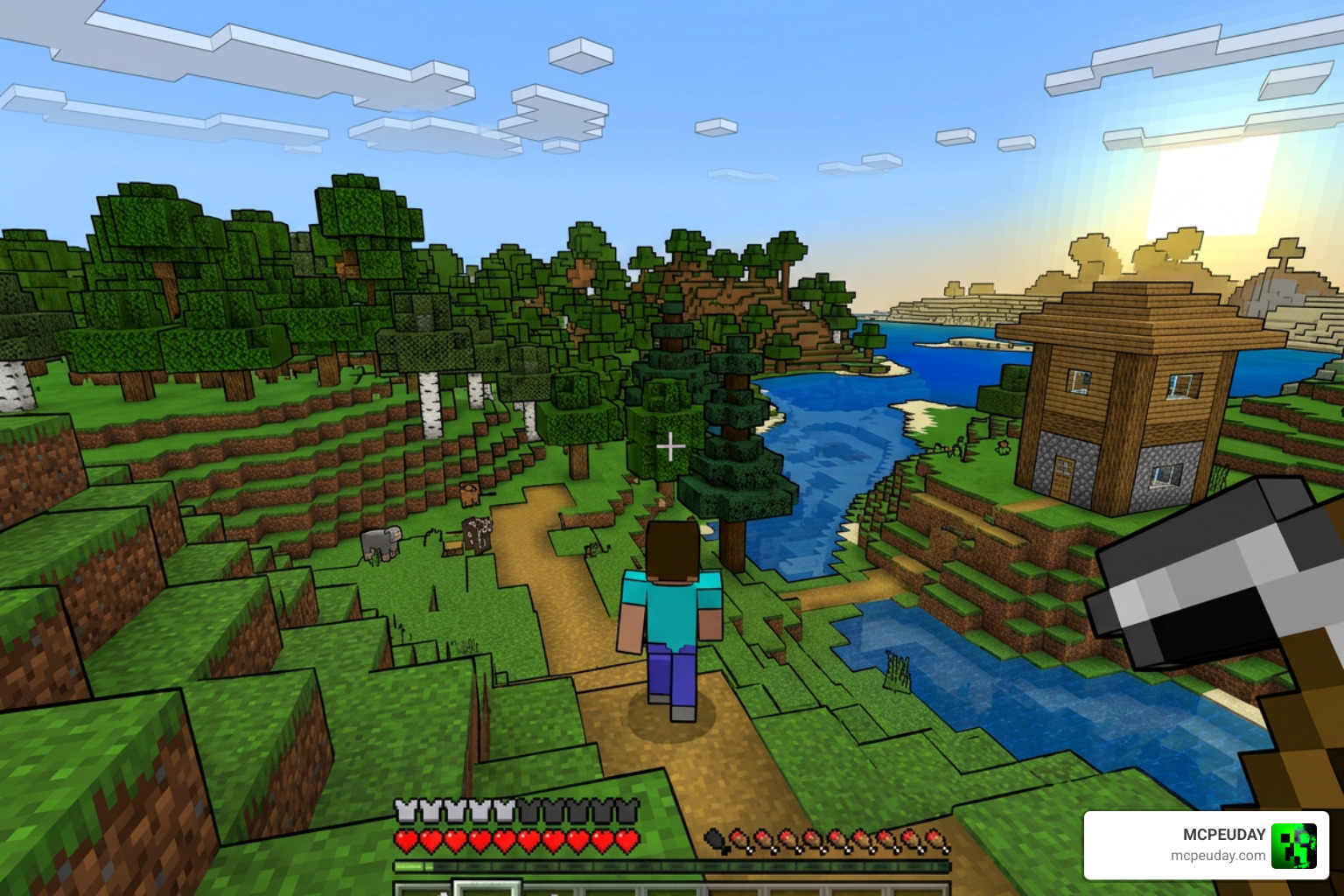
The Outline Visuals Shader is a visual enhancement pack for Minecraft Bedrock Edition (MCPE) that draws sharp, defined edges around blocks and items — giving your game a cleaner, more stylized look.
Quick answer for Minecraft Bedrock players:
- What it is: A shader that adds visible outlines around blocks and objects in MCPE
- Supported versions: Minecraft PE/Bedrock 1.21 and 26.x
- Key benefits: Clearer colors, smoother lighting, improved water effects, and sharper edges
- How to get it: Download the
.mcpackfile and apply it through Global Resources - Rating: 4.3 out of 5 based on user reviews
If you’ve ever felt like Minecraft’s default visuals blend together too much — especially when mining or building — this shader fixes that. It makes block edges pop, so you can see exactly where one block ends and another begins.
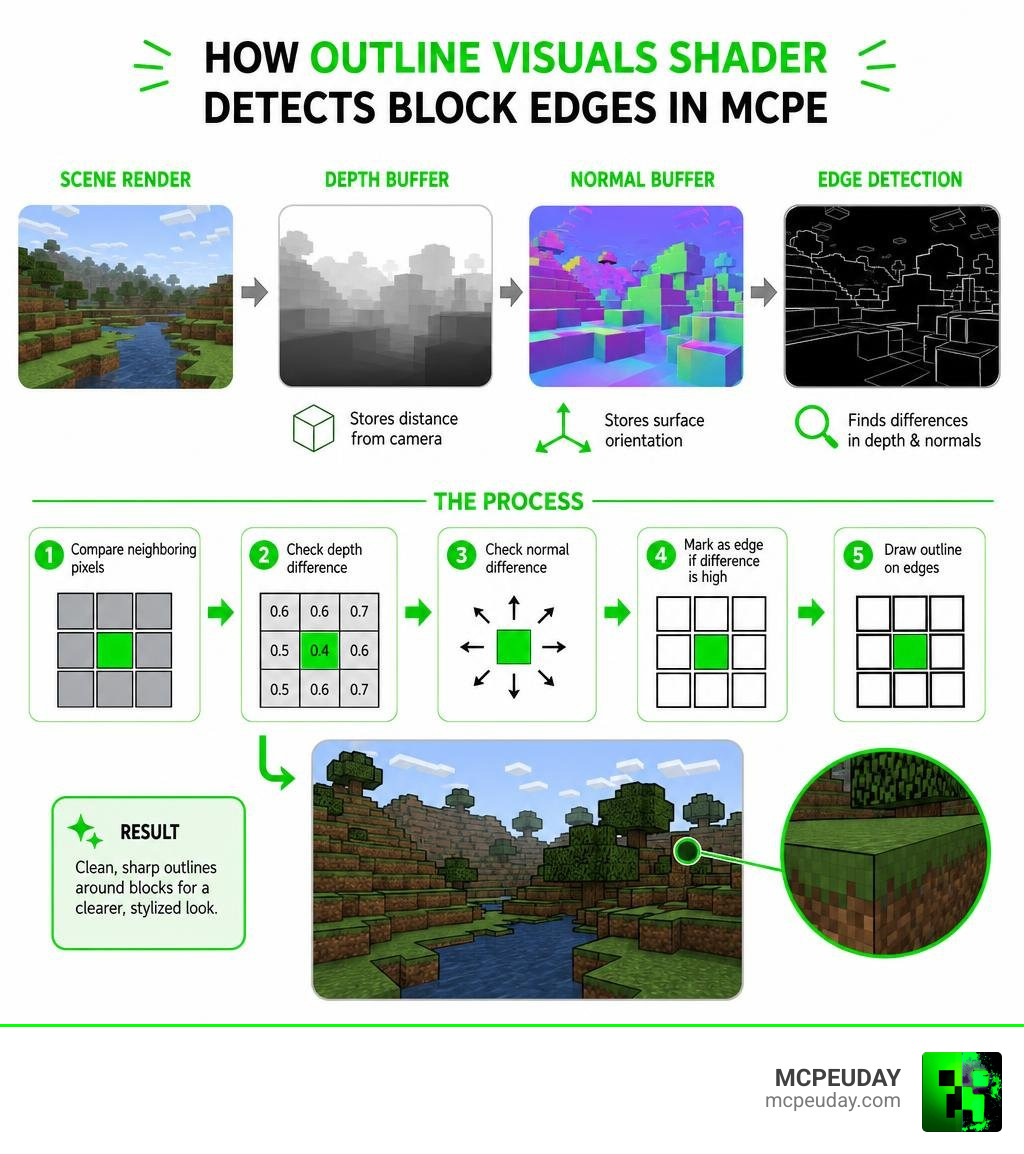
It works by detecting depth and surface differences between neighboring pixels, then drawing a thin line wherever an edge is found. The result is a look that’s somewhere between classic Minecraft and a cartoon illustration.
Whether you’re on Android, iOS, or any other Bedrock-compatible device, this shader is designed to run on the Render Dragon engine that powers modern MCPE.
Understanding the Outline Visuals Shader for Minecraft Bedrock
When we play Minecraft Bedrock, especially on mobile screens, blocks in the distance or in low-light environments can turn into a muddy, pixelated soup. That is where the Outline Visuals Shader steps in to save our eyes. By wrapping each block in a subtle, dark border, it creates an instant cartoon or “cel-shaded” aesthetic that dramatically improves block visibility.
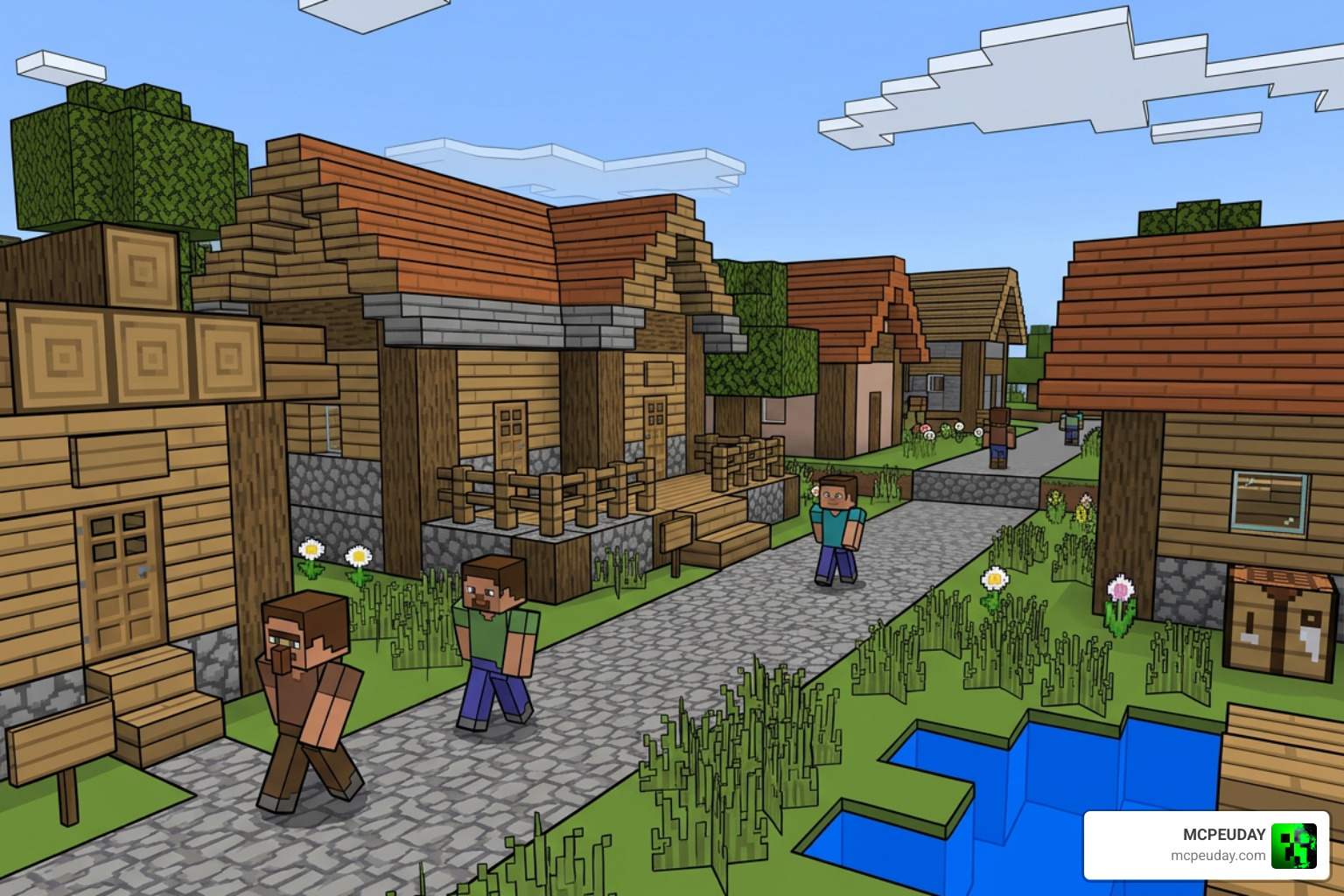
This visual enhancement is particularly useful for players who love building complex structures or navigating dark caves. Instead of straining to see where a dark gray cobblestone block meets an equally dark gray stone block, the shader defines the boundary for you. This utility has made it incredibly popular in the Bedrock community, earning hundreds of shares on modding platforms.
Key Features of the Outline Visuals Shader
The Outline Visuals Shader does not stop at drawing lines. It is a comprehensive visual package designed to overhaul how Minecraft handles color and light. Here are the core features you will experience:
- Color Clarity: Colors look more vibrant and distinct without feeling oversaturated.
- Smoother Lighting: Light transitions from torches, the sun, and lanterns blend naturally across surfaces.
- Improved Water Effects: Water gets a cleaner transparency level, making it easier to see underwater structures.
- Sharp Edges: The signature feature that gives every block a beautiful, illustrative border.
If you want to try an alternative approach to this clean look, you can also check out the Outline Texture Pack 26 X 1 21 Mcpe Bedrock Texture Pack, which achieves a similar high-visibility effect using texture files.
System Requirements and Compatibility
We have great news for pocket edition players: this shader is highly optimized for Minecraft PE 1.21 on mobile devices. Because modern Bedrock Edition uses the Render Dragon engine, traditional shaders that completely rewrite the lighting pipeline often break or tank your performance.
The Outline Visuals Shader is built specifically to be compatible with Render Dragon on Android and iOS. It runs smoothly on mid-range phones without turning your device into a pocket-sized frying pan.
Technical Implementation of Outline Rendering Techniques
If you are a creator curious about how these visual tricks work under the hood, the magic of outline rendering relies on post-processing. Instead of drawing lines on the 3D blocks themselves, the game engine renders the scene first, and then a “screen-space” shader analyzes the flat image to find where the lines should go.
To learn how these core concepts are built from scratch in game engines, you can read the classic Unity Outline Shader Tutorial – Roystan which explains the math behind screen-space borders.
Depth-Based vs Normal-Based Edge Detection
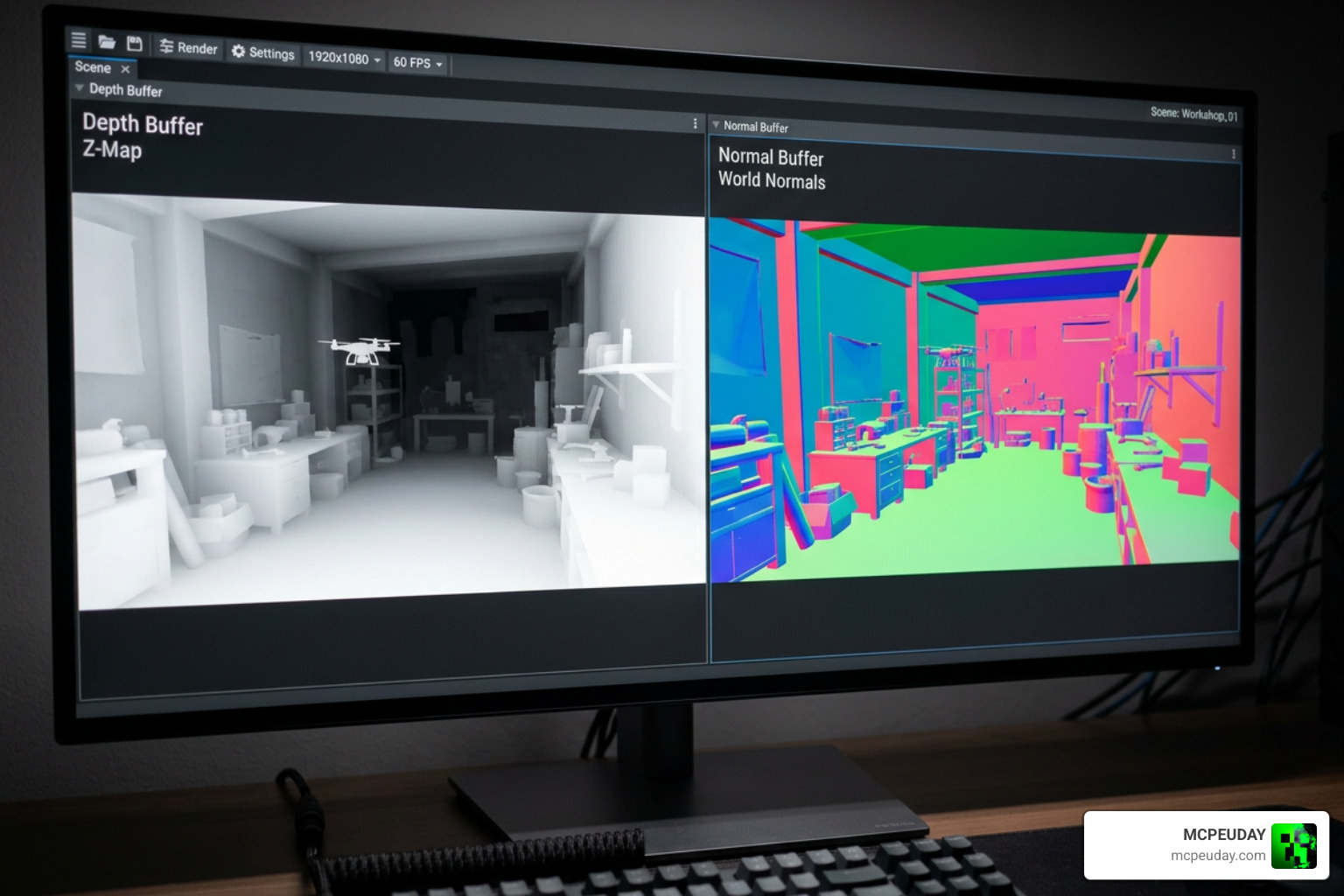
To draw a perfect line around an object, a shader has to know where one object stops and another begins. It does this using two main buffers:
- The Depth Buffer: This stores how far away each pixel is from the camera. By comparing the depth of neighboring pixels (often using a pattern like the Roberts cross operator), the shader can tell if there is a sudden drop-off in distance. If there is, it draws an outline.
- The Normal Buffer: This stores the direction the surface is facing (view-space normals). If you have two blocks touching but they face different directions, their depth might be almost identical, but their normals will be completely different.
By combining depth and normal finite differences, the shader can draw flawless lines even when two objects are at a similar distance from your eyes. You can see a real-world example of this mathematical combination in the Assets/Materials/Shaders/celColoredOutline.shader at master · lindenreid/Unity-Shader-Tutorials repository.
Resolving Surface Artifacts and Grazing Angles
One of the biggest headaches in shader development is the “grazing angle” problem. When you look at a flat surface (like a long floor) at a very sharp angle, the pixels in the distance get crowded together. The depth shader might mistake this natural perspective compression for a sharp edge, resulting in ugly, flickering lines across your floors.
To fix this, advanced shaders use depth threshold modulation. This technique adjusts the edge detection sensitivity based on the viewing angle. By using stencil buffer masking or calculating the view direction relative to the surface normal, the shader ignores flat surfaces while keeping outlines sharp on actual block boundaries.
How to Customize and Configure Your Outline Shader
Whether you want thick, bold comic-book lines or thin, elegant borders, customization is key to making the shader fit your personal style.
If you are looking for a highly customizable baseline for other projects, you can explore the Outlines Post-Process – Universal Outline Shader for Unity URP | Fullscreen & Camera Effects | Unity Asset Store to see how professional developers organize their settings.
Customizing the Outline Visuals Shader Settings
For Minecraft Bedrock, the Outline Visuals Shader settings can often be tweaked directly in the resource pack settings or by editing the configuration files.
- Thickness Modulation: Scale the thickness of your outlines based on how far away the blocks are.
- Color Customization: Switch from classic black outlines to bright neon colors for a futuristic look.
- Texture Pack Integration: Combine the shader with clean, minimalist textures to create a gorgeous cartoon world.
If you are new to modifying your game, our comprehensive guide on How To Turn On Shaders In Minecraft 2026 Guide Java Bedrock Mcpe Setup Fast Mcpeuday will walk you through the entire configuration process.
Step-by-Step Installation Guide
Ready to jump in? Follow these simple steps to install the shader on your device:
- Download the
.mcpackfile for the Outline Visuals Shader (compatible with version 1.21). - Locate the downloaded file on your device and double-click or tap it. Minecraft will automatically open and import the pack.
- Launch Minecraft and navigate to Settings > Global Resources.
- Find the shader under My Packs, click it, and press Activate.
- Create a new world or load an existing one, and enjoy your beautifully outlined blocks!
Performance Optimization and Troubleshooting
Adding post-processing effects can sometimes impact your frame rates. However, because this shader is incredibly lightweight, it runs beautifully on almost any hardware.
To give you an idea of how screen-space outline post-processing performs across different devices, look at this comparison:
| Device / GPU | Frame Render Time (ms) | Performance Impact |
|---|---|---|
| Nvidia RTX 3070M (Desktop/Laptop) | 0.1 ms | Virtually unnoticeable (60+ FPS) |
| Google Pixel 4a (Mid-range Mobile) | 13 ms | Minor impact (Smooth gameplay) |
As you can see, even on older mobile devices, the performance cost is minimal. If you want to dive deep into how these post-processing pipelines are optimized for web and mobile performance, check out the open-source code in src/effects/OutlineEffect.js | postprocessing .
Common Issues and Troubleshooting Steps
If you run into trouble while using the shader, don’t panic! Here are the most common issues and how we recommend solving them:
- Black Screen or Crash: This usually happens if you are running an outdated version of Minecraft. Ensure you are on Bedrock 1.21 or newer.
- No Outlines Visible: Check if you have other resource packs active that might be overriding the shader. Move the Outline Visuals Shader to the very top of your Active Packs list.
- Flickering Lines: Try turning off anti-aliasing in your Minecraft video settings. Screen-space shaders occasionally conflict with hardware-level anti-aliasing.
Frequently Asked Questions about Outline Shaders
Is the Outline Visuals Shader compatible with Minecraft Bedrock 1.21?
Yes! The shader is fully updated and optimized for Minecraft Bedrock 1.21 and the 26.x version branch. It has been rebuilt from the ground up to play nicely with the Render Dragon engine.
Does this shader impact mobile performance or FPS?
The impact is extremely low. Unlike heavy realistic shaders that calculate volumetric lighting and reflections, this outline shader only performs a simple post-process pass. You should expect a stable frame rate with minimal battery drain.
Can I combine this shader with other realistic texture packs?
Absolutely! Since this shader focuses on drawing borders and cleaning up lighting, you can layer it on top of your favorite texture packs to create highly customized, beautiful visual styles.
Conclusion
At MCPEUDAY, we love finding ways to make your Minecraft worlds look spectacular without sacrificing performance. The Outline Visuals Shader is the perfect middle ground for players who want a fresh, clean, and highly visible gameplay experience.
If you want to explore more options to upgrade your game’s graphics, check out our list of the Best Shaders For Mcpe 1 21 2026 Top 3 Realistic Minecraft Pe Shaders and find the perfect look for your next adventure!