Why the Better Sounds Resource Pack Is Worth Your Attention
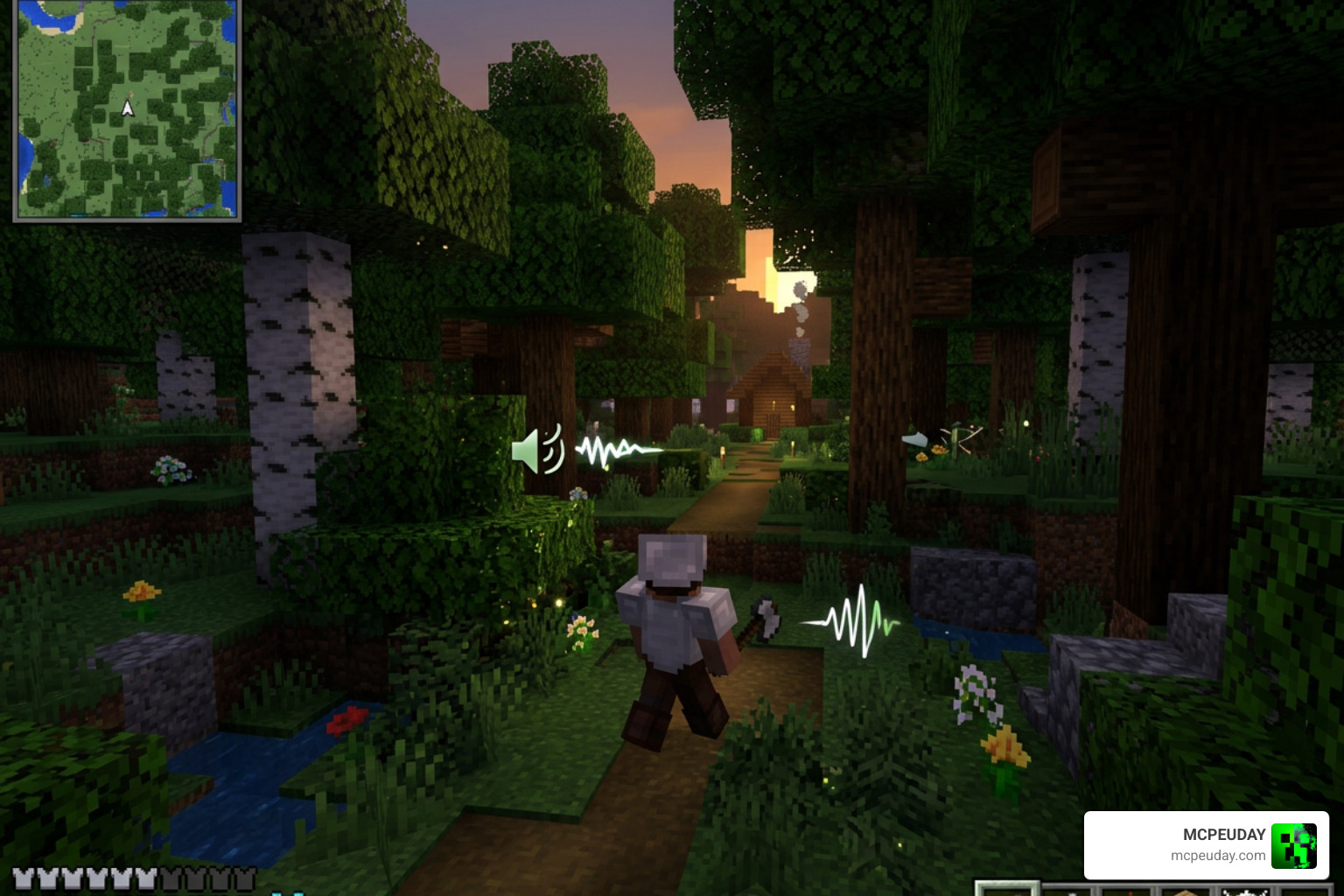
The Better Sounds Resource Pack is one of the most popular audio-focused add-ons for Minecraft PE and Bedrock Edition, replacing the game’s default sounds with richer, more realistic alternatives.
Quick answer for what it does:
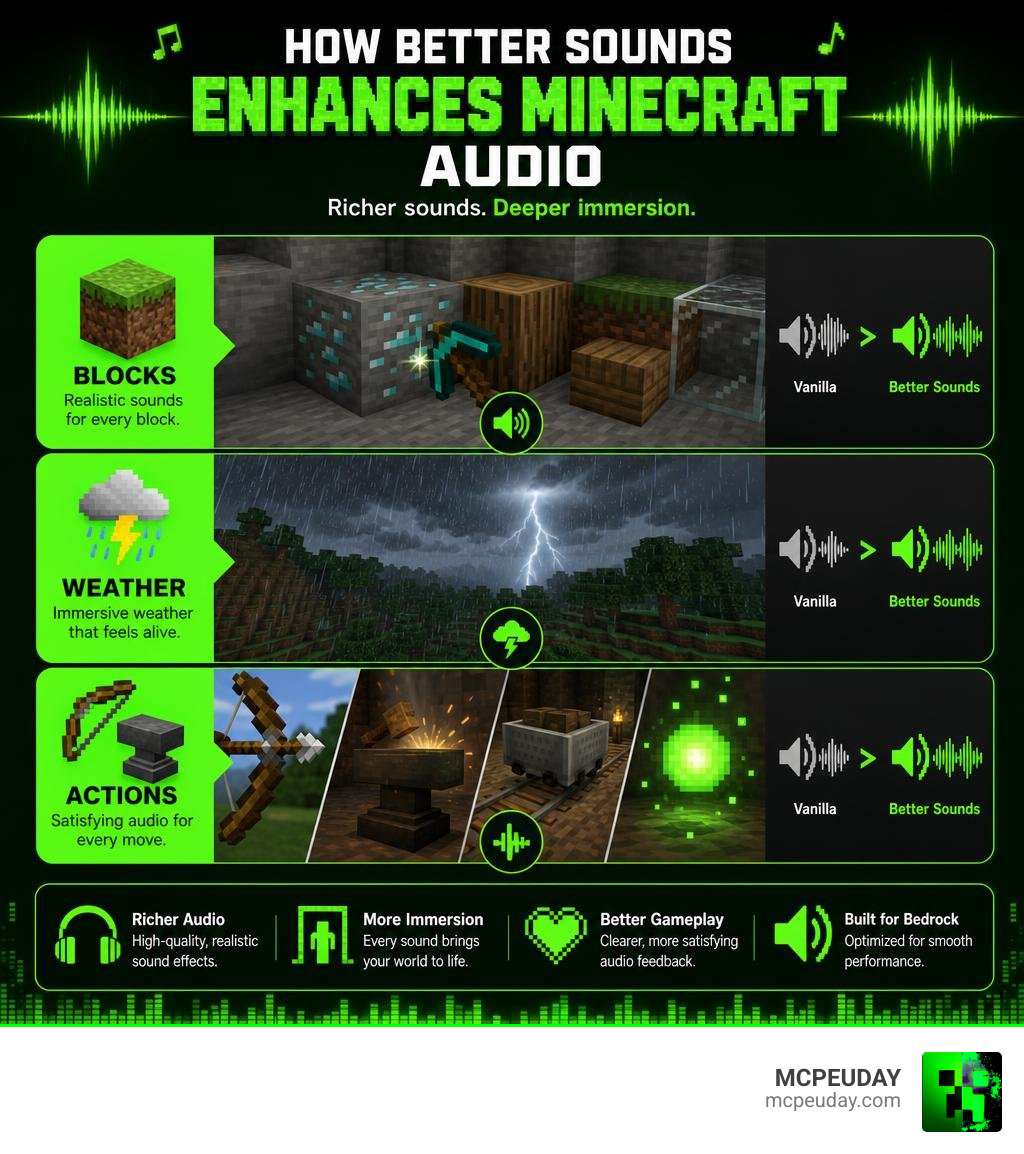
- Replaces block sounds (gravel, wood, stone, glass, dirt, and more)
- Upgrades weather sounds like thunder and rain
- Improves action sounds including bows, anvils, minecarts, and experience orbs
- Works on Minecraft Bedrock/MCPE versions 1.19, 1.20, and 1.21
- Installs via a simple
.mcpackfile on Android and Windows
Most Minecraft players focus on shaders and texture packs. Sound is the thing they overlook. But audio shapes how a game feels — the crunch of gravel underfoot, the crack of thunder, the satisfying ping of an experience orb. When those sounds are flat or repetitive, immersion breaks fast.
That is exactly the problem this pack solves. With over 452,000 views and a solid community rating, it has clearly connected with players who want their world to sound as good as it looks.
This guide covers everything — features, installation, comparisons, and troubleshooting.
What is the Better Sounds Resource Pack?
Created by the talented community developer zaprun 02, the Better Sounds Resource Pack is an audio overhaul designed to inject true audio diversity into your Minecraft worlds. While the default Minecraft sound engine does a decent job of providing basic feedback, many of its sounds have remained unchanged for years. This can make long mining sessions or building projects feel monotonous.
By replacing default, flat sound effects with high-fidelity, realistic audio files, this pack transforms your game’s atmosphere. It is optimized specifically for Bedrock Edition (including MCPE on mobile devices and Windows), ensuring that mobile players can enjoy the same rich auditory depth that Java Edition players have enjoyed for years through complex mods.
Supported Minecraft Versions and Editions
We know how frustrating it is to download an amazing pack only to find out it does not work on your current setup. Fortunately, the Better Sounds Resource Pack offers broad compatibility across modern Bedrock versions.
- Supported Bedrock/MCPE Versions: Full compatibility with Minecraft 1.19, 1.20, and the latest 1.21 updates.
- Cross-Edition Support: While the primary
.mcpackfile is built for Bedrock and MCPE platforms, Java players looking for a similar audio revolution can explore related Java options like the sound – Minecraft Resource Packs – CurseForge catalog.
Key Features and Sound Improvements
What makes this resource pack stand out is its sheer coverage. Instead of focusing on just one type of audio, it tackles blocks, weather, and player actions simultaneously.
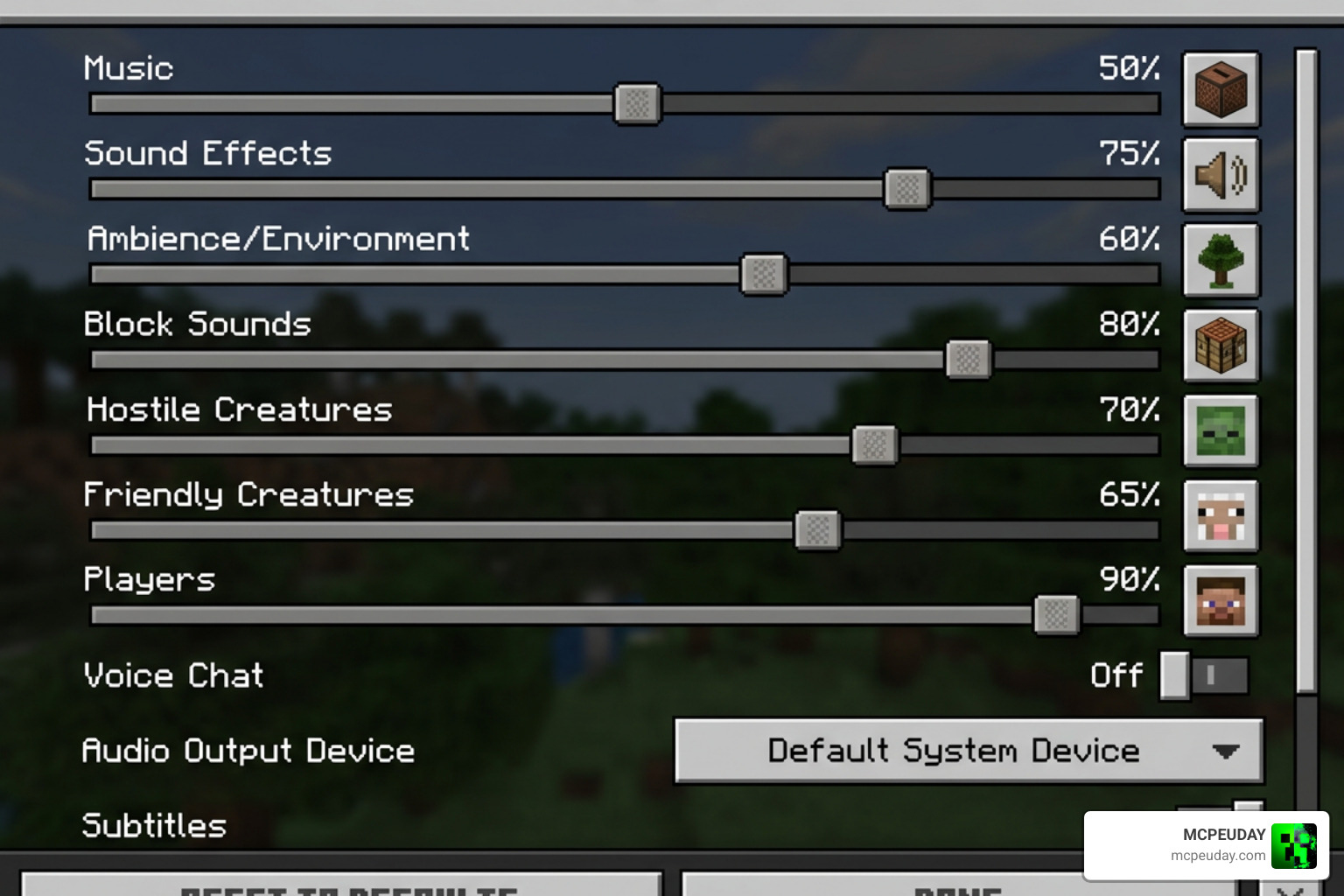
Here is a quick look at the core sound categories improved by the pack:
- Environmental Blocks: Natural surfaces like dirt, sand, gravel, and snow.
- Structural Blocks: Hard materials like stone, copper, iron, wood, and netherrack.
- Action Feedback: Combat, tool usage, and movement sounds.
- Atmospheric Events: Weather elements and ambient soundscapes.
Enhanced Block and Environmental Audio
The most immediate change you will notice when loading up the Better Sounds Resource Pack is the physical weight of the blocks. Walking across gravel feels crunchy and loose, while wood planks have a distinct, hollow creak.
Here are some of the key blocks that received a complete audio makeover:
- Gravel & Sand: More granular and realistic sliding sounds.
- Wood & Foliage: Soft, organic rustling and solid thuds when placed or broken.
- Water Splash: Deep, liquid dynamics that replace the standard flat splash.
- Stone, Ore, & Netherrack: Heavy, echoing impacts that make underground mining feel like a real cave expedition.
- Copper & Iron: Resonant metallic pings that differentiate them from standard stone.
- Glass & TNT: Crisper breaking sounds and a much more dramatic, bass-heavy TNT explosion.
To take your environmental immersion even further, we highly recommend pairing this pack with the Better Rain Shader. The combination of realistic rain visuals and the pack’s enhanced thunder sounds creates incredibly cozy storm atmospheres. For a complete visual makeover to match your new audio, check out the Glowing Plus Texture Pack or the ultra-realistic Realsource Realistic Pack.
Upgraded Action and Item Sounds
It is not just the blocks beneath your feet that sound better. Your tools, weapons, and UI interactions get a major upgrade too.
- Combat: Drawing and releasing a bow feels tense and powerful.
- Utility: Using an anvil produces a satisfying, heavy metallic clang.
- Transportation: Minecarts clicking along rails sound like genuine iron machinery.
- Rewards: Picking up experience orbs gives a crisp, rewarding chime instead of the usual high-pitched arcade beep.
If you enjoy these specific mechanical upgrades, you might also like adding specialized packs such as Better Piston Sounds – Minecraft Resource Pack to make your redstone contraptions sound incredibly bulky, or Better Click Sounds – Minecraft Resource Pack for a clean UI overhaul.
How to Install the Better Sounds Resource Pack
Installing custom audio on your device is a straightforward process. Because the pack is distributed as a convenient .mcpack file, you do not need to mess around with manual folder placement if you are on a modern device.
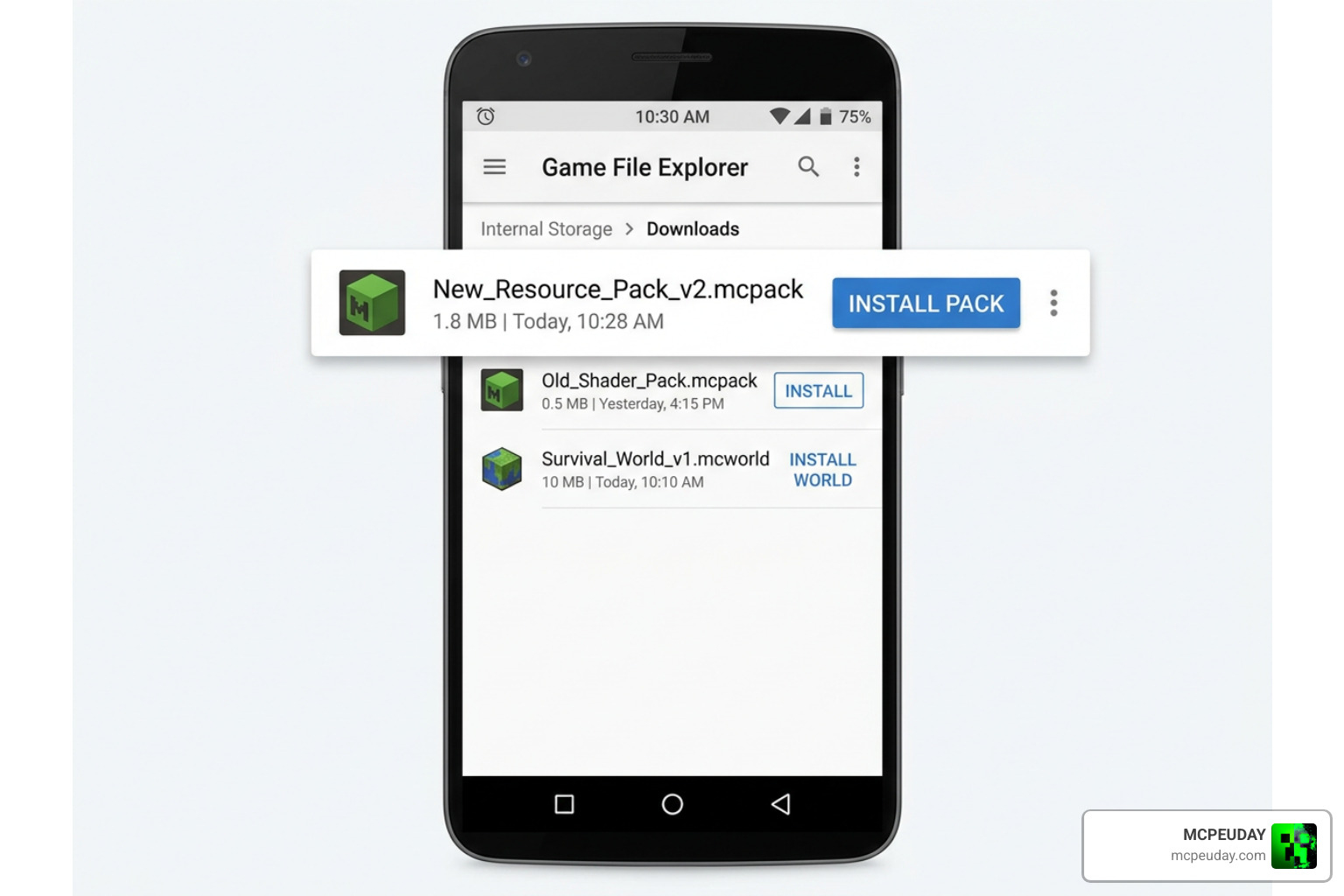
Installing Better Sounds Resource Pack on Android
If you are playing on an Android device, follow these quick steps:
- Download the
.mcpackfile directly to your device. - Open your preferred File Manager app and locate your download folder.
- Tap on the
Better-Sounds-Resource-Pack.mcpackfile. If your device asks which app to open it with, select Minecraft. - If the file downloaded as a
.zip, simply rename the file and delete the.zipextension so it ends in.mcpack. - Minecraft will launch automatically and import the pack. Go to Settings > Global Resources and activate it!
Installing Better Sounds Resource Pack on Windows and Java
For Windows players, the process is even faster:
- Download the
.mcpackfile to your PC. - Double-click the file. Windows will automatically launch Minecraft and import the pack.
- Navigate to your in-game settings, find your active packs list, and move Better Sounds to the top.
If you are trying to achieve a beautifully clean aesthetic to match your clean new audio, we love pairing this setup with the Bare Bones Texture Pack or the rustic Wandrers Visual Pack for a perfectly balanced gameplay experience.
Troubleshooting and Known Issues
While the Better Sounds Resource Pack is highly stable, working with audio engines can sometimes throw a few curveballs. Here are the most common issues and how we recommend solving them:
- Missing Sounds: If some block sounds revert to vanilla, ensure that the pack is placed at the very top of your Active Resource Packs list. Other texture packs can sometimes overwrite custom audio files if they are loaded first.
- Layering and Sound Overload: Occasionally, when many sounds play at once (like in a massive mob farm), the sound engine can lag. You can run the
/stopsoundscommand in-game to reset the audio buffer. - Advanced Customization: For advanced players, you can customize individual sound volumes or replace files by opening the pack folder, navigating to the
sounds.jsonfile, and editing it using a tool like Audacity. - Visual Conflicts: If you run heavy shaders, ensure your rendering settings are optimized. Using the Prizma Visuals Pack ensures a lightweight visual footprint so your device has plenty of processing power left for the high-quality audio engine.
Better Sounds vs. Vanilla Minecraft Audio
To help you decide if this upgrade is right for your playstyle, we have put together a quick comparison of how the Better Sounds Resource Pack stacks up against the default vanilla audio:
| Feature | Vanilla Minecraft Audio | Better Sounds Resource Pack |
|---|---|---|
| Block Variety | Repetitive, generic thuds for most blocks. | Distinct, materials-focused physical crunches. |
| Environmental Depth | Basic rain and wind loops. | Deep, booming thunder and atmospheric weather. |
| Physical Feedback | Standard, lightweight sounds. | Bulky, mechanical, and heavy-feeling interactions. |
| UI & Experience | Legacy sounds from early development. | Modernized, crisp interface and reward feedback. |
If you want to explore other legendary sound overhauls, you can also check out the Dynamic Surroundings Sounds Pack – Minecraft – CurseForge or the atmospheric Enhanced Audio (Sound Pack) – Minecraft – CurseForge . For music lovers, the Better Records pack is an excellent companion that introduces global stereo playback for your music discs.
Frequently Asked Questions
Is the Better Sounds pack compatible with shaders?
Yes! Since this resource pack only modifies the game’s audio files (.ogg and sounds.json), it does not conflict with visual rendering engines or shaders. You can safely run it alongside any graphic packs.
Can I customize the individual sounds in the pack?
Absolutely. You can open the .mcpack file using any zip extractor, locate the sounds folder, and swap out files with your own custom .ogg recordings. Just make sure to keep the file names identical.
Does this pack cause performance lag?
No. Because it replaces existing sound triggers rather than adding heavy scripting, the performance impact is virtually non-existent, even on low-end mobile devices.
Conclusion
At MCPEUDAY, we believe that great audio is half the adventure. The Better Sounds Resource Pack is a fantastic, lightweight way to breathe new life into your daily Minecraft sessions without slowing down your device. Whether you are traversing deep caves or building a cozy shelter during a thunderstorm, this pack makes every single moment feel incredibly immersive.
Ready to explore more ways to customize your game? Head over to our Minecraft Texture Packs category to find the perfect visual companions for your new soundscape! If you are on Java and want to experiment with hybrid audio styles, you can also take a look at the community favorite Resounding Luminescence – Minecraft Resource Pack . Happy building, and enjoy the brand-new sounds of your world!C
1 thought on “Better Sounds Resource Pack (26.x, 1.21) – MCPE/Bedrock Texture Pack”