HSD Full High Definition Shader brings realistic lighting, dynamic shadows, vibrant colors, and smooth performance to Minecraft. Perfect for survival, builds, and cinematic gameplay without losing FPS.
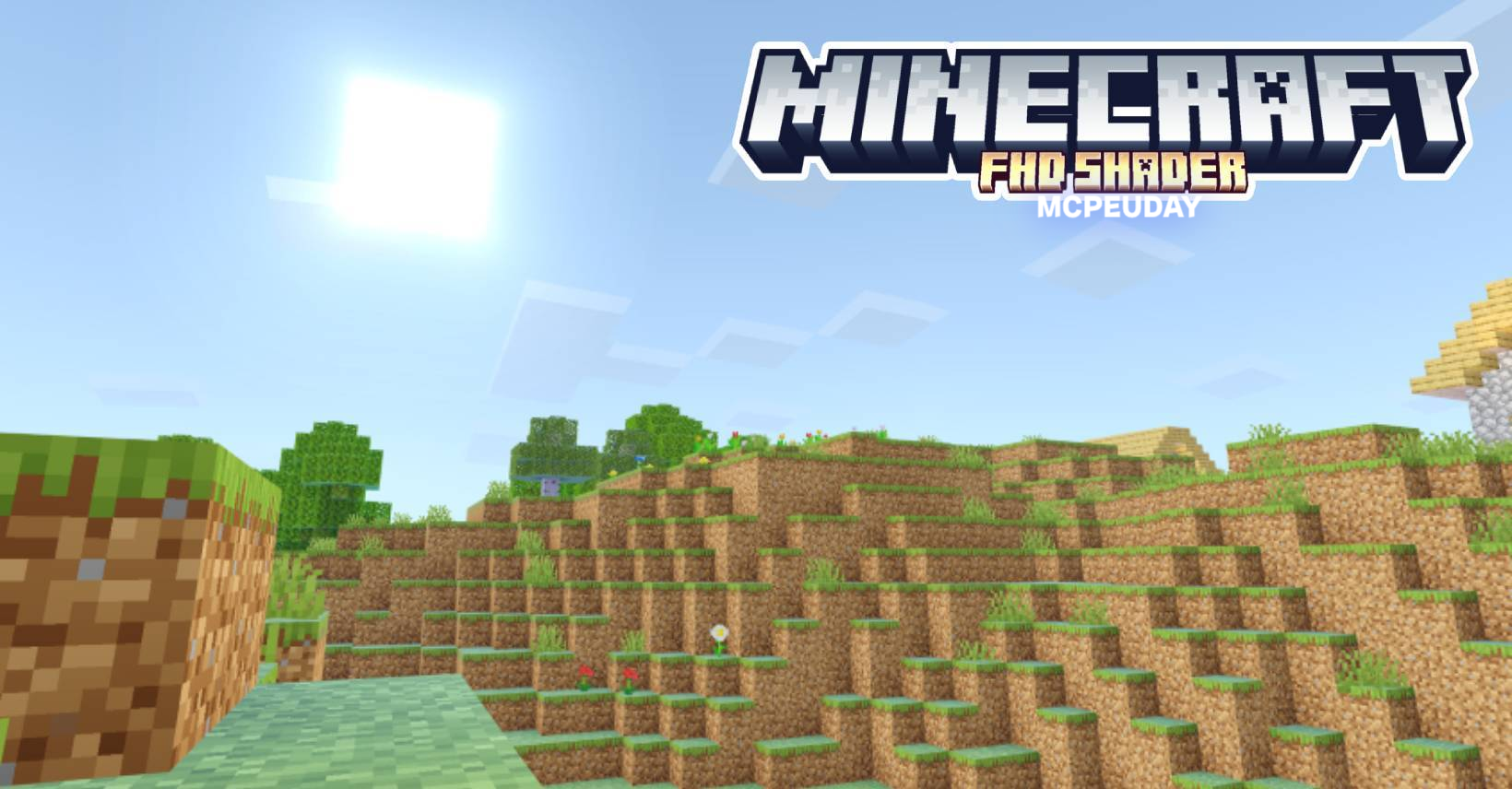
HSD Full High Definition Shader For Azion_Studios
HSD Full High Definition Shader is a powerful Minecraft shader designed to upgrade the game’s visual quality with realistic lighting, smooth shadows, natural colors, and improved reflections.
The shader is popular among players who want a cinematic, realistic world without sacrificing performance.
Why HSD Shader is So Popular
HSD Shader is known for its balance between beauty and FPS. Even low or mid-range devices can run it easily.
Players love it because:
- It makes the world feel alive
- Colors become deeper and richer
- Water looks clean and realistic
- Shadows move naturally with the sun
- Gameplay remains smooth and lag-free
This makes it one of the best shaders for Minecraft survival and building.
Top Features of HSD Full High Definition Shader
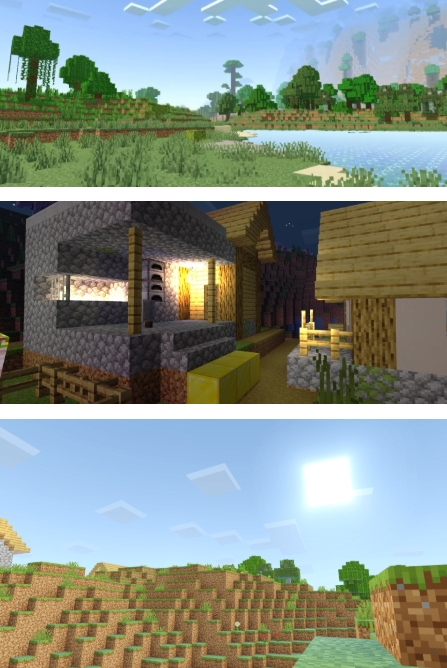
🌅 Realistic Lighting
Day and night cycles look natural with soft lighting and perfect brightness.
🌊 Improved Water Effects
- Transparent water
- Natural waves
- Reflective surfaces
Perfect for oceans, rivers, and lakes.
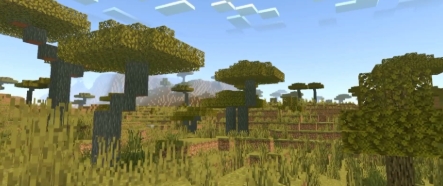
🌳 Enhanced Nature Details
- Vibrant grass
- Moving leaves
- Natural shadows
Your world looks organic, not flat or dull.
🌤️ Dynamic Shadows
Every block and object has a smooth shadow that changes with the sun and moon.
🎮 Smooth Performance
Optimized for FPS:
- No heavy lag
- Works on low-end devices
- Stable gameplay
Screenshots:
Best Usage Scenarios
HSD Shader is perfect for:
- Survival gameplay
- Building and architecture
- Roleplay worlds
- Cinematic screenshots & videos
- Exploring biomes and landscapes
Players who record YouTube or TikTok videos love this shader because everything looks beautiful on camera.
Compatibility
- Works with most Minecraft versions
- Compatible with shaders supported packs
- Supports Android, Windows, and many devices
If you want high definition graphics without heavy lag, this shader is an excellent choice.
How to Install
- Download HSD Full High Definition Shader (trusted source)
- Open Minecraft
- Go to Settings → Global Resources
- Activate the shader
- Restart the game
- Enjoy realistic graphics!
Installation is simple and fast.
Advantages of HSD Shader
✔ Ultra realistic lighting
✔ High-quality shadows
✔ Vibrant colors and reflections
✔ Strong performance on all devices
✔ Smooth gameplay
✔ Perfect for screenshots & cinematic videos
–HSD Full High Definition Shader Download-
Final Verdict
HSD Full High Definition Shader is one of the best shaders for Minecraft players who want realistic visuals without losing performance.
It transforms the game into a beautiful world with dynamic lighting, soft shadows, and natural colors. Whether you explore caves, build houses, or shoot videos, this shader makes Minecraft look stunning.
