What Is a Cobblemon Addon — and Which One Should You Actually Use?
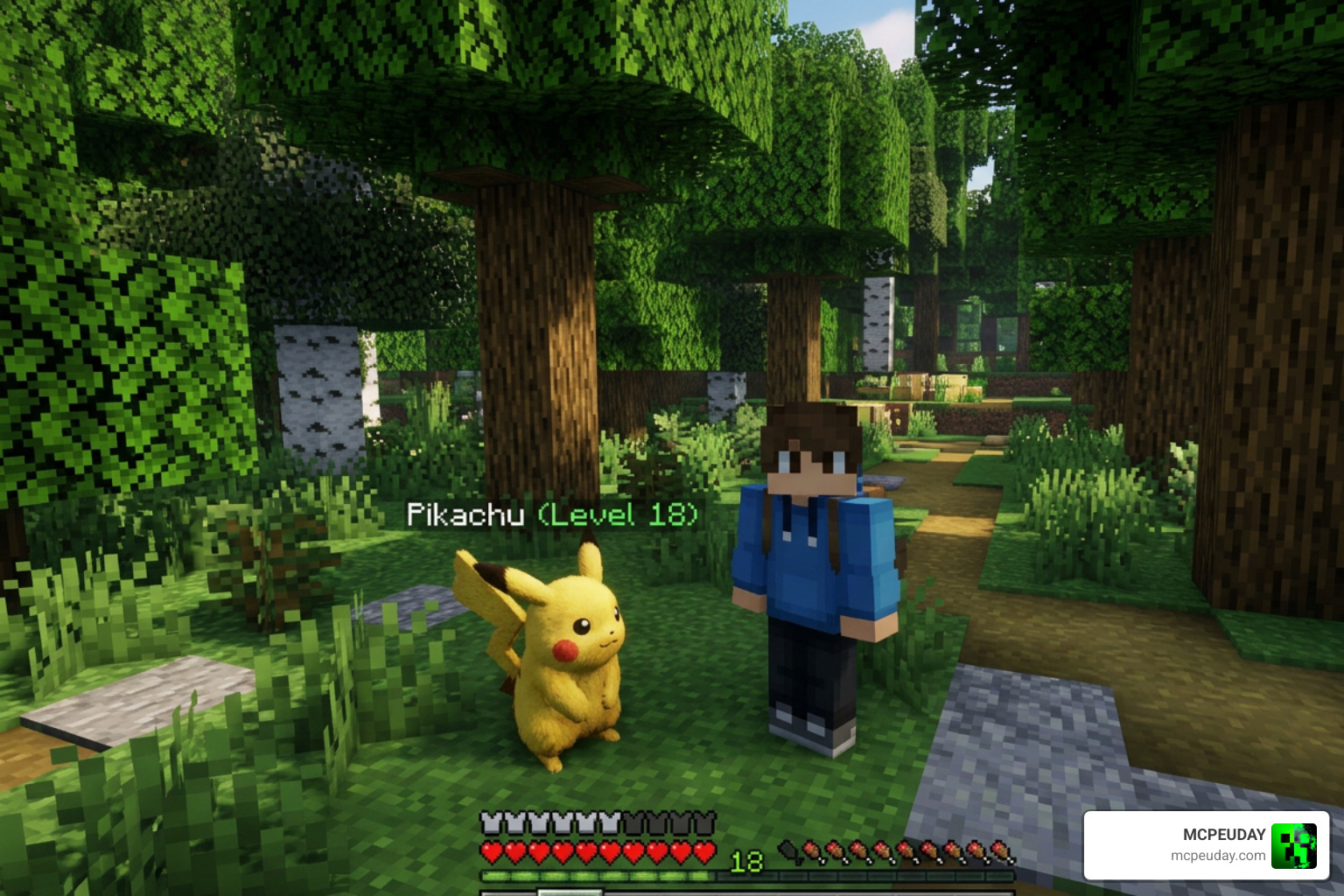
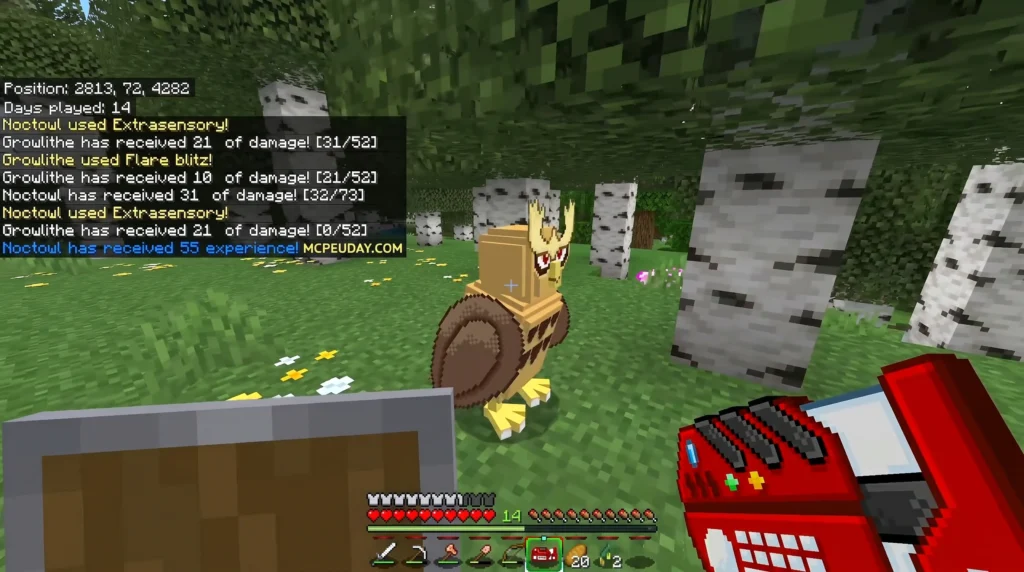
A Cobblemon Addon means different things depending on whether you play on Java Edition or Minecraft PE (Bedrock) — and knowing the difference could save you time, money, and frustration.
Here is the quick answer:
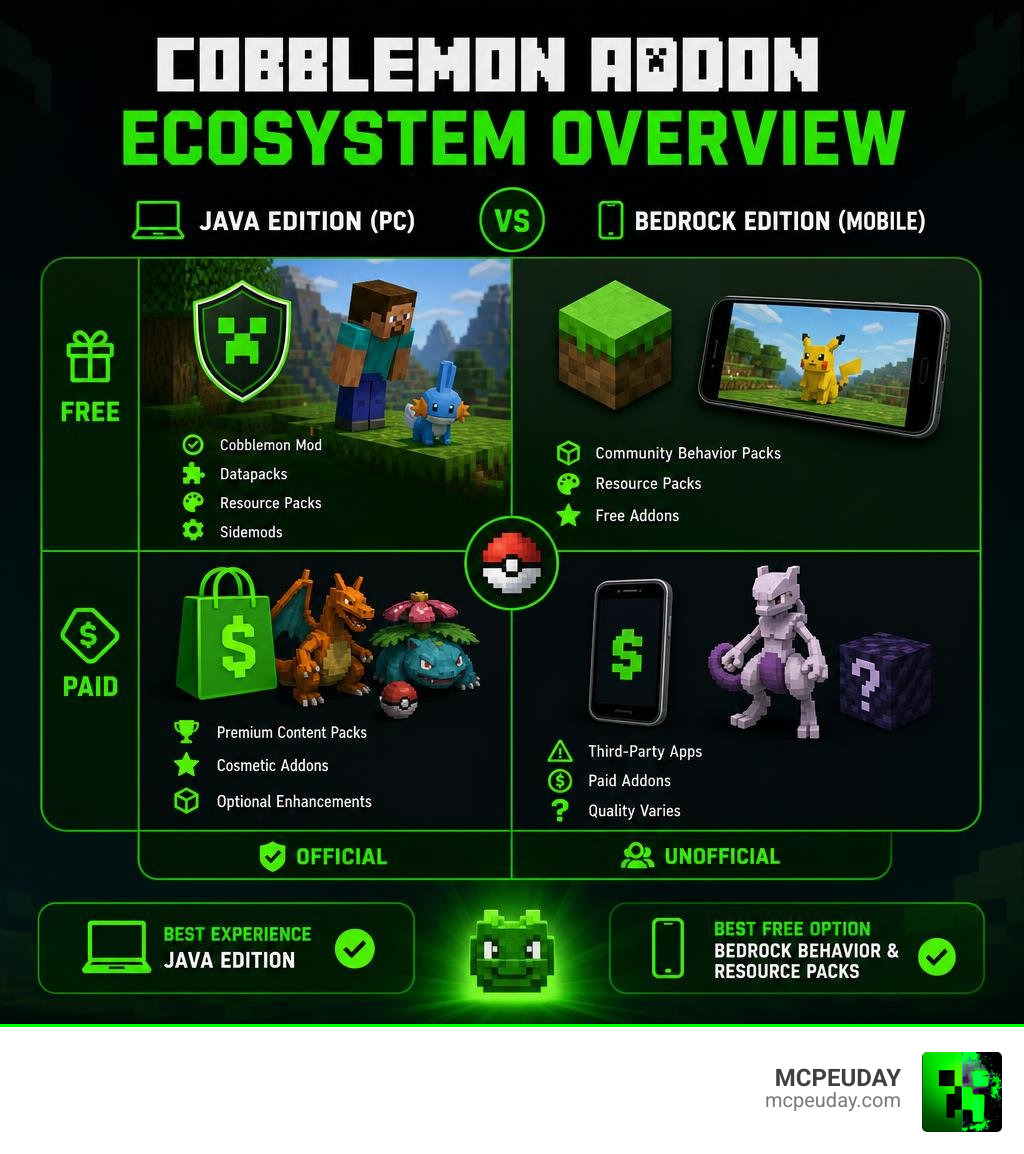
- Java Edition (PC): Cobblemon is a free, open-source mod with 21+ million CurseForge downloads. “Addons” are free datapacks, resource packs, and sidemods that extend it.
- Minecraft PE / Bedrock (mobile): There is no official Cobblemon port. Apps called “Cobblemon Addon” on the App Store or Google Play are unofficial third-party apps, some of which charge up to $5.99 and have mixed user reviews.
- Best free option for mobile: Community-made behavior packs and resource packs offer similar Pokémon-style gameplay at no cost.
So whether you stumbled across a paid app on the App Store, or you want to supercharge your Java Edition experience with custom Pokémon and sidemods, this guide covers everything clearly.
Cobblemon itself is one of the most downloaded Minecraft mods ever — and the addon ecosystem around it has exploded. From community-built fakemon packs like Cottagemon to complete Pokédex projects with models for every single Pokémon, there is a lot to explore.
But not everything labeled “Cobblemon Addon” is what it claims to be. That distinction matters a lot.
Understanding the Cobblemon Addon for Minecraft PE
When mobile players search for a Cobblemon Addon on their smartphones or tablets, they often find independent apps on the iOS App Store or Google Play Store. It is crucial to understand that these mobile applications are completely separate from the official Java Edition mod.
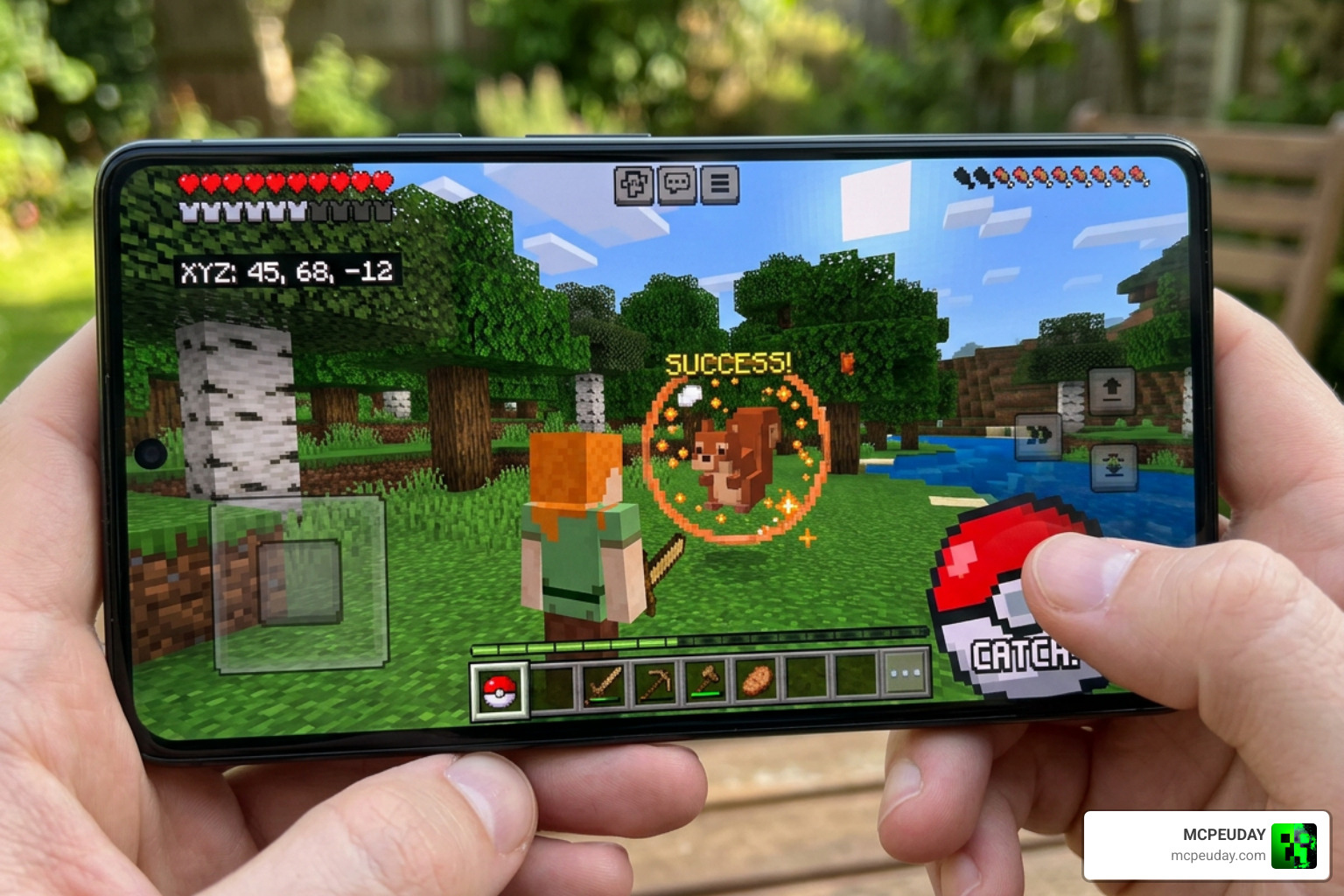
On Minecraft PE (Pocket Edition/Bedrock), addons function as behavior packs and resource packs. Because Bedrock Edition does not natively support Java mods, developers in the community have constructed custom Bedrock addons to bring the Pokémon-catching experience to mobile screens.
| Feature | Java Edition Cobblemon Mod | Bedrock Cobblemon Addon (Mobile) |
|---|---|---|
| Official Status | Official Open-Source Mod | Unofficial Third-Party Port |
| Cost | 100% Free | Often Paid (In-App Purchases) |
| Requirements | Fabric / NeoForge Loader | Minecraft Bedrock / PE |
| Customization | Massive (Datapacks & Resource Packs) | Limited to Pre-packaged Files |
| Battle Engine | Pokémon Showdown Integration | Simplified Turn-Based / Real-Time |
Is the Cobblemon Addon for Bedrock Legitimate?
There are legitimate concerns regarding some of the “Cobblemon Addon” apps listed on mobile app stores. While there is a popular listing on the iOS App Store with 804 ratings and a 4.5/5 star score, it is not an official release from the Cobblemon development team.
Furthermore, many of these apps lock content behind paywalls, requiring either a $3.99 monthly subscription or a $5.99 one-time payment. This practice has drawn criticism because the original Java mod is entirely free and open-source under the Mozilla Public License 2.0.
If you want a safe, legitimate, and free alternative that transforms your mobile world, we highly recommend checking out the Pokemon Revival Addon 1 26 1 21 Turn Minecraft Pe Into A Full Pokemon World. It offers an incredible, free, and fully functional Pokémon experience designed directly for Bedrock.
Key Features and Mobile Gameplay Mechanics
For those who do run the mobile Cobblemon Addon apps, the gameplay introduces several classic mechanics designed to emulate the console games:
- Starting Pokémon: Upon entering a new world, you are prompted with a custom UI to select your starter Pokémon.
- Apricorn Trees: You can find and harvest Apricorns from wild trees to craft different tiers of Pokéballs.
- Taming and Catching: Throwing crafted balls at wild Cobblemon allows you to catch and tame them.
- Showdown Battles: Some versions feature simplified battle mechanics powered by the Pokémon Showdown engine.
- Vanilla Integration: The addon also adds custom skins, maps, blocks, and alters vanilla mob behaviors (such as Creepers, Golems, and Villagers) to make the world feel like a living Pokémon region.
If you are looking to expand your mobile game with even more high-quality community creations, check out our Category/Mod Addons section.
How to Install and Use the Cobblemon Addon on iOS and Android
Getting these addons onto your mobile device requires a few careful steps to avoid common installation pitfalls.
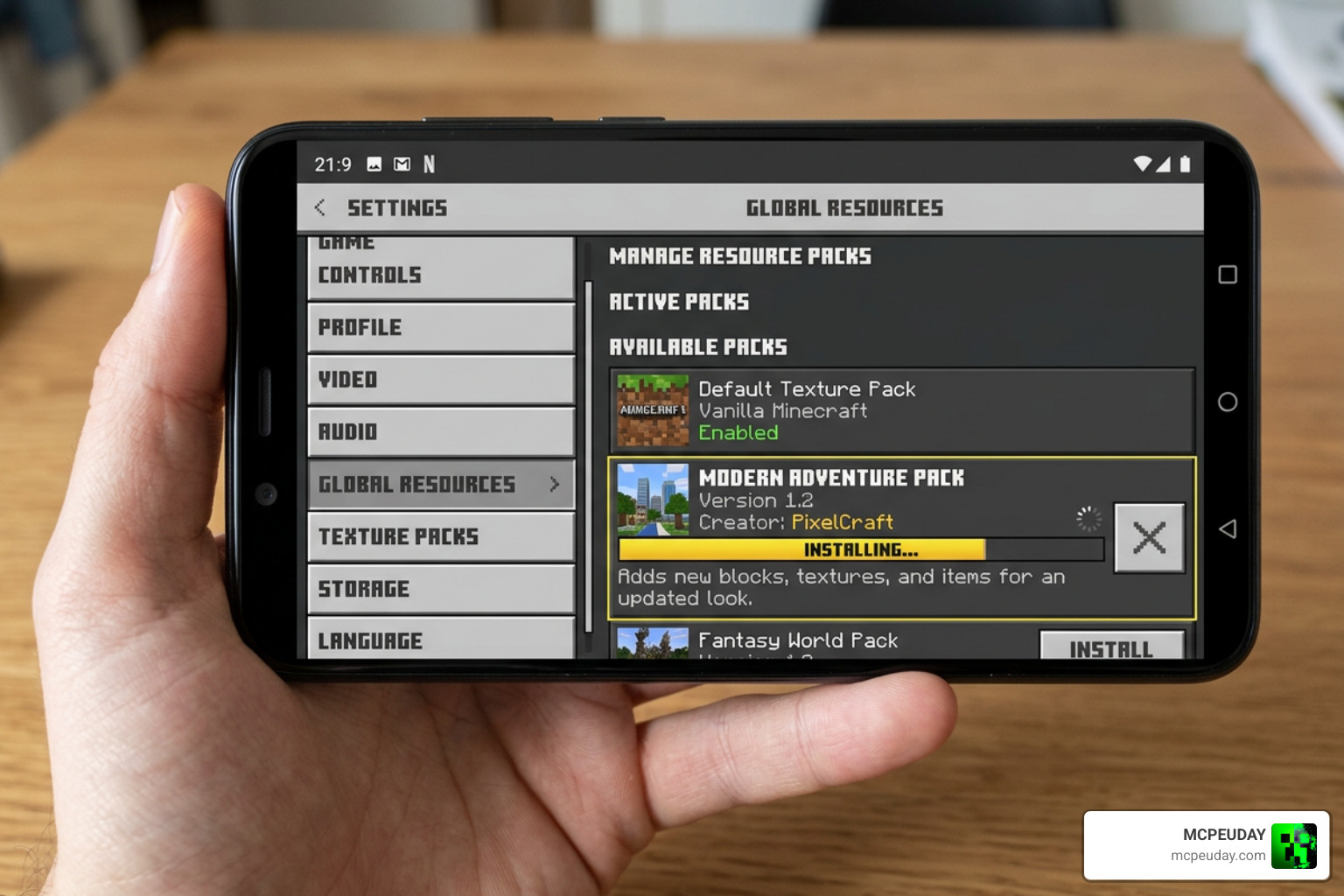
How to Install the Cobblemon Addon on Mobile Devices
If you are downloading a community-made .mcpack or .mcaddon file from our site, follow these steps to install it:
- Download the Files: Get both the Resource Pack and Behavior Pack files.
- Import to Minecraft: Tap on the downloaded files on your Android or iOS device. Select “Open in Minecraft.” The game will launch and automatically import the packs.
- Create a New World: Go to the world creation screen.
- Activate Packs: Under the “Resource Packs” tab, activate the Cobblemon resource pack. Do the same for the “Behavior Packs” tab.
- Enable Experimental Experiments: For the addon to run smoothly, toggle on “Beta APIs,” “Holiday Creator Features,” and “Upcoming Creator Features” in your world settings.
- Launch: Start your world and enjoy your new Pokémon adventure!
Risks and Common User Complaints
While the mobile addon apps boast high ratings, many users complain about hidden costs, aggressive ads, and performance issues. Low-end mobile devices may experience significant frame drops when spawning complex 3D models. To minimize lag, we recommend lowering your render distance and disabling fancy graphics in your video settings.
Best Official Cobblemon Sidemods and Addons for Java Edition
If you are playing on Java Edition, the modding landscape is vast, free, and highly polished. The official mod has racked up over 21.1 million downloads on CurseForge. You can download the core mod directly from the Official Cobblemon Website.
Top Essential Sidemods for Java Players
To elevate your PC gameplay, the community has developed several amazing sidemods:
- Cobblemon Radical Red: Highly praised as one of the best overall difficulty and feature expansions.
- Cobblemon Smartphone: Based on the Cobblemon Smartphone repository, this mod adds a portable in-game phone allowing you to heal your party, access your PC, and open your Ender Chest on the go.
- Cobblemon Trials Edition: Inspired by vanilla mechanics, the Cobblemon Trials Edition replacement mod swaps standard mob spawners in dungeons and fortresses with custom Cobblemon Trial Spawners.
- Fight or Flight: Adds smarter wild Pokémon behaviors, causing them to actively run away or retaliate when threatened.
- Mega Showdown: Fully implements Mega Evolution mechanics into your battle system.
Complete Cobblemon Collection and Cottagemon
For players who want to expand their roster, custom datapacks are the way to go:
- Complete Cobblemon Collection: The Complete Cobblemon Collection is a massive community-driven pack with over 101,000 downloads that adds custom models, animations, and spawns to help complete your Pokédex.
- Cottagemon Addon: If you prefer a cozy, aesthetic vibe, the Cottagemon Addon adds beautiful cottagecore regional variants (the Cotere Region variants) like custom Mareep, Pikachu, and Butterfree lines.
To find more mobile-friendly variants of these experiences, take a look at our Pokemon Revival Addon 1 26 1 21 Turn Minecraft Pe Into A Full Pokemon World or browse our general Category/Mod Addons page.
How to Create and Share Custom Pokémon Addons
One of the coolest aspects of Cobblemon is that you can build your very own Pokémon (or “Fakemon”) and add them to the game.
Creating Custom Pokémon with Blockbench
To create a custom monster, you will need to utilize Blockbench:
- Model Setup: Open Blockbench and choose the Bedrock Entity format (Cobblemon uses Bedrock format models even on Java because of its flexible animation capabilities).
- Box UV Mode: Ensure you keep Box UV mode enabled and use a standard 16x pixel density texture.
- Crucial Bones: You must name your root folder in lowercase and include a head bone named exactly “head” so the model can look around in-game.
- Exporting: Export your 3D model as a .geo.json file, your texture as a .png, and your animations as a .animation.json file.
Species Additions and Compatibility Best Practices
In the past, adding new forms or modifying existing Pokémon stats meant completely overwriting the base mod files, which caused conflicts with other datapacks.
Thanks to the official Species Additions Wiki guidelines, you can now use the species_additions folder in your datapack. By creating a custom JSON file inside this folder with your own unique namespace, you can append new evolution paths, scale sizes, or custom forms without breaking compatibility with other installed addons.
Frequently Asked Questions about Cobblemon Addons
What is the difference between a Cobblemon datapack and a resource pack?
Datapacks handle all server-side details (such as stats, movesets, evolutions, and spawning rules). Resource packs handle client-side visual assets (such as 3D models, textures, animations, and sounds). To run a custom Pokémon addon successfully, you must install the ZIP file as both a datapack and a resource pack.
Can you play Cobblemon on Minecraft Bedrock Edition officially?
No. The official Cobblemon mod is exclusive to Java Edition (Fabric and NeoForge). Any Bedrock versions you find on mobile app stores are unofficial community ports or clones.
How do you craft Pokéballs in the mobile addon?
You must find Apricorn trees scattered throughout your world, harvest the colored Apricorns, and combine them with iron ingots at a crafting table to construct different tiers of capture balls.
Conclusion
Whether you are looking to enhance your Java game with the ultimate Pokédex expansion or trying to find a safe way to play with Pokémon on Minecraft Pocket Edition, understanding how a Cobblemon Addon works is key. At MCPEUDAY, we strive to bring you the safest, highest-quality, and most exciting resources for your favorite blocky worlds.
If you want to try out other popular anime and pop-culture transformations, don’t miss our guides on the Ben 10 Addon 1 21 For Minecraft Pe, the action-packed Jujutsu Kaisen Addon 26 X 1 21 For Mcpe Anime Powers Domain Combat, the epic Naruto Zenkai Addon 26 X 1 21 Download For Mcpe Bedrock, or grab some fresh looks with the One Piece Skin Addon For Mcpe.
Ready for a change of pace? Explore the best Minecraft horror mods for Java and Bedrock in 2026 and see if you can survive the night!
1 thought on “Cobblemon Addon (26.x, 1.21) – MCPE/Bedrock Mod”