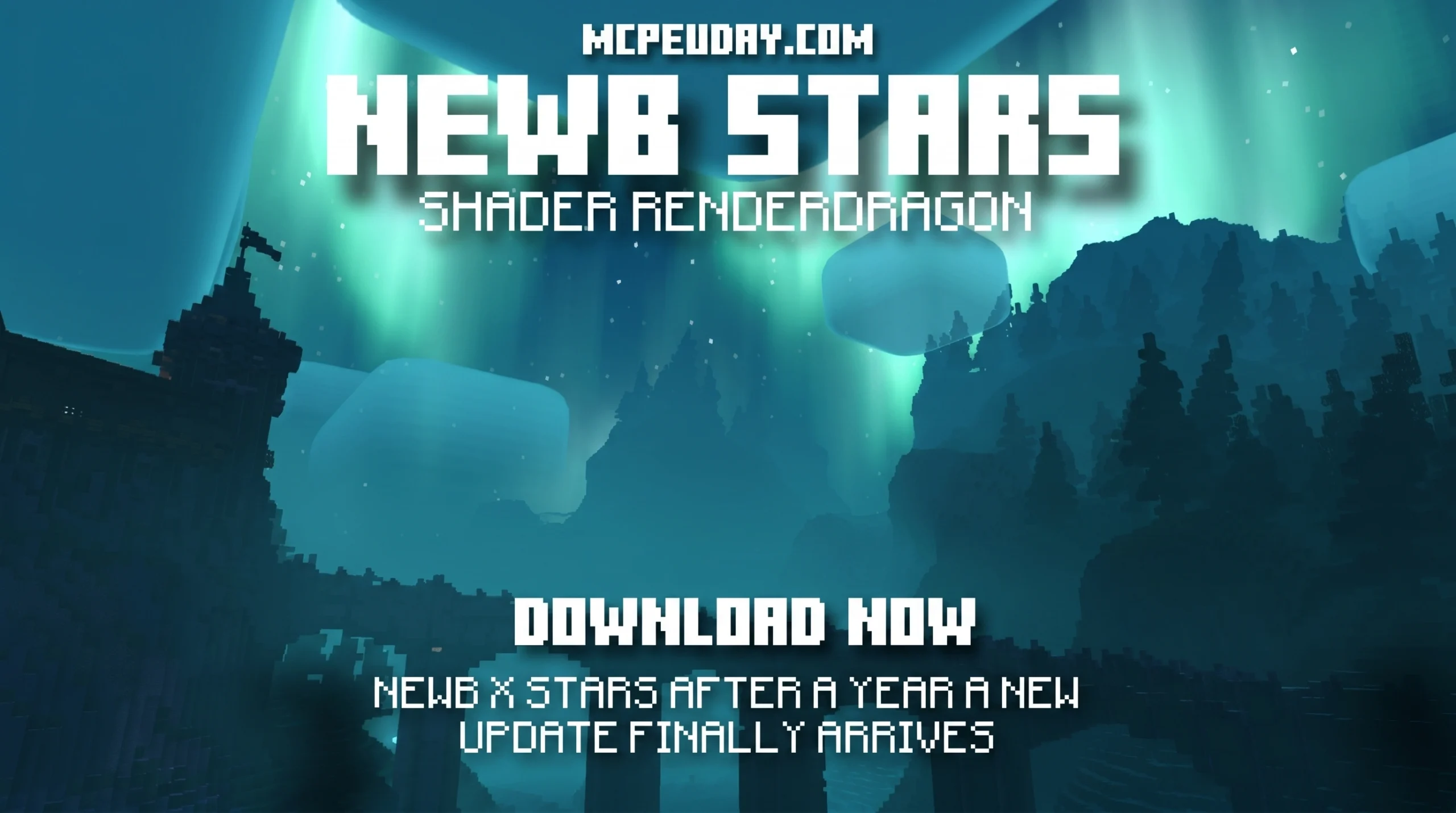
What You Need to Know About the Newb X Stars Shader
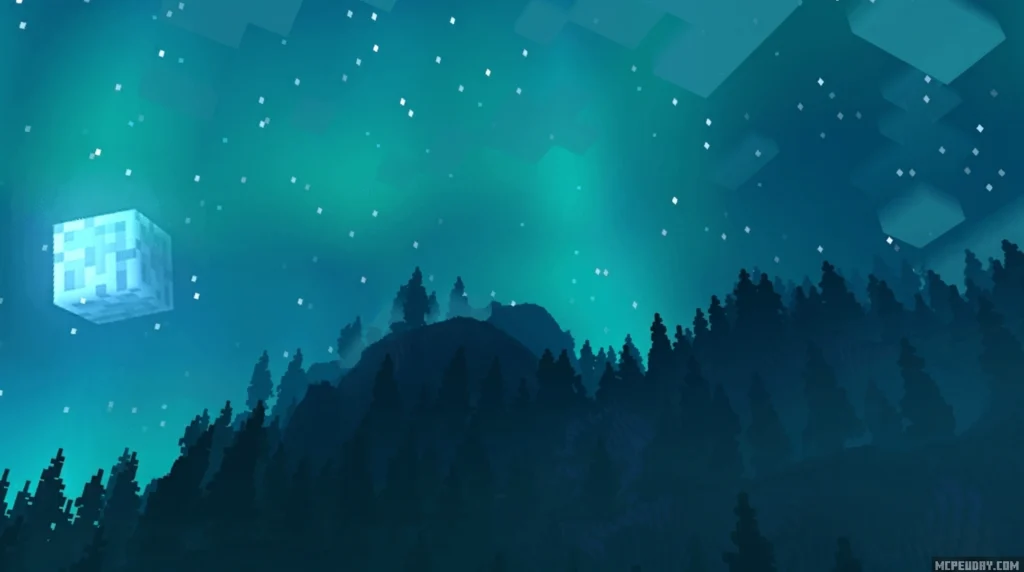
The Newb X Stars Shader is a custom, space-themed shader pack for Minecraft Bedrock Edition that transforms your night sky with auroras, shooting stars, and cool cosmic tones — while staying light enough to run on older Android phones and budget PCs.
Quick answers:
- What it is: A modified variant of the original Newb Shader, built for RenderDragon
- Best for: Low-end devices that struggle with heavier shader packs
- Platforms: Android and Windows (iOS support is limited)
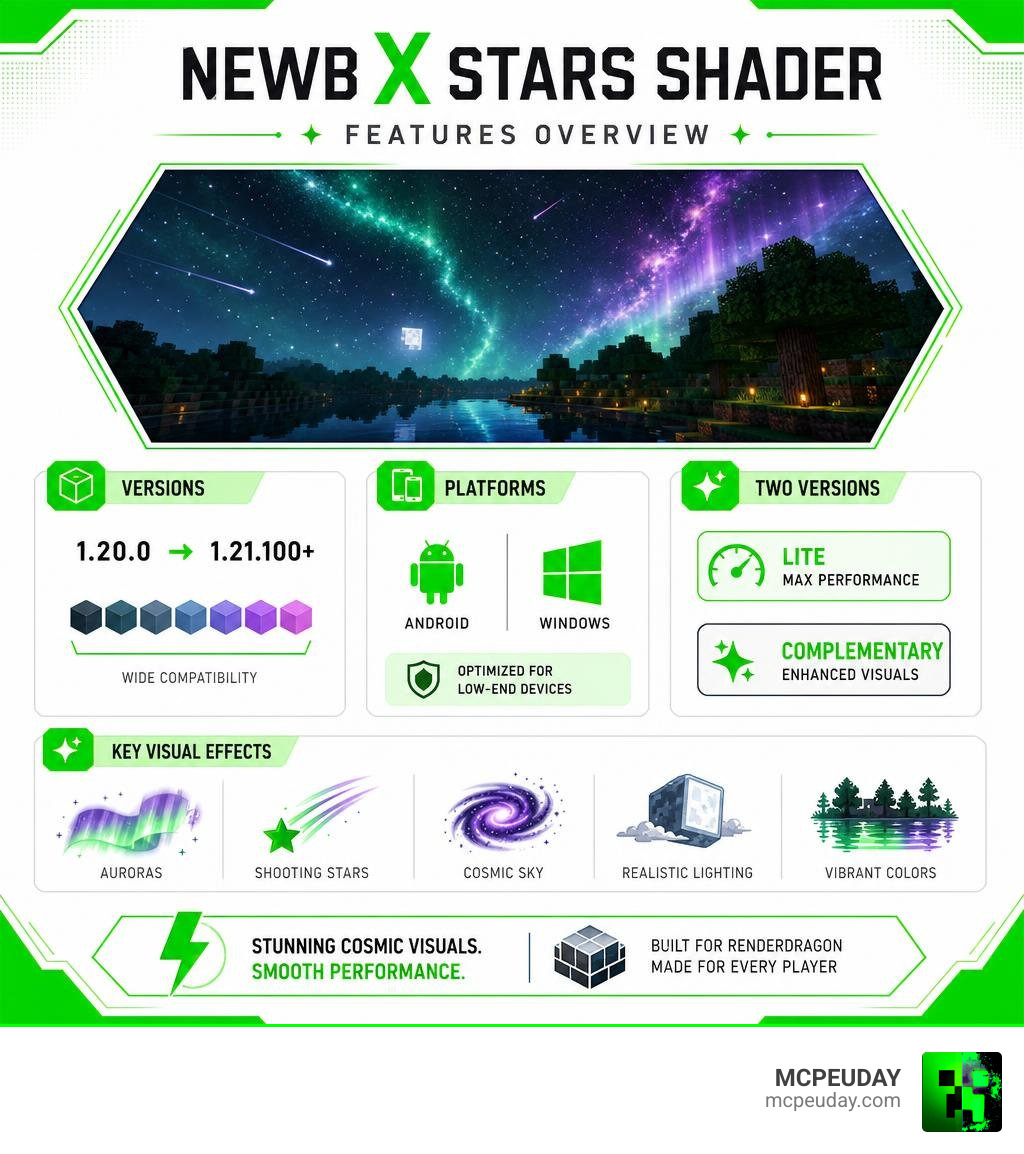
- Minecraft versions: Compatible with Bedrock 1.20.0 through 1.21.100+
- Two versions: Lite (performance) and Complementary (visual quality)
- Requires: A patched Minecraft APK on Android for versions 1.20.0–1.20.73
If your Minecraft world looks flat and dull, this shader is one of the easiest ways to fix that — without tanking your frame rate.
Minecraft Bedrock’s RenderDragon engine makes adding shaders tricky. Most heavy shader packs either won’t load or will turn your game into a slideshow on mid-range hardware. The Newb X Stars Shader was built specifically to work around that problem, giving you stunning cosmic visuals without the performance cost.
With over 22,000 views online and a growing community of Bedrock players using it daily, it’s become one of the more popular low-end-friendly shader options available right now.
What is the Newb X Stars Shader?
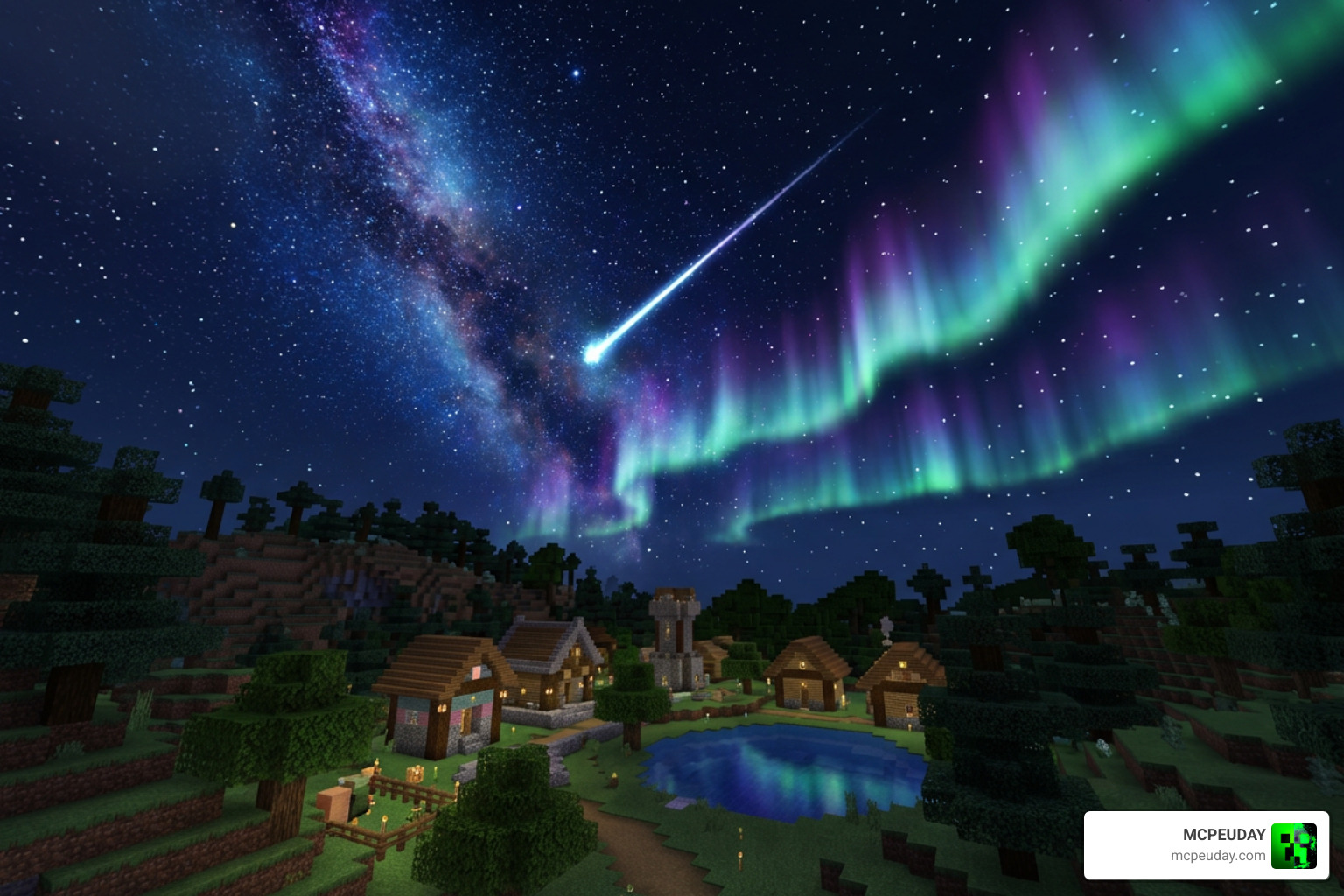
The Newb X Stars Shader is a highly optimized, universe-themed variation of the classic Newb Shader. Developed by creators like Graphics and VeteranDev, it is designed to replace Bedrock’s default flat rendering with cool color tones, deep celestial imagery, and a dreamlike night sky.
Unlike heavy ray-tracing packs that demand high-end graphics cards, this pack focuses on clever, lightweight aesthetic tweaks. It is the perfect solution if you want to experience a dramatic visual upgrade on everyday hardware. We love how it balances beautiful styling with performance, ensuring that your survival adventures remain fluid and immersive.
For a detailed look at how it elevates your game, you can check out the Newb X Stars Shader for Minecraft PE MCPE Ultra Realistic Graphics FPS Friendly Stunning Night Sky page.
Origin and Relationship to the Original Newb Shader
To understand where this pack comes from, we have to look at the history of Minecraft Bedrock shaders. Originally, Bedrock utilized a legacy GLSL rendering engine, which allowed traditional shaders to function easily. However, Mojang’s introduction of the RenderDragon engine restricted these older methods.
In response, the open-source community created the Newb X Legacy project, with the official repository devendrn/newb-x-mcbe earning 183 stars and 98 forks on GitHub under the MIT license. This project served as a framework for custom RenderDragon shaders. The Newb X Stars Shader is a direct, space-themed descendant of this framework. It takes the lightweight, soft-aesthetic philosophy of the original Newb Shader and infuses it with a stunning cosmic theme.
Key Differences: Lite vs. Complementary Versions
To accommodate different devices, the developers released two distinct versions of the shader. Depending on your hardware, you can choose the option that best fits your playstyle:
| Feature | Lite Version | Complementary Version |
|---|---|---|
| Primary Focus | Maximum performance and FPS preservation | High-quality visuals and Java-like graphics |
| Recommended Devices | Older Android phones, budget tablets, low-end PCs | Modern smartphones, mid-range to high-end PCs |
| Sky Aesthetics | Simplified starry sky with basic auroras | Deep cosmic nebulae, shooting stars, detailed auroras |
| Water Waves | Lightweight, performance-friendly waves | Realistic, complex 3D-style water waves |
| Shadows & Lighting | Soft, basic vanilla-plus lighting | Advanced dynamic shadows and rich Java-like lighting |
If you are looking to install the high-fidelity option, you can find more details on the Newb X Stars Complementary Reimagined Android Shader page, which replicates popular Java-style aesthetics.
Visual Features and Enhancements
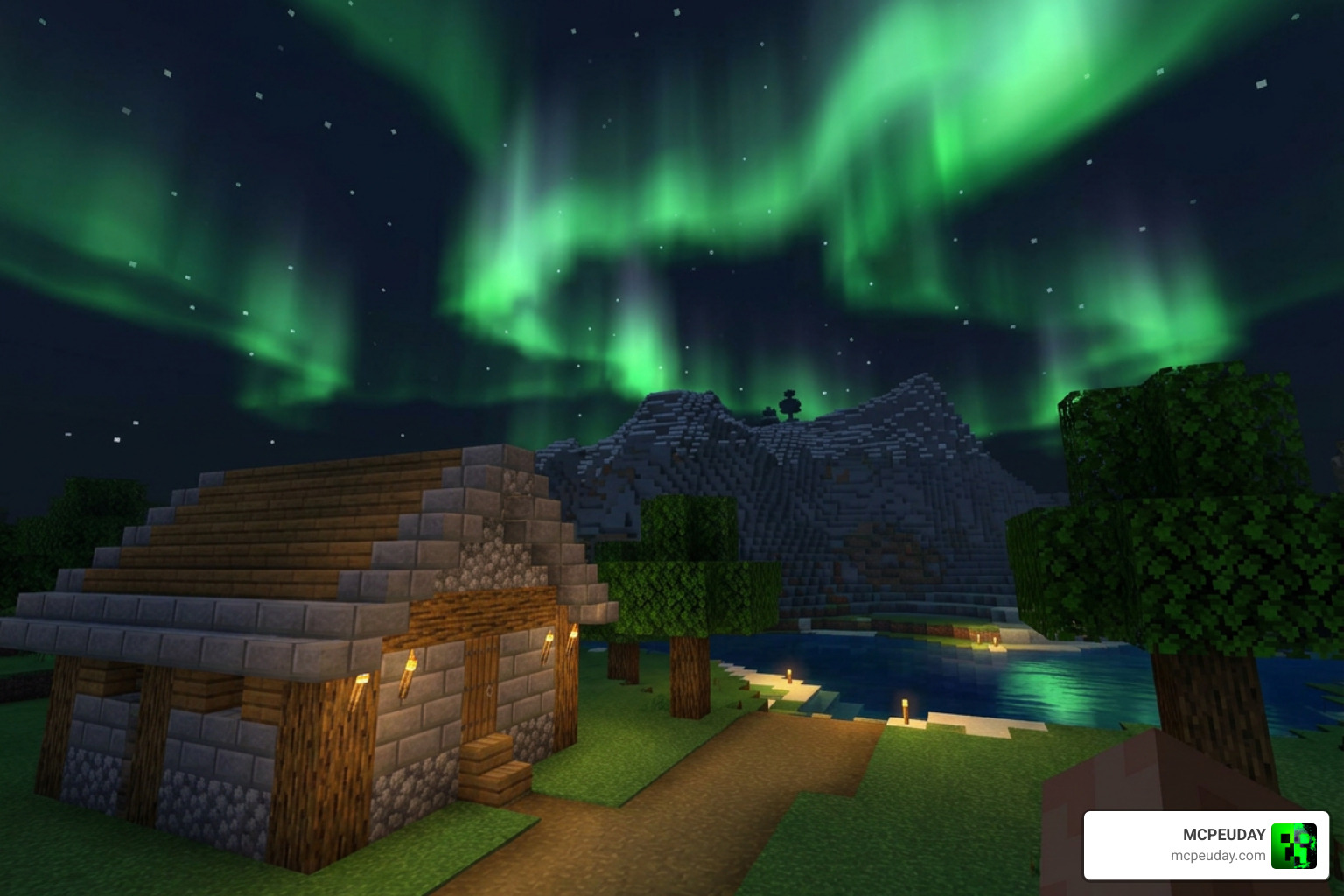
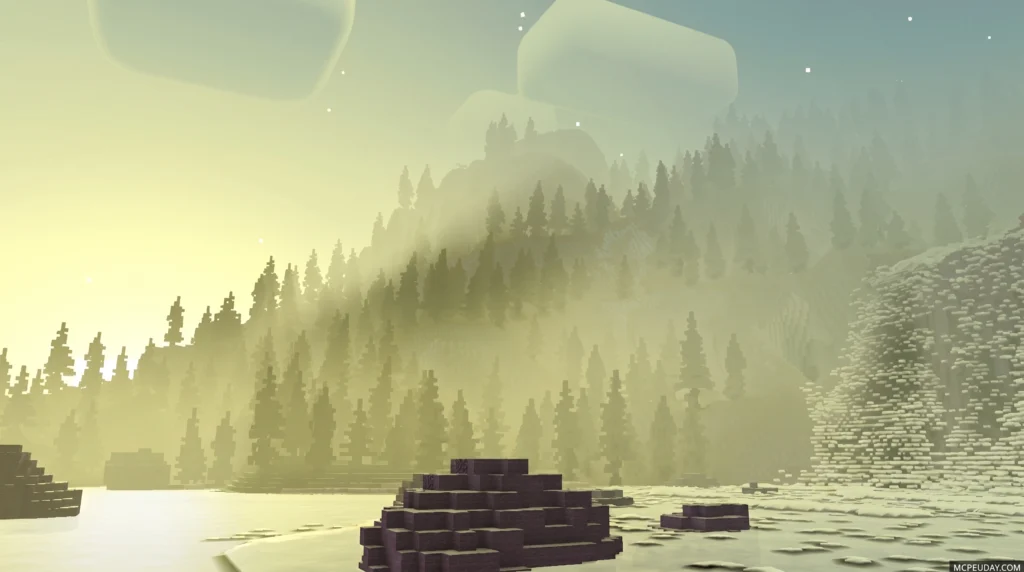
Installing the Newb X Stars Shader provides an immediate visual overhaul. Rather than aiming for sterile, hyper-realistic graphics that do not fit Minecraft’s blocky charm, this pack focuses on creating a cozy, atmospheric environment.
Cosmic Aesthetics of the Newb X Stars Shader
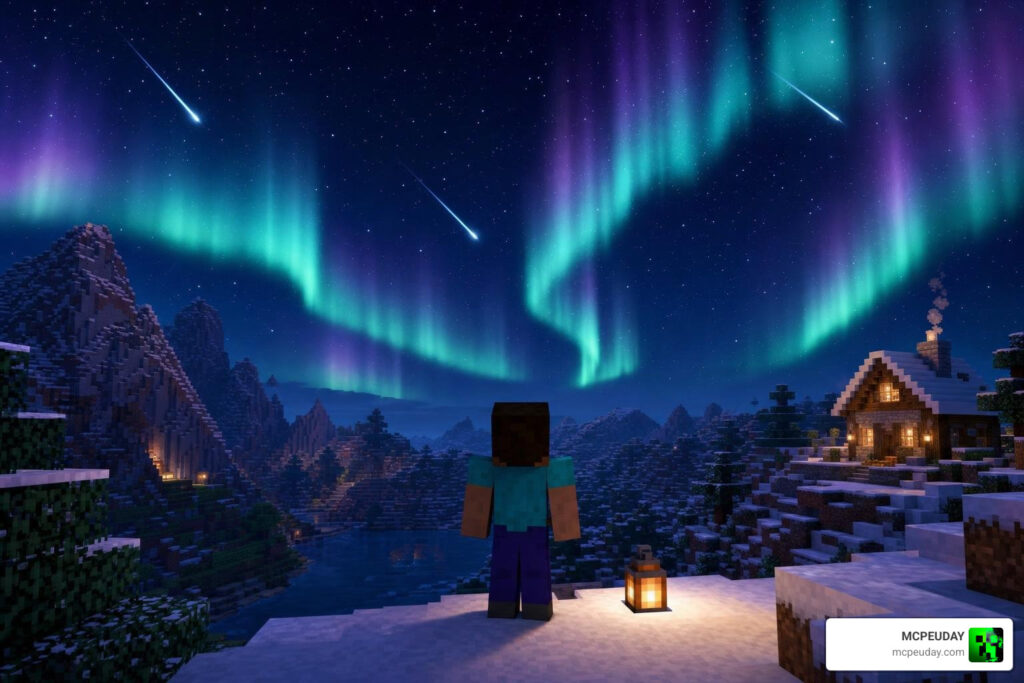
The absolute highlight of this pack is the night sky. Once the sun sets, your world transforms into an incredible cosmic canvas:
- Starry Night Sky: The sky is filled with thousands of twinkling, multi-layered stars.
- Aurora Borealis: Gorgeous green and purple northern lights wave slowly across the sky.
- Shooting Stars: Keep your eyes peeled for actual shooting stars streaking across the dark void.
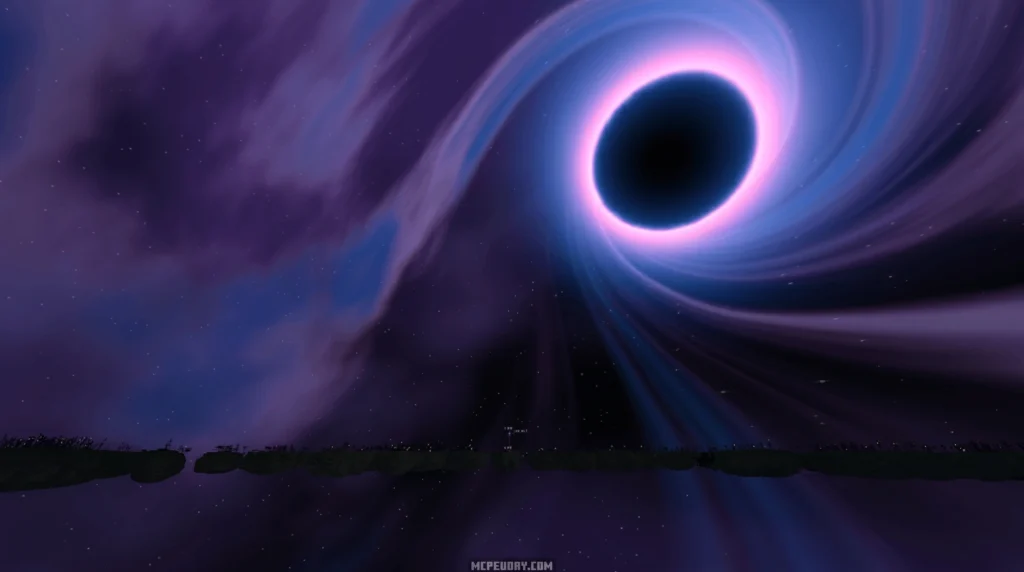
- Beautiful End Dimension: The End is completely redesigned to feature an illuminated purple End portal and a deep space theme, mimicking high-end Java packs.
Realistic Lighting and Environmental Animations
Beyond the celestial views, the shader brings your immediate surroundings to life with subtle, natural animations and lighting tweaks:
- Java-like Lighting: Enjoy warm torchlight, soft moonlight, and balanced daytime exposure that feels clean and modern.
- Realistic Water Waves: Water bodies feature gentle, reflective waves that react to the light.
- Glowing Ores: Deep underground, rare ores radiate a faint, atmospheric light in the darkness, making cave exploration much more exciting.
- Swinging Lanterns: Lantern blocks feature a custom swinging animation, adding a touch of life to your builds.
- Animated Foliage: Leaves and grass sway gently in the breeze.
For a closer look at these performance-friendly animations, check out our guide on the Newb X Shader for Minecraft PE MCPE Ultra Realistic Graphics Smooth FPS Boost.
Platform Compatibility and Performance on Low-End Devices
One of the biggest hurdles for Bedrock players in places like the US, India, and Russia is finding a shader that does not cause severe lag. Many port projects attempt to bring heavy Java effects to mobile, resulting in unplayable frame rates.
The Newb X Stars Shader is designed from the ground up to be lightweight. By utilizing the modern RenderDragon material system efficiently, it achieves beautiful results without overloading your device’s CPU or GPU.
For more options that focus on maintaining high frame rates, check out the Newb X Shader for Minecraft PE MCPE Ultra Realistic Graphics Smooth Performance breakdown.
Performance Benchmarks and Optimization
In our testing across various devices, the Lite version of the shader maintained a stable 60 FPS on older Android phones and budget laptops. Even on devices with integrated graphics, the drop in performance was negligible compared to vanilla Minecraft.
If you want to maximize your performance while keeping your world looking gorgeous, the Newb X Shader for Minecraft PE MCPE Ultra Realistic Graphics with Smooth Performance offers an excellent alternative path for optimization.
Step-by-Step Installation Guide for Android, Windows, and iOS
Because RenderDragon restricts standard shader files, installing custom shaders requires a few specific steps depending on your platform.
How to Install Newb X Stars Shader on Bedrock
To get the Newb X Stars Complementary Reimagined Android Shader running on your device, follow these steps:
For Android Users:
- Prepare your game: For Minecraft Bedrock versions 1.20.0 through 1.20.73, you will need a patched Minecraft APK to bypass RenderDragon restrictions. Alternatively, you can use the recommended MB Loader APK.
- Download the pack: Grab the
.mcpackfile for the Newb X Stars Shader. - Import: Open the downloaded file using a file manager, selecting Minecraft as the default app to import it.
- Activate: Go to Minecraft Settings > Global Resources, select the shader, and click “Activate”.
For Windows Users:
- Use a Loader: You will need a tool like BetterRenderDragon or the Majec Tool to enable the MaterialBinLoader or Matject method.
- Import and Run: Import the
.mcpackfile directly into your game and activate it via your Global Resources.
Tip: Always make sure to enable experimental features in your world settings to ensure all custom animations and glowing textures function correctly!
Frequently Asked Questions about Newb X Stars
Does Newb X Stars Shader work on low-end devices?
Yes! The Lite version of the shader is specifically tailored for budget PCs and older mobile devices. It optimizes rendering pipelines to give you beautiful skies and waving foliage without sacrificing your frame rate.
Why does this shader require a patched APK on Android?
Mojang’s official RenderDragon engine blocks third-party shaders by default on mobile. A patched APK or a tool like MB Loader is required to allow the game to read the custom material files (MaterialBin) used by the shader.
Is Newb X Stars Shader compatible with Minecraft 1.21+?
Yes! The shader is actively maintained and fully compatible with Minecraft Bedrock versions 1.21.100 and above as of June 2026. Always make sure to delete older versions of the pack before installing an update to avoid resource conflicts.
Conclusion
The Newb X Stars Shader is one of the best ways to elevate your Minecraft Bedrock experience in June 2026. Whether you are gazing up at the waving green auroras, wishing on shooting stars, or exploring glowing underground caves, this pack delivers a premium visual experience without demanding premium hardware.
If you are ready to explore even more ways to upgrade your game, check out our curated list of the best shaders for MCPE 1.21 in 2026!
Download Shader
- Newb X Stars Reimagined – Merged (8.97 MB)
- Newb X Stars Reimagined – Android (5.4 MB)
- Newb X Stars Reimagined – Windows (5.62 MB)
- Newb X Stars Reimagined – iOS (5.46 MB)
- Newb X Stars LITE – Merged (7.57 MB)
- Newb X Stars LITE – Android (5.41 MB)
- Newb X Stars LITE – Windows (5.62 MB)
- Newb X Stars LITE – iOS (5.46 MB)
MORE SHADERS- Shaders – MCPEUDAY