Why the Animated RGB GUI PACK Is the Ultimate Minecraft UI Upgrade
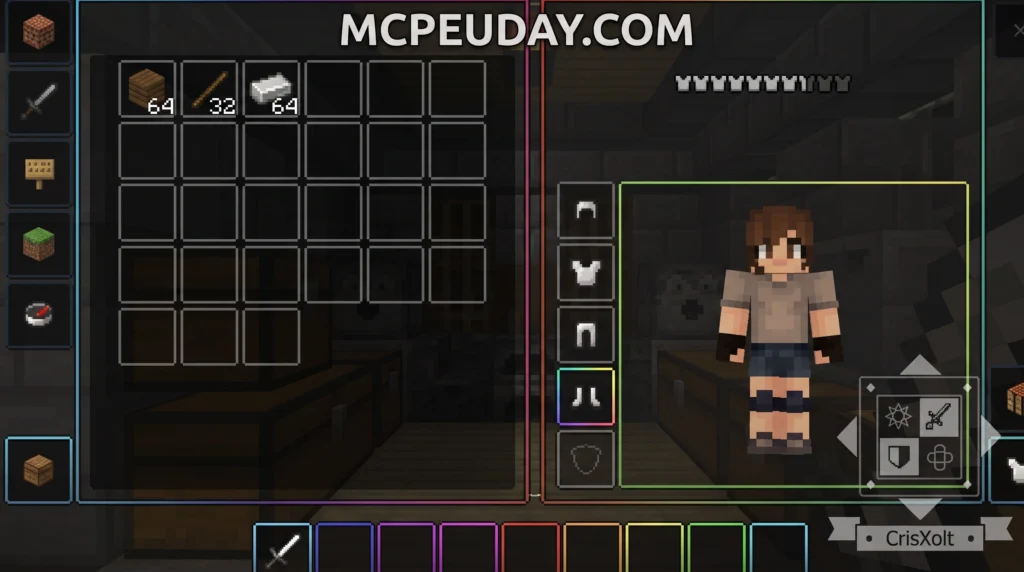
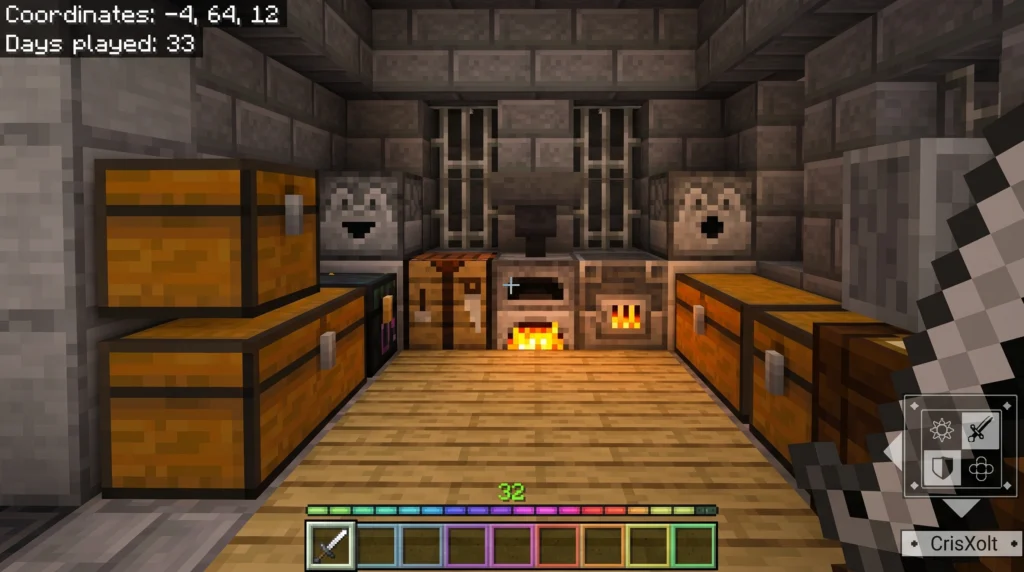
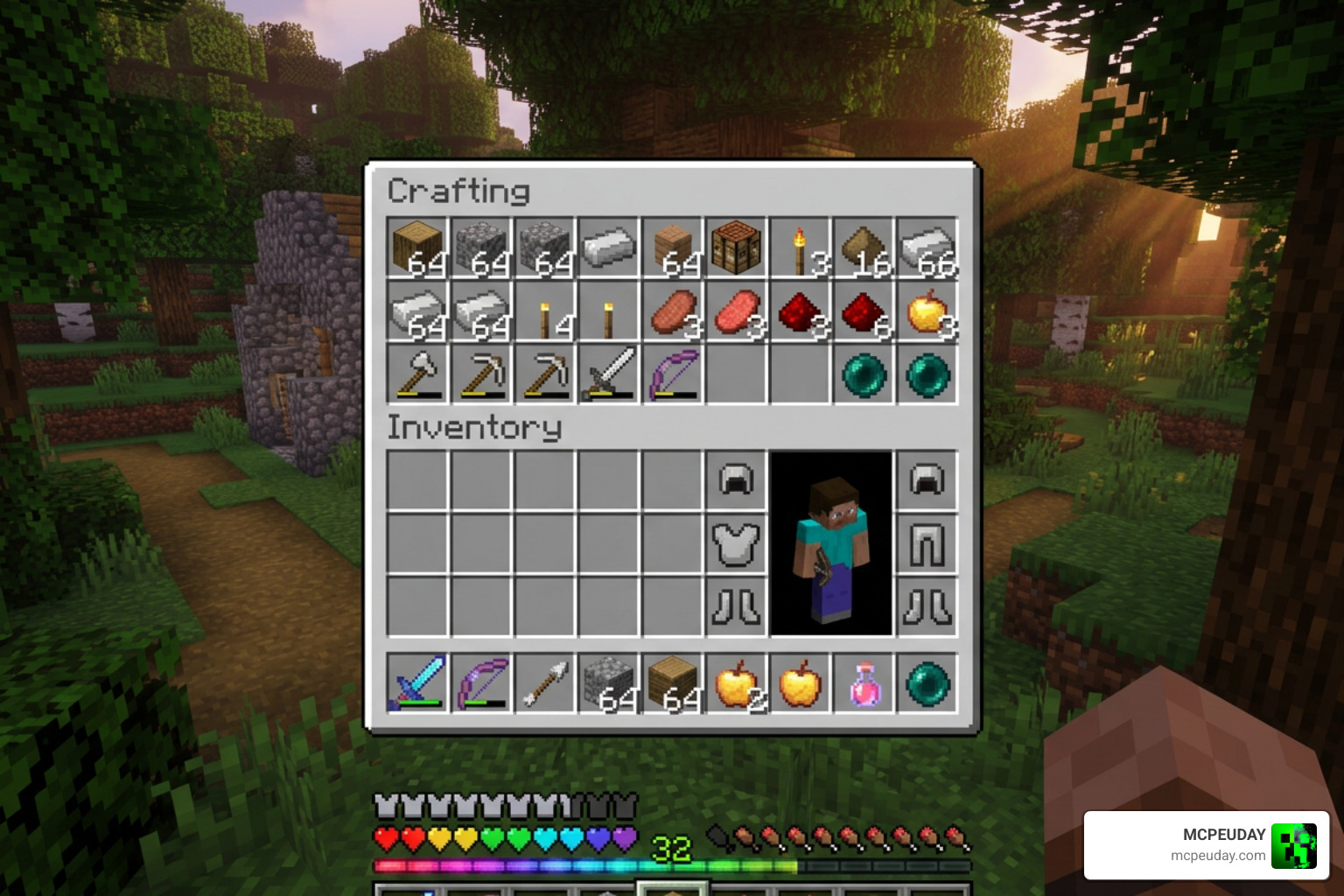
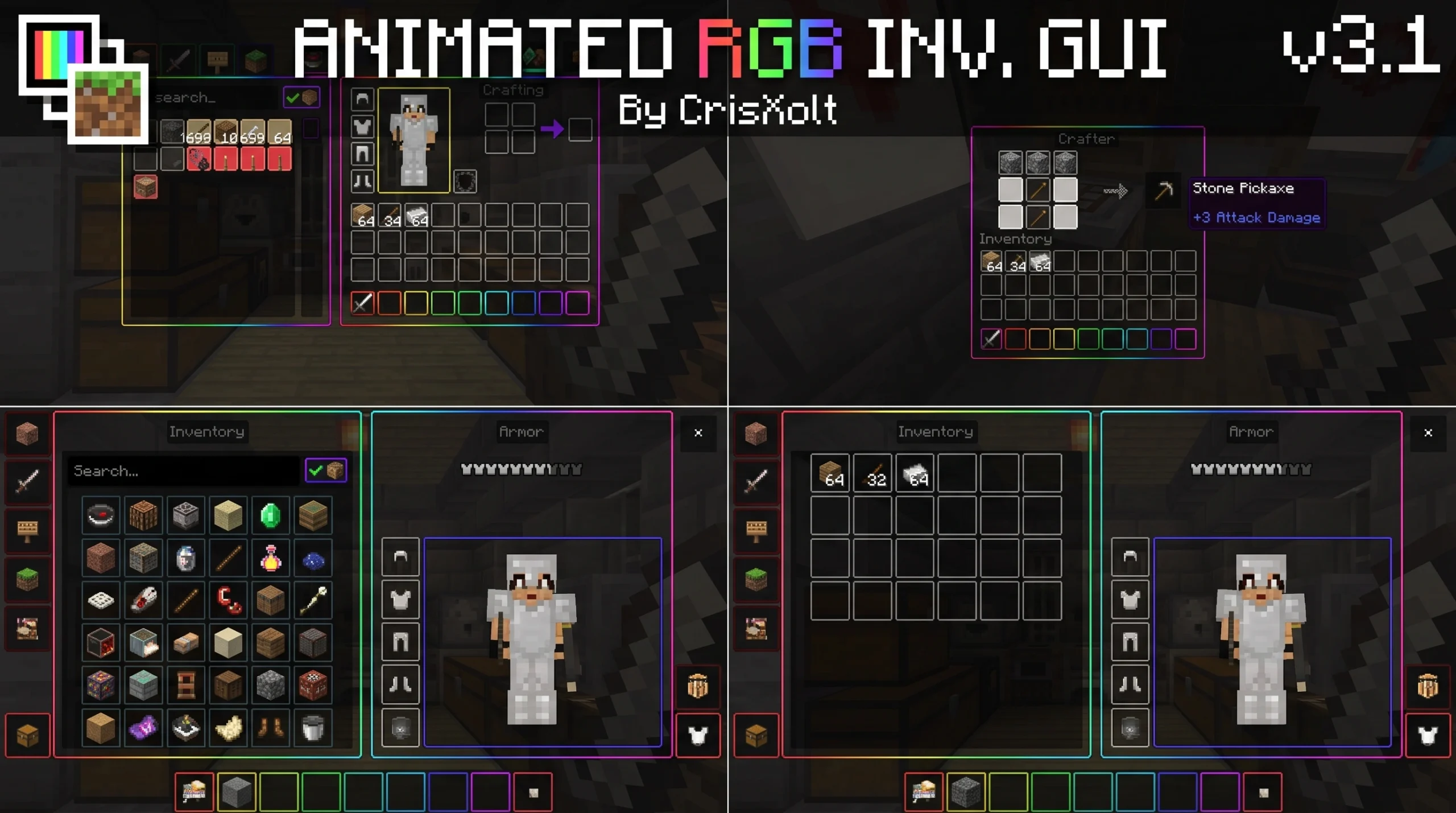
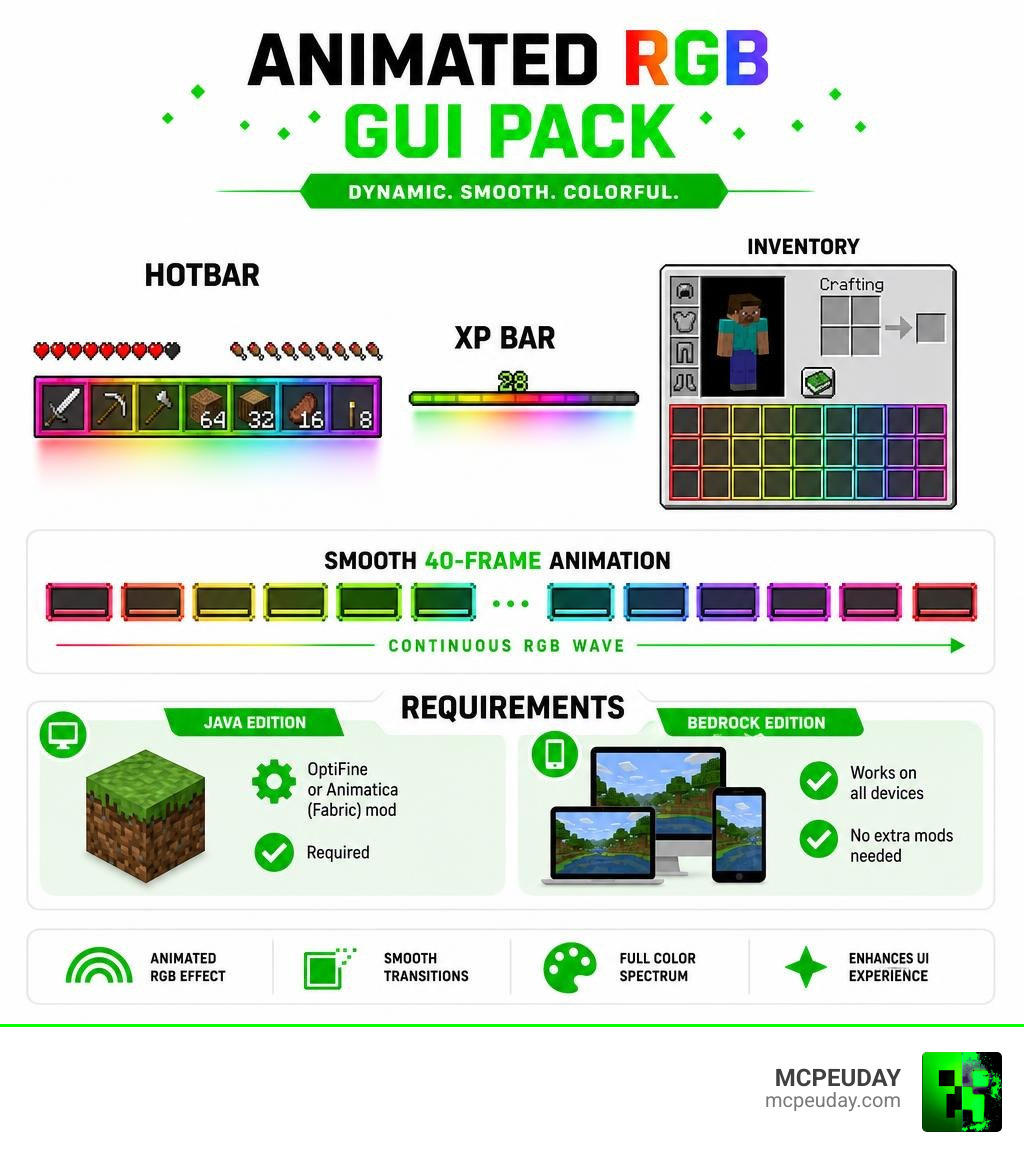
The Animated RGB GUI PACK is a Minecraft resource pack that replaces the default interface with a smooth, rainbow color-shifting (chroma) effect across your hotbar, XP bar, and inventory screens.
Quick Answer:
- What it is: A resource pack that adds animated RGB/chroma effects to Minecraft’s UI
- Who made it: Creator @CrisXolt
- Editions: Available for both Java Edition and Bedrock Edition
- Animation: 40-frame smooth RGB wave effect
- Java requirement: OptiFine or Animatica (Fabric) mod required
- Bedrock: Works on all devices, no extra mods needed
- Downloads: Over 2 million on Bedrock, 438K+ on Java Edition
If your gaming setup has RGB everything — keyboard, mouse, headset — why should your Minecraft interface stay plain and grey? This pack brings that same dynamic rainbow lighting into the game itself.
It’s one of the most downloaded Minecraft UI packs ever, with over 2.4 million combined downloads across both editions. Players love it because it’s a simple install that makes the game feel fresh and visually exciting without changing gameplay at all.
Whether you’re on Java or Bedrock, PC or mobile, this guide covers everything you need to know to get it running.
What is the Animated RGB GUI PACK?
Created by the incredibly talented community developer @CrisXolt, the Animated RGB GUI PACK is a visual overhaul designed to inject dynamic life into Minecraft’s traditionally static menus. If you have ever felt that the default light and dark themes are a bit too plain, this pack is the perfect remedy. It introduces a continuous, shifting chroma wave effect that seamlessly cycles through the entire color spectrum, matching the aesthetic of modern high-end gaming peripherals.
At the heart of this stunning visual upgrade is a custom 40-frame animation sequence. Rather than flashing abruptly or causing visual fatigue, the colors transition smoothly from one shade to the next, creating a professional and premium look. This smooth transition is achieved through meticulous texture mapping, ensuring that the color gradient flows naturally across all UI elements without any jarring jumps.
The pack is highly versatile, supporting both major versions of the game:
- Java Edition: Known as “Animated RGB GUI JE”, this version brings animated borders and dark-themed menu buttons to your desktop client, integrating perfectly with popular performance mods.
- Bedrock Edition: Known as “Animated RGB GUI”, the latest version Animated RGB GUI v3.2.8 [v1.21.120] – Minecraft Bedrock Addons is fully optimized for mobile devices, consoles, and Windows PCs, utilizing Bedrock’s native UI engine.
To date, the Bedrock version has amassed over 2,002,111 downloads, while the Java Edition version has over 438,867 downloads on CurseForge alone. Furthermore, the community on Modrinth has contributed another 82.8K downloads for the Animated RGB GUI v2.2.7 – Animated RGB GUI Pack, proving its massive popularity in June 2026. This widespread adoption is a testament to CrisXolt’s dedication to maintaining and updating the pack across major Minecraft releases.
Key Visual Features and UI Customization
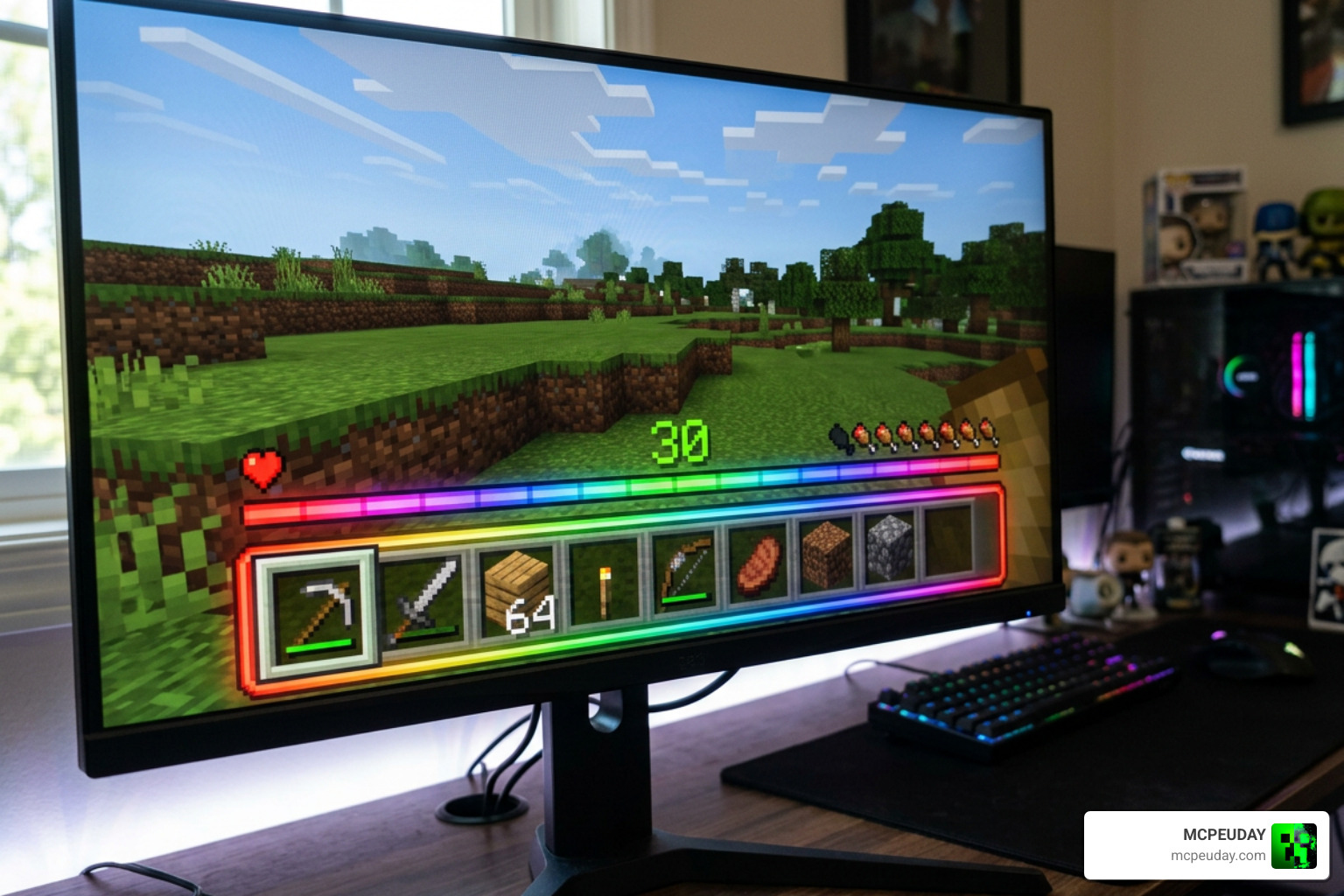
When you activate the Animated RGB GUI PACK, the visual changes are immediately apparent. The pack focuses heavily on HUD and container elements to maximize your immersion during gameplay, replacing the dull grey interfaces with a vibrant, modern aesthetic.
- The XP Bar: The experience bar is completely animated. As you gather experience points, the bar pulses and flows with a rainbow wave, making leveling up feel much more rewarding and visually satisfying.
- The Hotbar: The selection box that highlights your active inventory slot features a glowing, shifting RGB outline. This dynamic border ensures you always know exactly which item is selected, even during PvP encounters or chaotic survival situations.
- Inventory Screens: Your main inventory receives a sleek dark-mode background overlay. Instead of harsh grey borders, the container edges are outlined with a smooth, semi-transparent RGB border that cycles colors. This semi-transparency is a game-changer, allowing you to keep an eye on your surroundings while managing your items.
- Container Screens: Chests, double chests, furnaces, brewing stands, hoppers, and shulker boxes all inherit this beautiful dark-mode theme with color-shifting outlines. The progress arrows and fuel indicators in furnaces and brewing stands also feature subtle visual enhancements to match the theme.
- Java-Exclusive Details: On Java Edition, even the main menu buttons, options screens, and interaction block menus feature animated RGB highlights, providing a cohesive experience from the moment you launch the game.
If you enjoy highly stylized user interfaces, we also highly recommend checking out the Waguri Live Anime UI Pack for another brilliant way to customize your game with unique themes and layouts.
Technical Requirements and Installation Guide
Depending on which edition of Minecraft you play, the technical requirements to run the Animated RGB GUI PACK vary. Because default Minecraft does not natively support animated GUI textures, we need a little help from external mods on Java, or specific configurations on Bedrock to unlock the full potential of these custom animations.
Java Edition Requirements
To see the 40-frame animation on Java, you must use one of the following optimization frameworks:
- OptiFine: This is the easiest and most popular method. Once OptiFine is installed, you must go to your video settings, click on Animations, and ensure that “Textures Animated” is turned ON. If this setting is disabled, the GUI will remain static.
- Animatica (Fabric): If you prefer playing on the modern Fabric loader, you must install the Animatica mod alongside Fabric API. Animatica specifically enables custom GUI animations that are otherwise exclusive to OptiFine.
Bedrock Edition & Mobile Requirements
On Bedrock, the pack utilizes custom JSON UI scripting, meaning you do not need to install any external mods! It works completely plug-and-play on mobile, Windows, and consoles.
However, if you are playing on Minecraft PE (Pocket Edition), there is an important safety step to prevent file conflicts and ensure the game can read the custom UI files:
- Before importing the pack, launch Minecraft and go to Settings > Profile.
- Scroll down to File Storage Location and ensure it is set to External instead of Application.
Once set, you can safely import the .mcpack file. You can download the direct package via Animated-RGB-GUI-Pack-1.21 . mcpack or check the latest updates on the official Bedrock page: Animated RGB GUI v3.2.8 [v1.21.120] – Minecraft Bedrock Addons. If you are using an older version of the game, you can also find the Animated RGB GUI v2.2.7 – Animated RGB GUI Pack which remains highly stable for legacy setups.
Is the Animated RGB GUI PACK Compatible with VDX UI?
Yes! Many Bedrock players use VDX UI (which emulates the clean Java Edition container designs on Bedrock). Fortunately, the Animated RGB GUI PACK is fully compatible with VDX UI.
To make them work together without visual bugs:
- Open your Active Resource Packs menu in the global resources settings.
- Place the Animated RGB GUI PACK above the VDX UI pack in your load order list.
- This ensures the JSON UI overrides from the RGB pack are applied directly on top of the VDX layouts, blending the two styles seamlessly.
This setup supports Bedrock UI, PvP UI, and Java UI styles all bundled neatly into one interface, giving you the ultimate customizable layout.
How to Install the Animated RGB GUI PACK on Java Edition?
Getting the pack running on Java Edition only takes a couple of minutes:
- Download the correct version of the pack for your game version from the official listing: Animated RGB GUI JE (Animatica/OptiFine) – Minecraft Resource Packs – CurseForge or Animated RGB GUI JE (Animatica/OptiFine) – Minecraft – CurseForge.
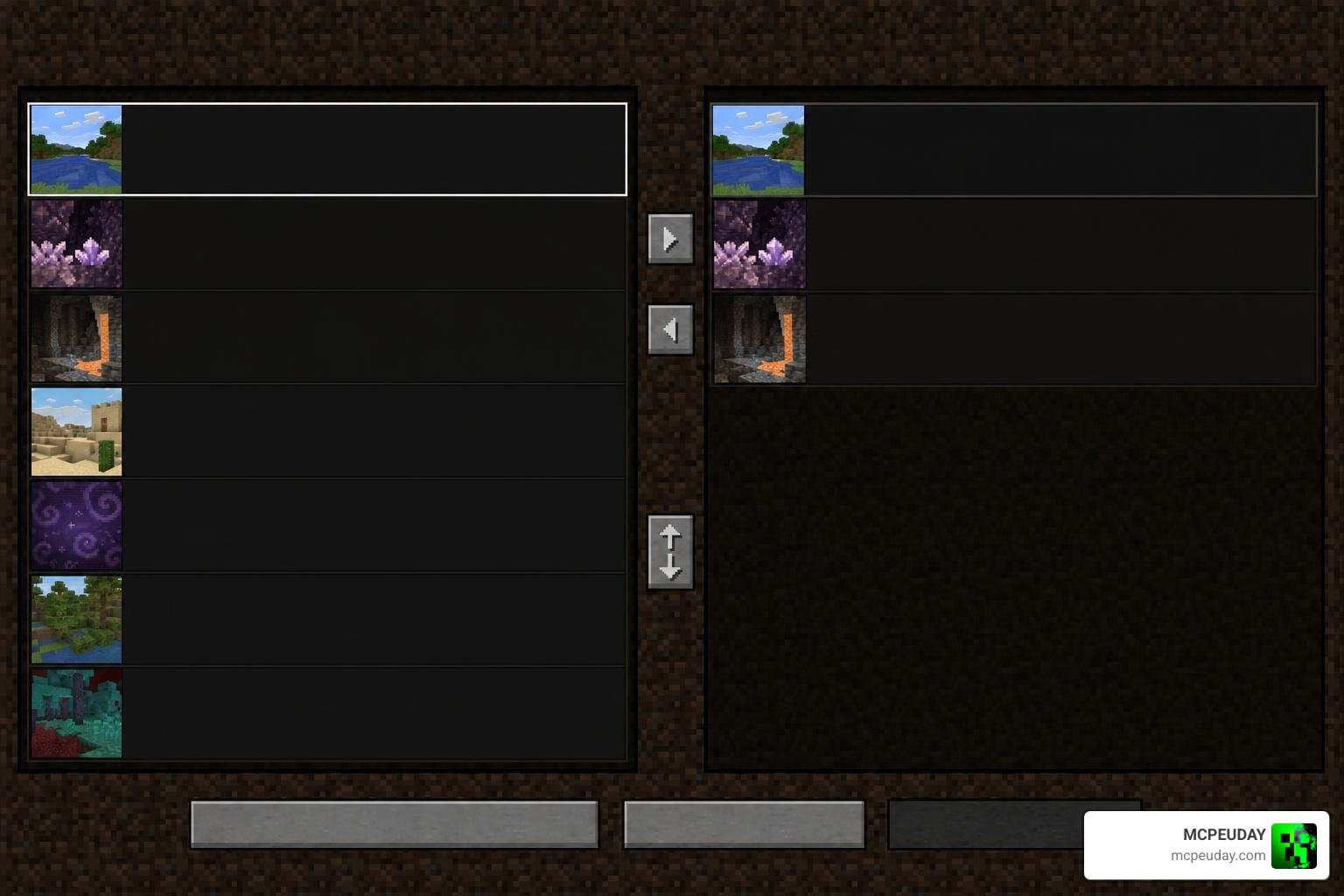
- Launch Minecraft and navigate to Options > Resource Packs.
- Click Open Pack Folder to open the directory on your computer.
- Drag and drop the downloaded
.zipfile directly into this folder. - In-game, hover over the pack and click the arrow to move it to the Selected column on the right.
- Click Done and enjoy your new glowing interface!
Frequently Asked Questions
Does the pack cause lag or FPS drops?
No! Despite featuring a beautiful 40-frame animation, the textures are highly optimized. The color-shifting effect relies on lightweight texture sheet coordinates. We have tested this pack extensively on low-end mobile devices and budget PCs, and there is no measurable impact on FPS.
Can I use this pack on mobile devices?
Absolutely. The Bedrock Edition version works flawlessly on iOS and Android. Just remember to set your File Storage Location to External before installing to avoid file errors. If you love sleek mobile interfaces, you should also take a look at the Animated Shiroko Skyfall UI Pack for another incredible mobile-friendly design.
What are the terms of use and redistribution rules?
The original creator, @CrisXolt, has established clear guidelines for using this pack:
- You are welcome to use it in your personal gameplay, streams, and YouTube videos.
- If you review or showcase the pack, you must credit @CrisXolt and link back to the official download pages, such as Animated RGB GUI JE (Animatica/OptiFine) – Minecraft – CurseForge.
- You are not allowed to modify the JSON/UIDX files, erase the author text, or re-upload/monetize the pack on third-party sites without explicit permission.
Conclusion
The Animated RGB GUI PACK is a must-have resource pack for any gamer who loves the modern, clean aesthetic of dynamic RGB lighting. It perfectly matches real-world gaming setups, is incredibly easy to install, and runs smoothly on everything from high-end PCs to mobile phones.
We at MCPEUDAY are dedicated to bringing you the absolute best and safest files to elevate your Minecraft experience. If you want to customize your worlds even further, head over to our main library and Explore more Minecraft Texture Packs today!
1 thought on “Animated RGB GUI Pack (26.x, 1.21) – MCPE/Bedrock Texture Pack”