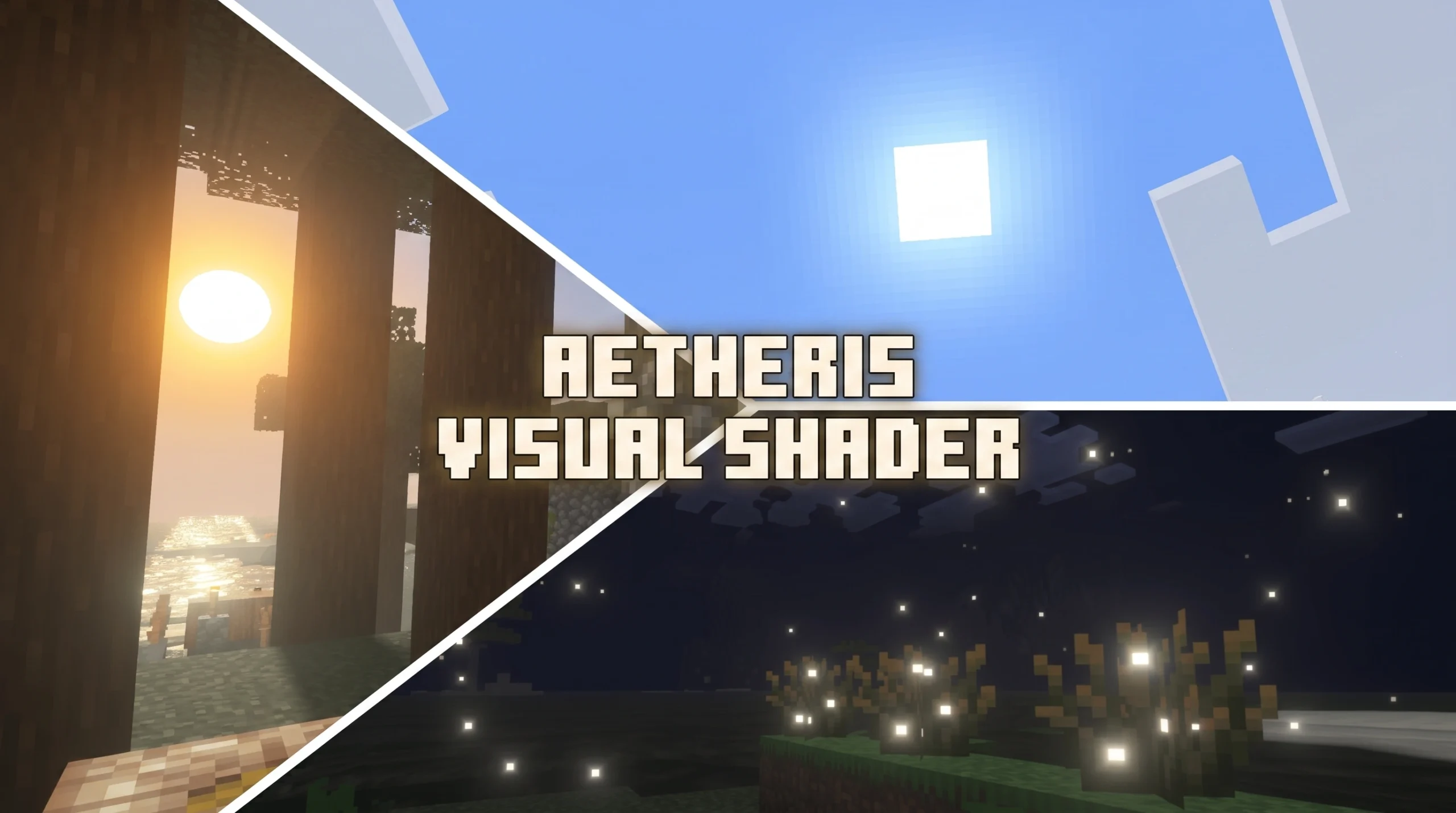
What the Aetheris Visual Shader Does for Minecraft Bedrock
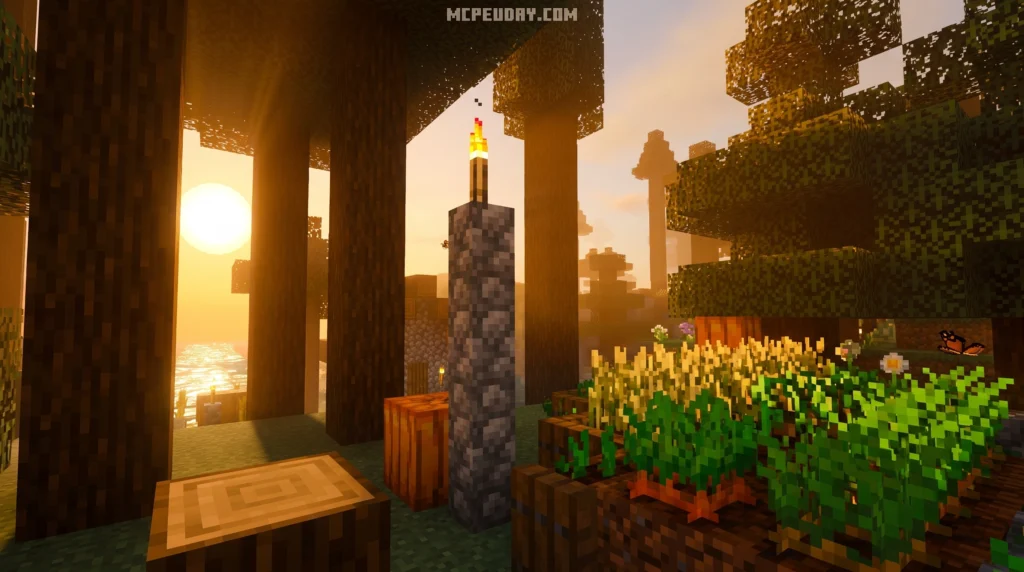
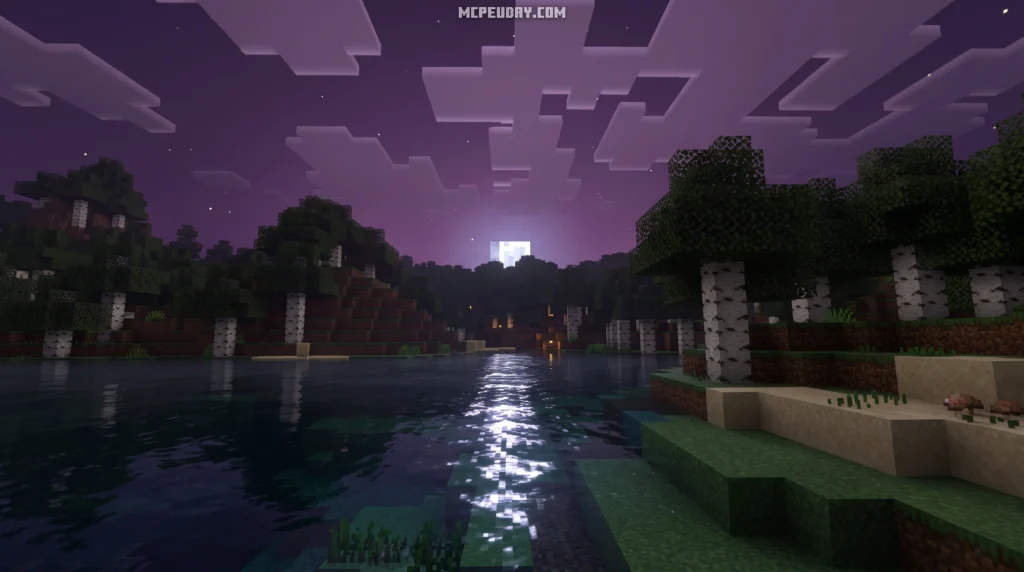
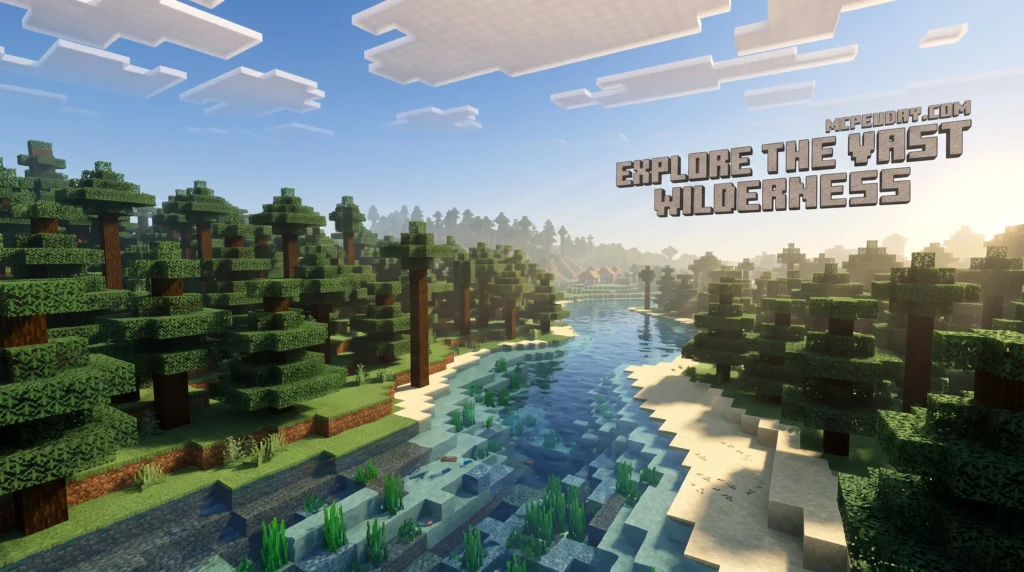
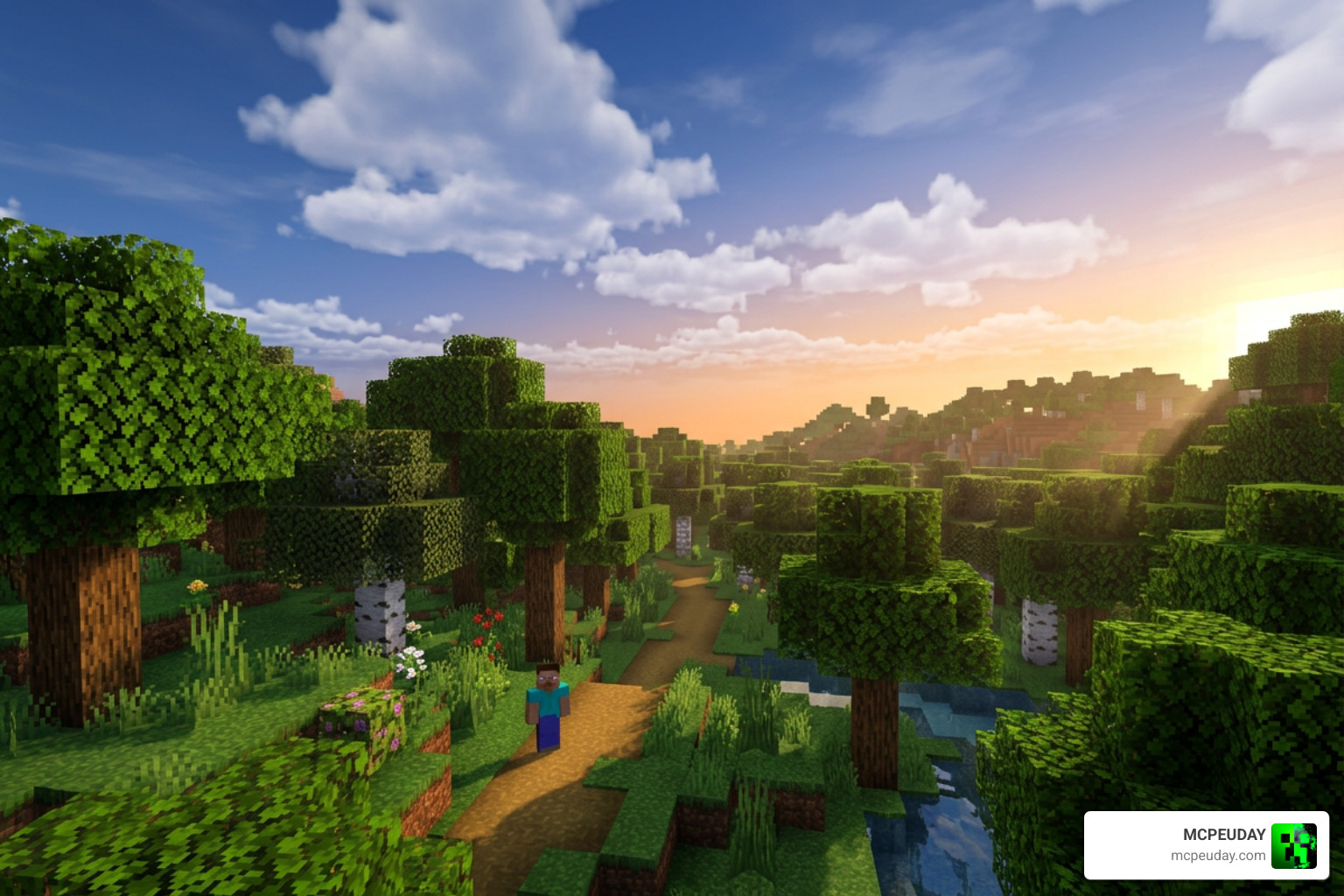
Aetheris Visual Shader is a graphics enhancement pack for Minecraft Bedrock Edition (MCPE) 1.21 that upgrades how the game looks through color balancing, a reworked sky system, and improved lighting.
Quick answer — here’s what you need to know:
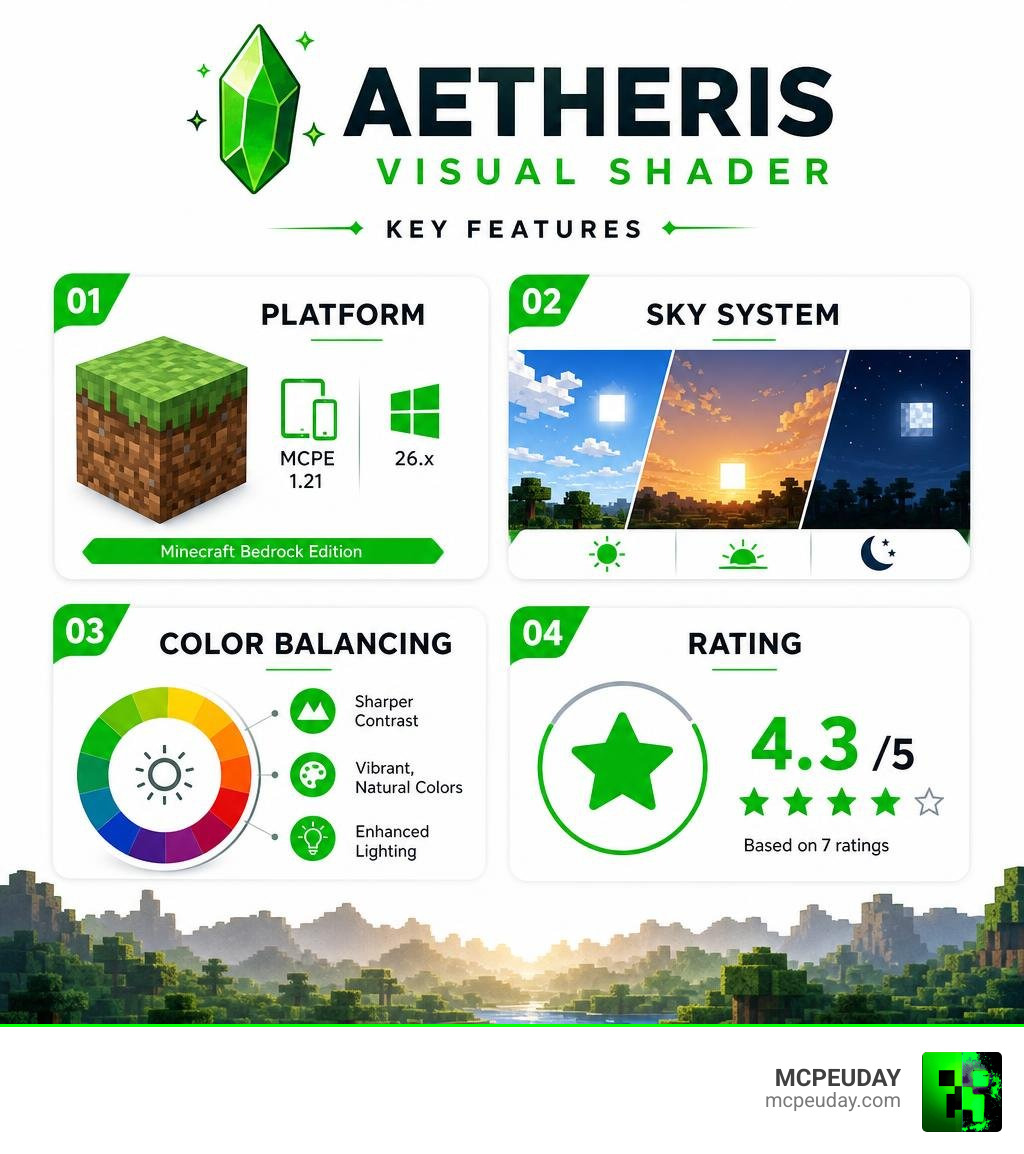
- Platform: Minecraft Bedrock Edition / MCPE (version 1.21 and 26.x)
- Main features: Color balancing for sharp contrast, deep blue daytime sky, yellow sunset tones, and lighting changes
- Java Edition: Not officially supported — this is a Bedrock/MCPE shader
- Rating: 4.3 out of 5 (based on community feedback)
- Cost: Free to download
If you’ve ever felt like Minecraft’s default visuals look flat or washed out, Aetheris is built to fix exactly that. It focuses on color and light — making scenes pop with stronger contrast and giving the sky a whole new look depending on the time of day. This pack is designed to breathe new life into your survival worlds, making every biome feel distinct and atmospheric.
It’s not trying to be the most extreme, over-the-top shader out there. Instead, it aims for a clean, sharp visual upgrade that still feels like Minecraft — just better. Whether you are building a massive medieval castle or exploring deep underground caverns, the subtle adjustments to the environment will make your gameplay feel significantly more immersive.
What is the Aetheris Visual Shader?
In the current landscape of June 2026, finding shaders that work seamlessly with Minecraft’s Render Dragon graphics engine can be a bit of a treasure hunt. If you are playing on Bedrock Edition (MCPE) 1.21, you already know that older shader formats no longer function. The introduction of the Render Dragon engine completely changed how graphics are rendered in Bedrock, rendering traditional shaders obsolete and leaving many players searching for viable alternatives. This is where the Aetheris Visual Shader comes to save the day.
Developed specifically to work within the modern constraints of Bedrock’s engine, this pack introduces a brilliant balance of color and atmospheric depth. Unlike heavy shader packs that completely rewrite the game code and tank your frame rates, Aetheris works as a highly optimized visual resource pack. It focuses on color balancing and a completely redesigned sky system to make your worlds look vibrant, warm, and highly realistic. It achieves these stunning results without requiring high-end hardware, making it accessible to players on mobile devices, consoles, and PCs alike.
If you want to explore how this fits into the wider world of Minecraft graphics upgrades, browse our dedicated Aetheris Visual Shader library for more options.
Key Visual Features and Technical Enhancements
What makes this shader stand out in the crowded MCPE community is its intentional design. It does not just throw a bright yellow filter over your screen; it carefully recalibrates how light behaves across different times of day, ensuring that the natural beauty of Minecraft is enhanced rather than obscured.
Here are the primary upgrades you will notice immediately after loading into your world:
- Atmospheric Depth: Fog and horizon lines blend naturally to make the world feel vast and endless.
- Dynamic Saturation: Forests look lush and green, while deserts feel scorched and bright, giving each biome a unique climate feel.
- Improved Contrast: Dark areas like caves feel genuinely mysterious and challenging, while sunlit plains look crisp, clear, and inviting.
Advanced Color Balancing in Aetheris Visual Shader
At the heart of the Aetheris Visual Shader is its advanced color balancing system. Traditional Minecraft can sometimes look a bit washed out, with gray undertones dominating the landscape. Aetheris applies a custom color-grading mapping that creates sharp contrast scenes without sacrificing the visibility of your builds. This means you can still navigate easily at night while enjoying a much richer visual palette during the day.
The standout feature of this color balancing is the sky system:
- During the day: The sky transitions into a deep, rich blue that makes white clouds stand out beautifully, creating a picturesque backdrop for your adventures.
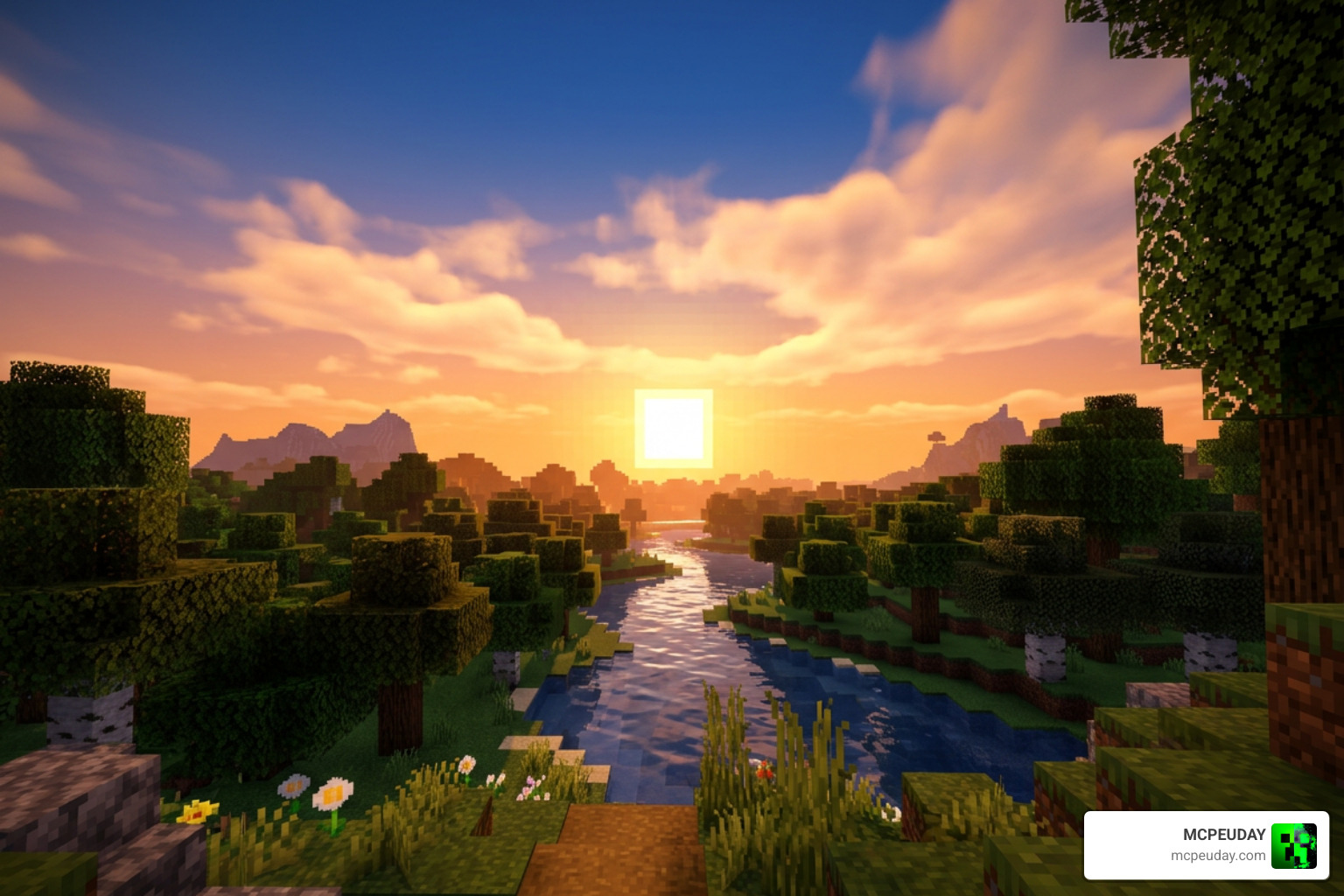
- At sunset and sunrise: The horizon is painted with vibrant yellow and warm orange tones, casting a golden hour glow across your entire world and reflecting beautifully off water surfaces.
If you love taking screenshots of your builds, this color tuning makes every angle look like a professional render. You can find this pack and similar visual upgrades in our Aetheris Visual Shader collection.
Rendering Pipeline and PBR Materials
Under the hood, Aetheris leverages modern rendering ideas. While Bedrock’s engine handles the heavy lifting, the shader is built with concepts similar to those found in advanced rendering pipelines. In professional engine design—such as the systems discussed in the Aether Documentation—efficient frame scheduling, progressive detailing, and Physically Based Rendering (PBR) make all the difference.
Aetheris utilizes these principles to ensure that:
- Metals and wet surfaces reflect light with realistic roughness values, giving blocks like iron and copper a distinct sheen.
- Light blocks emit a soft, natural glow that behaves realistically in dark spaces, enhancing the atmosphere of cozy interiors.
- Shadows cascade smoothly across blocks, avoiding the harsh, jagged lines common in older MCPE packs and creating a more cohesive visual experience.
Compatibility, Performance, and Installation
We know how frustrating it is to download a gorgeous shader only to watch your game turn into a slideshow. Fortunately, Aetheris is built with mobile and console optimization in mind, ensuring that players on all devices can enjoy enhanced graphics without sacrificing performance.
Supported Minecraft Versions and Platforms
The Aetheris Visual Shader is officially optimized for Minecraft Bedrock Edition (MCPE) version 1.21 and the 26.x package releases. Because it is built for the Render Dragon engine, it runs smoothly on:
- Android and iOS mobile devices (including older phones and tablets)
- Windows 10/11 PCs
- Modern consoles supporting Bedrock resource packs
If you are looking for a detailed breakdown of how different packs perform on actual mobile hardware, check out our Best Render Dragon Shaders for MCPE 1.21 Tested on Real Devices 2026 Guide. This guide provides real-world testing data to help you choose the perfect pack for your specific device.
Performance Benchmarks for Aetheris Visual Shader
In our testing across various devices, Aetheris proved to be incredibly lightweight. Because it focuses on color balancing and lighting tweaks rather than heavy geometry changes, your frame rates should remain high and stable, even during intense gameplay sessions with multiple players.
Here is a quick look at how the shader performs across different device tiers:
| Device Tier | Average FPS (Vanilla) | Average FPS (Aetheris Active) | Visual Quality Impact |
|---|---|---|---|
| Low-End Mobile (3GB RAM) | 50 – 60 FPS | 45 – 55 FPS | High Contrast, Smooth |
| Mid-Range Phone/Tablet | 60 FPS | 60 FPS (Stable) | Vibrant Colors, Gorgeous Sky |
| High-End PC / Console | 120+ FPS | 120+ FPS | Flawless, Ultra-Crisp |
If keeping your game running buttery-smooth is your top priority, you can compare this with other top-tier options in our guide on the 3 Best Shaders for Minecraft 1.21 Ultra Realistic Smooth FPS Stunning Graphics.
Step-by-Step Installation Guide
Ready to upgrade your game? Installing Aetheris on Bedrock is incredibly simple. Just follow these steps:
- Download the Pack: Get the official
.mcpackfile from a trusted source. - Import to Minecraft: Double-click or tap the downloaded file. Minecraft will open automatically and import the pack.
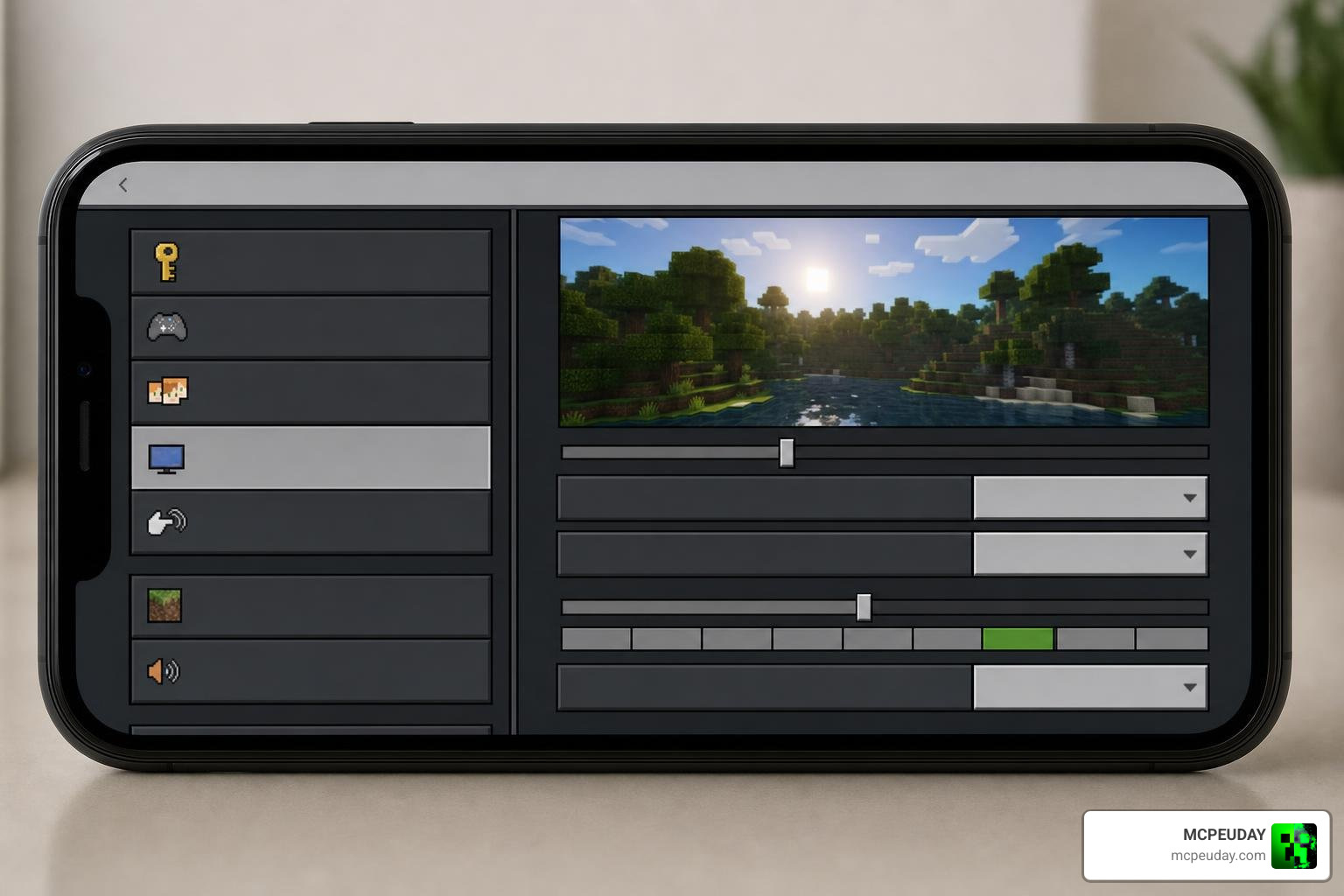
- Activate Globally: Go to Settings > Global Resources > My Packs, find Aetheris, and click Activate.
- Create or Load a World: Enjoy your beautiful new sky and lighting!
For a more comprehensive walkthrough on managing your graphics settings, check out our How to Turn on Shaders in Minecraft 2026 Guide Java Bedrock MCPE Setup Fast Mcpeuday tutorial.
Frequently Asked Questions About Aetheris
Does this shader support Minecraft Java Edition?
No, the official Aetheris Visual Shader is designed specifically for Bedrock Edition (MCPE). If you play on Java Edition, you will need to use Iris or OptiFine loaders with Java-compatible shaders. However, Bedrock players can enjoy this pack natively without any external mod loaders.
What are the main visual differences in the sky system?
Aetheris completely reworks the sky. Instead of the standard pale blue, you will see a rich, deep blue during the day. Sunset transitions are incredibly smooth, shifting into warm, glowing yellow and orange hues that make the transition to night feel much more natural and visually stunning.
Is this shader free to download and use?
Yes! The shader is free for the community to download, share, and enjoy. It currently holds a highly respectable 4.3 out of 5 rating on community platforms, showing just how much Bedrock players love its balanced approach to visual enhancement.
Conclusion
If you are playing Minecraft Bedrock 1.21 in June 2026, the Aetheris Visual Shader is easily one of the most balanced, beautiful, and frame-rate-friendly upgrades you can choose. It strikes the perfect balance between realistic lighting and classic Minecraft charm, all without melting your mobile device or causing annoying lag spikes.
At MCPEUDAY, we love sharing the absolute best resources to keep your game looking fresh and exciting. Whether you are a casual builder or a hardcore survivalist, this shader is a must-have addition to your resource pack collection. If you want to see how Aetheris stacks up against the other top contenders this year, head over to our ultimate list of the Best Shaders for MCPE 1.21 2026 Top 3 Realistic Minecraft PE Shaders!