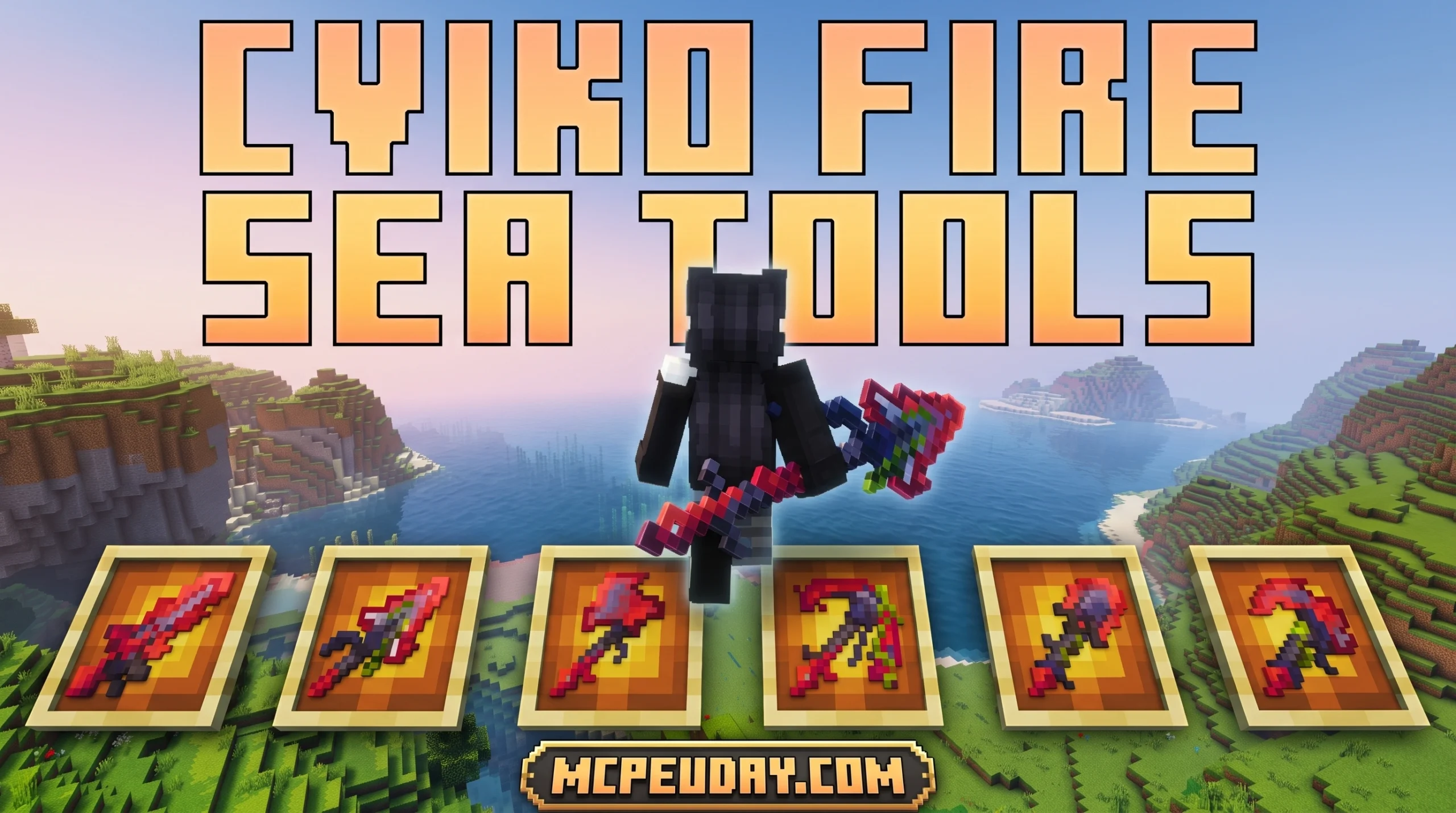
Wield Colorful Custom Weapons in Minecraft Bedrock — Cviko Fire Sea Tools Explained
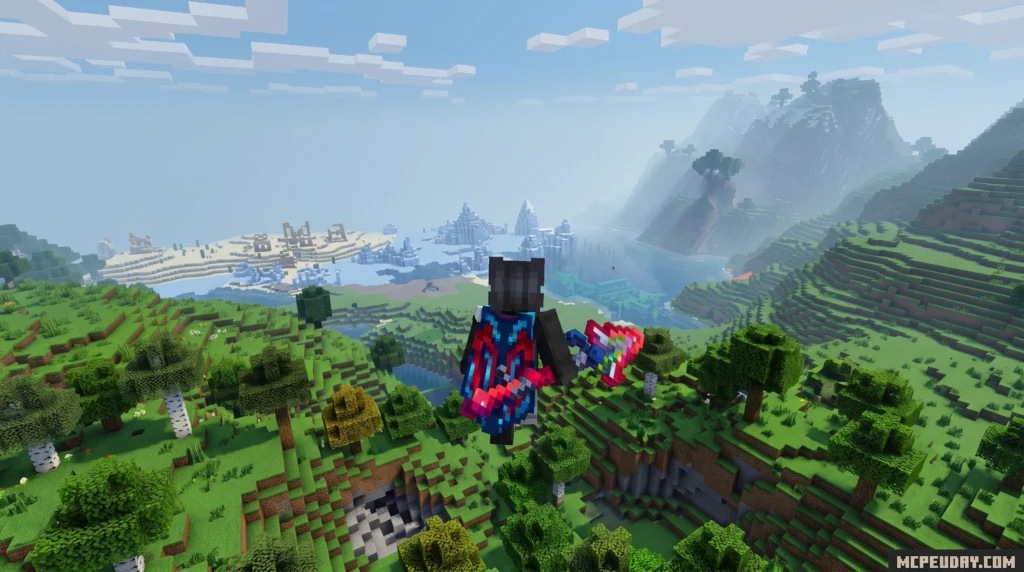
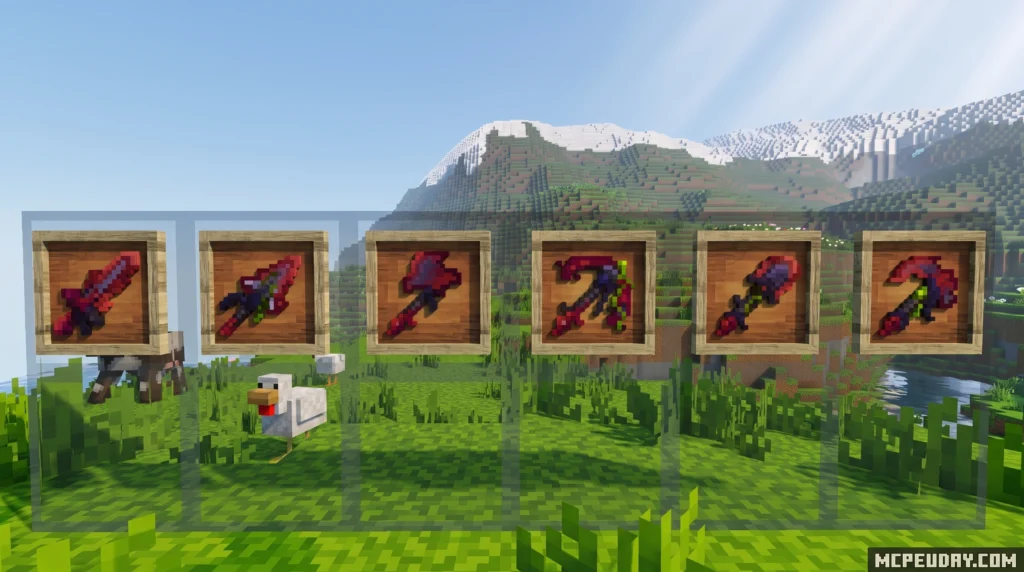
The Cviko Fire Sea Tools Texture Pack is a Minecraft Bedrock resource pack that replaces standard in-game tools and weapons with colorful custom models, including bold spears and dark red gear with a striking black color scheme.
Quick answer for searchers:
- What it is: A Bedrock Edition texture pack by creator Cviko featuring custom weapon and spear models
- Visual style: Dark red and black color scheme with bright, colorful custom weapons
- File size: 303 KB — lightweight and easy to install
- Supported versions: Bedrock 26.10, 26.3, 26.0.02, and Minecraft 1.21 (plus additional versions)
- Rating: 3.7 out of 5 from 6 votes
- Last updated: 4 days ago (as of June 2026)
- Where to get it: Available to download via MCPEUDAY
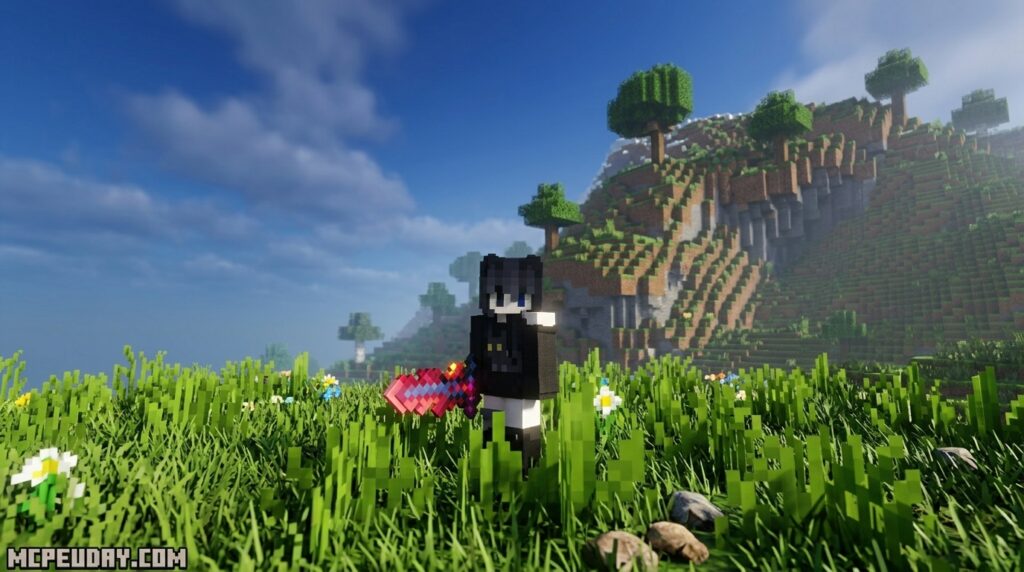
Whether you want to fight mobs in style with a long red spear or show off custom tools in item frames, this pack gives your Bedrock world a fresh visual edge — without any heavy performance cost.
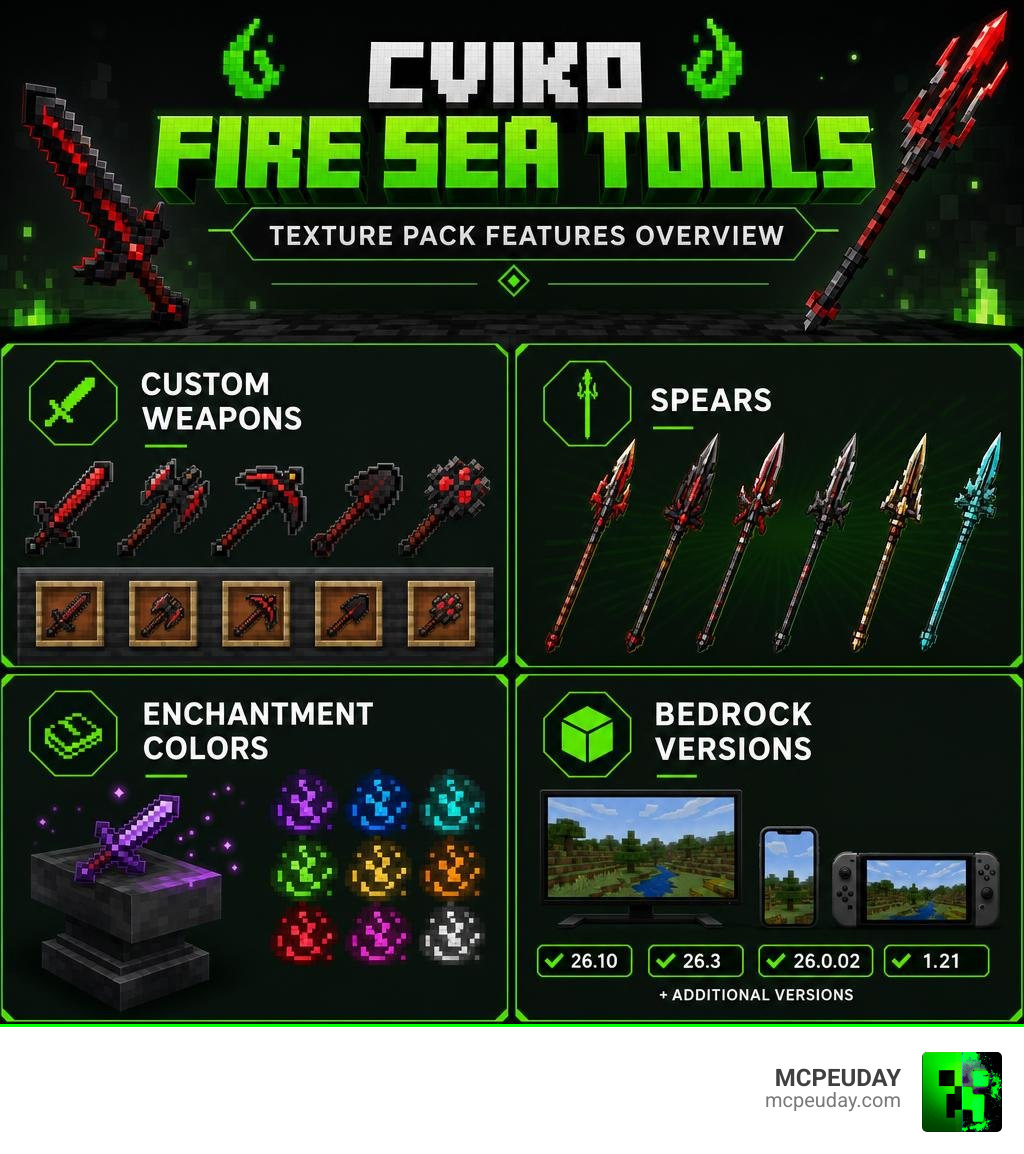
What is the Cviko Fire Sea Tools Texture Pack?
If you are tired of looking at the same old vanilla diamond swords, netherite axes, and standard trident models, creator Cviko has built the perfect solution for Bedrock players. The Cviko Fire Sea Tools Texture Pack is a custom resource pack designed specifically for Minecraft Bedrock Edition that completely overhauls your arsenal. Over the years, vanilla textures can begin to feel repetitive, especially for veteran players who spend hundreds of hours in survival worlds or competitive PvP arenas. This pack addresses that visual fatigue by introducing a fresh, high-quality alternative.
Instead of traditional tool textures, this pack introduces a highly stylized, dark red and black color scheme. It replaces your standard gear with unique, customized weapon models, including elongated spears and highly detailed tools that look incredibly menacing. The design philosophy behind this pack focuses on dark fantasy aesthetics, making your character look like a formidable warrior from the depths of the Nether or an ancient mythical realm.
At a lightweight file size of just 303 KB, it delivers a massive visual upgrade without causing any lag or performance drops on mobile devices, consoles, or lower-end PCs. This optimization is a major benefit for Bedrock players, who often play on cross-platform devices with varying hardware capabilities. Currently, the pack holds a solid rating of 3.7 out of 5 stars from community voters, making it a highly appreciated aesthetic upgrade for players who love custom weaponry and want to stand out in multiplayer lobbies.
Key Features and Visual Enhancements
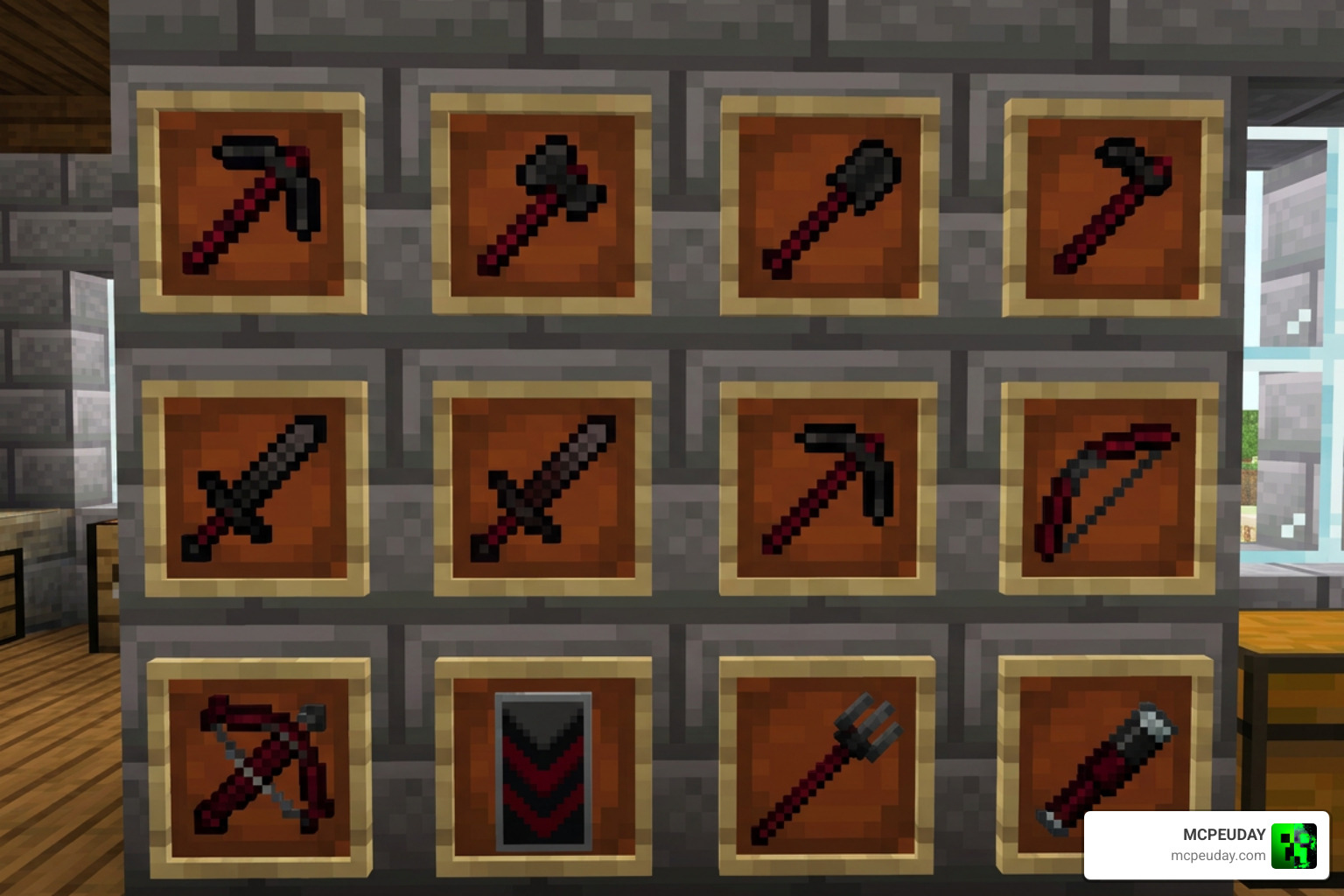
The primary appeal of the Cviko Fire Sea Tools Texture Pack lies in its bold, aggressive, and highly polished visual style. It completely changes how you perceive your character during combat, exploration, and building, offering a level of detail rarely seen in lightweight resource packs.
Custom Weapons and Spears in Cviko Fire Sea Tools Texture Pack
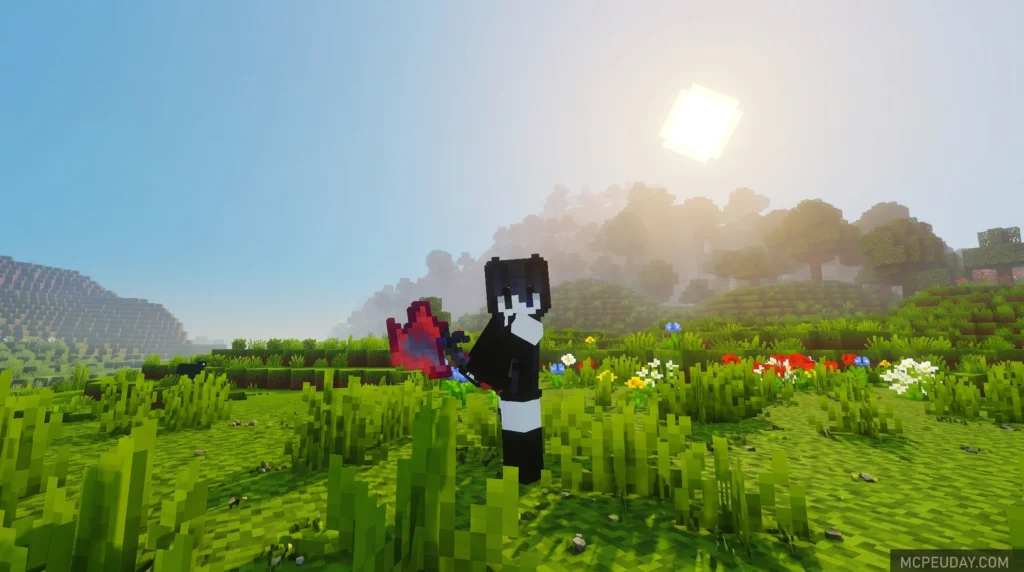
The standout feature of this pack is the introduction of custom spear models that replace standard weapons. These spears feature a long, elegant shaft with a bright red tip, making you look like an ancient warrior ready for battle. The 3D-like appearance of these models adds depth to your character’s hands, making first-person perspective gameplay feel much more immersive.
When you place these custom weapons in item frames inside your base, they display a beautiful dark red and black color scheme that fits perfectly into medieval, gothic, or nether-themed builds. They serve as excellent decorative pieces for armories, throne rooms, or treasure vaults.
The visual changes extend to active gameplay as well:
- Combat Visuals: Swinging these custom weapons makes melee combat feel punchy and satisfying. The elongated models give a sense of greater reach, even though they maintain vanilla hitboxes.
- Flying Animations: Wielding a red axe or spear while flying over landscapes with an Elytra looks exceptionally dynamic and heroic, perfect for capturing cinematic screenshots or recording gameplay videos.
- Mob Interactions: Fighting common mobs like zombies, skeletons, or even deep-sea threats becomes a highly cinematic experience as your bright red weapons contrast against the dark environments of caves and oceans.
Customizing Enchantment Colors in Cviko Fire Sea Tools Texture Pack
Unlike traditional texture packs that force a single enchantment glow on your weapons, the Cviko Fire Sea Tools Texture Pack offers advanced customization options. In vanilla Minecraft, the default purple enchantment glint can often clash with custom weapon designs, ruining the carefully crafted aesthetic. Cviko solves this issue by featuring a built-in enchantment slider directly in the resource pack settings.
To get the absolute best visual results, we recommend setting the main resource pack slider to level 4. Additionally, the pack can be split into two separate parts within your settings menu. This allows you to fine-tune the visual adjustments and customize the exact color of your enchantment effects, ensuring your custom spears glow exactly the way you want them to. Whether you want a subtle dark red shimmer to match the weapon’s base color or a contrasting bright glow, the choice is entirely in your hands.
Compatibility, Installation, and FAQs
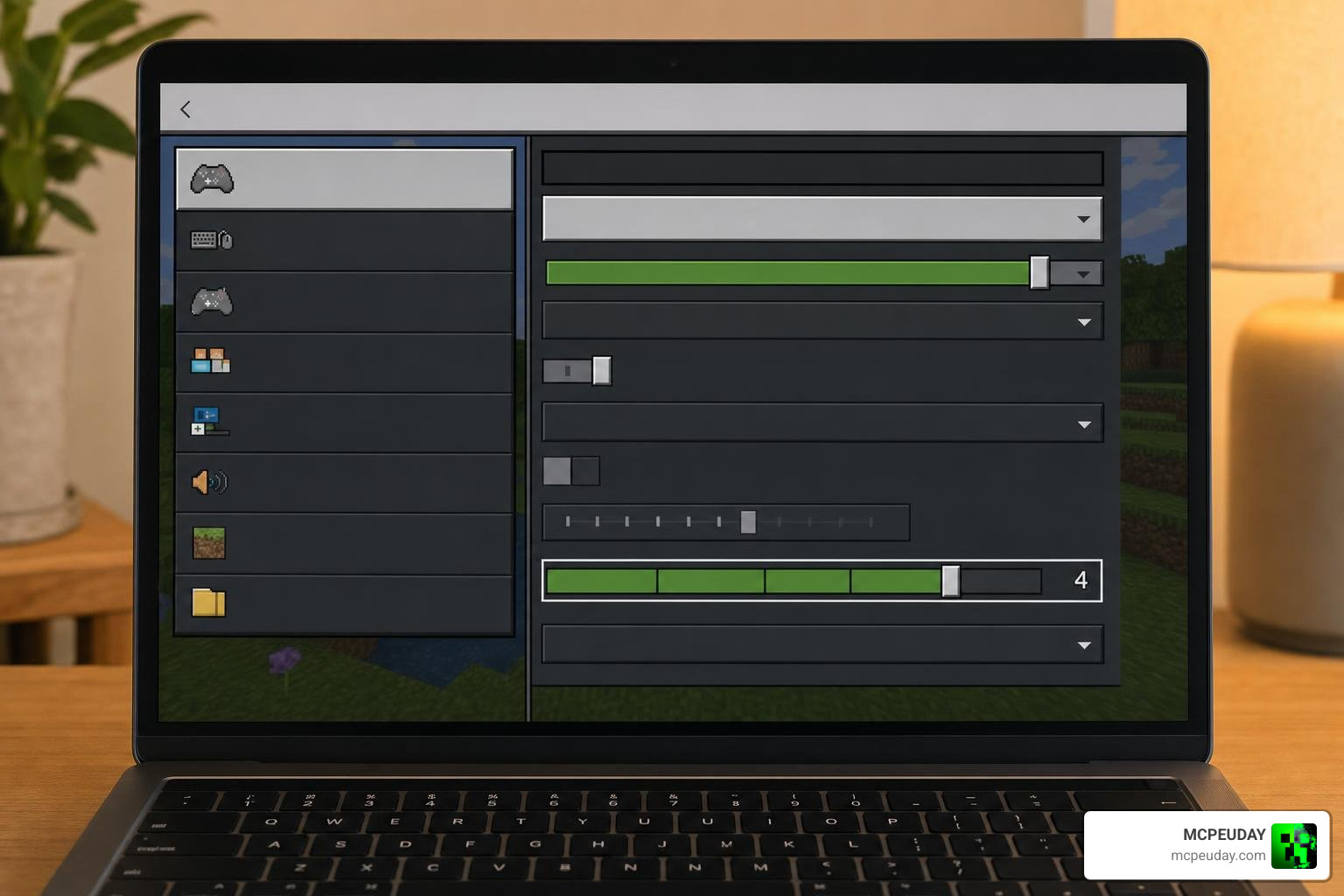
Getting this pack up and running on your device is incredibly straightforward, thanks to its lightweight design and excellent compatibility with modern Bedrock versions.
What Minecraft versions does this pack support?
The pack is fully optimized for Minecraft Bedrock Edition (MCPE). It officially supports Bedrock versions 26.10, 26.3, 26.0.02, and Minecraft 1.21, along with five additional legacy Bedrock versions. This wide range of compatibility ensures that whether you are playing on an Android phone, an iOS tablet, a console, or a Windows PC, you can enjoy these custom weapons without worrying about version mismatch errors.
How do I adjust the enchantment colors?
Customizing the pack is simple if you follow these steps:
- Go to your Minecraft Settings and navigate to Global Resources.
- Activate the Cviko Fire Sea Tools Texture Pack.
- Click on the active pack and tap the gear icon to open the pack settings.
- Set the main resource pack slider to level 4 for optimal appearance.
- If you prefer to customize visual options independently, split the pack into two parts within the settings menu to adjust the enchantment color slider.
Frequently Asked Questions (FAQs)
- Does this pack require Experimental Gameplay settings?
No, because this is a pure resource pack that replaces existing textures and models, you do not need to enable experimental toggles in your world settings. It works perfectly in standard survival and creative worlds. - Can I use this pack on multiplayer servers and Realms?
Yes! Since resource packs are client-side, you can equip this pack in your Global Resources and enjoy the custom weapons on any public server, featured server, or private Realm. Other players will see you holding standard weapons unless they also have the pack active, but your personal gameplay experience will be fully customized. - Does using this texture pack disable achievements?
No, activating resource packs does not affect your ability to earn achievements in your survival worlds. You can safely play and unlock achievements while enjoying the custom red and black weapon models.
Where can I download the Cviko Fire Sea Tools pack?
You can find safe download options and official files for this texture pack directly through our resources here at MCPEUDAY. We ensure all our files are scanned, secure, and easy to install. Alternatively, you can browse our extensive catalog here at MCPEUDAY to find direct MCpack downloads, installation guides, and complementary resource packs to pair with this set.
Comparing Cviko Fire Sea Tools to Other Bedrock Packs
To help you decide if this is the right style for your game, let’s look at how the Cviko Fire Sea Tools Texture Pack compares to other popular resource packs available on MCPEUDAY:
| Texture Pack Name | Main Focus | File Size | Key Aesthetic |
|---|---|---|---|
| Cviko Fire Sea Tools | Custom weapons, spears, and customizable enchantments | 303 KB | Dark Red & Black, Fantasy |
| Ultimate PVP Texture Pack 26 x 1 21 MCPE Bedrock Texture Pack | Competitive PvP, low fire, short swords, and high visibility | Variable | Clean, Performance-focused |
| Custom Water Texture Pack 26 x 1 21 MCPE Bedrock Texture Pack | Clear underwater vision and custom water color | Small | Utility, Aquatic clarity |
| Bare Bones Texture Pack 1 21 MCPE Bedrock Edition Download Now | Simplistic, flat colors that match official trailer artwork | Medium | Minimalist, Vibrant |
| Dark Souls Visuals Texture Pack 26 x 1 21 MCPE Bedrock Texture Pack | Dark fantasy atmosphere, grittier UI, and medieval themes | Large | Dark Fantasy, Gothic |
While packs like the Ultimate PVP Texture Pack focus purely on competitive advantages and others like the Custom Water Texture Pack target specific environmental blocks, Cviko’s creation is all about making your personal gear look as legendary as possible. It strikes a beautiful balance between fantasy roleplay and clean, modern design.
Conclusion
The Cviko Fire Sea Tools Texture Pack is a fantastic addition to any Bedrock player’s collection. By combining custom weapon models, beautiful dark red and black aesthetics, and a unique enchantment customization slider, Cviko has delivered a highly polished resource pack that feels incredibly premium despite its tiny 303 KB size. It is the perfect choice for players who want to escape the monotony of vanilla tool designs without sacrificing game performance.
If you are ready to upgrade your swords to majestic spears and dominate your Minecraft world in style, head over to our download section and try it out today! To elevate your visual experience even further, consider pairing this pack with dark fantasy shaders or custom UI packs available on our site.
Explore more Minecraft Texture Packs to find the perfect visual style for your next big blocky adventure, and don’t forget to leave a comment below sharing your favorite weapon design from this pack!