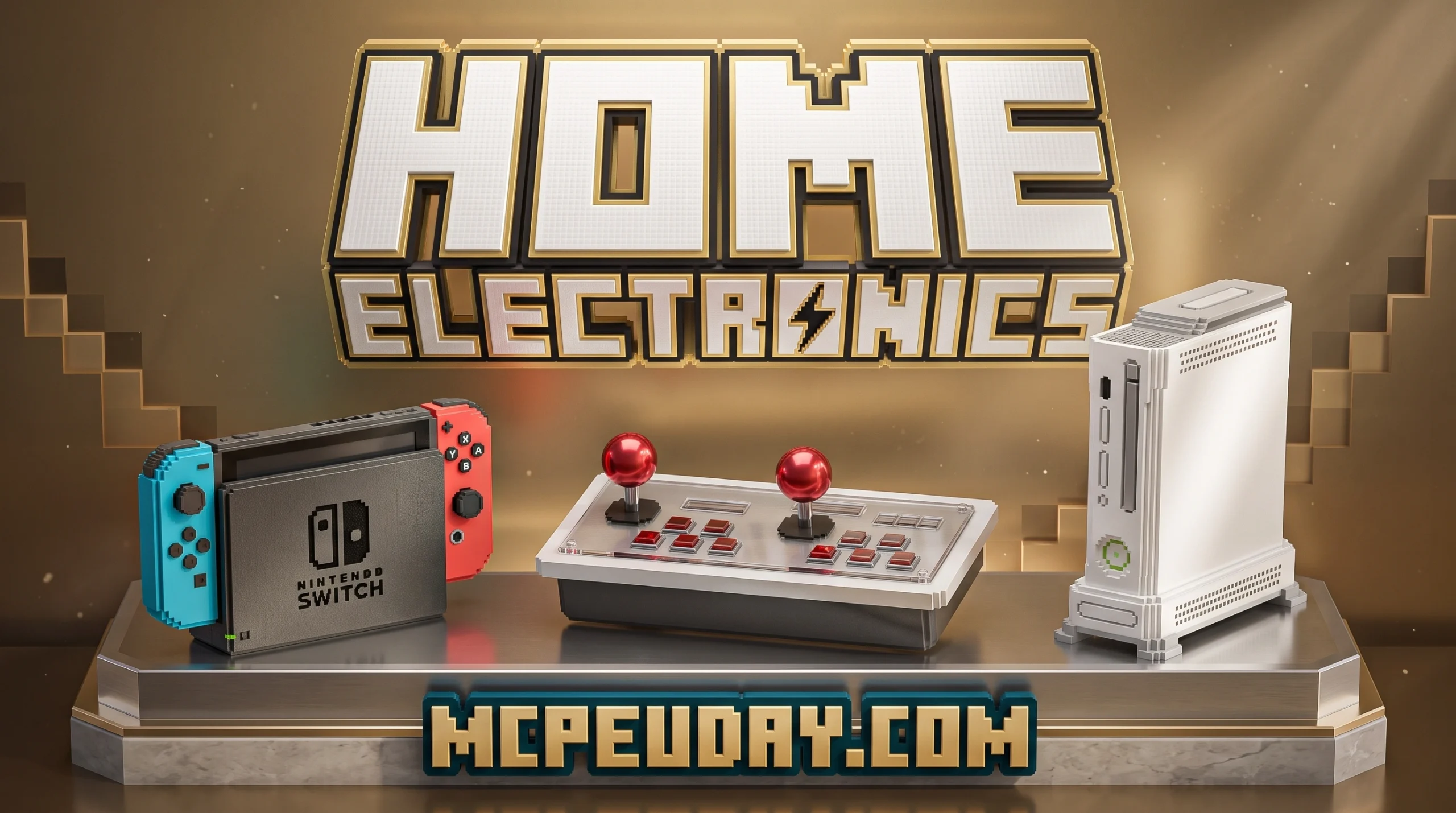
Why the Home Electronics Addon Is the Ultimate Minecraft Bedrock Upgrade
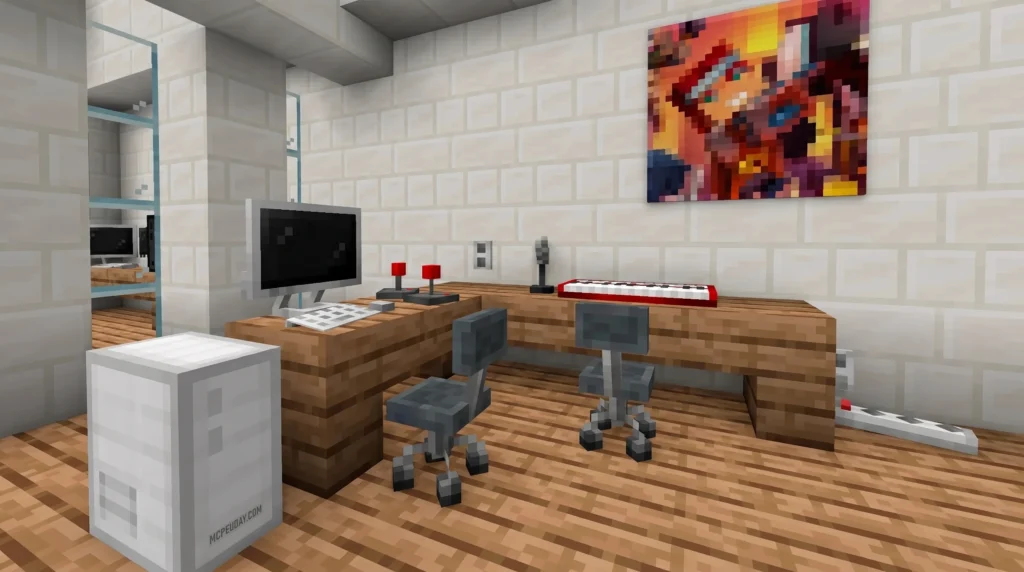
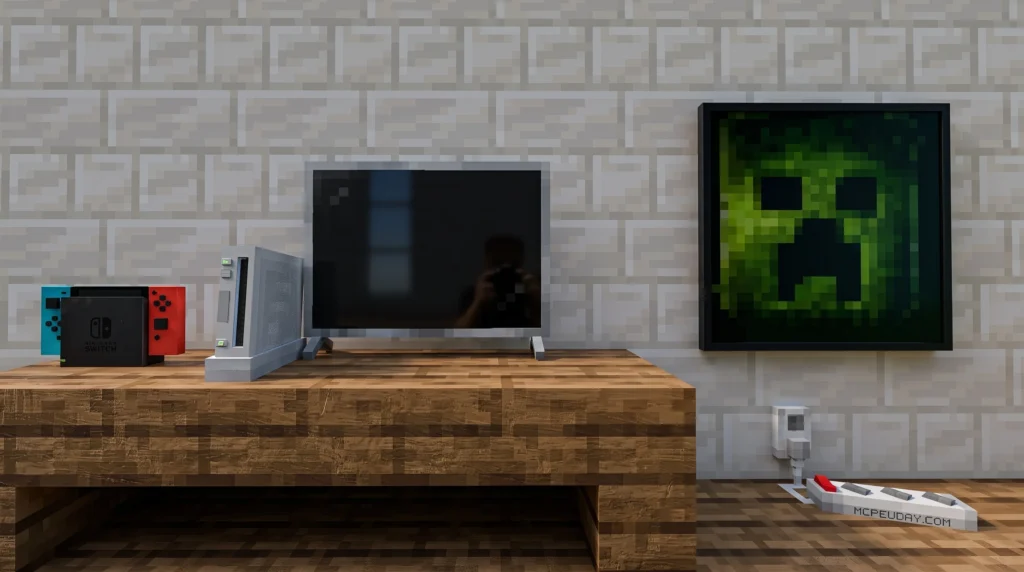
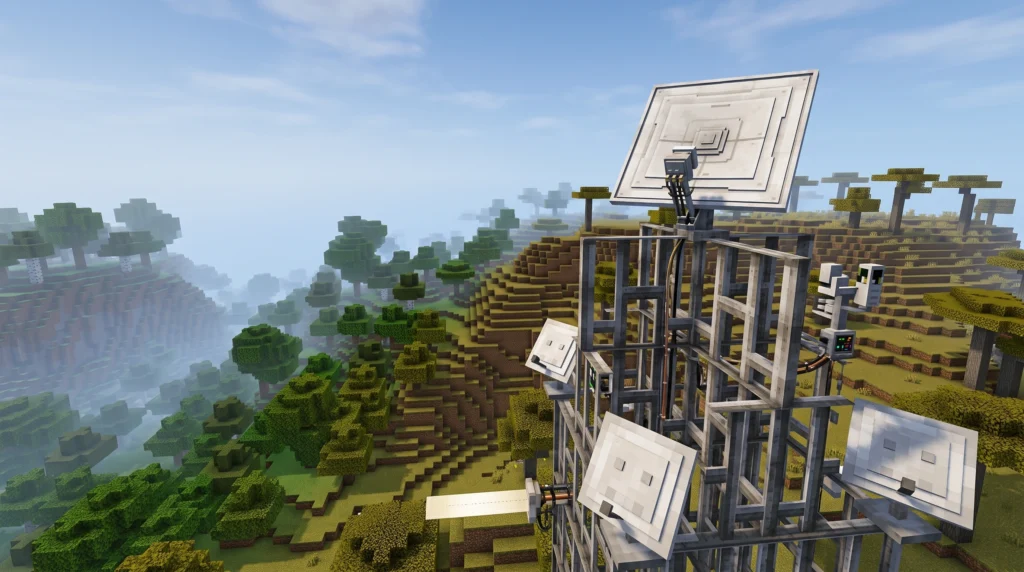
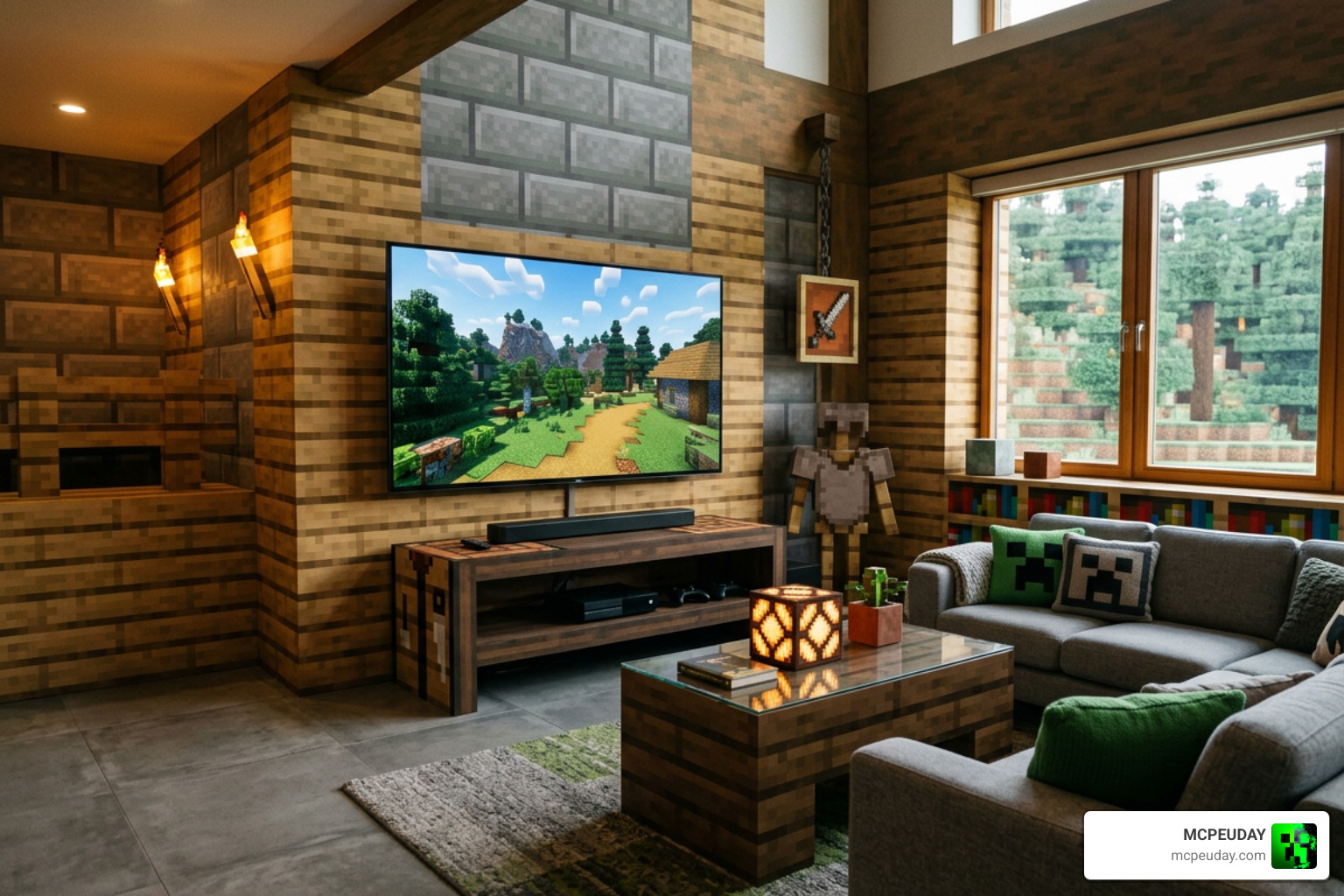
The Home Electronics Addon is a Minecraft PE/Bedrock addon that adds modern furniture, appliances, and electronics to your world — turning a basic base into a fully decorated home.
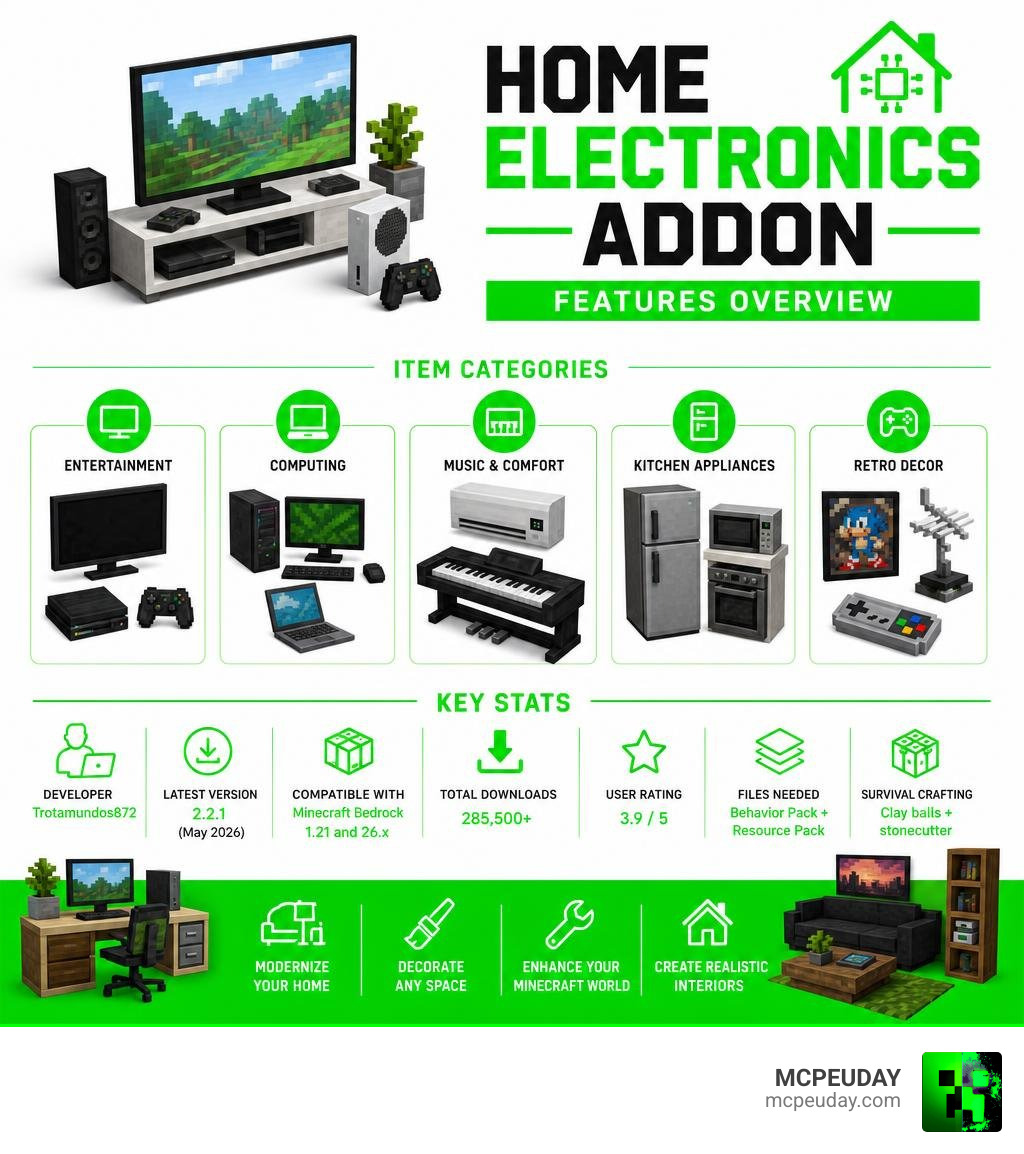
Quick answer for what it includes:
- TVs, monitors, and gaming consoles
- Office PCs, laptops, and network devices
- Electric piano, air conditioning, and kitchen appliances
- Retro decor like posters, gamepads, and antennas
- Latest version (2.2.1) adds Meta Quest 2 and air conditioning
Key facts at a glance:
| Detail | Info |
|---|---|
| Developer | Trotamundos872 |
| Latest version | 2.2.1 (updated May 2026) |
| Compatible with | Minecraft Bedrock 1.21 and 26.x |
| Total downloads | 285,500+ |
| User rating | 3.9 / 5 |
| Files needed | Behavior Pack + Resource Pack |
| Survival crafting | Clay balls + stonecutter |
If your Minecraft house still looks empty and lifeless, this addon is the fix. It brings a modern, lived-in feel to any interior — whether you’re building a gaming room, a home office, or a cozy music corner.
This guide covers everything: what’s included, how to install it, how to craft items in survival mode, and what changed in the latest update.
What is the Home Electronics Addon for Minecraft PE?
Created by the talented developer Trotamundos872, the Home Electronics Addon is designed to bridge the gap between vanilla Minecraft blocks and the modern gadgets we use in our everyday lives. If you have ever tried to build a computer using a painting and a pressure plate, you know how awkward vanilla workarounds can be.
This addon provides beautifully modeled, vanilla-friendly blocks that fit perfectly into the aesthetic of Minecraft Pe, the widely popular pocket edition of the sandbox game originally created by Mojang Studios. It supports multiple languages (including English, Spanish, Portuguese, Chinese, and Japanese), making it globally accessible for builders in the US, Russia, India, and beyond.
With over 285,500 downloads, it has quickly become a staple for interior designers in Bedrock Edition. Here is a quick look at the broad categories of devices you can expect to find:
- Gaming Equipment: Retro consoles, modern joysticks, VR headsets, and gamepads.
- Office & Productivity: Slim monitors, laptops, keyboards, and printers.
- Household Appliances: Air conditioning units, outlets, and power strips.
- Network Hardware: Routers, antennas, and wall connectors to make your setup look authentic.
- Entertainment & Audio: Interactive electric pianos, flat-screen TVs, and decorative wall posters.
Gaming and Entertainment in the Home Electronics Addon
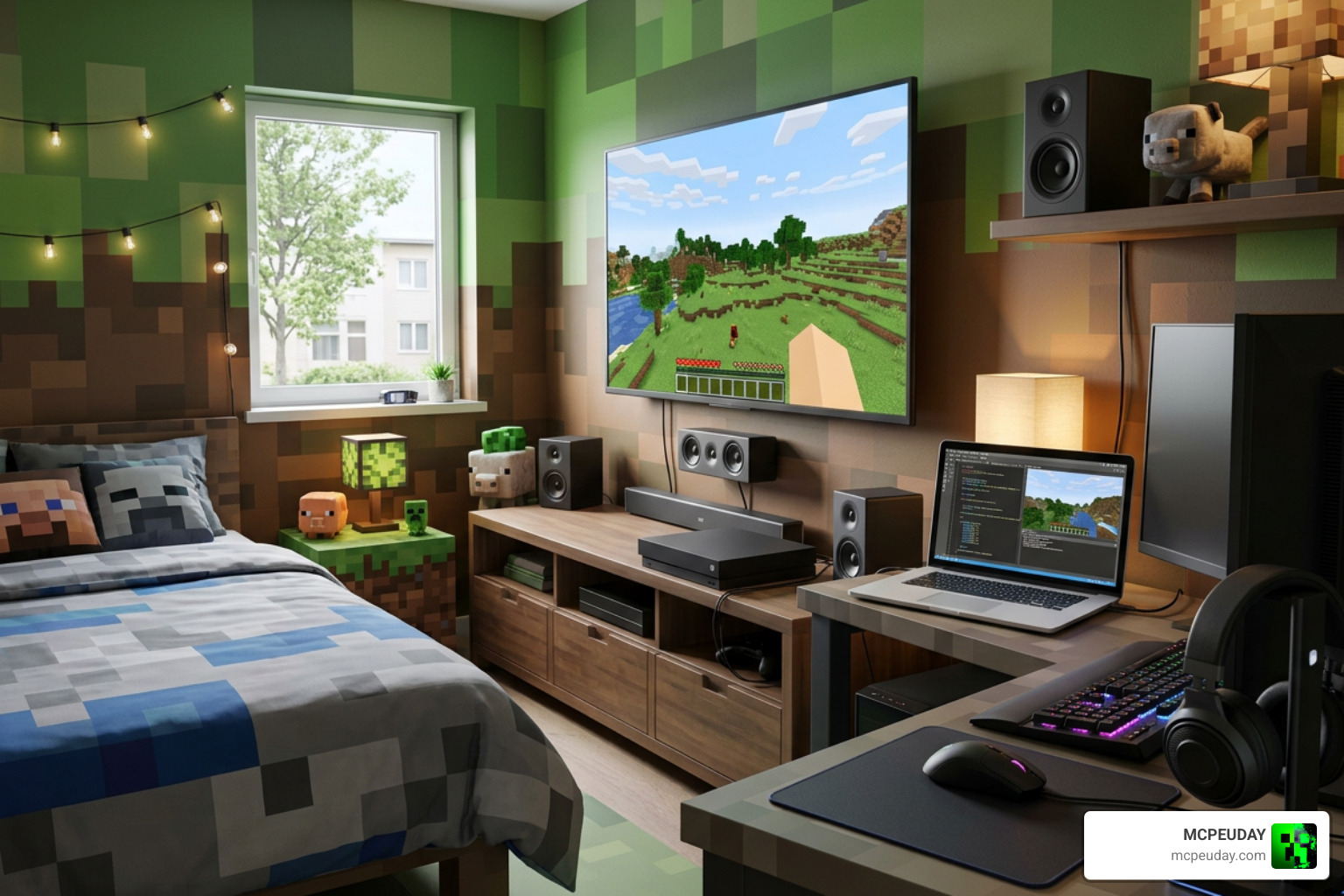
For players who want to build the ultimate gaming room, this addon is a dream come true. You can set up complete gaming stations featuring dual monitors, mechanical keyboards, and high-spec PC towers. The level of detail on these models is outstanding, featuring realistic textures that blend seamlessly with the default Minecraft art style.
The TVs and monitors are incredibly versatile. Trotamundos872 designed them so they can be anchored directly to desks, mounted flat against a wall, or stand independently on their own legs. To make your gaming den feel truly “lived-in,” you can scatter retro gamepads, joysticks, and gaming posters around the room. The latest update even introduces a wearable Meta Quest 2 VR headset, allowing you to bring cutting-edge virtual reality directly into your blocky world! You can place these headsets on armor stands or wear them directly to show off your high-tech gear to friends on multiplayer servers.
Functional Appliances in the Home Electronics Addon
What sets the Home Electronics Addon apart from static decoration mods is its focus on functionality and interactive elements. These are not just empty blocks; many of them feature unique interactive behaviors:
- The Electric Piano: Instead of just sitting there looking pretty, the electric piano actually plays random high- or low-pitched notes when interacted with, allowing you to compose quick tunes in your music nook.
- Air Conditioning Units: Keep your modern builds cool with sleek, wall-mounted AC units that add an industrial, realistic touch to your ceilings and walls. They feature subtle animations that make your rooms feel dynamic.
- Power Strips and Outlets: You can place functional-looking power strips and wall outlets behind your desks to manage the “cables” of your electronic setups, making your builds look incredibly realistic.
- Network Routers: These small blocks feature blinking LED lights that mimic real-world internet routers, perfect for placing next to your office PC setup to complete the high-tech aesthetic.
Crafting and Survival Mechanics
Many furniture addons make the mistake of ignoring survival players, forcing you to use creative commands just to decorate your house. The Home Electronics Addon handles this beautifully by integrating a simple, balanced survival progression system that respects your time while keeping the gameplay engaging.
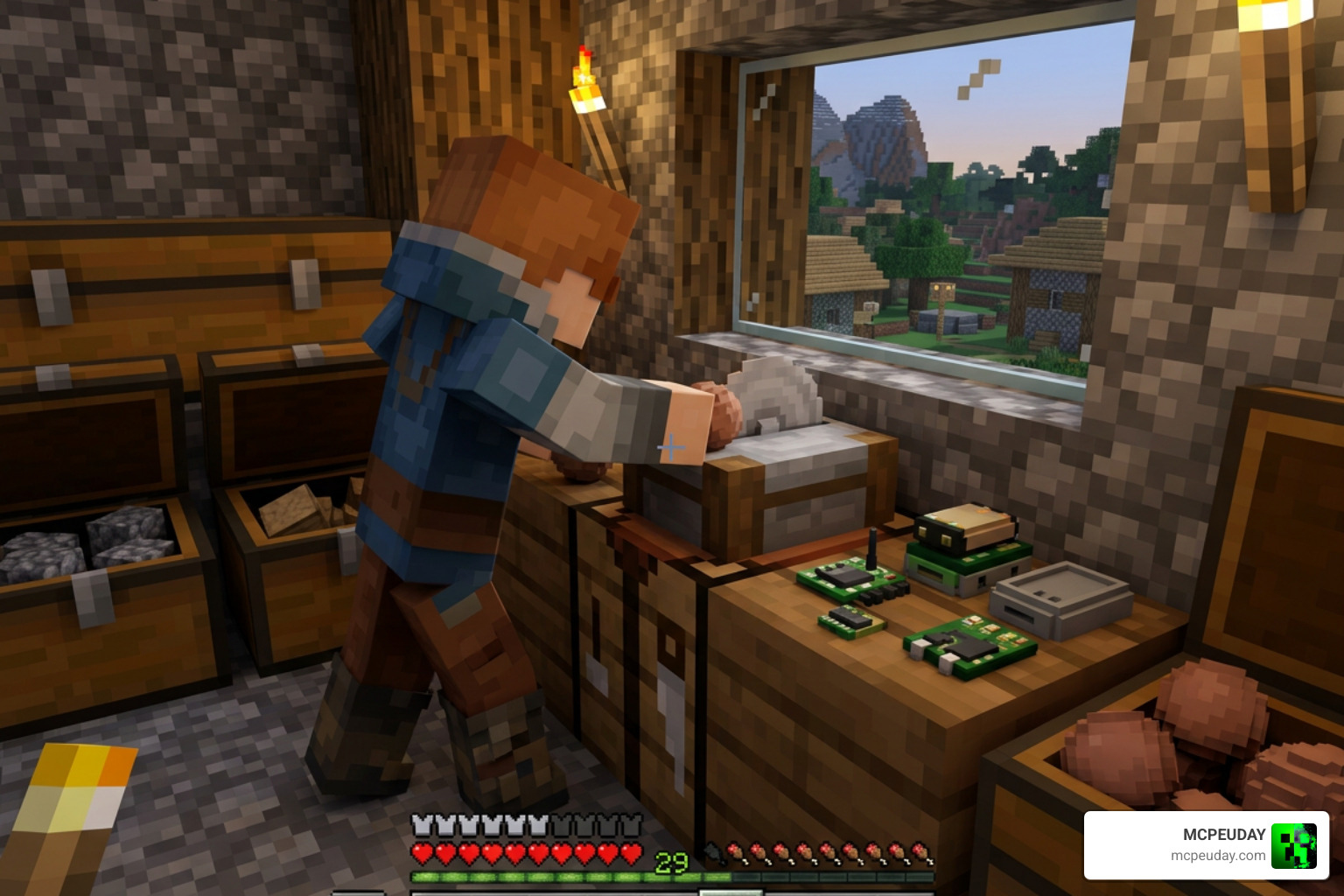
To craft any electronic item in survival mode, you do not need complex, expensive recipes involving redstone dust, iron ingots, or rare netherite. Instead, the mod utilizes a highly efficient stonecutter mechanic that simplifies the entire process:
- Gather Clay Balls: Explore your world to find clay blocks, typically found in shallow water, riverbeds, or swamp biomes. Break them to obtain clay balls.
- Use a Stonecutter: Place a standard stonecutter block in your house. If you do not have one, it can be easily crafted using a single iron ingot and three stone blocks.
- Access the UI: Place the clay balls into the stonecutter’s input slot.
- Select Your Category: Choose the specific electronics category box that appears in the stonecutter’s user interface.
- Craft Instantly: Select your desired appliance, console, or furniture piece and craft it instantly without wasting extra resources!
This system keeps your inventory clean and prevents your crafting table from being cluttered with dozens of complex recipes. It also makes clay a highly valuable resource for decorators, giving you a great reason to go exploring riverbeds.
Creative vs. Survival Acquisition
| Feature | Creative Mode | Survival Mode |
|---|---|---|
| Primary Method | Inventory Search / Decoration Tab | Stonecutter |
| Material Cost | Free / Infinite | Clay Balls |
| Commands Supported | Yes (/give @p he:...) | No commands needed |
| Setup Speed | Instant | Requires minor clay farming |
| Accessibility | Available immediately | Requires stonecutter setup |
Installation Guide and System Requirements
Getting the Home Electronics Addon up and running in your world is simple, but you must ensure you install both required files and toggle the correct settings. Because Bedrock Edition handles custom blocks differently than Java Edition, skipping a single step can result in invisible blocks or missing crafting recipes.
For a complete step-by-step walkthrough and direct access to the files, make sure to visit our Home Electronics Addon 1 26 1 21 For Mcpe Download Features Full Guide.
Step-by-Step Installation:
- Download both packs: You must download both the Behavior Pack (BP) and the Resource Pack (RP). Both are absolutely necessary; the Resource Pack handles the 3D models and textures, while the Behavior Pack controls the interactive functions and crafting recipes.
- Import to Minecraft: Double-click or tap on the downloaded
.mcpackfiles. Your device will automatically open Minecraft Bedrock and import the packs. - Create or Edit a World: Go to your world settings menu.
- Activate the Packs: Under Resource Packs, activate “Home Electronics RP.” Under Behavior Packs, activate “Home Electronics BP.”
- Enable Experimental Settings: This is the most crucial step! Scroll down to the “Experiments” section in your world settings and toggle Holiday Creator Features and Upcoming Creator Features to “On.” If you skip this, the custom blocks and custom crafting recipes will not load correctly, and you will not be able to see the items in your stonecutter.
Frequently Asked Questions about Home Electronics
How do you craft electronics in survival mode?
You craft them using a stonecutter and clay balls. Simply place clay balls into the stonecutter, select the category box for the Home Electronics addon, and choose the item you want to create. This makes survival decoration incredibly easy and accessible without requiring complex redstone components.
Is the addon compatible with other furniture mods?
Yes! The Home Electronics Addon is highly compatible with other popular decoration packs, including the creator’s own Modern Furniture addon. Combining these packs allows you to build incredibly detailed houses with both modern furniture and high-tech appliances. You can find more compatible mods in our Category/Mod Addons section. It also works perfectly in multiplayer worlds and realms, provided the host has enabled the experimental toggles.
What are the latest updates in version 2.2.1?
The latest update (released in May 2026) introduces the highly requested Meta Quest 2 VR headset, wall-mounted air conditioning units, and several critical bug fixes to improve block placement and rendering in Minecraft version 1.21 and 26.x. These fixes resolve issues where certain blocks would face the wrong direction when placed against walls.
Conclusion
At MCPEUDAY, we love addons that make Minecraft feel fresh, and the Home Electronics Addon does exactly that. By replacing old-school, bulky block designs with detailed, interactive gadgets, it gives your bases the ultimate modern glow-up. Whether you are playing on a survival realm with friends or designing a massive modern city in creative mode, this mod is an absolute must-have.
Ready to take your builds to the next level? Head over to MCPEUDAY to Explore more Bedrock Addons and download the latest mods, shaders, and resource packs today!