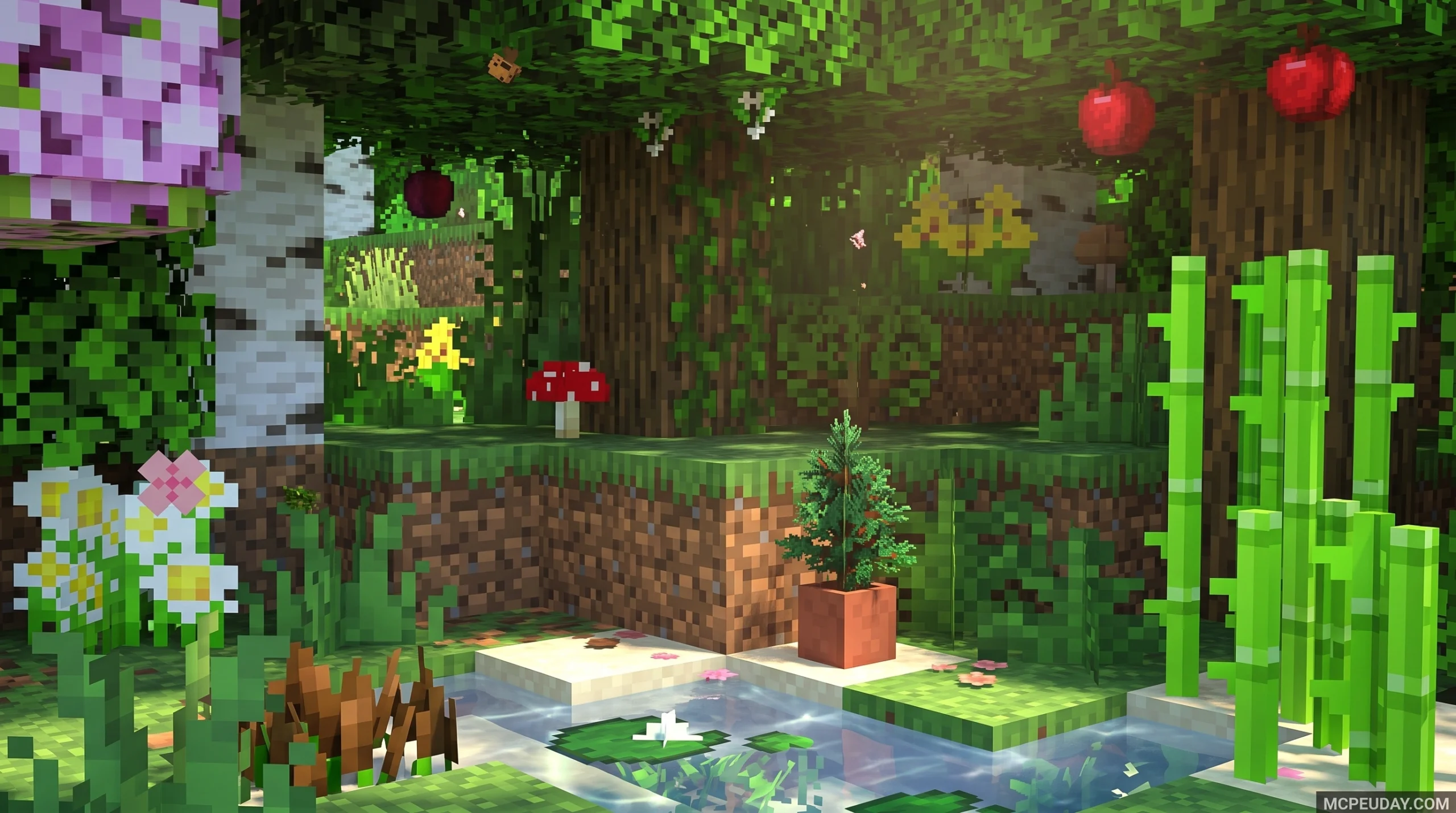
What the Better Foliage Addon/Texture Pack Does (and Why Players Love It)
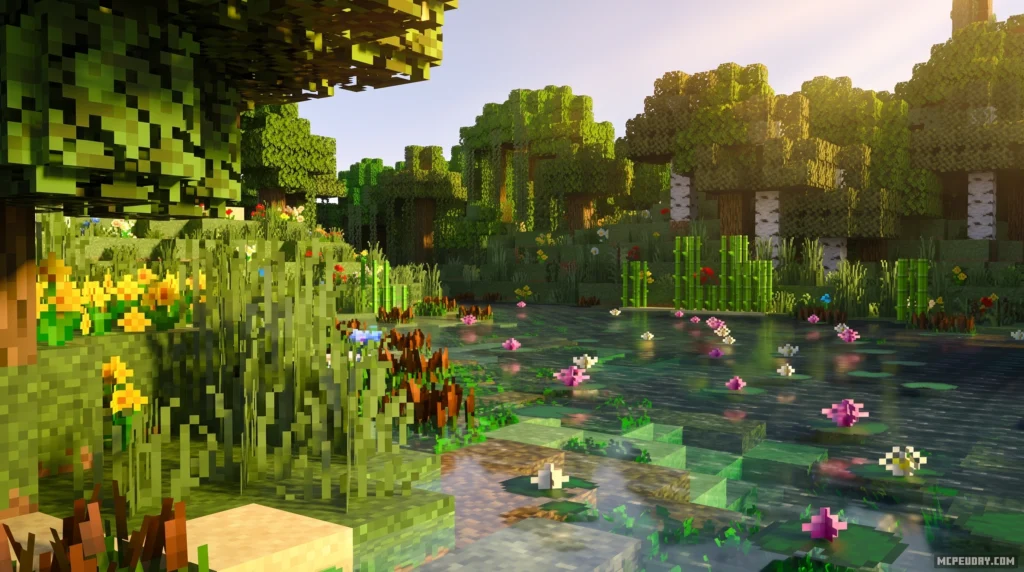
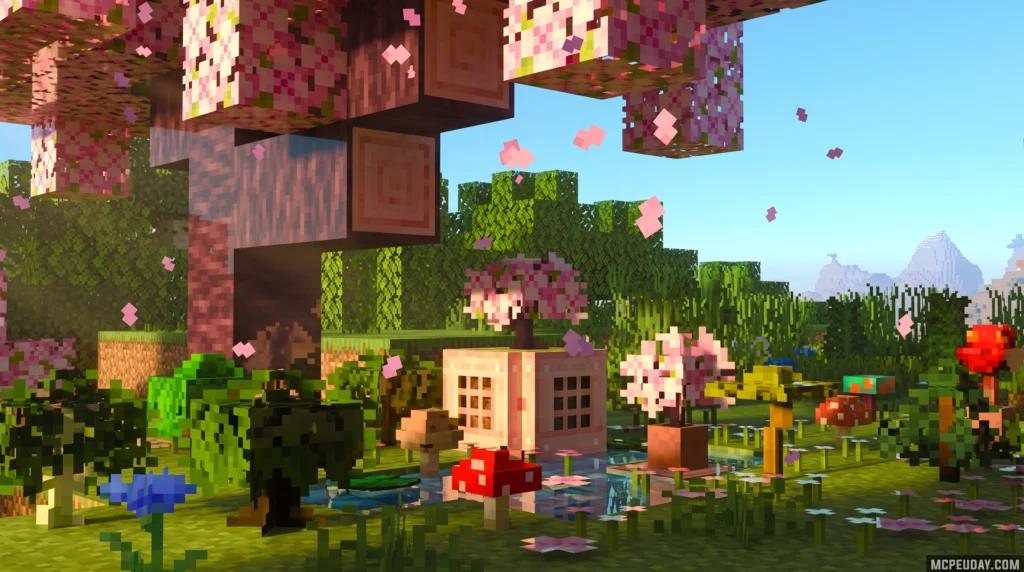
The Better Foliage Addon/Texture Pack is a visual enhancement pack for Minecraft that replaces flat, repetitive vanilla foliage with denser, more varied, and more realistic-looking nature blocks.
Here’s a quick summary of what it offers:
- Platform: Minecraft Bedrock Edition (with Java Edition alternatives available)
- Type: Texture pack + optional behavior pack combo
- Main goal: Make forests, plains, and aquatic areas look denser and less repetitive
- Key visual upgrades: Bushy leaves, 3D flowers, grass variants, lily pad variations, kelp, seagrass, and more
- Behavior pack extras: Falling leaf particles, growing apples, cattails, shrubs, and nether roots
- Downloads: Over 2.2 million on CurseForge for the Bedrock version alone
If you’ve ever looked at a Minecraft forest and thought it looked too plain or blocky, this pack is built exactly for that problem.
It draws inspiration from several popular Java Edition foliage mods and brings those visual ideas over to Bedrock — making it one of the most downloaded nature packs in the Bedrock community.
The pack works on its own as a pure texture pack, or you can pair it with the behavior pack to unlock gameplay features like falling leaves and growable apple trees.
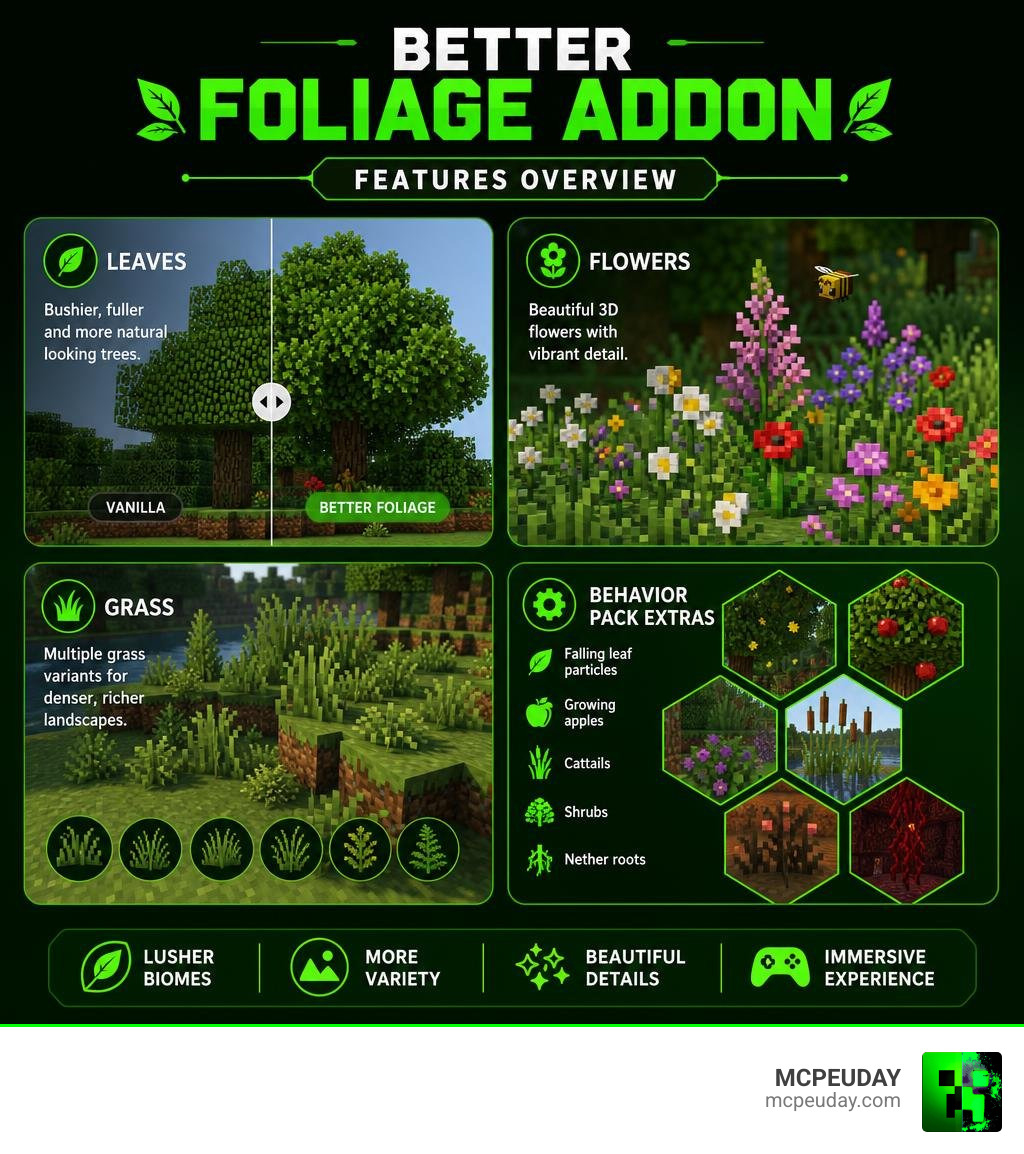
What is the Better Foliage Addon/Texture Pack?
At its core, the Better Foliage Addon/Texture Pack for Bedrock (specifically the popular version created by Fused_Bolt) is designed to breathe life into the blocky biomes of Minecraft. For years, Java Edition players enjoyed gorgeous, fluffy trees and dynamic environments thanks to legendary mods like Better Foliage and Motschen’s Better Leaves. This Bedrock Edition addon levels the playing field, giving mobile, console, and Windows players access to that same level of organic beauty.
By installing this upgrade, you are completely transforming how nature blocks render in your world. Instead of standard solid green cubes for leaves, the pack adds extra outer layers and custom 3D models to create a much softer, bushier look.
If you want to achieve the ultimate natural look, we highly recommend reading our guide on the Better Foliage Addon for Minecraft Ultra Realistic Leaves Grass Nature Upgrade to see how this pack stacks up against other high-end nature overhauls.
You can download the files directly from the official Better Foliage Addon/Texture Pack for Bedrock(Cherry Leaves Update!) project page on CurseForge.
Key Features and Visual Improvements
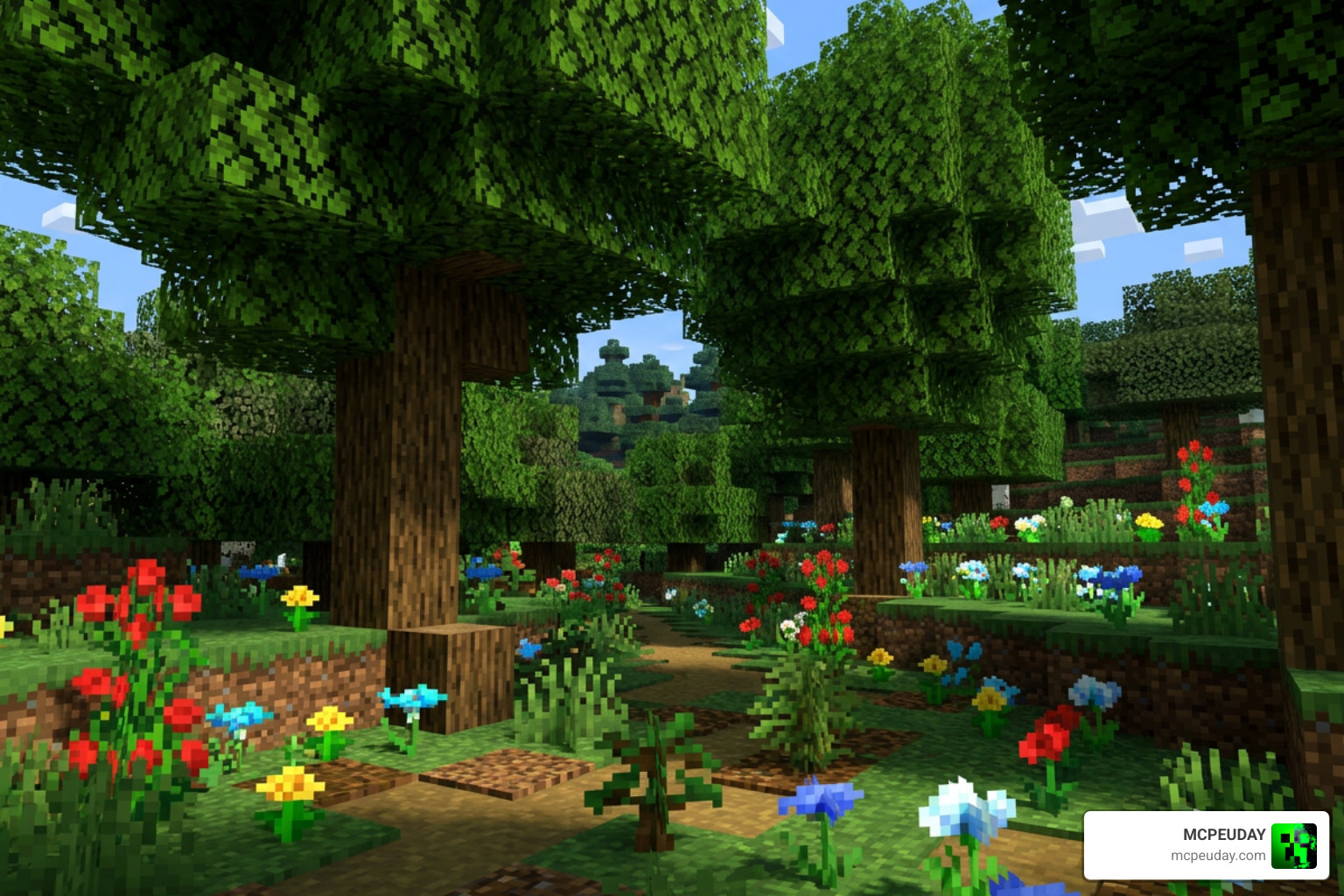
The aesthetic overhaul provided by this pack touches almost every single natural block in the game. It transitions your world from rigid, flat textures into a dynamic ecosystem. Let’s look at the specific visual upgrades you will notice immediately after loading into your world.
Enhancing Leaves and Saplings with the Better Foliage Addon/Texture Pack
The most dramatic change is how trees look. The pack provides a few different leaf styles that you can toggle:
- Round Leaves: This is the highly recommended setting. It provides the best compatibility with biome-specific colors and looks incredibly natural.
- Bushy Leaves: Adds extra layers to the leaf blocks, making them appear dense and fluffy. However, keep in mind that this setting can occasionally cause minor visual bugs on certain mobile devices.
- Vanilla Leaves: A toggle option that lets you keep the standard leaf block shapes if you only want to enjoy the other features of the pack.
Additionally, the recent Cherry Leaves update ensures that the beautiful pink trees of the Cherry Grove biome look just as fluffy and detailed as the rest of the forest. Saplings also receive a major upgrade, featuring miniature 3D tree models. When you place these upgraded saplings inside flower pots, they act as perfect little bonsai trees for your interior designs!
If you love these leaf customizations, you should also check out the standalone Better Leaves Addon or pair it with the Better Trees Addon for the ultimate woodland transformation.
Flowers, Grass, and Aquatic Plants
The visual upgrades do not stop at the tree canopy. The ground and waterways receive just as much love:
- Flowers: Each flower type now features 4 to 6 unique visual variants. They also render as beautifully detailed 3D models when held in your hand.
- Mushrooms: Standard red and brown mushrooms get detailed 3D models, and even Mooshroom cows sport these upgraded 3D mushrooms on their backs!
- Grasses and Ferns: Up to 9 different variants of grass and ferns will spawn, mixing up heights and densities so plains biomes look less uniform.
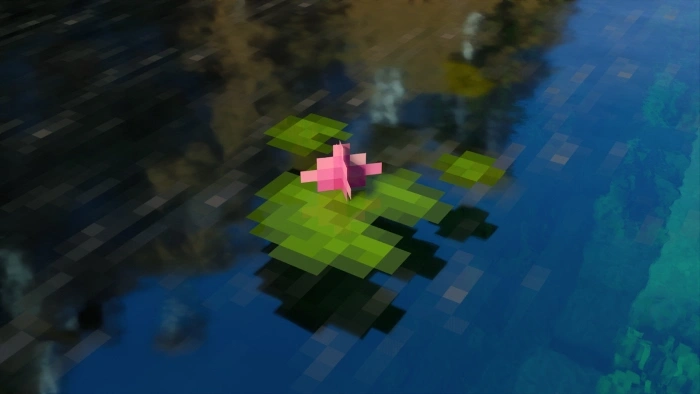
- Lily Pads: Features 8 total variants, including 6 different flowering options and incredibly rare giant lily pads.
- Cacti and Dead Bushes: Cacti now sprout tiny flowers and have miniature variations, while dead bushes look much more dried out and organic.
- Kelp and Seagrass: Kelp models are bushier and feature flower-topped variants, while seagrass populates the ocean floor with a realistic, cattail-like appearance.
Behavior Pack Features: Falling Leaves and Interactive Crops
While the resource pack handles the visuals, the optional Behavior Pack introduces interactive features that make your world feel alive.
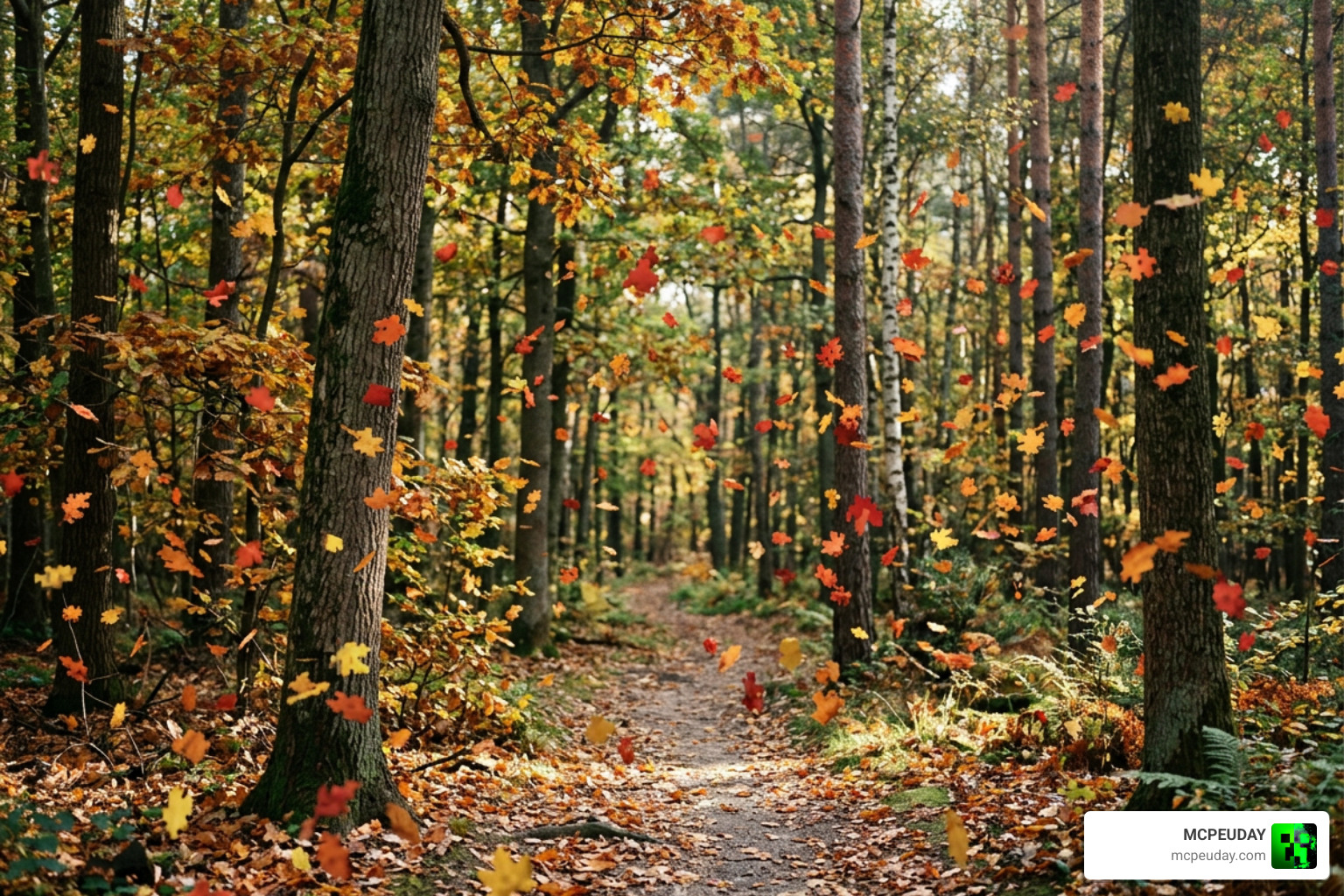
The standout feature is falling leaves. Oak, birch, spruce, jungle, acacia, dark oak, and cherry trees will drop physical leaf particles within a 10-block radius. These particles do not just disappear; they drift through the air, land on the ground, and can even float down rivers and drift on water surfaces.
The behavior pack also introduces a fully functional apple growth mechanic. Green apples will naturally sprout and grow under the leaves of oak trees. These apples go through 5 distinct growth stages, which you can accelerate using bonemeal. Once fully grown, harvesting them yields different rewards:
- Red Apples: Drop standard Minecraft apples.
- Big Green Apples: Drop a brand-new Green Apple food item.
- Golden Apples: Green apples have an extremely rare chance to mature into golden apples, giving you a survival-friendly way to farm them!
Furthermore, new plants like cattails (spawning along rivers and swamps), wild shrubs (in forests), and nether roots (under netherrack in caves) will generate naturally. By using shears, you can harvest these plants and place them down anywhere to decorate your base.
Bedrock vs. Java: Comparing the Best Foliage Mods
If you play both Bedrock and Java editions, you might wonder how this Bedrock addon compares to the classic mods available on PC. While Java mods rely on complex code loaders, the Bedrock version does an amazing job of replicating those heavy-duty features within Bedrock’s lightweight engine.
| Feature | Bedrock Addon (Fused_Bolt) | Java Mod (Better Foliage Renewed) | Java Mod (Motschen’s Better Leaves) |
|---|---|---|---|
| Primary Platform | Bedrock / MCPE | Java (Forge / NeoForge) | Java (Fabric / Quilt / Forge) |
| Leaf Style | Round or Bushy (Toggleable) | Customizable 3D Models | Extra layers, highly optimized |
| Falling Leaves | Yes (Via Behavior Pack) | Yes (In legacy versions) | Requires external particle mods |
| Interactive Crops | Yes (Apple growth, crop variants) | No (Visual only) | No (Visual only) |
| Performance Impact | Low to Moderate | Moderate | Very Low (Excellent with Sodium) |
While Java players can download Better Foliage Renewed – Minecraft Mods – CurseForge or grab BetterFoliageRenewed 5.0.2 – Better Foliage Renewed from Modrinth, Bedrock players get a unique advantage. The Bedrock version combines both visual textures and gameplay features (like the apple harvesting and placeable shrubs) into one neat package, whereas Java players often have to download three or four separate mods to get the same features.
Better Foliage Addon/Texture Pack Compatibility and Performance
Because Bedrock is played on everything from high-end PCs to budget smartphones, performance is a major consideration.
If you only use the resource pack portion of the Better Foliage Addon/Texture Pack, the performance impact is minimal. However, if you enable the bushy leaves option or run the behavior pack with thousands of falling leaf particles on a low-end mobile device, you might notice a slight drop in frame rates. For the best experience on mobile, we recommend choosing the Round Leaves option.
Additionally, this pack plays beautifully with modern Bedrock shaders. If you want to take your graphics even further, try pairing this pack with the Better Bushy Leaves Shader to get stunning lighting and wind-swaying animations that make the falling leaves look breathtaking.
Note: To enjoy the full behavior pack features (like growing apples and new plant spawns), you must enable “Experimental Features” in your world settings before loading your save.
Legacy and Alternative Java Options
For the Java historians among us, the legacy of foliage mods is incredibly rich. The original Better Foliage mod on CurseForge has amassed a staggering 34.6 million downloads since its creation in 2015.
If you are playing on older versions of Minecraft, such as the legendary 1.7.10 modding scene, you can check out the Kynake/BetterFoliage repository on GitHub. This legacy fork is specifically optimized for older Forge versions, fixing ancient bugs and adding compatibility for massive classic modpacks.
Meanwhile, modern Java players on version 1.21 and beyond generally lean toward Motschen’s Better Leaves, which is highly recommended to run alongside performance mods like Sodium and Cull Leaves to keep your frame rates exceptionally high.
Frequently Asked Questions about Better Foliage
Can I use the Better Foliage Addon without the behavior pack?
Yes! If you only want the visual upgrades—like the beautiful 3D flowers, grass variants, and bushy leaves—you can apply the resource pack on its own. This is perfect for joining multiplayer servers where behavior packs are not allowed, or for saving memory on older mobile devices.
How do I obtain the new plants and apples in survival mode?
To get placeable versions of the new wild shrubs, cattails, nether roots, and growing apples, simply craft a pair of shears and use them on the naturally spawning blocks. You can also access all of these custom blocks in Creative Mode by opening the chat and typing the command /function better_foliage.
Does this pack work with shaders and other addons?
Yes, the resource pack is highly compatible with most Bedrock texture packs and shaders. For the best visual results, put the Better Foliage pack near the top of your Active Resources list so its custom 3D models override any standard block textures.
Conclusion
The Better Foliage Addon/Texture Pack is an absolute must-have for anyone looking to make their Minecraft worlds feel like a living, breathing ecosystem. Whether you are a builder wanting 3D potted saplings, a survivalist looking to farm golden apples directly from trees, or just a casual explorer who wants to watch leaves drift down a river, this pack delivers on every front.
We at MCPEUDAY are dedicated to bringing you the absolute best resources to customize your game. To find more incredible visual upgrades, head over to our Category: Texture Packs page, or explore our massive collection of gameplay modifications in our Category: Mod Addons section.
Ready to completely transform your world? Explore more Minecraft Texture Packs on MCPEUDAY today and start building your ultimate natural paradise!
3 thoughts on “Better Foliage Addon/Texture Pack (26.x, 1.21) – MCPE/Bedrock Mod/Texture Pack”